You type one sentence, wait a minute or two, and a person walks across a rainy street with a stride that looks filmed rather than generated. That is the promise of Hailuo 2.3, MiniMax's video model, and it is the reason so many creators keep asking the same four questions: can I use it for free, what does a clip cost, which prompts actually work, and where does it break?
This article answers all four with numbers, settings and prompts you can paste today. Pricing and free credit figures for Hailuo vary a lot between providers and change often, so where I quote third-party numbers I call them estimates. Check the live price shown next to the generate button before you spend anything.
What Hailuo 2.3 Actually Does
Hailuo 2.3 is a text-to-video and image-to-video model. You describe a scene, or upload a still photo as the first frame, and it returns a short clip with believable body movement, facial expressions and camera motion. Its reputation rests on human motion: walking, turning, dancing, hair and fabric reacting to movement.
On PicassoIA you can run Hailuo 2.3 directly in the browser. No install, no API key, no code.
Standard vs Fast
There are two versions you will see, and they are built for different jobs.
| Feature | Hailuo 2.3 | Hailuo 2.3 Fast |
|---|
| Text prompt only | Yes | No, a photo is required |
| Image as first frame | Optional | Required |
| Resolutions | 768p or 1080p | 768p or 1080p |
| Durations | 6 or 10 seconds | 6 or 10 seconds |
| Best for | Fresh scenes from words | Animating photos quickly |
| Prompt optimizer | On by default | On by default |
💡 Rule of thumb: if you have a strong still image, start with Fast. If you only have an idea, use the standard model and let it invent the first frame.
Specs at a Glance
- Clip length: 6 seconds or 10 seconds.
- Resolution: 768p or 1080p.
- The catch: 10 seconds only works at 768p. 1080p is limited to 6 seconds.
- Aspect ratio: when you upload a first frame, the output copies that image's aspect ratio.
- Prompt optimizer: a toggle that rewrites your prompt behind the scenes for better motion and framing.
That 10-second versus 1080p trade-off is the single most important setting decision, and we come back to it in the limits section.
Free Access: What Is Realistic
Let's be direct: a model that renders 1080p video costs real GPU time, so nobody gives it away without limits. What you get is a trial, a sample allowance, or a free alternative.

Free Credits Across Providers
Third-party sources disagree on how many free credits a new Hailuo account receives. Reported figures range from roughly 20 credits on one aggregator, to about 200 credits that expire after 72 hours, to around 500 credits as a one-time bonus. Another source simply says new users get trial credits without naming a number.
What those reports have in common:
- Free credits are one-time, not daily.
- They can expire within days.
- They usually cover only a handful of clips at standard settings.
- Free tiers may restrict resolution, queue priority or watermarking.
💡 Treat any blog that promises "unlimited free Hailuo 2.3" with suspicion, this one included if I ever said so. Read the terms on the platform you are actually using.
Free Options on PicassoIA
If your real goal is simply to make AI video without paying per clip, there is a better route than hunting for coupon codes. Seedance 2.5 Lite is listed on PicassoIA as a free and unlimited video generator for clips up to 10 seconds. Use it as your sandbox: draft prompts, test compositions and discard the bad ideas there. Then spend your paid generations on Hailuo 2.3 only when a prompt is ready.
That workflow cuts wasted credits more than any discount code.
The Real Cost of Hailuo 2.3
There is no single Hailuo price. The same model costs different amounts depending on whether you use the official consumer app, a reseller or an API.
Cost per Clip
Third-party price lists I checked suggest the following ballpark ranges per generation. These are estimates from resellers and API providers, not official MiniMax rates.
| Setting | Approximate cost per clip |
|---|
| Standard, 768p, 6 seconds | about $0.28 |
| Standard, 768p, 10 seconds | about $0.56 |
| Standard, 1080p, 6 seconds | about $0.49 to $0.84 |
| Fast, 768p, 6 seconds | about $0.19 |
Notice the pattern. A 10-second clip costs roughly double a 6-second one at the same resolution. A 1080p clip costs noticeably more than 768p for the same 6 seconds. Fast is the cheapest per attempt.
On consumer apps, pricing is usually expressed in credits instead of dollars. One guide puts a Hailuo 2.3 generation at around 15 to 35 credits, depending on settings. Credit packs change, so look at the number on the button.
How to Spend Less
Most overspending comes from bad habits, not from the model.
- Draft at 768p, 6 seconds. Only raise settings for the take you will actually publish.
- Use Fast for image-based tests. It is cheaper per attempt.
- Write the prompt before you generate. One careful prompt beats five lazy ones.
- Test the idea on a free model first. Sandbox in Seedance 2.5 Lite, finish in Hailuo.
- Change one thing at a time. If you change subject, lighting and camera together, you will not know what worked.
💡 Budget math: ten drafts at 6 seconds and 768p cost about the same as five 10-second clips. Drafting short is nearly always smarter.
How to Use Hailuo 2.3 on PicassoIA
The workflow takes about two minutes once you have a prompt.
Step by Step
- Open the Hailuo 2.3 page on PicassoIA.
- Write your prompt in the main field. Describe subject, action, setting, light and camera in one or two sentences.
- Optionally upload a first frame image. The clip starts from this picture and keeps its aspect ratio.
- Pick duration: 6 or 10 seconds.
- Pick resolution: 768p or 1080p. Remember 1080p only supports 6 seconds.
- Leave prompt optimizer on for your first try.
- Generate, review, and adjust one variable before the next run.
If you already have a photo and want the cheapest, fastest animation, open Hailuo 2.3 Fast instead and upload the image as the required first frame.
Settings That Matter
| Setting | When to choose it |
|---|
| 6 seconds, 768p | Drafts, testing prompts, social clips |
| 10 seconds, 768p | Slower scenes that need time to breathe |
| 6 seconds, 1080p | Final delivery, sharper details, client work |
| Optimizer on | Short or vague prompts |
| Optimizer off | Long, precise prompts you wrote carefully |
💡 If the optimizer keeps adding motion you did not ask for, turn it off and write the camera behavior yourself.
Prompts That Work
Hailuo responds best to prompts that read like a shot description from a script, not a list of adjectives.
The Prompt Formula
Use this order:
Subject + action + setting + light + camera move + mood
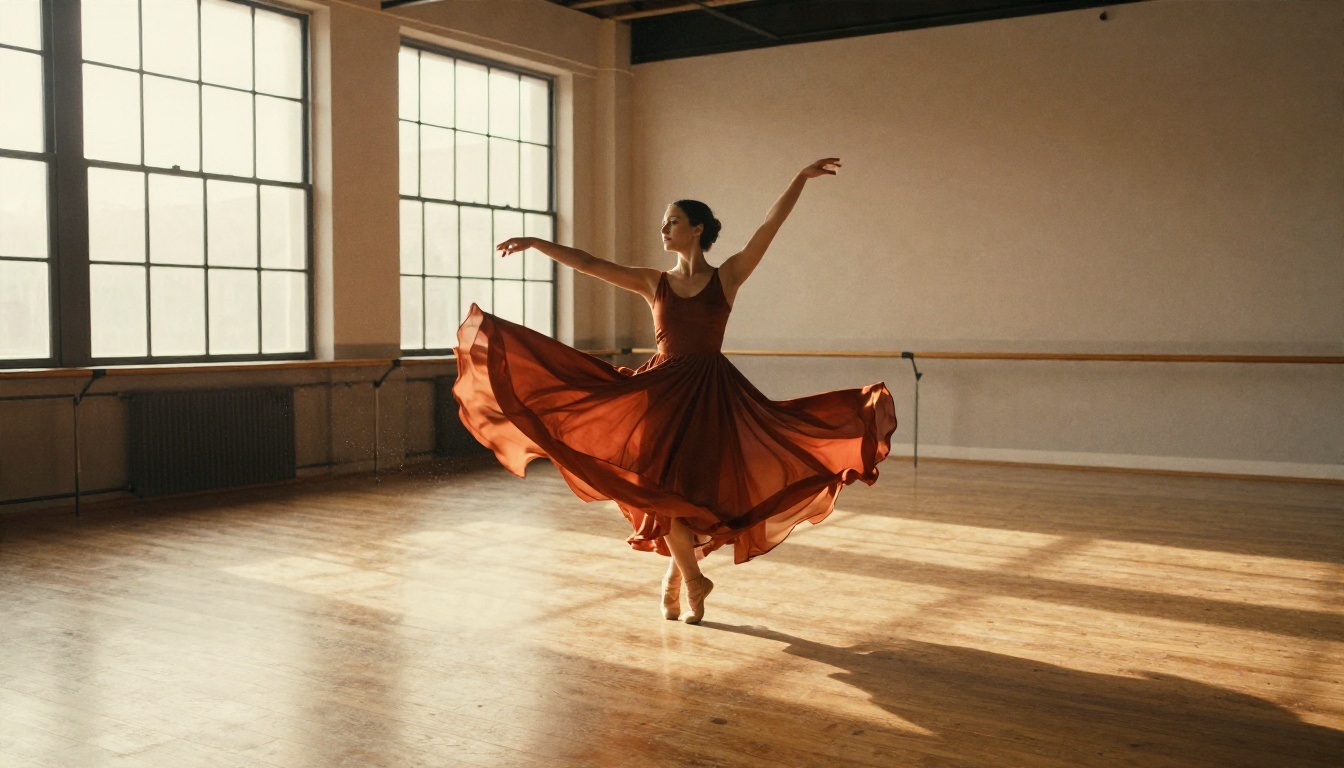
Example: "A woman in a rust dress spins slowly on an empty wooden studio floor, golden hour light through tall windows, slow dolly-in at waist height, calm and graceful."
Why it works: the model gets one clear subject, one clear motion, and one camera instruction. Competing instructions are where clips fall apart.
Five Prompts to Copy
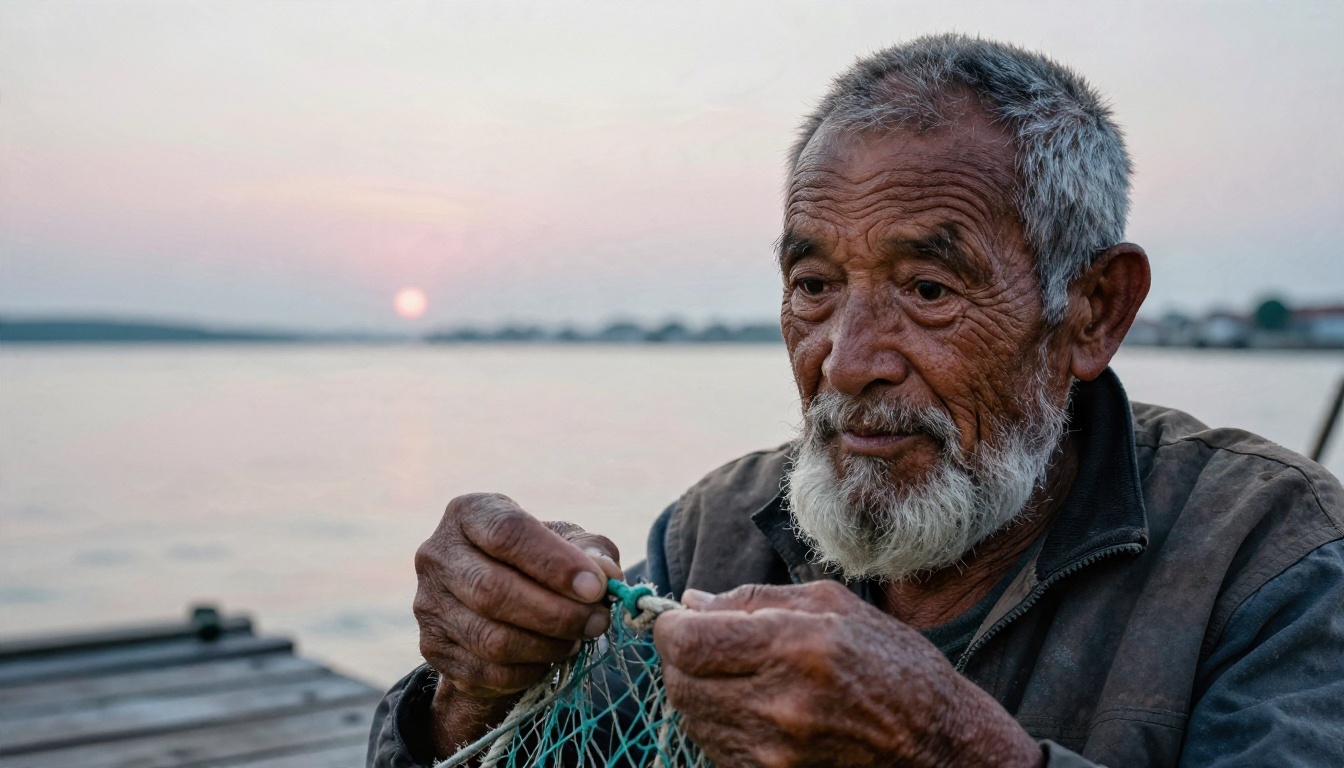
1. Portrait with emotion
An elderly fisherman mends a net on a dock at dawn, he looks up toward the horizon and exhales, soft overcast light, slow push-in on his face.
2. Dance and fabric
A dancer completes one slow spin, her skirt flares and settles, sunlit studio, camera tracks gently sideways at hip level.
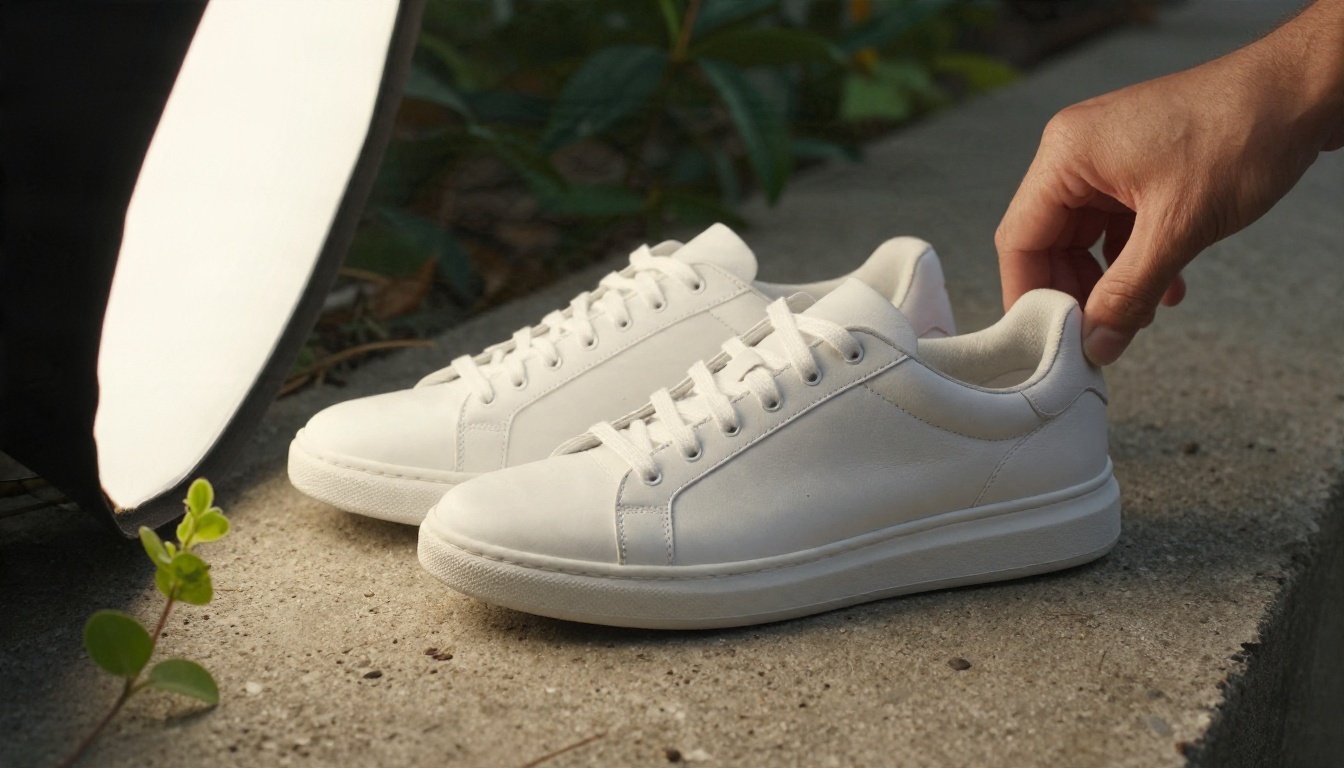
3. Product shot
White leather sneakers on a concrete step, a leaf trembles in the breeze, soft side light, camera drifts slowly from left to right.
4. Street scene
A cyclist rides through light rain on a quiet city street, reflections on wet asphalt, handheld camera follows from behind, muted colors.
5. Cooking close-up
Hands slice a ripe tomato on a wooden board, juice runs along the blade, warm kitchen light, macro shot with a gentle pan down.
Camera Words That Help
Hailuo understands plain film vocabulary. These phrases are reliable:
- Slow dolly-in or push-in
- Tracking shot (follows the subject)
- Gentle pan left or right
- Static locked-off shot (nothing moves but the subject)
- Handheld (adds natural micro-shake)
- Low angle or overhead shot
💡 Pick one camera move per clip. "Orbit, zoom and tilt" in one 6-second shot usually produces mush.
Limits You Will Hit
Every video model has edges. Knowing Hailuo's in advance saves credits.
Duration and Resolution Trade-offs
| Limit | What it means |
|---|
| Maximum length | 10 seconds, only at 768p |
| 1080p length | 6 seconds only |
| Single shot | Each clip is one continuous shot, no cuts |
| Aspect ratio | Follows your first frame image when you provide one |
If you need a 30-second story, you will generate several clips and edit them together. Plan the story as a sequence of 6-second beats, each with its own prompt.
Hands, Text and Physics
Even strong models still stumble in predictable places:
- Fine hand actions such as typing or playing an instrument can drift.
- Readable text on signs and screens is unreliable. Avoid depending on it.
- Complex physics such as splashing liquid or collisions may look off.
- Crowds can lose coherence in the background.
- Identity consistency between separate clips is not guaranteed. Use the same first frame image to stay closer to one look.
💡 When a clip fails, simplify. Remove a second character, shorten the action, or cut the camera move. Simpler prompts succeed more often.
Alternatives Worth Testing
Hailuo 2.3 is not the only strong option, and the best workflow is often to compare two or three models on the same prompt.
A practical test: write one prompt, run it on Hailuo 2.3, Kling v3 and Veo 3.1, and keep the version with the most believable motion. You will quickly see each model's personality. Hailuo tends to shine on people and expressions, while Veo adds sound and Seedance stretches clip length.
Start Making Your Own Clips
You now have the free-access reality check, the price ranges, a prompt formula and the limits. The fastest way to find out whether Hailuo 2.3 fits your work is to run one test.
Here is a simple plan for your first session:
- Draft a prompt in Seedance 2.5 Lite until the idea looks right.
- Paste the same prompt into Hailuo 2.3 at 6 seconds and 768p.
- If you have a photo, try Hailuo 2.3 Fast with the same motion description.
- Raise to 1080p only for the take you want to publish.
Open PicassoIA, pick a model, and generate your first clip. Change one word, run it again, and watch how much a single camera instruction can change the result. You can also browse every available video model at picassoia.com/en/all-models.


