If you typed "Hailuo 2.3 release date" into a search bar, you probably want three answers fast: when it came out, what it does better than the last version, and whether you can use it without paying. Short version: MiniMax launched Hailuo 2.3 on October 28, 2025, it improved body motion, facial expression and style range over Hailuo 02, and you can try it for free in a few places, with some caveats worth knowing before you burn an afternoon on the wrong site.
This article walks through the launch, the real differences, the free access situation, and a working setup on PicassoIA so you can generate your first clip in minutes.
💡 Quick answer: Hailuo 2.3 was released on October 28, 2025. A cheaper, faster Hailuo 2.3 Fast variant arrived alongside it. Free access exists through promotions and daily allowances, but the terms change often.
When Did Hailuo 2.3 Launch?
The Release Date
Hailuo 2.3 went live on October 28, 2025. MiniMax, the Shanghai based AI company behind the Hailuo video line, announced it as a direct upgrade to Hailuo 02, which had been released a few months earlier and already earned a reputation for strong physics and instruction following.
The launch came with launch partners. Cloud platforms such as GMI Cloud switched it on the same week, and several of them ran a short free promotion to attract first time users. That promotion window closed in early November 2025, which is one reason older articles about "free Hailuo 2.3" now send readers to dead pages.

Where It Sits Today
Time has passed since launch. Reports indicate MiniMax has since moved on to a newer generation, with a successor reportedly arriving in mid 2026. That does not make Hailuo 2.3 obsolete. It remains a mature, well understood model, and for many workflows its predictability is a feature. Newer releases tend to have rougher edges in their first months, while 2.3 has a long track record of prompts that behave the way you expect.
Think of it as the reliable middle of the Hailuo family: cheaper and more stable than whatever just launched, and noticeably better than Hailuo 02.
What's New in Hailuo 2.3
MiniMax focused the update on the things that make AI video look fake: stiff bodies, dead eyes and inconsistent style. Here is what actually moved.
Better Motion Physics
The headline improvement is body movement. Running, dancing, turning, jumping and cloth reacting to motion look more grounded than in earlier Hailuo versions. Weight shifts through the hips, hair trails behind a head turn, and fabric reacts instead of floating.
Action prompts that used to produce rubbery limbs now hold together for the full clip. That matters most for sports shots, dance, and anything with a fast subject crossing the frame.

More Expressive Faces
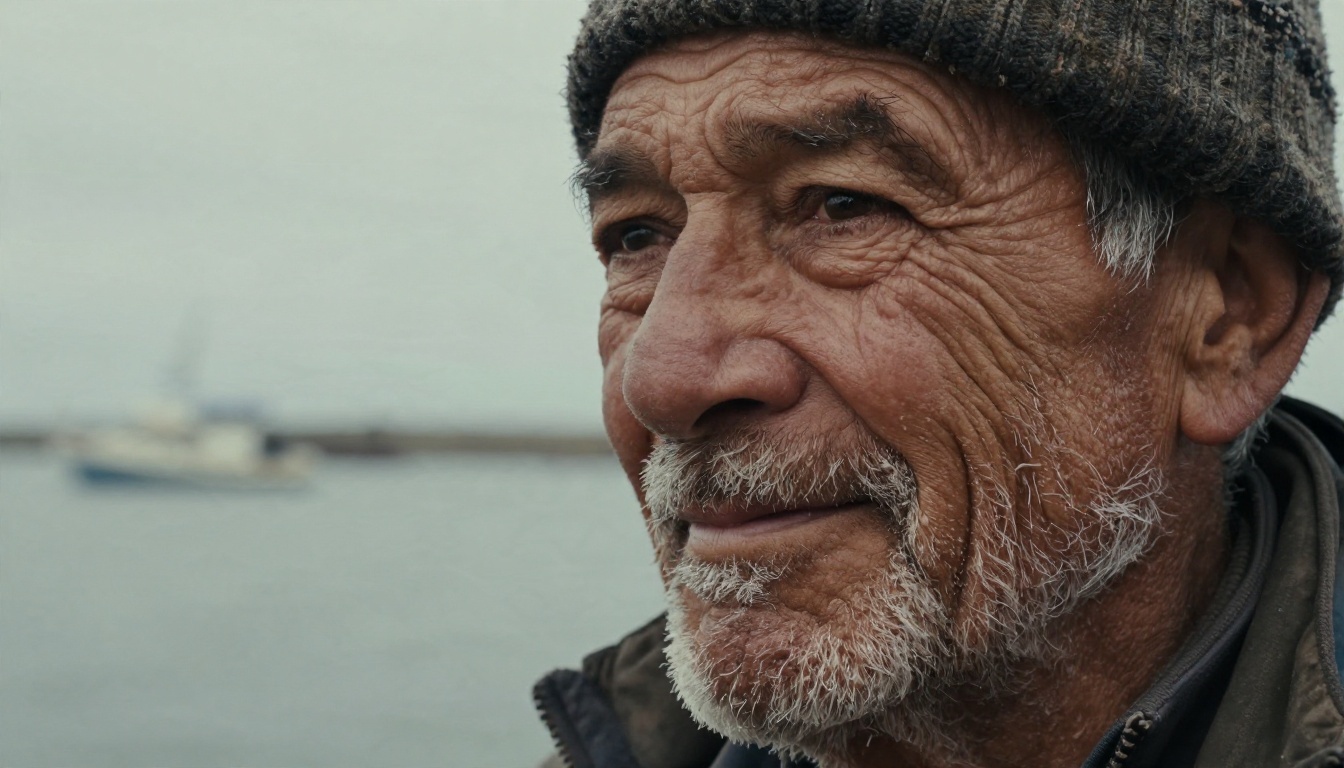
Micro expressions are the second big gain. A slight smile that builds, a brow that tightens, eyes that shift focus: Hailuo 2.3 handles these more convincingly, and faces stay stable instead of melting mid sentence.
Close portraits are where this shows up most. If your earlier tests with Hailuo 02 left you with a "mannequin stare," this is the upgrade that addresses it.
Wider Style Range and Camera Control
Hailuo 2.3 follows stylistic instructions better. You can ask for a documentary look, a stylized animation feel, or a film grain aesthetic, and the output stays consistent with that request for the whole clip.
Camera language also lands more reliably. Terms like slow dolly in, tracking shot, handheld, crane up and low angle are respected far more often than they are ignored. Pair that with the built in prompt optimizer and rough prompts get tightened automatically.

Hailuo 2.3 Fast
Alongside the main model, MiniMax shipped Hailuo 2.3 Fast, an image to video variant tuned for lower latency and lower cost. It is built for the iteration phase: you test ten compositions quickly, pick the winner, then render the final version on the full model.
You can run both on PicassoIA: Hailuo 2.3 for the full quality version and Hailuo 2.3 Fast for quick drafts.
Hailuo 2.3 vs Hailuo 02
Here is a side by side look at what changed, based on the launch notes and what users report in practice.
| Area | Hailuo 02 | Hailuo 2.3 |
|---|
| Release | Mid 2025 | October 28, 2025 |
| Body motion | Good, occasional stiffness | More natural weight and balance |
| Facial detail | Solid but flat in close ups | Richer micro expressions |
| Style consistency | Drifts in longer clips | Holds the requested look |
| Camera control | Reliable for basics | Better with complex moves |
| Fast variant | Hailuo 02 Fast (lower resolution) | Hailuo 2.3 Fast (image to video) |
| Best for | Budget tests, older workflows | Character shots, action, portraits |
If you still use the older version for budget reasons, Hailuo 02 and Hailuo 02 Fast are still available. For anything involving people, the jump to 2.3 is worth it.
💡 Rule of thumb: use Hailuo 02 Fast for throwaway layout tests, Hailuo 2.3 Fast for composition checks, and Hailuo 2.3 for the final render.
Is Hailuo 2.3 Free?
Promotions and Daily Credits
Partly, and it depends on where you use it. Three patterns have shown up since launch:
- Launch promotions. Several cloud platforms offered free generations during the first week or two. These were time limited and have expired.
- Daily allowances. The official Hailuo web interface has reportedly offered a small daily free allowance, around four generations per day. MiniMax adjusts these limits regularly, so treat the number as a snapshot rather than a promise.
- Third party sites. A number of aggregator sites advertise free Hailuo 2.3 access. Quality varies, and many apply watermarks, queues or tight caps.
💡 Honest caveat: official pricing and free tier limits change frequently. Check the current terms on whichever platform you use before planning a project around "free."

Free Alternatives Worth Testing
If daily limits are too tight, other models on PicassoIA are worth a look while you evaluate:
A sensible workflow is to draft ideas on a lighter model, then move the best concepts to Hailuo 2.3 where faces and body motion matter.
Where to Try Hailuo 2.3
Your Main Options
There are four realistic ways to run the model. Each trades convenience against control.
| Option | Best for | Trade off |
|---|
| Official Hailuo web app | Trying the original interface | Daily limits, queues at peak hours |
| Cloud API platforms | Developers building products | Needs code and billing setup |
| Aggregator sites | Quick curiosity tests | Watermarks, unclear quality |
| PicassoIA | Creators who want text and image inputs in one place | Credits apply for the full model |
If you just want to type a prompt, upload a photo and get a clip, the quickest path is the PicassoIA model page for Hailuo 2.3. No code, no API keys.
How to Use Hailuo 2.3 on PicassoIA
Hailuo 2.3 is available on PicassoIA, so you can go from idea to clip without leaving the browser. The model accepts either a text prompt or a reference image as the first frame.
Step by Step
- Open the model page. Go to Hailuo 2.3 on PicassoIA.
- Write your prompt. Describe the subject, the action, the camera move and the light. One clear action per clip works best.
- Add a first frame image (optional). Upload a still to lock the look of your subject. The output follows the aspect ratio of that image.
- Pick resolution and duration. Choose 768p or 1080p, and 6 or 10 seconds (see the rules below).
- Leave the prompt optimizer on. It refines your input for better motion and framing. Turn it off only if you need exact wording.
- Generate, review, iterate. Change one variable at a time so you can see what actually improved the result.
Settings Worth Knowing
| Setting | Options | Note |
|---|
| Resolution | 768p or 1080p | 1080p supports 6 seconds only |
| Duration | 6 or 10 seconds | 10 seconds is available at 768p only |
| Prompt optimizer | On or off | On by default |
| First frame image | Optional upload | Sets aspect ratio and starting look |
Want a longer clip at full HD? Generate the 6 second 1080p version and extend your story in the edit rather than fighting the limit.
💡 Workflow tip: draft with Hailuo 2.3 Fast from a still image, then rerun the winning composition on the standard model for final quality.
Prompt Examples That Work
Strong prompts follow a simple structure: subject, action, camera, light, mood. Try these:
- A young woman in a denim jacket laughs on a rooftop at golden hour, wind moving her hair, slow dolly in, warm low sun from the left, shallow depth of field.
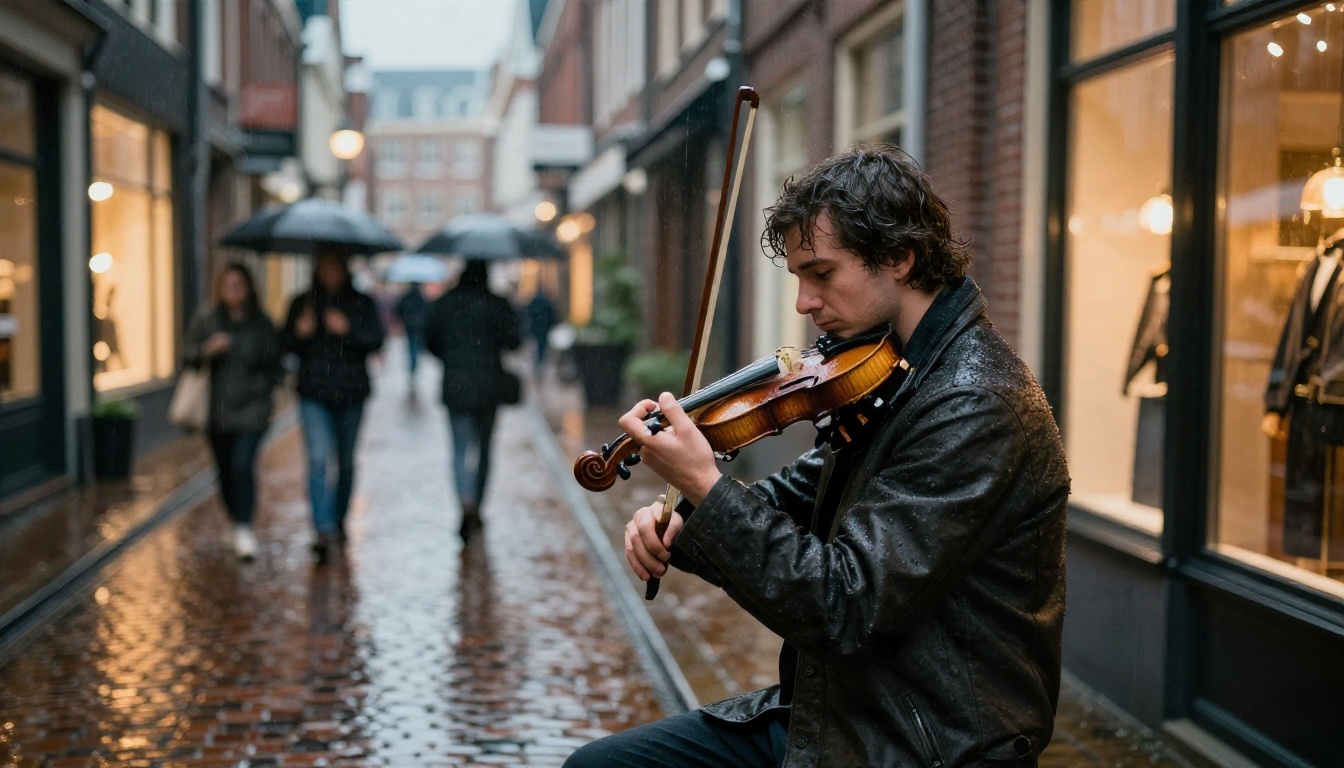
- A street violinist plays in a rainy old town alley at dusk, handheld camera circling slowly, wet cobblestones reflecting shop lights.
- A sprinter explodes off the blocks on a wet track at dawn, low angle tracking shot, water spraying, cool morning mist.

Best Uses for Hailuo 2.3
Social Content and Short Ads
Six seconds is exactly the length of a scroll stopping hook. A character reacting, a product reveal, a quick scene setup: Hailuo 2.3 fits that format well, and its expressive faces help short clips feel human rather than synthetic.
Product and Portrait Animation
Upload a clean product photo or a portrait as the first frame, and describe a subtle camera move. The model animates the scene while keeping the subject recognizable. For sharper stills before you animate, a super resolution pass can help, and PicassoIA offers upscaling tools in the same place.
Storyboards and Concept Reels
Directors and agencies use quick clips to pitch ideas before a shoot. Hailuo 2.3 gives you moving previews of a scene, with believable people and camera moves, for a fraction of the cost of a pre-visualization day. If you need audio, pair it with text to speech or AI music generation, or choose a model with built in sound such as Veo 3.1 Fast.
Common Mistakes to Avoid
- Stacking too many actions. One verb per clip beats five.
- Vague camera language. "Cinematic" means little. "Slow dolly in at eye level" means a lot.
- Ignoring the first frame. A strong still image does half the work.
- Expecting dialogue. Hailuo 2.3 is a visual model, so add voice or music separately.
Try It Yourself Today
Hailuo 2.3 has been out for about a year, and that is exactly why it is a good pick now: the quirks are known, the prompts are proven, and the results are consistent. Whether you want a rooftop portrait, a product reveal or a quick concept reel, the fastest way to judge it is to run your own prompt.
Open Hailuo 2.3 on PicassoIA, upload a still or write a single sentence, and watch what comes back. Try a draft with Hailuo 2.3 Fast, compare it to Kling v3 Video or Seedance 2.5, and keep whichever gives you the look you want. You can find every video model in one place at picassoia.com/en/all-models.