You generate a gorgeous five-second clip with Hailuo, press play, and hear nothing. No footsteps, no rain, no voice. If that just happened to you, you are not alone, and nothing is broken. For most of its life, Hailuo has been a silent video model, and the question of whether Hailuo AI with sound exists has a more complicated answer than a simple yes or no.
This article sorts out which Hailuo versions produce audio, which do not, and what to do when your favorite model stays quiet. You will also see which alternatives ship with built-in sound, and how to build a clean audio layer yourself with text-to-speech, music, and sound-effect tools.
💡 Short answer: the Hailuo 02 and Hailuo 2.3 family generates picture only. The newer Hailuo 3.0 generation (also called MiniMax H3) is reported to add native stereo audio, but the details vary by source, so treat the specs as moving targets.
Does Hailuo Really Add Audio?
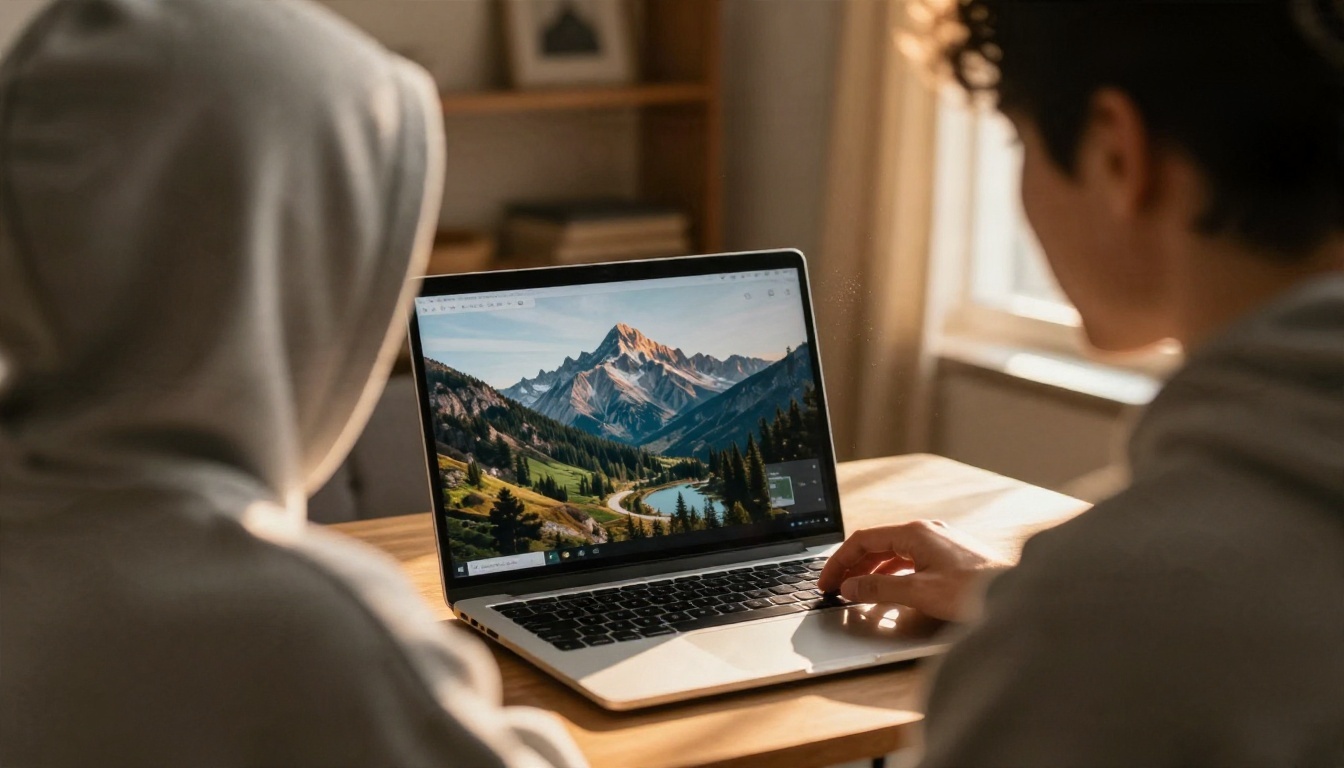
Let's start with what you can count on. Hailuo is the video generator from MiniMax, and its popular releases (Hailuo 02 and Hailuo 2.3) were built for visuals: motion, physics, camera movement, and prompt accuracy. They output an MP4 with an empty audio track. Reviews of the earlier versions say the same thing: clips come out silent, and anything you want to hear (dialogue, ambience, music) has to be added with another tool.
Hailuo 02 and 2.3: Silent by Design
If you use Hailuo 02, Hailuo 02 Fast, or Hailuo 2.3 Fast, expect no sound. That is not a bug or a setting you forgot to toggle. These models are tuned for image quality and motion, and they do not synthesize an audio waveform at all.
There is an upside. A silent clip gives you a clean canvas. You choose the voice, the music, and the mood afterwards, which many editors actually prefer for commercial work where audio has to match a brand.
What the Newer Hailuo 3.0 Claims
Newer coverage points to Hailuo 3.0, also marketed as MiniMax H3, as the first Hailuo generation with sound built in. According to the sources I found, it produces video with synchronized stereo audio in the same pass, including dialogue with lip sync, and handles clips of roughly 15 seconds at up to 2K. One listing claims 4K at 60 fps, which conflicts with the others and reads like marketing copy, so I would not plan a project around it. The release was reported in late July 2026.
💡 Reality check: spec sheets for new AI models change fast. Before you commit to a workflow, generate a short test clip and listen to it with headphones. That ten-second test tells you more than any feature list.
Why Silent Video Still Matters
It is tempting to treat sound as a pure bonus, but there are real reasons to keep audio separate from video generation.
| Approach | Strength | Weakness |
|---|
| Native audio in the video model | One step, synced to the action | Less control over voice and music |
| Separate audio layer | Full control, brand-consistent | Extra steps and sync work |
| Hybrid (native ambience + custom voice) | Best realism | Needs careful mixing |
The Control Argument
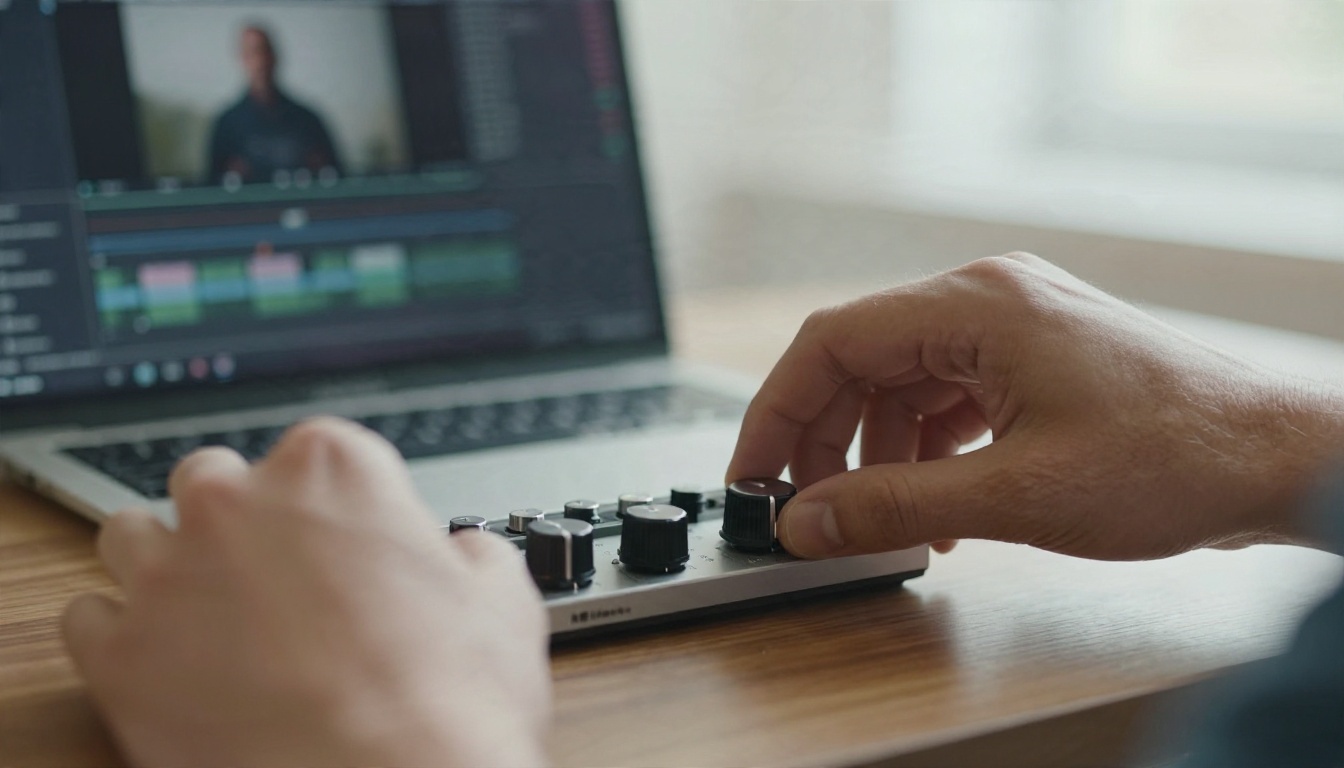
When a model generates sound for you, you get what it guesses. Sometimes that is magical: a footstep lands exactly on the beat. Other times the voice has the wrong accent, the music is generic, or the room tone does not match the scene. With a silent model, you pick the narrator, the language, the tempo, and the exact loudness.
The Speed Argument
Native audio costs time and credits, because the model produces more data per clip. If you only need quick visual drafts to test an idea, a silent generator like Hailuo 2.3 Fast gets you there sooner. You can add sound after you approve the picture.
Video Models With Built-In Audio
If you want sound without extra tools, several models on PicassoIA generate audio together with the video. Here are the ones worth testing first.
Google Veo
Veo is the model family most people name first when they talk about AI video with sound. Veo 3.1 Lite is listed for native audio at a lighter cost, Veo 3 Fast creates video with audio from text, and Veo 3.1 Fast targets 1080p output with quicker turnaround. They tend to do well with ambience, dialogue, and everyday sound effects such as doors, traffic, and rain.
OpenAI Sora 2
Sora 2 produces text-to-video with synced audio, and Sora 2 Pro pushes the quality further. Sora is a good pick when your scene depends on believable physical sound: splashes, footsteps, and crowd noise.
Seedance and Kling
Seedance 2.0 Mini offers text-to-video with native audio, while Seedance 2.5 reaches up to 30 seconds per clip. If you want a free route, Seedance 2.5 Lite is an unlimited option for clips of up to 10 seconds.
On the Kling side, Kling v3 Video and Kling v3 Omni Video are strong for cinematic movement. Check each model page for its current audio behavior before you rely on it.
Quick Comparison

Add Sound to Hailuo Clips Yourself
Here is the practical part. You like the look of Hailuo, and you want sound. The cleanest workflow has three layers: ambient sound effects, a voice, and music.
Layer One: Ambient Sound With MMAudio
MMAudio is built to add AI-generated sound to an existing video. You upload your silent Hailuo clip, write a short description of what should be heard, and the model produces audio that follows the action on screen. It works well for footsteps, wind, water, engines, and room tone.
How to Use MMAudio on PicassoIA
- Open the MMAudio page on PicassoIA.
- Upload your silent MP4 from Hailuo.
- Write a prompt that names the sounds you expect, for example: "light rain on a window, distant traffic, soft footsteps on wet pavement".
- Add a negative prompt for sounds you want to avoid, such as "music, speech".
- Keep the duration equal to your clip length so the sound does not drift.
- Generate, listen, and adjust the prompt if the mix feels too busy.
💡 Prompt tip: describe sounds in the order they happen on screen. A prompt that mirrors the timeline gives the model a stronger anchor for sync.
Layer Two: Voice and Narration
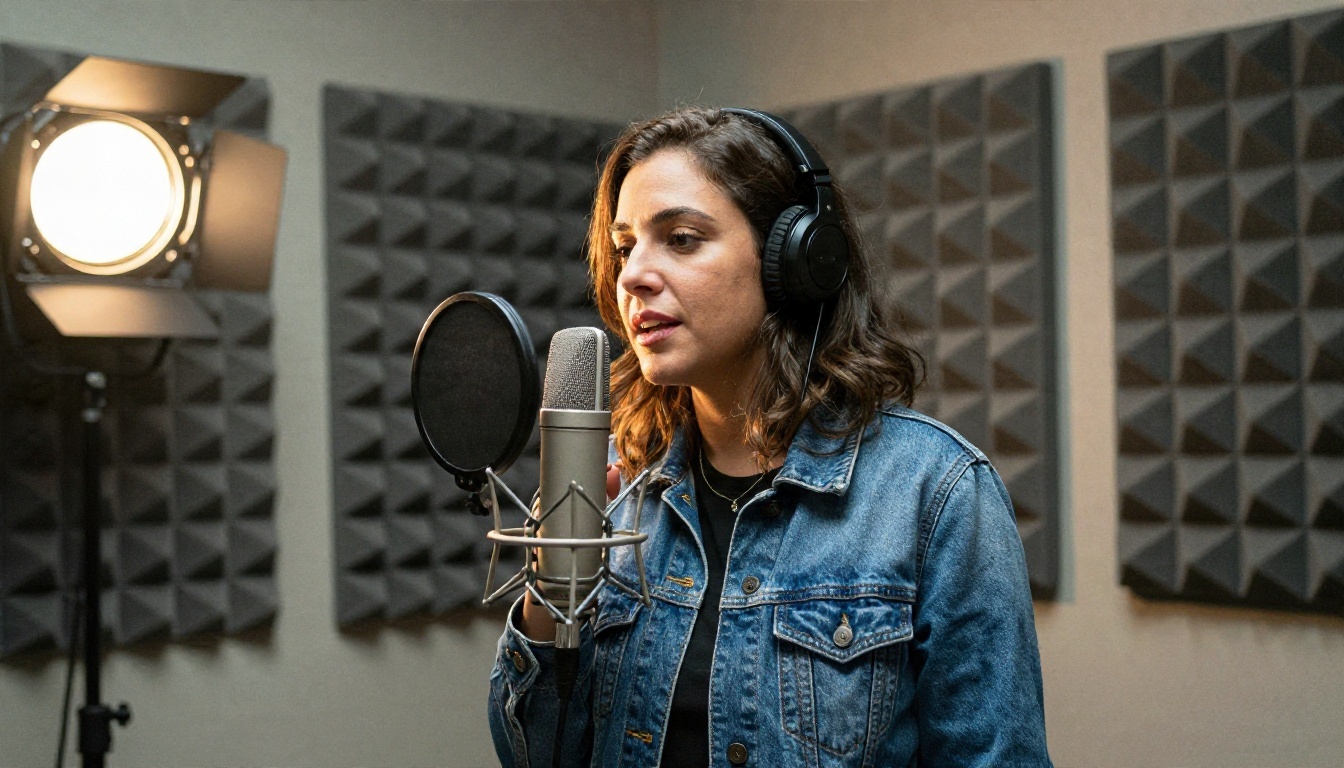
For a spoken track, use text-to-speech. Speech 2.8 HD delivers studio-quality voiceovers, Speech 2.8 Turbo is the fast option for drafts, and Speech 2.6 Turbo is another natural-sounding choice. These come from the same MiniMax family as Hailuo, so the voice tone pairs naturally with the picture style.
If your audience speaks several languages, v2 Multilingual covers 30+ languages, and Dubbing translates a finished video into 90+ languages.
Writing a Script That Fits
Five seconds is shorter than it feels. At a natural pace, a speaker says about 12 to 15 words in that time. Write your line, read it aloud with a stopwatch, and trim until it fits. A line that is too long forces the voice to rush, and that is the quickest way to make a track sound artificial.
Layer Three: Music
Finish with a track from Music, which composes songs from a text prompt. Describe the tempo, instruments, and mood, for example "slow acoustic guitar, warm, 80 bpm, hopeful". Then lower the music volume under the voice so dialogue stays clear.
A Simple Workflow You Can Repeat
Here is a routine that works for short ads, social posts, and product teasers.
- Generate the picture. Use Hailuo 2.3 Fast for rapid drafts, then Hailuo 02 for the final 1080p render.
- Lock the timing. Decide the final clip length before you create any audio.
- Add ambience. Run the clip through MMAudio.
- Record the voice. Produce narration with Speech 2.8 HD.
- Add music. Generate a short track and place it low in the mix.
- Balance levels. Voice first, effects second, music third.
Common Mistakes to Avoid
- Generating audio before the cut is final. Any trim afterwards breaks sync.
- Describing too many sounds. Three or four clear sound sources beat a crowded prompt.
- Ignoring loudness. Social platforms compress audio, so keep your voice louder than you think you need to.
- Skipping headphone checks. Laptop speakers hide hiss and artifacts.
Native Audio or Separate Tracks?
Which route is better depends on what you are making.
Choose Native Audio When
- You need a draft with sound in one pass.
- The scene is built around dialogue that must match lip movement.
- You are producing many short clips and need a fast turnaround.
Choose Separate Tracks When
- Your brand needs a consistent voice across videos.
- You want to publish in several languages.
- You plan to mix the clip in an editor anyway.
- You prefer Hailuo's visual style over the competition.
Can You Mix Both?
Yes, and professionals often do. Use a model with native ambience for realism, then replace or layer the voice with a text-to-speech track so you control the exact wording. Even if Hailuo 3.0 turns out to deliver everything in one pass, a separate voice layer remains useful for rewrites: you can fix one sentence without regenerating the entire video.
Costs and Time Compared
Silent video is cheaper per clip, and each audio tool adds a small step. A typical short project looks like this:
| Step | Tool | Typical effort |
|---|
| Picture draft | Hailuo 2.3 Fast | Seconds to a couple of minutes |
| Final picture | Hailuo 02 | A few minutes |
| Ambient sound | MMAudio | About a minute |
| Voiceover | Speech 2.8 Turbo or HD | Under a minute |
| Music | Music | A minute or two |
The total often stays below the effort of re-rolling a native-audio model several times until the voice sounds right. Your results will vary with clip length and the model load at the time.
Try It on PicassoIA
So, does Hailuo add audio? The Hailuo 02 and 2.3 models do not, and the newer Hailuo 3.0 is said to, though you should verify the details yourself. Either way, you now have two good paths: pick a model with built-in sound such as Veo 3.1 Lite, Sora 2, or Seedance 2.0 Mini, or keep Hailuo for the picture and build the audio layer with MMAudio, Speech 2.8 HD, and Music.
The fastest way to settle the debate is to run your own test. Generate one clip in Hailuo 2.3 Fast, generate the same prompt in a native-audio model, and compare them with headphones on. Browse every video, voice, and music model at picassoia.com/en/all-models, pick a scene you care about, and start creating your own clips with sound today.


