If you typed "Hailuo H3 NSFW" into a search bar, you probably want three answers fast: is the model actually released, can you try it without paying, and will it accept a suggestive prompt without throwing a refusal? Short version: Hailuo H3 is out, there are a few ways to test it cheaply, and MiniMax has not published a clear adult content policy for it. That gap is where most of the confusion comes from, so this article sticks to what is confirmed, flags what is not, and then shows you what works today for glamour, swimwear and boudoir style visuals.
One note before we start: everything below stays on the suggestive, non-explicit side. Fashion, beachwear, lingerie editorials and sensual mood are all fair game. Pornographic output is not what this article is about, and no mainstream video model is built for it.
Is Hailuo H3 Out Yet?
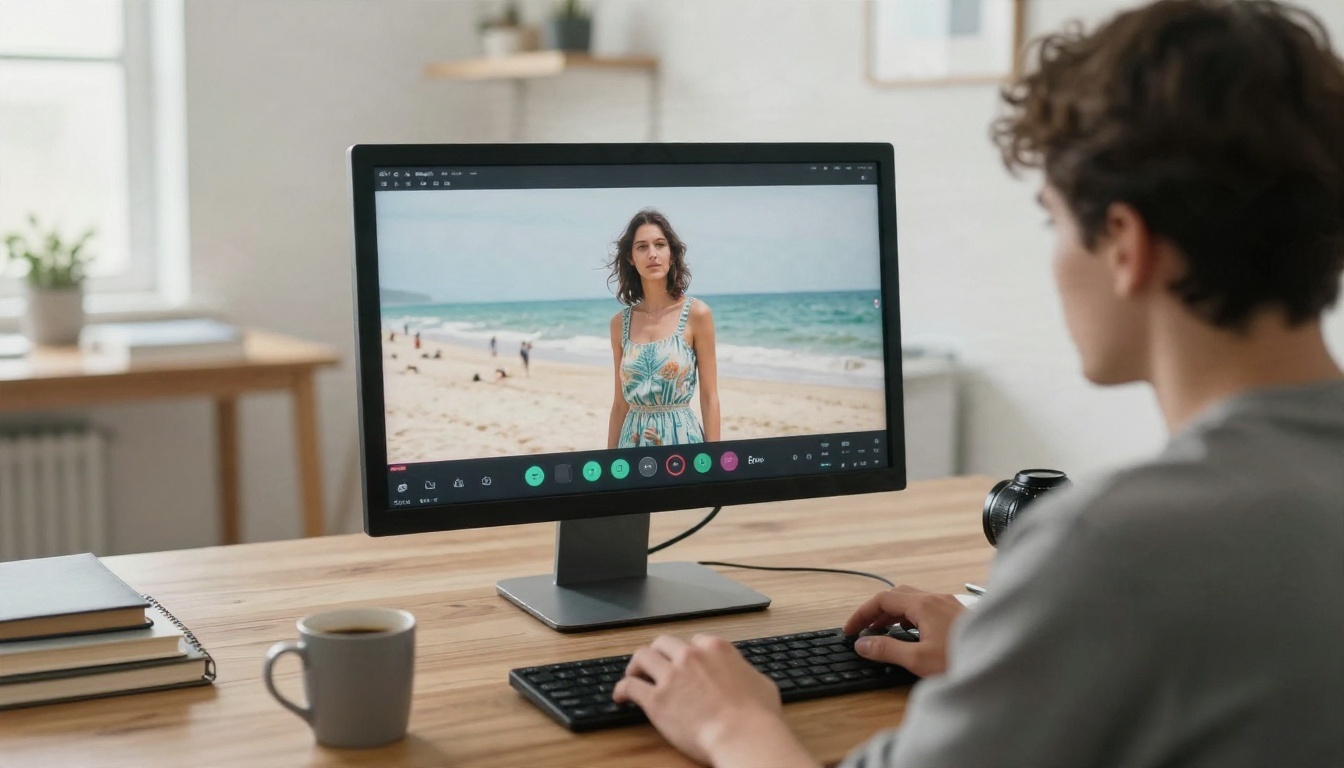
Yes. MiniMax released H3 on July 31, 2026, and it appears under several names in community posts: Hailuo H3, Hailuo 3, MiniMax H3. It runs in the consumer Hailuo AI app and through the MiniMax platform API under the model name MiniMax-H3. Coverage highlights 2K video output with native audio, and positions it as a direct rival to ByteDance's video models on price.
A few days later, on August 3, 2026, MiniMax published the model weights to Hugging Face under a custom license. Reports say the release excludes users in the US and EU, which matters if you were hoping to run it locally from those regions.
| Question | Answer |
|---|
| Released? | Yes, July 31, 2026 |
| Where can you use it? | Hailuo AI app, MiniMax platform API |
| Open weights? | Yes, published August 3, 2026, custom license |
| Regional limits? | Weights reportedly exclude the US and EU |
| Official NSFW policy? | Not found in public documentation |
| On PicassoIA? | Not yet |
💡 Quick reality check: "Out" does not mean "unrestricted." A model can be public and still filter prompts, filter outputs, or do both.
Where H3 Stands on PicassoIA
Hailuo H3 is not on PicassoIA yet. The Hailuo models that are here belong to the older generation, and they are separate models with their own behavior. If you want video from the same family today, Hailuo 2.3 and Hailuo 2.3 Fast are the closest options, and Hailuo 02 is also available. Treat them as older siblings, not as H3.
What About NSFW in Hailuo H3?
Here is the honest picture. I could not find any official statement from MiniMax that says H3 allows adult content, and I could not find one that bans it either. The only direct NSFW discussion I found came from third party sites, and the most visible one described H3 as not an unrestricted adult tool. That claim is promotional in nature, so weigh it accordingly.
What we do know from how video models in this class behave:
- Prompt filters usually reject explicit wording before generation starts.
- Output filters can block a clip after it renders, which costs you credits or time.
- Image inputs are checked too. Uploading a very revealing first frame often triggers a block even when your text prompt is mild.
- Rules change between app versions and between the app and the API.
So the practical position is: expect a model built for mainstream use, expect swimwear and fashion to pass more often than not, and do not plan a workflow that depends on H3 accepting anything borderline.
Free Options That Actually Exist
People searching "free" usually mean one of four things. Here is how each one holds up.
Daily or Signup Credits
Consumer apps in this space commonly hand out starter credits or a small daily allowance. For H3, check the Hailuo AI app directly, because allowances and watermark rules change often. Expect low priority queues and shorter clips on the free tier.
Open Weights
The weights are public, so in theory the model is free. In practice, a 2K video model needs serious GPU memory, the license is custom, and the reported US and EU exclusion may rule you out depending on where you live. For most readers this is not a realistic free route.
Third Party Wrappers
Many sites already advertise "free H3 NSFW" generators. Be careful. Some are thin wrappers around the official API with the same filters, and some exist mostly to collect payment details. If a site promises zero restrictions on a model whose maker has published no such policy, that promise deserves suspicion.
A Free Image First Workflow
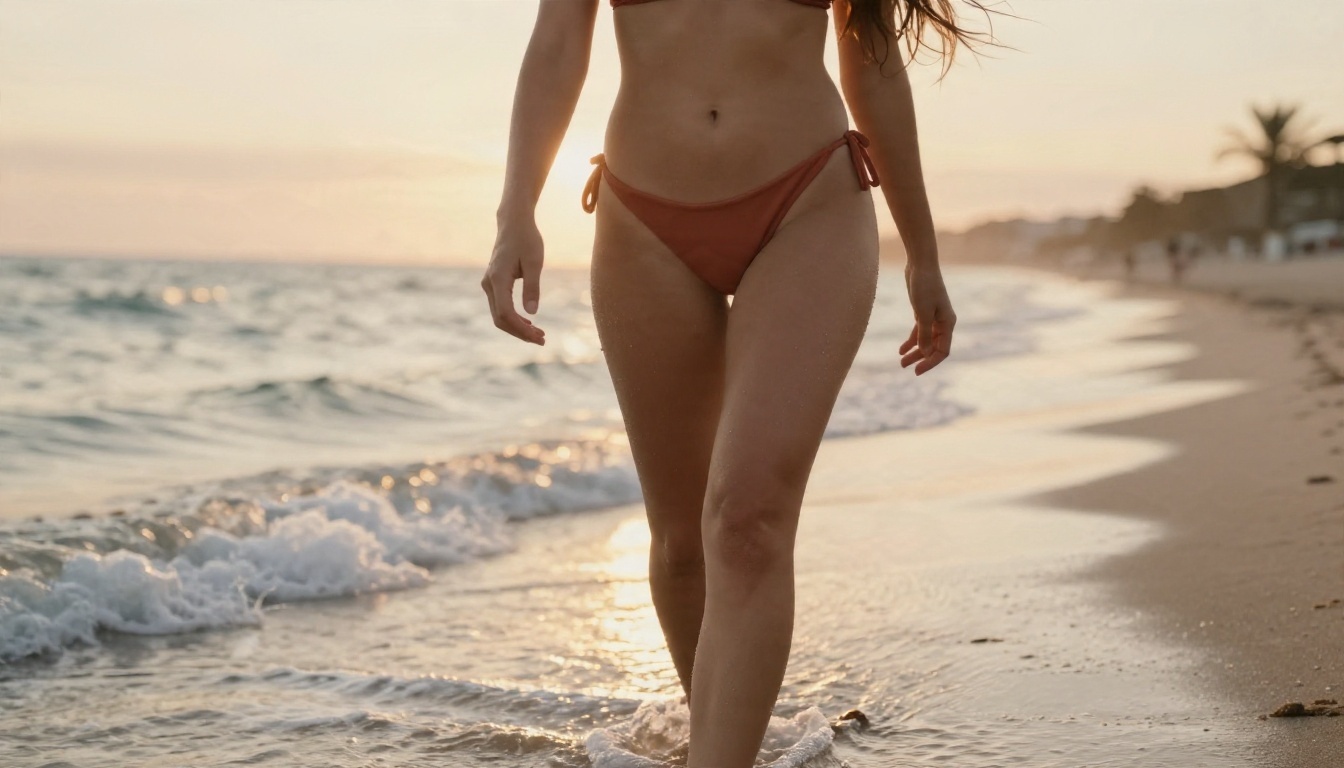
This is the route that gives you the most control. Build the still image first with an image model that is comfortable with glamour content, then animate only the frame you like. You spend video credits on one clip instead of ten blind attempts. More on this below.
💡 Rule of thumb: treat the still image as the real creative step and the video as the finishing step. Almost every wasted generation comes from skipping that order.
Prompts That Pass and Prompts That Fail
Prompt wording decides more than most people think. Video models read the sentence for intent, so tone matters as much as individual words.
What Tends to Work
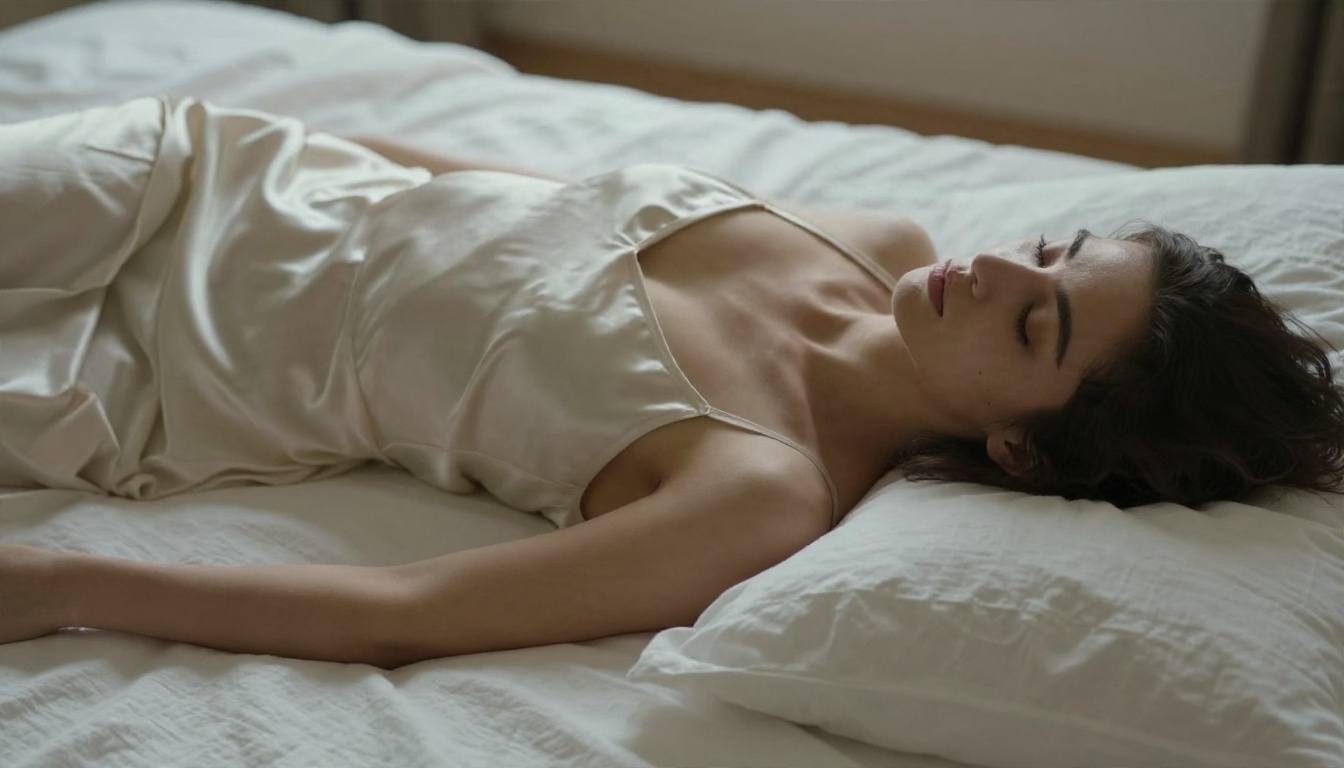
Describe the setting, light, wardrobe and camera, then give one simple motion. Think like a fashion photographer writing a shot list.
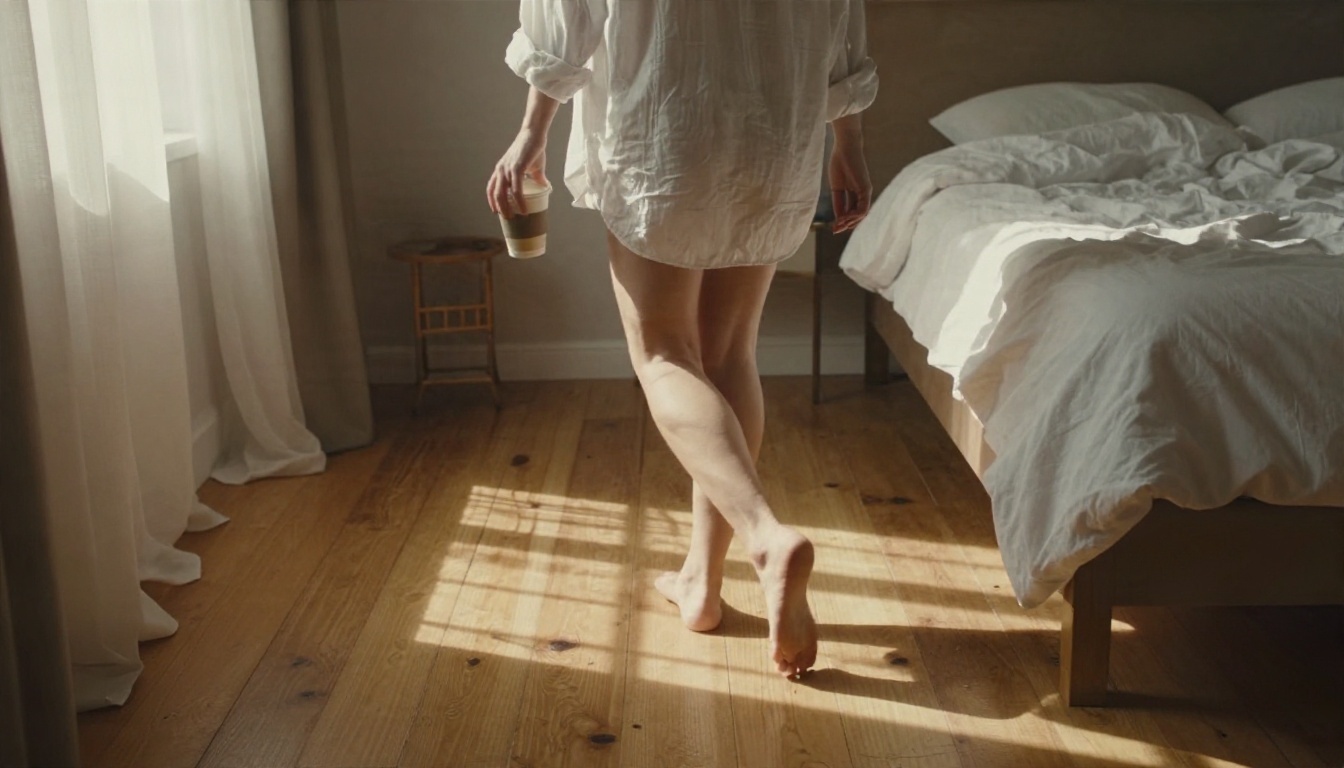
- "A woman in a linen shirt walks across a sunlit bedroom holding a coffee cup, curtains lifting in the breeze, slow dolly in, warm morning light."
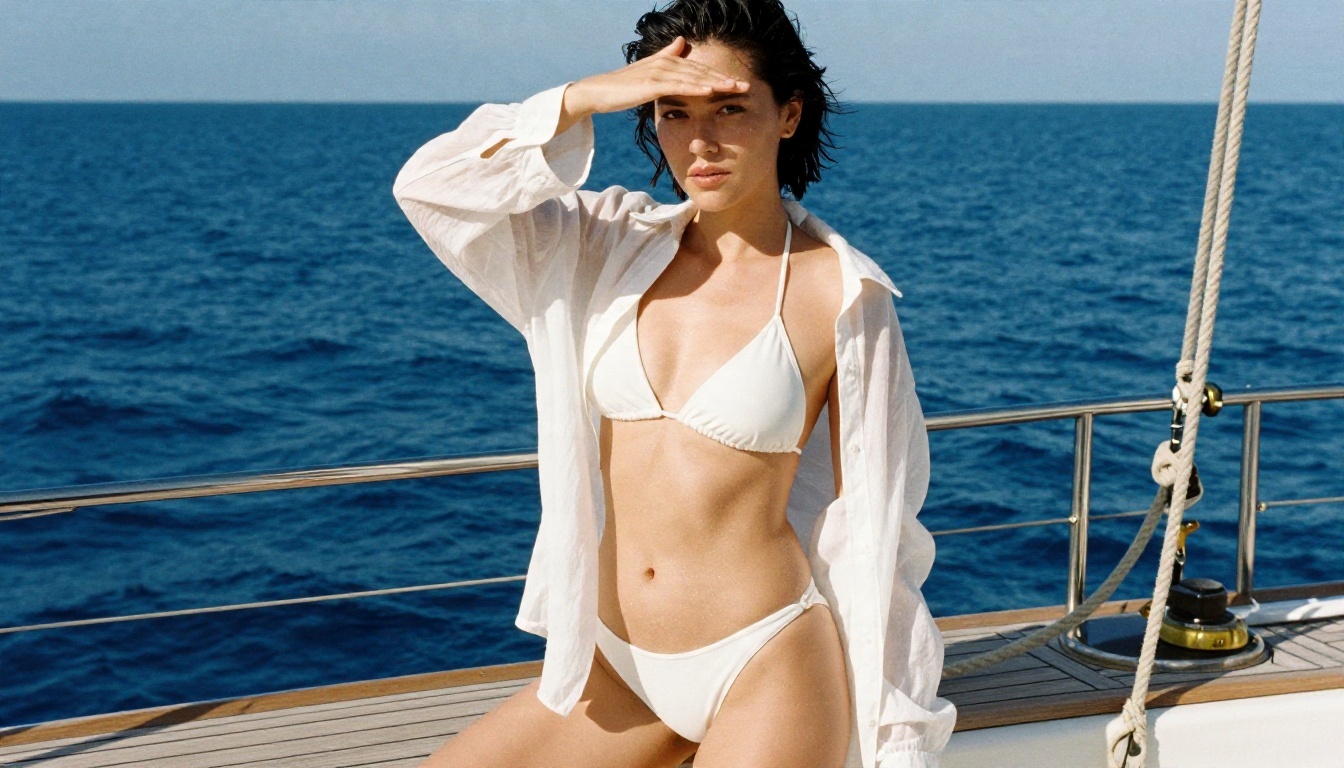
- "A woman in a white bikini stands on a yacht deck shading her eyes, sea spray, handheld camera, golden hour."
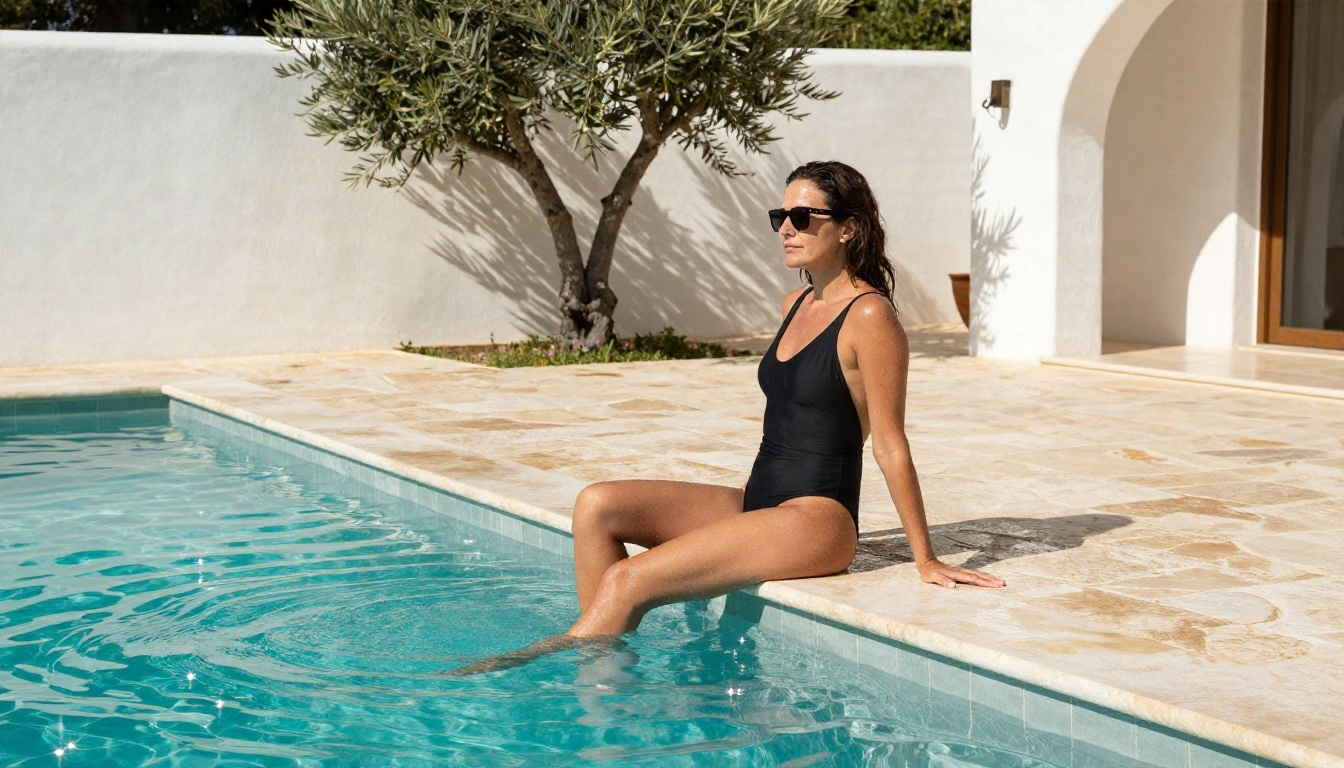
- "A woman in a black swimsuit sits at the edge of an infinity pool, water rippling, slow pan right, midday sun."
What Tends to Fail
- Explicit anatomical terms or sexual acts.
- Prompts that read like a request for nudity, even if you phrase it politely.
- Real people's names or a celebrity's likeness.
- Anything that suggests a minor, including words like "teen" or "schoolgirl." Every subject should be clearly an adult.
- Stacking five or six motions in one clip, which also produces messy results.
A Prompt Formula You Can Reuse
| Part | Example |
|---|
| Subject | adult woman, late twenties, chestnut hair |
| Wardrobe | champagne silk robe over a black slip |
| Setting | boutique hotel suite, sheer curtains |
| Light | golden hour from the left, soft rim light |
| Camera | 85mm lens, shallow depth of field |
| Motion | slow push in, curtain drifts, subtle head turn |
Keep the motion line short. One camera move plus one subject movement is the sweet spot for 5 to 10 second clips.
The Limits You Will Hit
Even setting NSFW aside, H3 and every comparable model has constraints worth planning around.
- Clip length. Most outputs are short. Plan scenes as separate clips and cut them together.
- Consistency. The same face and outfit across clips is hard. A reference image helps far more than a long text description.
- Moderation variance. The same prompt can pass today and fail next week after a filter update.
- Region rules. The reported US and EU exclusion applies to the open weights, and app or API terms can differ by country.
- Cost of retries. A blocked output still eats time, and sometimes credits.
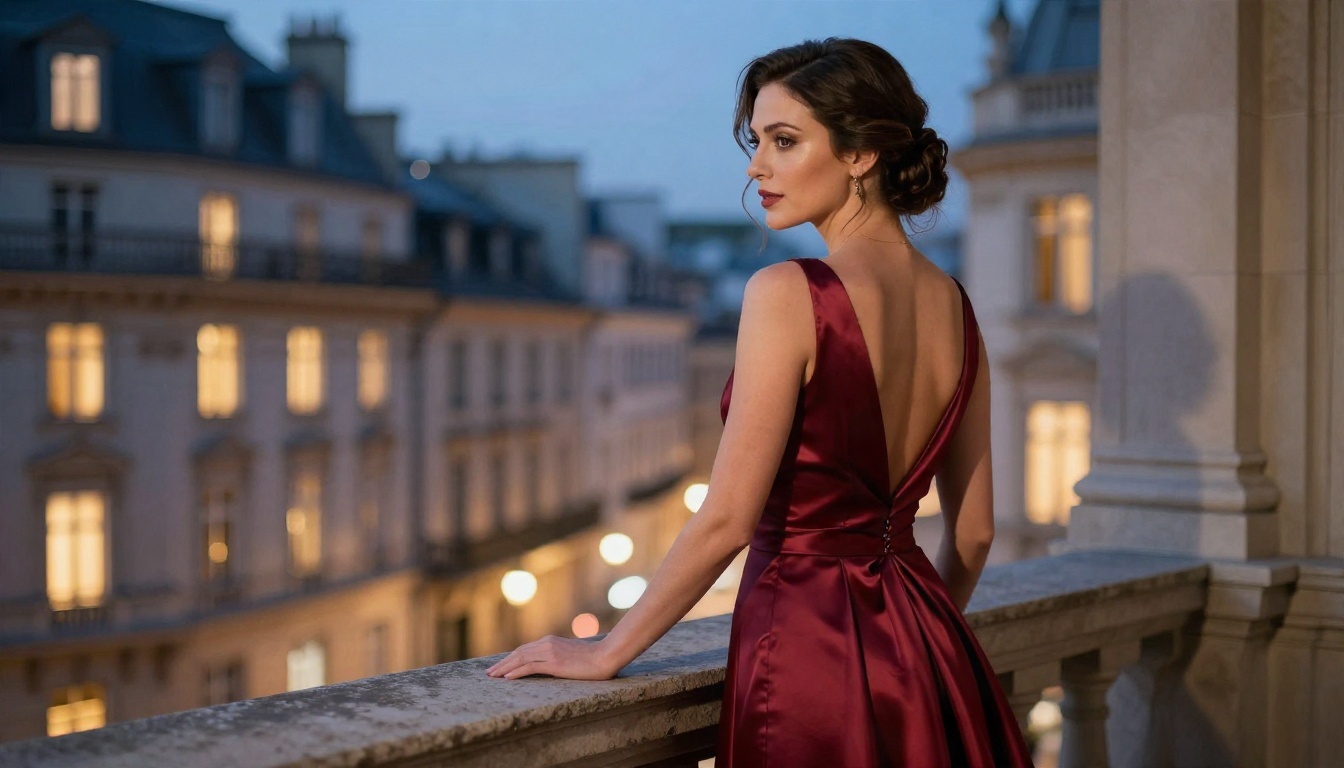
💡 Plan B matters. If your whole project depends on one model's moderation mood, you have a fragile project. Keep a second route ready.
Better Routes on PicassoIA Today
Since H3 is not on PicassoIA, here are the alternatives for similar results right now. For adult glamour content the strongest starting point is the still image, so the list starts there.
- Seedream 4.5 is the first model to try. It produces sharp, photoreal 4K stills with convincing skin, fabric and light, and it handles swimwear, lingerie and boudoir looks with fewer refusals than most mainstream options.
- PicassoIA Image Editor Pro offers unlimited generations, which solves the "free" problem from earlier. You can iterate on wardrobe, pose and lighting as many times as you like without watching a credit counter.
- Hailuo 2.3 is the nearest video model from the same family when you want to animate a finished still.
- Seedance 2.5 is a strong video alternative for longer clips, up to 30 seconds.
Do not expect the video models to accept everything. Their moderation behavior is their own, so keep prompts in the fashion and glamour lane described above.
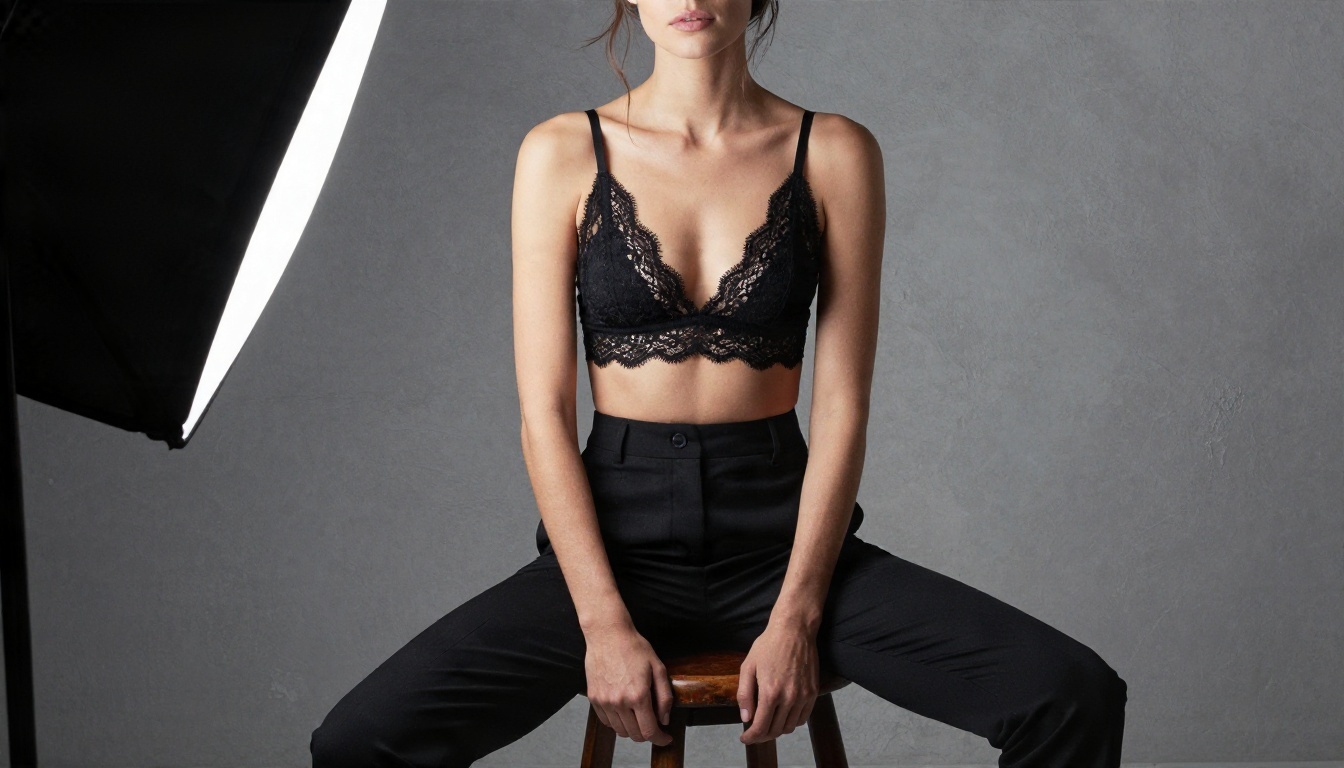
How to Get Similar Results on PicassoIA
This is the workflow I would use in place of H3, built around Seedream 4.5.
Step 1: Write a Photographer's Prompt
Open Seedream 4.5 and describe the shot the way a photographer would: subject, wardrobe, location, light direction, lens and film feel. A line such as "adult woman in a white linen shirt in a sunlit bedroom, 35mm lens, warm Portra 400 tones, soft morning light from the left" gives a far better frame than a short generic prompt.
Step 2: Pick the Right Aspect Ratio
Choose 16:9 if the image will become a video. The frame you animate sets the shape of the clip, so decide this now, not later.
Step 3: Generate Several Candidates
Run four to eight variations. Look for natural skin texture, believable fabric folds and clean hands. Reject any frame with warped fingers or odd jewelry, because motion will make those flaws worse.
Step 4: Refine in Image Editor Pro
Take your best frame into PicassoIA Image Editor Pro. Because generations are unlimited, this is the place to adjust outfit color, background clutter, lighting mood or small details until the frame is exactly right.
Step 5: Animate the Final Frame
Send the finished still to Hailuo 2.3 or Seedance 2.5 as the first frame. Write one camera move and one subject movement, for example "slow dolly in, curtains lift gently, subtle head turn."
Parameter Tips
| Setting | Recommendation |
|---|
| Aspect ratio | 16:9 for video sources |
| Prompt length | 40 to 80 words for stills, 15 to 30 for motion |
| Style words | photoreal, natural light, film grain |
| Motion | one camera move, one subject move |
| Iterations | 4 to 8 stills before any video |
Mistakes People Keep Making
Skipping the Still Image
Going straight from text to video burns credits. A 5 second clip is a bad place to find out your outfit description was off.
Writing Novels as Prompts
Long prompts with ten actions confuse video models. Shorter and more specific wins.
Chasing "Zero Filter" Sites
If a site promises everything with no limits, ask yourself where the model comes from and who pays for the GPUs. Usually the answer is your data or your card.
Ignoring Lighting Words
Light is what makes a glamour frame look expensive. "Soft window light from the left," "golden hour backlight" and "single softbox" do more work than any adjective about beauty.
Forgetting That Rules Change
What passes today might fail after an update. Keep your finished stills archived so you can re-animate them with another model later.
Quick Answers
Is Hailuo H3 released? Yes, it launched on July 31, 2026, with open weights following on August 3.
Does Hailuo H3 allow NSFW? No official public policy was found. Assume mainstream filtering and plan around it.
Is there a free way to try it? Check the Hailuo AI app for starter credits. The open weights are free but heavy to run and reportedly exclude the US and EU.
Is H3 on PicassoIA? Not yet. Seedream 4.5, Image Editor Pro, Hailuo 2.3 and Seedance 2.5 are the options available now.
What is the safest prompt style? Fashion and photography language: wardrobe, location, light, lens, one simple motion.
Make Your Own Frames Today
You do not need to wait for any single model to settle its policy. Start with a still on Seedream 4.5, polish it in PicassoIA Image Editor Pro with unlimited generations, and animate the best frame with Hailuo 2.3 or Seedance 2.5. Try the prompt formula above, swap the wardrobe and location, and see how far one good frame can go. When you want more choices, browse everything at picassoia.com/en/all-models and build your own workflow.


