You typed "Hanime AI generator" into a search bar and expected one clean tool with a big prompt box. What you probably got was a pile of near-identical anime sites, each promising "free" and then asking for a card after three images. This article skips that loop. It explains what people actually mean by the phrase, gives you free anime prompts you can paste right now, shows the kind of results to expect, and lists online alternatives that run fast and don't throttle you after a handful of tries.
One honest note first. Hanime is best known as a streaming site for adult anime, and I could not confirm any official image generator from it. The search term has become shorthand for something else: glamorous, mature-leaning anime art made with AI. That is the intent this article serves, and everything here stays suggestive and tasteful, never pornographic. Everything is for adults only.
What People Really Search For
The intent behind the phrase
When someone searches for a Hanime AI generator, they usually want one of three things:
- A text-to-anime tool that turns a written prompt into a polished character illustration.
- A photo-to-anime tool that restyles a selfie or a cosplay photo into anime art.
- A free option with no watermark, no queue and no daily cap that ends the fun at image four.
All three are solved by general-purpose image models today. You don't need a niche site with a borrowed brand name. You need a strong model, a clear prompt, and a platform that lets you generate often enough to iterate.
Why niche sites disappoint
Most "anime AI generator" pages are thin wrappers around an older open model. They tend to share the same problems: soft faces, fused fingers, muddy backgrounds, and a credit counter that drains quickly. Newer models handle anatomy, lighting and fabric far better, which is why the alternatives below produce cleaner output with less prompt fiddling.
💡 Quick rule: if a site hides the model name, assume it is old. Pick tools that tell you exactly which model runs behind the prompt box.
Free Anime Prompts That Work
A good anime prompt is not a long wall of adjectives. It is a short stack of decisions: subject, outfit, setting, light, camera feel, and finish. Here is a structure that works across almost every model.
The five-part prompt formula
- Subject: age (always adult), hair color and length, eye shape, expression.
- Outfit: specific garments, fabrics and accessories.
- Setting: one location with two or three props.
- Light: time of day and direction, such as "warm backlight from a window".
- Finish: line weight, shading style, color palette.
Weak prompt: "cute anime girl, beautiful, detailed."
Strong prompt: "adult anime woman with long lavender hair and large amber eyes, wearing a lace-trimmed camisole and an oversized cardigan, sitting on a windowsill in a rainy city apartment, warm lamp light on her face, soft cel shading, clean line art, muted pastel palette."
Ten prompts to copy today
Paste any of these into a text-to-image model, then change one detail at a time.
| # | Mood | Prompt starter |
|---|
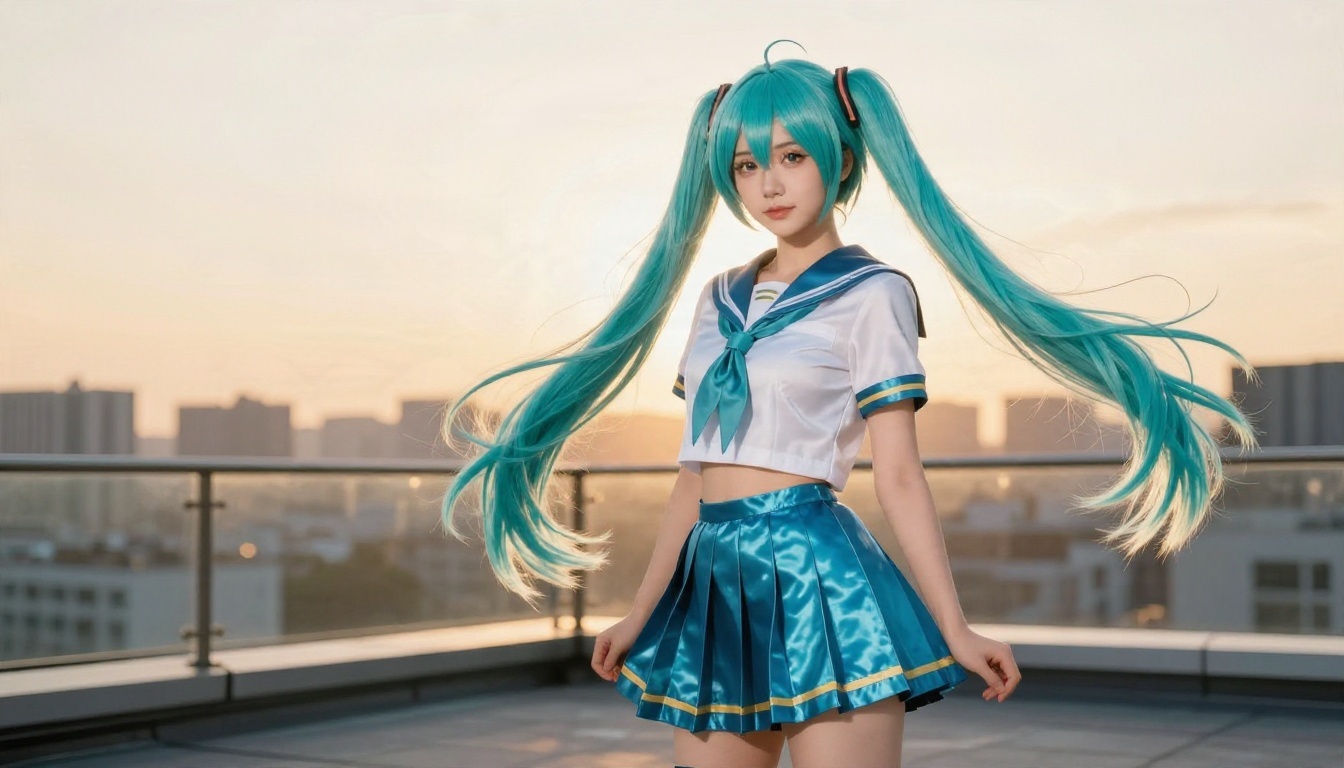
| 1 | Rooftop glamour | adult anime woman, turquoise twin tails, satin sailor-style top, golden hour rooftop, wind in hair, cel shading |
| 2 | Cozy loft | silver-lavender hair, pastel pink cropped jacket, drawing tablet, manga shelves, morning window light |
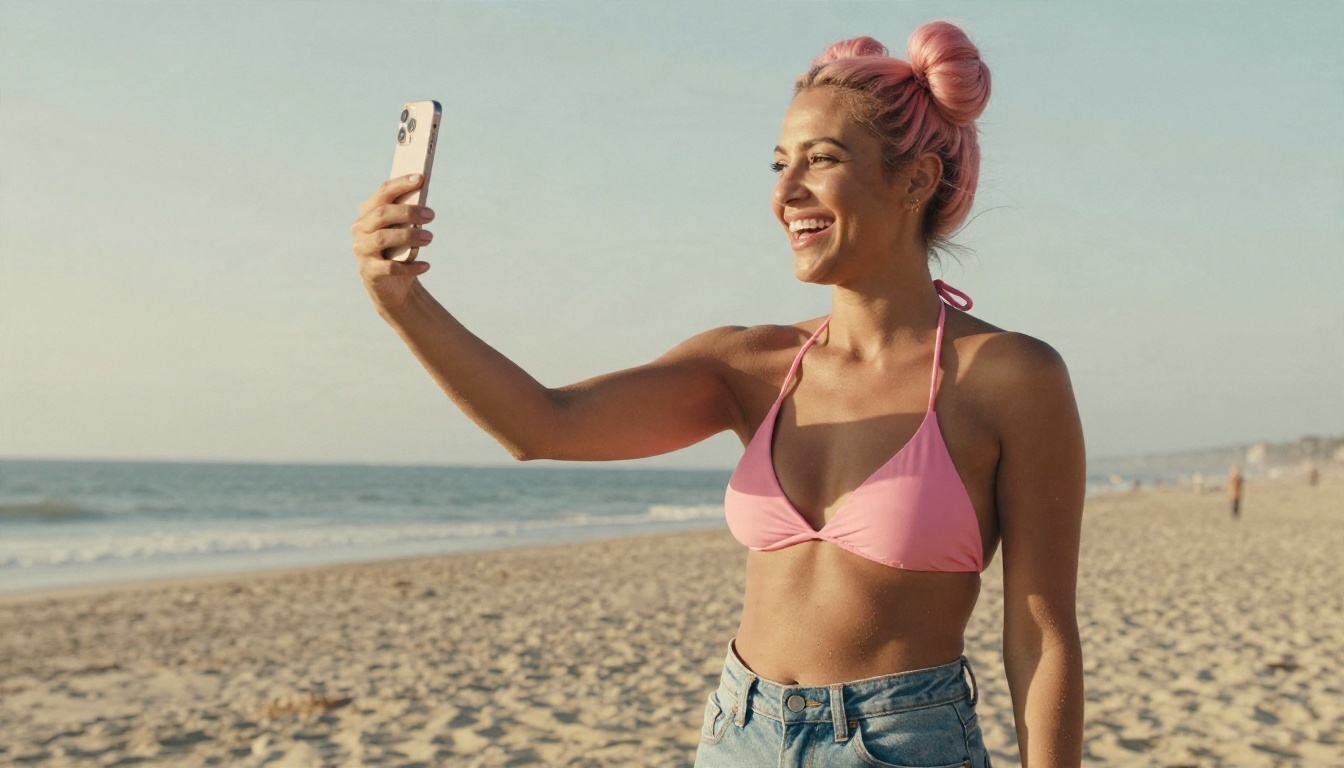
| 3 | Beach day | pastel pink buns, pink bikini top, denim shorts, boardwalk, warm sun from the right, vivid colors |
| 4 | Rainy night | trench coat, plaid skirt, clear umbrella, wet street, paper lanterns, blue hour tones |
| 5 | Boudoir soft | lace camisole, white linen bed, soft window light, shallow focus, tasteful and non-explicit |
| 6 | Fantasy elf | white braided hair, emerald gown, misty pine forest, embroidered fabric, painterly shading |
| 7 | Cafe date | knit sweater, latte on a wooden table, steam rising, warm side light, gentle smile |
| 8 | School festival | summer yukata, paper fans, evening lanterns, fireflies, soft film-like glow |
| 9 | Cyber-free street fashion | oversized jacket, pleated skirt, thigh-high socks, concrete steps, overcast daylight |
| 10 | Onsen steam | towel wrap, wooden bath rail, soft steam, warm lantern light, modest framing |
💡 Tip: add a negative cue like "extra fingers, blurred face, text, watermark" when the model supports it, and always state "adult" in the subject line.
Real Examples to Reference
The photographs in this article show something useful. Anime art often starts as a real-world reference: a costume, a pose, a light setup. Study these before you write your prompt, because real lighting makes anime shading look believable.
Cosplay as a prompt source
Cosplay photos are a goldmine for outfit vocabulary. Look at the wig color, the fabric sheen, how a pleated skirt breaks at the knee. Then describe those details in your prompt. Models respond to "glossy satin collar, crisp pleats, slight wind lift" far better than to "cute outfit".
Sketch first, generate second
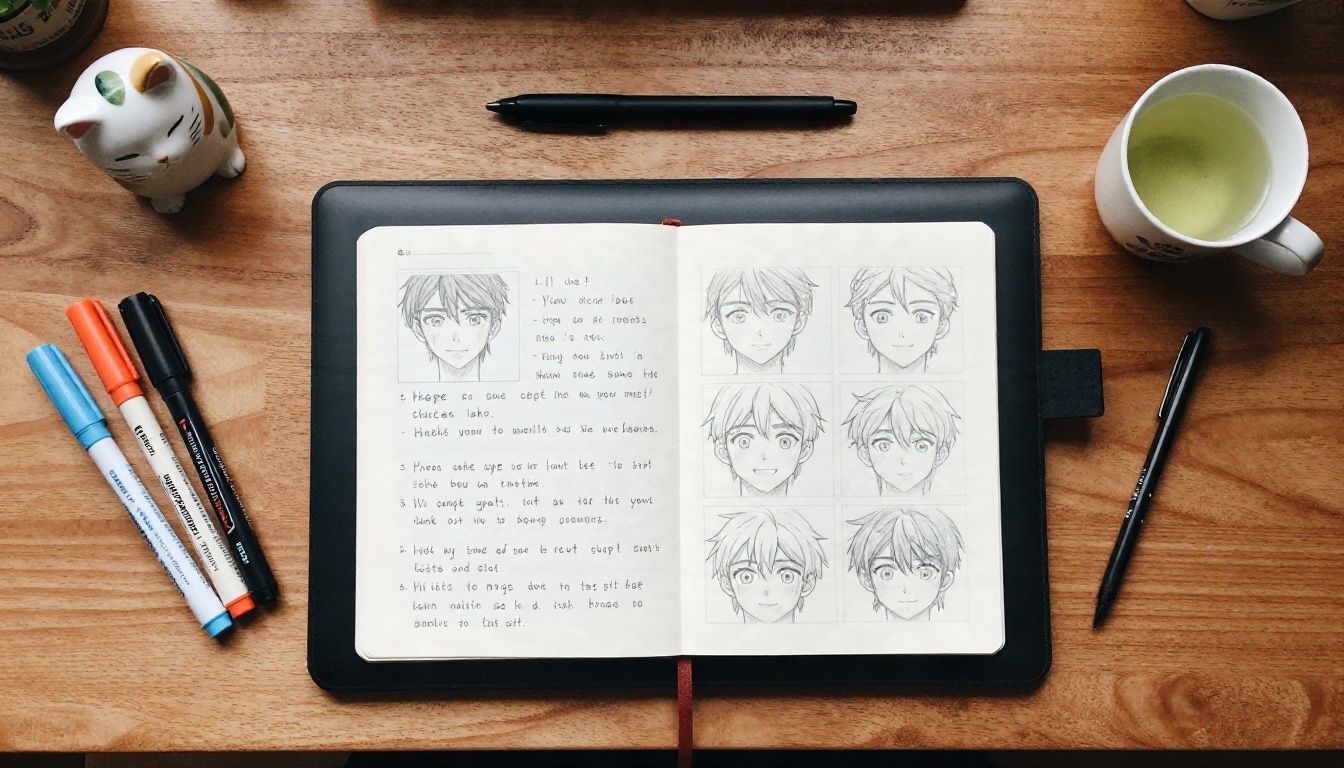
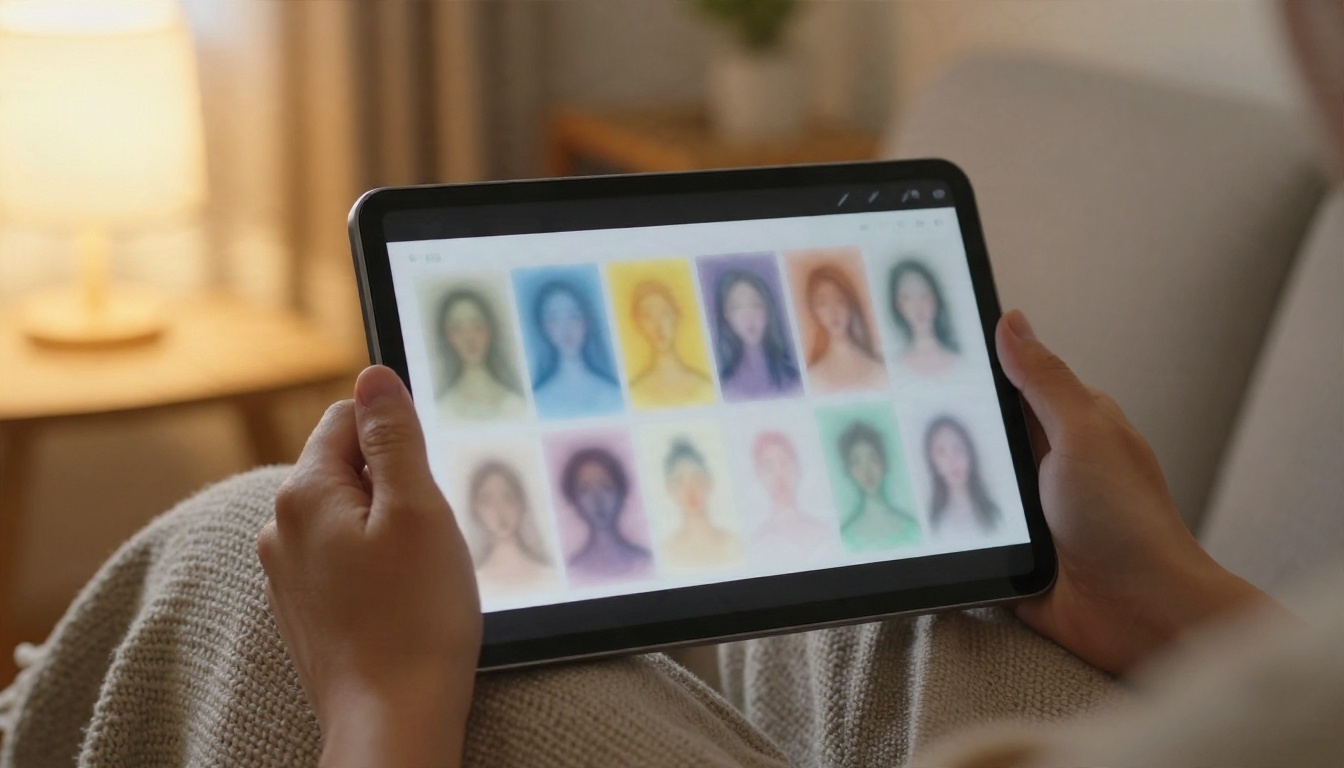
Some of the best results come from a hybrid process. Draw a rough pose, even a stick figure, then use it as an image reference. This gives you control over composition that a text prompt alone rarely delivers. It also keeps your own creative stamp on the final image.
Glamour without crossing lines
Suggestive does not have to mean explicit. Swimwear, lace trim, soft boudoir light and playful poses all read as attractive while staying inside responsible limits. That is also the safer path for sharing, since most social platforms remove explicit content quickly.
Best Online Alternatives Today
Hanime is not a model, and there is no Hanime model on PicassoIA. So here is where to go instead, ranked for adult-leaning anime and glamour work, with unlimited or near-unlimited generation in mind.
Seedream 4.5 first
Seedream 4.5 is the model to try first. It handles skin, fabric, hair strands and complex lighting at up to 4K, follows long prompts faithfully, and is relaxed enough on tasteful adult themes like swimwear, lingerie-style styling and glamour portraits. For anime it produces clean line work with convincing depth when you describe a cel-shaded finish.
PicassoIA Image Editor Pro
PicassoIA Image Editor Pro is the one for unlimited generations. Because it is an editor as well as a generator, you can upload a cosplay photo or a rough sketch, then ask for a new outfit, a new background or a full anime restyle. Fast turnaround and no paywall after a few tries make it the best place to iterate, which is where good prompts really come from.
Anime-first models
Two dedicated anime models are worth keeping in your rotation:
- Krea 2 Medium is strong on anime and painterly looks, with rich color and soft gradients.
- Proteus v0.3 is built around anime character art, so simple prompts land with the right proportions and eye style.
For photo restyling, Qwen Image Edit Plus LoRA Photo To Anime converts a real photo into anime while keeping the pose.
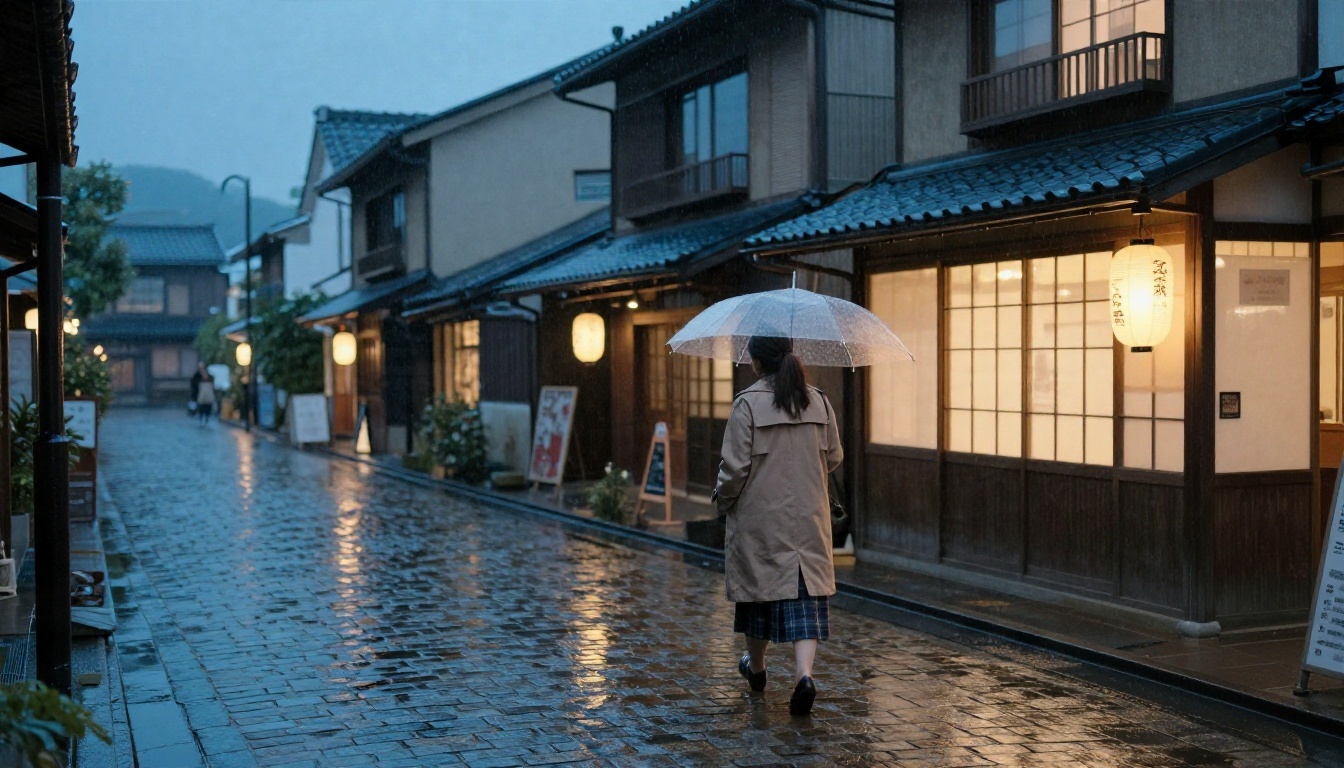
Side by side
How to Get Similar Results on PicassoIA
Since Hanime has no model page here, the closest match is Seedream 4.5. This is the workflow I would follow.
Step by step
- Open the Seedream 4.5 page and find the prompt box.
- Paste a prompt from the table above, or write your own with the five-part formula.
- Pick 16:9 for scenes and wide shots, or a portrait ratio for single characters.
- Choose the highest resolution the page offers when you are ready for a final render. Use a smaller size for drafts.
- Generate, then change one thing. Swap the hair color, the light, or the setting. Change only one element per run so you can see what caused the improvement.
- Send your favorite to Image Editor Pro to adjust the outfit, fix a detail or change the background.
Parameter tips
- Style words matter most. Phrases such as "cel shading", "clean line art" and "soft gradient shading" steer the look more than any slider.
- Describe light, not just beauty. "Warm backlight from a window" beats "beautiful lighting".
- Keep prompts under about 80 words. Past that, details start to fight one another.
- Lock a seed if the page offers one, so you can test small edits on the same composition.
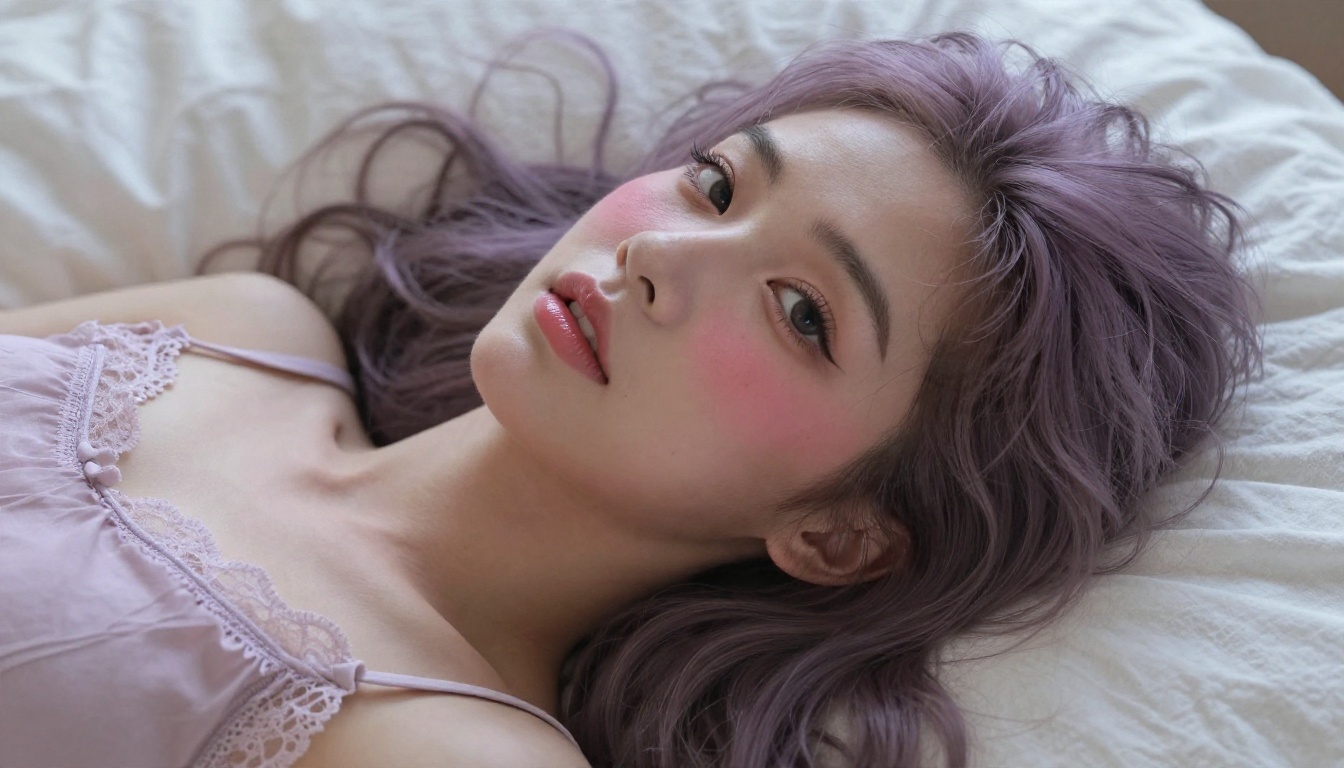
💡 Workflow tip: generate four drafts at low resolution, choose the best composition, then re-run that exact prompt at full resolution. You save time and avoid polishing a weak base.
Photo to Anime and Back
Restyle your own photos
A photo-to-anime pass is the quickest way to get a character that already has believable proportions. Upload a clear, well-lit picture of yourself or a consenting friend, then ask for a specific anime finish. Use Qwen Image Edit Plus LoRA Photo To Anime for a direct restyle, or Nano Banana Pro when you want to keep facial structure while changing clothes and scenery.
Go the other way
The reverse trick is underrated. Generate an anime character, then ask an editor to render the same pose as a photograph. This helps when you want a cosplay reference, a costume plan, or a photoreal version of a favorite design.
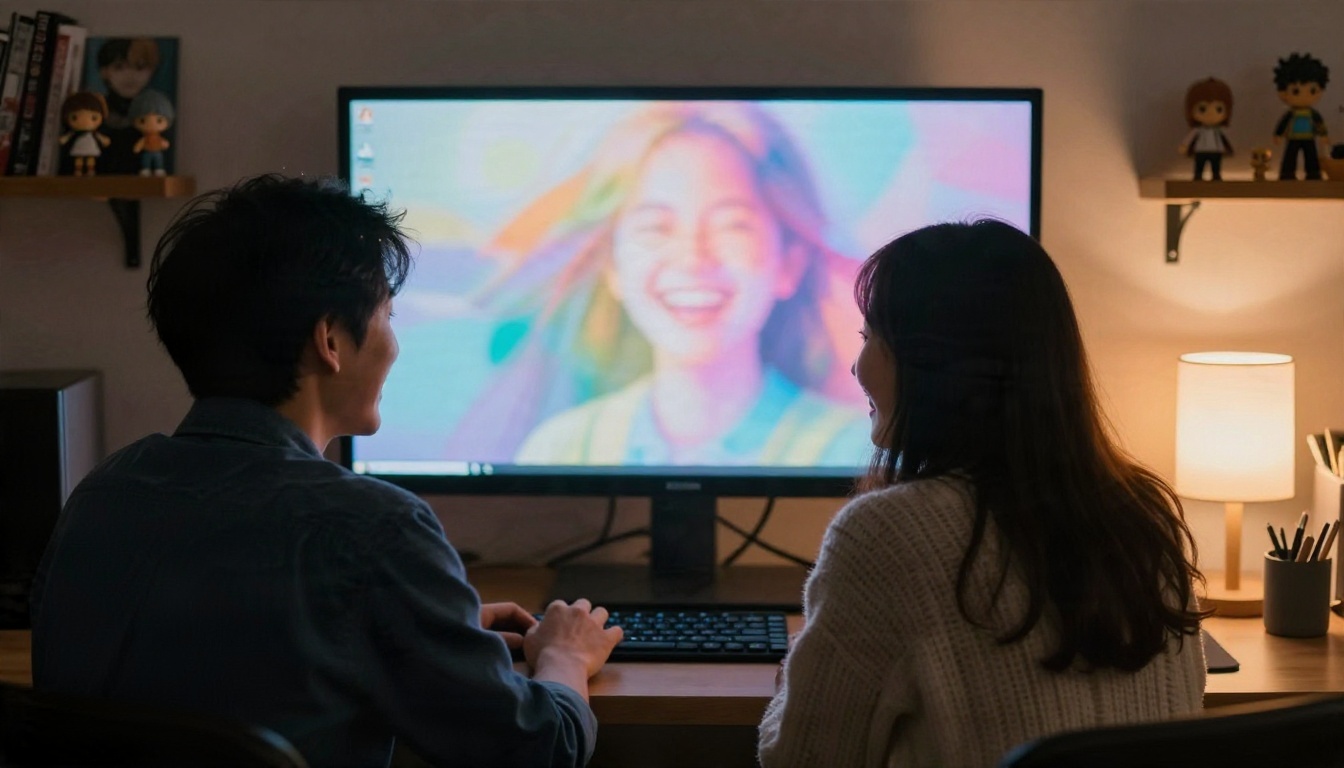
Add motion later
Once you have a final still, you can animate it. Wan 3 produces cinematic motion from a prompt, and LTX 2.5 Fast gives quick short clips when you want to test ideas. Even a few seconds of hair movement and soft camera drift can make an illustration feel alive.
Common Mistakes and Fixes
| Mistake | What goes wrong | Fix |
|---|
| One-word prompts | Generic faces and flat backgrounds | Use the five-part formula |
| Piling on adjectives | Muddy, overbaked images | Pick three strong details only |
| Ignoring hands | Extra or fused fingers | Hide hands in pockets, hair or props, or inpaint them |
| Changing everything at once | You can't tell what helped | Edit one variable per run |
| Always using the lowest resolution | Soft eyes and blurred fabric | Draft small, finish large |
| Trusting "free" claims | Hidden caps and watermarks | Check the model name and limits first |
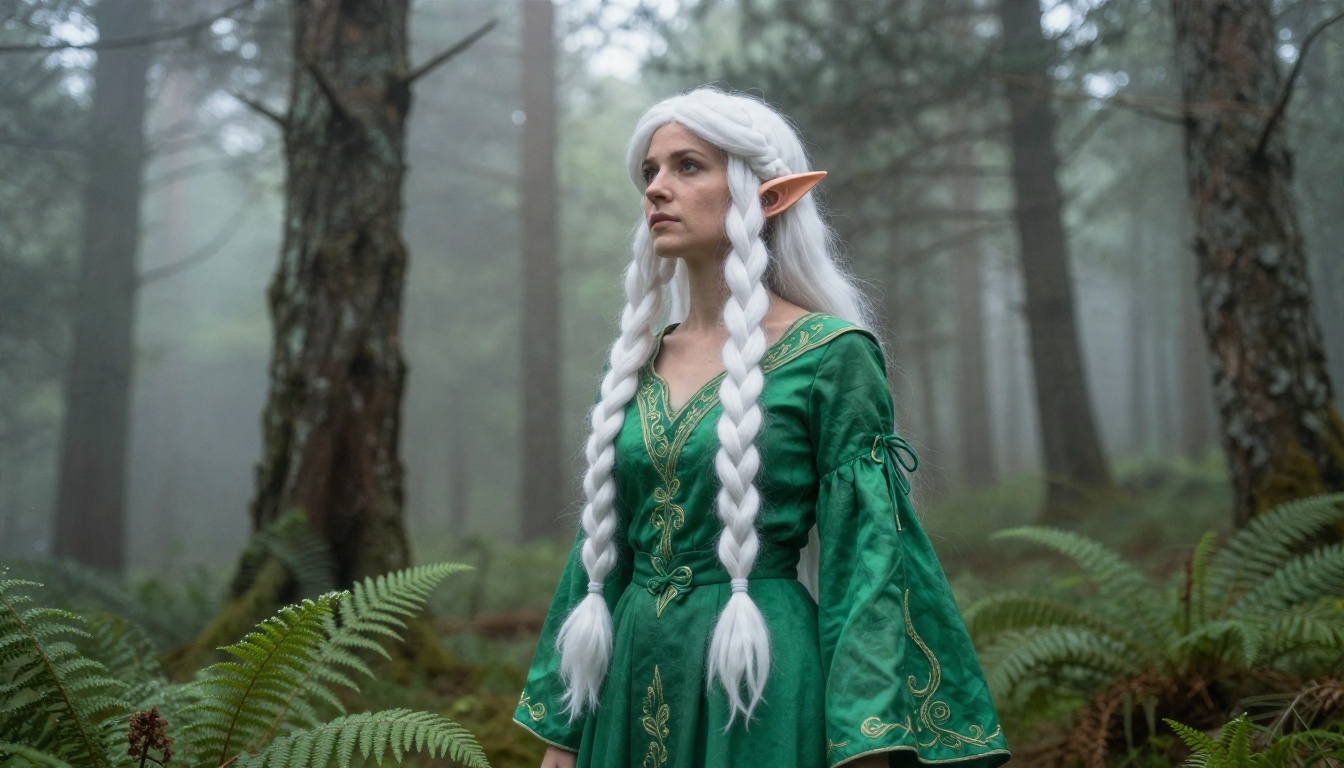
Fixing faces and eyes
If the eyes look off, repeat the prompt with a specific eye description: "large amber eyes with a bright catchlight, soft upper lash line". When one face is almost right, take it into Image Editor Pro and fix only the area that is wrong instead of re-rolling the whole image.
Keeping a character consistent
Consistency is hard in text-only workflows. Use the same hair color, the same two signature accessories and the same phrase for the outfit in every prompt. For tighter results, use an edit model with a reference image so the face stays recognizable across scenes.
Safety, Age and Sharing
AI art made for adults still comes with rules worth following. They keep you safe and keep your work online.
- Adults only. Every character you generate should be clearly an adult. Say so in the prompt.
- No real people without consent. Don't generate or restyle someone's likeness in suggestive scenes without their permission.
- Keep it tasteful for sharing. Swimwear, lace and soft light are far less likely to be removed from social platforms than explicit work.
- Label AI work. Many platforms ask for it, and viewers appreciate the honesty.
- Check licenses. If you plan to sell prints or merchandise, read the usage terms of the model you used.
💡 Before you post: zoom to 200 percent and check hands, eyes, jewelry edges and any text on clothing. Those are the places AI mistakes hide.
Try Your Own Prompts Today
You don't need a site with Hanime in its name to get great anime art. You need a strong model, a clear prompt and room to experiment. Start with Seedream 4.5 for the sharpest, most detailed results, then move your best draft into PicassoIA Image Editor Pro where unlimited generations let you tweak outfits, backgrounds and expressions until it is right. If you want a pure anime look, try Krea 2 Medium or Proteus v0.3 with the same prompt and compare.
Pick one prompt from the table above, change a single detail, and run it. Then do it again. Ten quick iterations will teach you more than ten hours of reading. When you want to see what else is available, browse every model at picassoia.com/en/all-models and build your own anime workflow on PicassoIA today.


