You record one video, in one language, and a few minutes later it speaks Spanish, Hindi or Japanese with your own voice and a mouth that actually matches the words. That is the promise behind HeyGen Labs Translate, and it is the reason so many creators, teachers and small businesses keep searching for it. The catch is that the free tier is small, the numbers you read online disagree with each other, and lip sync quality depends heavily on how you film.
This article sorts out what the tool does, how many languages it handles, what the free limits look like, and which alternatives you can use right now without waiting for a quota to reset.
💡 Quick answer: HeyGen Labs Translate is not on PicassoIA, but several close relatives are. HeyGen Video Translate, ElevenLabs Dubbing and a handful of lip sync models cover the same job, and they are all linked below.
What HeyGen Labs Translate Does
At its core, the tool takes a finished video, transcribes the speech, translates the transcript, generates new speech in the target language and then re-animates the speaker's mouth so the lips follow the new audio. Four steps, one upload.
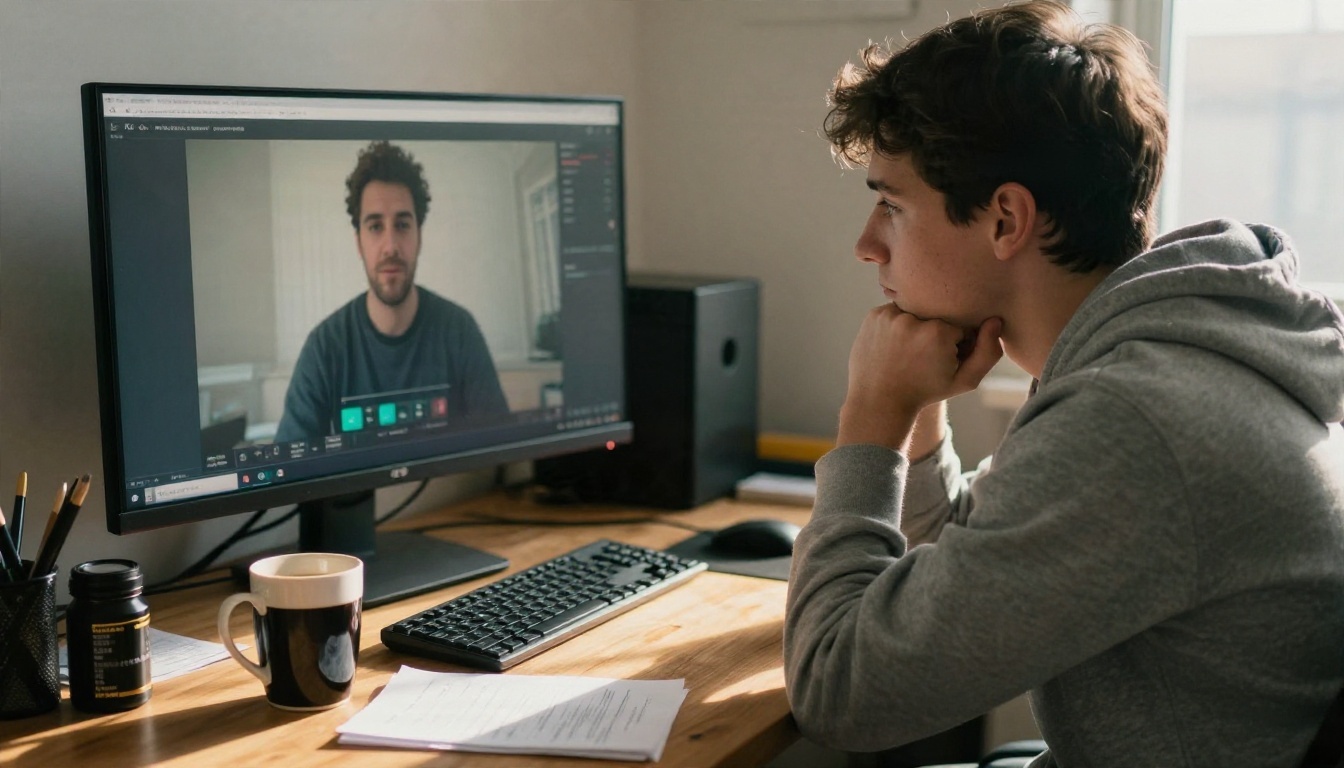
The Labs Origin
HeyGen released this feature through its experimental Labs area, where new ideas are tested before they become regular products. In that early phase it was reported as an open beta with a short length cap and a small list of input languages. Those early numbers are almost certainly outdated now, so treat any old blog post that quotes five minutes and ten languages as a historical note, not a current spec.
Why does this matter? Because a lot of search results still repeat the beta figures. If you plan a project around them, you will either under-estimate what the product can do or miss a restriction that was added later.
What Happens to Your Voice
Most of the quality people notice comes from voice cloning. Instead of swapping your voice for a generic narrator, the system builds a synthetic version of your timbre and pace, then speaks the translated script with it. Done well, a viewer in Madrid hears something that sounds like you speaking Spanish, not a stranger reading your lines.
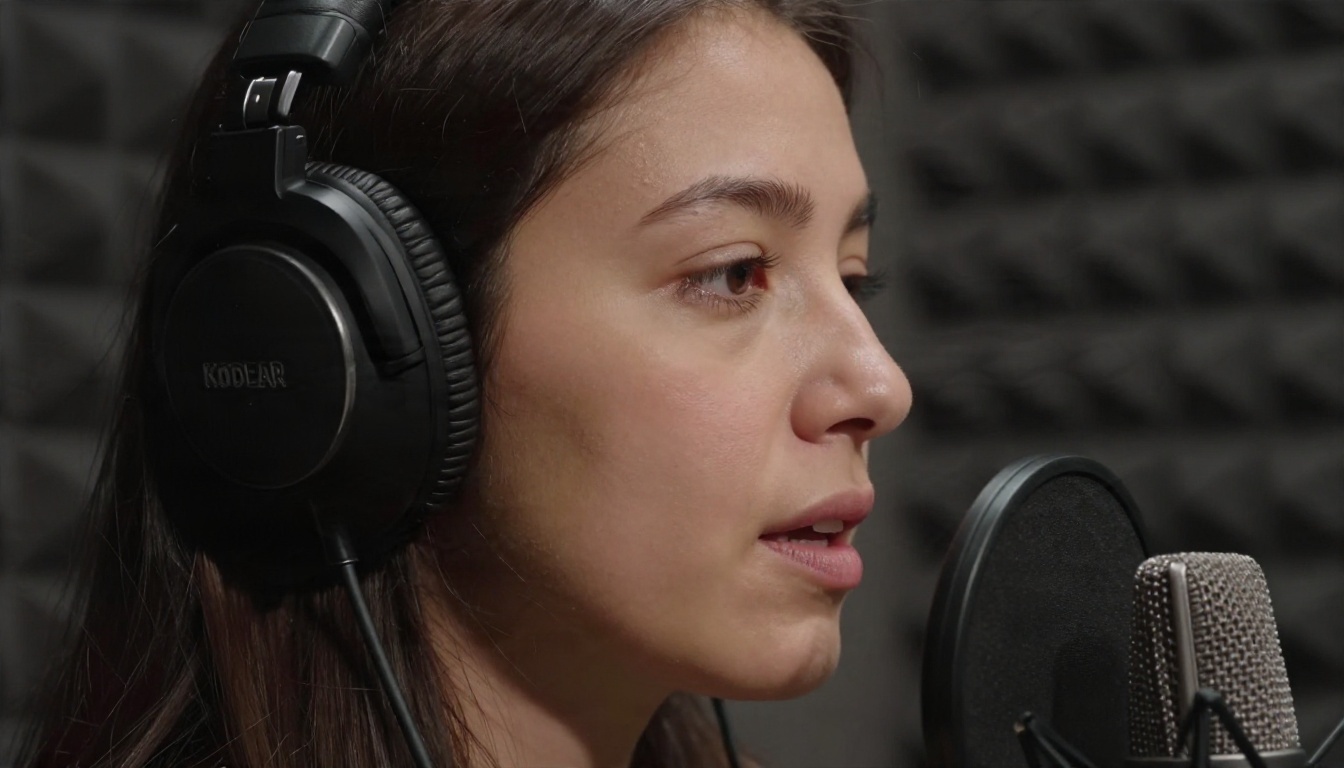
A few things improve the clone:
- Clean audio. Room echo, music beds and background chatter confuse both the transcription and the voice model.
- One speaker at a time. Overlapping voices are the fastest way to get a messy result.
- Natural pacing. Very fast speech expands badly in languages that need more syllables.
Languages It Supports
HeyGen advertises more than 175 languages and dialects on its translation page, though third-party write-ups suggest that the lower tiers only unlock a portion of them, somewhere around thirty on the free plan. Because that split is not stated consistently, check the language picker inside your own account before you promise a client a specific market.
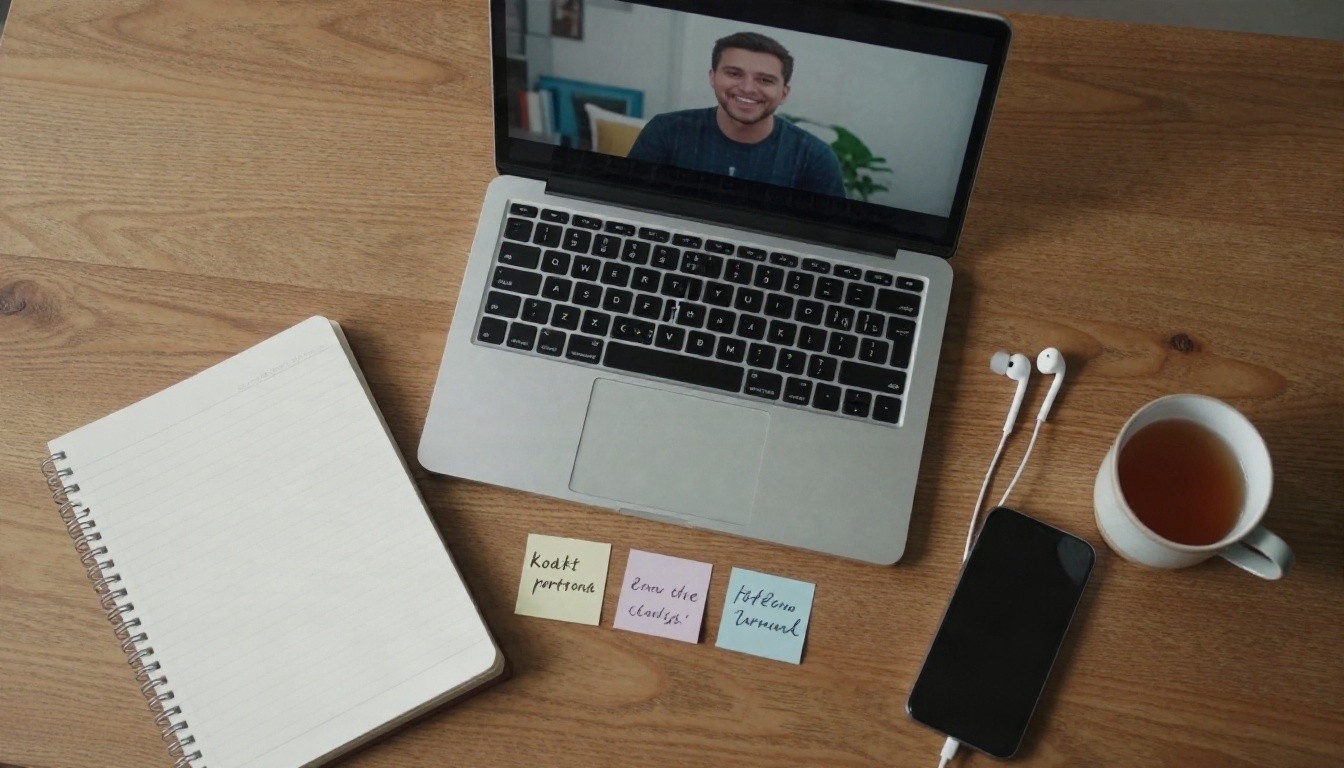
Input vs Output
There are two lists to keep apart. The input list is what the system can transcribe from your original video. The output list is what it can speak back. They overlap heavily for major languages such as English, Spanish, French, German, Portuguese, Hindi, Japanese and Mandarin. They diverge for smaller languages, where recognition may be available but natural speech synthesis is thinner.
HeyGen's help center also notes that you can send one video to several languages in a single job, with a ceiling of ten target languages per job. That is handy for a launch video that needs a whole regional set at once.
Dialects and Accents
A dropdown that says "Spanish" does not tell you whether you get a Mexican, Argentine or Castilian voice. Dialect options help, but they are not equal across languages. If your audience is regional, test a thirty second clip first and play it for a native speaker before you batch the whole library.
How the Lip Sync Works
The mouth movement is generated after the new audio exists. A model looks at the speaker's face in each frame, predicts the mouth shapes that match the new phonemes, and blends them back into the original footage while keeping skin tone, teeth and lighting consistent.
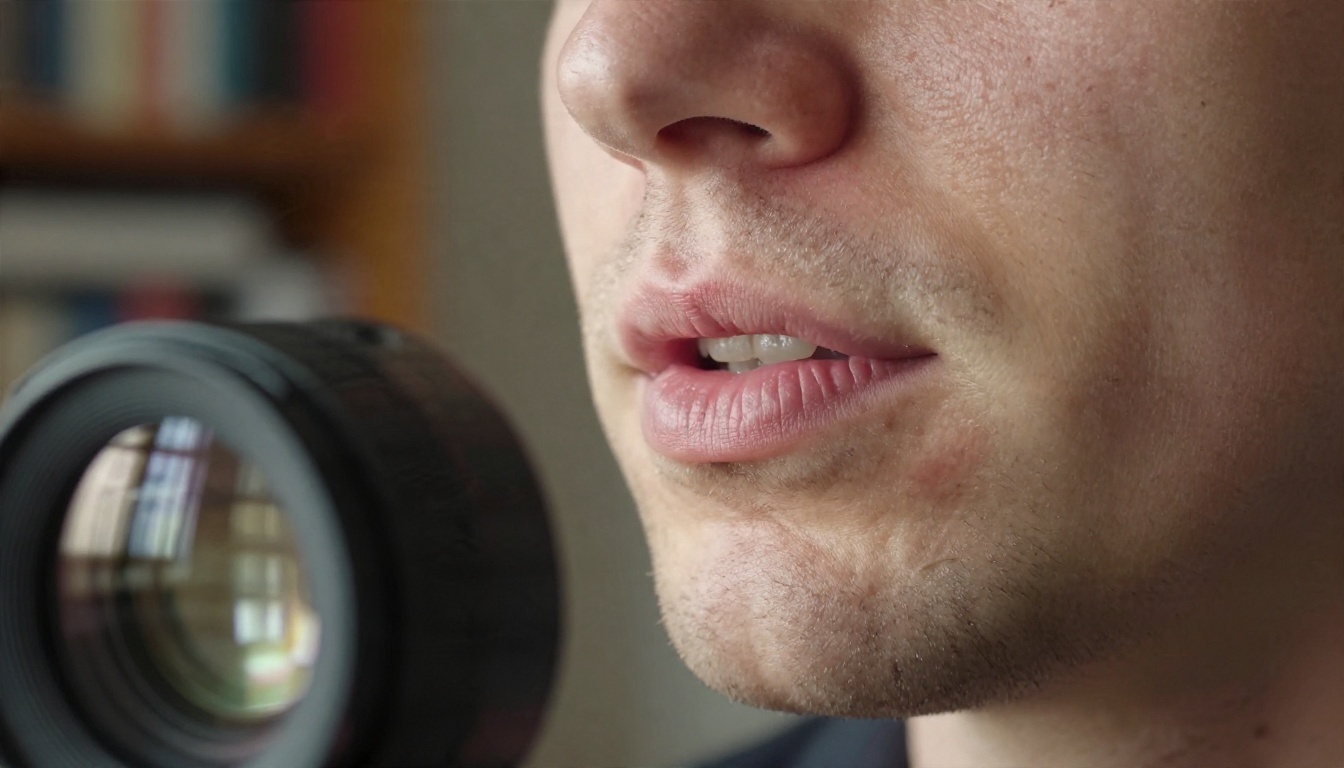
Where It Looks Good
Lip sync shines in a specific kind of shot: a single speaker, facing the camera, well lit, mouth fully visible, moderate head movement. Talking-head tutorials, product explainers, founder updates and course lessons are the sweet spot.
Where It Breaks
Expect trouble with the following:
| Situation | What usually goes wrong |
|---|
| Profile or three-quarter views | Mouth shape looks smeared or drifts |
| Hands or a microphone near the lips | Edges flicker around the occlusion |
| Fast cuts or heavy camera moves | Face tracking resets between shots |
| Two people talking at once | Voices merge, one face gets the wrong audio |
| Heavy beards or strong shadows | Texture around the mouth looks inconsistent |
Another quirk is timing. Some languages are simply longer than English for the same meaning, so the system has to either speed up the speech or let the video run slightly out of rhythm. A sentence that takes four seconds in English may need five and a half in German.
💡 Filming tip: Shoot your original with the face squarely toward the lens, with soft light from the front, and leave short pauses between sentences. Those pauses give the translated audio room to breathe.
Free Plan Limits
This is where most people get frustrated. Reports about the free tier do not line up, and HeyGen changes its plans from time to time.
Length and Count
HeyGen's translation page has described the free plan as allowing about three translated videos per month, with each video capped at roughly three minutes. Other reviews quote shorter caps for avatar-based content, around one minute on the free plan. If your project is a ten minute webinar, the free tier will not get you there in one piece.
Credits for Lip Sync
Lip sync translation is tied to what HeyGen calls Premium Credits. Paid plans include different amounts, and a comparison page describes lip sync on the free tier as closer to a trial than a full feature. In practice that means you may get audio dubbing without the full face re-animation, or you may get a short taste of it before credits run out.
Why the Numbers Differ
You will see conflicting caps because:
- The Labs beta had its own limits, later replaced.
- Regional pages and app store listings update at different times.
- Free plans are often adjusted when a feature moves from experiment to product.
- Third-party comparison sites copy numbers once and rarely refresh them.
The safe rule: trust the pricing page and the in-app counter on the day you start, not a blog post from six months ago, and that includes this one.
| Limit | What sources report | How reliable |
|---|
| Free videos per month | About 3 | Reported by HeyGen's own page |
| Free length per video | About 3 minutes | Conflicting, some say shorter |
| Languages per job | Up to 10 | From the help center |
| Total languages advertised | 175+ | Marketing figure, tier dependent |
| Lip sync on free tier | Trial level | Third-party comparison |
Free Alternatives Worth Trying
If you hit the ceiling, or you simply want more control over each step, there are several routes. Some replace the whole pipeline, and others replace only the lip sync stage.
Dubbing in One Step
For a pipeline that mirrors the original idea, two options on PicassoIA stand out. HeyGen Video Translate dubs a video into 150+ languages and handles the lip sync. ElevenLabs Dubbing focuses on translating speech into 90+ languages while preserving the speaker's voice character, which makes it a strong pick when the audio matters more than the face.
Lip Sync Only
Sometimes you already have the translated audio, perhaps from a human voice actor, and you only need the mouth to follow it. These models are built for exactly that:
A Voice First Workflow
You can also split the job into pieces. Transcribe the original with GPT 4o Transcribe, translate the text with your preferred method, generate speech with ElevenLabs v2 Multilingual, then pass the new audio and the original footage to a lip sync model. It takes more steps, but you control every sentence, and that is how agencies protect brand terms and product names.
| Approach | Best for | Effort |
|---|
| One-step dubbing | Quick localisation of talking-head videos | Low |
| Lip sync only | Human translated audio, brand control | Medium |
| Voice first pipeline | Technical or legal scripts | Higher |
💡 Reality check: HeyGen Labs Translate is not on PicassoIA. For similar results today, try HeyGen Video Translate, ElevenLabs Dubbing, Sync Lipsync 2 Pro or Kling Lip Sync, all linked above.
How to Get Similar Results on PicassoIA
The closest match to the original workflow is HeyGen Video Translate, which takes a video and returns a dubbed version with matching lip movement.
Step by Step
- Open the HeyGen Video Translate page and sign in.
- Upload your source video. Trim it to the section you actually need, since shorter clips process faster and make testing cheaper.
- Choose the target language from the list.
- Start the job and wait for the output to render.
- Watch the result with sound on, then check lip movement on the closest shots.
- If the dubbing is good but the mouth drifts, send the translated audio and the video to HeyGen Lipsync Precision for a second pass.
Parameter Tips
- Test a short clip first. Fifteen seconds is enough to judge voice, pacing and mouth shape.
- Pick the right language variant. If the model offers a regional option, match it to your audience.
- Keep the original clean. Remove background music before upload when you can, and add it back afterwards.
- Compare two models. Run the same clip through Sync Lipsync 2 Pro and Kling Lip Sync. Faces differ, and the better engine for one speaker is not always the better one for another.
- Check the model page for current limits. Quotas and clip lengths can change.
💡 If you do not have a camera video at all, HeyGen Avatar V can generate a talking presenter from a script, which you can then translate like any other clip.
Who Should Use Which
The right tool depends less on brand and more on the type of video you make.

Teachers and Trainers
Lesson videos tend to be long, which is where free caps hurt. Split a course into short chapters, run each through HeyGen Video Translate, and keep the slides in the target language too. Students forgive a slightly synthetic voice more easily than a mismatched slide.
Creators and Small Brands
Short social clips are the best fit for automated dubbing. A fifty second product demo in six languages costs far less than hiring six voice actors. Use HeyGen Lipsync Speed for drafts, then switch to HeyGen Lipsync Precision for the version you publish.
A Note on Consent
Voice cloning and face re-animation need permission. Only translate videos of people who agreed to it, mark synthetic dubbing where your platform requires it, and avoid putting words in anyone's mouth that they would not say.
Try It on Your Own Video
You do not need a perfect studio, a huge budget or a month of waiting for a free quota to refresh. Pick a short clip, maybe a thirty second intro where you face the camera, and run it through HeyGen Video Translate. Then try the same clip with ElevenLabs Dubbing and compare the voice. If the mouth needs polish, add Sync Lipsync 2 Pro as a second pass.
Picasso IA puts dubbing, lip sync, speech generation and transcription models in one place, so you can test each stage and keep what works. Browse the full catalogue at picassoia.com/en/all-models, upload a clip today and hear yourself in a new language before the weekend.


