You typed a perfectly reasonable swimwear prompt into Higgsfield, waited for the render, and got a red "flagged" message instead of a video. Sound familiar? It is the most common complaint from creators who want glamour, boudoir or beach content from an AI video tool, and it raises one blunt question: does Higgsfield allow NSFW videos at all?
Short answer: not in any way you can rely on. Below you will find what the platform actually says about adult content, why harmless prompts still get blocked, which free options accept tasteful suggestive material, and a set of prompts you can copy today.
💡 Scope note: everything in this article is about non-explicit content: swimwear, lingerie-style fashion, glamour and artistic portraits. Pornographic or explicit material is out of scope.
Does Higgsfield Allow NSFW?
Higgsfield is a popular AI video platform known for cinematic camera moves and fast social-ready clips. It bundles several third-party video models behind one interface, and that detail matters a lot for the NSFW question.
Higgsfield itself is not on PicassoIA, so there is no PicassoIA page for it and nothing to launch from here. We cover it by name only, and we point to alternatives you can use right now further down.
What the Help Center Says
Higgsfield's help center has a troubleshooting page about content flagged as NSFW. It does not announce a friendly adult-content mode. Instead it admits that flags can be false positives, and it explains that two separate systems can trigger them: Higgsfield's own safety layer and the safety layer of the outside model provider running your generation.
I could not find a public sentence that states exactly which adult content is permitted. The Terms of Use define the prohibited categories, so that is the document to read before you spend credits.
What That Means in Practice
Treat adult content on Higgsfield as unsupported. A bikini prompt might pass today and fail tomorrow, depending on which underlying model you picked and how strict its provider is that week.
| Question | Honest answer |
|---|
| Is there an official NSFW mode? | Not that I could find |
| Can swimwear clips pass? | Sometimes, model dependent |
| Are false positives acknowledged? | Yes, by the help center |
| Are credits refunded on flags? | Usually, for most models |
| Is it predictable? | No |
Why Prompts Get Flagged
If you have been blocked, the cause is rarely your intent. It is usually one of two things: the words you used, or the picture you uploaded.
Filters Run in Two Places
According to Higgsfield's own explanation, safety checks happen when your prompt is processed and again when an image is uploaded as a reference. That means a clean prompt can still fail if the starting frame looks borderline, and a clean image can fail if the motion description sounds suggestive.
Words That Trigger Blocks
These are the patterns that most often cause trouble on strict platforms:
- Body-focused adjectives ("sultry", "revealing", "skimpy")
- Mentions of undressing, removing clothes or "nothing underneath"
- Anatomical terms, even in a fashion context
- Close-ups combined with wet, oiled or sheer fabric descriptions
- Any reference to real public figures
💡 Tip: describe the photograph, not the body. "Editorial swimwear campaign, golden hour, linen towel on a teak table" passes more often than "hot girl in tiny bikini".
Refunds on Flagged Generations
The help center says flagged generations are typically refunded automatically for most models. That softens the cost, but it does not fix the real problem: you lose time, you cannot predict the outcome, and you cannot plan a content series around a tool that might reject a prompt halfway through.
Free Options That Work
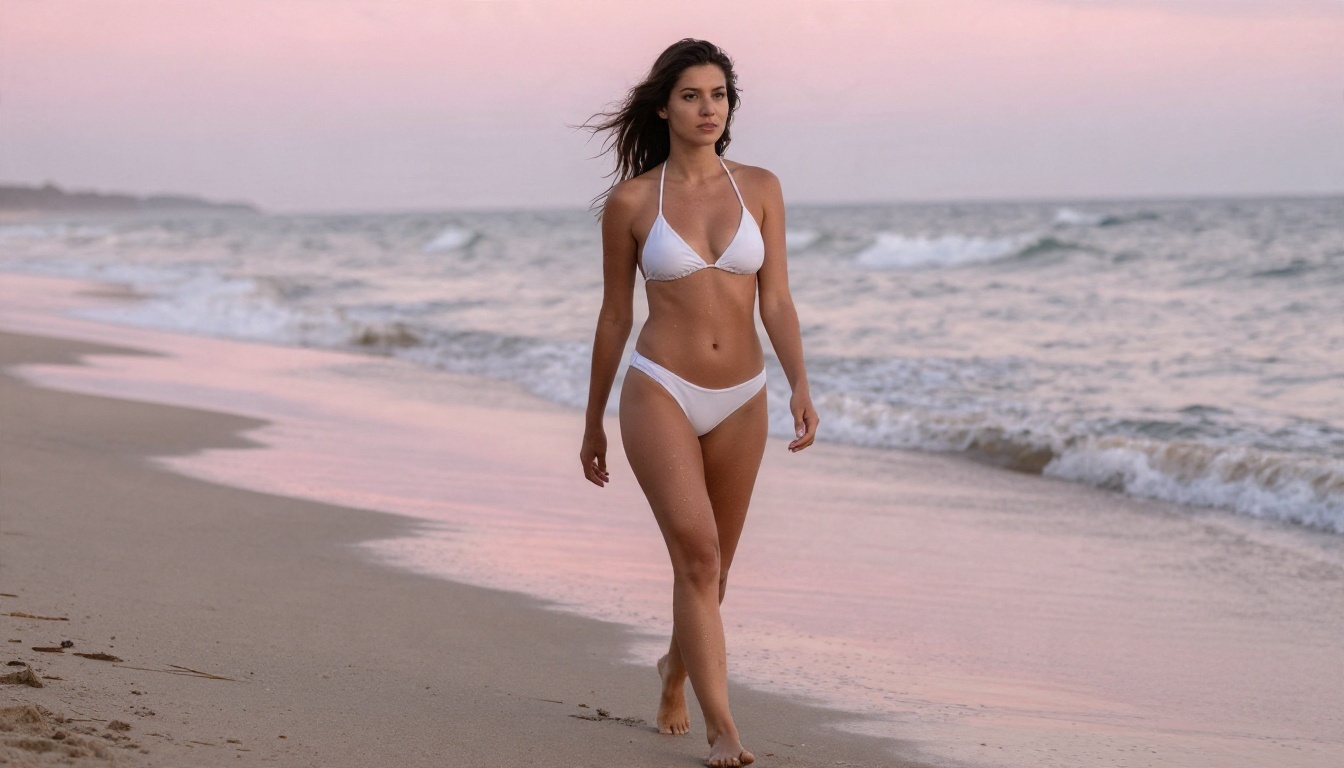
You do not need to fight a filter that was not built for this. Several video models on PicassoIA accept glamour, swimwear and artistic portrait prompts, and some of them cost nothing.
Seedance 2.5 Lite
Seedance 2.5 Lite is listed as a free and unlimited AI video generator with clips up to 10 seconds. For beach, pool and fashion motion, it is the first place to start. Short clips are also the sweet spot for social posts, so the length limit rarely hurts.
Seedance 2.5 for Longer Clips
If you want a longer story beat, Seedance 2.5 can produce clips up to 30 seconds. That gives you room for a slow walk, a turn and a pause without stitching shots together.
Wan 3 and Hailuo 02
Wan 3 is a strong pick when you want a cinematic feel, with natural camera drift and believable fabric motion. Hailuo 02 outputs 1080p video and handles smooth, slow movement well, which suits poolside and yacht scenes.
| Model | Best for | Notable detail |
|---|
| Seedance 2.5 Lite | Free daily testing | Free and unlimited, up to 10 s |
| Seedance 2.5 | Longer scenes | Up to 30 s |
| Wan 3 | Cinematic motion | Natural camera movement |
| Hailuo 02 | Smooth 1080p clips | Great for slow, steady motion |
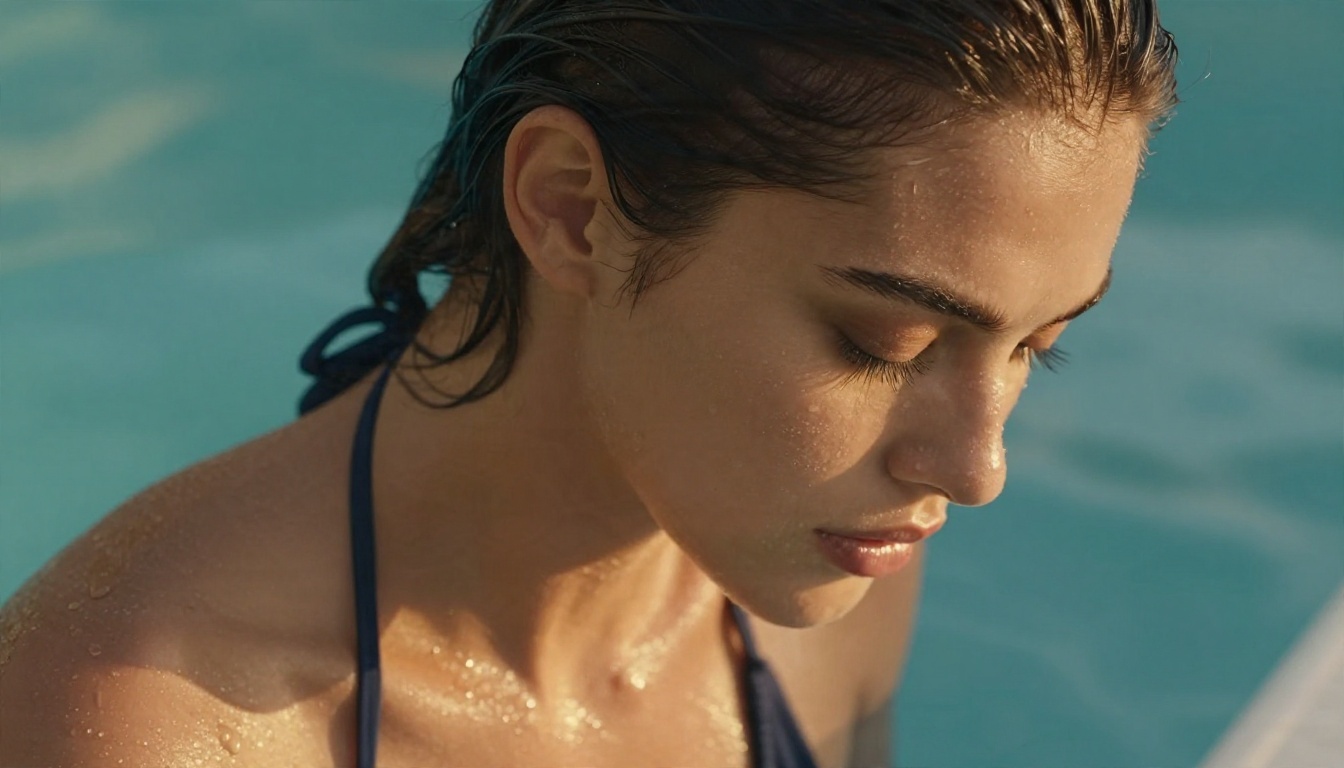
Image First, Then Video
The most reliable workflow for glamour video is a two-step one. Build a strong still image, then animate it. This gives you control over the look, the outfit, the lighting and the face before a single frame of motion is generated.
Start With Seedream 4.5
Seedream 4.5 is the model to lead with for this kind of work. It produces sharp, photorealistic images up to 4K with convincing skin texture, fabric detail and natural lighting. It is fast, it does not choke on swimwear or lingerie-style fashion prompts, and its stills make excellent first frames for video.
Refine With Image Editor Pro
PicassoIA Image Editor Pro is the follow-up step. It offers unlimited generations, so you can fix a strap, change an outfit colour, adjust the background or soften the light without counting credits. When you are iterating ten times on one frame, that freedom matters.
Other Image Models Worth Trying
If you want a different look, Qwen Image 3 Pro delivers clean photorealism, and Seedream 5 Pro is another high-quality option for general portraits. For adult-leaning glamour work, stay with Seedream 4.5 and Image Editor Pro first.
Prompts You Can Copy
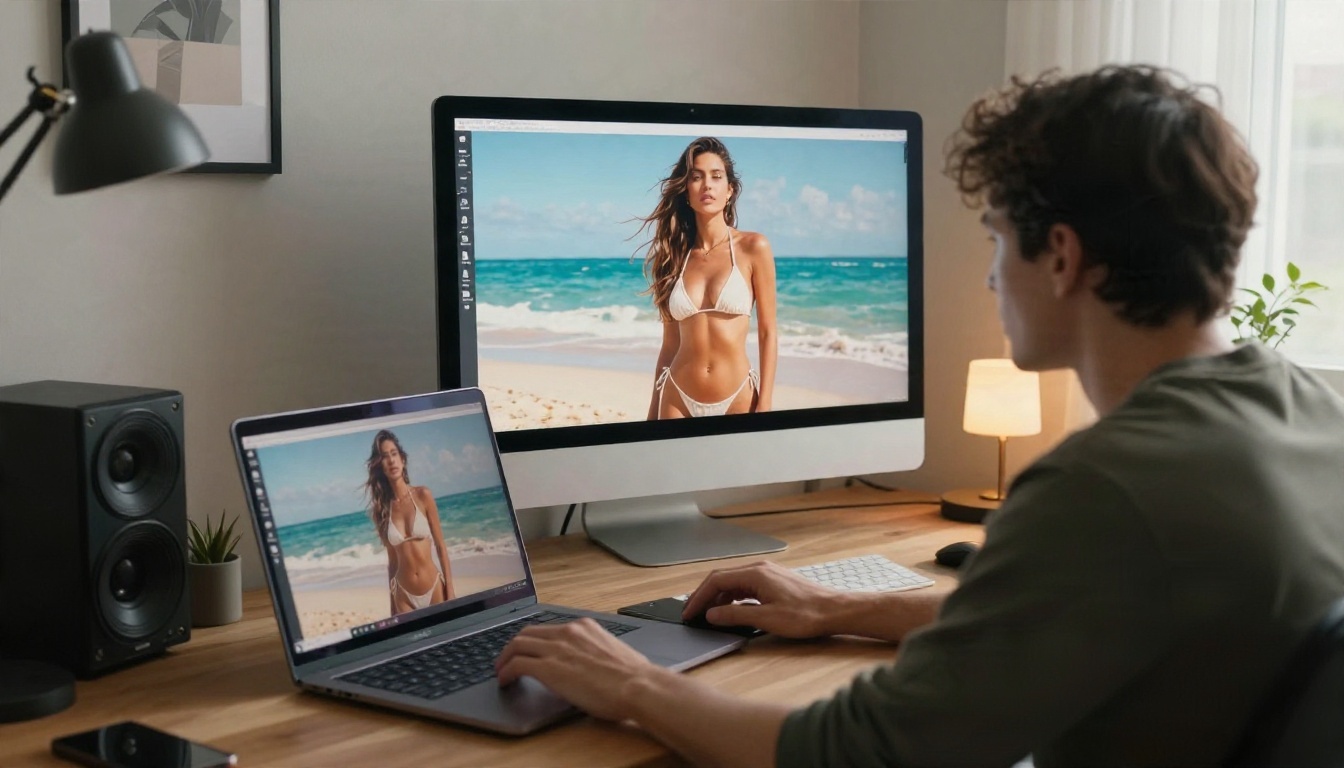
These prompts follow one rule: describe the scene, light and camera, then add one simple motion. Paste them into an image model first, or into a video model together with your still.
Beach at Sunrise
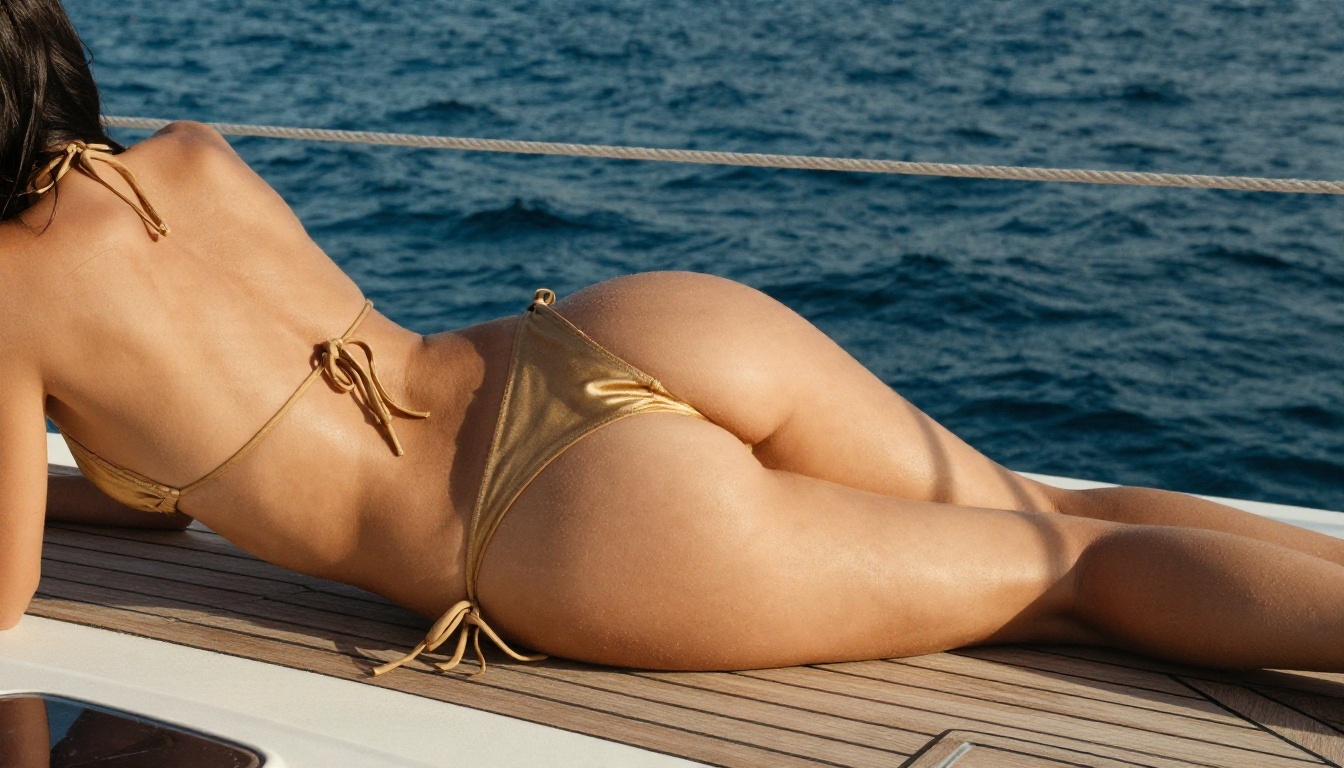
A woman in a white bikini walks slowly along a wet sandy beach at sunrise, gentle waves behind her, hair moving in the breeze. Camera starts low and tracks forward in a slow dolly. Soft pink light from the right, natural skin sheen, fine film grain, photorealistic.
Why it works: one subject, one action, one camera move. Nothing in it asks for anything beyond a standard swimwear campaign.
Boudoir Morning Light
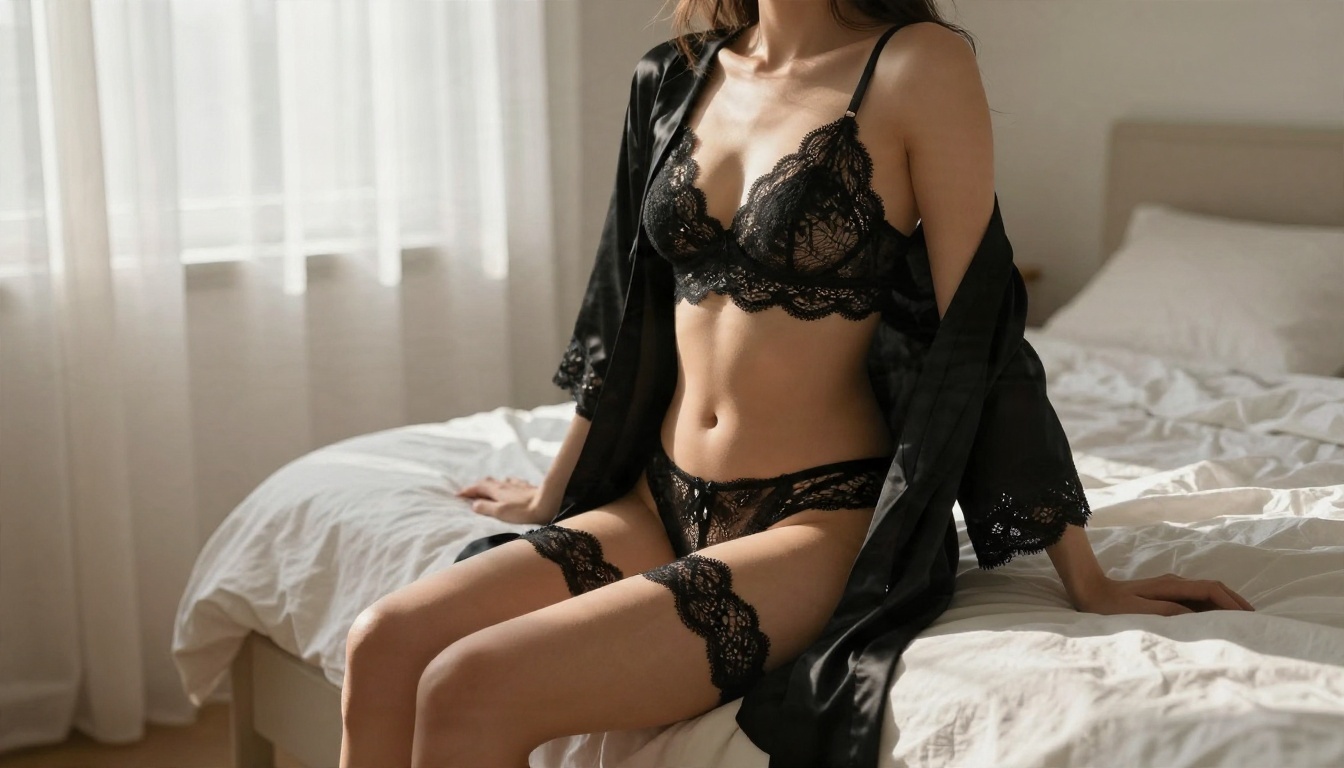
A woman in a black lace set and a silk robe sits on the edge of a white linen bed in a sunlit bedroom. Sheer curtains move softly in the window light. Slow push-in from eye level, shallow depth of field, intimate and artistic mood, photorealistic.
Poolside Float
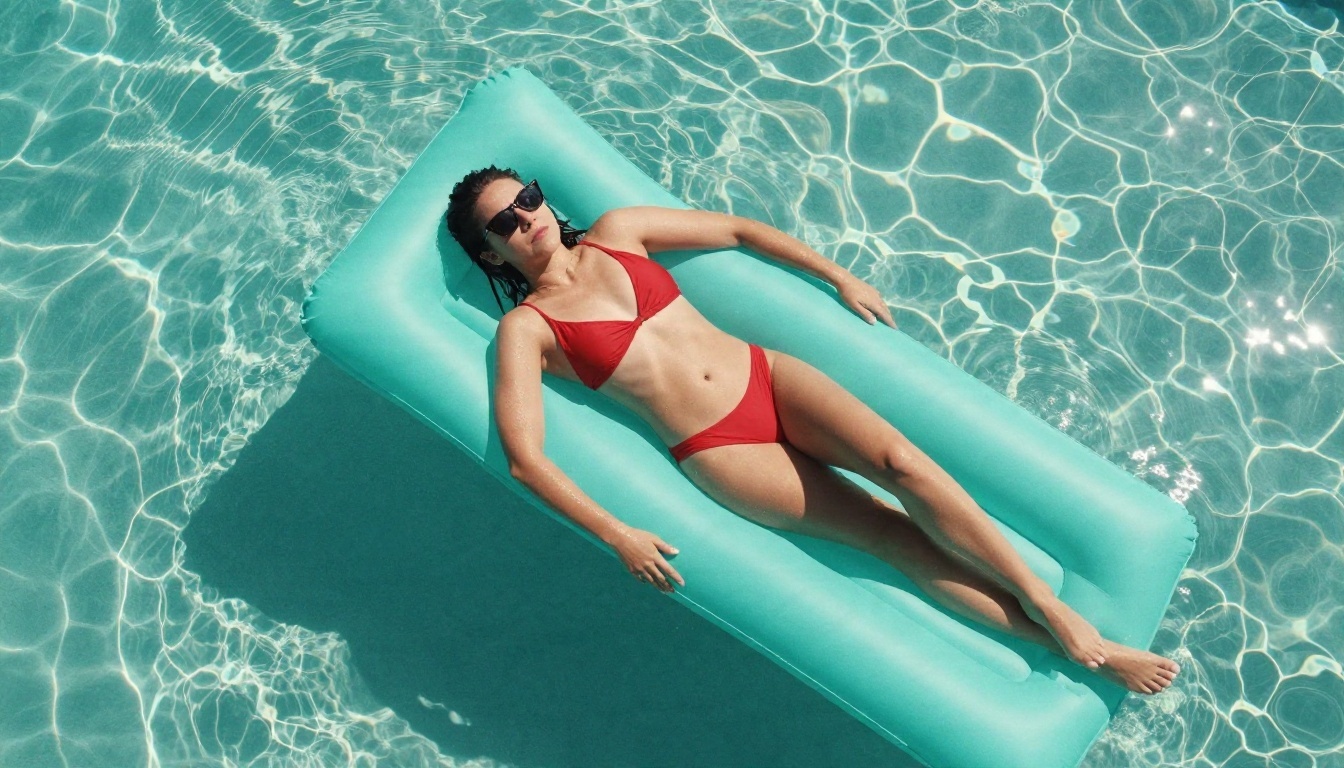
Top-down aerial view of a woman in a red swimsuit lying on a turquoise lounger in a villa pool. Water ripples gently and sunlight forms moving patterns on the surface. Camera rises slowly upward. Midday sun, natural colours, photorealistic.
Rooftop Fashion at Blue Hour
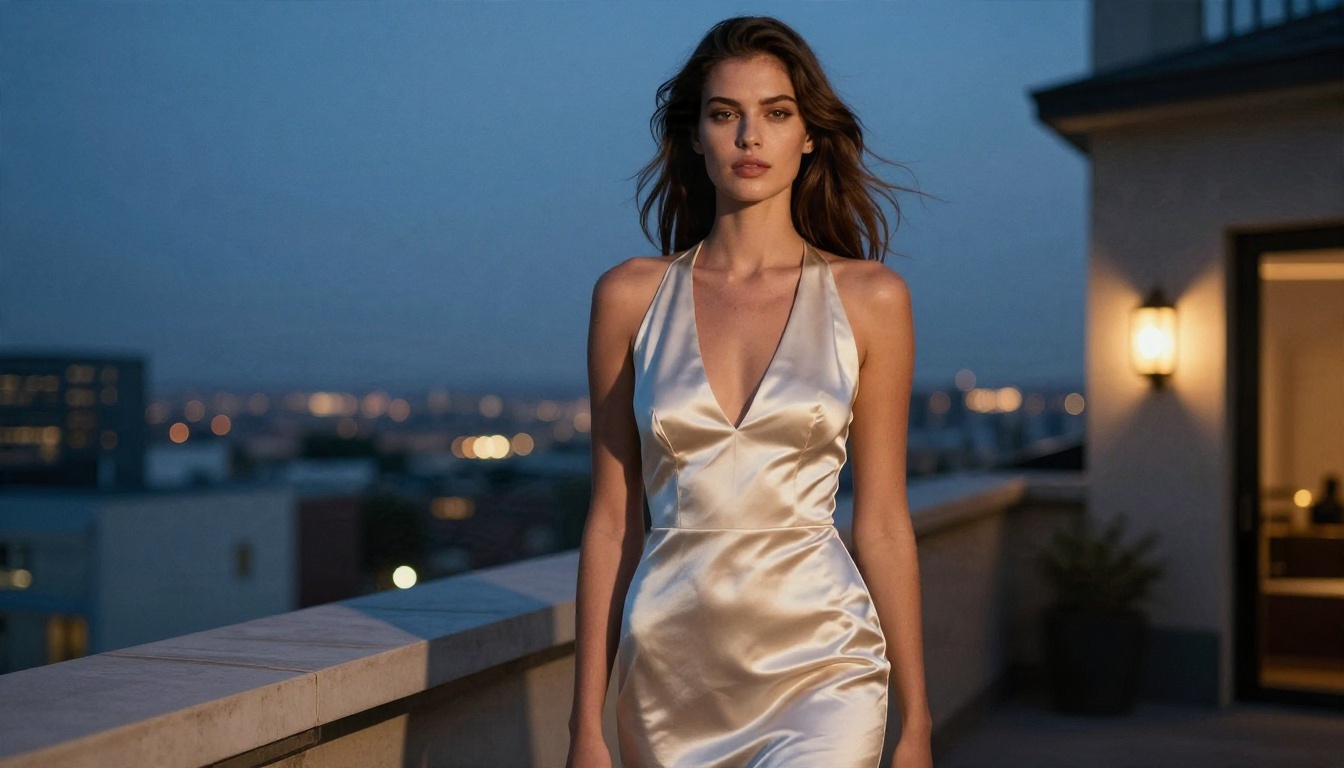
A fashion model in a fitted satin evening dress stands on a rooftop terrace at blue hour, city lights soft and blurred behind her. She turns her head toward the camera as wind moves her hair. Slow lateral pan, warm practical lights from the right, photorealistic editorial look.
Sundress in the Olive Grove
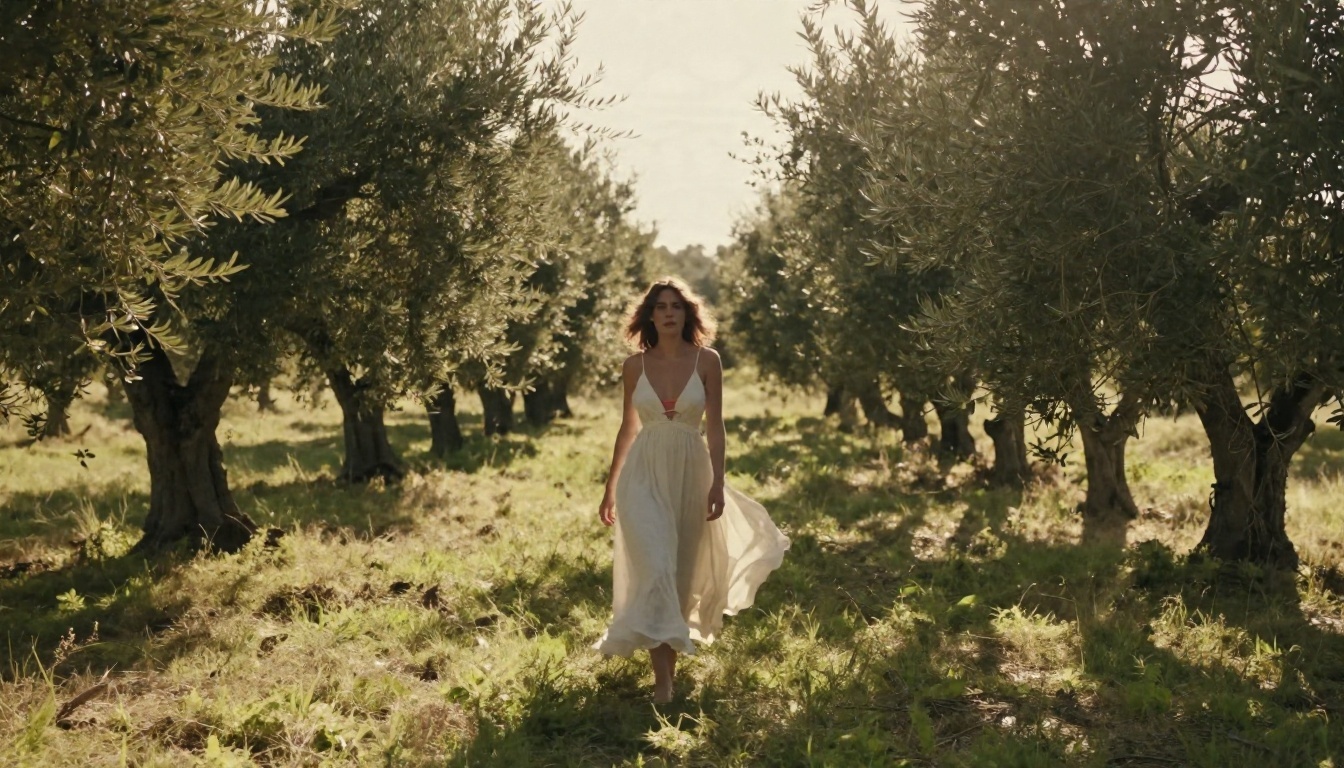
A woman in a flowing white sundress walks through a sunlit olive grove, the dress catching the breeze, dappled light on her shoulders. Camera glides sideways at waist height. Golden hour haze, romantic and airy, photorealistic.
Five Prompt Rules That Save Credits
- One subject, one action. Models drift when you stack three movements.
- Name the light. "Golden hour from camera left" beats "nice lighting".
- Name the lens. "85mm, shallow depth of field" gives a photographic look.
- Keep motion slow. "Slow dolly", "gentle pan", "soft breeze".
- Skip the adjectives about the body. Style the outfit and the setting instead.
Higgsfield vs PicassoIA Options
Here is how the situation looks side by side for creators who want swimwear and glamour video.
| Factor | Higgsfield | PicassoIA models |
|---|
| Official NSFW support | Not stated publicly | Models such as Seedream 4.5 and Image Editor Pro suit glamour work |
| Filter predictability | Varies by model and provider | More permissive and consistent for non-explicit content |
| Free option | Limited credits, refunds on flags | Seedance 2.5 Lite is free and unlimited |
| Unlimited editing | No | Image Editor Pro offers unlimited generations |
| Image to video workflow | Yes | Yes, with multiple video models |
💡 Reality check: nothing here is a loophole. The goal is a tool whose rules match what you are making, so you stop wasting renders on prompts that were never going to pass.
How to Get Similar Results on PicassoIA
Higgsfield is not on PicassoIA, so you will not find it here. For similar short, cinematic clips today, use Seedance 2.5 Lite. Here is the full routine from still to video.
Step 1: Build the First Frame
Open Seedream 4.5 and paste one of the prompts above without the camera move. Ask for a 16:9 image. Generate three to five options and keep the one with the most natural skin and the cleanest hands.
Step 2: Polish It
Take your favourite into PicassoIA Image Editor Pro. Fix small details: a strap, a reflection, a background object. Because generations are unlimited, you can keep going until the frame is exactly right.
Step 3: Animate With Seedance 2.5 Lite
Open Seedance 2.5 Lite, upload your still as the starting frame, and paste the motion half of the prompt: the action, the camera move and the light.
Step 4: Tune the Settings
- Duration: start at 5 seconds, since short clips hold their look best.
- Motion: keep it gentle. Big, fast actions blur skin and fabric.
- Seed: reuse the same seed when you like a result and want a small variation.
Step 5: Upgrade When Needed
If you want a longer sequence, switch to Seedance 2.5. If you want a more filmic look, test Wan 3. For crisp 1080p output, try Hailuo 02.
Mistakes That Waste Renders
Even on permissive tools, a few habits cost you time.
- Skipping the still. Going straight to text-to-video gives you less control over outfit, face and background.
- Overloading the prompt. Ten adjectives confuse the model. Pick three.
- Asking for fast motion. Fast turns and jumps warp limbs and fabric.
- Ignoring consistency. If you plan a series, reuse the same face reference and outfit description every time.
- Forgetting the platform rules. Posting on social networks has its own limits, so check where your clips will live before you publish.
💡 Pro habit: save every prompt that works in a notes file with the model name. A good prompt is reusable across scenes.
Is It Worth Switching?
If you only make family-friendly travel or product clips, Higgsfield may be perfectly fine. If your content leans toward swimwear, boudoir or glamour fashion, the unpredictable filter is a real cost. Every blocked render means lost time, and a refund does not give you back your afternoon.
The practical move is simple. Use Higgsfield for what it is good at, such as stylised camera moves on safe subjects. For suggestive, non-explicit material, move to models where the rules fit the job, starting with Seedream 4.5 for the image and a free video model for the motion.
Start Creating Your Own Clips
You now have the full workflow: a strong first frame, a clean prompt, one gentle motion and a model that accepts the content. The fastest way to see it work is to try it yourself.
Open Seedream 4.5, generate a beach or poolside still, polish it in Image Editor Pro, and animate it with Seedance 2.5 Lite. When you want to compare more options, browse every model at picassoia.com/en/all-models and pick the one that matches your style.


