You open a pricing page, see three tiers, a credit counter and a "free" badge, and ten minutes later you still can't tell what a single five second clip will cost you. That is the daily reality of comparing Higgsfield vs Sora: Pricing, Free Limits and Uncensored Alternatives. Both tools promise cinematic AI video, both lean on credits, and both have filters that decide what you are allowed to make. This article puts the numbers side by side, flags where the data is shaky, and shows what to use when a filter or a credit wall gets in your way.
💡 Quick note on accuracy: AI pricing changes fast, and most public figures come from third party trackers that disagree with each other. Treat every price below as a snapshot and confirm it on the official page before you pay.
The Quick Verdict
If you only have thirty seconds, here is the short version.
Higgsfield in one line
Higgsfield is a subscription hub that bundles many video and image models behind one credit balance. You pay for access and convenience, and the free tier is little more than a demo.
Sora in one line
Sora is OpenAI's own video model. Its consumer app has been the subject of conflicting reports in 2026, with several outlets saying it was wound down in late April, so the "what does it cost" question now depends on where you reach the model.
| Question | Higgsfield | Sora |
|---|
| What is it? | Multi model creative hub | Single OpenAI video model |
| Free tier | Very limited, little to no credits | Varied over time, then reportedly cut back |
| Entry paid price | Around $19 a month | Was tied to a ChatGPT plan, around $20 |
| Top paid price | Around $99 to $129 a month | Around $200 a month at the Pro level |
| Content filters | Moderated | Strictly moderated |
| Best for | Creators who want many models in one place | Users who want OpenAI's look and audio |
Before comparing prices, it helps to know what you are paying for, because the two products are built on different ideas.
Higgsfield is a hub, not one model
Higgsfield sells access to a bundle of generation models, camera motion presets and editing helpers, all billed through a single credit pool. That is why the price can feel fair one week and expensive the next: a cheap model burns a few credits, while a premium video model can burn dozens in one render. Higgsfield itself has no page on PicassoIA, so there is nothing to link here, and the comparison below is about the cost and rules of the service, not a model you can open on our platform.
Sora is OpenAI's video model
Sora turns text or an image into short video with synchronized sound. Sora 2 pushed realism, physics and audio forward, and it became famous for social clips with lifelike motion. Sora 2 and Sora 2 Pro are both available on PicassoIA: you can try Sora 2 and Sora 2 Pro without a separate OpenAI subscription.
💡 Why this matters: when a tool is a hub, you pay for convenience. When it is a single model, you pay for that model's quality and rules. Neither is wrong, but the budget math is different.
The Real Cost of Each Plan
Price tables are only useful when you convert them into the thing you care about: finished clips.

Higgsfield plan prices
Third party trackers list roughly these tiers for Higgsfield:
| Plan | Monthly price | Annual billing price | Credits per month |
|---|
| Free | $0 | $0 | Zero or a token amount |
| Starter | About $19 | About $19 | Around 270 |
| Plus | About $59 | About $47 | Around 1,200 |
| Ultra | About $129 | About $99 | Around 3,000 |
Some sites disagree on the Plus and Ultra figures, and a few list extra team or business plans with pooled credits. The pattern is consistent though: the entry plan is cheap, but 270 credits disappear quickly if you favor premium video models, and heavy users get pushed toward the top tiers.
Sora plan prices
Before the reported shutdown of the consumer app, Sora access came bundled with ChatGPT subscriptions. Public figures from the period:
- Plus: around $20 a month, with roughly 1,000 credits and a 720p cap on video.
- Pro: around $200 a month, with roughly 10,000 credits and higher resolution. One tracker lists $100, so treat this number with caution.
- Extra generations: in late 2025, small paid packs were sold for around $4 for ten more clips once the daily allowance ran out.
If you read that the consumer Sora app ended on April 26, 2026, you are not imagining things: several outlets report it. Because the sources conflict and none are official, the safest advice is to check OpenAI's own pages for the current situation.
What a clip really costs
Credits only matter once you convert them. A rough way to compare:
- Divide the monthly price by the credits you get.
- Multiply by the credits a typical render consumes.
- Multiply by the number of retries you usually need, because almost nobody keeps the first result.
Retries are where budgets die. A $19 plan that gives you thirty usable clips sounds fine until you realize you rendered two hundred drafts to get them.
Free Limits Compared
"Free" means something different in every pricing page, so here is what it looked like in practice.
Higgsfield's free tier
The free plan on Higgsfield reportedly includes zero credits or a tiny trial amount, no commercial rights, and watermarks on what you can make. Time limited promotions appear from time to time, such as a one day unlimited trial that still required a card at checkout. That makes the free tier more of a showroom than a workspace. You can see what the interface does, but you cannot build a real project on it.
Sora's free tier
Sora's free allowance moved around. Early on, users got a daily allotment of generations. Reports later described it being paused in January 2026, and numbers from third party sites range from around six clips a day to thirty. Since the consumer app is reported to have been wound down, a free daily allowance for Sora should not be something you plan around.
| Free tier trait | Higgsfield | Sora |
|---|
| Credits | Zero or token | Daily cap that changed repeatedly |
| Commercial use | Not included | Restricted on free access |
| Watermark | Typically yes | Typically yes |
| Reliability | Promotions come and go | Reportedly discontinued for consumers |
💡 Rule of thumb: if a free tier requires a credit card, it is a trial, not a free plan. Set a calendar reminder the day you sign up.
Why People Want Uncensored Options
Pricing is the loud complaint. Filters are the quiet one.
Where mainstream filters get in the way
Both services moderate prompts and outputs. That is reasonable for public platforms, but it catches far more than anything harmful. Fashion shoots with swimwear, boudoir style portraits, stylized glamour, and even some perfectly ordinary portraits can get blocked, rewritten or silently degraded. Creators who work in fashion, lingerie, swimwear or adult oriented branding run into this wall constantly.

What uncensored should actually mean
Be careful with the word. A good "uncensored" tool is one that gives adults room for tasteful, attractive, suggestive work such as swimwear, glamour and artistic boudoir, without refusing the prompt over a surface keyword. It does not mean pornography, and it does not mean content involving real people without consent or anything involving minors. Good tools keep those hard limits in place while loosening the over cautious filtering that ruins legitimate creative work.
That is the space where the alternatives below fit: more creative room, fewer refusals, and the same hard limits you would want anywhere.
Alternatives That Work Today
Higgsfield is not on PicassoIA, so there is no way to run it here. For similar results today, these models are the closest match, and every one of them has a page you can open right now.
Seedream 4.5 for photoreal stills
Seedream 4.5 is the first place to start. It produces sharp, high resolution, photoreal images with excellent skin, fabric and lighting, and it handles glamour and swimwear prompts that mainstream tools often refuse. Use it to design your first frame, then animate it with a video model. It is a strong pick for fashion, beach, studio and lifestyle looks.
PicassoIA Image Editor Pro for unlimited editing
PicassoIA Image Editor Pro is built around unlimited generations, which flips the budget problem on its head. Instead of watching a credit counter drain with every retry, you can iterate as many times as you need: change an outfit, relight a scene, fix a hand, try a new pose. For anyone who burned through Higgsfield credits on drafts, this is the biggest practical difference.
Qwen Image 3 Pro for prompt accuracy
Qwen Image 3 Pro is strong when you need a prompt followed to the letter: precise layouts, specific props, readable details and consistent photographic style.

Video models for motion
When the still is ready, these video models handle the animation side:
| Need | Best pick |
|---|
| Photoreal glamour and fashion stills | Seedream 4.5 |
| Unlimited retries and edits | PicassoIA Image Editor Pro |
| Precise prompt following | Qwen Image 3 Pro |
| Cinematic motion | Wan 3 |
| OpenAI style video with sound | Sora 2 |
| Fast drafts | Veo 3.1 Fast or LTX 2.5 Fast |
How to Get Similar Results on PicassoIA
Here is a workflow that replaces a Higgsfield style pipeline, starting with Seedream 4.5.
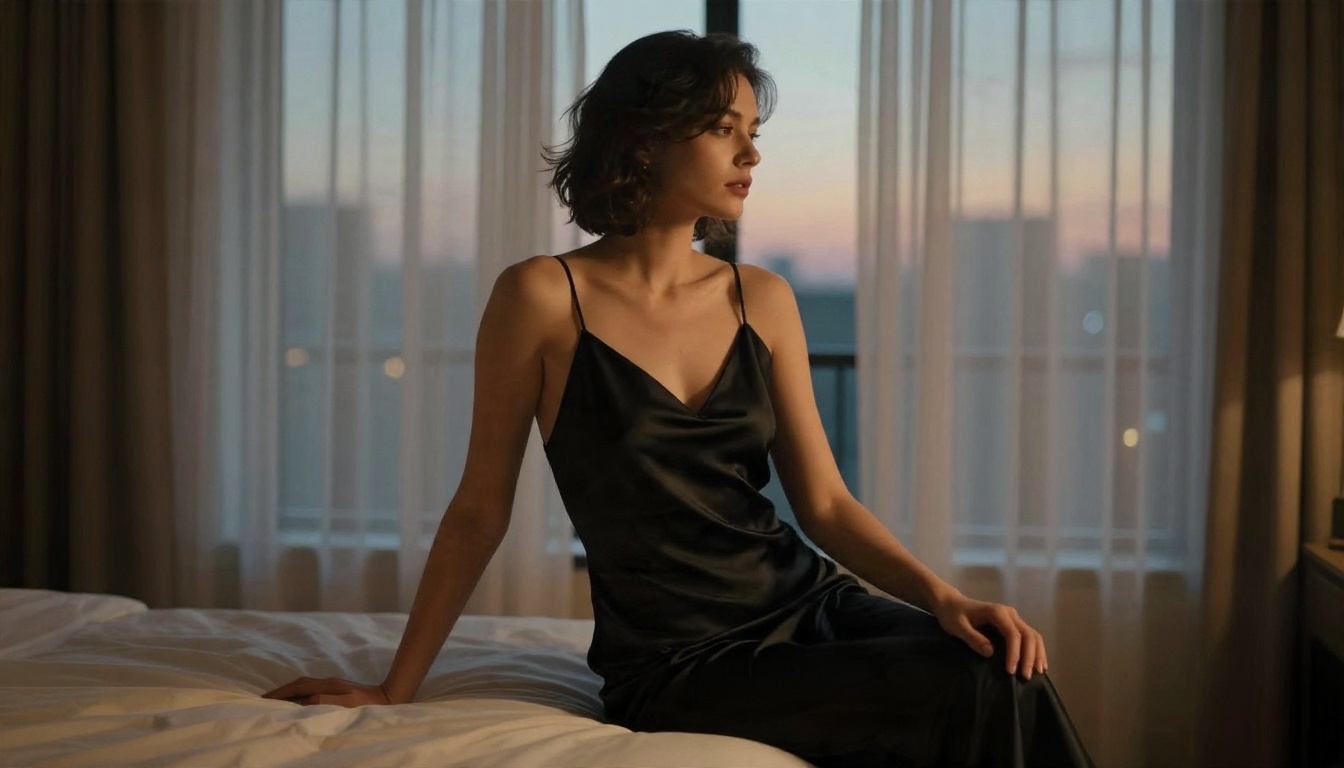
Step by step
- Open Seedream 4.5 from its model page and choose a 16:9 aspect ratio if the result will become a video.
- Write a camera first prompt. Name the subject, the pose, the environment, the light direction and the lens. "Woman in a black silk slip dress on a hotel bed, warm lamplight from the left, 50mm f/1.4, film grain" works far better than "sexy woman in a room".
- Generate three to four variations and pick the strongest frame. Resist the urge to run twenty. Better prompts beat more attempts.
- Polish in Image Editor Pro. Because PicassoIA Image Editor Pro offers unlimited generations, this is the place to fix hands, adjust lighting, swap an outfit or refine the background.
- Animate the final still. Take the finished image into Wan 3 and describe motion in order: what moves first, how the camera travels, how the light changes.
- Compare a second video model such as Sora 2 if you want synced audio or a different motion feel.
Parameter tips that save time
- Be specific about light. "Soft window light from the left" beats "good lighting".
- Describe texture. Mention skin pores, silk folds, wet hair, wood grain. Photoreal output depends on it.
- Keep prompts between 50 and 100 words. Shorter prompts leave too much to chance, and longer ones start to contradict themselves.
- Reuse your best seed or reference frame when you want character consistency across shots.
- Keep motion simple. One subject movement and one camera move per five second clip gives the cleanest result.
💡 Content note: PicassoIA is built for tasteful, attractive work such as swimwear, glamour and boudoir style editorials. It is not a tool for explicit pornography, and that is a good thing for anyone who wants a polished portfolio rather than a moderation headache.
A Workflow Built for Real Projects
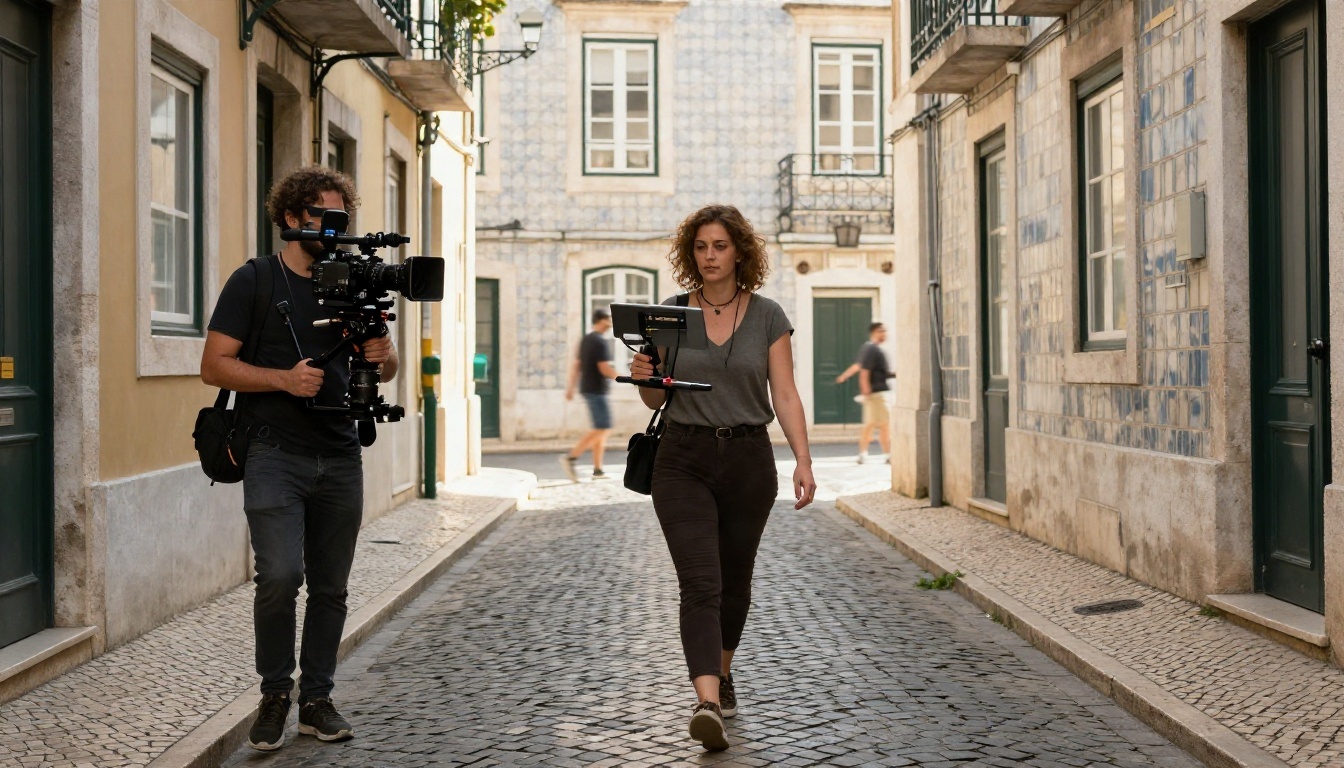
Think about how a real creative day goes. You rough out a look, decide it needs a different mood, change the wardrobe, fix a hand, and only then animate. A credit meter punishes that natural loop, while unlimited editing rewards it.
Where each tool fits
- Use a hub like Higgsfield if you want one subscription, one login and a familiar set of motion presets, and you are comfortable with the credit math.
- Use Sora style models when you need realistic physics and synced audio, and you are happy to render in short bursts.
- Use PicassoIA when you want choice across many models, photoreal stills with fewer refusals, and the freedom to iterate without counting every attempt.
Mistakes to avoid
- Judging a plan by its headline price. Always estimate cost per usable clip.
- Starting with video. Stills are cheaper and faster to iterate, so lock the look first.
- Ignoring rights. Free tiers usually exclude commercial use, so check before you publish client work.
- Trusting a single source. Pricing pages and trackers drift. Verify before you subscribe.
Pick Your Setup and Try It
Here is the honest summary. Higgsfield is convenient but credit hungry, and its free tier is a preview. Sora delivers impressive realism, but the consumer picture has been unstable and the filters are strict. If your priority is price control and creative room, the better move is to build the first frame with Seedream 4.5, refine it with unlimited edits in Image Editor Pro, and animate it with Wan 3 or Sora 2.

The best way to decide is to run your own test. Take one prompt, render it on Seedream 4.5, polish it in PicassoIA Image Editor Pro, and animate it with Wan 3. Then compare the result and the cost against whatever you are paying today. When you want to see everything on offer, open the full catalog at picassoia.com/en/all-models and start creating your own images and videos with PicassoIA.


