You type a few words, hit enter, and a glamorous, flirty image appears. No email, no password, no verification code. That is the promise behind every search for a horny AI with no sign in, and it is a tempting one. The reality is more mixed. Some tools really do let you generate without an account, but they usually come with watermarks, tiny daily limits, slow queues or heavy filters that block anything suggestive. Others hide the account step behind a "continue as guest" button that still tracks you.
This article sorts the promise from the practice. You will see how online image generators handle adult-leaning requests, which prompt formulas produce tasteful, photorealistic glamour instead of blurry mush, what to look for in a phone app, and which models on PicassoIA are worth your time. Everything here stays on the suggestive side: swimwear, lingerie-style fashion, boudoir lighting and editorial mood. Nothing explicit, and only fictional adults.
What "No Sign In" Really Means
Why people search for it
The motive is simple: privacy and speed. Nobody wants to hand over an email address to try something personal, and nobody wants to wait through a confirmation message when curiosity strikes. A no-login page feels disposable, and that feels safe.
Three groups search for this most often:
- Casual testers who want to see what the technology produces before committing.
- Privacy-minded users who dislike linking adult-leaning creations to a personal inbox.
- Creators who need quick reference images for photography, fashion or character mood boards.
The trade-offs you accept
Skipping the account has a price. Here is what usually changes when a tool lets you in anonymously:
| Feature | With an account | No sign in |
|---|
| Daily generations | Higher or unlimited | Often 3 to 10 |
| Image resolution | Full size | Reduced or watermarked |
| History and re-downloads | Saved | Gone when you close the tab |
| Queue speed | Priority | Shared, sometimes slow |
| Model choice | Many | One default |
| Content filter | Varies | Usually the strictest setting |
💡 Reality check: "No sign in" does not mean "no tracking." A site can still log your IP address and prompts. If privacy matters, read the policy page and avoid typing anything you would not want stored.
Online Image Generators Compared
Browser tools without accounts
Pure guest-mode generators run a small, cheap model so they can afford to give it away. You get a text box, a button and a result in under a minute. They work for quick experiments, such as a woman in a summer dress on a terrace, but they struggle with hands, fabric detail and consistent faces.
Their weak spots:
- Skin looks plastic because the model is small and over-smoothed.
- Prompts get rewritten behind the scenes, so your wording is ignored.
- Suggestive requests are blocked or silently softened.
- Ads and pop-ups crowd the page and sometimes mimic download buttons.
Free tiers with daily caps
The middle ground is a free tier on a real platform. You create an account once, then get a stable allowance of generations with better models and sharper output. For anyone planning to produce more than a handful of images, this beats the guest route in every respect except the initial friction.
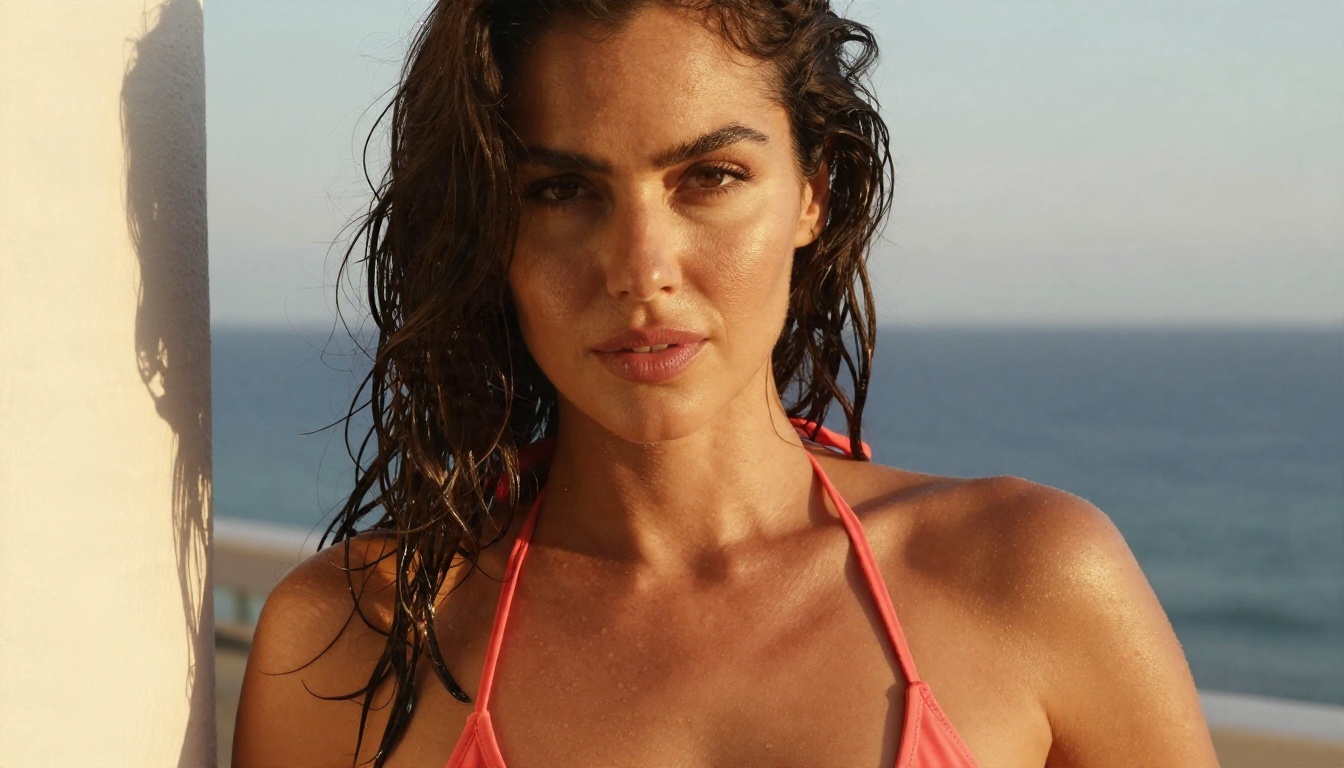
A tasteful golden hour glamour portrait: the quality gap between a tiny guest-mode model and a strong photorealistic one shows up in skin, water droplets and light.
Seedream 4.5 Sets the Bar
If you want suggestive, magazine-quality results, start with Seedream 4.5. It handles skin texture, wet hair, fabric sheen and warm sunset light far better than most free generators, and it follows long, detailed prompts without dropping half the instructions.
Why it fits glamour work
- Natural skin rendering, including pores, freckles and soft highlights.
- Accurate wardrobe detail: satin folds, lace patterns, swimsuit seams.
- Strong lighting logic: backlight, window light and dusk glow behave like real photography.
- Sharp 4K-class output that survives zooming and printing.
Steps to run your first prompt
- Open the Seedream 4.5 page.
- Paste a prompt built from the formula in the prompt section below.
- Choose a 16:9 ratio for scenic, wide frames, or 3:4 for portraits.
- Generate, then compare the result against your intent: light direction, wardrobe, mood.
- Change one detail at a time (lens, hour of day, fabric) and run it again.
💡 Tip: Name a real photographic setup instead of vague praise. "85mm f/1.8, window light from the left, Kodak Portra 400 grain" beats "beautiful, ultra realistic, 8k masterpiece" every time.
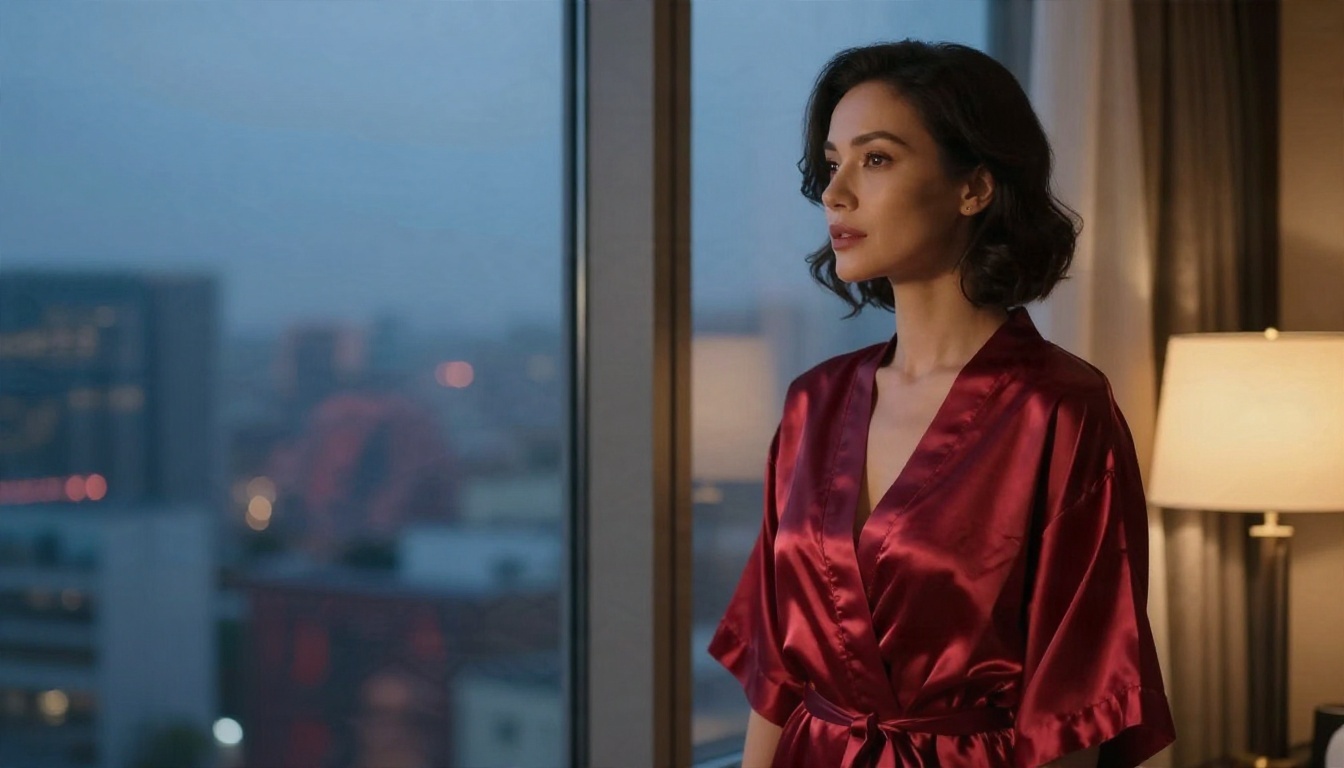
Image Editor Pro for Unlimited Runs
Iteration is where most people burn through their allowance. You rarely get the perfect frame on attempt one, so a generator that caps you at five images a day is a frustrating tool for glamour work. PicassoIA Image Editor Pro is built for the opposite workflow: unlimited generations, fast turnaround and editing from a single prompt box.
What it does well
- Swaps outfits and colours on an existing photo without redrawing the whole scene.
- Changes backgrounds, for example moving a portrait from a bedroom to a beach.
- Fixes small flaws such as stray hair, odd shadows or uneven lighting.
- Keeps the face and pose while you vary styling, which matters for consistent characters.
A simple two-step workflow
- Generate the base image with Seedream 4.5.
- Open the result in Image Editor Pro and refine with short instructions such as "change the robe to ivory silk" or "warmer sunset light."
Because there is no meter running, you can test ten variations of the same idea without worrying about the cost of each attempt. That freedom is the real value for anyone who wants fewer restrictions on suggestive, adult-leaning fashion imagery.
Prompts That Actually Work
A good prompt reads like a photographer's shot list, not a wish. Use this structure:
Subject and wardrobe + setting + light + camera and lens + texture and mood
Subject and wardrobe
Be specific about clothing and pose, and always state that the subject is an adult. Compare:
- Weak: "sexy woman"
- Strong: "adult woman in her late twenties, black silk slip dress with lace neckline, reclining on a cream linen sofa, relaxed knowing smile"
The strong version gives the model fabric, posture and expression to work with, and it keeps the result firmly in glamour territory.
Lighting and lens
Light does most of the work in suggestive photography. Try these combinations:
| Mood | Lighting | Lens |
|---|
| Warm and private | Window light from the left, amber lamp | 85mm f/1.8 |
| Summery | Golden hour backlight with rim glow | 105mm f/1.8 |
| Moody lounge | Amber pendant lights, haze | 85mm f/1.4 |
| Airy and soft | Overcast daylight, pastel palette | 35mm f/2.8 |
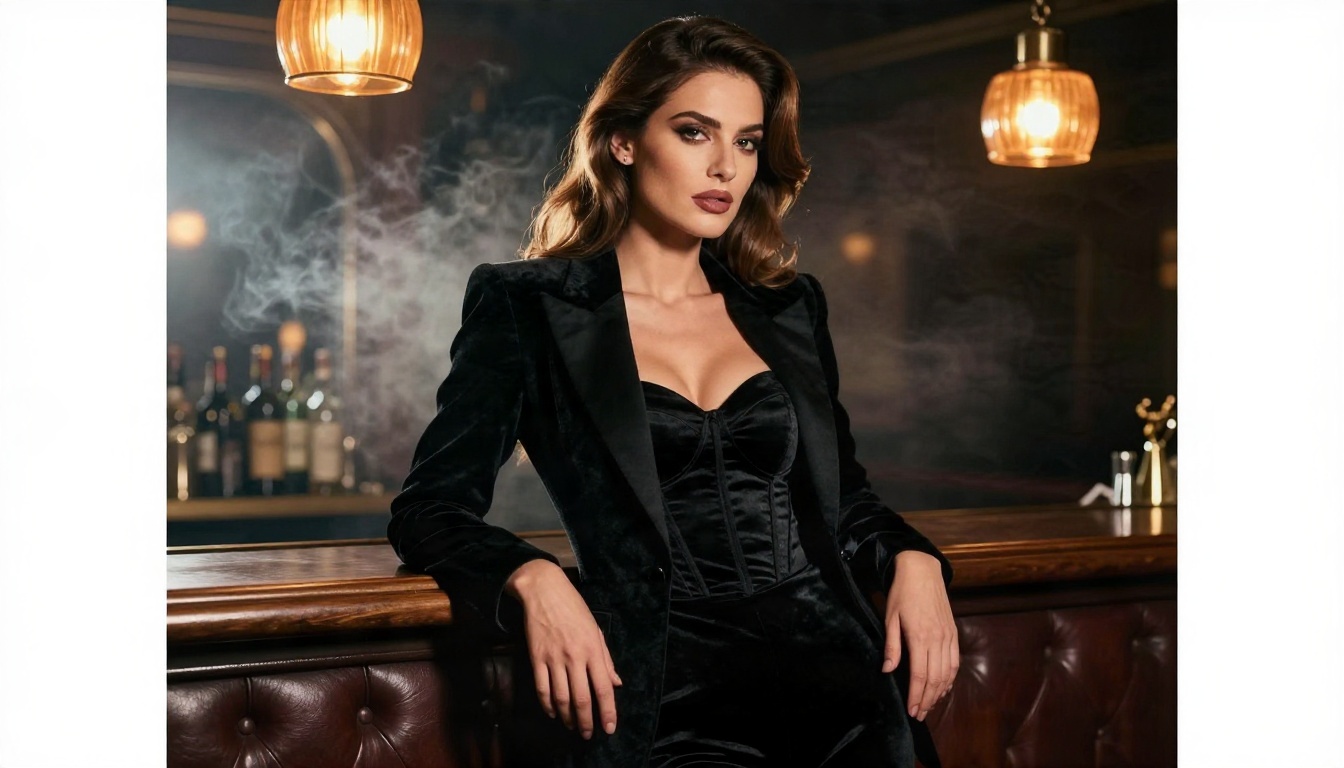
| Cinematic | Tungsten lamp plus cool dusk window | 35mm f/1.8 |
Words to skip
Some popular prompt habits make results worse:
- Stacked superlatives like "ultra, hyper, mega realistic" add noise, not detail.
- Style words such as "digital art" or "3D render" push the image toward a plastic, artificial look.
- Neon and glow effects break the photographic feel.
- Real people's names. Do not generate images of real individuals. Stick to fictional subjects.
Five prompts to copy
- Adult woman in a coral bikini top on a terrace at golden hour, wet wavy hair, water droplets on collarbone, backlight rim, 105mm f/1.8, Kodak Portra 400 grain.
- Adult woman in a deep red satin robe at a hotel window at dusk, warm lamp light and cool blue window light, low angle, 35mm f/1.8.
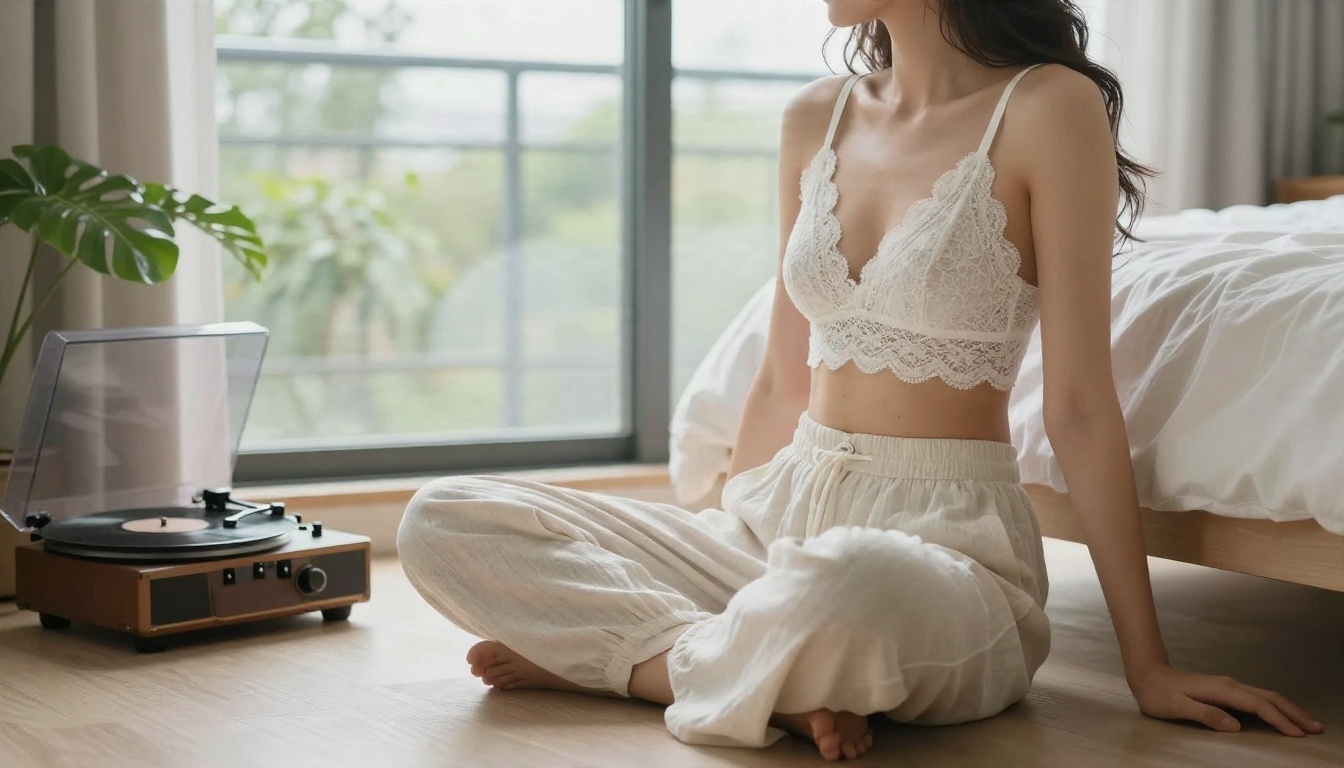
- Adult woman in a white lace bralette and linen trousers on a bedroom floor, overcast daylight, vinyl player and plants, pastel palette.
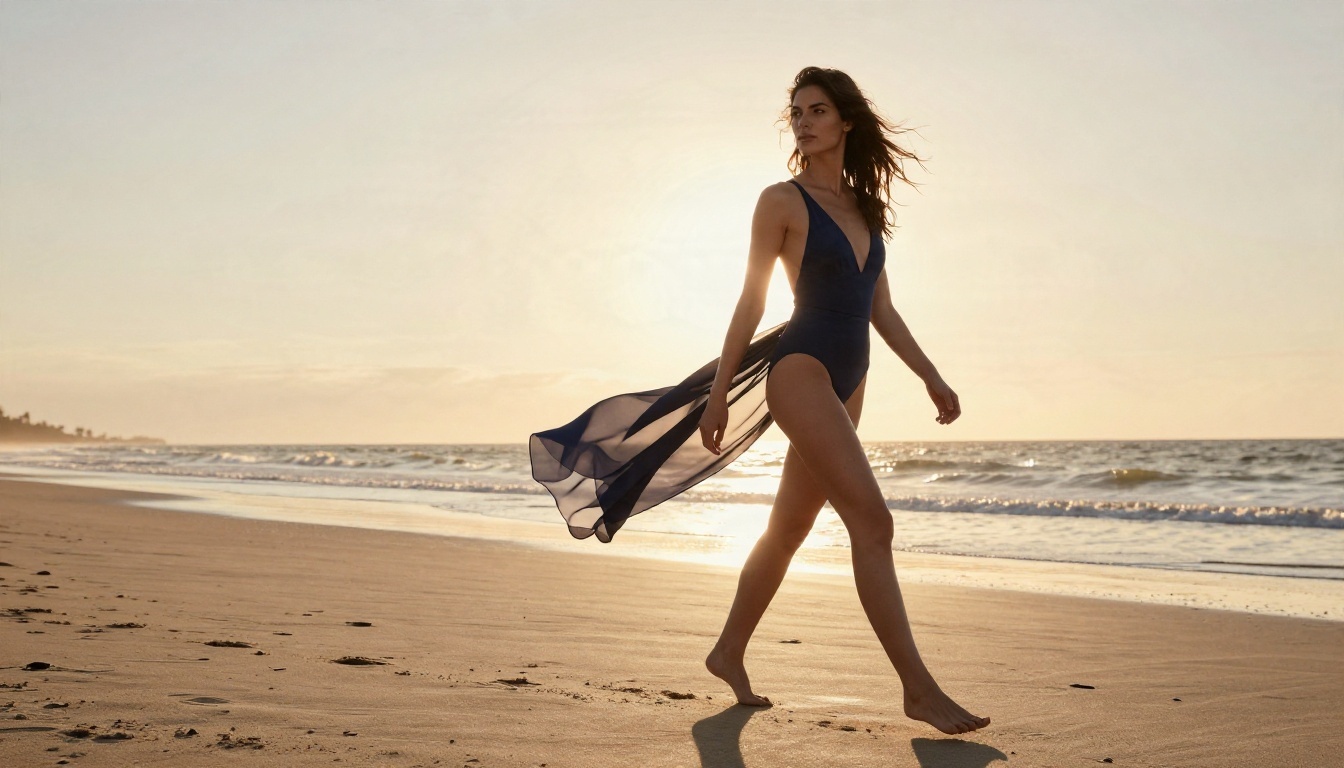
- Adult woman in a navy one-piece swimsuit and sheer sarong on a beach at sunrise, long shadows, 200mm telephoto, wind in her hair.
- Adult woman in a velvet top and tailored blazer at a vintage bar, amber pendant lights, light haze, 85mm f/1.4.
Other Models Worth Trying
Once you have a feel for the workflow, widen the lineup. These are on PicassoIA and suit photorealistic glamour work:
| Model | Best for | Link |
|---|
| Seedream 4.5 | Top-tier skin, fabric and light | Open |
| PicassoIA Image Editor Pro | Unlimited edits and variations | Open |
| Z Image Turbo | Fast drafts in seconds | Open |
| Qwen Image 3 Pro | Detailed, realistic scenes | Open |
| Flux 2 Klein 9B Base LoRA | Styled looks with LoRA support | Open |
A practical split: draft quickly with Z Image Turbo, pick the composition you like, then finalize with Seedream 4.5 and polish in Image Editor Pro.
💡 Note: Seedream 5 Pro is a strong general model, but for suggestive, adult-leaning fashion work Seedream 4.5 remains the better first choice.
App Options on Your Phone
Mobile browser or dedicated app
Most people searching this topic are on a phone. You have two routes:
- Mobile browser: nothing to install, no store listing, and your history stays in the browser. Add the site to your home screen for one-tap access.
- Dedicated apps: smoother interfaces and saved galleries, but app stores enforce strict content rules, so adult-leaning apps tend to be heavily filtered or delisted without warning.
For suggestive glamour work, a browser-based platform is usually the more reliable choice because it is not bound by app store policies.
Privacy checks before you download
Before installing any "AI girl" or "AI photo" app, run through this short list:
- Permissions: does a generator really need your contacts or full photo library?
- Subscription traps: look for weekly auto-renewing plans hidden behind a "free trial" button.
- Data policy: check whether prompts and uploaded photos are stored or used for training.
- Reviews from the last 90 days: older reviews hide recent changes in pricing or filters.
- Uploads of real people: never upload someone else's photo without their consent.
Draft Prompts With an LLM
Writing detailed prompts by hand gets tedious. A large language model can turn a rough idea into a polished shot list in seconds. Try Claude Sonnet 5, Gemini 3.5 Flash or GPT 5.6 Luna for this.
A reusable instruction
Paste something like this into the chat:
"Write five photorealistic prompts for tasteful adult glamour photos of a fictional woman in swimwear and fashion settings. Each prompt needs wardrobe, location, lighting direction, camera lens and texture details, in about 60 words."
What to expect
Text models apply their own safety rules, so they will happily write fashion, swimwear and boudoir-style prompts, but they will decline anything explicit. That is fine for this purpose: the image models do the visual work, and the LLM simply saves you typing.
Safety Rules Worth Keeping
Fewer restrictions do not mean no rules. Keep these in mind:
- Adults only. Every subject must be clearly a fictional adult.
- No real people. Never generate or edit images that imitate a real person without their consent.
- No impersonation. Do not present generated images as photos of actual individuals.
- Respect platform terms. Each service sets its own limits, and breaking them gets accounts removed.
- Label AI images when you share them publicly.
Make Your Own on Picasso IA
The best way to judge any "no sign in" promise is to compare it against a strong model with your own prompt. Take one of the five prompts above, run it in Seedream 4.5, then open the result in PicassoIA Image Editor Pro and try ten variations: a different robe color, an earlier sunrise, a longer lens. You will see the difference in skin, fabric and light straight away.
Fast drafts, unlimited editing and photorealistic quality sit in one place, and you can switch between models without starting over. To see every option, browse the full catalog at picassoia.com/en/all-models, pick a model, and start creating your own tasteful glamour images today.


