You have a product that makes sense in your head, a landing page that loses visitors in eight seconds, and a quote from a video studio that looks like a used car. That is the moment most SaaS founders type the same question into a search bar: how much does a SaaS explainer video cost? The honest answer is a wide range. A freelancer might charge a few thousand dollars for a one-minute film, a studio can ask for ten times that, and a free AI workflow can get you a usable first version before lunch.
This article lays out the real numbers, shows where the money actually goes, and compares the paid routes against free options you can try today. You will also get copy-ready prompts, a simple production plan, and a straight comparison so you can pick the route that fits your budget instead of the one that fits a sales deck.
💡 Quick answer: Expect roughly $1,000 to $3,000 per finished minute from a freelancer, $3,000 to $8,000 from a mid-tier studio, and $10,000 or more from a premium agency. AI video tools can bring a first draft down to a free or near-free level.
What a SaaS Explainer Really Costs
Prices are scattered across vendor blogs, and every vendor has a reason to nudge the number. The figures below are directional ranges gathered from recent 2026 pricing pages and surveys, written here in plain terms. Treat them as a map, not a quote.
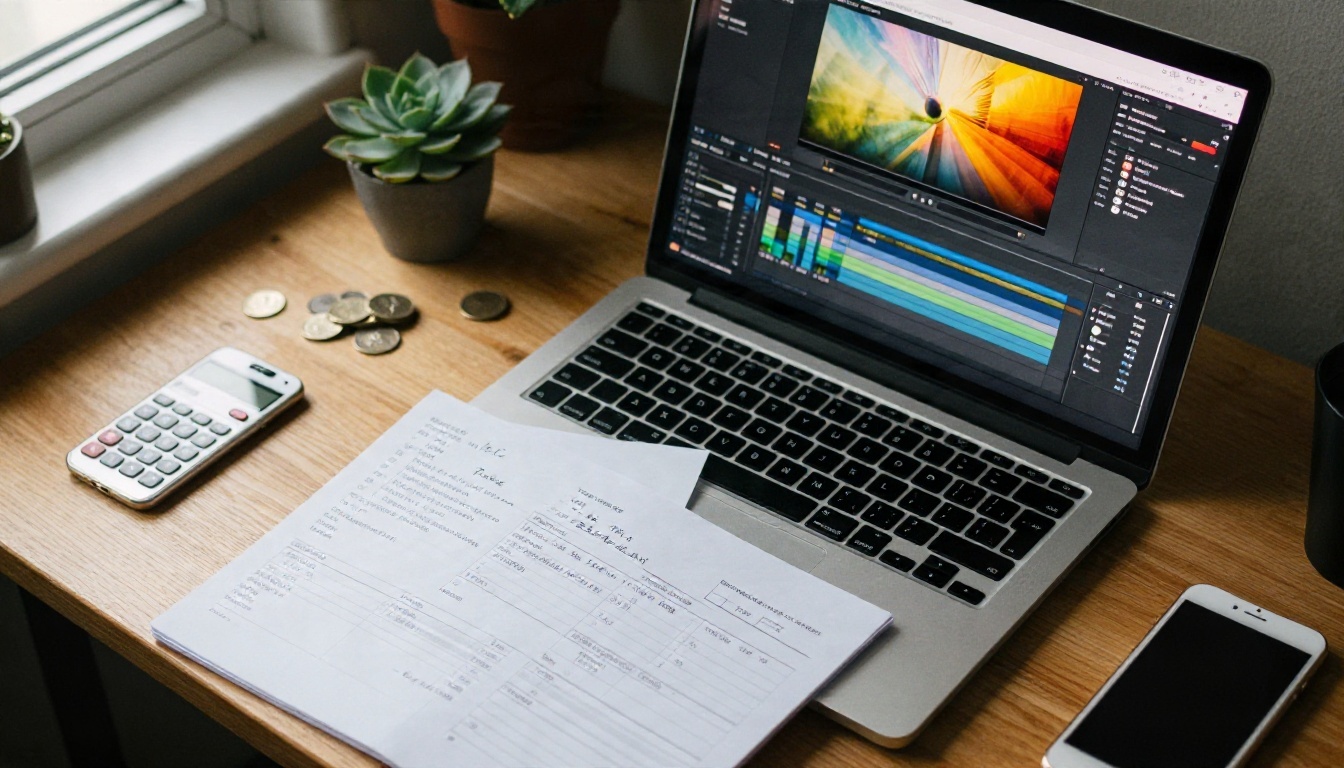
Freelancer Prices
Independent animators and motion designers usually land between $1,000 and $3,000 per finished minute. Some quotes start lower, near $500 for very simple motion graphics, and some reach higher when the freelancer also writes the script and records the voice.
You get speed and flexibility. You also get one person's taste, one person's calendar, and a revision limit that is often two rounds. If your product has a complex interface, check that your freelancer has shipped software explainers before, because showing a dashboard clearly is a different skill from animating a cartoon mascot.
Studio and Agency Prices
Specialized SaaS studios sit around $3,000 to $8,000 per minute, with some animation shops quoting up to $10,000. Premium agencies in major markets frequently quote $10,000 to $20,000 or more, and fully 3D productions can pass $15,000 to $30,000.
One widely quoted benchmark puts a custom 60 second 2D SaaS explainer, with scripting, illustration, voiceover and two revision rounds, at about $8,000 to $12,000 as a one-off project. A 2026 survey of production companies reportedly produced an average near $11,000, with a spread from a few hundred dollars to six figures. That spread tells you everything: the label "explainer video" covers wildly different products.
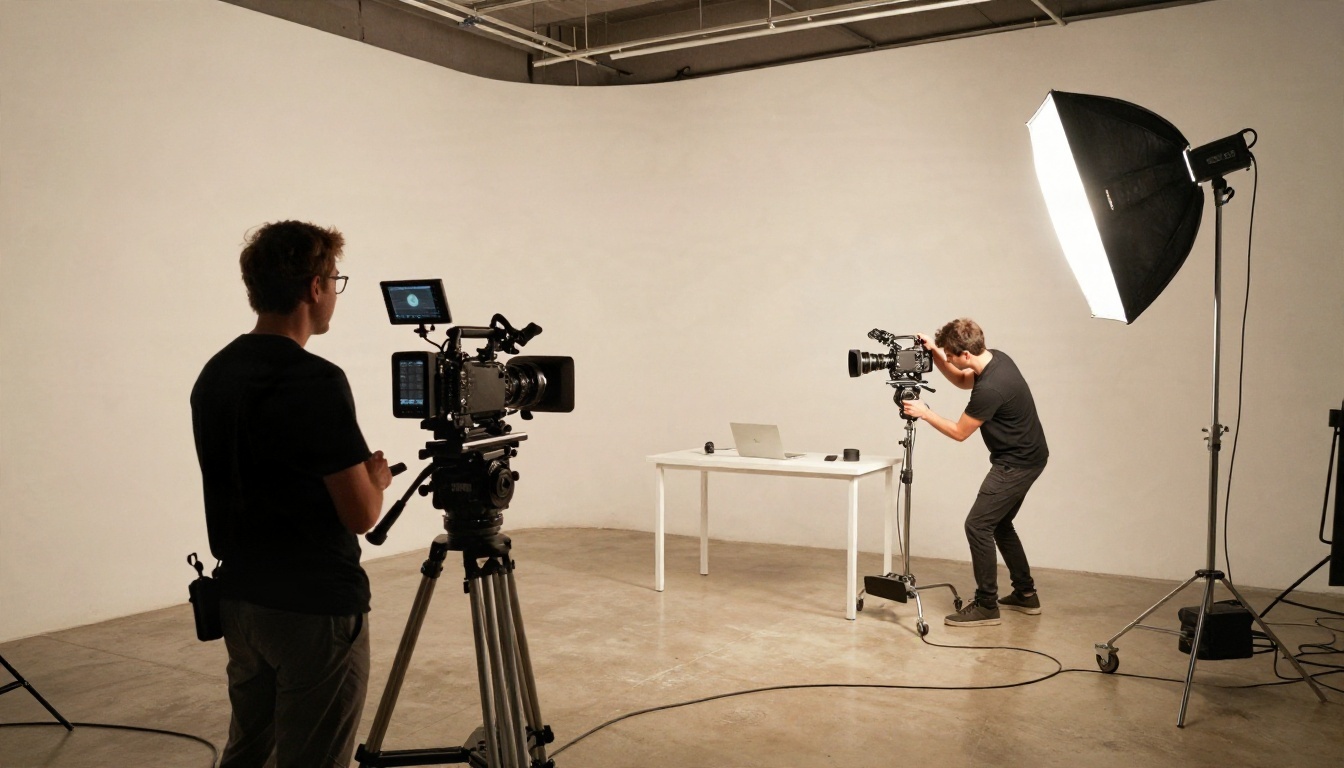
Why Length Does Not Scale Linearly
Here is a detail that surprises buyers: a 30 second film costs more than half of a 60 second one, and a two minute film costs less than double. Setup work such as the script, style frames, character design and voice casting is mostly fixed. Only the animation and editing grow with runtime.
That has a practical consequence. If you are paying a studio, a 60 to 90 second video is usually the best value per second. If you are paying with your own time, a tight 45 second video is the sweet spot for a landing page.
Price Table at a Glance
| Route | Typical cost per finished minute | Turnaround | Best for |
|---|
| Premium agency | $10,000 to $20,000+ | 6 to 10 weeks | Brand launches, funded companies |
| Mid-tier SaaS studio | $3,000 to $8,000 | 3 to 6 weeks | Series A, polished homepages |
| Freelancer | $1,000 to $3,000 | 2 to 4 weeks | Seed stage, focused features |
| Template tools | Low monthly fee | Days | Quick social cuts |
| Screen recording demo | Near zero, your time | 1 to 2 days | Product walkthroughs |
| AI video generation | Free tiers available | Hours | Drafts, tests, B-roll |
Where the Money Goes
When a quote feels high, the number is rarely pure profit. It is a stack of hours, and knowing the stack lets you cut the right layer.
Script and Storyboard
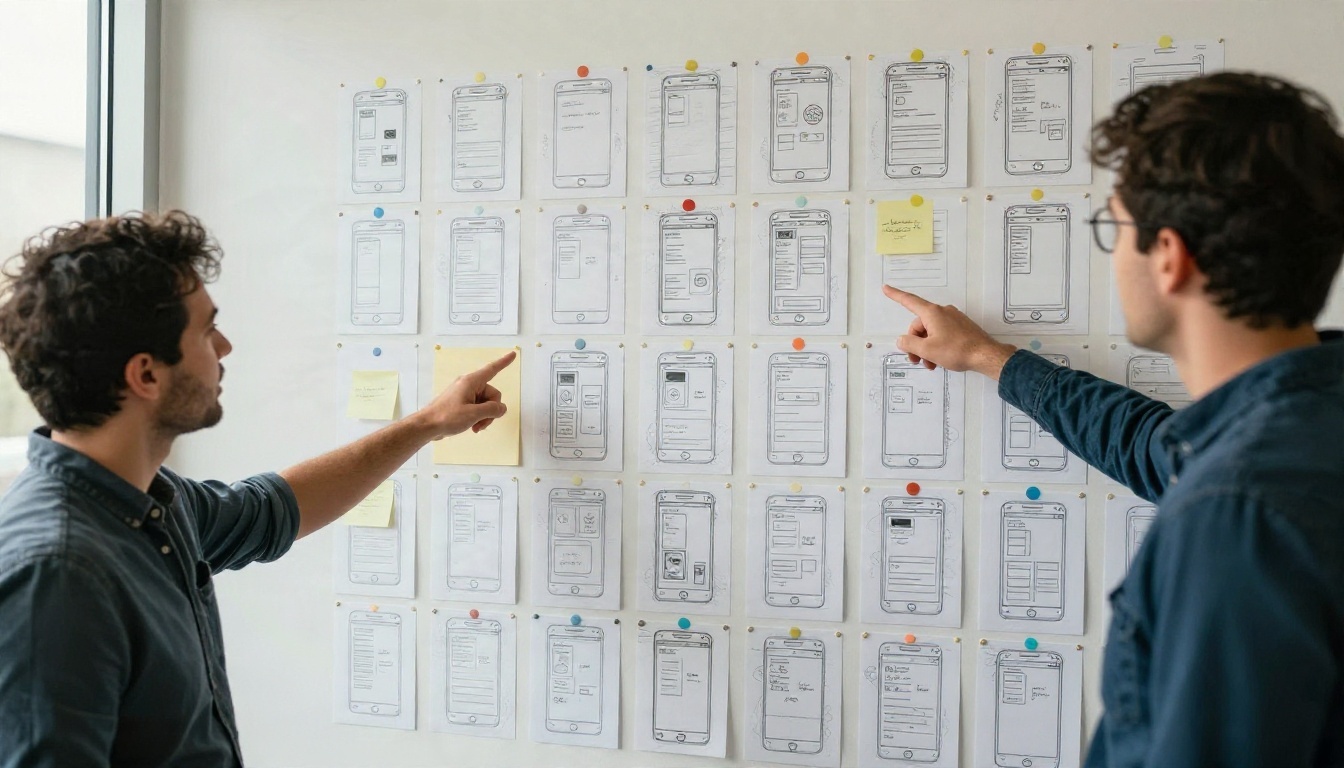
The script is the cheapest part to get right and the most expensive part to get wrong. A good SaaS script follows a tight structure: the problem, the cost of the problem, the product as the fix, three proof moments, and one call to action. Studios often bill a full day or more for script and storyboard.
You can reduce this line item by arriving with a clear brief: who the viewer is, what they should do next, and the three benefits you want to prove. A rough storyboard on paper, even with stick figures, saves hours of back and forth.
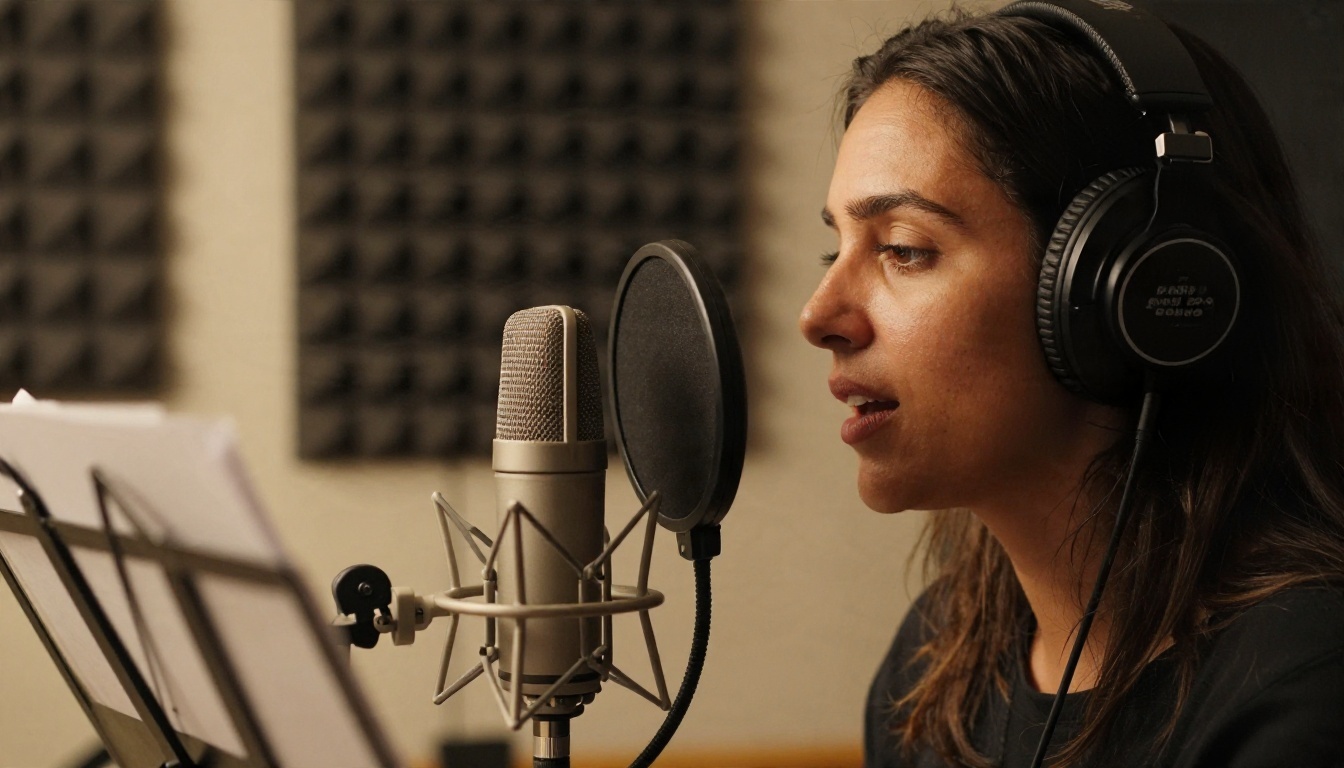
Voiceover and Music
A professional voice actor adds a few hundred dollars for a short script, more for exclusive rights or a recognizable voice. Licensed music is another small but real line. Neither is large, but both are easy to replace with cheaper tools. Text to speech models such as Realtime TTS 2 and Realtime TTS 1.5 Mini produce natural narration in seconds, which is handy for drafts and for internal demos.
Animation and Revisions
This is the big one. Custom illustration, motion design and UI recreation eat most of the budget. Revisions are the hidden multiplier: each round after the included ones can add 10 to 20 percent. The cheapest revision is the one you avoid by locking the script before animation begins.
💡 Budget tip: Ask any vendor what a third revision round costs before signing. It is the number that most often turns a $5,000 project into a $7,000 one.
Cheaper Routes That Work
Not every SaaS needs a hand-animated film. Several formats convert well and cost a fraction.
Screen Recording Demos
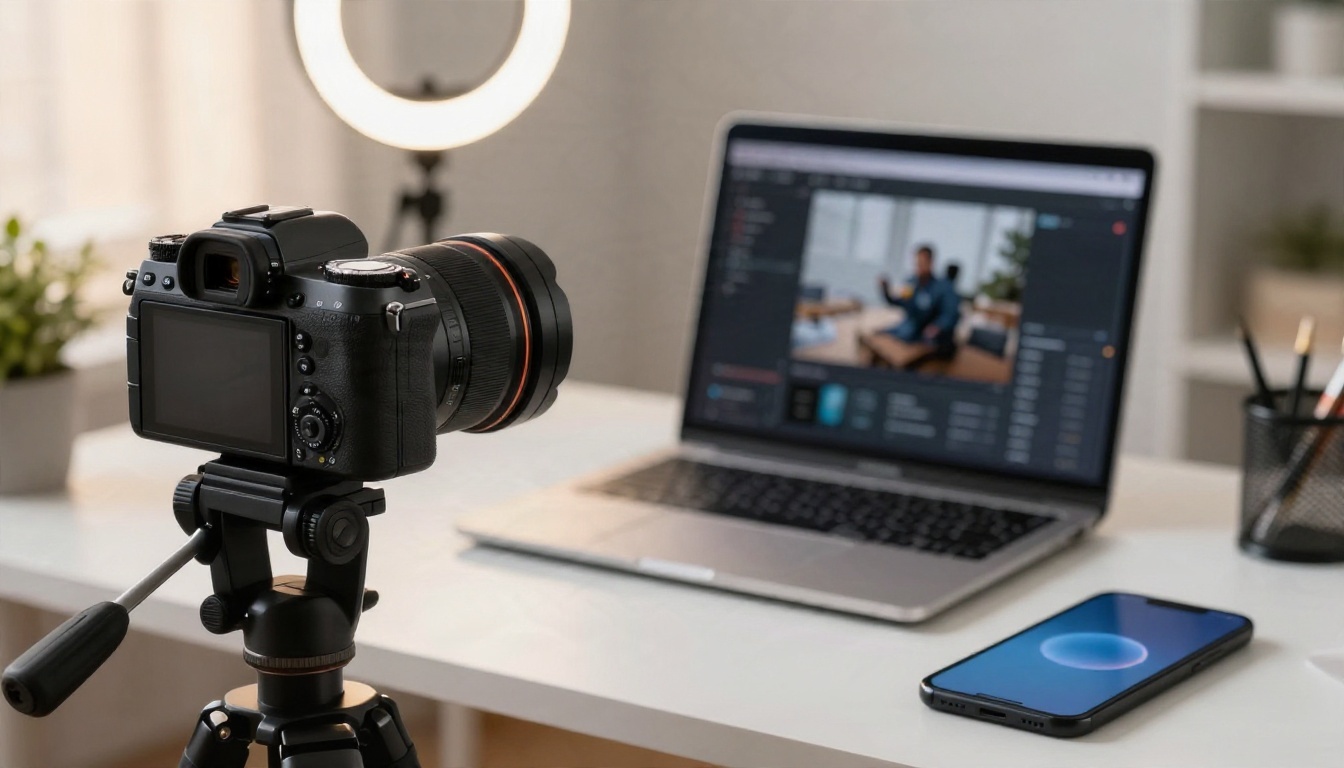
A screencast with a clean voiceover is the cheapest honest format for software. You show the real product, which builds trust, and you skip the illustration layer entirely. Record at a steady pace, zoom into the buttons that matter, and cut every pause longer than a second.
Templates and Stock Footage
Template based editors give you a timeline, stock clips and text animations for a monthly fee. The tradeoff is sameness: viewers have seen those transitions many times. These tools work well for social cuts and feature announcements, less so for a flagship homepage film.
Free AI Options on PicassoIA
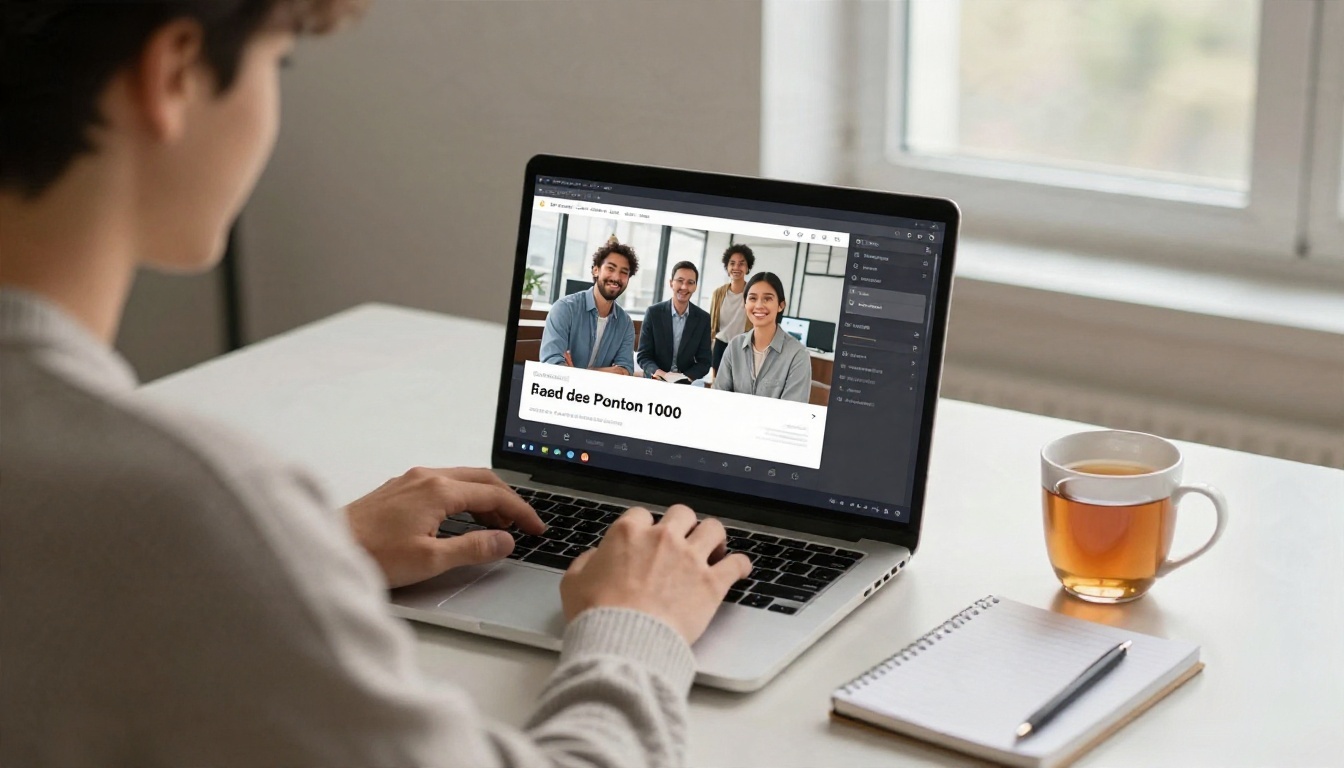
AI video generation is the newest way to reduce cost, and it works best when you treat it as a draft engine and B-roll machine rather than a replacement for brand strategy. You write a prompt, pick a model, and get a short clip with motion, and in many cases native audio.
Free Video Models
If you want to test an idea without spending, start with Seedance 2.5 Lite, listed as a free and unlimited generator with clips up to 10 seconds. It suits quick scene tests: a frustrated user, a team celebrating, a dashboard reveal.
When you need more polish, step up through this list:
If you want to animate a product still or a hero frame you already have, Wan 2.5 I2V Fast takes an image as its starting point.
Voice and Lip Sync
An explainer without a voice feels unfinished. Pair your video with narration from Realtime TTS 2, then, if you want a presenter on screen, use P Video Avatar to create a talking avatar, or Kling Lip Sync to match mouth movement to audio in an existing clip. Selling in several markets? Dubbing translates a finished video into more than 90 languages, which can replace a costly re-record for each region.
For thumbnails and hero stills, Nano Banana Pro generates sharp 4K images you can use as first frames or social cards.
💡 Honest limit: AI clips are short and cannot show your real interface pixel for pixel. Use them for story scenes, mood and transitions, and drop a real screen recording in for the product moments.
Prompts You Can Copy
Good video prompts describe a subject, an action, a camera move and the light. Keep each prompt to one idea. Below are five that fit the beats of a typical SaaS script. Swap the bracketed parts for your own product details.
The Problem Scene
A tired operations manager at a cluttered desk surrounded by sticky notes and three open spreadsheets, rubbing her eyes, slow dolly in, soft cool morning light from a window, realistic skin texture, shallow depth of field.
The Pain Cost Scene
Close-up of a hand pushing a pile of paper invoices across a desk toward a worried colleague, camera tracks sideways, warm overhead office light, muted colors, natural film grain.
The Product Reveal
A laptop on a tidy desk, the screen brightens as a clean dashboard appears, camera glides forward from the keyboard to the screen, calm daylight, shallow depth of field, no text visible.
The Team Win
Five colleagues around a monitor react with relief and smiles as a project finishes, handheld camera with gentle movement, golden late afternoon light, candid documentary style.
The Call to Action
A confident founder looks into the lens and gives a small nod, then turns to a laptop and clicks, camera slowly pulls back to reveal a bright open office, natural light, calm mood.

💡 Prompt tip: Avoid asking the model to render readable interface text. Generate the scene without text, then overlay real UI captures and captions in your editor.
How to Build One in an Afternoon
Here is a lean workflow that costs very little. It assumes a 45 to 60 second explainer made from AI scenes plus a screen recording.
- Write the script first. Aim for 110 to 150 words. One problem, one fix, three proof points, one call to action.
- Split it into 6 to 8 scenes. Each scene gets one sentence of narration and one visual idea.
- Generate scene clips. Open Seedance 2.5 Lite, paste one prompt per scene, and generate two takes of each. Pick the better take.
- Upgrade only the hero scenes. Re-run your two or three most important scenes in Veo 3.1 Fast or Kling v3 Video for extra polish.
- Record the product. Capture 20 seconds of your real interface using a screen recorder. Keep the cursor slow.
- Add narration. Generate the voice with Realtime TTS 2 and check the pacing against your cuts.
- Assemble and caption. Cut on the beat of the voice, add captions, and export at 1080p.
- Test the result. Put the video above the fold on one landing page and compare sign-ups against your old version for two weeks.
AI vs Studio: Honest Comparison
Neither route wins every time. The right pick depends on what the video has to do.
| Factor | AI workflow | Freelancer or studio |
|---|
| Upfront cost | Free tiers to low | $1,000 to $30,000+ |
| Speed | Hours to a day | Weeks |
| Brand control | Good with careful prompts | Excellent |
| Product accuracy | Needs real screen capture | Excellent |
| Revisions | Instant and unlimited on free tiers | Limited rounds, then extra fees |
| Strategy and script help | You do it | Included at better studios |
| Risk of looking generic | Medium | Low |
When to Hire a Studio
Hire a studio when the video is a brand asset: a launch film, a homepage hero used for a year, a sales deck centerpiece, or a campaign with paid media behind it. The strategy, the consistency of a custom character and the polished sound design are worth paying for when the video will run in front of thousands of buyers.

When AI Is Enough
AI is enough when speed beats perfection: testing a message before spending real money, producing feature updates, making ad variants, creating onboarding clips, or building a proof of concept to show a studio what you want. A strong approach is hybrid. Prototype the story with AI, validate which message wins, then spend your paid budget on the version that has already proven itself. A studio brief built from a working draft is also far cheaper to quote.
Mistakes That Inflate the Bill
A few habits quietly double the cost of an explainer, whichever route you choose.
- Writing the script during production. Every change after animation starts is billed as rework.
- Packing in every feature. A video that explains six things explains none. Pick one use case.
- Skipping the audience. A video for finance managers and a video for developers need different tone and pace.
- Chasing length. Under 90 seconds almost always performs better on a landing page.
- Ignoring distribution. A beautiful film nobody sees is the most expensive kind. Plan where it will live: homepage, ads, email, sales calls.
Make Your Own Explainer Today
You now have the numbers: a few thousand dollars per minute for freelancers, much more for studios, and a free starting point with AI. The smartest next step costs nothing. Write a 100 word script for your product, open Seedance 2.5 Lite, and generate your first scene with one of the prompts above. Add a voice with Realtime TTS 2, drop in a screen recording, and you will have a testable explainer before the end of the day.
Want more options? Browse every video, image and voice model at picassoia.com/en/all-models, try a few prompts, and see how far a free draft can take your next launch. Even if you hire a studio later, you will walk into that meeting with a clear script, tested scenes and a budget you control.


