Sora made a lot of people ask the same blunt question: what will this actually cost me? The answer changed over time, and it depends on whether you mean the monthly subscription, the API, or the cost of a single finished clip. Here is the full picture, with real numbers, simple math, and the cheaper options that make more sense for most creators in late 2026.
💡 Quick heads up: Several 2026 reports say OpenAI shut down the Sora app in April 2026 and scheduled the API to end in September 2026. Pricing sources from before that date still circulate widely, so treat any "buy now" page with suspicion and check what is actually available before you pay for anything.
The Short Answer
If you only want the headline numbers, this is what the most consistent sources reported for Sora while it was on sale.
| Access route | Reported price | Billing style |
|---|
| ChatGPT Plus | $20 per month | Monthly subscription with a limited video allowance |
| ChatGPT Pro | $200 per month | Monthly subscription with a much larger allowance |
| Sora 2 API, 720p | $0.10 per second | Pay per second of output |
| Sora 2 Pro API, 720p | $0.30 per second | Pay per second of output |
| Sora 2 Pro API, 1024p | $0.50 per second | Pay per second of output |
| Sora 2 Pro API, 1080p | $0.70 per second | Pay per second of output |
So the cheapest honest answer is "about $20 a month to try it, or about 10 cents per second through the API." The expensive answer is "$200 a month, or 70 cents per second for the best quality." Both answers need context, which is what the rest of this article provides.

Who Should Care About Which Price
Casual users care about the monthly number. Developers and agencies care about the per second API number. Small studios care about cost per usable clip, which is almost always higher than the sticker price suggests because not every generation is a keeper.
Sora Price Per Month by Plan
Sora was never sold as a standalone subscription for most of its life. Access was bundled into ChatGPT plans, so the monthly price you paid was really the price of the ChatGPT tier that included video generation.
ChatGPT Plus at $20
The entry route was ChatGPT Plus, listed at $20 per month. It gave you a limited monthly allowance of video generations, usually described in credits. Shorter clips at lower resolution were the realistic use case. You could make a handful of 5 to 10 second clips per month, not a full production pipeline.
ChatGPT Pro at $200
The heavy route was ChatGPT Pro at $200 per month. It came with a far bigger allowance, higher resolution options and longer clips. For a working video creator, this was the tier that made sense. For everyone else, it was a lot of money for a tool used a few times a week.
Why the Credit Numbers Disagree
If you search for credit counts, you will find conflicting figures. Some guides quote 1,000 credits on the lower tier and 10,000 on the higher one. Others describe different plans entirely, including a cheaper tier priced around $29 per month. The allowance changed over time and third party sites copied old data. The only safe takeaway is that the monthly price bought you a capped number of seconds, not unlimited video.
Sora API Price Per Second
The API is where the pricing is cleanest, because it was billed by the second of generated video with no credits involved. You paid for output length, and the rate depended on the model and the resolution.
Sora 2 Versus Sora 2 Pro Rates
The two models sat at very different price points.
| Model and resolution | Price per second | 4 second clip | 8 second clip | 12 second clip |
|---|
| Sora 2, 720p | $0.10 | $0.40 | $0.80 | $1.20 |
| Sora 2 Pro, 720p | $0.30 | $1.20 | $2.40 | $3.60 |
| Sora 2 Pro, 1024p | $0.50 | $2.00 | $4.00 | $6.00 |
| Sora 2 Pro, 1080p | $0.70 | $2.80 | $5.60 | $8.40 |
The jump from standard to Pro at the same 720p resolution is three times the cost. The jump from Sora 2 at 720p to Sora 2 Pro at 1080p is seven times the cost. That is a large premium, and it only pays off when the extra fidelity matters for the final delivery.

What a Real Project Costs
Per second pricing looks tiny until you count how many takes you need. Here is a simple example for a 30 second social ad built from six 5 second shots.
- One take per shot on Sora 2 at 720p: 30 seconds at $0.10 is $3.00.
- Four takes per shot on Sora 2 at 720p: 120 seconds at $0.10 is $12.00.
- Four takes per shot on Sora 2 Pro at 1080p: 120 seconds at $0.70 is $84.00.
Four takes per shot is a realistic number. Hands, text, physics and camera moves rarely land on the first attempt. If you produce ten ads a month at the top tier, you are spending $840 a month, which makes the $200 subscription look cheap by comparison, as long as the allowance holds.
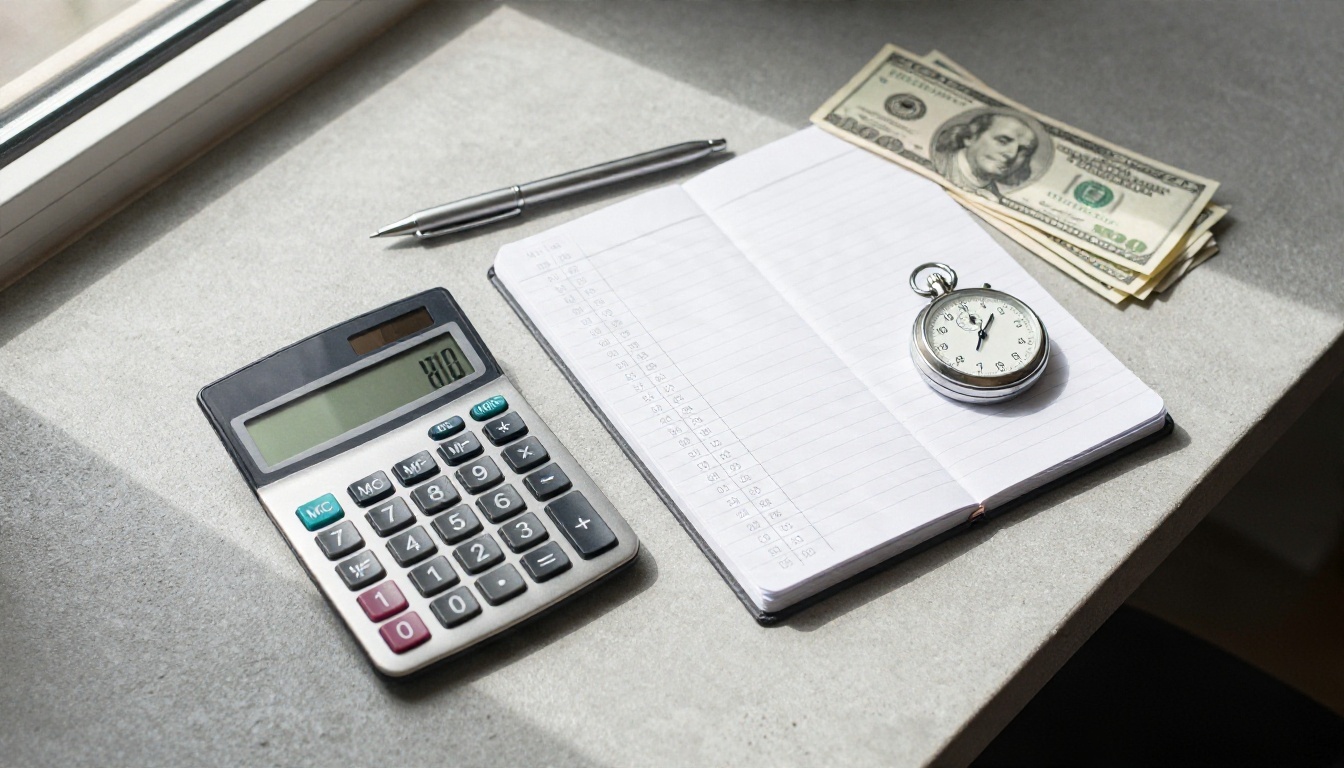
💡 Budget formula: total cost = clip length in seconds × price per second × number of takes. Multiply by the number of clips in the project. Most people forget the takes multiplier.
Is Sora Still Available?
This is the part many pricing pages skip. According to several 2026 articles, OpenAI wound down Sora in stages: the consumer app was reported closed on April 26, 2026, and the API was reported scheduled to end on September 24, 2026. Today is November 19, 2026, so by those reports the API window has already passed.
Why Old Pricing Pages Mislead
A lot of "Sora pricing" content was written in 2025 and early 2026 and never updated. Those pages describe $20 and $200 plans and per second API rates as if you can buy them today. Newer posts describe what Sora cost and what replaces it. If a page does not mention the shutdown at all, check its date before trusting a single number.
Hidden Costs People Forget
Even when Sora was fully available, the sticker price was not the whole bill.
- Failed generations: wasted seconds still cost money or credits.
- Upscaling and editing: you often needed a second tool to polish clips.
- Audio and music: voiceover or soundtrack work added separate costs.
- Time: waiting on queues and rerunning prompts has a real hourly cost.
That is why the most useful comparison is cost per finished, usable clip, not cost per second.

Cheaper Options Worth Using
You do not need to pay $200 a month to get cinematic AI video. Several strong models are available on PicassoIA, and many of them are priced for experimentation instead of agency budgets.
Sora 2 and Sora 2 Pro on PicassoIA
If you simply want the Sora look, both models have pages on PicassoIA. Sora 2 produces short clips with synced audio in portrait or landscape. Sora 2 Pro targets higher fidelity output for polished work. Check each model page for current pricing and limits before you plan a large batch.
The Veo 3.1 Family
Google's Veo line is the closest rival for realistic motion and native audio. Veo 3.1 is the full quality option, Veo 3.1 Fast trades a little polish for speed, and Veo 3.1 Lite is the budget friendly pick when you are testing ideas.
Kling v3
Kling is strong at human motion and camera control. Kling v3 Video is the standard route, Kling v3 Omni Video pushes toward 1080p output, and Kling v3 Motion Control animates a character by following a reference movement.
Seedance, Wan and Hailuo
For tighter budgets, these families are worth a look:
Quick Comparison
| Model | Best for | Budget level |
|---|
| Sora 2 | Short clips with synced audio | Mid |
| Sora 2 Pro | Polished, higher fidelity output | Higher |
| Veo 3.1 | Realistic motion with native audio | Higher |
| Veo 3.1 Lite | Cheap idea testing | Low |
| Kling v3 Video | Human motion and camera control | Mid |
| Seedance 2.5 Lite | Free, unlimited short clips | Lowest |
| Wan 2.5 T2V Fast | Fast drafts | Low |
| Hailuo 02 | 1080p clips | Mid |
How to Use Sora 2 on PicassoIA
If you want to try the Sora style without a $20 or $200 monthly plan, Sora 2 on PicassoIA is a direct way to do it. The model turns a text prompt into a short video with matching audio.
Step by Step
- Open the model page. Go to Sora 2 on PicassoIA.
- Write your prompt. Describe the subject, the action, the camera move and the lighting in one or two sentences. Add the sound you expect, such as rain, footsteps or distant traffic.
- Pick the duration. The model offers 4, 8 or 12 seconds. Start with 4 seconds while you test prompts, then move to 8 or 12 for the final take.
- Choose the orientation. Select portrait (720 by 1280) for phone first platforms or landscape (1280 by 720) for widescreen.
- Add a first frame if you need continuity. You can upload a reference image as the opening frame. It must match the aspect ratio of the video you picked.
- Generate and review. Watch the clip with the sound on. If the motion is wrong, change one thing in the prompt and run again.
Settings That Save Money
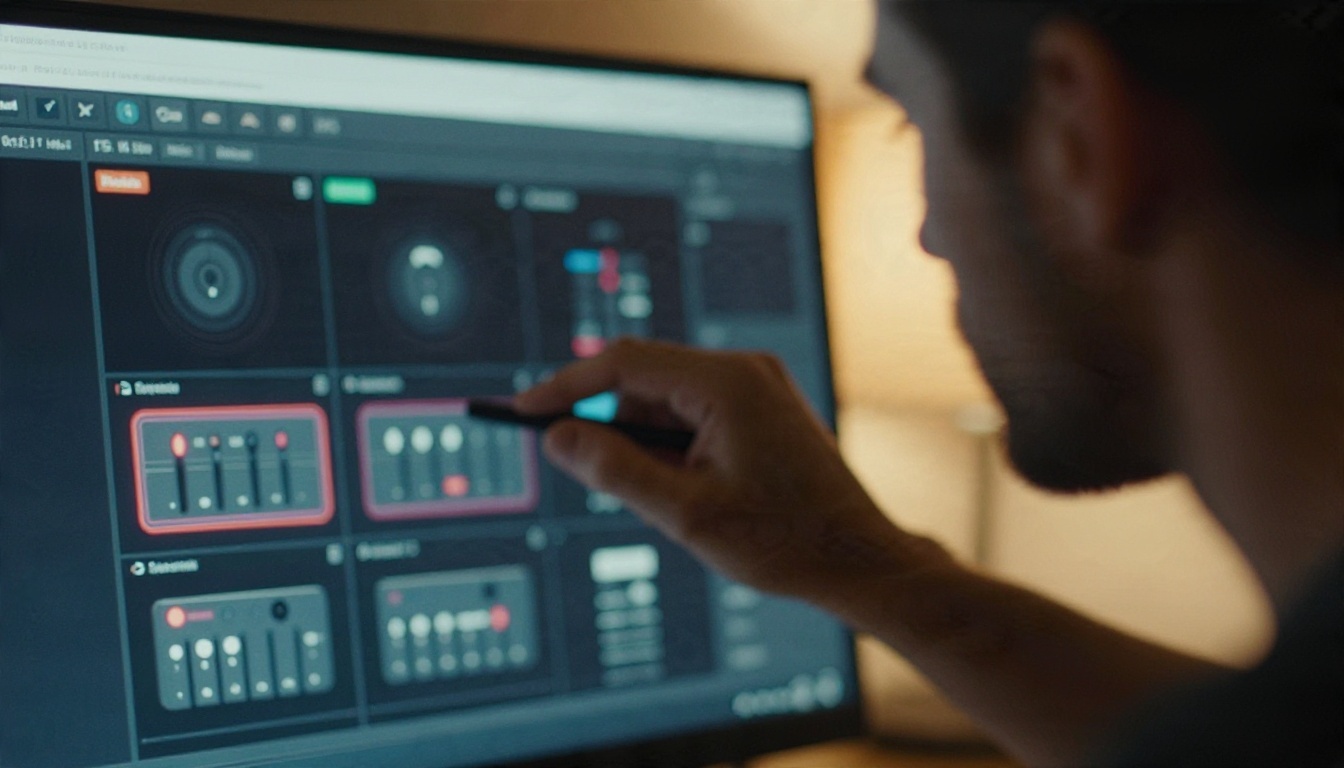
- Test at 4 seconds. A short clip shows you whether the prompt works without spending a full length generation.
- Change one variable per run. If you edit the subject, camera and lighting at once, you will not know what fixed or broke the result.
- Use a first frame image. A reference image locks the look, so you need fewer retries to get a consistent character or product.
- Lock the orientation early. Switching between portrait and landscape mid project means regenerating everything.
💡 Prompt example: "A woman in a yellow raincoat walks across a wet city crosswalk at dusk, slow tracking shot from the side, soft street light reflections, rain sounds and distant traffic."
Budget Tips for AI Video
Whatever tool you pick, the same habits keep your spending under control.
Plan Shots Before You Generate
Write a short shot list first. Six clear 4 second shots cost less than twenty vague experiments. Decide what each shot must show, then generate only that.
Draft Cheap, Finish Once
Use a lite or fast model for drafts. Try your idea on Seedance 2.5 Lite or Hailuo 02 Fast, pick the prompt that works, then run it once on a higher quality model such as Veo 3.1 or Sora 2 Pro.
Keep Clips Short
Most social shots last 3 to 5 seconds on screen. Generating 12 seconds and using 4 wastes two thirds of the spend. Match the generated length to the cut you actually need.
Count Cost Per Usable Clip
Track how many generations you needed to get one keeper. If a cheap model needs two takes and an expensive one needs one, the cheap model can still win by a wide margin.
Which Option Fits You
Use this simple split to decide.
- You want to try AI video for the first time: start with free or lite models and spend nothing until you know your workflow.
- You post short clips weekly: a fast model plus one polished final pass keeps costs low.
- You deliver client work: budget for several takes per shot on a higher quality model and price that into your quote.
- You need the Sora look specifically: use Sora 2 for drafts and Sora 2 Pro when the final must be sharp.
Start Making Your Own Videos
The honest summary of Sora pricing is this: it was cheap to try at $20 a month, expensive to scale at $200 a month or 70 cents per second, and it is no longer something you can count on buying according to the 2026 shutdown reports. The good news is that you do not need it to make cinematic AI video.
Open Sora 2 on PicassoIA, write a one sentence prompt, and generate a 4 second test clip. Then try the same idea on Veo 3.1 Lite, Kling v3 Video and Wan 2.5 T2V Fast and compare the results side by side. You will quickly see which model gives you the look you want at a price you can live with. Every model is waiting at picassoia.com/en/all-models, so pick one and make your first clip today.


