If you have spent any time with AI video generators, you already know the core frustration: the output looks great on frame one, then drifts into an entirely different character, lighting, and color palette by frame ten. Seedance 2.5 fixes that at a structural level by letting you feed it up to 50 visual reference inputs, all of which get fused into a single, temporally consistent video output. That is not a marketing claim. It is the result of a multi-reference conditioning architecture that fundamentally changes how reference-based video synthesis works.
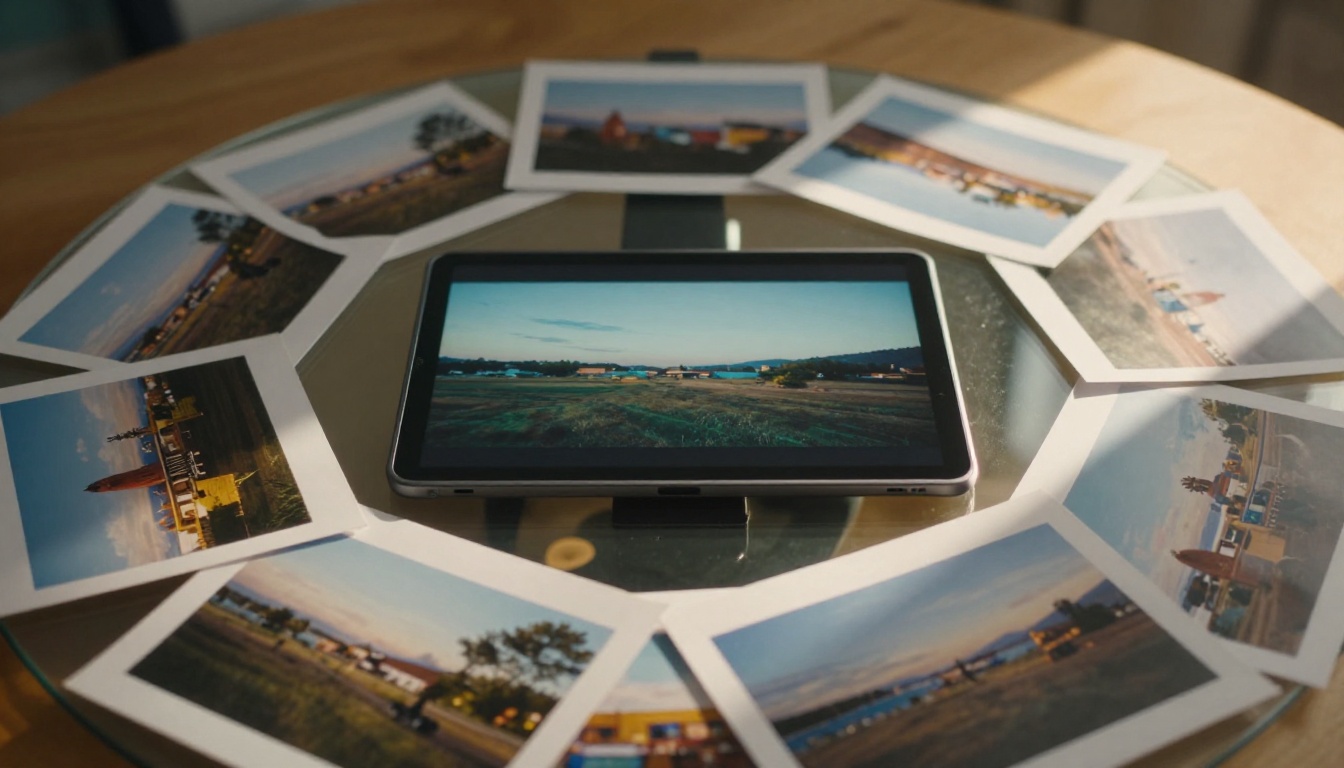
What the 50-Reference System Really Does
Most AI video models accept one input: your text prompt. Some accept a single image as the starting frame. Seedance 2.5 accepts up to 50 references simultaneously, which can include photos of characters, environments, props, color palettes, lighting setups, and motion examples. The model analyzes all of them and synthesizes a video that reflects every input, not just the most prominent one.
One Model, Dozens of Inputs
The practical impact of this shows up immediately in outputs where character consistency has always been the hard problem. A character who appears in reference photo 1 wearing a red jacket in daylight, and in reference photo 12 under fluorescent indoor light, will appear in the generated video with the same face structure, the same jacket, and lighting that blends both environments into something photorealistic and coherent. That kind of multi-condition synthesis would have required multiple rounds of inpainting and manual compositing as recently as 2024.
Why 50 References Change Everything
The number 50 is not arbitrary. It was chosen because real-world creative briefs, the kind that advertising agencies, film production studios, and brand teams work from, contain dozens of visual constraints. A fashion brand campaign brief might include a location reference, three lighting references from different shoots, five character reference images approved by the client, four product shots, a color grading reference, and a motion reference clip. Fitting all of that into a single, coherent 30-second video was previously impossible with any AI tool. With Seedance 2.5, it becomes a single generation pass.

The Architecture Behind the Fusion
Knowing how the multi-reference architecture works helps you use it better. This is not a model that simply averages all your inputs or applies them as sequential style transfers. It uses reference conditioning at multiple attention layers in the diffusion process, which means each reference contributes specific features rather than blending indiscriminately.
How Reference Conditioning Works
In standard text-to-video diffusion, the model generates frames by iteratively denoising a noise tensor, guided only by the text embedding. Reference conditioning adds a second conditioning signal: the visual features extracted from each reference image are projected into the same latent space as the text embedding. At each denoising step, the model attends to both the text and the visual feature bank simultaneously.
With 50 references, that feature bank is large enough to fully specify a scene without relying on the text prompt at all. In practice, users who upload 20 or more high-quality references report that the text prompt only needs to describe motion and duration rather than appearance, because appearance is fully defined by the references.
Note: References that contradict each other, for example a daytime reference and a midnight reference for the same scene, will cause the model to interpolate. Grouping consistent references by time-of-day and scene type produces cleaner outputs.
What Gets Extracted From Each Input
The model extracts different feature types from different reference types:
| Reference Type | Features Extracted | Impact on Output |
|---|
| Character photo | Face structure, body proportions, skin tone, clothing style | Character consistency across all frames |
| Location photo | Architecture, surface textures, spatial depth | Environment fidelity |
| Lighting reference | Light direction, color temperature, shadow quality | Mood and realism |
| Color palette | Dominant hues, saturation levels, contrast ratios | Cinematic color grading |
| Motion reference | Velocity curves, camera path, subject motion rhythm | Movement quality |
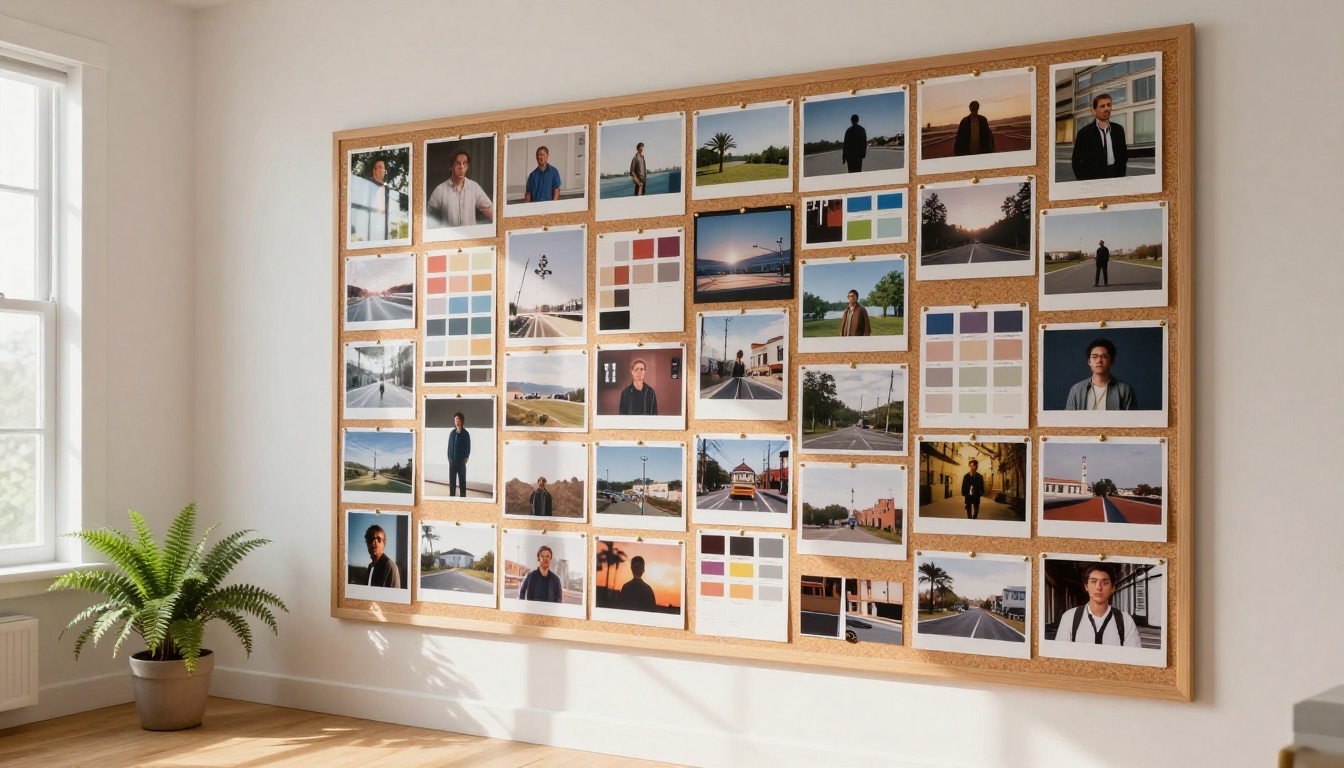
Seedance 2.5 vs the Competition
The multi-reference capability sets Seedance 2.5 apart from every other major text-to-video model available right now. Here is how it compares on the features that matter most for professional video production:
| Model | Max References | Max Duration | Native Audio | Resolution | Best For |
|---|
| Seedance 2.5 | 50 | 30s | Yes | Up to 1080p | Multi-reference complex scenes |
| Seedance 2.0 | 1 | 30s | Yes | Up to 1080p | Fast single-reference generation |
| Kling v3 Video | 1 | 10s | Yes | 1080p | Cinematic motion quality |
| Veo 3 | 1 | 8s | Yes | 1080p | Dialogue and audio sync |
| Ray 3.2 | 1 | 10s | Yes | HDR 1080p | High-dynamic-range cinematic |
| Wan 2.7 T2V | 0 | 10s | No | 1080p | Text-only open-source generation |
| Hailuo 02 | 1 | 6s | No | 1080p | Short social content |
The gap in reference capacity is not a minor specification difference. It is the difference between a tool that requires you to simplify your creative brief to fit the model, and a model that can absorb your full creative brief as-is.

How to Use Seedance 2.5 on PicassoIA
Seedance 2.5 is available directly on PicassoIA without any account setup beyond registration. The interface is built around the reference upload workflow, so the multi-reference system is the default experience rather than an advanced setting you have to dig for.
Uploading Your References
- Navigate to the Seedance 2.5 model page on PicassoIA.
- Click the reference upload area. You will see numbered slots for up to 50 images.
- Upload your references in order of priority, placing your most critical inputs (character faces, hero location) in slots 1 through 5. The model weights earlier slots slightly higher when resolving conflicts between inputs.
- Write the text prompt. For most multi-reference runs, keep it focused on: what happens and how long. Appearance is already defined by your references.
- Select your resolution, 720p for speed, 1080p for deliverable quality, and click Generate.
Prompt Tips That Actually Work
The biggest mistake users make with multi-reference video generation is over-describing appearance in the prompt when the references already handle it. Instead:
- Use the prompt for motion: "Camera slowly pushes in from mid-shot to close-up over 5 seconds."
- Specify what changes: "Character walks from left frame to right, pauses at the fountain, turns to face camera."
- Set the atmosphere: "Late afternoon light. Ambient crowd noise. Unhurried pace."
- Keep it short: A 30-word motion prompt with 40 strong reference images will outperform a 300-word descriptive prompt with 2 references, every time.

Use Cases That Benefit Most
Not every video production workflow gets an equal boost from 50-reference conditioning. The use cases below are where the improvement over single-reference generation is most dramatic and most measurable.
Brand Videos and Campaigns
Brand campaigns are defined by visual consistency across dozens of assets. A single campaign might require 15 different video cuts all sharing the same location, same talent, same color grade, and same lighting setup. With Seedance 2.5, you can upload the full reference package once and generate all 15 cuts with guaranteed visual consistency, no manual compositing needed between variations.
Character-Consistent Storytelling
If you are building a narrative series, short film, or episodic content where the same characters appear across multiple scenes and environments, multi-reference conditioning is the only AI approach that actually holds up. Upload 10 or more high-quality character references at different angles and lighting conditions alongside your location references, and Seedance 2.5 will maintain character identity across every generated scene in the project.
Product Showcase Videos
E-commerce and product marketing teams can upload all their product photography, including hero shots, detail close-ups, lifestyle images, and packaging shots, alongside brand environment references, and generate polished 30-second product videos that accurately represent the physical product without requiring a full studio production.
Getting the Best Results
The multi-reference system is powerful, but it rewards careful curation. Uploading 50 random images does not produce better results than uploading 15 carefully selected, internally consistent references. Quality and coherence of your reference set matters far more than hitting the maximum slot count.
Which References to Prioritize
Priority framework: Face first, environment second, lighting third, color fourth, motion last.
This order reflects how much visual information each reference type contributes to the final output. A blurry or inconsistent face reference is more damaging than a mediocre motion reference because face structure is the hardest feature for the model to infer from context.
Recommended reference counts by project type:
- Short social video (5-15s): 5 to 10 references, focused on character and environment.
- Brand campaign cut (15-30s): 15 to 25 references, covering all visual dimensions.
- Episodic content (per-episode generation): 30 to 50 references, including continuity shots from prior episodes.
Common Mistakes to Avoid
- Mixing inconsistent lighting across references: If some references are daylight and others are interior, specify in your prompt which lighting condition should dominate.
- Over-loading motion references: Motion references can create conflicting velocity cues. Use one or two motion references, not ten.
- Ignoring resolution parity: Uploading very low-resolution reference images (under 512px wide) gives the model less to work with. Use the highest quality references you have available.
- Expecting identical reproduction: Seedance 2.5 synthesizes, it does not copy. The output will be inspired by and consistent with your references, not a pixel-accurate recreation. That is a feature, not a limitation.

How Seedance 2.5 Fits Into a Broader AI Video Workflow
For most production workflows, Seedance 2.5 handles the generation heavy lifting, but you will still want supporting tools for different scenarios. PicassoIA hosts the full stack:
- Pixverse v6: Excellent for rapid-fire short cuts where you need cinematic audio and do not need multi-reference consistency.
- LTX 2.3 Pro: 4K output for any video that needs to be shown on large screens or projection.
- Seedance 2.5 Lite: The free, unlimited version with up to 10-second outputs. Ideal for prototyping your reference package before committing to a full 30-second generation.
- Seedance 2.0 Fast: When you need speed above all else and a single reference is sufficient for the job.
- Ray 3.2: HDR cinematic output with exceptional motion smoothness for premium deliverables.
Workflow tip: Prototype with Seedance 2.5 Lite, which is free and unlimited with up to 10-second clips, to validate your reference package before switching to full Seedance 2.5 for the 30-second final cut.
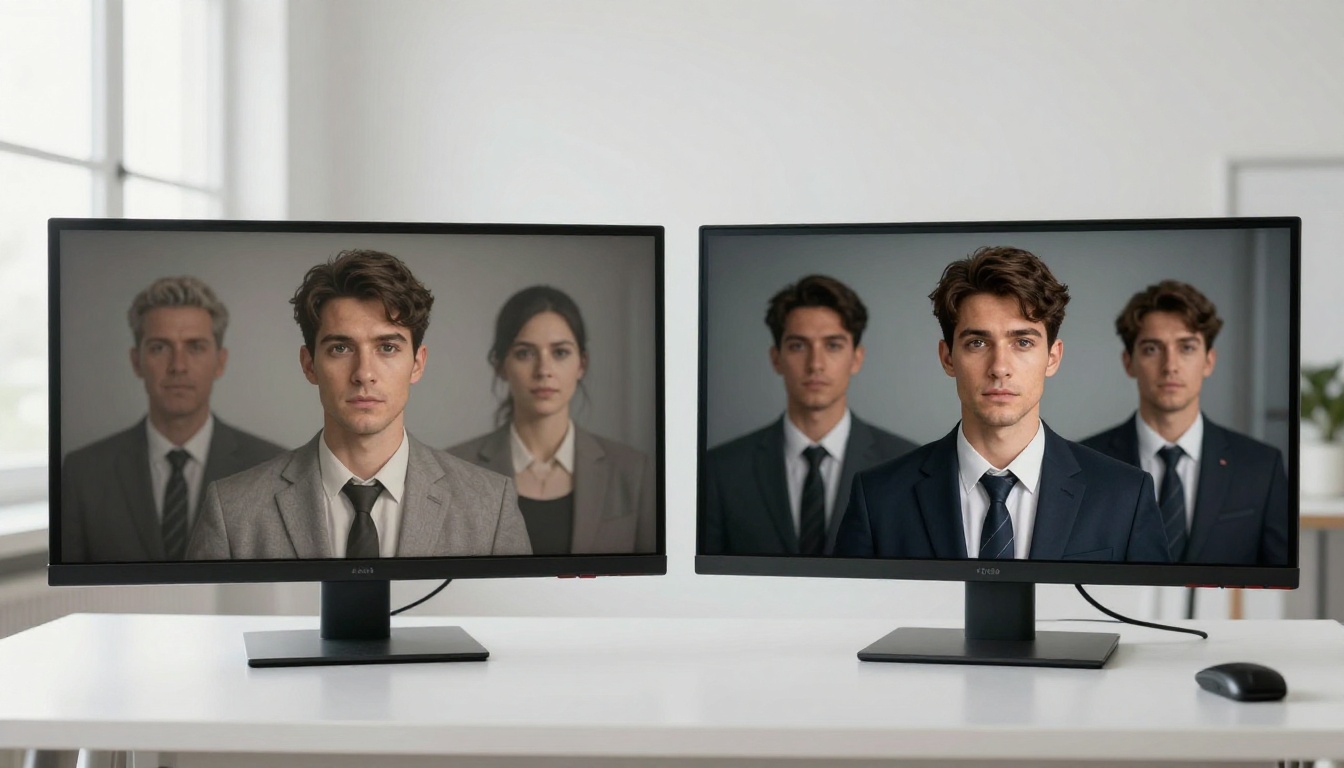
Reference Counts and Output Quality
The relationship between number of references and output quality is not linear. Below a threshold of about 5 references, the model has to infer too much from the text prompt and fills gaps with training data defaults. Above 5, each additional reference incrementally tightens the output. Above about 20 internally consistent references, the model reaches a saturation point where quality plateaus unless new references add genuinely new information, such as a new angle, a different lighting condition, or an additional environmental zone.
| Reference Count | Output Behavior |
|---|
| 1-4 | Model fills gaps with training data defaults. Some drift expected. |
| 5-10 | Clear character and environment consistency. Lighting may still vary. |
| 10-20 | Strong consistency across all visual dimensions. Reliable for production use. |
| 20-40 | Near-total visual specification. Text prompt can be minimal. |
| 40-50 | Full specification. Use when the brief requires granular control across every detail. |
The sweet spot for most users is 15 to 25 references: enough to lock in all the visual properties that matter, without the diminishing returns of padding out to 50 with redundant images.
Start Generating with 50 References
The 50-reference system in Seedance 2.5 is the most direct path from a professional creative brief to a production-ready AI video that currently exists. It removes the guesswork from multi-condition video generation and replaces it with a systematic, repeatable process: curate your references, write your motion prompt, generate.
If you are new to AI video and want to test the reference workflow without spending credits, start with Seedance 2.5 Lite, the free unlimited version, and build up to 10 references. You will see immediately how the output tightens as you add more inputs. From there, move to the full Seedance 2.5 for 30-second outputs at 1080p.
Every model mentioned in this article, including Kling v3 Video, Veo 3, Ray 3.2, LTX 2.3 Pro, and Pixverse v6, is accessible at picassoia.com/en/all-models. No setup, no waitlist, no VPN required. Pick your reference count, upload your images, and run it.


