Large Language ModelsGenerate imagesGenerate speech
How to Design a Shy AI Girlfriend That Feels Genuinely Real
Want a shy AI girlfriend who actually feels real? This article breaks down how to design her visual appearance, give her a soft natural voice, and write a personality that makes every conversation feel warm, genuine, and emotionally connected. No filler, just the real process.
There is something about a shy personality that feels more real than a confident one. Shyness implies hesitation, inner depth, a character that does not broadcast itself. When people set out to design a shy AI girlfriend, they are not just picking visual aesthetics. They are constructing a believable inner world, one that reacts in small, quiet ways and leaves you wanting more. Getting that right takes more than a single prompt. It takes the right image model, the right voice, and a personality that knows when to pause.
What Makes a Shy Personality Feel Real
Shyness is not the absence of expression. It is the careful management of it. A shy AI girlfriend does not go quiet because she has nothing to say. She hesitates because she cares too much about the impression she makes. That distinction matters enormously when you are writing prompts and personality parameters.
The Traits That Define Shyness
Before you open any tool, write down the traits you want your character to carry. Shyness in a convincing AI companion usually combines several overlapping qualities:
Hesitation before responding: she thinks before she speaks
Indirect eye contact: looks down or to the side, never stares
Small physical gestures: touching her hair, clasping her hands, shifting slightly
Emotional warmth under the surface: shy does not mean cold
Short initial responses that grow longer over time as comfort builds
Sensitivity to tone: reacts to how something is said, not just what
These traits need to show up in three places: the visuals, the voice, and the language model personality layer. Missing any one of them creates a character that feels incomplete.
What to Decide Before You Generate
Parameter
Shy Archetype Options
Hair
Long, slightly unkempt, falls over face
Eye contact
Downward or sideways gaze
Posture
Slightly inward, shoulders soft
Clothing
Oversized, soft fabrics, muted tones
Voice pitch
Soft mid-range, slight breathiness
Response style
Short at first, warmer over time
Emotional range
High sensitivity, low confrontation
Locking these down before you start saves you from going back and forth between tools. Think of it as building a character sheet before casting an actor.
Designing the Visual Look
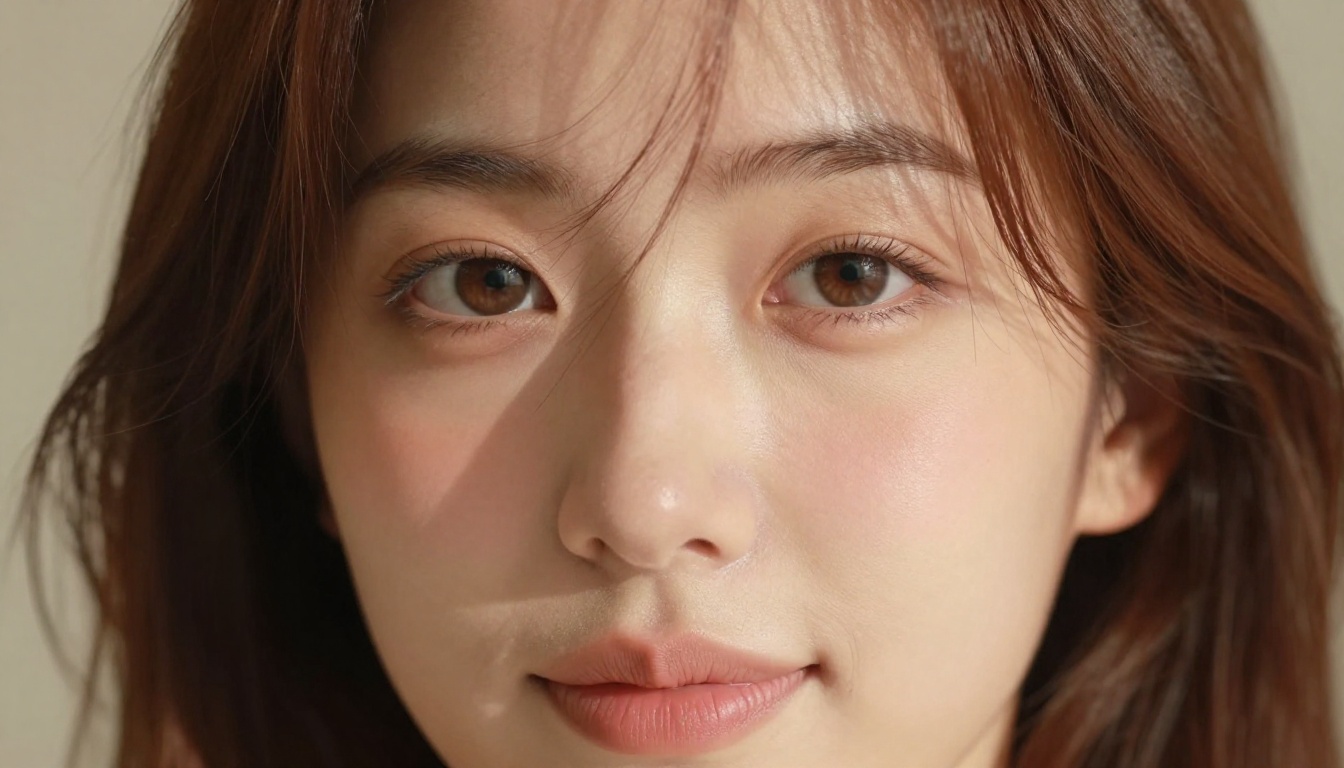
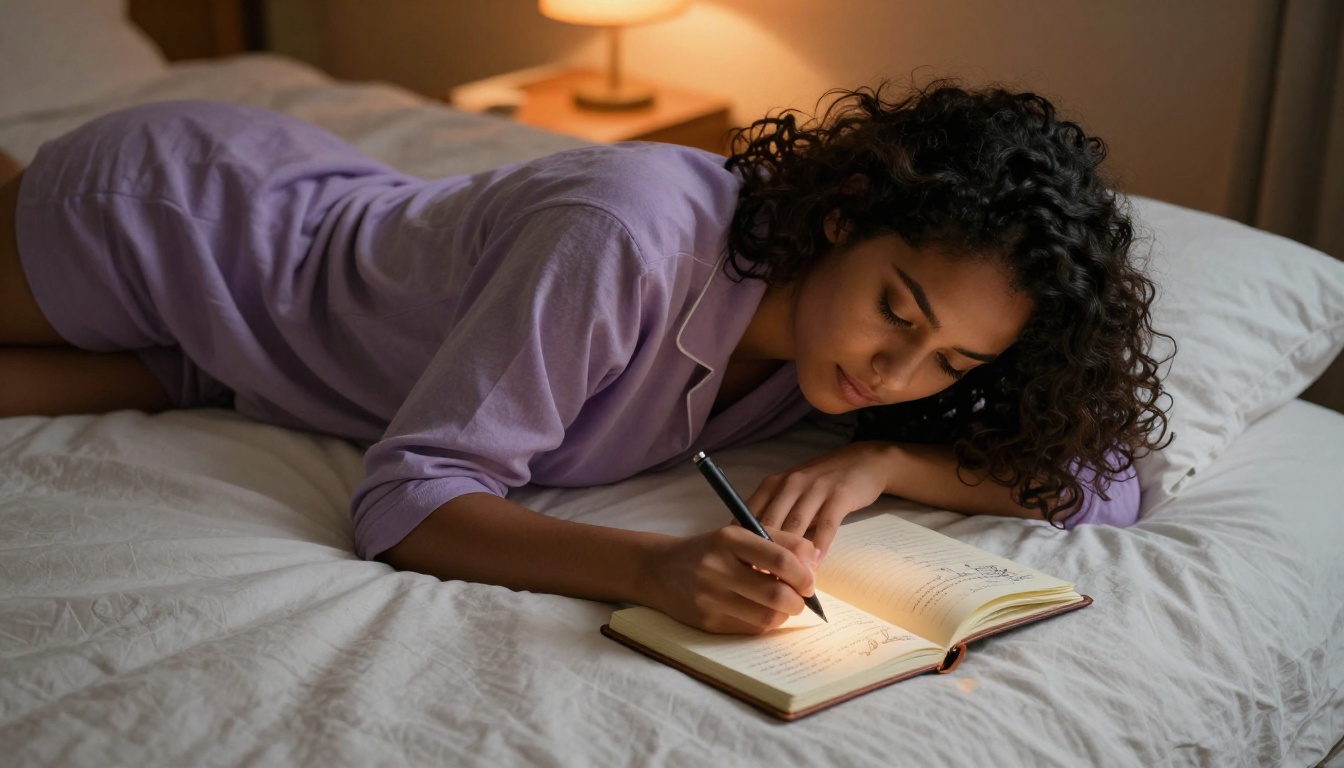
The visual component is where most people start and where most mistakes happen. A shy AI girlfriend needs a photorealistic rendering that communicates personality without words. The wrong lighting, the wrong gaze direction, or an overly polished face will flatten the character immediately.
The Right Image Model for This Style
For soft, emotionally nuanced portraits, Seedream 4.5 is currently the strongest option on PicassoIA. It handles subtle expressions and natural skin texture better than most models at this tier, and it does not over-saturate or over-sharpen the way some alternatives do. If you need to iterate quickly across multiple outfit and setting combinations, Flux Pro gives you faster turnaround with strong prompt adherence.
For NSFW-adjacent work where the visual needs to be attractive and suggestive without crossing into explicit territory, Seedream 4.5 remains the lead choice. It renders natural skin, fabric, and lighting in a way that reads as genuinely photographic rather than generated. Seedream 4 is a solid fallback if you want a slightly different output style, and Seedream 5 Pro pushes resolution and detail even further for final hero shots.
💡 Important: Do NOT use Seedream 5 Lite for NSFW character work. It applies content filters that block suggestive renders. Stick with Seedream 4.5 or Seedream 4 for this category.
If you want to refine and edit an image after generation, the PicassoIA Image Editor Pro gives you unlimited generations for edits, which is invaluable when you are dialing in the exact expression or clothing detail. Use inpainting to fix specific areas (a hand that looks off, a background that clashes) without regenerating the whole image.
The most common mistake in prompting for a shy character is being too generic. "A shy girl looking down" produces a lifeless image. You need to describe the reason she is looking down, the feeling in the room, and the physical details that carry the emotion.
Here is the structure that consistently works:
[Subject + specific posture] + [Precise environment with mood cues] + [Lighting direction and quality] + [Camera lens and angle] + [Skin and hair micro-detail] + [Atmosphere adjectives] --ar 16:9 --style raw
Specific phrases that signal shyness in image prompts:
"gaze directed 15 degrees down and to the left"
"lower lip caught gently between teeth, restrained smile"
"both hands clasped together in lap, fingers interlaced"
"shoulders slightly rolled inward"
"one strand of hair falling across the cheek"
Add these to your prompts explicitly. The model does not infer "shy" from the word alone. It responds to the specific geometry of the body.
Expressions That Carry Emotion
Shy characters live in the micro-expressions. A full smile reads as confident. What you want is the pre-smile: the moment before she commits to it. Prompt for:
"lips parting slightly, not yet smiling"
"eyes soft with a faint warmth not quite reaching the corners"
"the beginning of a blush across the upper cheeks and nose bridge"
Also consider the context you place her in. A shy character in an empty room reads differently than the same character at the edge of a crowded space, slightly apart from everyone else. The environment amplifies the personality.
Giving Her a Voice
A shy personality without a matching voice is just a picture. The voice layer is what makes the character feel present in real time. This is where text-to-speech models come in, and the choice of model has a much larger impact on character feel than most people expect.
The TTS Models Worth Using
On PicassoIA, the voice generation catalog includes several strong options for this use case:
For a shy character, ElevenLabs V3 is the strongest choice. Its emotional range allows it to reproduce the slight breathiness, the trailing sentence ends, and the soft vocal textures that make a shy character feel authentic. MiniMax Speech 2.8 HD is the go-to if you need consistent HD output at speed, particularly for longer conversational audio.
Tuning Tone and Pace
Shy characters speak more slowly than average. They trail off. They sometimes restart a sentence. When you are writing the text input for your TTS model, build these cues in directly:
Use short sentences with natural pauses
Add ellipses (...) where a shy character would hesitate
Write in lower case for a softer, less assertive feel
Avoid exclamation marks entirely
Let sentences sometimes be incomplete
💡 You do not need special SSML tags to get good results. Simply structuring your text to mirror how a shy person actually speaks is enough for ElevenLabs V3 and MiniMax Speech 2.8 HD to pick up the emotional cues naturally.
Writing the Personality with an LLM
The visual and the voice are the surface. The personality is what people keep coming back for. Large language models are what power the actual conversation, and the character prompt you write for them determines everything about how the interaction feels.
Setting Up the Character Prompt
A system prompt for a shy AI girlfriend needs to encode the personality at the behavioral level, not just the descriptive level. Do not write: "She is shy." Write the behaviors that shyness produces:
You are Yuki. You respond in short sentences at first. You do not volunteer information about yourself easily but open up gradually when you feel safe. You ask questions back when something interests you, but quietly, as if you are not sure the question is welcome. You sometimes pause mid-thought. You are warm but rarely direct about it.
That behavioral encoding produces vastly more consistent shy behavior than any amount of adjectives.
Key elements of a strong shy character prompt:
Response length ceiling: define that initial responses stay under 2 sentences
Emotional escalation rule: she becomes warmer over 5 to 10 messages, not immediately
Deflection pattern: she deflects direct compliments with small self-deprecating humor
Curiosity signal: she asks one genuine question per conversation turn
Memory sensitivity: she remembers small details and brings them back quietly later
The Best LLMs for the Job
Not all language models handle character consistency equally. On PicassoIA, these three perform best for sustained personality roleplay:
GPT 5 handles long-context character consistency better than most. It respects the boundaries you set in the system prompt across many exchanges without drifting.
Claude 4 Sonnet produces notably natural conversational prose. The voice it generates reads less like an AI writing and more like a person typing. For shy characters, that naturalness in phrasing is critical.
Gemini 3.5 Flash is the fastest option if you want real-time responsiveness. It handles the core personality well with slightly less nuance than GPT 5 or Claude, but the speed difference is substantial for live chat use cases.
💡 For the best results, pair Claude 4 Sonnet with a tightly written character prompt. Its ability to pick up on subtle behavioral cues and maintain them across a long conversation is currently unmatched for this type of character work.
Step-by-Step on PicassoIA
Here is the actual workflow, in order, for building a complete shy AI girlfriend on PicassoIA:
Step 1: Generate the Base Portrait
Go to Seedream 4.5 and run your first portrait prompt. Use the character sheet you built earlier. Aim for a neutral background on the first pass so you can evaluate the face without distraction. Aspect ratio 16:9 for wide formats.
Step 2: Refine with the Image Editor
Open the result in PicassoIA Image Editor Pro. Use inpainting to adjust any detail that does not match your character sheet. Common fixes at this stage: hair placement, hand position, the exact angle of the gaze. Unlimited generations means you can iterate freely.
Step 3: Build the Expression Library
Generate 5 to 8 variants showing different emotional states: neutral shy, slightly pleased, mildly embarrassed, focused, and soft laughter (not a full laugh, just the beginning of one). These give you a visual vocabulary for the character across different conversation tones.
Step 4: Set Up the Voice
Go to ElevenLabs V3 and run a voice test with a short sample text written in the character's voice. Adjust the stability and style settings. Lower stability increases the natural variation in the voice, which for shy characters adds believability. Test with a few emotional states: calm, slightly nervous, and softly pleased.
Step 5: Write and Test the LLM Prompt
Open Claude 4 Sonnet and paste your system prompt. Run 10 to 15 test exchanges. Note where the character drifts from the personality you defined. Tighten the behavioral rules in the prompt until the character holds across all exchanges.
Step 6: Assemble
Combine the image assets, the voice samples, and the LLM personality into your target platform or application. If you are building a companion app, the assets from PicassoIA export cleanly as URLs and files that integrate with any web or mobile stack.
3 Mistakes That Kill the Vibe
Most failed shy AI girlfriend designs fall into one of these three traps:
Mistake 1: Making shyness look like sadness.
Sad and shy are visually different. A sad character has heavier eye bags, downturned mouth corners, a collapsed posture. Shy has an inward quality without the weight. Watch your lighting: warm, soft light reads as shy. Cool, flat light reads as melancholic.
Mistake 2: Over-explaining the shyness in the LLM prompt.
Writing "she is extremely shy and always hesitates and never says much at first" produces a character that feels performatively timid. Behavioral instructions work better than adjectives. Tell the model what she does, not what she is.
Mistake 3: Using a voice that is too flat.
A monotone voice with no variation makes shy feel like bored. Shy characters have warmth in their voice, just delivered quietly. Use ElevenLabs V3 with slightly reduced stability to introduce natural micro-variations that prevent the flatness.
The Models at Your Fingertips
PicassoIA brings together everything needed for this workflow in one place. You do not need to manage API keys across five different platforms or pay for separate subscriptions to ElevenLabs, Flux, and OpenAI. It is all accessible through a single interface with per-generation pricing that scales with actual use.
For a shy AI girlfriend specifically, the stack that consistently produces the best results is:
Visuals: Seedream 4.5 for initial generation, Image Editor Pro for refinements
Personality: Claude 4 Sonnet for character depth, GPT 5 for long-context consistency
Every model on this list is available now. You do not need a waitlist, a special account, or a developer setup. Open the platform, pick the model, and start building.
Your Character Is One Session Away
The shy AI girlfriend you have been imagining is not a complicated project. It is a series of clear decisions: which model renders softness best, which voice captures hesitation without going flat, which language model holds a personality across fifty messages without drifting. Each of those decisions has a clear answer today, and all of them are available on PicassoIA.
The hardest part is the character sheet. Spend 20 minutes on it before you open any tool, and the rest of the process falls into place. Start with the face, layer in the voice, write the personality, and test until the interactions feel genuinely warm and real.