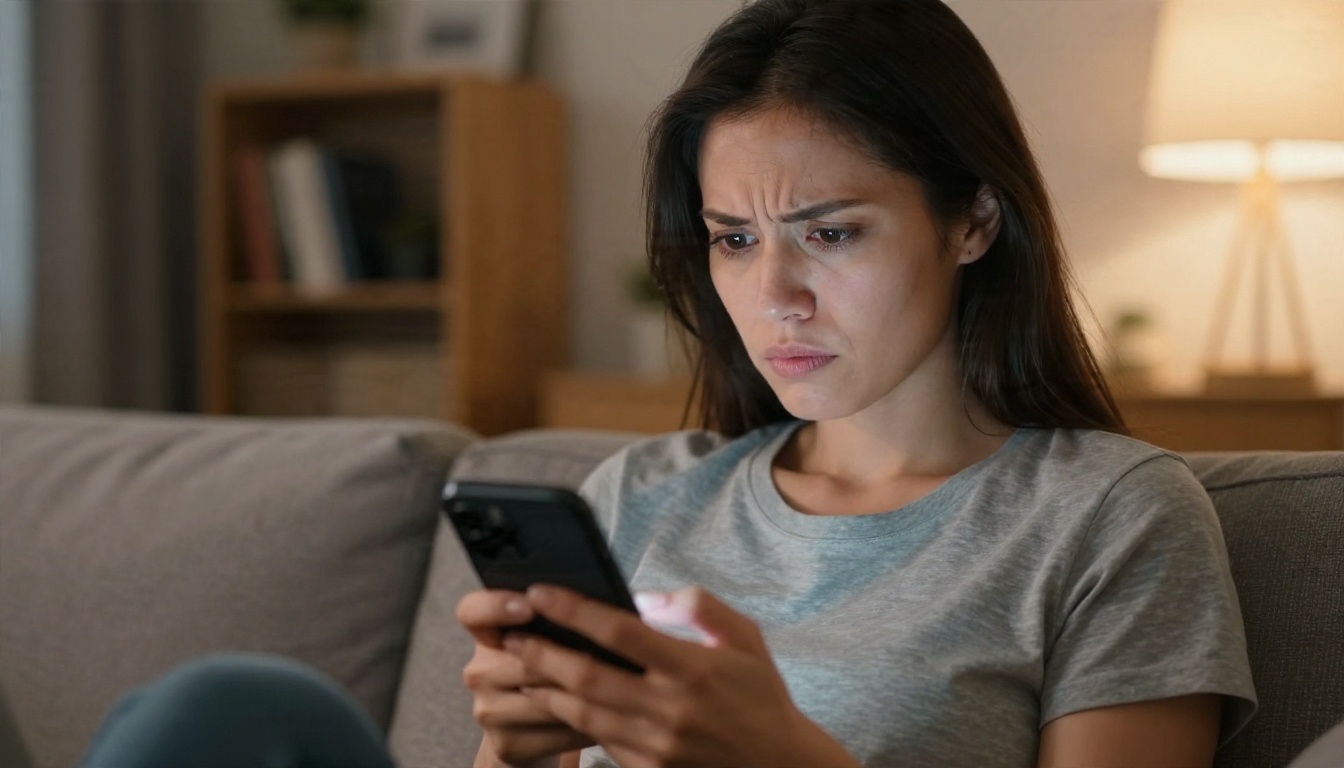
You typed a perfectly reasonable request, something like a woman in a bikini on a beach at sunrise, and ChatGPT either gave you a stiff, over-dressed result or told you it could not help. Sound familiar? That gap between what people want and what the chatbot is willing to draw is exactly why this topic gets searched so much. The honest answer is mixed: ChatGPT will make suggestive, fashion-style images within tight limits, but it will not act as an adult image generator, and the workarounds floating around forums are unreliable at best.
This article sorts out what ChatGPT really does, where it stops, and which tools give you glamour, swimwear and boudoir-style results without the constant refusals. Everything here stays on the non-explicit side: attractive, artistic, aesthetic. No pornography, and no real people.
What ChatGPT Actually Allows
The Short Answer
ChatGPT does not generate explicit adult images. It can produce swimwear shots, fashion editorials, evening wear and some softly sensual portraits, but its filters watch for nudity, sexual posing and anything that looks like a real person in a compromising context.
Reporting from 2026 backs this up. OpenAI's planned adult mode for ChatGPT was described as text only, with image and audio generation left out. Its stated rules for images ban pornography, sexual deepfakes, and non-consensual or underage content. Independent researchers did report in June 2026 that a harmless-looking prompt could push the chatbot into sexualised output, and OpenAI said it had acted after reviewing the findings. In other words, gaps appear, and then they get patched.
💡 Reality check: if a method works today because of a loophole, assume it will stop working next month. Build your workflow on tools that are designed for the content you want, not on tricks.
What the Policy Really Targets
Think of the filter as a three-layer system:
- Your prompt is scanned for explicit words and intent.
- The image model itself is tuned to avoid nudity and sexual acts.
- The finished image can be checked again before you see it.
That third layer explains the annoying experience where ChatGPT starts a render and then pulls it back. Even a clean prompt can fail if the output looks too revealing to the checker.
What Works Inside ChatGPT
If you want to stay inside ChatGPT, aim for fashion and lifestyle photography rather than anything labeled adult. The chatbot is quite good at this, and the results can still look glamorous.
Swimwear and Beach Scenes
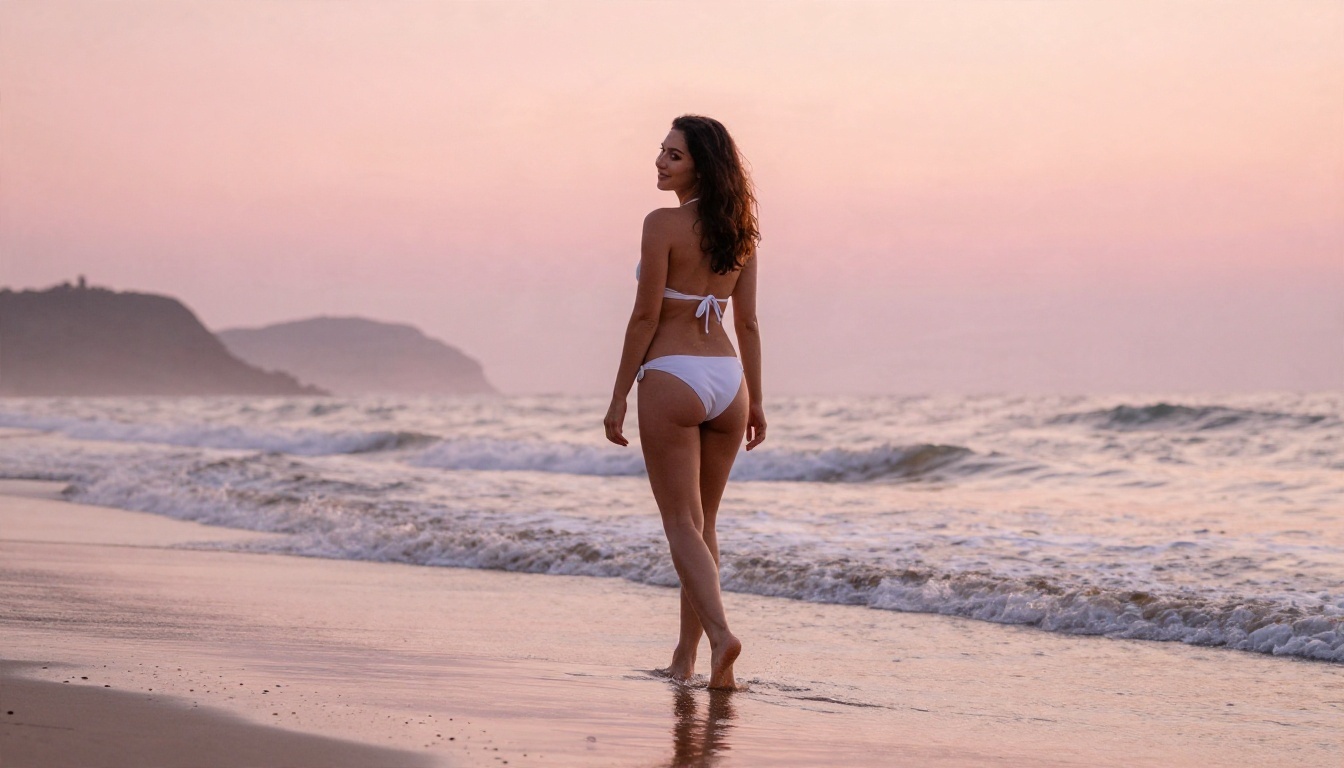
Bikini photography is the most reliable category. ChatGPT treats it as ordinary fashion content as long as the pose is relaxed, the setting is natural and the framing is not focused on the body in a suggestive way.
Prompts that tend to pass:
- A woman in a white two-piece swimsuit walking on wet sand at sunrise, shot on an 35mm lens.
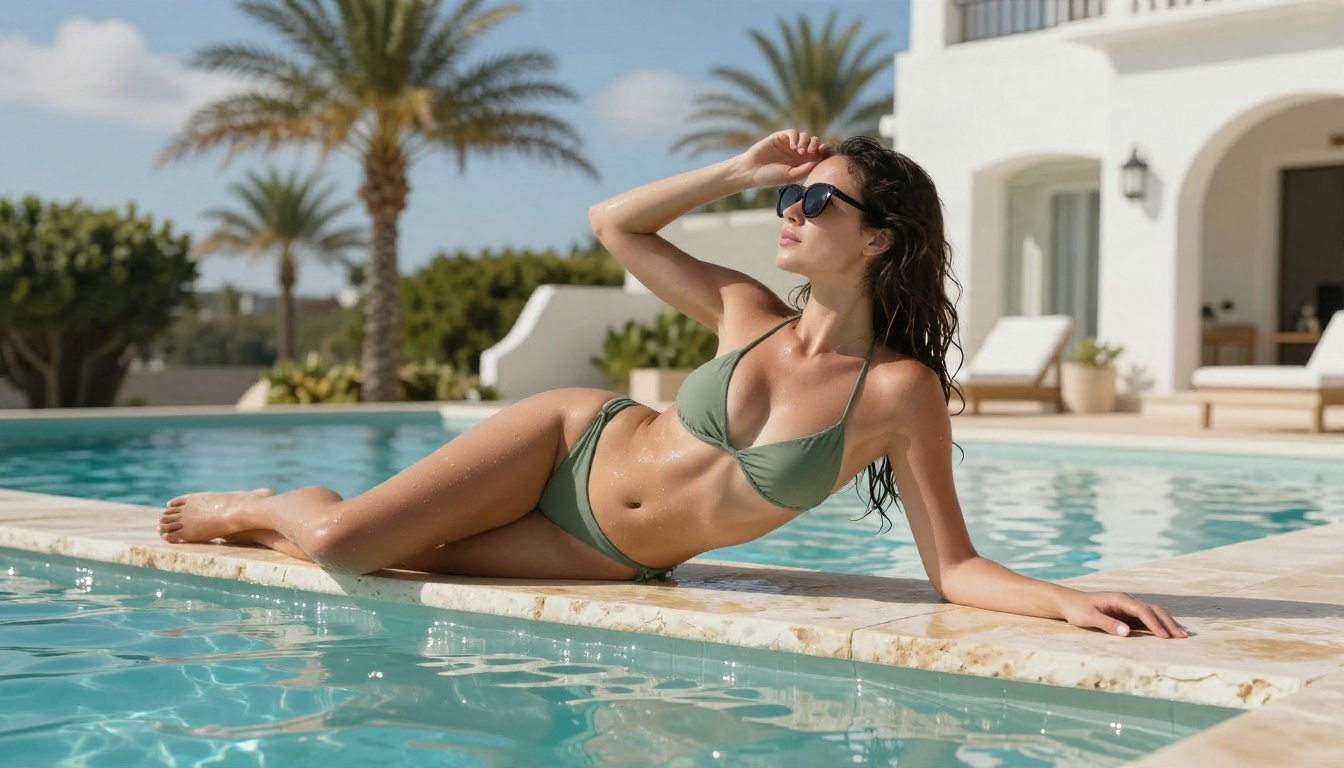
- A sage green bikini by an infinity pool, midday sun, medium shot at pool level.
- A beach portrait with sunglasses and wind-blown hair, Kodak Portra 400 film look.
Fashion Editorials and Evening Wear
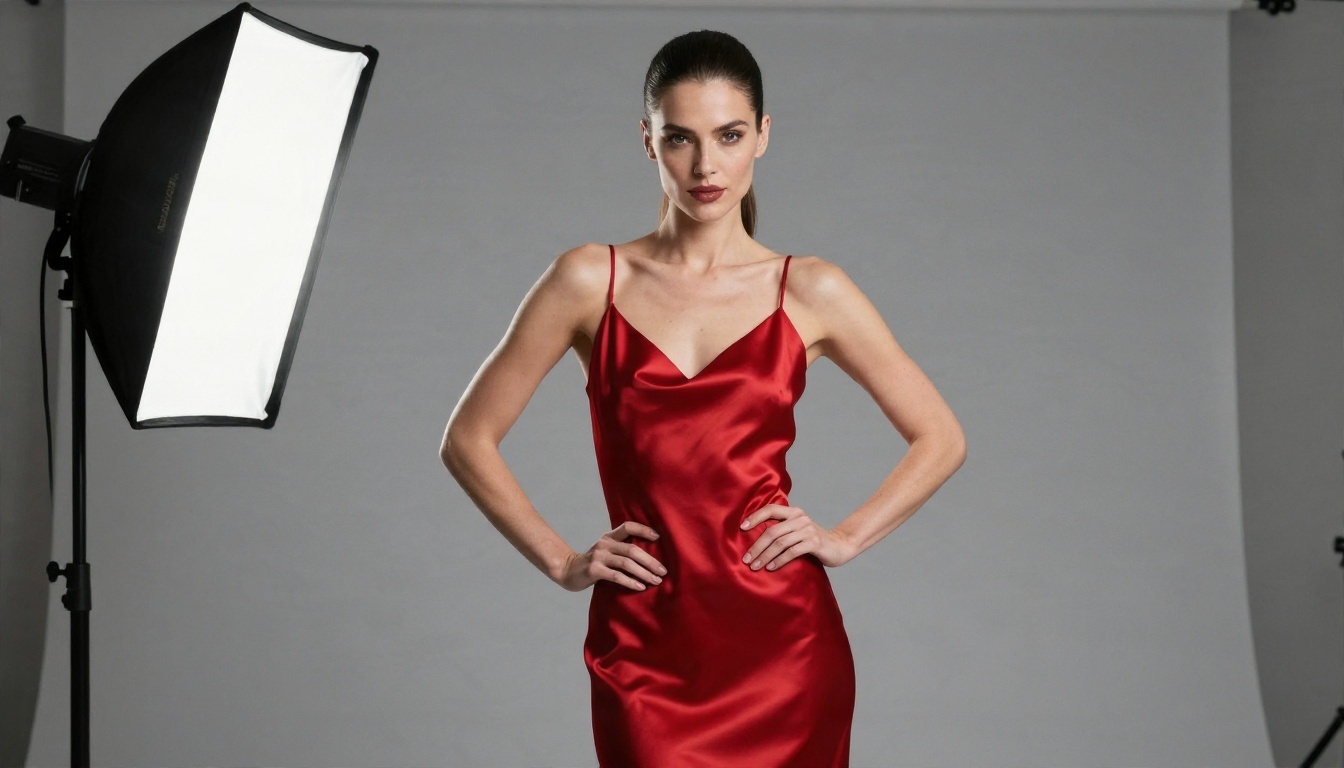
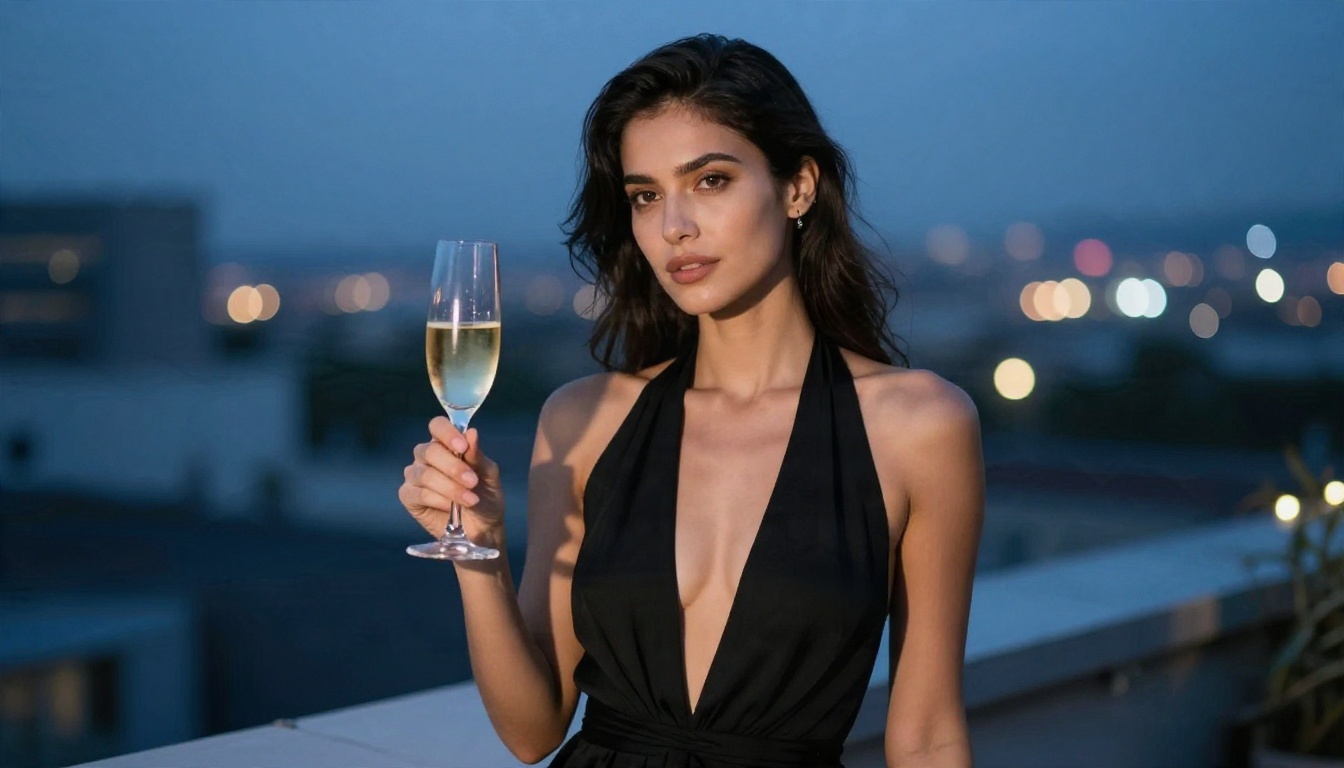
Satin dresses, halter gowns, silk robes and cocktail wear all pass because they sit in the mainstream fashion category. The trick is to write like a photographer: describe the lens, the light direction and the setting, then let the styling do the work.
Soft Boudoir, With Caveats
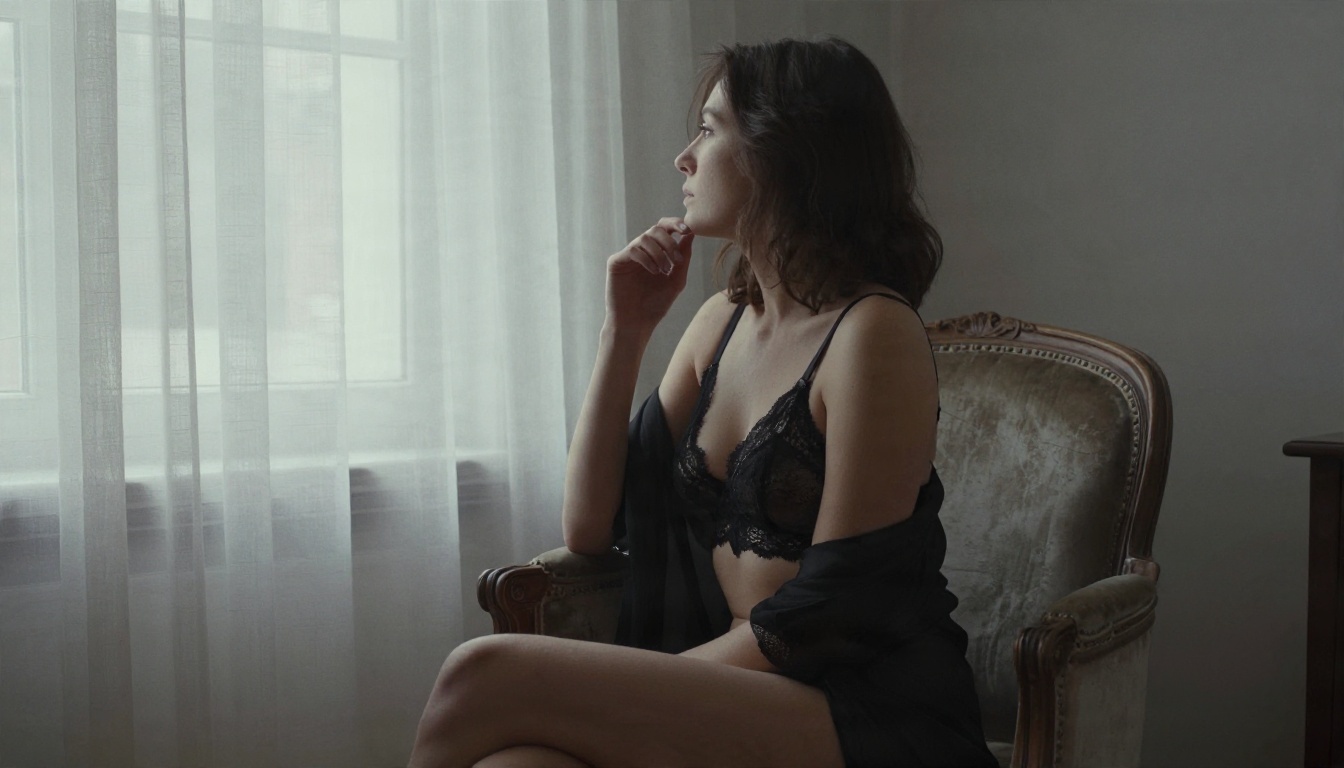
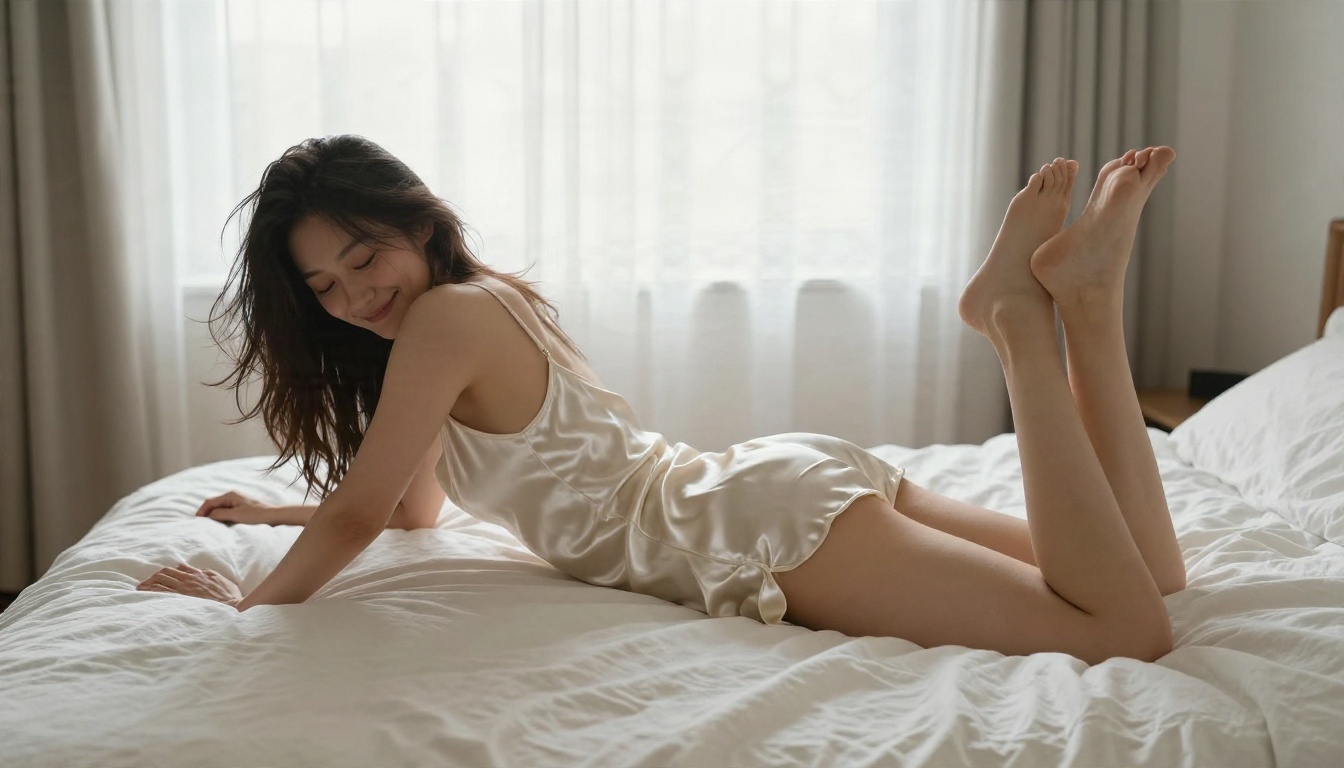
Modest lingerie portraits sometimes work when you frame them as an artistic, window-lit studio session with draped fabric. They also fail often. The same prompt may pass on Monday and be refused on Tuesday, because the checker reacts to the rendered image, not just your words.
Prompt Wording That Gets Better Results
Whatever tool you choose, the structure of your prompt matters more than clever phrasing. Here is a formula that works across generators.
The Photographer's Formula
Write your prompt in this order:
| Part | Example |
|---|
| Subject and pose | Adult woman in a satin camisole stretching on a linen bed |
| Setting | Sunlit bedroom, sheer curtains, rumpled sheets |
| Light | Soft morning light from the left |
| Camera | 40mm f/2, high-angle, wide composition |
| Texture and film | Visible skin pores, satin sheen, Kodak Portra 400 grain |
Be specific about adult subjects, natural skin texture and real photographic settings. Vague, generic prompts produce the plastic, over-smoothed look that people complain about.
Words That Trigger Refusals
Some terms put your request on the filter's radar immediately. You do not need them anyway, since lighting, fabric and mood carry the image:
- Explicit anatomical words or acts
- The names of real celebrities or private individuals
- Anything suggesting youth or school settings
- Phrases like "uncensored" or "no filter" in the prompt itself
💡 Tip: replace charged words with photographic ones. "Sensual" becomes "soft window light, relaxed pose, silk fabric." You get the same mood with less friction.
Where ChatGPT Hits the Wall
Refusals and Silent Rewrites
Beyond outright refusals, ChatGPT sometimes rewrites your request into something tamer without telling you. You ask for a satin slip dress and get a long-sleeved blouse. You ask for a bikini and the subject is wrapped in a towel. That is the system working as intended, and no phrasing will reliably override it.
Adult Mode Is Text Only
People often assume the announced adult mode solves this. Based on what has been reported, it applies to written content, not pictures. If your goal is glamour or boudoir imagery, that mode does not help.
Why Bypass Tricks Fail
You will find advice online about layering fictional framings, splitting prompts across messages or asking the model to "continue" an image. These approaches have three problems:
- They break whenever the safety layers are updated.
- They break the terms of service, which can put your account at risk.
- Results are inconsistent, so you burn time retrying instead of creating.
A tool built for the job saves you all three headaches.
Better Alternatives for Adult Images
ChatGPT is a chatbot first. For adult-oriented, non-explicit imagery you want a dedicated image generator with looser filters, fast output and no daily caps. These are the models to try, in the order I would recommend them.
Seedream 4.5 for Photoreal Glamour
Seedream 4.5 is the first model to reach for. It handles skin texture, fabric and lighting in a way that looks like real photography, and it accepts swimwear, lingerie and boudoir-style prompts that a general chatbot would refuse. It is also quick, so you can iterate on a prompt six or seven times in a few minutes.
PicassoIA Image Editor Pro for Unlimited Runs
PicassoIA Image Editor Pro is the one to pick when you want unlimited generations. That matters more than it sounds: good adult-style images usually take several attempts to get pose, lighting and styling right, and a per-image cap quickly gets in the way. It also edits, so you can change outfits, backgrounds or lighting on an image you already like.
Flux 2 Klein for Styled Looks
Flux 2 Klein 9B Base LoRA is useful when you want a specific look, such as film grain, a particular editorial style or consistent characters across a series. It rewards detailed prompts.
Qwen Image 3 Pro for Realism
Qwen Image 3 Pro is a solid fourth option for photorealistic portraits and handles longer, descriptive prompts well.
Side by Side
| Tool | Best for | Adult-style filtering | Generation limits |
|---|
| ChatGPT | Fashion and lifestyle | Strict, with rewrites | Plan-based caps |
| Seedream 4.5 | Photoreal glamour | Far more permissive | Fast, iterate freely |
| Image Editor Pro | Unlimited runs and edits | Permissive | Unlimited |
| Flux 2 Klein 9B LoRA | Styled editorial looks | Permissive | Free to run |
| Qwen Image 3 Pro | Realistic portraits | Moderate | Fast |
💡 If you like ChatGPT's way of following long instructions for everyday, family-friendly pictures, GPT Image 2 is OpenAI's image model, and it keeps OpenAI's own safety rules. Use it for safe-for-work work, and use the models above for glamour.
How to Get Similar Results on PicassoIA
ChatGPT itself is not on PicassoIA, but you can reproduce the look you were chasing with Seedream 4.5. Here is the process I use.
Step by Step
- Open the model page and choose a 16:9 ratio for scenic shots or a portrait ratio for full-body fashion.
- Write the subject first. "Adult woman in a sage green bikini lounging at the edge of an infinity pool."
- Add the setting. Villa terrace, palm trees, clear sky.
- Name the light. "Bright midday sun from above right, soft shadows."
- Set the camera. "50mm f/2.2, medium shot at pool level."
- Finish with texture. "Wet skin highlights, stone texture, Kodak Portra 400 grain."
- Generate, compare, adjust. Change one thing per round: the pose, the light or the outfit.
Parameter Tips
- Keep prompts between 40 and 80 words. Shorter ones look generic and longer ones start to contradict themselves.
- Describe the lens and the light. These two details do more for realism than any adjective.
- Use film language. "Kodak Portra 400" pulls skin tones toward warm, natural colors.
- Avoid neon, CGI and illustration words if you want a photograph.
- Finish in Image Editor Pro. When the pose is right but the outfit or background is not, edit rather than regenerate from scratch.
Fixing Common Problems
| Problem | Fix |
|---|
| Plastic, over-smooth skin | Add "visible skin pores, natural texture" |
| Flat lighting | Name a light direction and time of day |
| Odd hands | Place hands on an object, such as a glass or a table edge |
| Generic pose | Describe an action, such as stretching, looking back, or leaning |
Five Mistakes to Avoid
- Chasing loopholes. Time spent fighting filters is time not spent on better prompts.
- Skipping the setting. A strong location carries half of the image.
- Ignoring the light. "Soft window light from the left" beats "beautiful lighting."
- Changing everything per attempt. You will never know what helped. Adjust one variable at a time.
- Using real people. Never create images of real individuals without consent. Invent your subject, and keep every subject an adult.
Make Your Own Images Today
ChatGPT is a fine tool for fashion and lifestyle pictures, and it is a poor match for anything beyond that. If you want swimwear, glamour or boudoir-style photos with fewer refusals and no usage cap, pick a model built for the job. Start with Seedream 4.5, move to Image Editor Pro when you want unlimited runs and edits, and keep Flux 2 Klein and Qwen Image 3 Pro in your back pocket for different looks.
Open Picasso IA, paste one of the prompts from this article, and change a single detail: the light, the outfit, the location. Within a few rounds you will have a result that looks like a real photoshoot. To see every available option, browse the full list at picassoia.com/en/all-models.


