You opened Grok, typed three questions, and then hit a wall: a polite message telling you to wait, or to pay. It happens to almost everyone who tries Grok for free, and the frustrating part is that nobody tells you where the wall actually is. xAI does not publish a message counter for free accounts, the numbers floating around forums are mostly guesses, and the rules changed again in mid 2026. This article sorts out what is real, shows you the three ways to use Grok without a subscription, and then gives you uncensored alternatives for images and chat that do not stop you after a handful of prompts.
💡 Quick answer: Grok is free on its website, inside the X app, and in its own mobile app, but with unpublished limits that reset on their own schedule. If you want predictable, unlimited creation, pair it with the alternatives below.
What "Free Grok" Actually Means
"Free" gets used loosely online. Some people mean a no-cost account. Others mean a trial of a paid plan. Others mean a third-party site that wraps the API. Those are three very different things, and mixing them up is how people end up on sketchy sites asking for a credit card.
Free account vs paid plan
A free Grok account gives you access to the chatbot with usage limits that xAI describes only as generous. There is no printed number. Paid seats get a single weekly usage pool that is shared across chat, image generation, voice, and other tools, and that pool refreshes every week. Free chat and voice limits sit separately from that weekly pool and reset on their own schedule.
Why the numbers keep changing
In May 2026, community members reported something like ten requests every two hours on the free tier. That was never an official figure, and many of the numbers still circulating predate the June 2026 change in how limits are counted. Treat any exact number you read, including in this article, as a snapshot. The only reliable meter is the usage screen inside your own account settings.

Three Ways to Use Grok for Free
You do not need a trick, a leaked login, or a "free premium" generator. Those are scams, and some of them are built to harvest your credentials. The legitimate routes are simple.
The website
Go to grok.com in any browser, sign in with an email, Apple, Google, or X account, and start typing. This is the best option if you work at a desk, because long answers are easier to read and copy. Free users get the standard chat experience, and the heavier reasoning modes may be throttled harder or hidden behind the paywall depending on the week.

The mobile app
The standalone Grok app is available for iPhone and Android. Download it from the official store, sign in with the same account, and your history syncs with the website. The app is where voice mode lives, and voice has its own limit that is separate from text chat. It is also the most convenient place to use the camera, upload a photo, and ask a question about it.
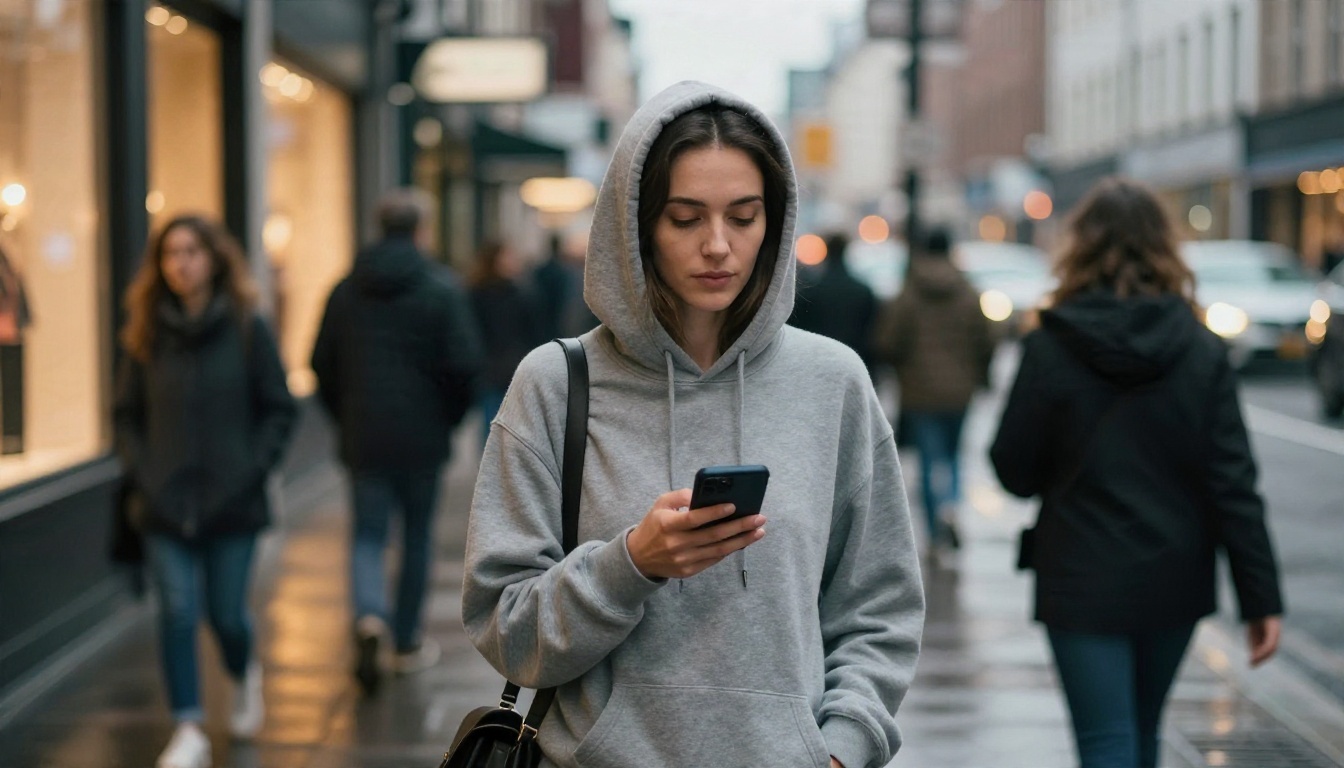
A few practical notes from using it day to day:
- Sign in once, use everywhere. Your conversations follow the account, not the device.
- Voice burns through limits faster than text because long spoken answers cost more.
- Check Settings before a big task. If your usage screen shows you are close to the cap, switch tools early rather than getting cut off mid-project.
- Avoid unofficial "Grok" apps. Anything that is not published by xAI is a third-party wrapper, and some of them are ad traps.
Inside X
If you already use X, Grok sits in the sidebar and under many posts. It is the lowest friction route because you do not need a separate login. The tradeoff is that the daily caps on image generation for free users are tighter here than people expect, and the answers are shaped by whatever context you are in.
The Real Limits, Explained
Let's put the moving parts in one place, because the confusion comes from three separate meters being treated as one.
| What you do | Free account | Paid plan |
|---|
| Text chat | Limited, unpublished, resets on its own schedule | Shared weekly pool |
| Voice mode | Separate limit, resets separately | Shared weekly pool |
| Image generation | Daily usage cap, strictest on X | Shared weekly pool |
| Heavier reasoning modes | Often restricted | Included, counted against the pool |
| Predictability | Low | Medium |
Chat caps
When you hit the chat limit, you get a message and a wait. The wait can be a couple of hours or longer, and it is not the same for every user. Long prompts, pasted documents, and image uploads burn through the allowance faster than short questions. A good habit is to ask one well-built prompt instead of ten loose ones.
Image caps
Image generation is where free users feel the squeeze first. A handful of generations and you are told to come back tomorrow. If you create images regularly, the free Grok route is the wrong tool for the job, which is exactly where the alternatives later in this article come in.

💡 Tip: Write your prompt in a notes app first, polish it, then paste it in. One precise request costs less of your allowance than three vague ones followed by corrections.
How to Use Grok 4 on PicassoIA
If you want Grok's reasoning without juggling three separate meters, you can run Grok 4 directly on PicassoIA. It is built for complex, multi-step questions: planning, coding help, research summaries, and long analytical writing. Here is the practical workflow.
Step by step
- Open the model page. Go to the Grok 4 page on PicassoIA.
- Write your prompt. State the task, the audience, and the format you want. "Compare these two plans in a table, then recommend one" beats "help me decide."
- Add context. Paste the text, notes, or data you want it to work from, right inside the prompt.
- Run it and read the first answer critically. Check numbers and claims, because every language model can sound confident while being wrong.
- Follow up in the same thread. Refine the answer with short, specific instructions rather than starting over.
Parameter tips
- Be explicit about length. "Under 200 words" or "five bullets" keeps answers tight.
- Ask for the reasoning separately. Request the conclusion first, then the working, so you can skim.
- Use role framing sparingly. "Act as a travel editor" helps tone, but facts still need checking.
- Split big jobs. Outline first, then draft section by section.

Uncensored Alternatives That Keep Going
Here is the part many readers actually came for. Grok has content rules, and so does every mainstream tool. If your goal is adult-oriented but non-explicit imagery, such as glamour portraits, swimwear editorials, boudoir-style fashion shots, or artistic implied nudity, you want a generator with fewer false refusals and no tight daily cap. This is for adults, for original characters and fictional subjects, and it is not for sexual content involving real people without their consent or anything illegal.
💡 Rule of thumb: Fewer restrictions does not mean no rules. Keep it tasteful, keep it legal, and never use a real person's likeness without permission.
Seedream 4.5 for glamour
Seedream 4.5 is the first model to try for this kind of work. It produces sharp, photographic skin texture, handles fabric sheen on satin and silk well, and follows detailed lighting instructions closely. It is also far less jumpy about swimwear, lingerie-style fashion, and glamour poses than most mainstream tools.
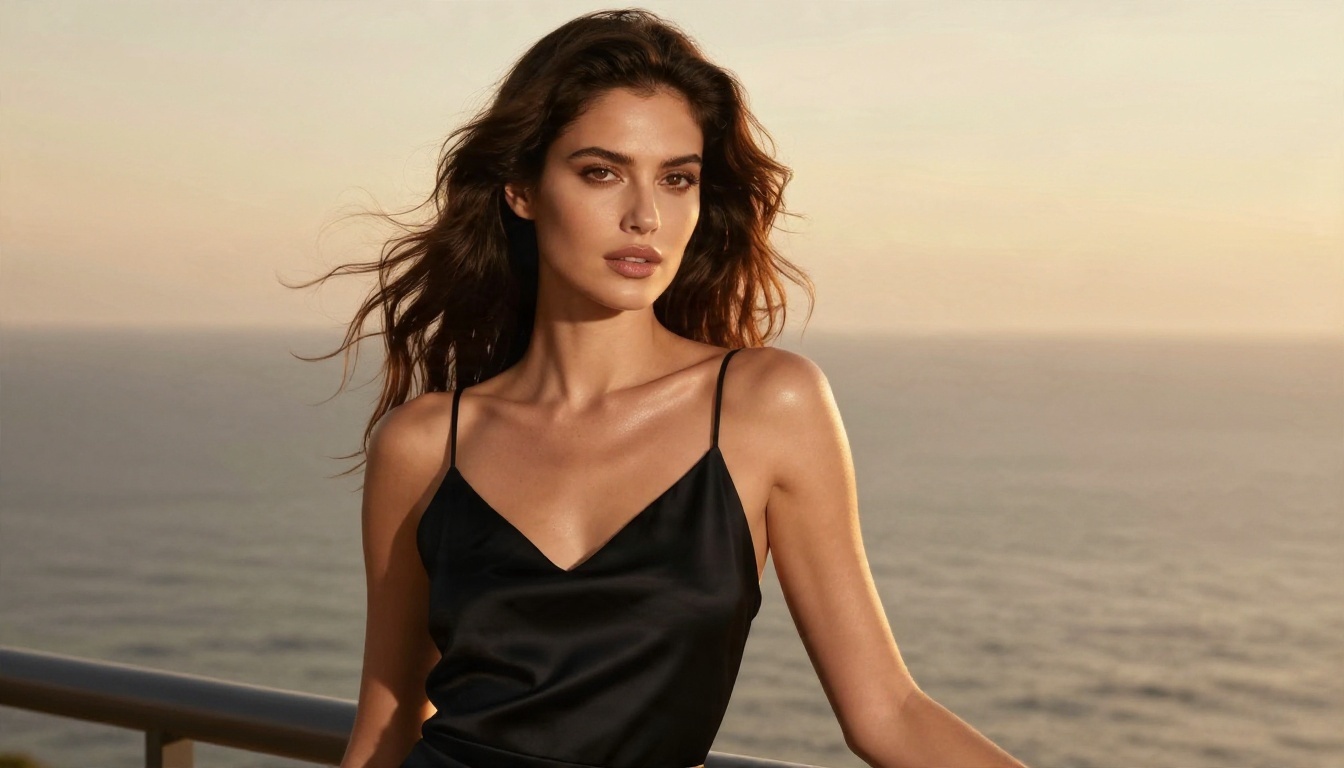
A prompt that works well follows this structure:
- Subject and pose: "confident woman in a black satin slip dress standing on a hotel balcony"
- Environment: "sea horizon, golden hour, light breeze"
- Light: "warm backlight with soft rim on the shoulders"
- Camera: "85mm lens, f/1.8, shallow depth of field"
- Texture: "natural skin pores, silk sheen, fine film grain"
Image Editor Pro for unlimited edits
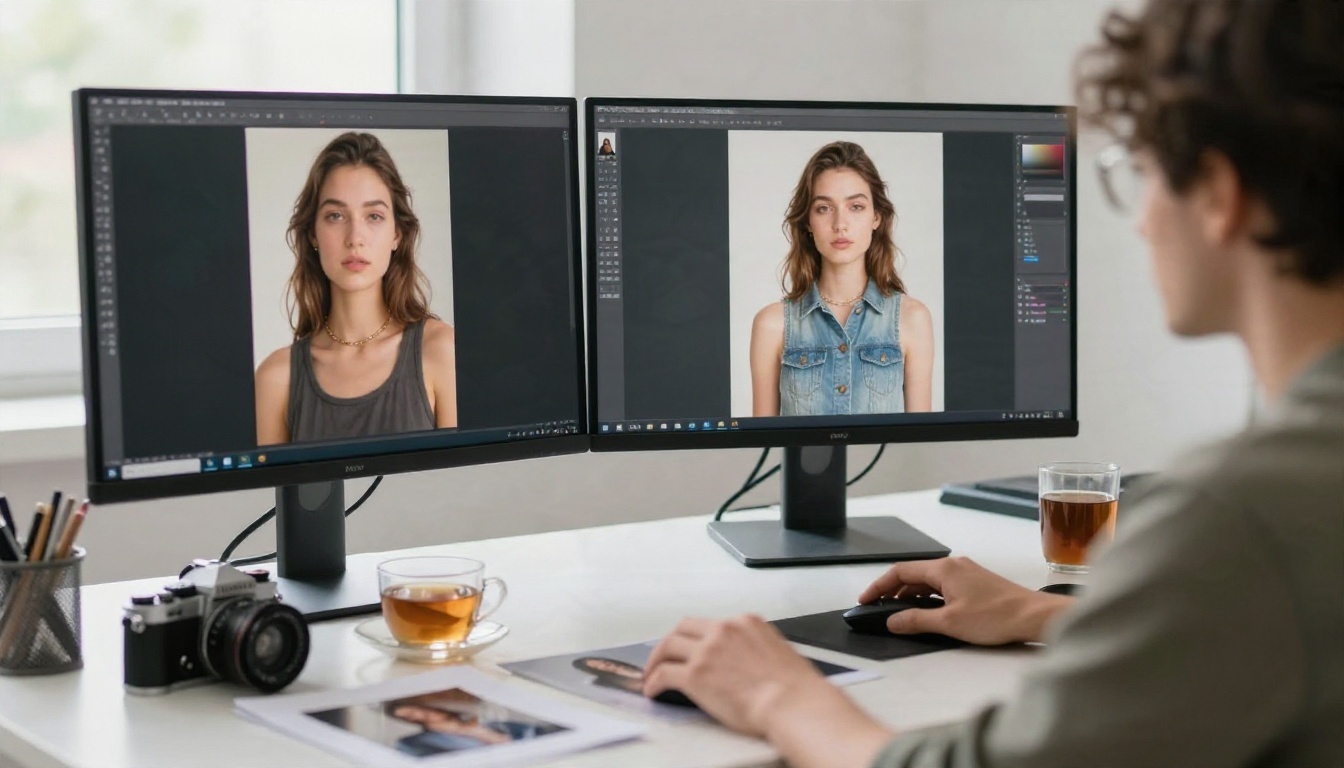
PicassoIA Image Editor Pro is the model to reach for when you want to keep going without watching a counter. It offers unlimited generations, which is the biggest difference from the free Grok experience. It is also strong for edits: change an outfit, swap a background, relight a portrait, or fix a hand, all from a text instruction.
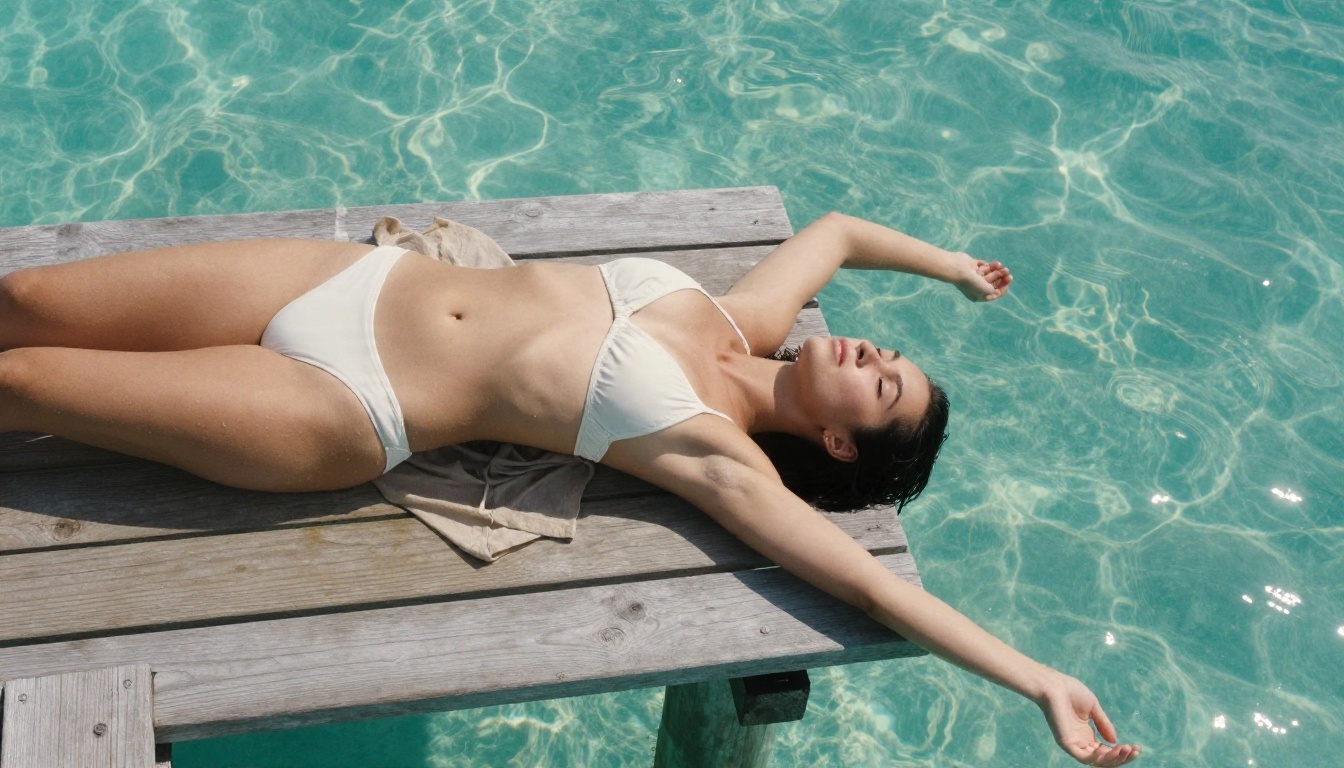
Grok Imagine models, no meter
If you liked Grok's image output, you do not have to give it up. PicassoIA hosts Grok Imagine Image 2 and Grok Imagine Image Quality, both of which produce 2K stills. For motion, Grok Imagine Video 1.5 turns an image into a short clip with audio. Use them when you want the Grok look without waiting for your daily allowance to reset.
You can browse every available generator at picassoia.com/en/all-models.
Free Chat Alternatives to Grok
Sometimes you only need a good chatbot, not Grok specifically. A few strong options are on PicassoIA, so you can switch when one tool tells you to wait.
Fast everyday replies
GPT 5.6 Luna is built for quick answers, drafts, and short rewrites. Gemini 3.5 Flash is another fast pick that also reads images. For open-weight style chat, Llama 4 Maverick Instruct is a solid default.
Reasoning and code
DeepSeek R1 works through a problem step by step, which suits math and logic. DeepSeek V3 handles text and code in one place. For long coding sessions, Claude Sonnet 5 and Kimi K2.6 are worth trying.

Mistakes That Waste Your Allowance
Most people burn through free limits for the same handful of reasons.
- Vague first prompts. Every correction costs another request. Put the format, length, and tone in the first message.
- Pasting huge documents repeatedly. Paste once, then ask several questions in the same thread.
- Regenerating images blindly. Change one thing at a time so you know which edit improved the result.
- Trusting "free premium" sites. Anyone offering an unlimited Grok login for nothing is either reselling stolen access or collecting your data.
- Ignoring the usage screen. It is the one place that shows your real remaining balance.
💡 Workflow that holds up: Use Grok for fast questions while your free allowance lasts, move long reasoning to Grok 4 or DeepSeek R1, and send every image job to Seedream 4.5 or PicassoIA Image Editor Pro.
Start Creating Your Own Images
Free Grok is a fine place to start, but its limits are vague, they shift without warning, and they hit hardest the moment you get into a creative flow. The practical move is to stop depending on one meter. Keep Grok for quick questions, and do your real image work somewhere with no daily cap.
Open Seedream 4.5 and try the balcony prompt from this article. Then take the result into PicassoIA Image Editor Pro and change the outfit, the light, or the location with a single sentence. If you want the Grok style in your images, run Grok Imagine Image 2 beside them and compare. Ten minutes of experimenting will teach you more than another week of waiting for a limit to reset.
Every model mentioned here, and many more, is waiting at picassoia.com/en/all-models. Pick one, write a detailed prompt, and make your first image today.


