You typed a perfectly reasonable request, hit enter, and Gemini answered with a polite refusal or a blank "can't help with that" message. If that sounds familiar, you are in good company. Thousands of people search for how to get Gemini to be NSFW every month, and most of them end up frustrated, because Google built the assistant to stay on the safe side of adult content.
Here is the honest version up front: Gemini is not an adult content tool, and no prompt turns it into one. What you can do is get far more out of it than a first refusal suggests: suggestive storytelling, glamour and swimwear descriptions, flirty dialogue, and sharp prompts for image models. For anything beyond that, you need a different tool. This article shows you where the lines are, what actually works, and which uncensored alternatives give you fast, beautiful, adult-oriented results.
💡 Quick answer: Gemini will write romance and tasteful, suggestive content. It refuses explicit material. For bolder visuals, pair it with an image model built for adult-oriented glamour, such as Seedream 4.5.
Does Gemini Allow NSFW Content?

Short answer: partly, and only on the mild side. Google's assistant handles romance, attraction, and sensuality as story themes. It stops when a request turns sexually explicit, and it stops hard.
What the Consumer App Does
In the Gemini app and website, there is no adult mode and no toggle for mature content. As of late 2026, nothing in the public help pages describes an "unrestricted" setting. The model will:
- Write love scenes that fade to black before anything explicit happens.
- Describe attraction, chemistry, and tension in detail.
- Produce flirty banter for fiction, dating app drafts, or character dialogue.
- Describe fashion, swimwear, and glamour photography in a neutral, editorial tone.
It will refuse graphic sexual writing, explicit image requests, and anything involving real people in sexual contexts. Requests touching minors are blocked outright, with no exceptions and no workaround.
What the API Settings Change
Developers using the Gemini API get more control than app users. Google exposes adjustable safety thresholds for several harm categories, including sexually explicit content, so a developer can loosen or tighten how aggressively responses get blocked. That is a tool for builders who run their own apps under Google's terms, not a switch that makes the chat app explicit. Some protections, especially around child safety, cannot be adjusted at all.
💡 If you are building an app, read your platform terms first. Lowering a threshold does not remove the usage policy that sits above it.
Why Image Requests Get Blocked
Image generation is stricter than text. Google's image models, including Nano Banana Pro and Gemini 2.5 Flash Image, run a separate image safety layer. Users regularly report that even fully clothed fashion shots get blocked when a prompt mentions a bikini, lingerie, or a body-focused pose. The filter errs toward refusal. That is great for a brand-safe corporate tool and frustrating for a glamour photographer.
Prompts That Work Within the Limits
I am not going to hand you a "jailbreak" script. They break within weeks, they put your account at risk, and they rarely produce anything better than a well-phrased normal request. What follows are prompts that work today because they stay inside what the model is built to do.
Romance and Fade-to-Black Scenes
Gemini responds well when you give it a literary frame instead of a shock request. Try:
"Write a slow-burn scene between two adult characters, Mara and Jonah, who meet at a rooftop party. Focus on tension, eye contact, and the moment before they kiss. Use a warm, cinematic tone and end the scene as they leave together."
Why it works: the request names a genre, sets adult characters, defines the emotional arc, and gives a natural stopping point. You get atmosphere and chemistry instead of a refusal.
Glamour and Swimwear Descriptions
If you want rich descriptive text about fashion or a photo shoot, use editorial language:
"Describe a golden hour beach photo shoot for a swimwear campaign: the styling, the pose direction, the light, the fabric, and the mood. Keep it magazine-style."
Notice the vocabulary: campaign, styling, pose direction. Gemini reads that as fashion work and answers like a creative director would.
Writing Prompts for Image Models
This is where Gemini earns its keep. Use it as a prompt engineer and send the output to a model without the heavy filters:
"Write a detailed photography prompt for a tasteful glamour portrait: adult woman in a satin slip dress, hotel room, soft window light, 85mm lens, shallow depth of field, Kodak Portra 400 film look. Include camera, lighting, skin texture, and color palette."

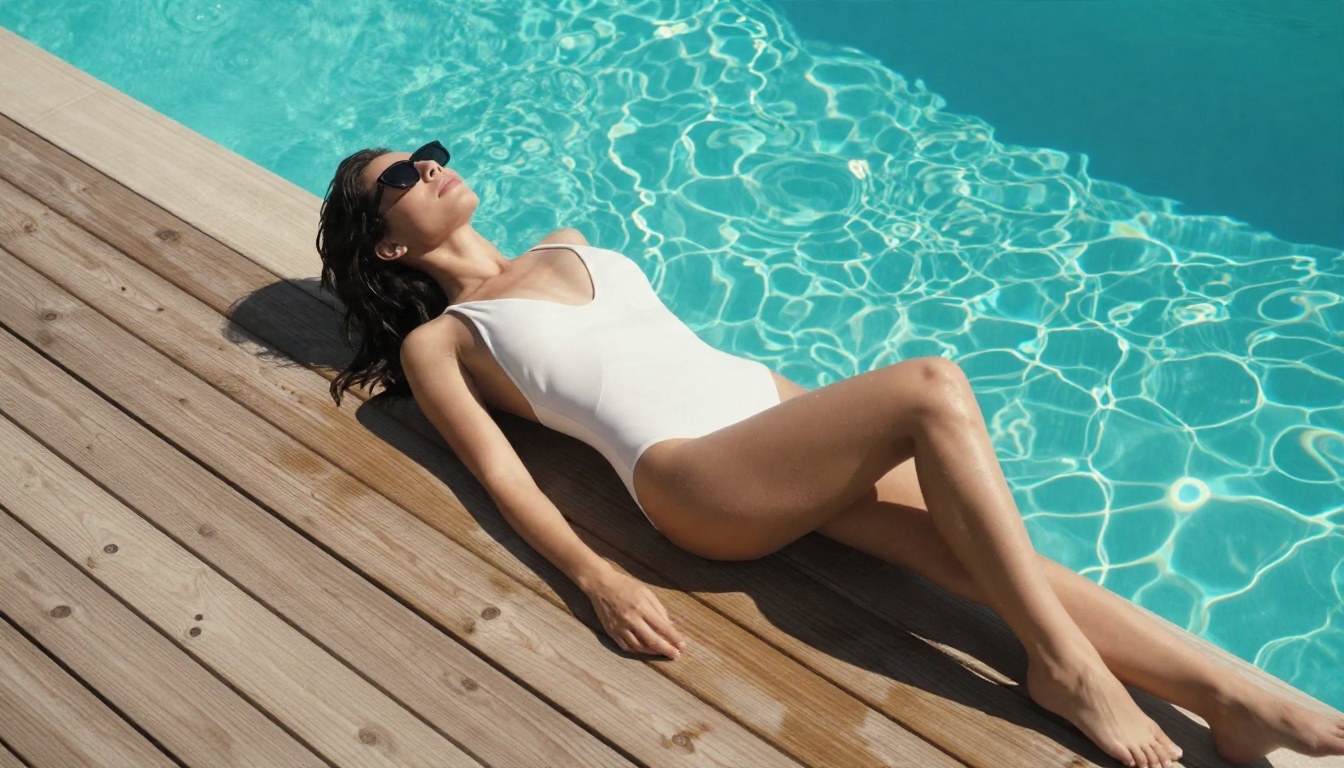
That one prompt can produce a 150-word photography brief. Paste it into an image generator that does not refuse suggestive styling, and you get a result like the one above in seconds.
Why Jailbreak Prompts Keep Failing
Search for this topic and you will find forum threads full of role-play tricks, "developer mode" scripts, and pasted character cards that claim to switch the filters off. Here is why I would not waste an afternoon on them.
They Break After Updates
Safety systems are retrained and patched constantly. A trick that worked on Monday is a refusal by Friday. Even when a script works, the output is usually degraded: the model hedges, loops, or drifts back into disclaimers halfway through. You spend more time repairing the prompt than you would spend using a tool that simply does the job.
The Account Risk
Repeated policy violations can lead to warnings, limits, or a suspended account. If your Google account carries your email, documents, and photos, that is a heavy price for a few lines of text. The risk is lopsided: you gain almost nothing, and you could lose a lot.
💡 A refusal is information, not a puzzle. If Gemini says no three times, switch tools instead of rewording a fourth time.
Gemini Limits at a Glance
| Request type | Gemini app | Gemini API | Image models (Google) |
|---|
| Romance and flirting | Allowed | Allowed | Not applicable |
| Fade-to-black love scenes | Allowed | Allowed | Not applicable |
| Swimwear and glamour text | Allowed | Allowed | Not applicable |
| Swimwear and lingerie images | Often blocked | Often blocked | Frequently blocked |
| Explicit sexual writing | Refused | Restricted by policy | Not applicable |
| Explicit images | Refused | Refused | Refused |
| Anything involving minors | Blocked | Blocked | Blocked |
The pattern is clear. Text is flexible, images are strict, and explicit material is off the table. If your goal is suggestive visuals, the fastest path is to stop fighting the filter and change the generator.
Uncensored Alternatives That Deliver
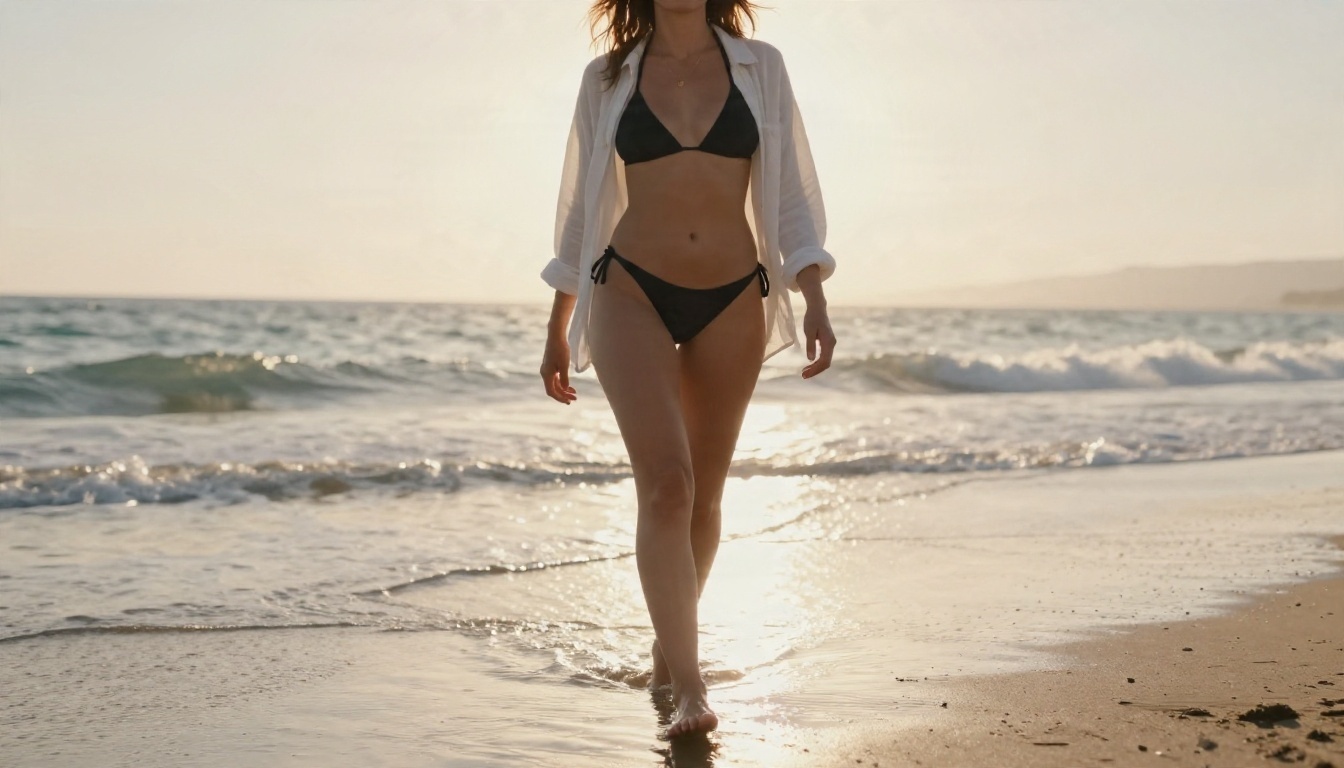
If you want glamour, boudoir, swimwear, and suggestive photography without constant refusals, you need models trained and configured for adult-oriented creative work. These are the ones I would try, in the order I would try them. Everything here is for adult subjects only, and you are responsible for keeping your content legal and consensual.
Seedream 4.5 Comes First
Seedream 4.5 is my first pick. It produces sharp, photoreal skin texture, handles fabric and lighting beautifully, and follows long, detailed prompts without balking at swimwear or satin and lace styling. Its output at 4K is clean enough for print. For glamour portraits and suggestive editorial shots, it is the model I reach for before anything else.
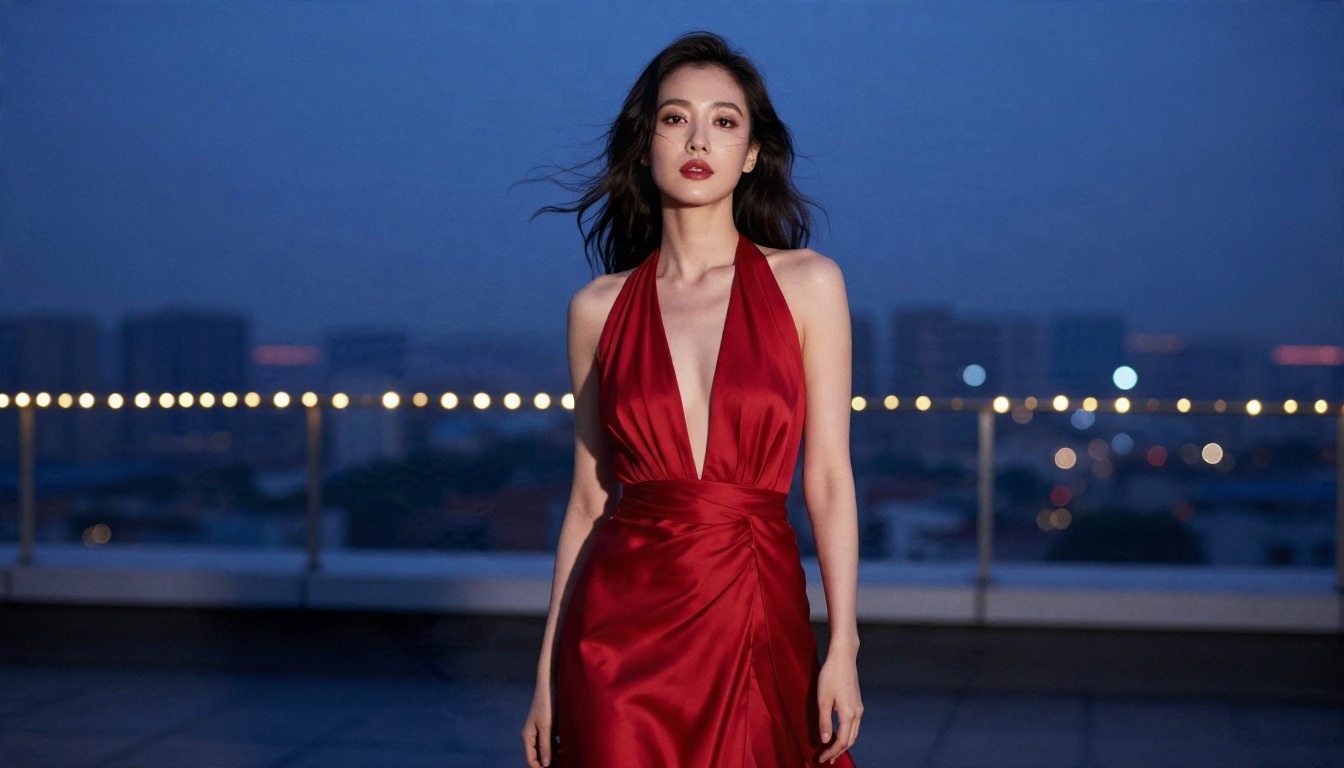
Image Editor Pro Has No Cap
PicassoIA Image Editor Pro is the one to use when you want volume. It offers unlimited generations, so you can iterate on the same outfit, pose, and lighting twenty times without watching a credit counter. It also edits: you can change a wardrobe, adjust a background, or refine a face while keeping the rest of the picture intact. For creators building a set of images in one consistent style, that freedom matters more than any single render.
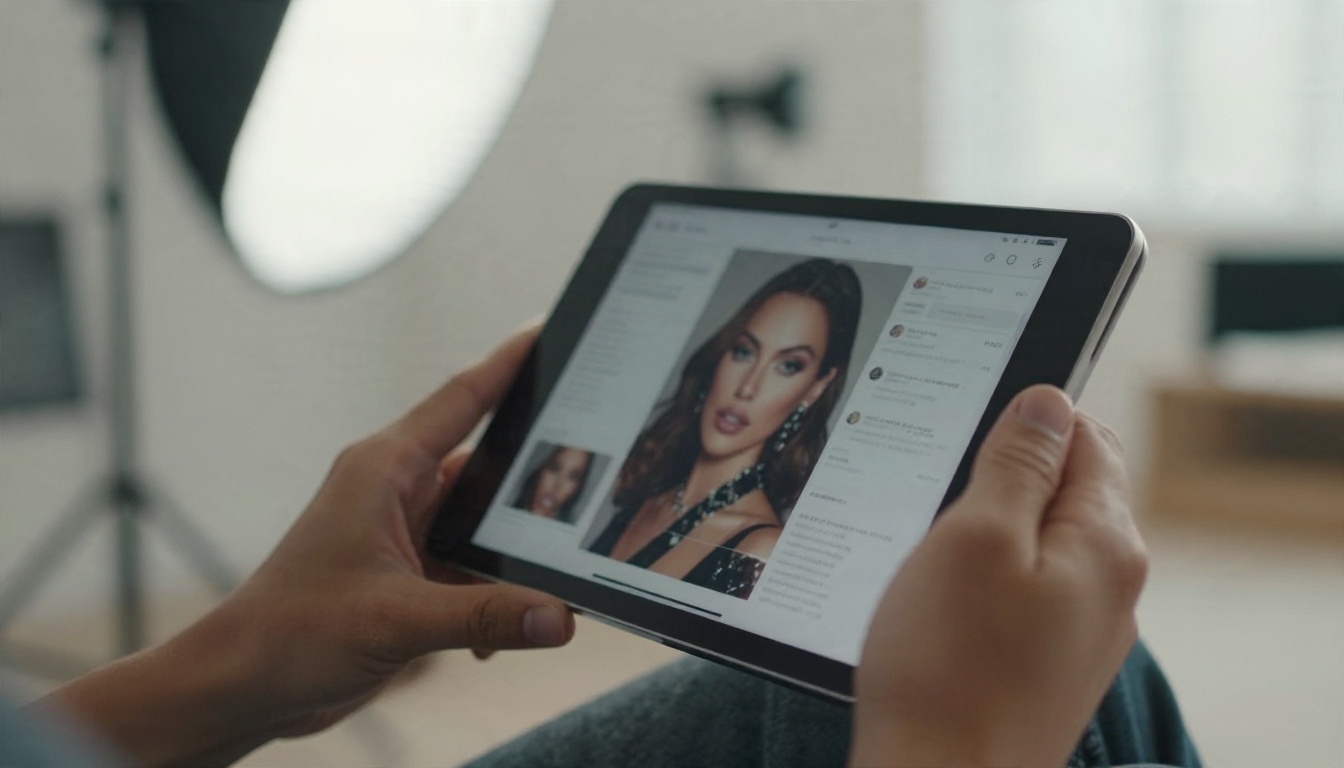
Flux 2 Klein and Qwen Image 3 Pro
Two more options round out the list. Flux 2 Klein 9B Base LoRA is excellent when you want a particular look, since LoRA styling lets you push toward film grain, fashion editorial, or a specific mood. Qwen Image 3 Pro gives you strong photorealism and good prompt adherence, which helps when your brief is long and specific.
Quick Comparison
💡 Compared to Gemini's image tools, the practical difference is simple: you spend your time creating pictures instead of rewording refused prompts.
How to Use Gemini on PicassoIA

Gemini is still useful in this workflow, as the writer rather than the photographer. PicassoIA hosts several Gemini models in its Large Language Models category, including Gemini 3.1 Pro, Gemini 3.5 Flash, Gemini 3 Pro, and Gemini 2.5 Flash. Here is the routine I use.
Step by Step
- Open a Gemini model. Pick Gemini 3.1 Pro for detailed, reasoned writing, or Gemini 3.5 Flash when you want quick drafts.
- State your role and format. Start with something like: "Act as a fashion photography prompt writer. Output one paragraph per prompt."
- Describe the scene in editorial terms. Give the setting, outfit, lighting direction, lens, and mood. Say adult subject.
- Ask for three variations. Different angles, distances, and color palettes give you options to compare.
- Copy the winners into an image model. Paste into Seedream 4.5 or Image Editor Pro and generate.
- Refine. Take the closest result, tell Gemini what to change ("warmer light, lower angle, longer lens"), and run it again.
Parameter Tips
- Keep prompts between 60 and 150 words. Shorter ones get generic results; much longer ones start to contradict themselves.
- Name the lens and light. "85mm f/1.8, window light from the left" does more than "beautiful lighting."
- Add texture words. Satin sheen, lace pattern, sea spray, skin pores. These push realism.
- Use a consistent style line such as "Kodak Portra 400, fine grain" across a set so every image feels related.
- Set aspect ratio to 16:9 for landscape editorials, or 3:4 for portrait-style magazine layouts.
Three Common Mistakes to Avoid
1. Escalating a refused prompt. Pushing harder after a refusal rarely works and can trigger stricter behavior in the same chat. Open a fresh conversation or switch tools.
2. Using vague words. "Sexy photo" gives the model nothing to build on. Specific styling, such as satin slip dress, soft window light, 85mm lens, produces better pictures and fewer blocks.
3. Expecting one tool to do everything. Gemini writes well. Seedream draws well. Image Editor Pro iterates well. Splitting the work across the right tools beats forcing one of them to do a job it was built to refuse.
Try It Yourself on PicassoIA
You now know where Gemini stops and what to do about it. The practical next step takes about five minutes: ask Gemini 3.1 Pro to write a detailed glamour photography prompt, paste it into Seedream 4.5, and watch a photoreal result appear. Then open PicassoIA Image Editor Pro, where generations are unlimited, and keep refining until it looks exactly the way you pictured it.
Want to test more options? Browse every model, from image generators to language models, at picassoia.com/en/all-models. Pick one, write your first prompt, and see how much faster creating feels when the tool is on your side.


