You typed a perfectly reasonable prompt, hit generate, and Grok gave you a blurred tile, a "content moderated" message, or a flat refusal. Sound familiar? Plenty of people ran into the same wall, and the frustrating part is that the rules never stayed still. What worked in the summer of 2025 often fails today, and the explanations floating around forums contradict each other.
This article sorts out what is actually going on. You will see why Grok NSFW images stop working, where the hard limits sit, which prompt habits trigger refusals, and what to do when Grok simply isn't the right tool. I will also show you where to go for uncensored, unlimited adult-style image generation that stays on the right side of the line: suggestive, glamorous, attractive, and never explicit.
💡 Quick answer: Grok's moderation is layered. Some settings loosen it a little, but none switch it off. If your prompts keep failing, the fastest fix is to move the adult-style work to a model built for it, such as Seedream 4.5, and keep Grok for everything else.

Why Grok Blocks Your Prompt
Grok became known as the "looser" chatbot when xAI launched Grok Imagine in August 2025 with a setting called Spicy Mode. Early coverage focused on suggestive video clips and partial nudity. That reputation stuck, and a lot of people still assume the tool is wide open.
It never was. Reports from that period are consistent on one point: the spicy setting relaxed certain filters but did not remove moderation. Prompts were still scanned, outputs were still checked, and anything that tripped the system came back blocked.
What changed after the backlash
Grok Imagine drew heavy criticism for producing sexualized clips of real, recognizable people. In early 2026, further backlash followed, and several explainers claim xAI tightened access to image generation and added extra checks on anything involving real people. The details differ from source to source, and some of the loudest claims come from competing platforms with something to sell, so treat any single account with caution. The practical result is easy to see, though: more refusals, more blurred results, and less predictability.
The three layers of filtering
Most failed prompts get caught at one of three points:
| Layer | What it checks | Typical symptom |
|---|
| Prompt filter | Words and phrases in your request | Instant refusal before anything renders |
| Image filter | The picture after generation | Blurred or hidden output, "moderated" label |
| Account and region rules | Age verification, subscription tier, country | Option missing or greyed out |
Knowing which layer stopped you saves a lot of wasted retries. An instant refusal means the wording is the problem. A blurred result means the picture itself was judged too far over the line. A missing option means the setting simply isn't available to your account.
Common Reasons It Fails
Before you blame the model, run through the usual causes. Most "not working" reports trace back to one of these.
Real people are off limits
Prompts that name a celebrity, a streamer, or a coworker are the single biggest source of blocks. Sexualized depictions of real individuals are prohibited, and the filters are tuned to catch even indirect hints, such as a name plus a describing phrase. If your prompt includes a real person's name, remove it and describe a fictional adult instead.
Explicit wording
Direct sexual terms trigger the prompt filter immediately. Suggestive language is treated more gently, but the line is vague and moves over time. A prompt that passed last month can fail this week without any warning.
Age ambiguity
Anything that reads as youthful, such as "schoolgirl," "teen," or "petite and innocent," gets blocked hard and for good reason. Every image you create should clearly show an adult. Describe an adult woman in her late twenties or thirties, and be specific.
Settings and access
Some people assume a toggle is hiding in the interface when it isn't offered to them at all. Availability depends on your plan, your region, your age verification status, and the app version. If you can't find an option, you may not have it.
Overloaded or throttled accounts
Grok also enforces usage limits. Free users hit caps quickly, and a throttled account can produce errors that look like moderation but are really rate limits. Wait a while, then try the same prompt again before rewriting it.
💡 Tip: Test your prompt with a harmless version first, for example "woman in a summer dress on a balcony." If that fails too, the problem is limits or access, not content rules.
What Grok Will Still Produce
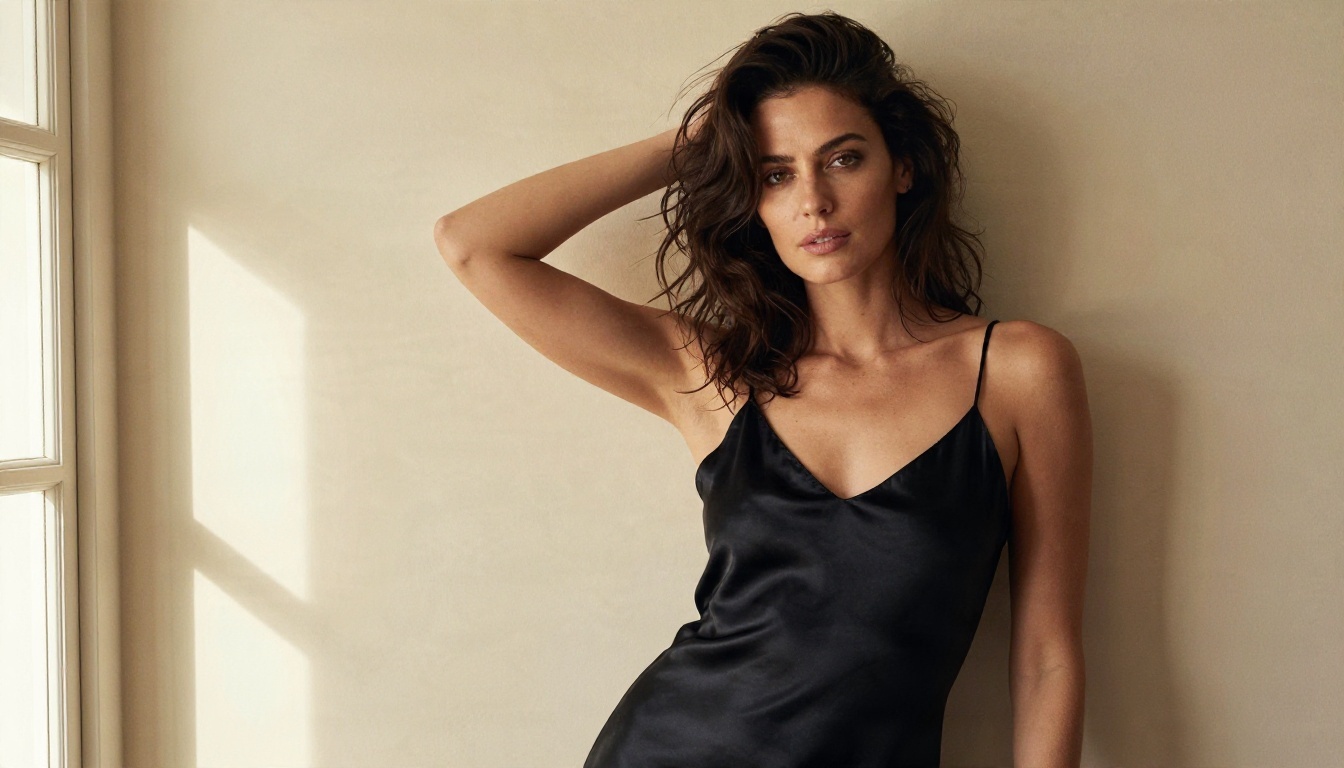
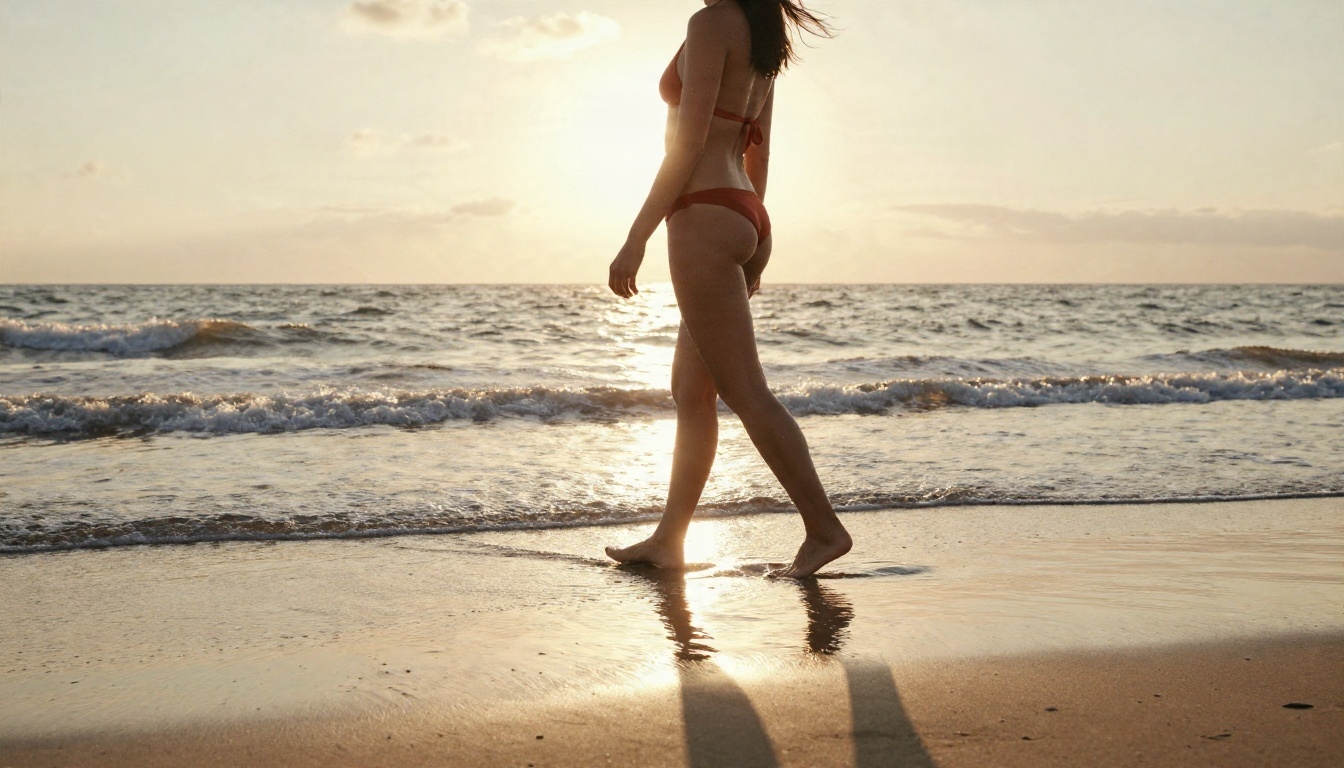
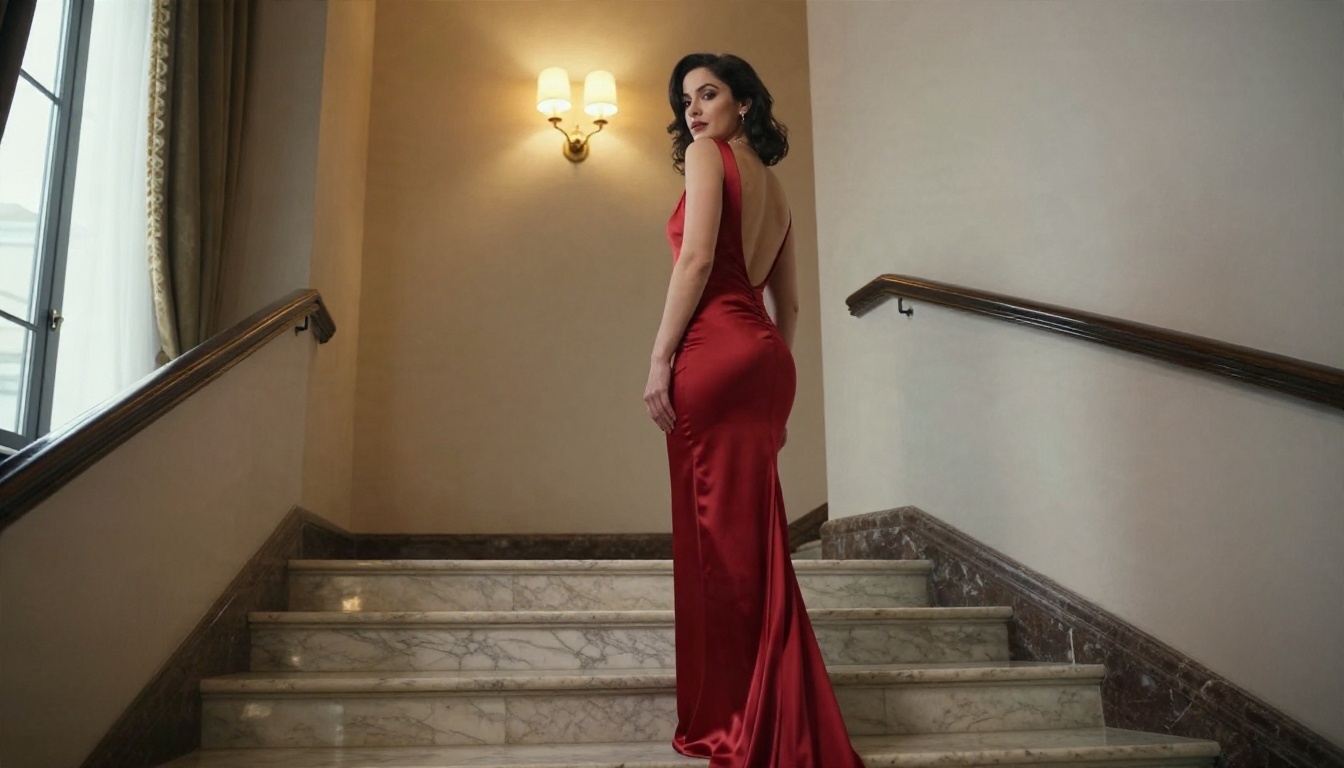
Here is the useful part. Grok handles a fair range of attractive, fashion-forward content without fuss. Swimwear scenes, evening wear, beach portraits, and glamour shots with a confident mood tend to go through when the wording is plain and the subject is a clearly fictional adult.
Prompt habits that help
You don't need tricks. Clean, photographic wording does most of the work:
- Describe the setting first. Hotel suite, beach at golden hour, marble staircase. A strong scene gives the model something to build on.
- Name the lighting. "Soft window light from the left" reads as photography, not as a request for something lurid.
- Specify the lens. An 85mm f/1.8 portrait look pushes the result toward editorial style.
- Keep clothing concrete. Bikini, satin slip dress, silk robe. Concrete wardrobe beats vague suggestions.
- State that she is an adult. Age and context in the first sentence set the tone.
Prompt habits that backfire
- Stacking synonyms for the same suggestive idea. Filters score the pile, and the total trips the threshold.
- Asking the model to "ignore its rules." This only raises the chance of a refusal.
- Adding a real person's name or a "looks like" comparison.
- Rewriting the same blocked prompt twenty times. Repeated failed attempts can flag an account.
I'm not going to hand you ways to slip past a platform's moderation, and they wouldn't hold up anyway, since the filters get patched constantly. The better question is whether you should be fighting a tool that was never built for this job.
The Real Limits of Grok
Even when a prompt goes through, you will notice some ceilings.
Inconsistent results
The same prompt can give you a clean image, a blurred one, or a refusal on three consecutive tries. If you are working on a series for a project, that inconsistency eats time.
Usage caps
Free tiers cap how much you can generate. Paid tiers raise the ceiling but don't remove it. When you are iterating on a look, you can burn through a daily allowance in an hour.
Limited control over the look
Grok is a general model. It does well with broad scenes, but fine control over skin texture, fabric, lighting direction, and pose is weaker than in tools built for photographic output. Editorial and boudoir style work lives or dies on those details.
Policy drift
This is the biggest problem. Rules change without notice, and your workflow breaks when they do. A model that is purpose-built for adult-style glamour content is a steadier foundation.
Better Alternatives on PicassoIA
If Grok keeps refusing, PicassoIA gives you models that handle glamour, swimwear, and boudoir style photography with far fewer headaches. Start with these, in this order.
| Order | Model | Best for | Why it's worth trying |
|---|
| 1 | Seedream 4.5 | Photoreal glamour, swimwear, portraits | Sharp skin and fabric detail, up to 4K, strong prompt adherence |
| 2 | PicassoIA Image Editor Pro | Editing and generating with no cap | Unlimited generations, fast turnaround, flexible edits |
| 3 | Flux 2 Klein 9B Base LoRA | Styled looks with LoRA control | Good when you want a specific style held across a set |
| 4 | Qwen Image 3 Pro | Natural, photographic scenes | Realistic lighting and believable textures |
💡 Honest note: No hosted model accepts every request, and explicit or real-person content stays off the table everywhere worth using. What you get here is uncensored-friendly, unlimited adult-style glamour with speed and consistency that Grok's current setup can't promise.
Why Seedream 4.5 leads
Seedream 4.5 is the model I would reach for first. It reads long, detailed photographic prompts well, keeps skin looking like skin instead of plastic, and renders fabrics such as satin, lace, and knitwear with believable weave and folds. For swimwear and evening wear, the lighting stays natural.
Why Image Editor Pro matters
PicassoIA Image Editor Pro removes the usage-cap headache. You can generate, adjust, and regenerate as many times as you like, which is the real advantage when you are tuning a look. It also handles edits to existing images, so you can change an outfit, a background, or a lighting mood without starting over.
How to Use Seedream 4.5 on PicassoIA
Here is the workflow that gets consistent results, from first prompt to final image.
Step 1: Open the model
Go to the Seedream 4.5 page and open the generator. No setup is needed beyond your account.
Step 2: Write a photographic prompt
Use a simple structure: subject and pose, environment, lighting, lens, and texture. For example:
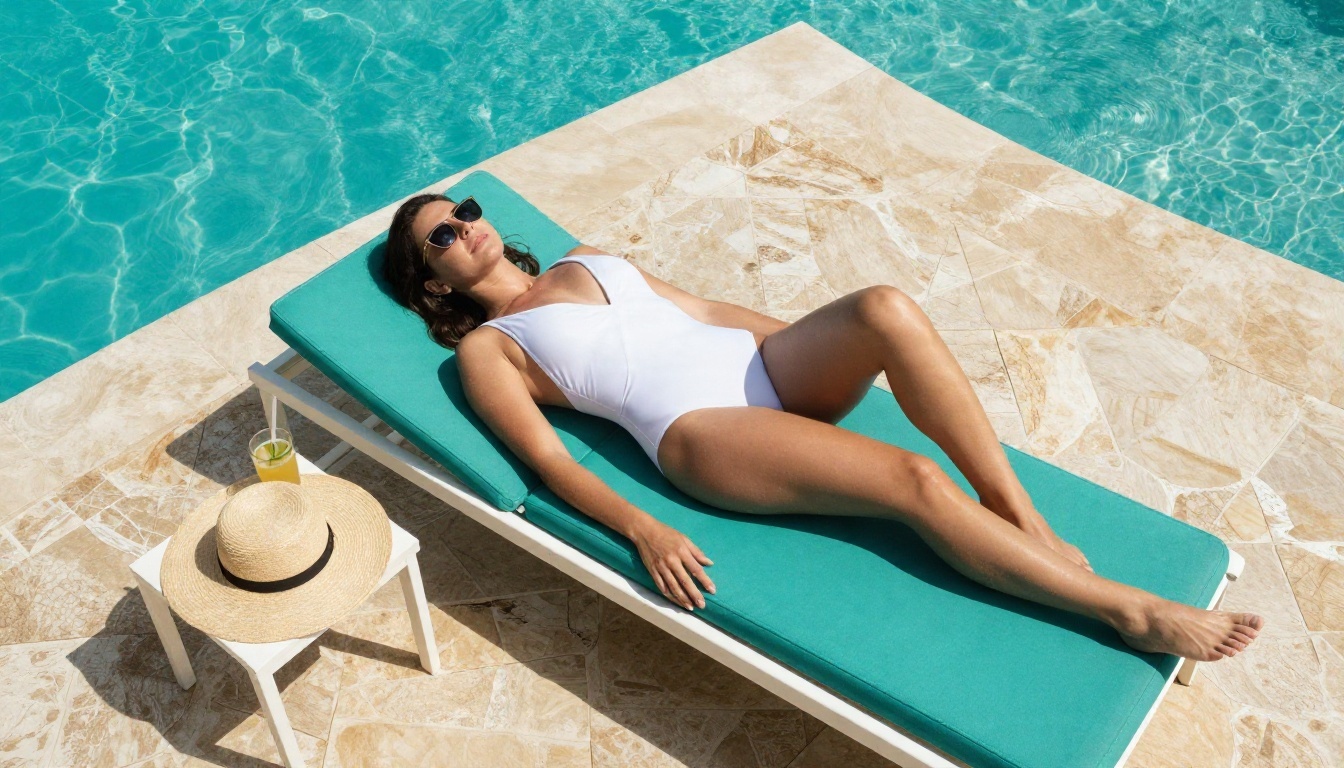
An adult woman in her late twenties wearing a white one-piece swimsuit, lying on a teal lounger beside a turquoise infinity pool, sunglasses pushed into her hair, hard midday sun from above, 24mm lens from a high angle, wet stone tile texture, natural sun-kissed skin, Kodak Portra 400 film grain.
Notice there is no name, no vague youthful wording, and no explicit term. It reads like a photographer's shot list.
Step 3: Set the output
Choose a 16:9 ratio for wide scenes or 3:4 for portraits, and pick the highest resolution on offer when you plan to print or crop. Wider frames suit pool and beach scenes. Taller frames suit gown and portrait looks.
Step 4: Generate and compare
Run a few variations. Small changes make a visible difference: move the light from the left to the right, swap an 85mm look for a 35mm look, or change the wardrobe color. Keep the version that feels most natural.
Step 5: Refine in Image Editor Pro
Open your favorite result in PicassoIA Image Editor Pro to fix small things: adjust a background, soften a shadow, change the color of an outfit. Because it has no generation cap, you can keep iterating until the image looks right.
💡 Parameter tip: Keep prompts between 50 and 90 words. Shorter prompts leave too much to chance, and much longer ones can dilute the main subject.
Using Grok Models on PicassoIA
If you simply like Grok's look and want to keep using it, PicassoIA also hosts Grok Imagine models: Grok Imagine Image 2 for 2K image creation and editing, and Grok Imagine Image Quality for 2K output. They suit fashion, travel, lifestyle, and general scenes well. For adult-style glamour content, though, move to the models listed above, since the Grok models keep Grok's own content standards.
When to pick which
Prompts That Work Better
Here are ready-to-use patterns. Swap the details to fit your project.
Beach and swimwear
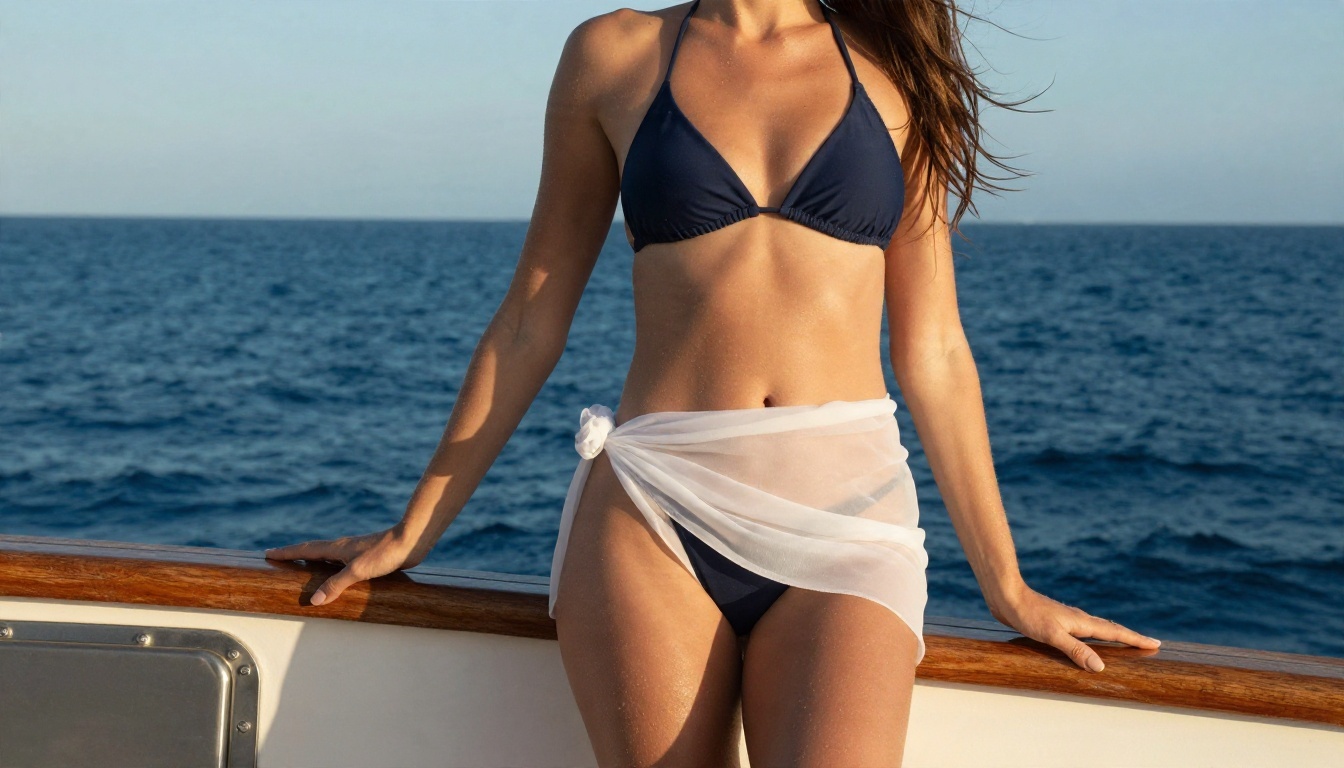
An adult woman in a navy bikini and sheer white sarong standing on the teak deck of a sailing yacht, hand on the rail, deep blue sea behind her, late afternoon sun from the right, 28mm lens, low angle, rope and polished wood textures, sea-salt skin sheen, Kodak Portra 400 look.
Boudoir and morning light
An adult woman in an oversized white cotton shirt sitting cross-legged on a sunlit bedroom floor, soft smile, dust motes in morning light from the right, 70mm lens, slightly high angle, natural skin sheen, warm film tones.

Close-up portraits
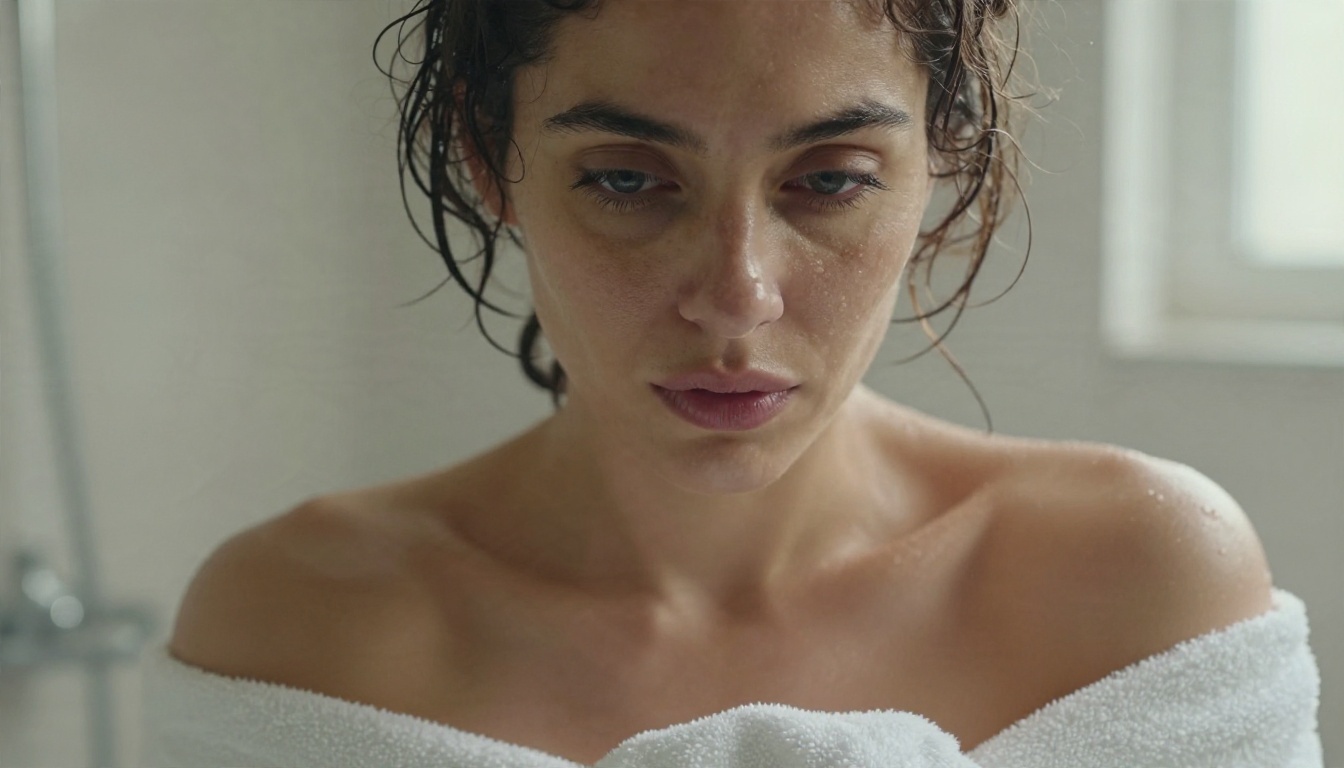
Intimate close-up of an adult woman with damp curls and bare shoulders wrapped in a white towel, soft diffused daylight from the right, 100mm lens, shallow depth of field, fine pores, terry cloth weave, warm Portra tones.
Why this wording works
These prompts read like photography briefs. They give the model concrete visual instructions and leave no room for ambiguity about age, setting, or intent. That clarity helps on every platform, and it produces more convincing pictures too.
Fixing Common Problems
Even with a better setup, things go sideways now and then. Use this table to diagnose them fast.
| Problem | Likely cause | Fix |
|---|
| Plastic-looking skin | Prompt lacks texture detail | Add "visible pores, natural skin sheen, film grain" |
| Flat lighting | No light direction given | Name the light source and side |
| Odd hands | Complex pose | Simplify the pose or crop the hands out |
| Image looks "stock" | Generic wording | Add a specific location and lens |
| Blocked result | Wording flagged | Remove names and ambiguous terms, describe an adult clearly |
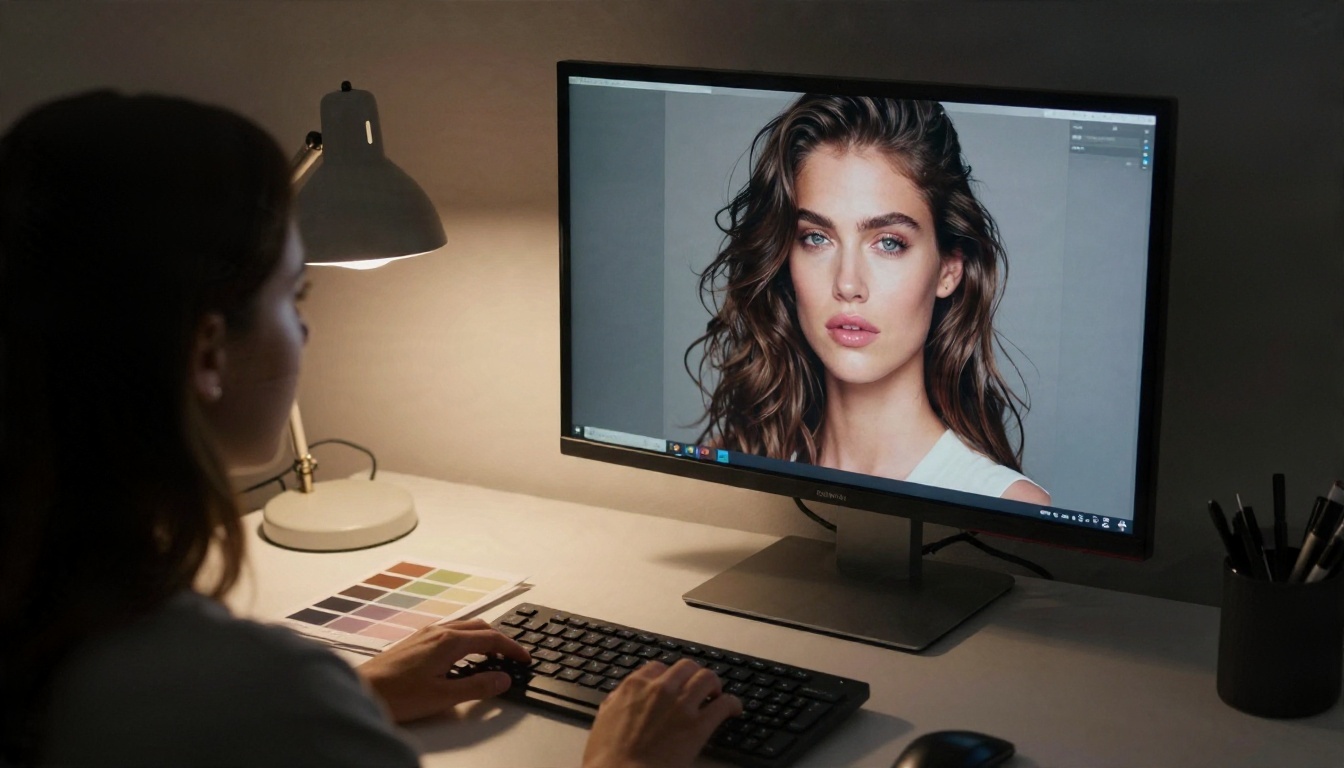
| Inconsistent faces across a set | No reference | Use Image Editor Pro to edit from one approved base image |
Keep a prompt library
When a prompt gives you a result you like, save it. A small library of proven prompts is worth more than any list of rules, because you can reuse the structure and swap only the wardrobe or location.
Check the legal and platform side
Always make sure your images show clearly fictional adults, and respect the rules of wherever you publish. Social platforms, ad networks, and print services each set their own limits on suggestive imagery.
Quick Decision Table
Not sure where to start? Use this.
| Your situation | What to do |
|---|
| Grok shows no adult option | It likely isn't available to your account or region. Move to Seedream 4.5 |
| Grok blurs your image | The output filter caught it. Reword, or switch models |
| You hit a usage cap | Use Image Editor Pro, which has no generation cap |
| You want consistent style across a set | Try Flux 2 Klein 9B Base LoRA |
| You want realistic natural lighting | Try Qwen Image 3 Pro |
Try It Yourself
Grok's rules will keep shifting, and chasing them is a poor use of your time. A model built for photographic glamour work, with no generation cap and fast results, lets you spend that time on the images instead. Start with a single prompt in Seedream 4.5, refine the best result in PicassoIA Image Editor Pro, and build your own set of swimwear, evening wear, and boudoir style shots.
Want to see everything on offer before you pick? Browse the full list at picassoia.com/en/all-models, test a few models with the same prompt, and keep the one that gives you the look you were after in the first place. Write your first prompt today and see how far a clean, photographic brief can take you.


