Everybody wants to type a sentence and get a movie scene back, and for months the name people kept searching for was Sora Pro. The trouble is that "Sora Pro" is not one clean product. It is a nickname that people stick on a model, a subscription tier and an app at the same time, and that is why so many readers end up on pages that contradict each other. One page says it is free, another says it costs $200 a month, a third says the app is gone.
This article separates those threads. You will see what Sora Pro refers to, what free access looked like at launch and what changed afterward, what the paid tiers cost, how the phone app behaved, and how to get Sora 2 Pro output on PicassoIA today without a waitlist. If you just want a working video model right now, jump to the tutorial section and come back for the details later.
💡 Quick answer: "Sora Pro" usually means Sora 2 Pro, the higher quality version of OpenAI's video model. At launch it was tied to the ChatGPT Pro plan. You can run Sora 2 Pro on PicassoIA directly in the browser.
What Sora Pro Actually Means

Sora 2 vs Sora 2 Pro
OpenAI released Sora 2 in late September 2025 as a video and audio generation model, and it arrived together with a social style app. The standard model produces short clips with synchronized sound: dialogue, footsteps, ambient noise. Sora 2 Pro is the heavier sibling. It was described as an experimental, higher fidelity version, first offered to people paying for the top ChatGPT plan, with API access planned for later.
In practice the difference shows up in three places:
- Detail: skin, fabric, water and reflections hold together better in the Pro version.
- Motion: camera moves and body movement look less rubbery across a clip.
- Resolution: Pro outputs reach a higher quality tier than the standard model.
If you want to compare them yourself, both exist on PicassoIA: Sora 2 for quick drafts and Sora 2 Pro for final quality.
Why the Name Confuses People
Three different things get called "Sora Pro" in search results:
| What people say | What they usually mean |
|---|
| "Sora Pro model" | Sora 2 Pro, the higher quality video model |
| "Sora Pro plan" | The ChatGPT Pro subscription that included Sora 2 Pro |
| "Sora Pro app" | The Sora mobile app, which had no separate Pro version |
There is no standalone "Sora Pro" app you can download. When a site sells you an APK called Sora Pro, treat it with suspicion.
Is Free Access Real?
What Free Users Got at Launch
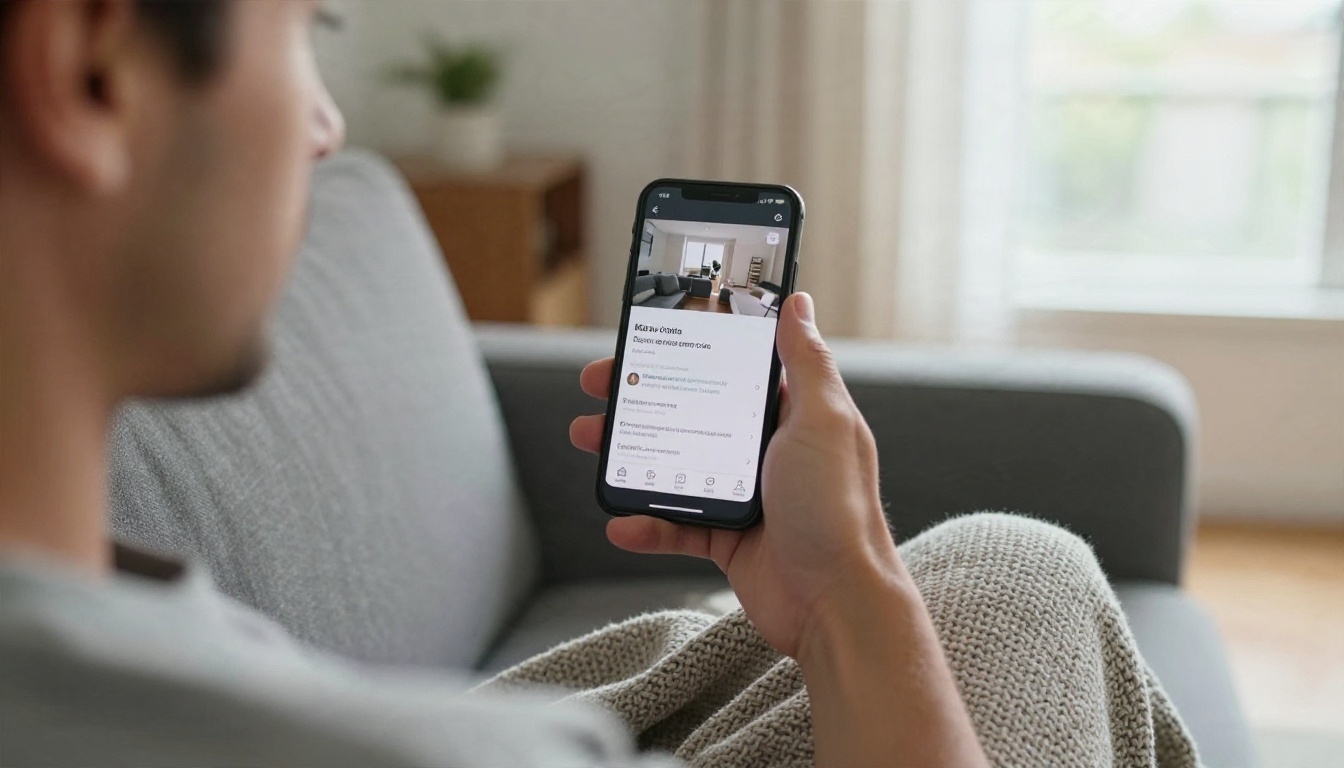
During the first rollout, the Sora app was free to download and early users could generate a limited number of clips per day without paying. Reports at the time put the daily allowance around 30 videos for free and Plus accounts and around 100 for Pro accounts. Access began on an invite basis in a small set of countries, which is why so many people felt locked out even though the app itself cost nothing.
Two details mattered back then:
- Free did not mean Pro quality. The Pro model was reserved for the paid Pro tier.
- Free was a rollout phase. Generous limits are common while a company tests demand and servers.
What Changed in 2026
This is where sources disagree, and it is worth being honest about it. Several third party trackers say the free tier lost Sora access early in 2026 and that a paid ChatGPT plan became the only route. One report even claims OpenAI shut down the Sora web and app experiences in April 2026. I could not confirm that last claim from a second independent source, so treat it as unverified and check OpenAI's own announcements before you pay for anything.
⚠️ Rule of thumb: If a site promises "unlimited free Sora Pro," it is either reselling access, running a different model under that label, or collecting your data. Real free access to Sora 2 Pro has never been a standing offer.
What you can get for free today are other strong video models. Those are covered further down, including one on PicassoIA that is free and unlimited.
The Real Cost of Sora Pro

Plan Prices Side by Side
Prices below come from third party reports and may have moved, so confirm on OpenAI's pricing page. The figures are the ones most sources agree on.
| Plan | Reported price | What it meant for Sora |
|---|
| Free app tier | $0 | Limited daily clips during the rollout phase, later reported as removed |
| ChatGPT Plus | About $20 a month | Basic Sora access with tighter limits, lower resolution |
| ChatGPT Pro | About $200 a month | Sora 2 Pro model, higher limits, priority queue |
One cost tracker lists Pro at $100 a month, but that number conflicts with almost everything else, so I would not budget around it.
The uncomfortable math: $200 a month is $2,400 a year for a tool you may use a few times a week. If you are a daily professional, that can pay off. If you are a hobbyist or a small team making occasional clips, it rarely does.
Extra Packs and API Costs
When users hit their daily limit in the app, OpenAI sold small packs of extra generations. The commonly reported price was about $4 for 10 additional videos. Developers who wanted Sora 2 Pro through the API paid per second of generated video rather than a flat monthly fee, which is cheaper for a handful of clips and expensive for heavy use.
A quick comparison of how people usually pay:
- Subscription: predictable, but you pay even in months when you make nothing.
- Packs: flexible, but the cost per clip is high.
- Pay as you go on a platform: you buy what you use and can switch models freely.
The Sora App on iPhone and Android

Where It Launched
The Sora app began on iPhone, invite only, in the United States and Canada. The Android version followed in early November 2025 and reached the US, Canada, Japan, South Korea, Taiwan, Thailand and Vietnam. Android downloads shot up quickly, with nearly half a million installs reported in a single day.
If you are outside those regions, the app was never officially available to you, and a lot of the "how to install Sora" videos on social media are workarounds with real risks: fake listings, bundled malware and stolen accounts.
Cameos and the Feed
The app felt like a short video feed where every clip was generated. Its signature feature was cameos: you recorded a short capture of your face and voice, and then you, or friends you approved, could appear inside generated scenes. That feature drove the viral clips, and it also raised obvious consent concerns, so permissions were built in.
What the app did well:
- Fast remixing of other people's prompts
- Simple vertical format for social posting
- Built in sharing
What it did poorly:
- No fine control over camera, duration or seed
- Watermarked output on many clips
- Heavy dependence on invite access and region
💡 Tip: A browser based platform gives you more control than a feed app. You pick duration, orientation and resolution yourself instead of accepting whatever the app defaults to.
How to Use Sora 2 Pro on PicassoIA

PicassoIA hosts the real Sora 2 Pro, so you can skip the invite, the app and the monthly commitment. It generates video with synced audio, and you control the main settings yourself.
Step by Step
- Open the model page. Go to the Sora 2 Pro page on PicassoIA.
- Write your prompt. Describe the subject, the setting, the camera move and the mood in two or three sentences.
- Pick the duration. Choose 4, 8 or 12 seconds. Start with 4 while you test a prompt.
- Choose the orientation. Portrait gives 720 by 1280 for phone feeds. Landscape gives 1280 by 720 for YouTube and websites.
- Set the resolution. Standard is 720p and is good for drafts. High is 1024p and is meant for final output.
- Add a first frame if you want one. Upload a reference image as the opening shot. It must match the aspect ratio of the video.
- Generate and review. Watch the clip with sound on, adjust one thing in the prompt, and run it again.
| Setting | Options | My suggestion |
|---|
| Duration | 4, 8, 12 seconds | 4 for tests, 8 for finals |
| Resolution | Standard (720p), High (1024p) | Standard first, High last |
| Orientation | Portrait, Landscape | Match the platform you post on |
| First frame | Optional image | Use it when the look must be exact |
Prompt Tips That Save Credits
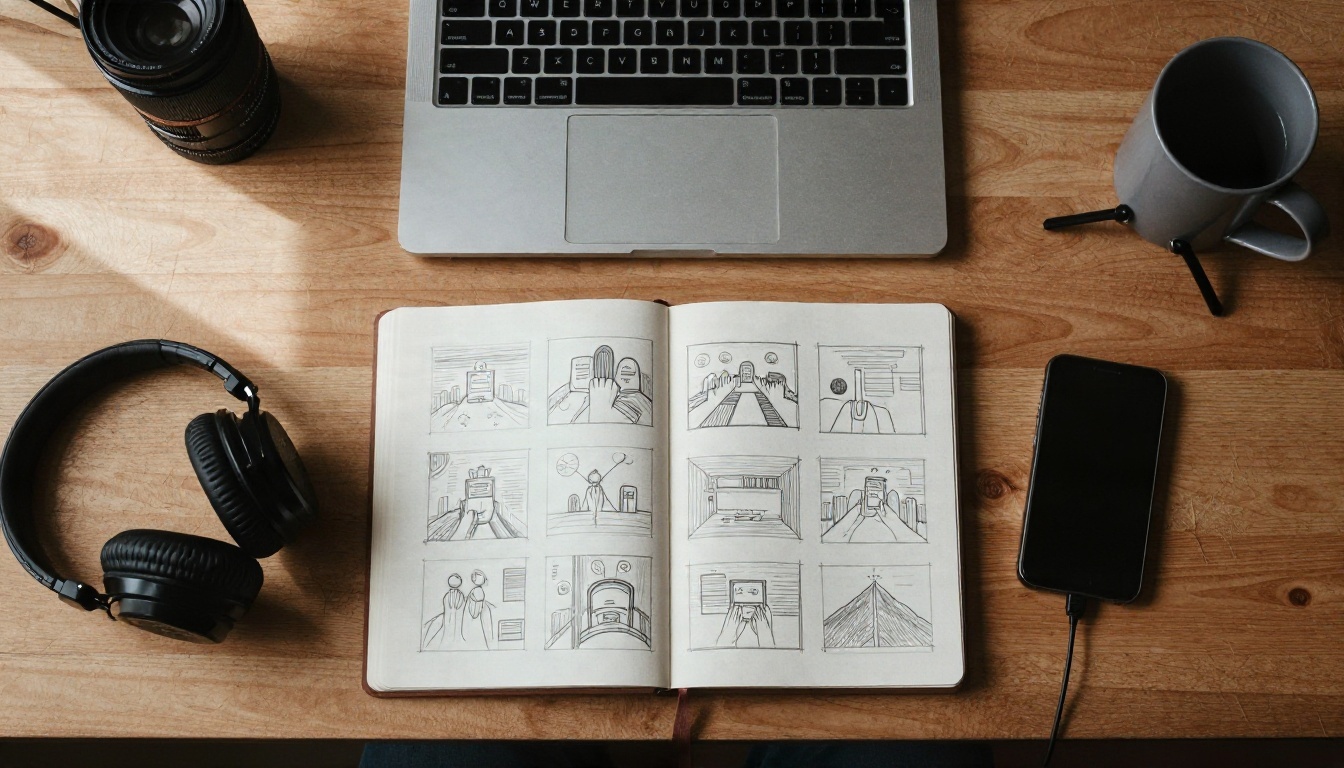
Short, vague prompts burn through attempts. These habits cut retries:
- Name the camera move. "Slow push in from a low angle" beats "cinematic."
- Describe the sound. Because audio is generated with the video, mention waves, rain, footsteps or a quiet room.
- One action per clip. A clip that tries to show five events usually shows none of them well.
- Light matters. Say "soft morning light from the left" or "overcast afternoon."
- Draft cheap, finish high. Test at standard resolution, then render the winner at high.
Here is a prompt that works well as a template:
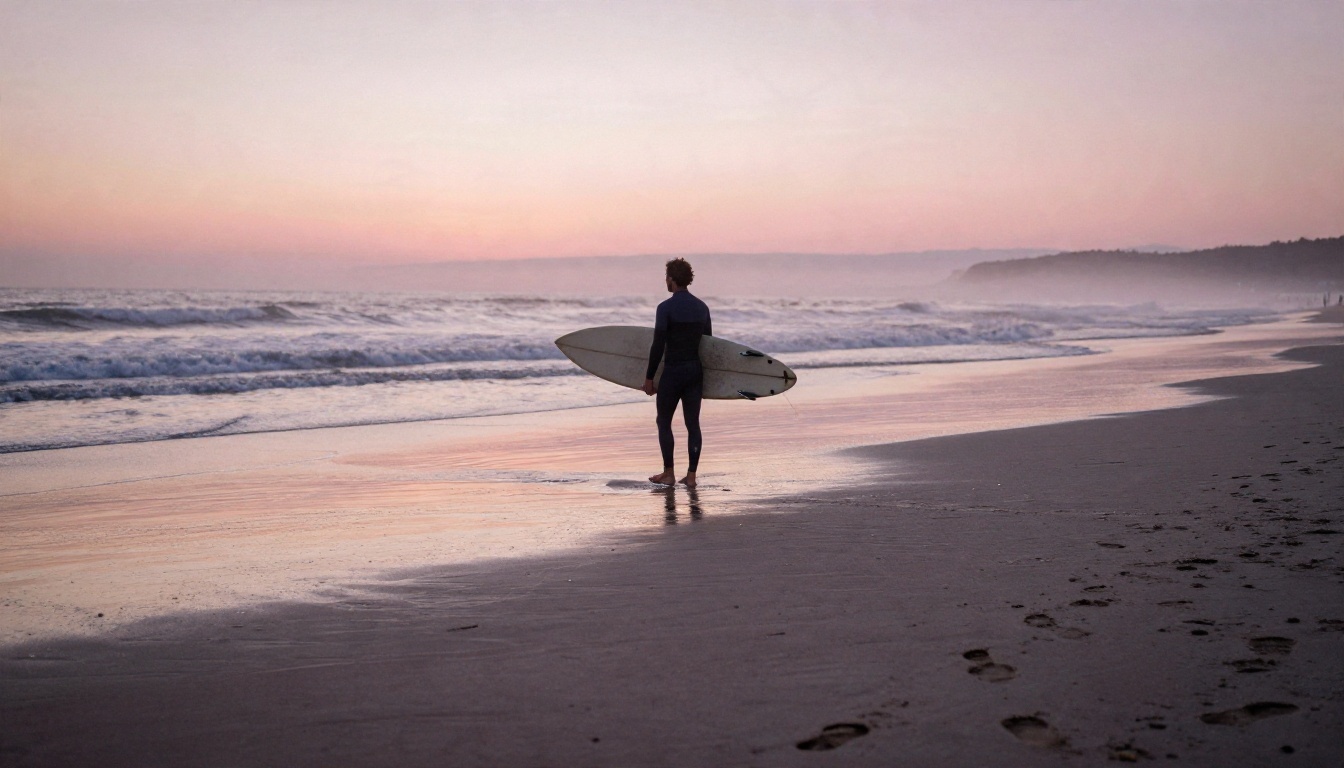
A lone surfer walks along wet sand at sunrise, low camera tracking beside him, gentle waves, soft pink and gold light, the sound of surf and distant gulls.
💡 If you want a faster, cheaper pass before a final render, run the same idea in Sora 2 first, then move to Sora 2 Pro once the prompt is locked.
Alternatives Worth Trying Today
No single model wins every shot. Sora is strong at physical realism and sound, but others beat it for length, price or specific styles. All the models below are on PicassoIA.
Kling v3 for Motion Control
Kling v3 Video is known for cinematic camera work and consistent characters. If your project depends on a person moving naturally through a scene, it is a strong pick. For driving a character with an existing performance, look at Kling v3 Motion Control. For higher resolution text to video, there is also Kling v3 Omni Video.
Veo 3.1 for Native Audio
Veo 3.1 from Google generates 1080p video with native audio and follows detailed prompts closely. When budget or speed matters, Veo 3.1 Fast and Veo 3.1 Lite trade a little quality for turnaround.
Seedance for Free Volume
Seedance 2.5 Lite is the answer when your real question is "how do I get free access." It is free and unlimited on PicassoIA, with clips up to 10 seconds. For longer projects, Seedance 2.5 reaches 30 seconds, and Seedance 2.0 Mini is a light option with native audio.
If you have your own faces, products or footage, PicassoIA Reference To Video builds clips from your reference images, video and audio, which is the closest thing to the cameo idea without a social feed.
Which Option Fits You
Pick by what you actually do, not by the name that trends.
| Your situation | Best route | Why |
|---|
| You want zero cost experiments | Seedance 2.5 Lite | Free and unlimited on PicassoIA |
| You need the Sora look and sound | Sora 2 Pro | Real Sora 2 Pro, no invite |
| You post vertical clips daily | Sora 2 | Portrait output, quick drafts |
| Character performance matters | Kling v3 Video | Strong motion and consistency |
| You want 1080p with sound | Veo 3.1 | Native audio, detailed prompt following |
| You need long clips | Seedance 2.5 | Up to 30 seconds |
Three Mistakes to Avoid
- Paying $200 a month for a tool you use twice a week. Do the math on cost per clip first.
- Installing unofficial APKs. They are the most common source of stolen logins.
- Judging a model from one clip. Run the same prompt three times before you decide.
Make Your First Video Today
You do not need an invite, a subscription or a risky download to try this. Open Sora 2 Pro on PicassoIA, paste the surfer prompt above, and generate a 4 second draft. Then run the same prompt in Seedance 2.5 Lite and Veo 3.1 and compare the three side by side. In ten minutes you will know which model suits your style better than any review could tell you.
Want even more choice? Browse the full catalog at picassoia.com/en/all-models, pick a model, and start creating your own clips on PicassoIA.


