You can have a believable beach photo in about ten seconds, and you don't need a plane ticket, a photographer or a tan. Type a few lines describing the swimsuit, the shore and the light, press generate, and a modern image model hands back something that looks like it came off a travel magazine shoot. The catch is that most people write lazy prompts and get plastic skin, melted straps and a sunset that looks painted. This article fixes that with a prompt formula, 12 free prompts you can paste right now, honest app comparisons and a step by step walkthrough.
What a Bikini Pic AI Really Is
A bikini pic AI is simply a photo of a swimwear scene produced by an image model instead of a camera. You describe the person, the swimsuit and the setting in text, and the model draws every pixel. No reference photo is required, which is why this is the safest and most flexible route for anyone who wants swimwear content for a mood board, a character, a travel brand or a social feed.
The results in this article stay in the glamour and travel photography lane: suggestive, sunny and attractive, never explicit.
Text to Image vs Photo Editing
There are two ways to get there, and they behave very differently.
| Method | What you give the AI | Best for | Weak spot |
|---|
| Text to image | A written prompt only | Brand new characters, scenes, locations | Faces change from one generation to the next |
| Photo editing | Your own photo plus an instruction | Changing an outfit or background in a shot you own | Needs a clean, well lit source picture |
If you want a fresh character, start with text to image. If you have your own vacation photo and want to restyle the swimsuit or swap the location, an editing model is the faster path. PicassoIA Image Editor Pro handles that second job with unlimited generations, so you can keep adjusting until it looks right.
Why Photoreal Prompts Win
Models respond to the vocabulary of photography. Words like 85mm lens, golden hour, film grain and natural skin texture push the output toward real camera behavior. Words like stunning, masterpiece or ultra HD 4K trending push it toward the glossy, over smoothed look that gives AI images away.
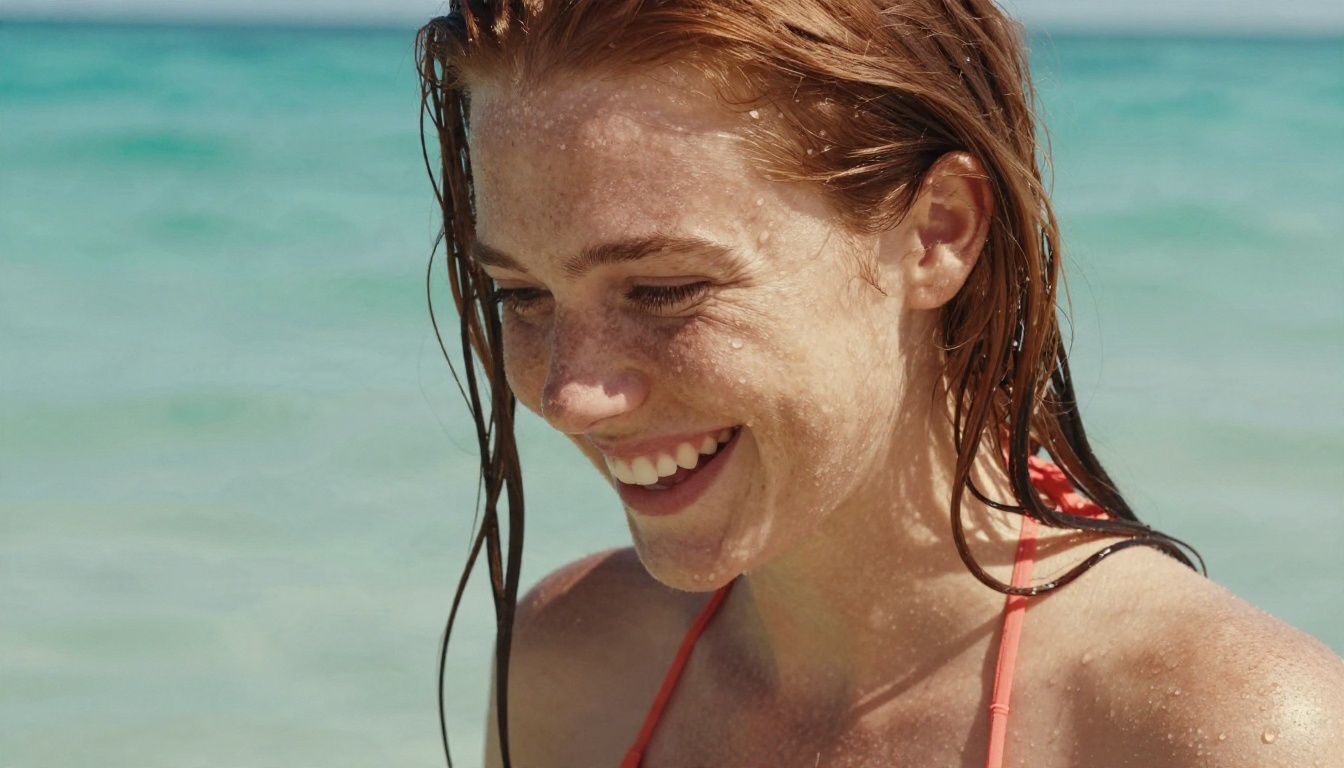
💡 Quick rule: describe what a camera would capture, not how you feel about the picture. "Freckles, wet hair, soft side light" beats "gorgeous perfect model" every time.
Every strong prompt in this article follows the same five part order. Keep it in your head and you can write your own variations in under a minute.
Subject + swimsuit + setting + light + camera and film.
Subject and Swimwear
Be specific about the person and the bikini. "A woman in a bikini" gives the model permission to guess everything. Try this instead: an adult woman in her late twenties with wavy chestnut hair and light freckles, wearing a terracotta triangle bikini with a knotted hip tie.
Three details that lift realism fast:
- Fabric texture: ribbed, matte, satin or crochet.
- Color name: terracotta, emerald, burgundy and lilac read better than plain "red" or "green".
- Fit words: high-waisted, string, bandeau, triangle, halter.
Location and Light
The location decides the mood, and the light decides whether it looks real. Name both. Quiet Mediterranean beach at golden hour with low sun from the right gives the model a direction for shadows. Without a light direction, you get flat, shadowless faces.
Camera and Film Words
Finish the prompt with one lens, one aperture and one film stock. Good picks:
- 85mm f/1.8 for portraits with soft backgrounds
- 35mm f/2.8 for walking and lifestyle scenes
- 24mm f/5.6 for wide landscapes with a small figure
- Kodak Portra 400 for warm, natural skin tones and gentle grain
💡 Tip: add "visible pores, fine baby hairs, natural sheen, no airbrushing" to kill the plastic look. It works on nearly every model.
12 Free Prompts to Copy
Paste these as they are, then swap the colors and places. Each one is written for a single adult subject in a tasteful, non-explicit setup.
Beach and Sunrise Prompts
- Raw photograph of a woman in a terracotta triangle bikini standing ankle deep in turquoise surf at golden hour, hand lifting wet hair, 85mm f/1.8, rim light from behind, Kodak Portra 400 grain.
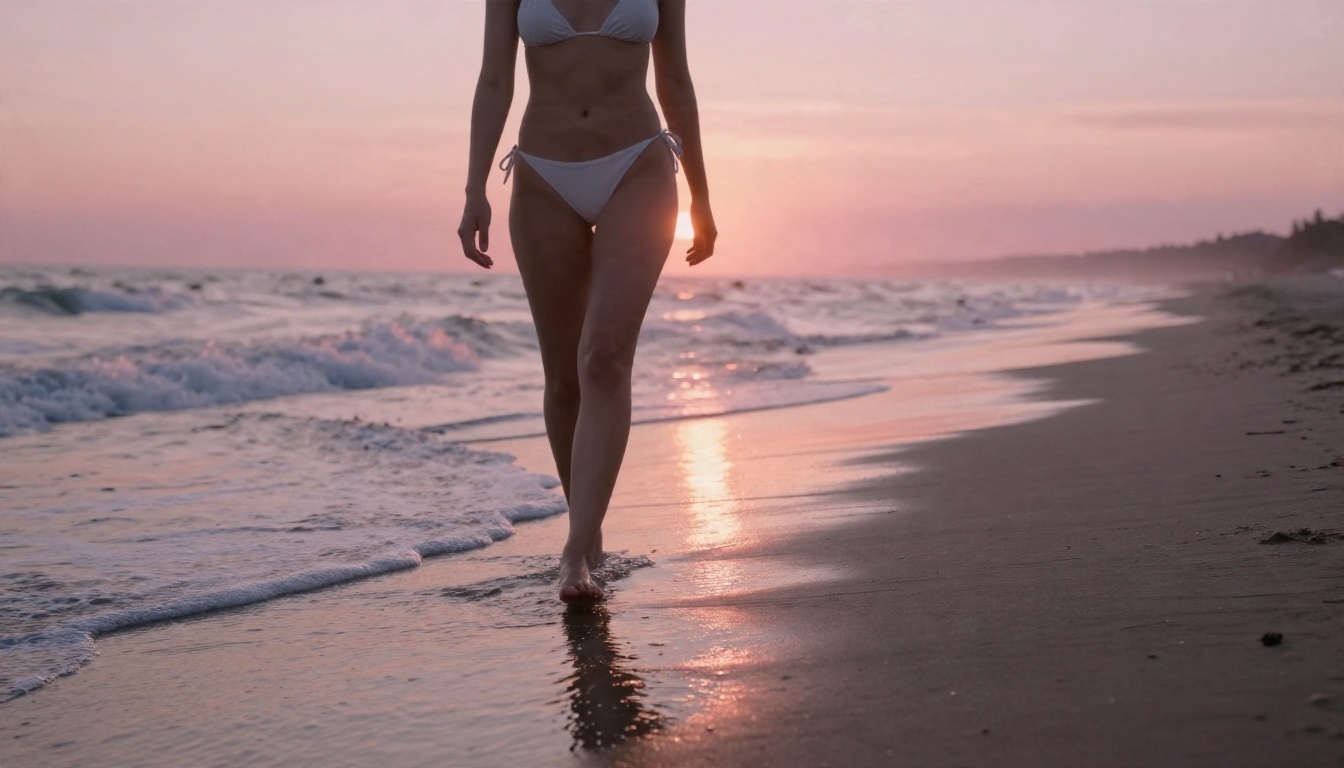
- Low-angle shot of a woman in a white string bikini walking a wet sand shoreline at sunrise, long shadow toward camera, pink and orange sky, 35mm f/2.8.
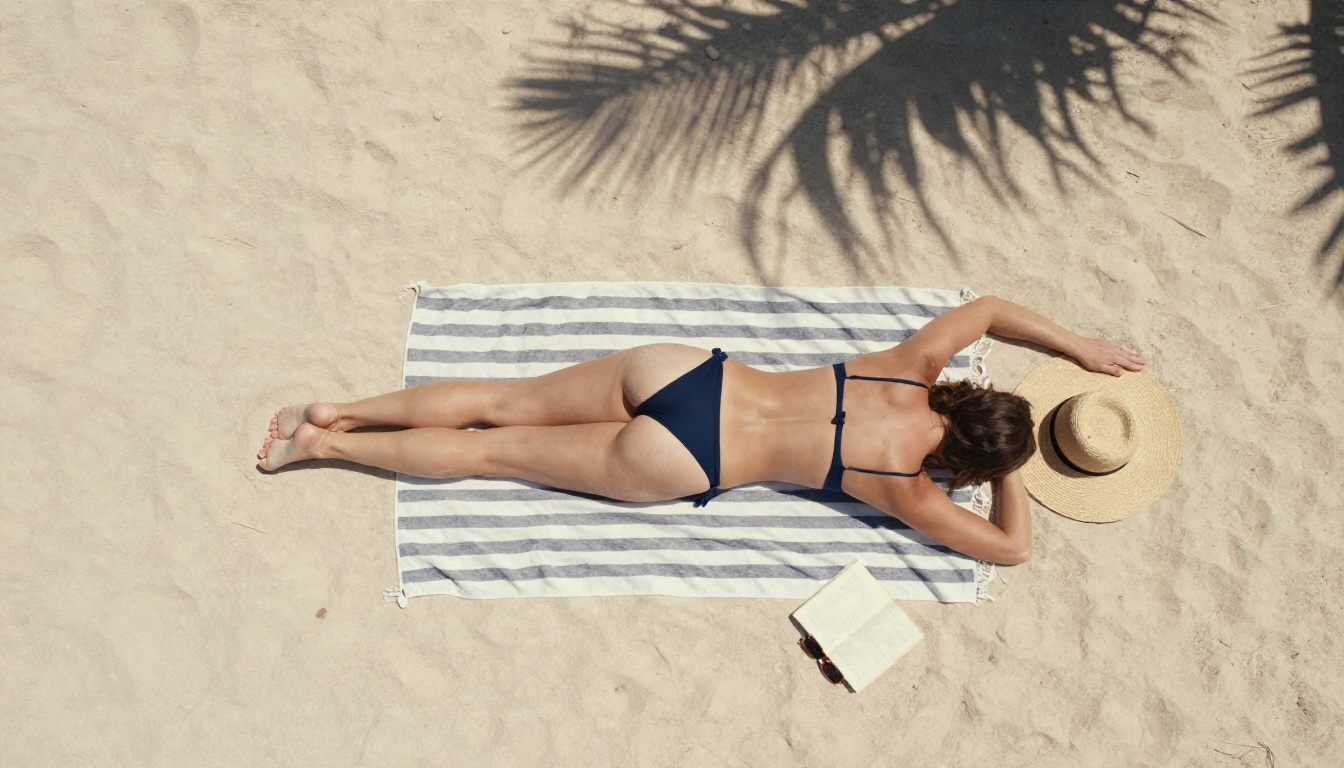
- Aerial top-down view of a woman in a navy bikini on a striped towel beside a straw hat, sunglasses and a paperback, palm shadows across the sand, 24mm.
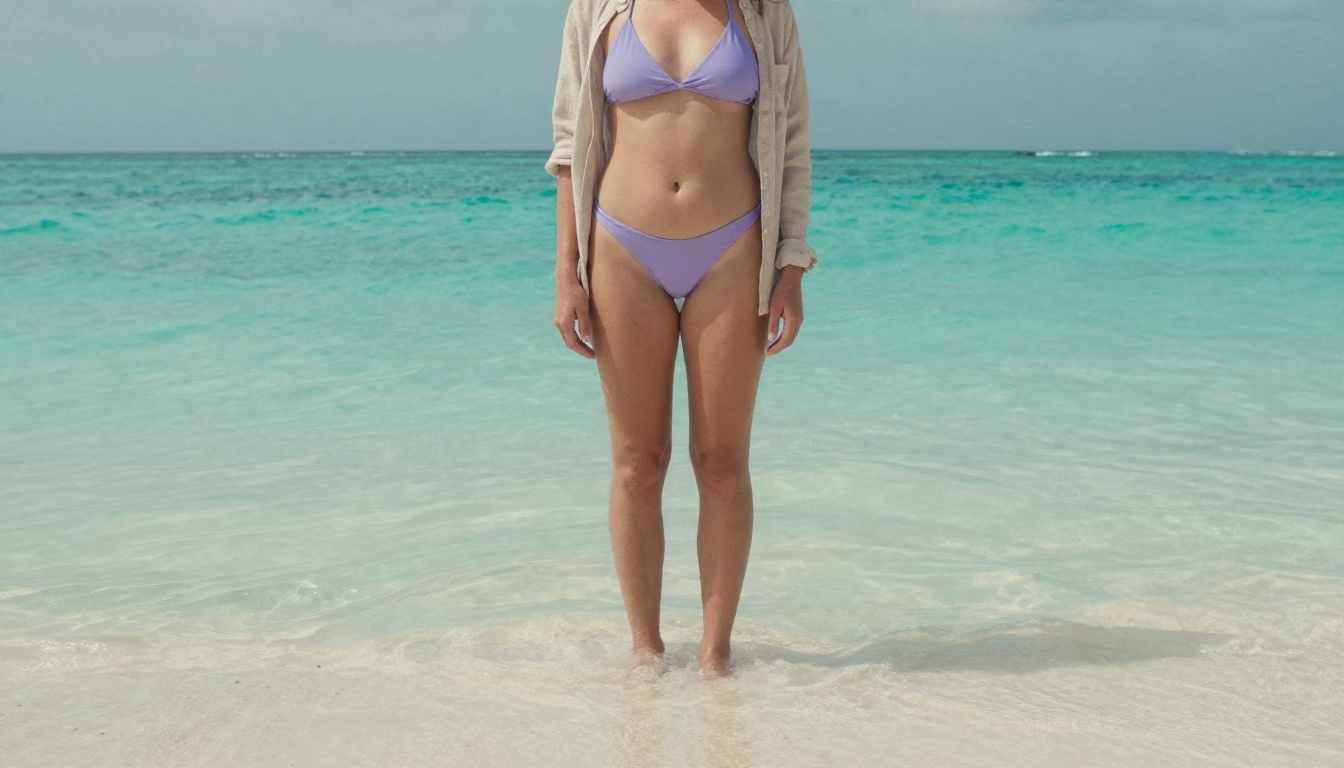
- Full-length shot of a woman in a lilac bikini and open linen shirt on a white sand bar, turquoise water in every direction, soft overcast light, 24mm f/5.6.
Pool and Villa Prompts
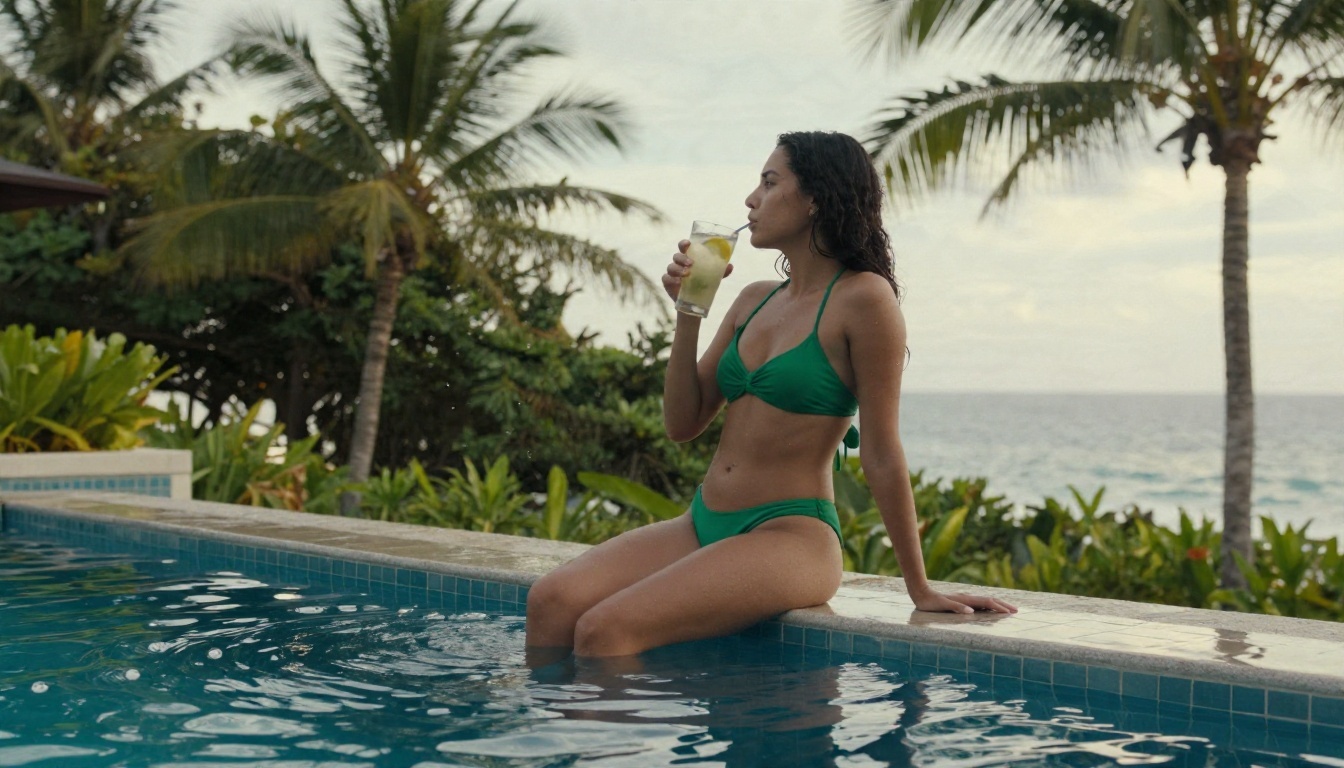
- Medium shot of a woman in an emerald high-waisted bikini on the edge of an infinity pool, legs in the water, holding iced lemonade, palms and ocean behind, late sun from the right, 50mm f/2.
- Close portrait of a woman with wet auburn hair by a turquoise pool, water droplets on her shoulders, soft window light from the left, 85mm f/1.8.
- Woman in a black halter bikini lounging on a white daybed under a linen canopy, villa terrace, bright diffused morning light, 50mm f/2.8.
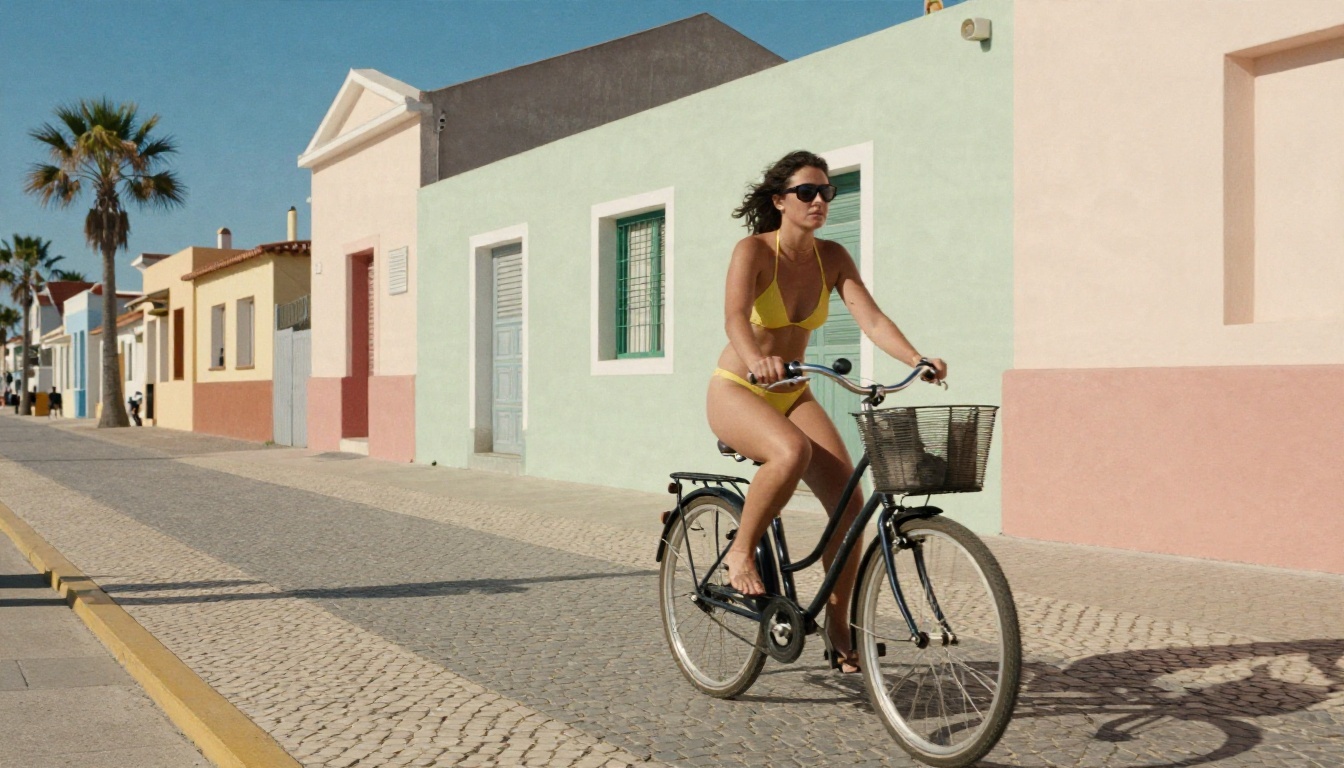
- Wide shot of a woman in a yellow bikini cycling along a beachfront promenade lined with pastel buildings, morning sun, 28mm f/4.
Dusk and Travel Prompts
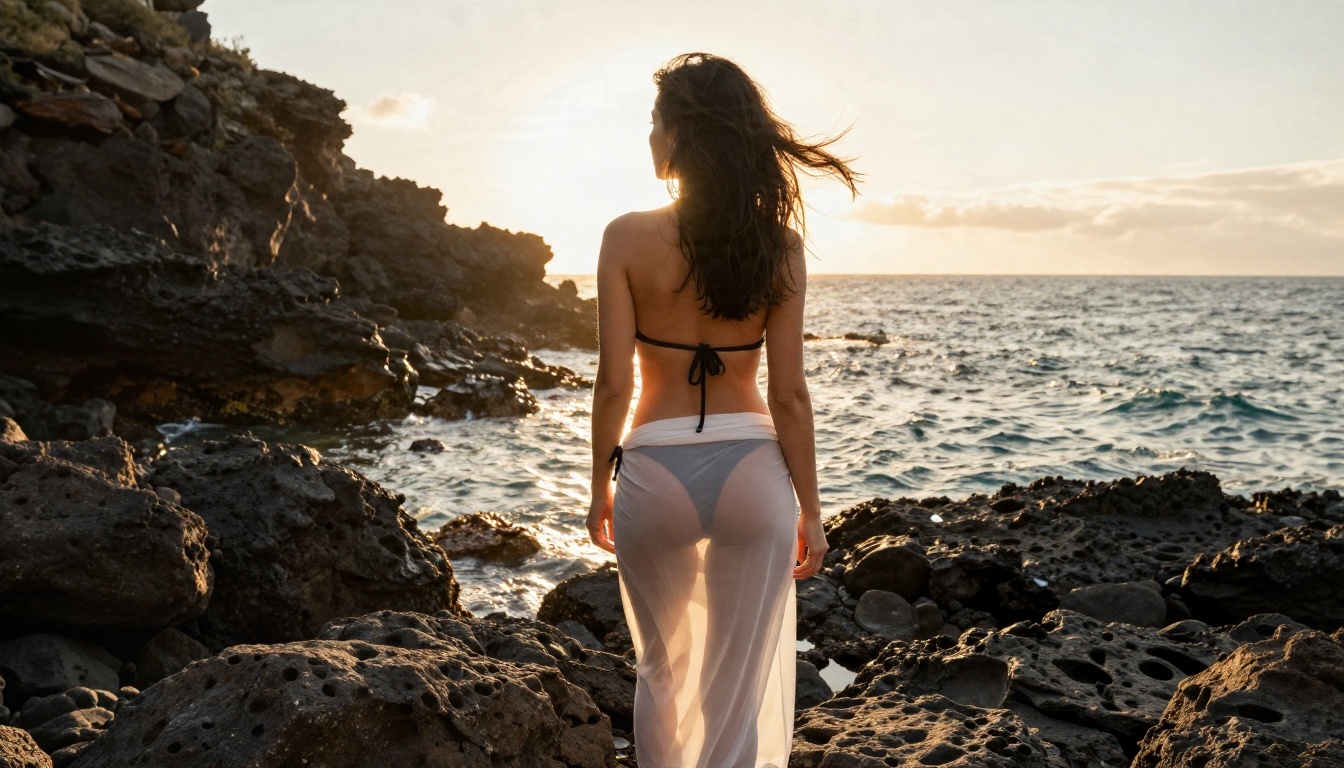
- Over-the-shoulder shot of a woman in a black bikini and sheer white sarong looking at a rocky cove, wind in her hair, golden backlight, 70mm f/2.8.
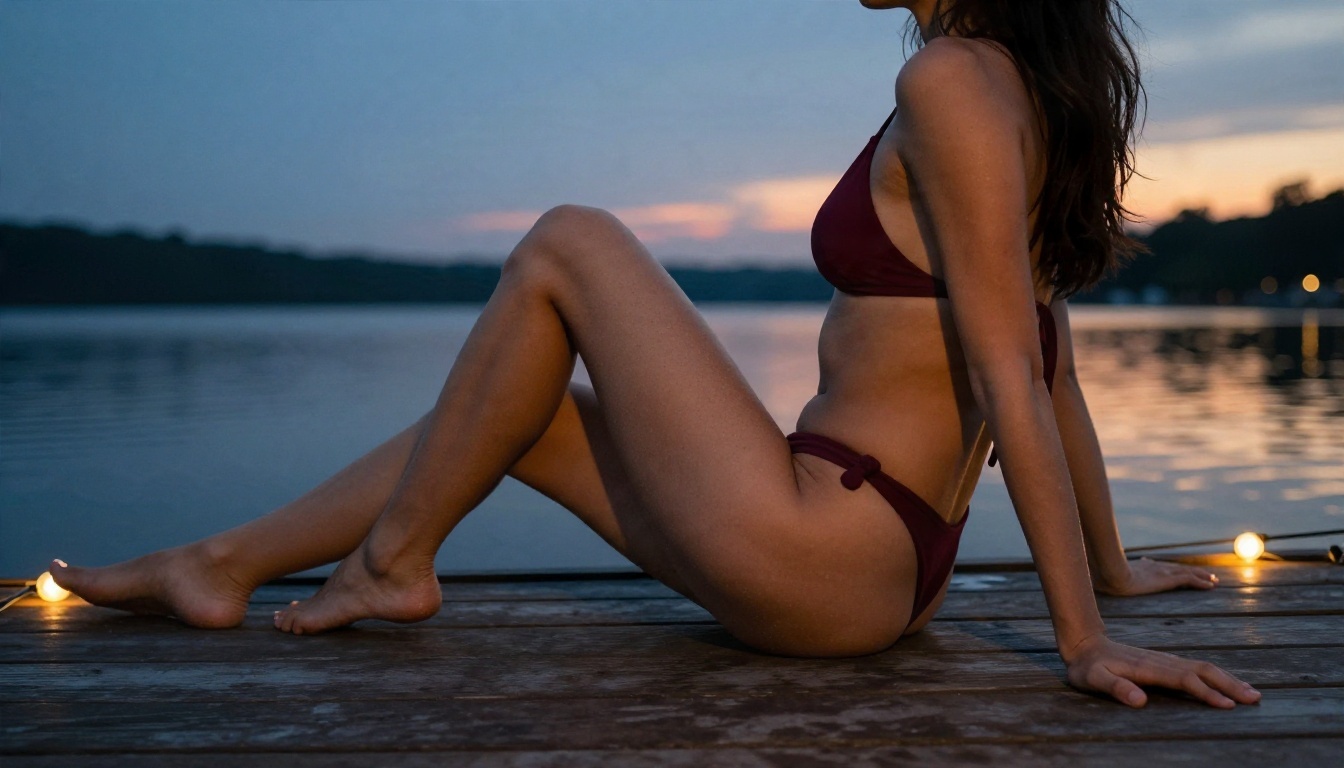
- Candid side profile of a woman in a burgundy bikini on a wooden dock at dusk, string lights glowing behind her, blue hour sky, 85mm f/1.4.
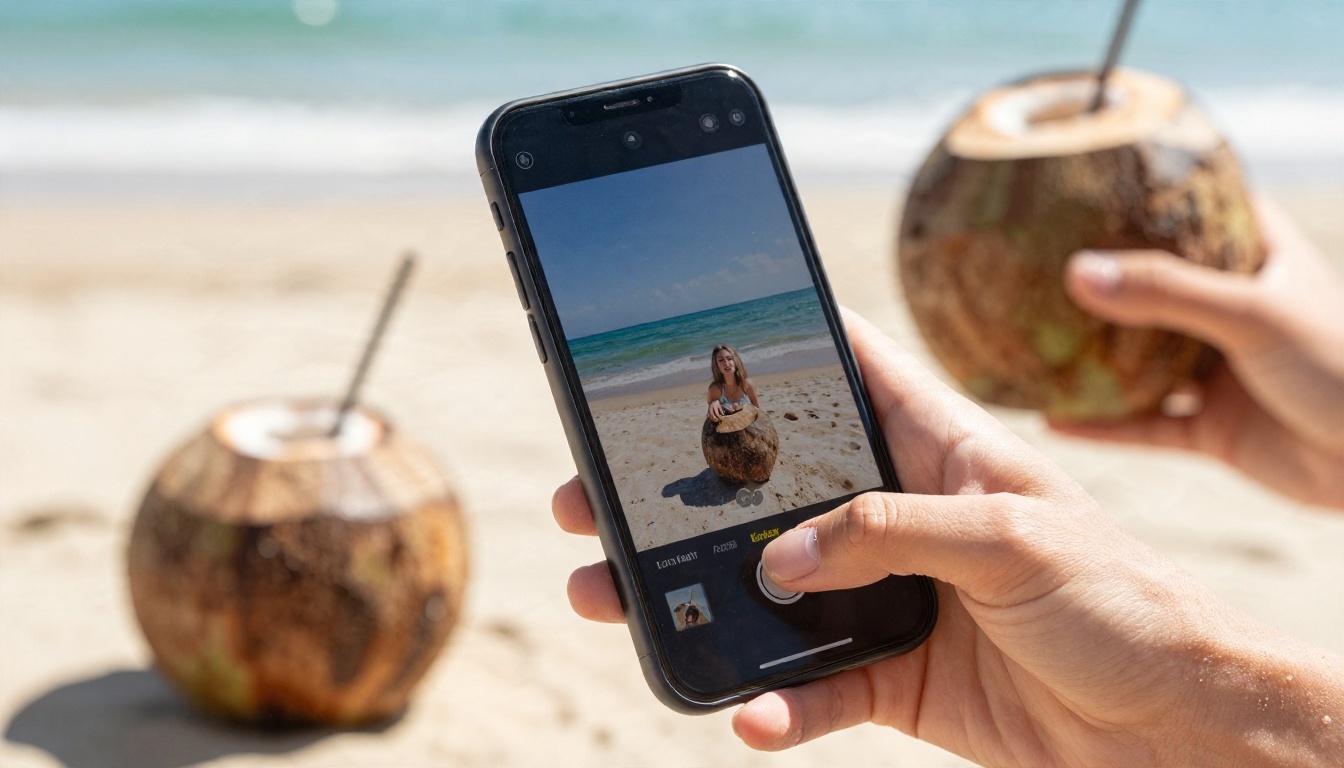
- Woman in a coral bikini laughing at the camera on a sunny beach, freckles and wet hair, morning light from the left, 85mm f/1.8.
- Woman in a sage green crochet bikini on a fishing boat deck at sunset, rope and weathered wood in the foreground, warm side light, 35mm f/2.
💡 Remix idea: keep the same prompt and change only one variable per run, such as swimsuit color, time of day or lens. You will see in two or three generations which word actually moves the result.
Best Free Apps and Models
"Free" means different things on different tools. Some give you a handful of credits a day, some watermark the output, and some quietly block anything that involves swimwear. For bikini content you want a model that treats swimsuits as a normal fashion subject and doesn't refuse or blur the image.
Why Seedream 4.5 Comes First
Seedream 4.5 is the model to open first for this kind of work. It renders skin with real texture, keeps fabric edges clean and follows long, detailed prompts without dropping half the instructions. It also doesn't shy away from swimwear, which saves you the frustration of refused generations.
Why Image Editor Pro Is Worth Keeping Open
When the base image is good but not perfect, PicassoIA Image Editor Pro is the fast fix. Swap a bikini color, move the scene from noon to sunset, clean up a strap. Because generations are unlimited, you can iterate ten or twenty times without watching a credit counter.
Speed Testing With Z Image Turbo
If you are trying out twenty prompt ideas, Z Image Turbo gets you thumbnails in seconds. Shortlist the winners, then re-run the best prompt in Seedream 4.5 for the final version.
How to Use Seedream 4.5 on PicassoIA
This is the exact workflow for a clean first result.
Step by Step
- Open the Seedream 4.5 page on PicassoIA.
- Paste a prompt from the list above into the text box. Start with prompt 1 or 5.
- Set the aspect ratio. Choose 16:9 for wide travel scenes, 3:4 or 2:3 for portraits and phone wallpapers.
- Pick the highest resolution available for your final image. Use a lower one while testing.
- Press generate and wait a few seconds.
- Change one word at a time and generate again. Save the versions you like.
- Send the best one to PicassoIA Image Editor Pro for final touches like color shifts or small fixes.
Settings That Matter
- Prompt length: 50 to 90 words is the sweet spot. Shorter prompts feel generic, longer ones start to contradict themselves.
- Light direction: always name it. "Light from the right" or "backlit from behind" prevents flat faces.
- One subject: a single person gives the cleanest anatomy. Groups raise the odds of tangled limbs.
- Seed: if the tool exposes a seed, save it. It lets you recreate a result and change only the swimsuit color.
💡 Pro move: generate in a wide format first. Wide frames give the model room to place a believable background, and you can crop to vertical afterward.
Fix Common Problems
Even the best models slip. These are the usual suspects and how to correct them.
Hands, Straps and Anatomy
Hands near hair, drinks or straps cause most errors. Give the hands a simple job in the prompt: one hand lifting hair, both hands holding a glass, hands resting on the towel. If a bikini strap vanishes or doubles, add the construction detail: thin tie straps knotted at the hip, ribbed fabric. A single clause does more than a long list of "no extra limbs" negatives.
When one area is wrong and the rest is perfect, don't regenerate everything. Open the image in PicassoIA Image Editor Pro and describe only the correction.
Plastic Skin and Fake Light
If the skin looks airbrushed, add visible pores, freckles, fine baby hairs, natural sheen, no retouching and drop words like "flawless" or "perfect". If the light looks pasted on, name a single source and its direction. A late afternoon sun from the right with soft bounce from the sand reads far more believable than "beautiful lighting".
Upscaling the Final Pick
A great composition sometimes comes out at modest resolution. Run it through a super resolution model on PicassoIA to get 2x or 4x more detail before printing or posting. Do this last, after all edits.
Use Them Responsibly
AI swimwear images are fun and useful, but a few rules keep you out of trouble.
- Use fictional or your own likeness. Never upload a photo of another person to restyle them in a bikini without their clear permission.
- Keep it non-explicit. The prompts here stay in glamour and travel photography. Pushing further can violate platform rules and local laws.
- Label AI images where a platform or client asks for it.
- Skip real names. Don't prompt for celebrities or real private individuals.
💡 Good practice: a fictional character with a consistent look, such as the same hair, same freckles and same kind of swimsuit, builds a believable AI portfolio with no privacy risk to anyone.
Make Your Own Bikini Pics Today
You have the formula, 12 prompts and a short list of models that actually deliver. The fastest way to get better is to run them. Open Seedream 4.5, paste prompt 1, and swap the swimsuit color. Then take your favorite result into PicassoIA Image Editor Pro and push it further with unlimited edits. For quick brainstorming, Z Image Turbo will give you a dozen options in the time it takes to make coffee.
Want more options? Browse every model at picassoia.com/en/all-models, pick the one whose look fits your project, and start building your own beach, pool and sunset series on PicassoIA. Pick a prompt, change one detail, and see what comes back.


