You typed a perfectly reasonable prompt, hit generate, and Grok answered with "Content Moderated." Or the Spicy option you saw in a tutorial simply isn't on your screen. You are not imagining it. Grok's adult image and video behavior has shifted several times since it launched, and most advice online is out of date within weeks.
This article sorts out what Grok currently lets you do, gives you tasteful, non-explicit prompt examples you can adapt, walks through the fixes that actually solve "not working" problems, and shows what to do when Grok is simply the wrong tool for the job.
💡 Quick summary: Grok can still produce suggestive, glamour-style content for some paid, age-verified users, but its filters are strict and change often. Rewording a prompt around styling, lighting and mood works better than pushing harder. If Grok keeps refusing, an unrestricted image model like Seedream 4.5 is faster and less frustrating.
What Grok Actually Allows Now

Before you write a single prompt, it helps to know the rules of the game. Grok is a chatbot made by xAI, and its image and video generator is called Grok Imagine. Adult content lives inside that tool, not in the text chat.
Spicy Mode in plain terms
When Grok Imagine launched in August 2025, it shipped with a "Spicy" setting next to the normal modes. It was designed to loosen the filters for suggestive output, and it made headlines immediately. Spicy never meant "no limits." It lowered the sensitivity of the moderation system for borderline content, while clearly prohibited material stayed blocked.
Based on what guides and news reports describe, the toggle has generally been tied to a paid plan (SuperGrok or X Premium+), an age-verified account, and the mobile app rather than the website.
What changed in 2026
Reports diverge here, and it is worth being honest about that. After a wave of backlash in January 2026 over sexualized edits of real people, xAI tightened its image rules. Some outlets say the Spicy option is gone for practical purposes. Others say it still exists for a narrow group of users but behaves much closer to a PG standard than it did in 2025. A few user reports from spring 2026 mention that edits inside the Imagine tab started going through again.
The honest takeaway: there is no stable, official answer, and what works for one account may fail on another. That is why a fix-first mindset beats hunting for a magic phrase.
| Factor | What reports suggest | Impact on you |
|---|
| Subscription | Paid tier needed for Spicy | Free accounts hit walls fast |
| Age verification | Required for adult settings | Unverified accounts lose the toggle |
| Platform | Mobile app most reliable | Web users often see no option |
| Region | Some countries are restricted | Toggle can be hidden entirely |
| Real people | Heavily blocked since January 2026 | Photo edits of real faces get refused |
Prompts That Work Without Tricks
The filters in Grok respond to meaning, not just individual words. A prompt that sounds like a fashion editorial passes more often than one that reads like a request to push limits. Photographers have always conveyed sensuality through light, pose and styling, and the same approach works here.
⚠️ A note on boundaries: This article does not cover tricks for evading safety systems, and none of the prompts below involve real people. Only create adult content featuring fictional adults, and never try to depict anyone who is, or looks like, a minor. Those lines are the same on every platform.
The five-part prompt formula
Structure beats length. A reliable pattern is:
- Subject: an adult woman or man, with age stated ("late twenties").
- Styling: what they wear and how it fits (silk robe, swimsuit, evening gown).
- Setting: a specific location, time of day and props.
- Light: direction, warmth, softness ("golden hour from camera left").
- Camera: lens, angle, film look ("85mm f/1.8, Kodak Portra 400 grain").
Stating the age as an adult is not decoration. It removes ambiguity that triggers refusals, and it keeps your output where it belongs.
Swimwear and beach prompts
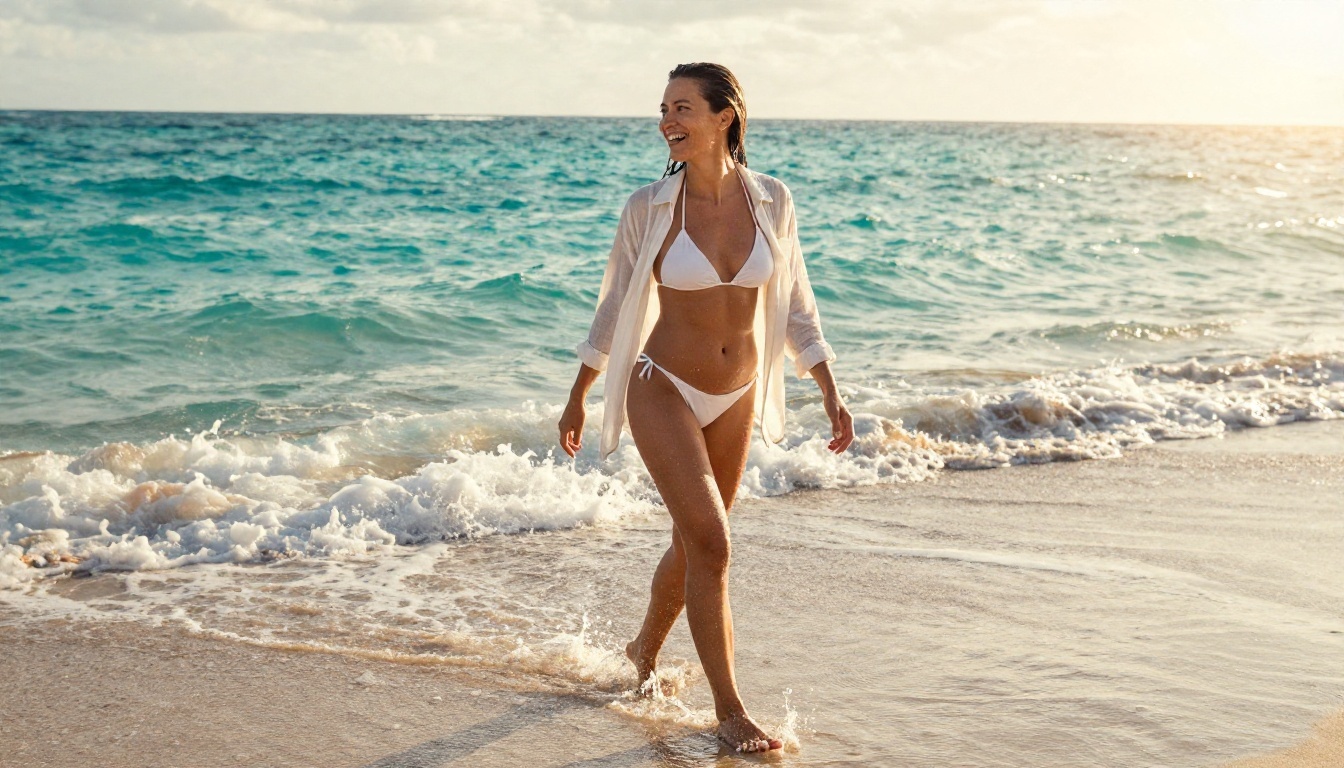
Swimwear is the safest entry point for suggestive imagery because it is socially normal in photography. Here is a prompt that follows the formula:
Low-angle photograph of an adult woman in her late twenties in a white string bikini and an open linen shirt, walking out of shallow turquoise surf on an empty tropical beach, water droplets on tanned skin, wet hair slicked back, laughing. Late afternoon sun backlighting from the right, 24mm lens, wet sand reflections, natural film grain, Kodak Portra 400.
Why it works: it names a recognizable genre (beach editorial), puts the emphasis on light and motion, and gives the model plenty of photographic detail to latch onto instead of vague suggestive language.
Boudoir and glamour prompts
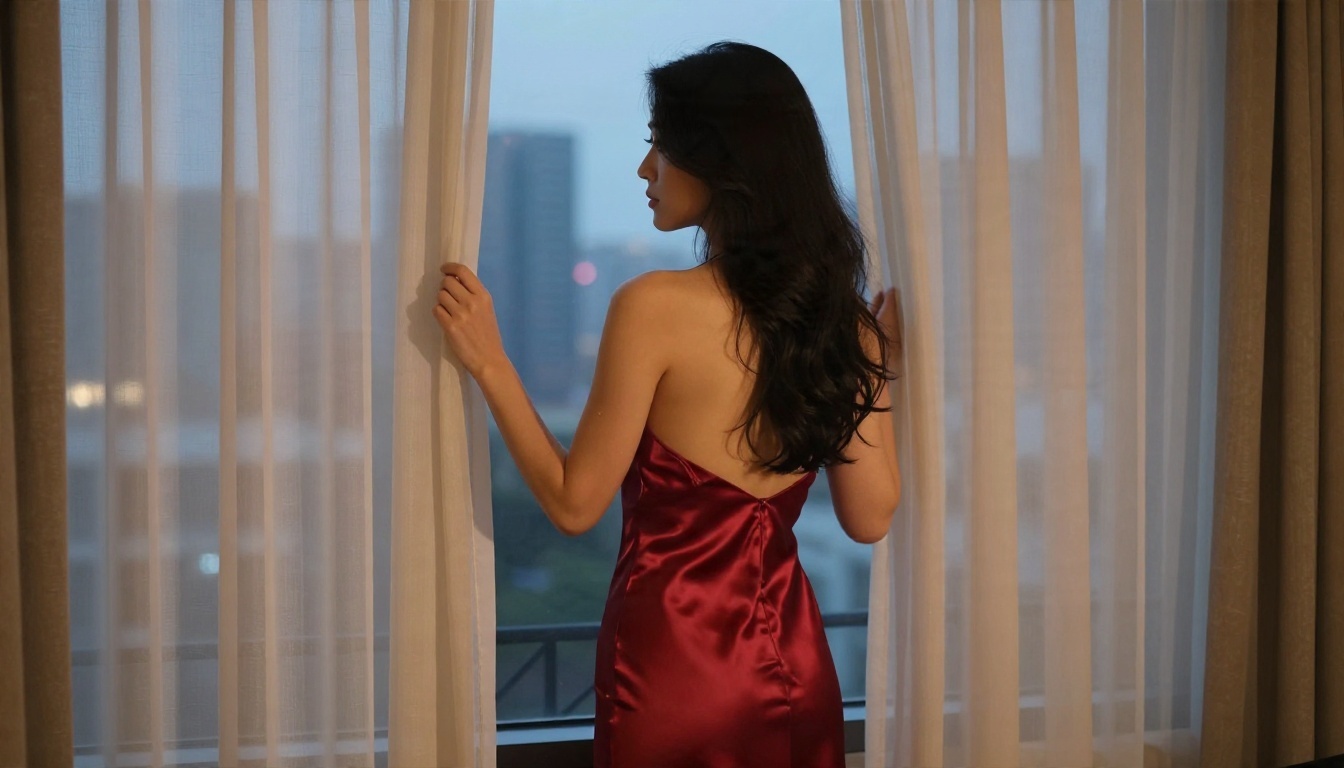
Boudoir photography is about implication. The more you lean on fabric, shadow and posture, the better the result tends to be, and the less likely a filter is to react.
Adult woman with long dark hair in a red satin slip dress, standing at a floor-to-ceiling window of a boutique hotel suite at dusk, seen from behind and slightly side-on, one hand on the curtain, city lights softly out of focus. Warm lamp glow mixed with cool blue twilight, 35mm f/2 lens, silk sheen and fabric folds, fine skin texture.
Notice what is missing: no anatomical wording, no commands, no escalation. The mood does all the work.
Prompt Examples You Can Copy
These samples were generated as reference images for this article, and each one uses the five-part formula. Adapt the subject, location and wardrobe to your own project.
Pool and resort scenes

Overhead aerial view of an adult woman in an emerald green one-piece swimsuit floating on her back in a clear infinity pool, dark hair fanning in the water, white loungers and palm shadows around the edge. Midday sun casting soft caustic ripples on the tiled floor, 35mm lens from above, crisp water texture, natural color, fine grain.
An aerial angle is a quiet trick for variety. It changes the composition without changing the wardrobe, and it keeps the focus on the setting.
Evening and red carpet looks
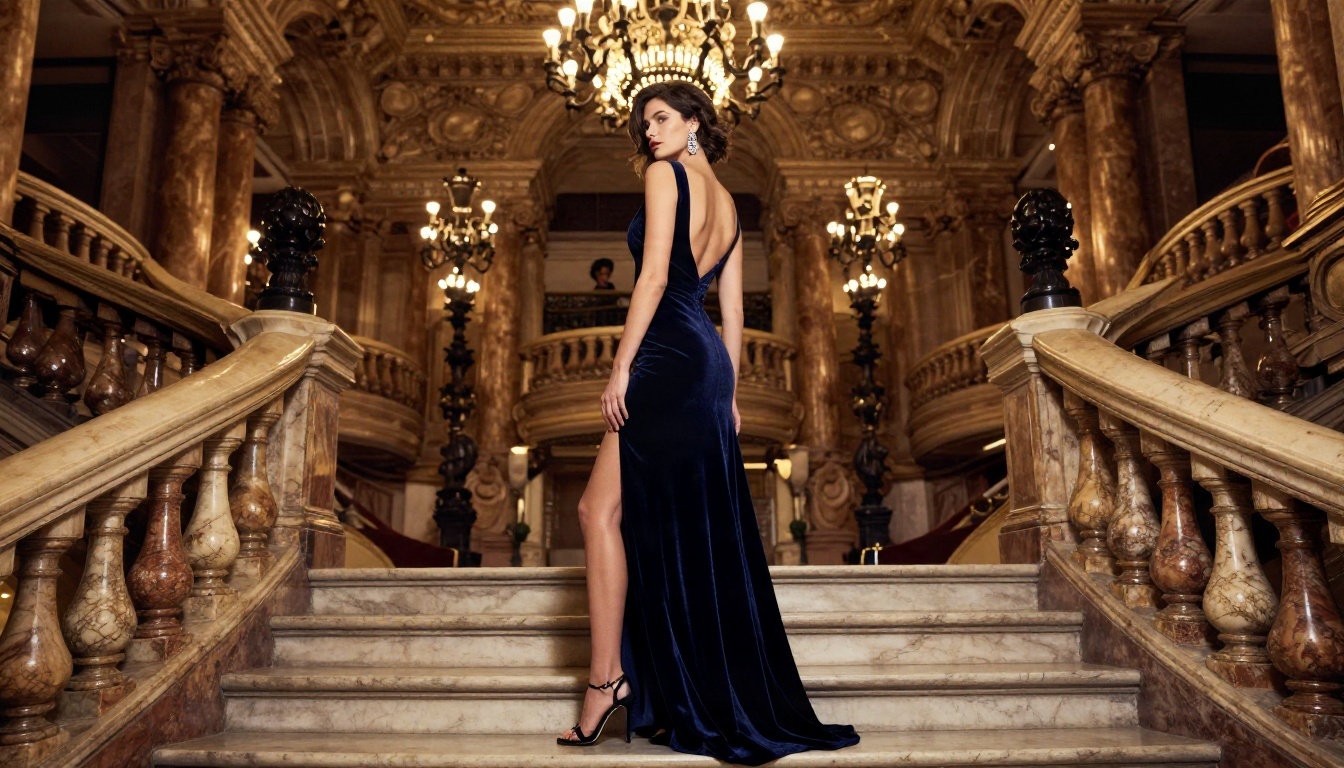
Full-length fashion photograph of an adult woman in a backless midnight-blue evening gown with a high leg slit, standing on a marble staircase in an old opera house, looking over her shoulder. Warm chandelier light from above with soft fill from the front, 70mm f/2 lens, velvet and marble textures, glints in earrings.
Casual and natural scenes

Candid portrait of an adult woman in a sage-green bikini top and high-waisted linen shorts, sitting on a wooden pier at sunrise with her knees up, holding a coffee, mist over a calm lake. Soft pink-gold light from behind, 105mm f/2, weathered wood grain, steam rising from the mug.
💡 Tip for consistency: If you want the same character across several images, repeat the same descriptive phrases for hair, skin tone and age in every prompt. Changing even one detail ("chestnut" to "brown") can shift the face.
Grok Not Working? Fix It

Most "Grok NSFW not working" complaints fall into three buckets: the option is missing, the output is blocked, or the video behaves strangely. Each has different fixes, and none of them involve bypassing the filter.
The Spicy toggle is missing
Work through this list in order:
- Check your plan. Confirm you are on a paid tier that includes Imagine's adult settings.
- Verify your age. Open account settings and finish any age confirmation step.
- Switch to the mobile app. Several reports say the toggle only appears there.
- Update or reinstall the app. An old build may not show newer settings.
- Force-close the app twice. Android users report that settings sometimes need two restarts to apply.
- Re-select the mode. Choose the Spicy option again from the mode dropdown at the start of every new generation, because it can reset.
- Check your region. If your country is restricted, no setting will bring it back.
If you did all of that and the option is still absent, treat it as a deliberate restriction on your account rather than a bug.
"Content moderated" keeps appearing
This error is the system doing its job. Spicy loosens the threshold but never removes it. Practical steps that are legitimate:
- Make the prompt more specific about styling. Vague wording can look riskier than detailed editorial wording.
- State that the subject is an adult. Ambiguity is a common trigger.
- Remove real names and uploaded photos of real people. Edits of real faces are the most aggressively blocked category since early 2026.
- Shorten the prompt. A long pile of adjectives can accumulate risk signals.
- Wait and retry. Moderation is partly probabilistic, so the same prompt can pass on a second attempt.
If a prompt is refused repeatedly, the content is probably outside what xAI wants to allow. Hunting for obscure rewordings usually wastes time and can violate the platform's terms.
Videos zoom or ignore the prompt
Image-to-video in Grok sometimes applies a forced slow zoom or drifts away from your motion instructions. The best approach is to keep motion simple: one subject action and one camera move. Something like "the woman turns her head toward the window while the camera slowly pushes in" gives the model less room to improvise.
Quick reference table
| Problem | Most likely cause | Fix |
|---|
| No Spicy option | Free plan, no age check, web only, region | Upgrade, verify, use mobile app |
| Toggle disappears after use | Setting resets per session | Re-select it for each generation |
| Content moderated on every prompt | Real faces or ambiguous age | Fictional adult subject, clear styling |
| Output looks fully clothed and tame | Filter is lowering intensity quietly | Use a model with fewer limits |
| Video zooms in | Default motion behavior | Single clear motion instruction |
| Works one day, fails the next | Policy changes on xAI's side | Keep a backup model ready |
Why Some Prompts Never Pass
It is worth knowing which categories will never work, so you stop spending credits on them.
Real people and public figures
Photo edits that put a recognizable person in a suggestive scene are the main reason xAI tightened its image rules. If your workflow depends on a real person's likeness, expect refusals on Grok and think twice on every other platform too. Consent matters, and so do the laws, which are catching up quickly in many countries.
Anything that reads as underage
Words like "girl," "schoolgirl," "teen" or youthful-looking settings are blocked, and rightly so. Always describe adult subjects, with explicit adult ages, and keep the wardrobe and setting adult.
Explicit sexual acts
Even in Spicy, fully explicit material is blocked on Grok. Everything in this article stays suggestive: swimwear, lingerie-style loungewear, glamour. If you want more freedom for adult fiction projects, you need a tool whose own rules allow it, which brings us to the next section.
How to Use Seedream 4.5 on PicassoIA
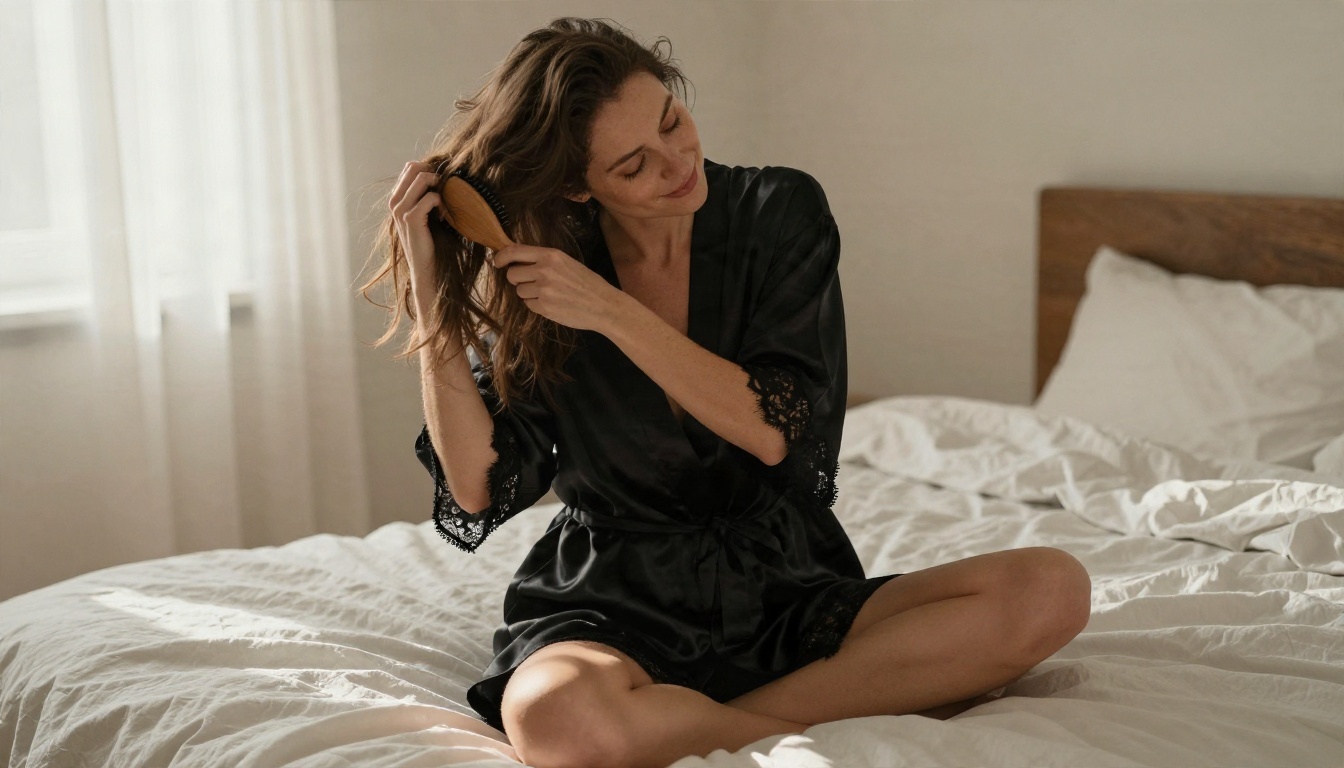
When Grok refuses or changes its rules again, the quickest alternative is Seedream 4.5 on PicassoIA. It produces sharp, photographic images up to 4K, it follows long prompts closely, and it is uncensored for tasteful adult imagery, so you do not fight a moderation wall for glamour and swimwear concepts. Generation takes seconds, which matters when you are iterating on a prompt ten times.
Step by step
- Open the Seedream 4.5 page and choose the prompt field.
- Paste one of the prompts from this article, or write your own with the five-part formula.
- Set the aspect ratio. Use 16:9 for scenery and wide shots, 3:4 or 2:3 for portrait editorial looks.
- Pick a resolution. Start at 2K while iterating, then go to 4K for the final render.
- Generate, review, and change one thing at a time (light, lens or wardrobe) so you know what caused each difference.
- Save the version you like and move on to variations.
Parameter tips
- Be specific with lenses. "85mm f/1.8" gives portrait compression, "24mm" gives dramatic wide perspective.
- Describe light direction. "Warm light from camera left" produces more convincing shadows than "beautiful lighting."
- Add texture words. Fabric weave, skin pores and condensation make the result look photographed rather than rendered.
- Keep negative wording out of the main prompt. Describe what you want, not what you do not.
💡 Reminder: Seedream 4.5 is the model to pick for adult-oriented work. The newer Seedream 5 Lite blocks adult content, so don't switch to it for this kind of project.
Other Models Worth Trying
Seedream 4.5 is the first stop, but a few other tools on PicassoIA fit different jobs.
PicassoIA Image Editor Pro
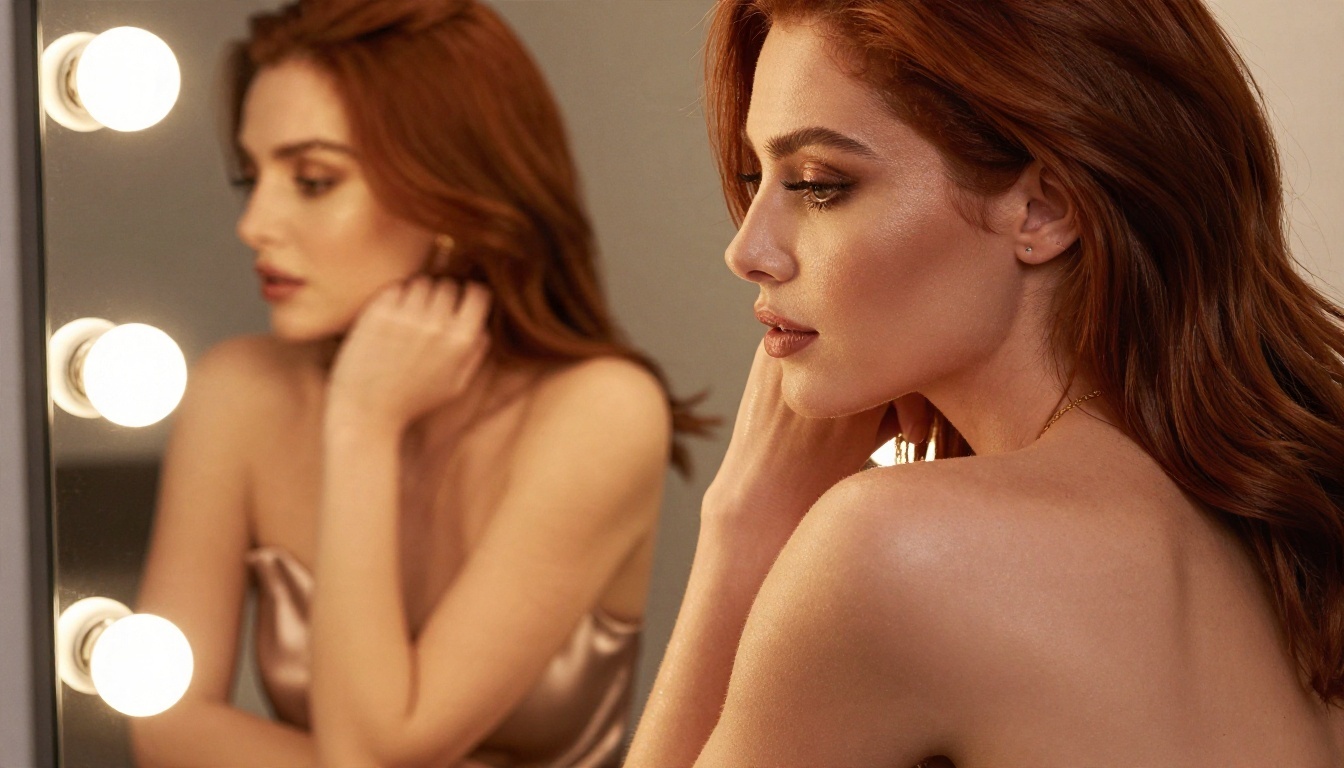
PicassoIA Image Editor Pro is built for generating and editing without a generation cap. That matters when you are experimenting: you can run dozens of variations of a prompt, retouch outfits or backgrounds on your own fictional characters, and refine results without watching a credit counter. It is the best option when you want to fine-tune an image you already like instead of rolling the dice again.
Fast options for quick drafts
If you need speed over polish, Z Image Turbo returns sharp images in seconds and is handy for testing prompt ideas. Flux 2 Klein 9B Base LoRA is useful when you want a particular style applied consistently, and Nano Banana Pro handles precise edits well. Each model has its own moderation rules, so test a simple tasteful prompt first and see how it behaves.
Grok Imagine models on PicassoIA
PicassoIA also lists xAI's models: Grok Imagine Image 2, Grok Imagine Image Quality and Grok Imagine Video 1.5. They are good for photoreal scenes, 2K output and image-to-video with audio, but you should not expect them to behave differently from Grok's own moderation. For adult-oriented glamour work, start with Seedream 4.5 and Image Editor Pro instead.
Bring a still to life
Once you have an image you like, you can animate it. LTX 2.5 Fast turns a still into a short clip quickly, and Grok Imagine Video 1.5 adds synchronized audio. Keep the motion prompt simple, such as "slow push-in as the curtain moves in the breeze."
| Goal | Best pick | Why |
|---|
| First draft of an adult-oriented concept | Seedream 4.5 | Sharp, uncensored, up to 4K |
| Endless variations and edits | Image Editor Pro | Unlimited generations |
| Fast prompt testing | Z Image Turbo | Results in seconds |
| Animating a finished still | LTX 2.5 Fast | Quick image-to-video |
Try Your Own Prompts Today
Grok's rules will keep moving, and the safest habit is to stop depending on a single tool. Take one of the prompts above, paste it into Seedream 4.5, and change the wardrobe, location or lens to make it yours. When you want to polish and iterate without limits, switch to PicassoIA Image Editor Pro and keep refining.
Every model mentioned here is one click away at picassoia.com/en/all-models. Start with a single prompt, see what the light and lens do to the result, and build from there. Your best image is usually the fifth variation, not the first.


