You opened Grok, typed a prompt that was a little bolder than usual, and got a polite refusal. Sound familiar? Plenty of people hit that wall every day, and the internet is full of half-correct advice about toggles, subscriptions and "secret" modes. This article sorts out what actually works, what it costs, and what to do when the app still says no.
Quick note before we start: everything here is about adult, consensual, non-explicit content, meaning glamour, swimwear, boudoir style portraits and suggestive photography of fictional adults. Nothing here involves real people's photos without their consent, and nothing involves minors. Ever.
What Grok NSFW Really Means
When people search for "Grok NSFW", they usually mean one feature: the spicy mode inside Grok Imagine, xAI's image and short video generator. It launched with a lot of noise because it was one of the first mainstream assistants to openly allow suggestive output at all.

Spicy Mode in Plain Terms
Spicy mode is an opt-in setting that loosens the default content filter for image and video generation. It does not remove moderation. Think of it as moving the line a few steps further, not deleting the line.
Reports from users and reviewers agree on a few basics:
- It sits behind a paid plan and an 18+ confirmation.
- It is most visible in the mobile app, and some people say the web version hides it.
- It can still refuse prompts, blur results, or return a tamer image than you asked for.
What Stays Blocked
Even with everything switched on, expect refusals for anything involving minors, real public figures in sexual scenarios, non-consensual themes and graphic explicit acts. Those limits are not bugs, and no setting changes them. Wasting time trying to bypass them is the fastest way to get an account flagged.
💡 Reality check: If a guide promises "unrestricted Grok in one tap", it is either outdated or selling something. Treat every shortcut claim with suspicion.
App Settings That Matter
Here is the frustrating part: the menu names are not stable. Guides written a few months apart describe different paths, and xAI has shuffled labels between app versions. What follows is the most commonly reported route, so check it against what you see on your own screen.
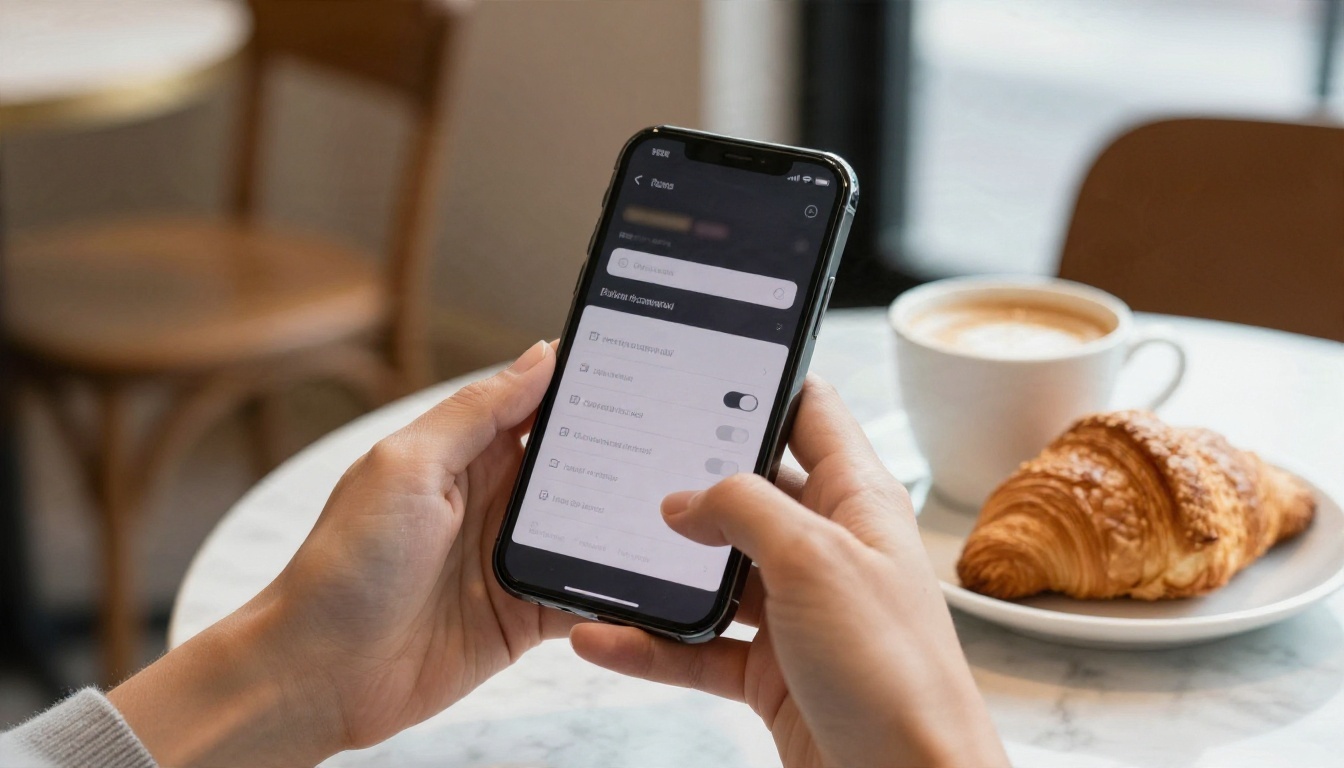
Step by Step on Mobile
- Update the Grok app to the latest version from your app store. Old builds often lack the toggle.
- Sign in with the account that holds your paid plan. A free account will not show the option.
- Open Settings, then look for Content Preferences (some versions call this area Data Controls).
- Switch on the toggle that displays sensitive or NSFW content, and confirm that you are 18 or older when prompted.
- Open the Imagine settings and turn on the option that allows sensitive media generation. It tends to appear only after step 4.
- Open Grok Imagine, write your prompt, and pick Spicy where the style options appear.
When the Toggle Is Missing
If you cannot find it, run through this short checklist:
| Problem | Likely cause | What to try |
|---|
| No NSFW toggle at all | Free plan or unverified age | Upgrade, then finish the age check |
| Toggle on, Spicy button absent | Web version or older app | Switch to the latest mobile app |
| Option greyed out | Regional restriction | Check local rules; some countries block it |
| Toggle resets itself | Sync bug between devices | Log out, log in, set it again on one device |
💡 Tip: Screenshots of settings from older posts are the number one reason people think the feature "was removed". Search inside the Settings screen instead of following a tutorial's exact path.
Grok NSFW Pricing Breakdown
Spicy mode is not free. Sources disagree on exact numbers, which is normal for a product that changes plans often, so treat the figures below as ballpark and confirm on the official plan page before paying.

Plans Compared
| Plan | Reported price | NSFW access |
|---|
| Free Grok | $0 | No |
| Basic X Premium | Around $8 per month | No |
| X Premium+ | Reported anywhere from $16 to $40 per month depending on date and region | Yes, according to most guides |
| SuperGrok | About $30 per month | Yes |
The price range for X Premium+ is wide because older articles quote the former number while newer ones quote the current one. SuperGrok is the most consistently reported at roughly thirty dollars monthly.
Hidden Costs
The sticker price is only part of it. Budget for these as well:
- Usage caps. Image and video generations can be rate limited, even on paid tiers.
- Wasted credits on refusals. A blocked prompt still costs you time, and sometimes a generation slot.
- Annual billing traps. Yearly plans look cheaper but lock you in while features keep changing.
- Platform lock-in. Your generations live inside xAI's app, and history features vary.
Over a year, a monthly SuperGrok plan lands near $360. For somebody who only wants a few glamour portraits a week, that is a lot of money for a tool that may still refuse half of the prompts.
Why Grok Still Frustrates People
Paying for the plan does not fix the biggest complaint: inconsistency. The same prompt can succeed on Monday and fail on Tuesday.
Moderation That Moves
Filters are tuned constantly. After public criticism about deepfake style misuse, xAI tightened several things, including limiting some image generation to paying users. Every tightening changes what spicy mode will accept. If you build a workflow around it, expect it to break at some point.
Privacy and Age Checks
Reviewers have called the age checks in some versions weak, often just a birth year entry, while certain regions require ID or a selfie check. That raises a fair question: do you want identity data and your adult prompts tied to a social media account? Plenty of users do not, and that is one more reason people look elsewhere.

Free Alternatives That Work Better
If your goal is beautiful, suggestive, photorealistic images, you do not need a subscription tied to a social network. Grok itself is not on PicassoIA, but several models that are there handle glamour, swimwear and boudoir style portraits with far fewer interruptions. For results close to what spicy mode promises, these are the ones to try, in this order.
Seedream 4.5
Seedream 4.5 is the first stop. It produces sharp, skin-accurate portraits with convincing fabric, hair and lighting, and it follows long descriptive prompts closely. Swimwear shoots, satin dresses and beach scenes come out looking like real photography instead of plastic renders. It is also quick, so you can iterate five or six times in the time it takes Grok to return one refusal.
PicassoIA Image Editor Pro
PicassoIA Image Editor Pro is the one to pick when you want volume. It offers unlimited generations, so you can experiment freely with outfits, poses and locations without watching a counter. It also edits: change a background, swap a swimsuit color or adjust the lighting on an image you already like.

Z Image Turbo and Flux 2 Klein
Two more fast options worth keeping in rotation:
- Z Image Turbo returns sharp images in seconds, ideal for testing prompt ideas before committing to a longer render.
- Flux 2 Klein 9B Base LoRA is useful when you want a specific styled look, such as a vintage film mood or a high-fashion editorial feel.
Quick Comparison
| Tool | Cost to start | Best for | Speed |
|---|
| Grok spicy mode | Paid plan | Short clips inside one app | Medium |
| Seedream 4.5 | Free to try | Realistic glamour portraits | Fast |
| Image Editor Pro | Unlimited generations | Volume and quick edits | Fast |
| Z Image Turbo | Free to try | Rapid drafts | Very fast |
| Flux 2 Klein 9B LoRA | Free to try | Styled looks | Fast |
How to Get Similar Results on PicassoIA
Grok's spicy mode is not available on PicassoIA, but you can reach the same kind of suggestive, photorealistic output with Seedream 4.5. Here is the process.
Step by Step
- Open the Seedream 4.5 page on PicassoIA.
- Write a prompt of 50 to 80 words: subject, outfit, setting, light, lens.
- Choose a 16:9 ratio for wide editorial scenes or 3:4 for portraits.
- Generate, review, then adjust one element at a time (light first, then outfit, then angle).
- Move your favorite result into PicassoIA Image Editor Pro for unlimited touch-ups, backgrounds and color changes.
- Save the final image and keep the prompt for reuse.
Prompt Formula That Works
Use this structure and swap the pieces:
[Adult subject + pose] + [outfit] + [location] + [light direction] + [lens and depth of field] + [skin and fabric texture] + [film stock]
Here is an example in plain words: an adult woman in a navy bikini at the edge of an infinity pool, wet hair slicked back, late-morning sun from the upper left, 100mm lens, shallow depth of field, visible skin pores and water beads, Kodak Portra 400 grain.
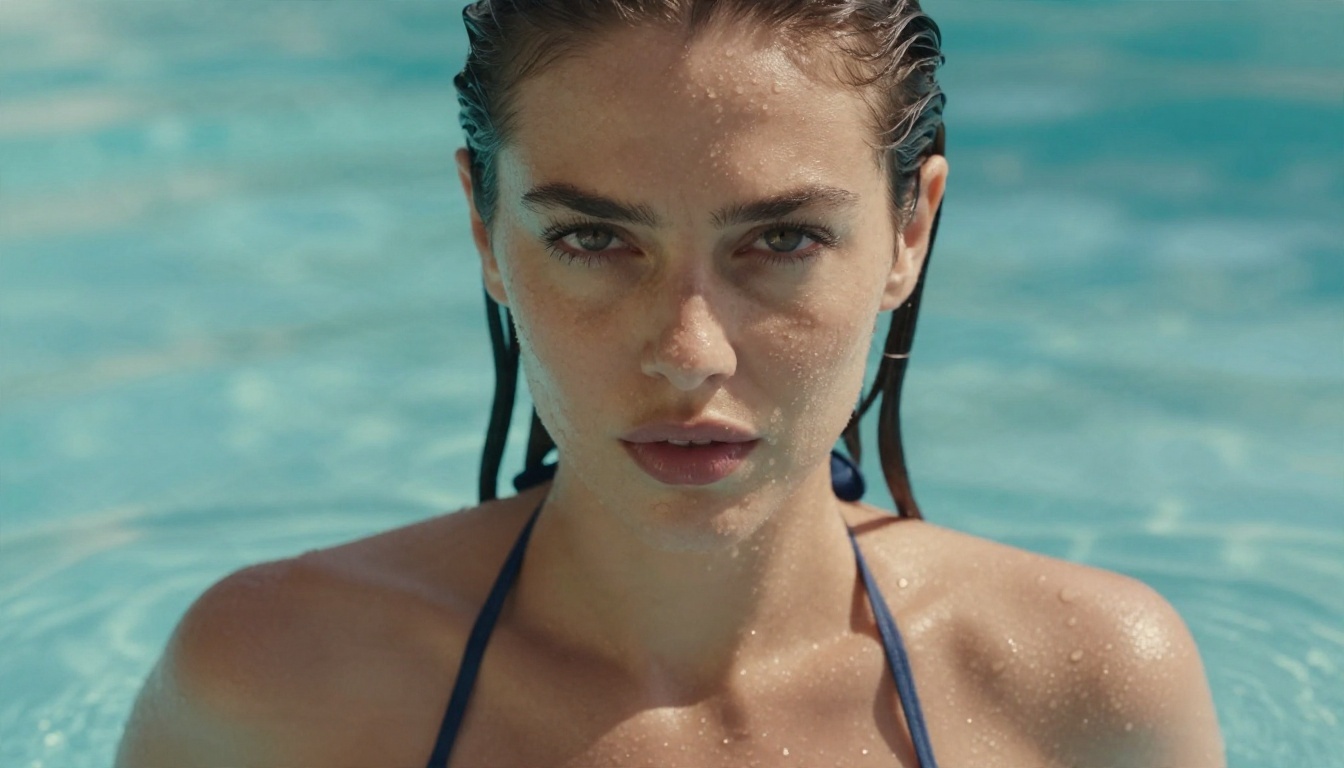
💡 Tip: Be specific about light. "Warm backlight from a setting sun" does more for a glamour shot than ten adjectives about the subject.
Tips for Better Suggestive Photos
Good tasteful glamour is about styling and light, not about pushing limits. These habits make the biggest difference.
Lean on Fabric and Light
Satin, silk, lace and wet skin catch light beautifully. Mention the material by name, and say where the light comes from. A window on the left, a lamp on the right, a low sun behind the subject. The model needs those cues to build believable shadows.
Vary Your Angles
Stay away from the same eye-level framing every time. Try a low angle on a deck, a high view of a beach, a tight close-up at a pool and a full-length seated pose in a hotel suite. Variety is what makes a set look like a real photo shoot.

Keep It Safe and Legal
A short list of habits that protect you and others:
- Only create fictional adults. Never upload or imitate a real person without their clear consent.
- Never target celebrities, coworkers, ex-partners or anyone who has not agreed.
- Keep content non-explicit if you plan to share it publicly.
- Check the rules of any platform before posting.
Add Motion Later
Once you have a still you love, PicassoIA also hosts video models such as Wan 3 and LTX 2.5 Fast for turning scenes into short clips. Keep your clips suggestive and inside each model's content rules.
Which Route Should You Pick?
Here is the honest answer. If you want to stay inside the Grok ecosystem and you already pay for SuperGrok, follow the settings steps above, accept that moderation will shift, and keep your expectations realistic. You will have to verify your age, keep your app current, and expect the occasional refusal.
If you are mostly after glamour images, the math favors the alternatives. You skip the monthly bill, you skip the account tie-in, and you get consistent, photorealistic results on Seedream 4.5 and unlimited experimentation in PicassoIA Image Editor Pro.
Start Creating Your Own Images
Pick one of the prompts from this article, paste it into Seedream 4.5, and see what comes back in a few seconds. Then change the light, the outfit or the location and run it again. After ten minutes you will have a small set of photoreal portraits that took no subscription and no hunting through settings menus.
Ready to try? Head to picassoia.com/en/all-models to browse every image and video model, start with the ones recommended above, and build your own collection of glamour photography today.


