Most "hot" AI photos fail for the same boring reason: they look like AI. Waxy skin, flat lighting, a stock-photo smile, and a background that melts into soup. The images that actually stop a scroll look like someone with a good camera and a good eye spent an hour on location. The gap between the two is not talent. It is a short list of prompt habits and settings that you can copy today.
This article gives you both. You will get a prompt formula, ten free prompts you can paste as they are, the camera and lighting settings that matter, and a step-by-step workflow on PicassoIA. Every example image below was generated with the same logic, so you can see exactly what the prompts produce.
💡 Scope note: everything here is about suggestive, tasteful glamour: swimwear, lingerie-style boudoir, evening wear, and editorial fashion. It is the look you would see in a swimwear campaign or a fashion magazine, not explicit content.
What Makes a Photo Look Hot
Before writing a single prompt, it helps to know what viewers actually respond to. It is rarely skin alone. It is a combination of mood, light, and believability.
Light does 70% of the work
A flat, front-facing light makes anyone look like a passport photo. Warm side light, backlight at golden hour, or a single lamp in a dark room creates shadow, and shadow creates shape. That shape is what reads as attractive.
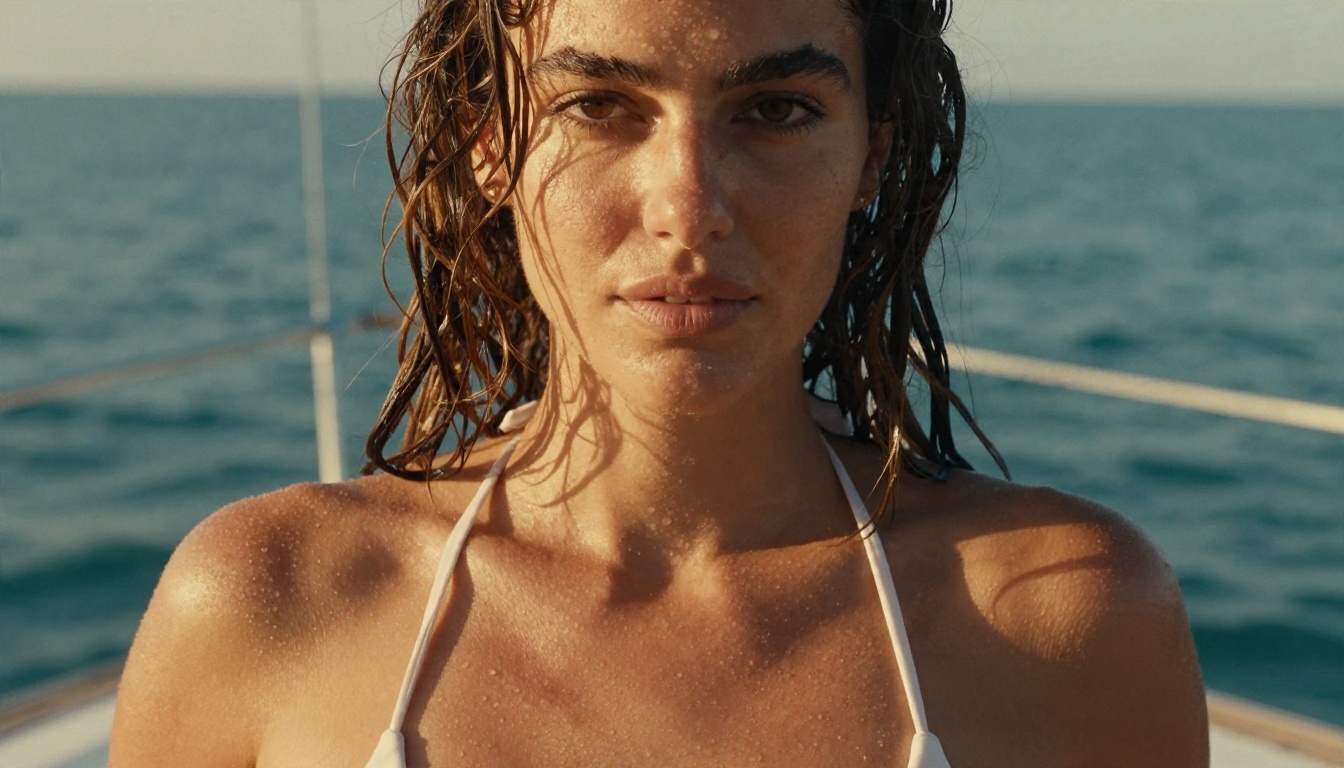
Notice the yacht-deck portrait above: the sun comes from the right, water droplets catch tiny highlights, and the background is blurred into turquoise. Nothing about the pose is dramatic. The light is carrying the image.
Believable texture beats perfection
Real skin has pores, small freckles, and uneven tone. Real fabric wrinkles, and silk has a sheen that changes with the angle. When a model renders skin as perfectly smooth, your brain flags it as fake within a second. Adding words like natural skin texture, fine pores, subtle freckles, film grain pulls the result back toward a real photograph.
A story in the frame
A woman standing in empty space is a render. A woman holding a coffee cup in a sunlit loft, or stepping out of a pool at dawn, is a moment. Give the scene a small action, a location, and a time of day.
| Element | Weak version | Strong version |
|---|
| Light | "bright lighting" | "warm golden hour light from the left, soft rim light on hair" |
| Skin | "beautiful skin" | "natural skin texture, fine pores, subtle freckles" |
| Setting | "on a beach" | "on a Mediterranean yacht deck, turquoise sea blurred behind" |
| Camera | "high quality photo" | "85mm f/1.8, shallow depth of field, Kodak Portra 400 grain" |
| Mood | "sexy" | "confident, relaxed, direct gaze, editorial fashion mood" |
Every prompt in this article follows one structure. Keep it in this order, because most models weigh the start of the prompt more heavily.
- Subject and pose: who, wearing what, doing what.
- Environment: where, with two or three concrete details.
- Lighting: direction, warmth, time of day.
- Camera and lens: angle, focal length, aperture.
- Texture and film look: skin, fabric, grain, film stock.
Here is the formula filled in:
A woman in an oversized white button-up shirt sitting on the edge of a rumpled bed in a sunlit loft bedroom, holding a coffee cup, messy bun, bare legs crossed, soft morning window light from the left, 50mm f/1.8 lens, natural skin texture, linen sheet texture, Kodak Portra 400 film grain.
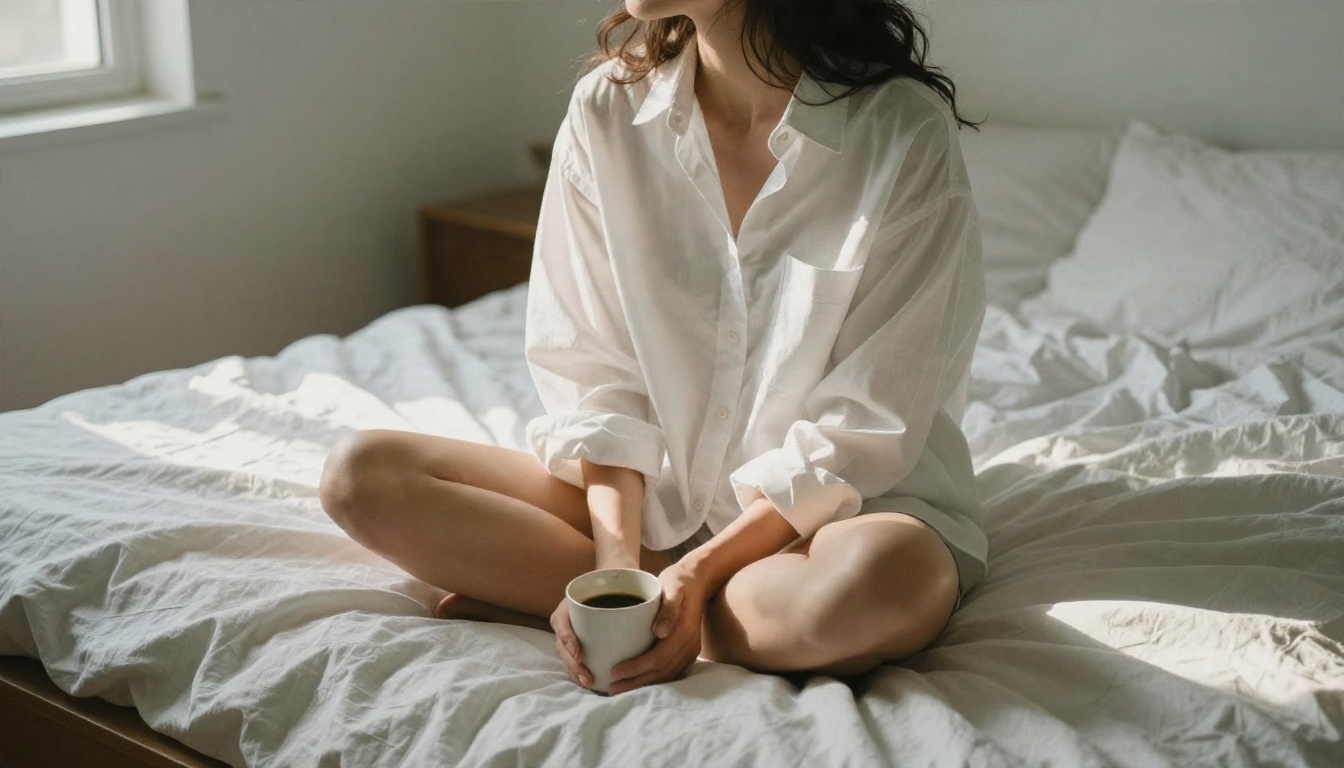
That one line gives you a relaxed, intimate, believable photo. No complicated syntax, no weights, no negative prompt gymnastics.
💡 Tip: Write for a photographer, not for a robot. If you would not say it to a human photographer on a shoot, cut it.
Free Prompts You Can Copy
These are ready to paste. Swap the clothing color, location, or hair to make them yours. Each one is written to stay in tasteful territory.
Prompt 1: Golden hour window
A glamorous young woman in a satin champagne slip dress standing at a floor-to-ceiling hotel window at golden hour, warm sunset light from the left outlining her shoulders, one hand lightly touching the glass, blurred city skyline behind, natural skin texture, 85mm f/1.8, shallow depth of field, Kodak Portra 400 film grain.
Prompt 2: Boudoir hallway
Low-angle full-length shot of a model in a black lace bodysuit and long open silk robe walking down a dim boutique hotel hallway, warm tungsten wall sconces on both sides, polished wooden floor reflections, 35mm f/2, realistic fabric and skin texture, film grain.
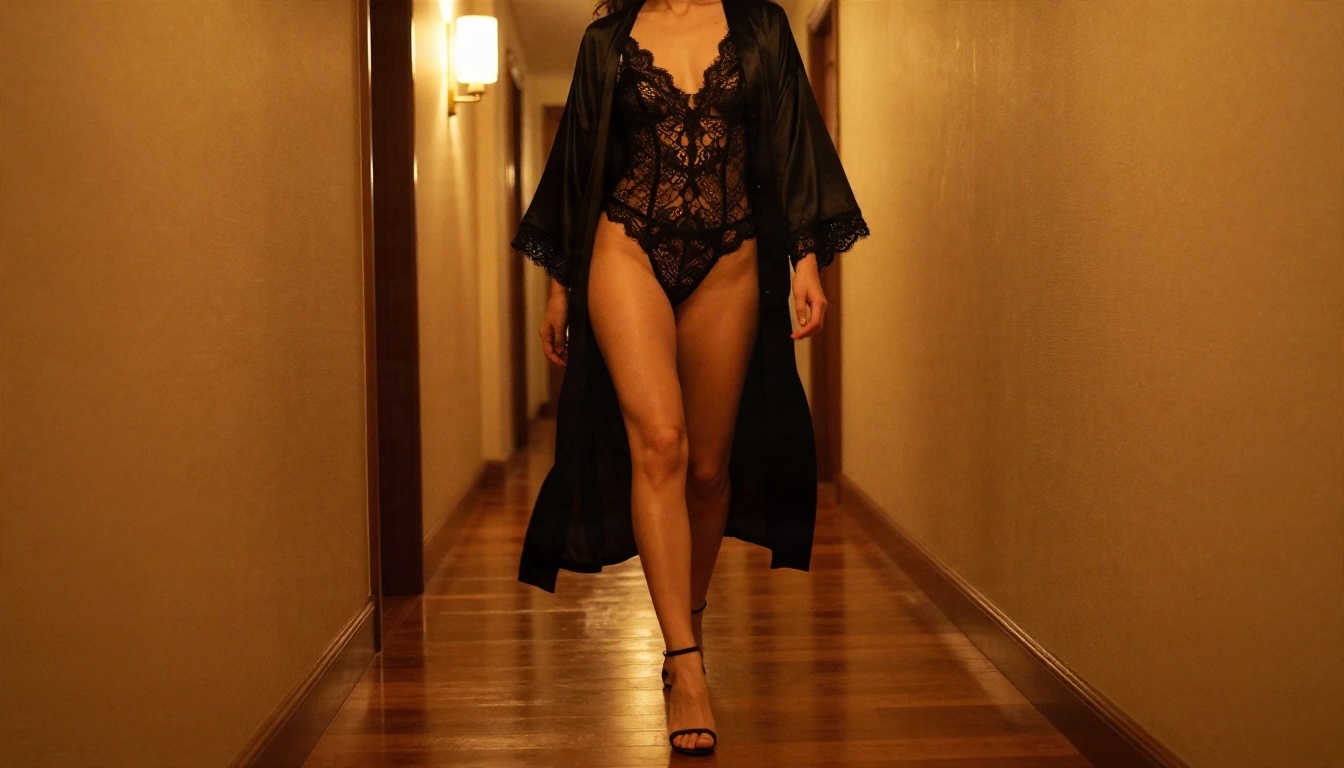
The low angle makes the legs look longer and the hallway lines pull your eye toward her. The tungsten sconces give that warm, expensive-hotel glow.
Prompt 3: Beach from above
Overhead view of a woman in a red swimsuit lying on a white towel on pale sand beside turquoise shallow water, one arm above her head, sunglasses beside her, midday sun with crisp shadows, 24mm lens from above, natural skin and sand texture, film grain.
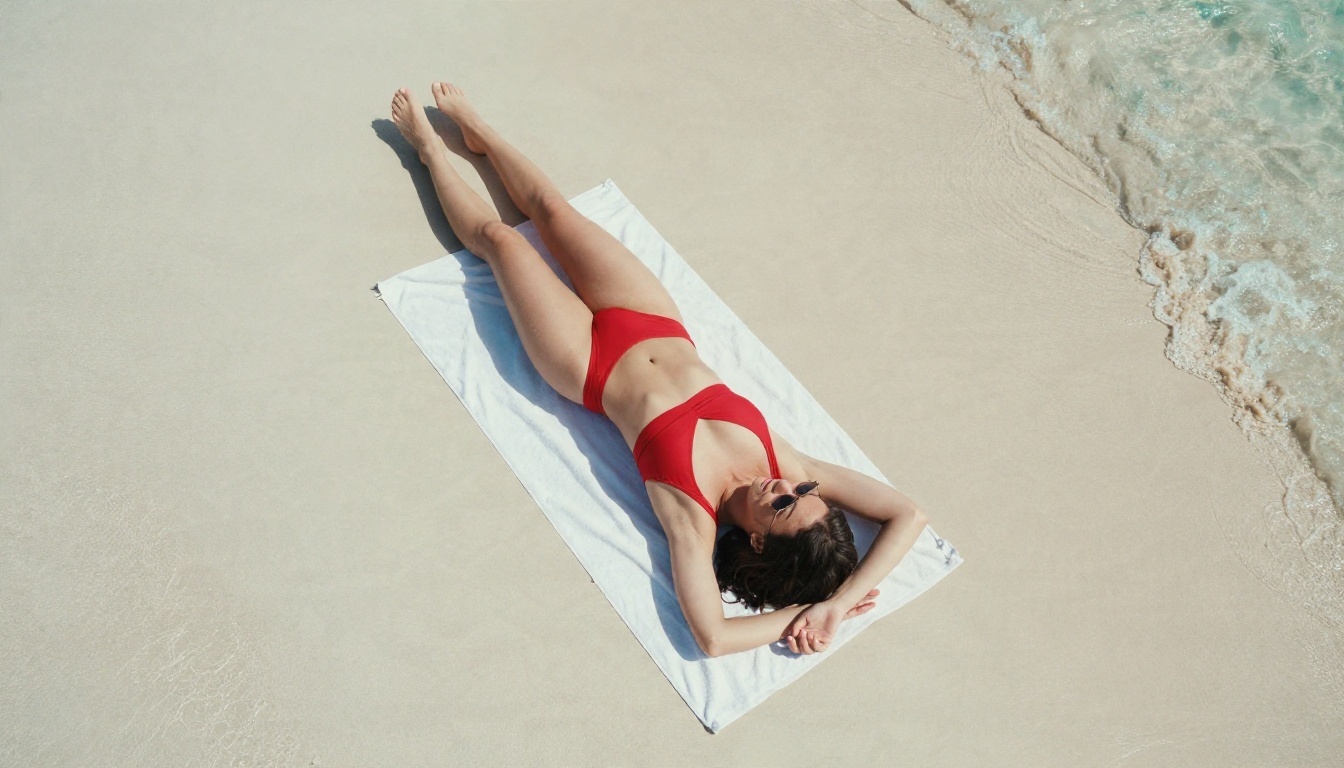
Red against turquoise and white is a color combination that works every time. Use it when you want a bold, high-contrast result.
Prompt 4: Evening gown at blue hour
Side profile close-up of a woman in an emerald green evening gown with a deep open back, standing on a rooftop terrace at blue hour, soft city lights bokeh behind, gentle fill light from the front, loose updo with strands falling, 105mm f/2, realistic silk texture, film grain.
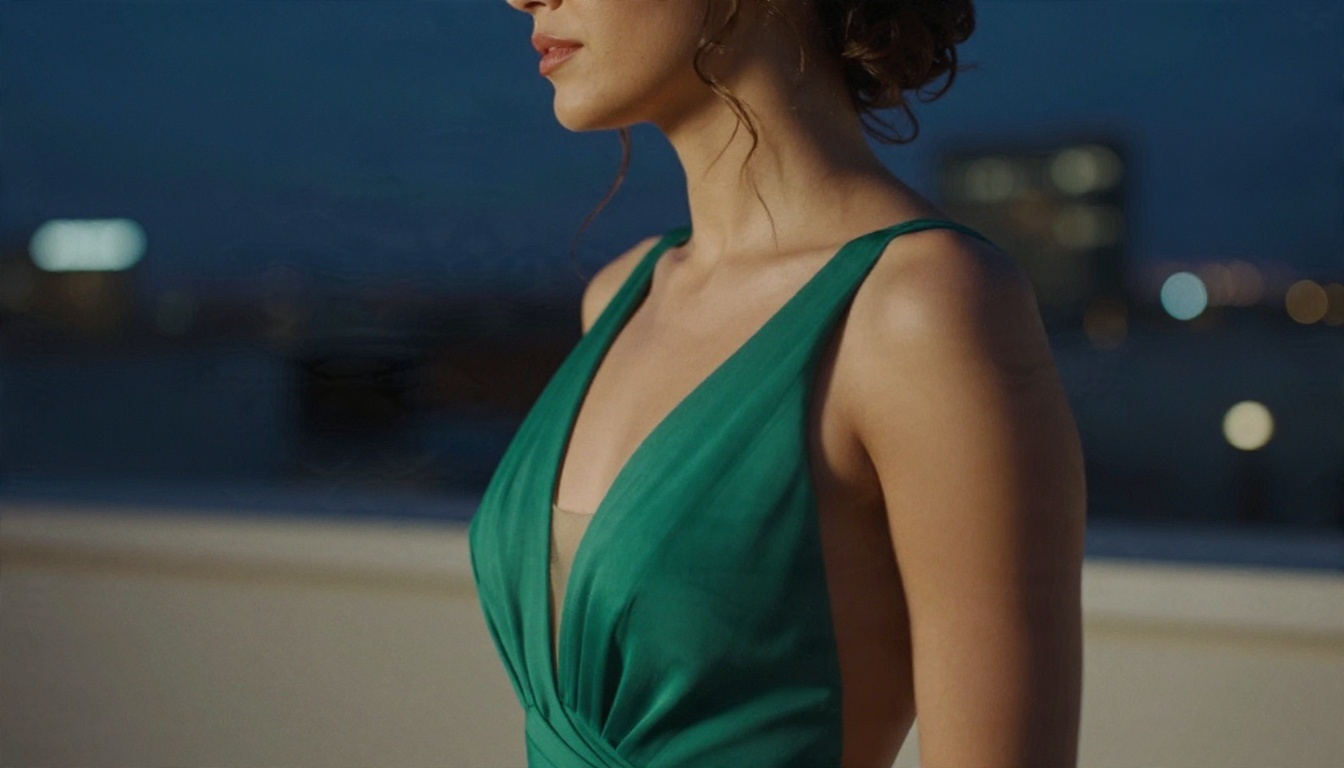
A longer lens like 105mm compresses the background and flatters the face and shoulders. It is the classic portrait choice for a reason.
Prompt 5: Road trip
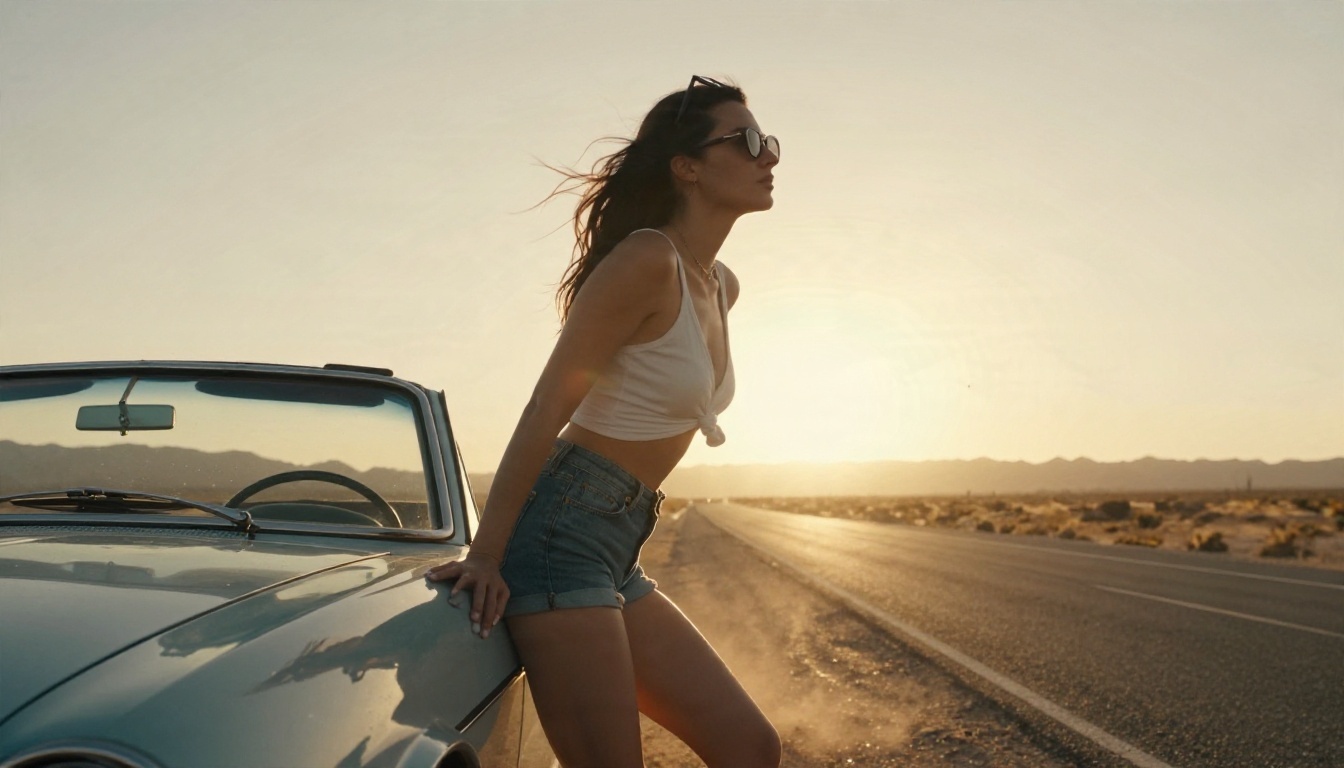
Wide shot of a woman in denim shorts and a knotted white crop top leaning on a vintage convertible on an empty desert highway at sunset, long golden backlight, dust in the air, windblown hair, sunglasses pushed up on her head, 35mm f/2.8, realistic skin and metal textures, film grain.
Prompt 6: Pool at dawn
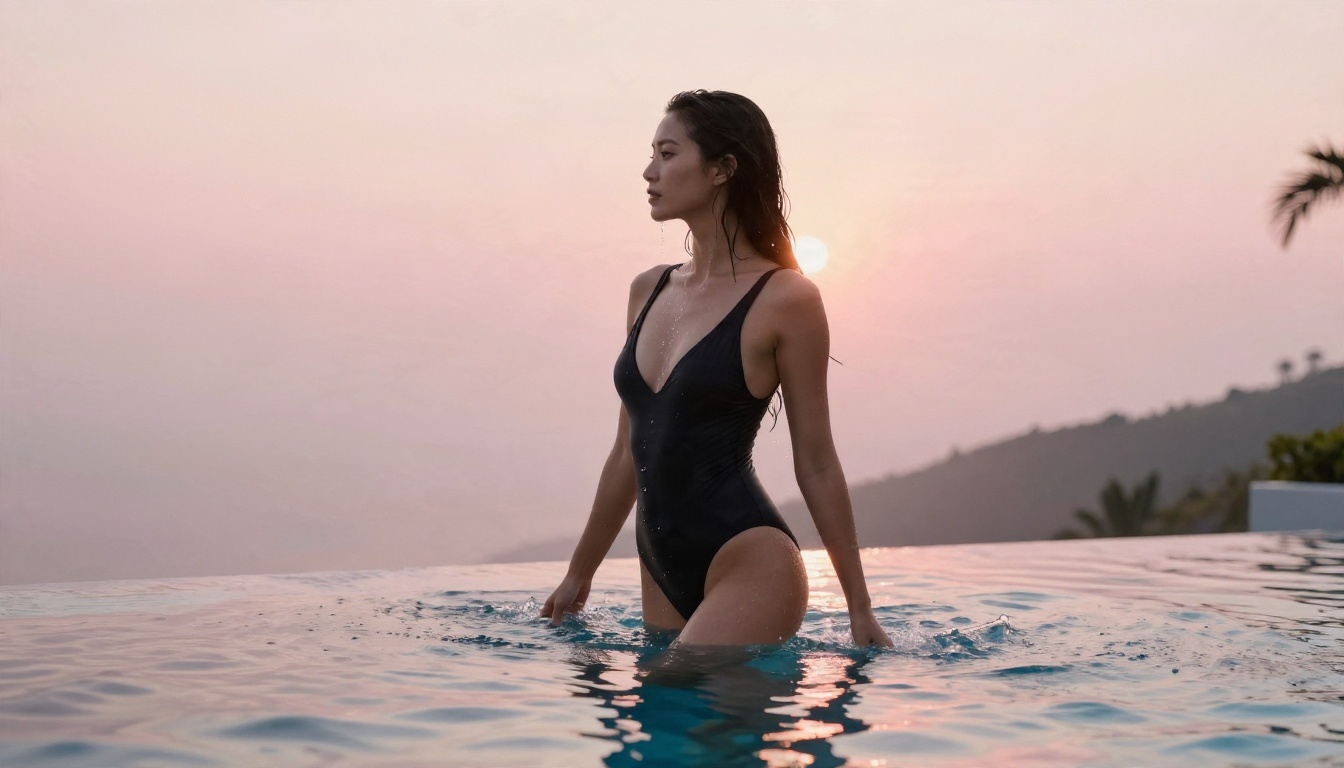
Over-the-shoulder shot of a woman in a black one-piece swimsuit stepping out of an infinity pool at a villa at dawn, soft pink light from behind, water streaming down her back, misty hills in the background, 70mm f/2, realistic wet skin texture, film grain.
Prompt 7: Velvet couch
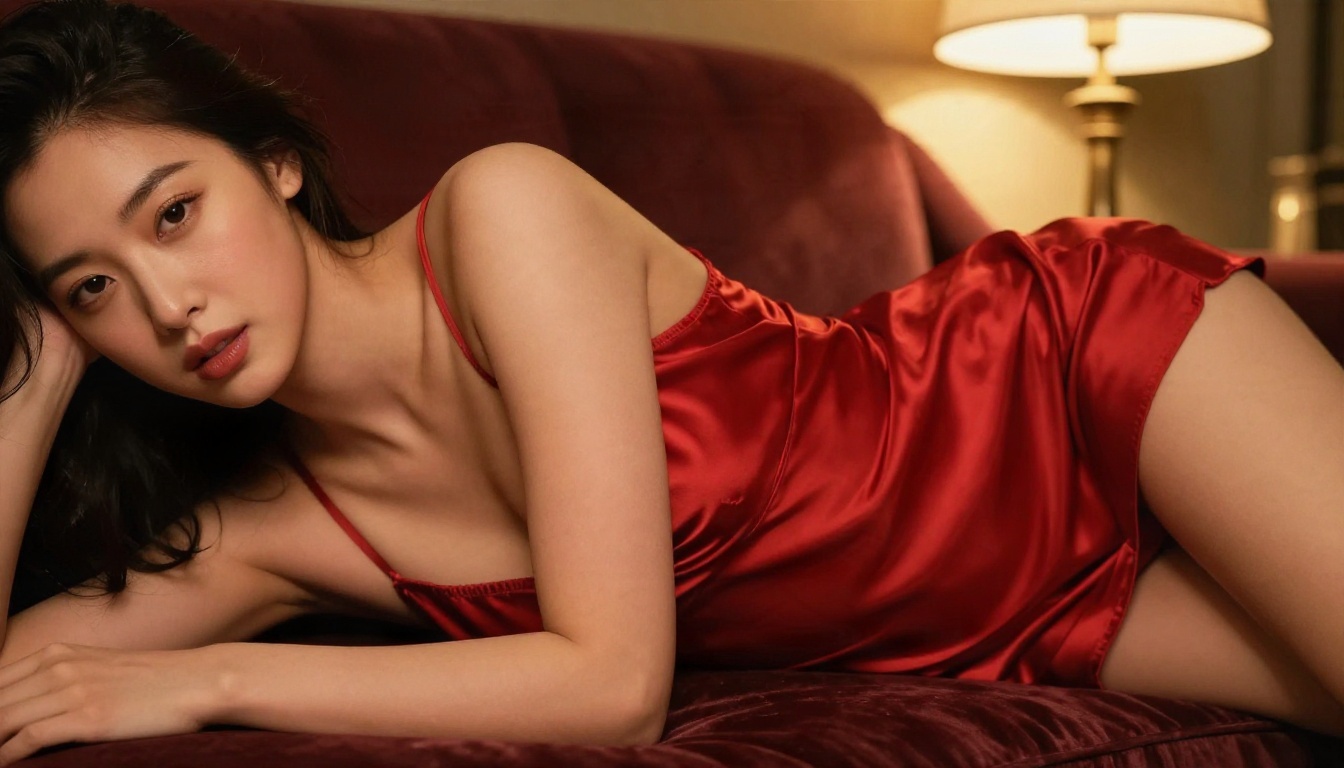
Close-up of a woman in a red silk camisole and matching shorts lying on her stomach on a velvet couch in a moody living room, warm lamp light from the right, chin resting on her hand, direct playful gaze at the camera, 85mm f/1.4, realistic skin pores and silk texture, boudoir photography, film grain.
Prompt 8: Cocktail bar
Medium shot of a woman in a sleek black cocktail dress with a high slit, sitting at a candlelit restaurant bar, warm candle glow on her face, blurred bottles and amber lights behind, glass of wine in hand, subtle smile, 50mm f/1.4, realistic skin and fabric texture, film grain.
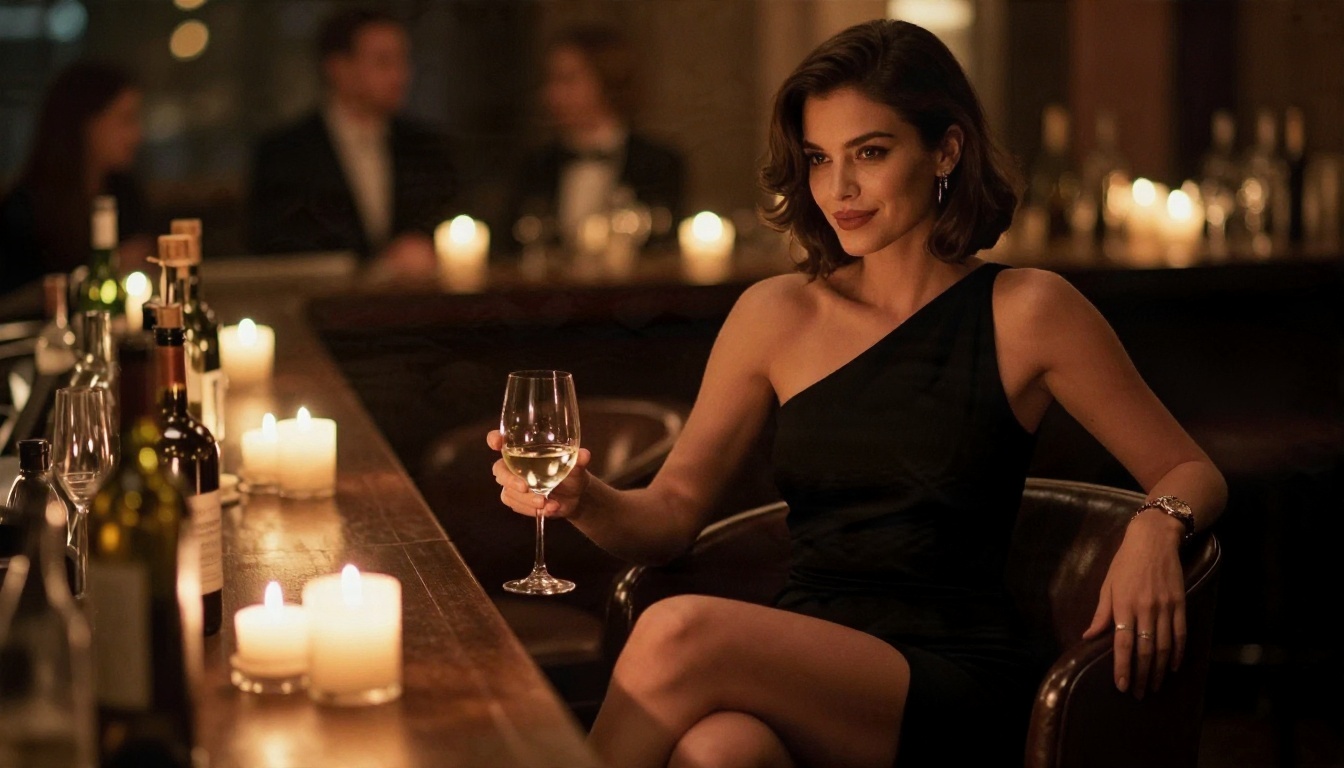
Prompts 9 and 10: Quick swaps
Once you trust the formula, you can build new scenes in under a minute. Try these two seeds:
- A woman in a white linen shirt over a bikini walking along a wooden pier at sunrise, 50mm f/2, warm backlight, sea mist, film grain.
- A woman in a silk robe at a vanity mirror with warm bulb lights, 85mm f/1.8, soft glow on shoulders, natural skin texture.
Settings That Actually Matter
Prompts get the attention, but a handful of settings decide whether the output is usable on the first try.
| Setting | Recommended | Why it matters |
|---|
| Aspect ratio | 16:9 for scenes, 3:4 or 2:3 for portraits | Wide frames show the setting; tall frames flatter a standing pose |
| Resolution | Highest the model allows, 2K to 4K | Skin and fabric detail collapse at low resolution |
| Focal length in prompt | 85mm to 105mm for portraits, 24mm to 35mm for scenes | Controls background compression and perspective |
| Aperture in prompt | f/1.4 to f/2.8 | Gives a soft background and a subject that pops |
| Film look | Kodak Portra 400, light grain | Warm skin tones and a photographic feel |
| Seed | Lock it once you like a result | Lets you change one thing at a time |
| Batch size | 4 images per run | Picking the best of four is faster than rewriting |
Lighting words worth memorizing
- Golden hour backlight: warm glow around hair and shoulders.
- Window light from the left: soft, natural, great for indoor shots.
- Tungsten sconces or a table lamp: moody and intimate.
- Blue hour with city bokeh: cool atmosphere with warm skin tones.
- Overcast midday: soft and even, forgiving on faces.
Wardrobe words that stay tasteful
Fabric and cut carry more attitude than skin does. Use satin slip dress, lace bodysuit, silk camisole, open-back gown, knotted crop top, string bikini, one-piece swimsuit, oversized shirt. Pair each with a fabric texture word such as sheen, folds, or lace detail.
How to Use Seedream 4.5 on PicassoIA
For this kind of work, Seedream 4.5 is the model I would open first. It handles skin texture, fabric, and lighting direction very well, outputs up to 4K, and follows long, detailed prompts without dropping half the details. It also treats glamour, swimwear, and boudoir prompts far more openly than many mainstream models, which block them outright.
Step by step
- Open the model page. Go to Seedream 4.5 on PicassoIA.
- Paste your prompt. Start with one of the eight prompts above, unchanged, so you have a baseline.
- Pick your aspect ratio. Choose 16:9 for scenery-heavy shots or a portrait ratio for a single standing subject.
- Set the resolution as high as it allows. Higher resolution gives you visible pores, thread detail, and cleaner edges around hair.
- Generate, then compare. Look at hands, eyes, and the edge where the hair meets the background first. Those are where mistakes hide.
- Change one variable at a time. Swap the light, then the lens, then the outfit. If you change everything, you will not know what helped.
- Upscale or edit the winner. Use the editor in the next section to fix small flaws.
💡 Tip: Keep a text file of your best prompts. A prompt that gave you one great image will usually give you ten more with small changes.
Fine-tune with PicassoIA Image Editor Pro
Even a strong first render sometimes needs a fix: a stray strap, a hand with the wrong finger count, a color that is slightly off. PicassoIA Image Editor Pro is built for that. You can edit an existing image with plain-language instructions such as "change the dress to deep red" or "make the background a sunset beach", and generations are unlimited, so you can keep iterating until the photo is right without watching a credit counter.
Fix the Common Problems
Plastic skin
Cause: the model smooths everything when you use words like "flawless" or "perfect skin."
Fix: replace them with natural skin texture, fine pores, subtle freckles, soft film grain. Mention a real-world light source so shadows fall across the skin.
Dead, flat eyes
Cause: no catchlight and no direction of gaze.
Fix: add natural catchlights in her eyes, direct gaze at the camera or looking out the window. Specific gaze direction brings the face to life.
Strange hands
Cause: the hands are doing something complicated.
Fix: give them simple jobs. Holding a coffee cup, touching glass, resting under a chin. Or hide them: behind the head, in a pocket, out of frame.
Busy, melted backgrounds
Cause: too many scene details with no depth cue.
Fix: name two or three concrete things and add blurred background, shallow depth of field.
Everything looks the same
Cause: the same angle and distance in every prompt.
Fix: vary it deliberately. Use low angle, overhead, over the shoulder, and close-up. In the examples above, no two images share a camera position.
| Problem | Quick fix phrase |
|---|
| Waxy skin | "natural skin texture, fine pores, film grain" |
| Harsh flash look | "soft window light from the left" |
| Boring pose | "mid-step, looking back over her shoulder" |
| Stiff expression | "subtle smile, relaxed shoulders" |
| Washed-out colors | "Kodak Portra 400, warm skin tones" |
Other Models Worth Trying
No single model wins every scene, and different models have different content filters. These are worth keeping in your rotation, in the order I would try them:
- Seedream 4.5: best all-round pick for glamour, swimwear, and boudoir realism.
- PicassoIA Image Editor Pro: unlimited generations and edits, ideal for fixing and restyling.
- Qwen Image 3 Pro: strong photorealism and good at faces and natural lighting.
- Flux 2 Klein 9B Base LoRA: useful when you want a specific styled look or consistent character through LoRA.
Browse the full list of available models at picassoia.com/en/all-models.
💡 Tip: If a prompt gets blocked or watered down in one model, do not rewrite the whole idea. Run the same prompt in another model from the list above and compare.
A Simple Workflow to Repeat
Here is the loop I use when I want ten strong images in an evening:
- Pick a location and a time of day first. They decide the light.
- Choose one outfit and one fabric word.
- Write the prompt with the five-part formula.
- Generate four images and pick the best.
- Lock the seed, and change one thing: lens, pose, or color.
- Send the best result to the editor for final fixes.
- Save the prompt.
After five or six rounds of this, you will notice that your prompts get shorter and your hit rate goes up. That is the real shortcut: a good eye for light and a small library of prompts that work.
A note on responsible use
Only create images of fictional people or of yourself. Do not recreate a real person's face without permission, and do not post AI photos in a way that suggests they are real photographs of someone who did not pose for them. Labeling AI work keeps you out of trouble and keeps the audience on your side.
Make Your Own Hot AI Photos Today
You now have the full toolkit: a five-part prompt formula, eight prompts you can paste right now, settings for lens, light, and resolution, and fixes for the problems that ruin most results. The only thing left is to run them.
Open Seedream 4.5 on PicassoIA, paste the golden hour window prompt, and generate four images. Then take your favorite into PicassoIA Image Editor Pro and push it further with unlimited edits. Change the outfit, switch the location, try a new lens. Within an hour you will have a set of photos that look like a real shoot, and a prompt library you can reuse every time. See every model available at picassoia.com/en/all-models and start creating.


