Most people who search for lewd AI art are not after anything extreme. They want a good-looking, flirty, suggestive picture of an adult character that looks like a real photo: lingerie by a sunny window, a bikini at golden hour, a satin slip in a moody hotel room. The gap between a flat, plastic-looking result and a picture that makes you stop scrolling comes down to the tool you pick and the words you give it. This article walks through both, with free options, prompts you can copy, and real example images.
Everything below stays on the suggestive side: glamour, boudoir, swimwear and implied intimacy. That is where AI image generators perform best, where results look most natural, and where you can share your work without trouble.
What "Lewd" Means in AI Art
The word gets used loosely. In AI image communities it usually covers anything flirty or sensual, from a plunging neckline to full boudoir styling. Before you write a single prompt, decide where your picture sits on that scale, because it changes which tool and which wording you need.
Suggestive vs. explicit
Suggestive images rely on mood, clothing, pose and light. Think lace, satin, wet hair, bare shoulders, a look over the shoulder. Explicit images show what suggestive ones only hint at. The first category is far easier to generate well, far easier to share, and, honestly, far more attractive. A hint holds attention longer than a full reveal, which is why classic pin-up and magazine glamour photographers worked this way for decades.
💡 Tip: If a prompt keeps getting blocked or producing awkward anatomy, the fix is almost never more detail about the body. It is better lighting, better framing, and clothing that does the talking.
Why photorealism wins
Anime and painted styles have their audience, but photorealistic output is what most searchers want right now. Realistic skin texture, believable fabric, and honest light are what separate a convincing image from an obvious fake. The good news: you control all three through your prompt.
Not every generator is built for adult-leaning glamour. Some refuse anything with lingerie in the prompt; others produce stiff, over-smoothed skin. These are the models worth your time, in the order I would try them.
Seedream 4.5 first
Seedream 4.5 is the strongest starting point for this kind of work. It handles skin pores, fabric sheen and soft window light with a realism that is hard to match, and it follows long, detailed prompts faithfully. If you only try one model from this list, make it this one. A newer sibling exists, but it blocks adult-leaning content, so skip it for this purpose.
Image Editor Pro for unlimited runs
PicassoIA Image Editor Pro is where you go when you want volume. Generations are unlimited, which matters more than it sounds: good glamour work is a numbers game. You rarely nail the pose, light and expression on the first attempt, so being able to run thirty variations without watching a credit counter makes a real difference. It also edits existing images, so you can change an outfit, adjust a background or fix a detail without starting over.
Fast and flexible alternatives
When you want speed or a different look, these four are worth trying:
| Tool | Best for | Speed | Cost to try |
|---|
| Seedream 4.5 | Top realism, skin and fabric | Fast | Free to try |
| Image Editor Pro | Unlimited variations, edits | Fast | Unlimited generations |
| Z Image Turbo | Rapid prompt testing | Very fast | Free to try |
| Flux 2 Klein 9B Base LoRA | Editorial, styled looks | Medium | Free to try |
| Qwen Image 3 Pro | Clean photographic lighting | Medium | Free to try |
💡 Tip: Different models can respond to the same prompt in very different ways. Run one prompt through two or three of them before you decide the prompt is the problem.
How to Use Seedream 4.5 on PicassoIA
Here is the exact workflow I use. It takes about two minutes.
- Open the model page. Go to Seedream 4.5 on PicassoIA and open the generator.
- Paste your prompt. Use the formula in the next section: subject, setting, light, camera, texture.
- Set the aspect ratio. Choose 16:9 for scenic, wide compositions or a portrait ratio for single-figure shots meant for phones.
- Pick the highest resolution offered. Skin and fabric detail only show up at higher resolution.
- Generate and compare. Run at least four images per prompt. Choose the strongest, then adjust one variable at a time.
- Refine in Image Editor Pro. Take your best result into PicassoIA Image Editor Pro to swap an outfit, fix a hand or change the background.
Parameter tips
- Keep prompts between 50 and 120 words. Shorter prompts leave too much to chance; longer ones start to contradict themselves.
- Describe, don't command. Write "soft golden light from the left window" instead of "make it look good."
- Fix one thing per round. If the light is right and the pose is wrong, change only the pose.
- Reuse a winning prompt. Save your best prompts in a note. They become your personal library.
Prompts That Get Results
Prompts for realistic lewd AI art are not poetry. They are closer to a shot list for a photographer. Give the model the same information a photographer would want on set.
The five-part prompt formula
- Subject and pose: who, what they wear, what they are doing, where they are looking.
- Environment: the room or location, with two or three specific objects.
- Lighting: direction, color and softness.
- Camera: lens, aperture, angle and distance.
- Texture and mood: skin, fabric, film grain, atmosphere.
Skip any of these and the model fills the gap with a generic default, which is exactly what makes images look like stock art.
Example prompts to copy
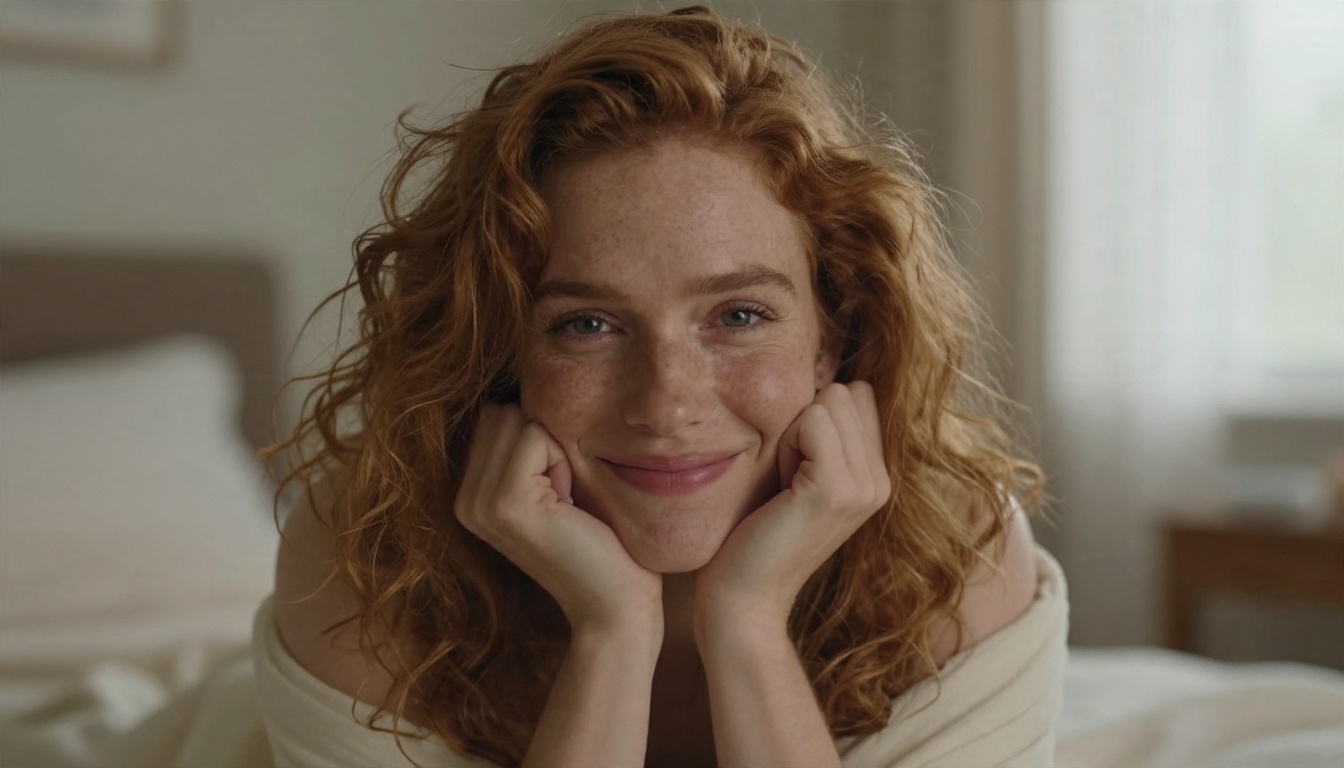
Boudoir morning: Adult woman with tousled chestnut hair sitting on rumpled white linen sheets, ivory satin camisole, soft half-smile, sunlit loft bedroom with sheer curtains, golden morning light from the left, 85mm f/1.8, shallow depth of field, visible skin pores, Kodak Portra 400 grain.
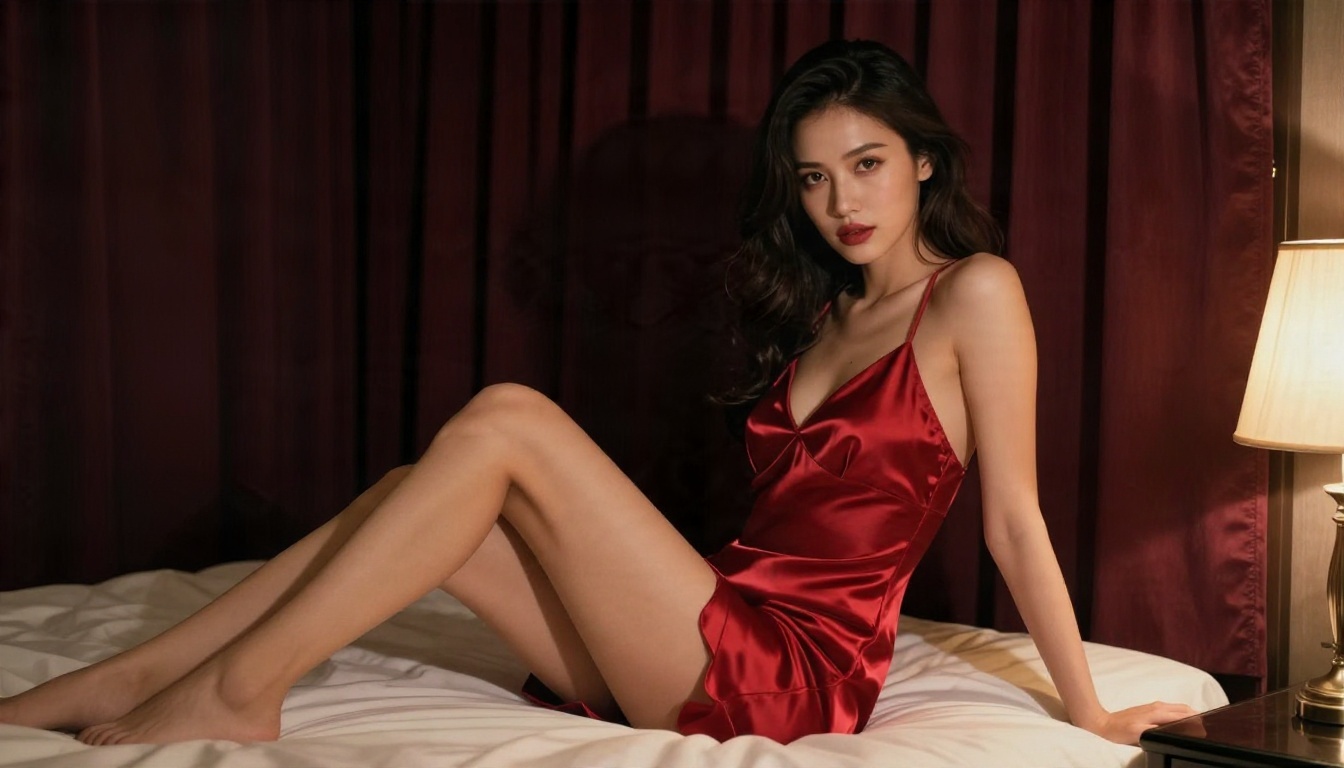
Hotel noir: Adult woman in a red satin slip dress sitting on the edge of an unmade bed, looking over her shoulder, warm tungsten lamp from the right, burgundy curtains, 50mm f/1.4, satin sheen, moody and intimate.
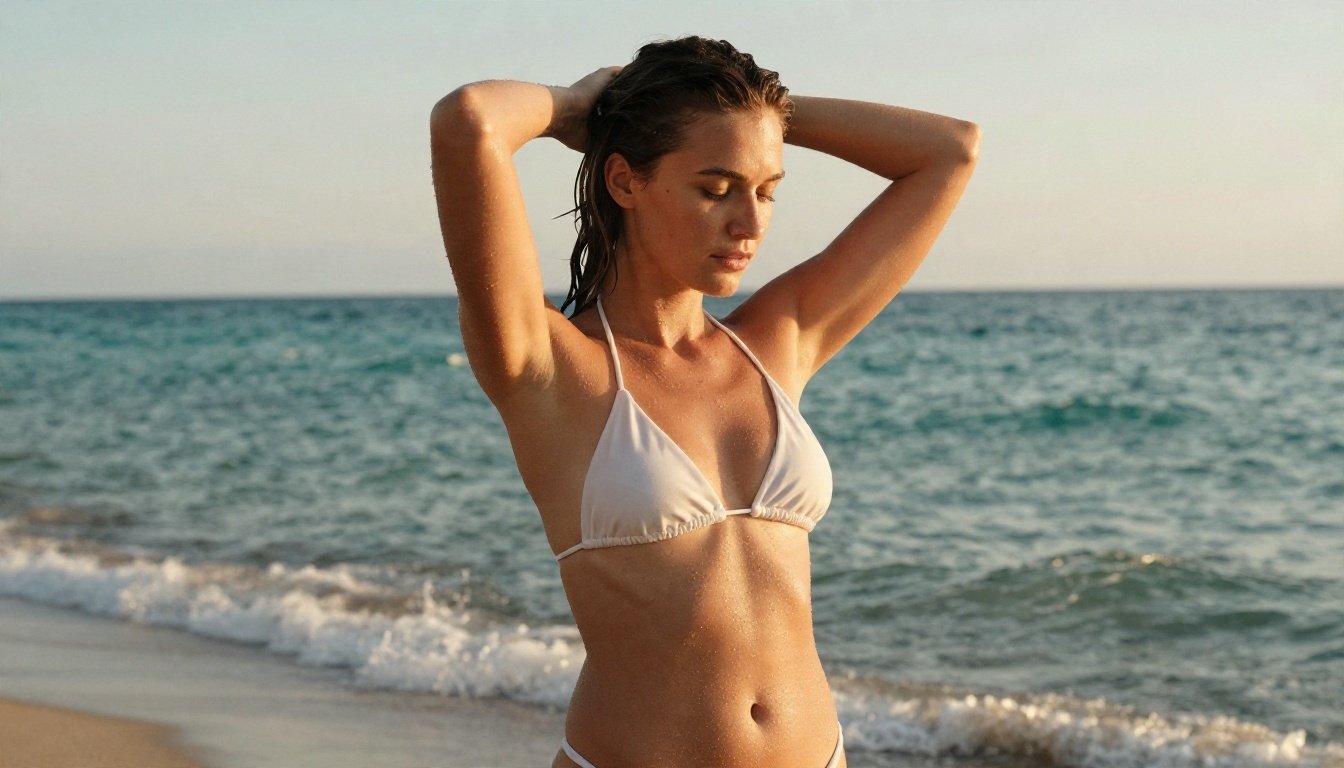
Beach glamour: Adult woman in a white bikini ankle-deep in calm water at golden hour, wet hair slicked back, low-angle wide shot, 35mm f/2, warm backlight rim on the shoulders, water droplets on tanned skin.
💡 Tip: Always include the word "adult" and a rough age range in your subject description. It keeps results consistent and keeps your work in safe territory.
Lighting words that matter
Light does more for a sensual image than any outfit. These phrases consistently work:
- Golden hour backlight for a warm rim glow on skin
- Soft window light from the left for gentle shadows on the face and collarbones
- Warm tungsten lamp for a moody, intimate evening feel
- Candlelight with cool moonlight for contrast and depth
- Overcast daylight for flat, flattering, natural skin tones
Examples Worth Copying
Seeing results helps more than reading about them. Each example below was made with the same approach: a clear subject, a specific place, a named light source and a lens.
Everyday flirty
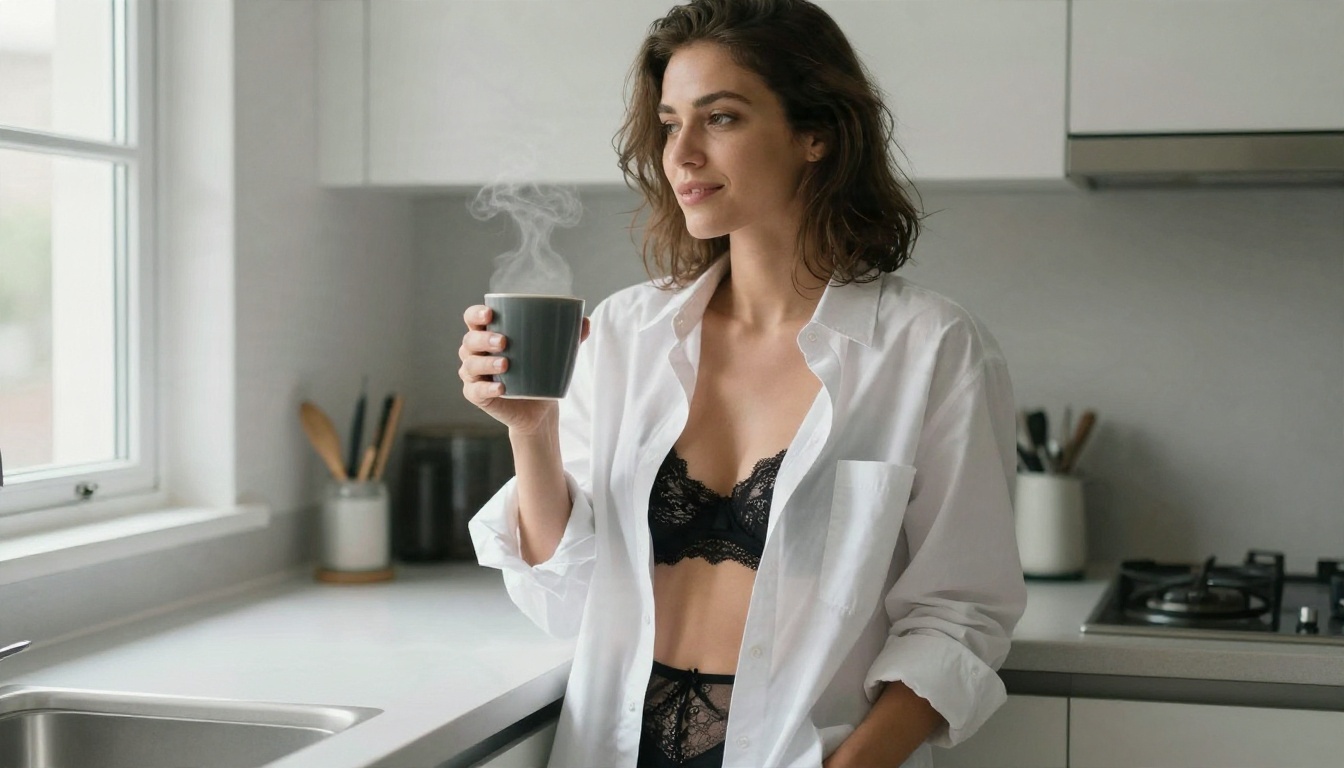
The most believable lewd AI art often looks casual, as if the photographer caught a private moment. An oversized white shirt, a coffee mug, soft overcast light from a kitchen window. Nothing is staged, so nothing looks fake.
Silhouette and mystery
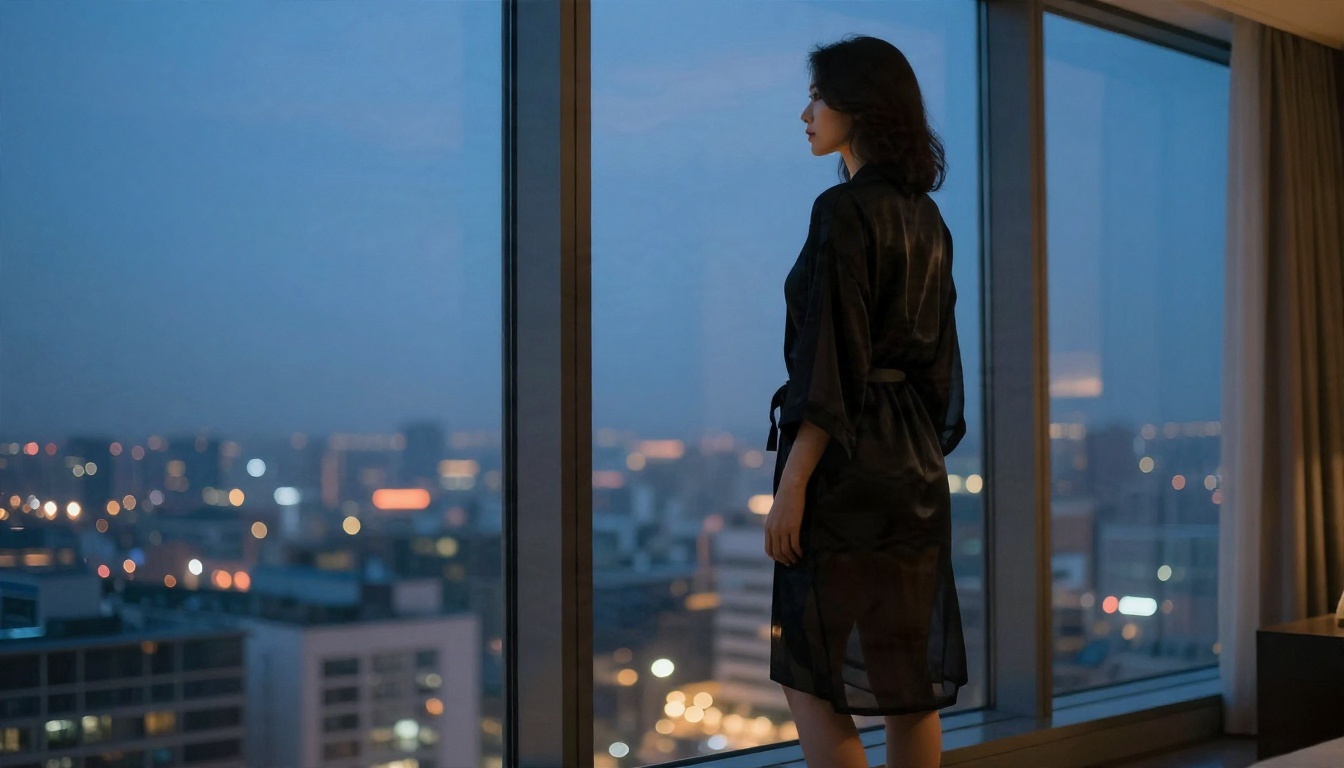
A sheer robe, a tall window and blue dusk light give you a picture that suggests far more than it shows. Partial silhouettes are forgiving for the model too, since fine details are softened by the shadows.
Playful and bright
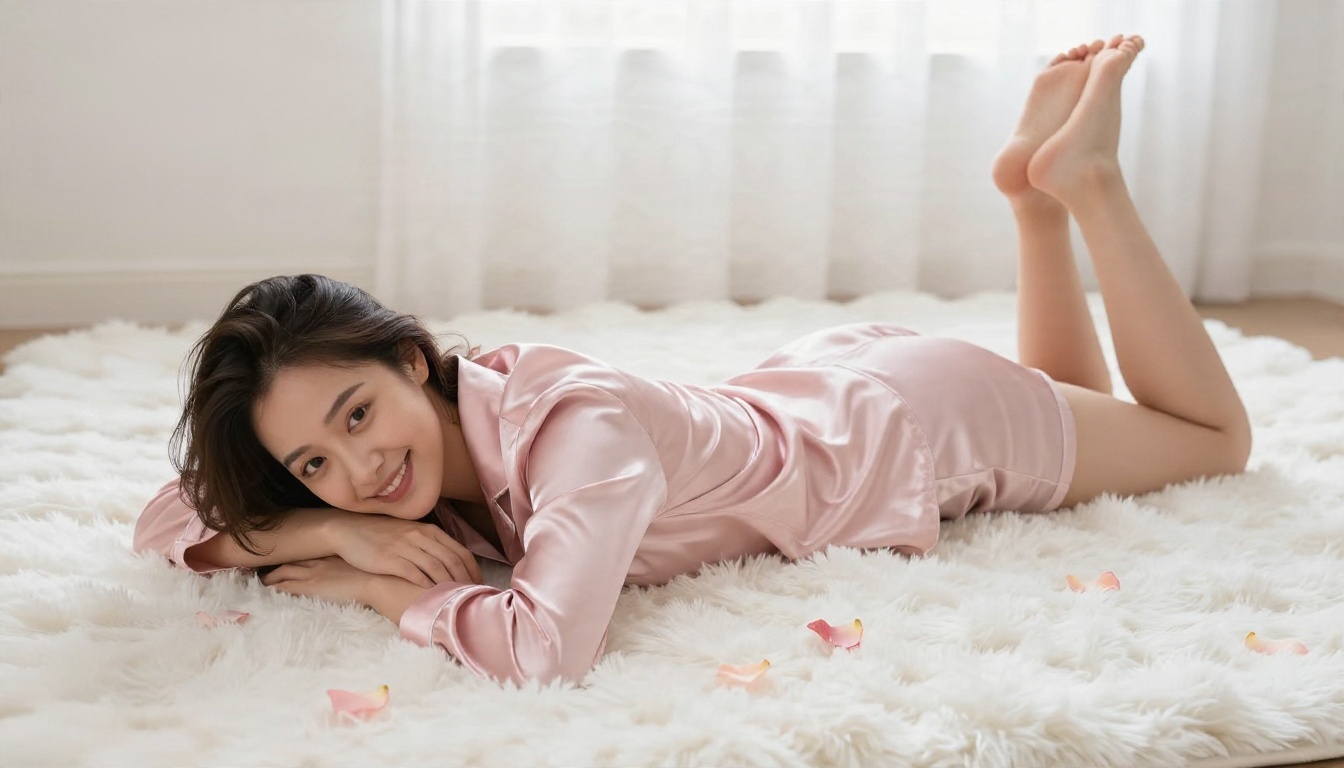
Pastel satin, a fluffy rug and an overhead angle create a lighter, cheerful tone. High angles flatter almost any pose and make the frame feel intimate rather than posed.
Poolside summer
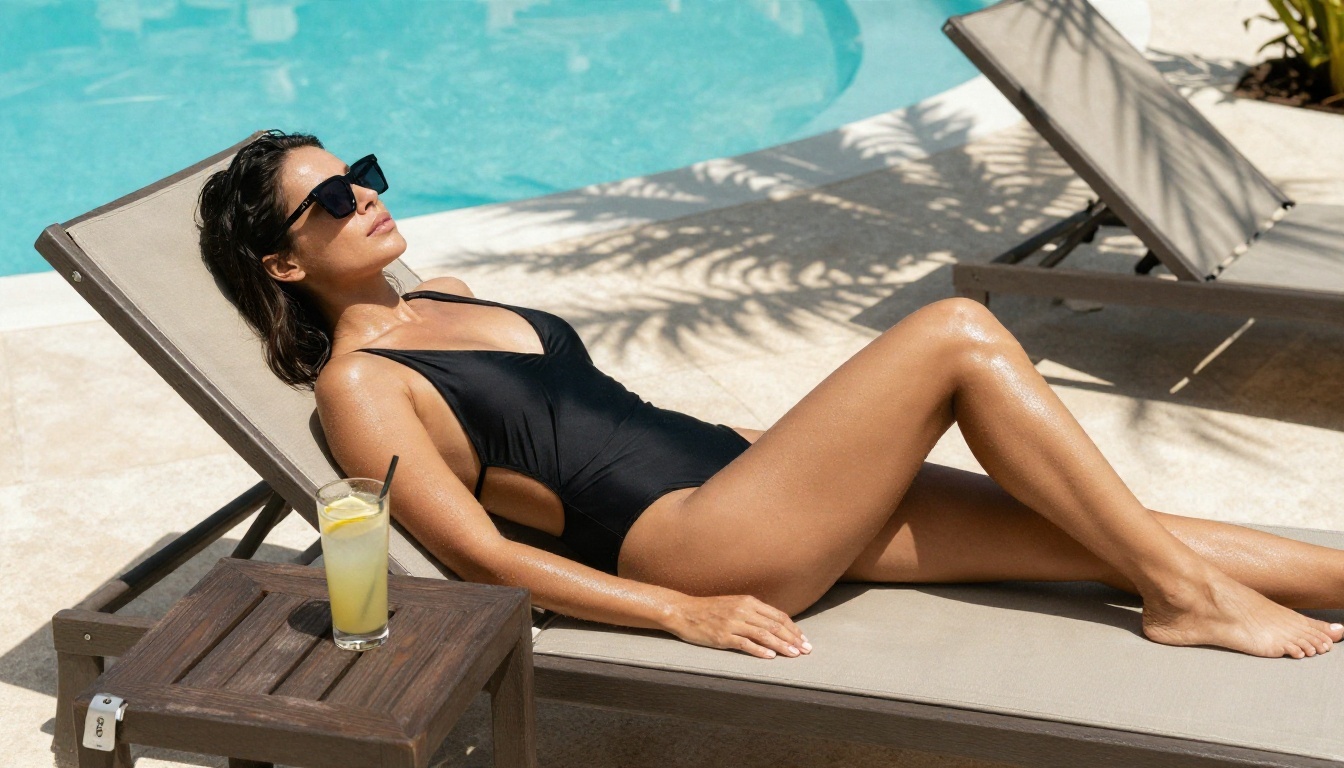
Hard midday sun is tricky, but it works for swimwear because shadows and glossy skin read as summer. Use a side angle and a medium lens to avoid distortion.
Candlelit evening
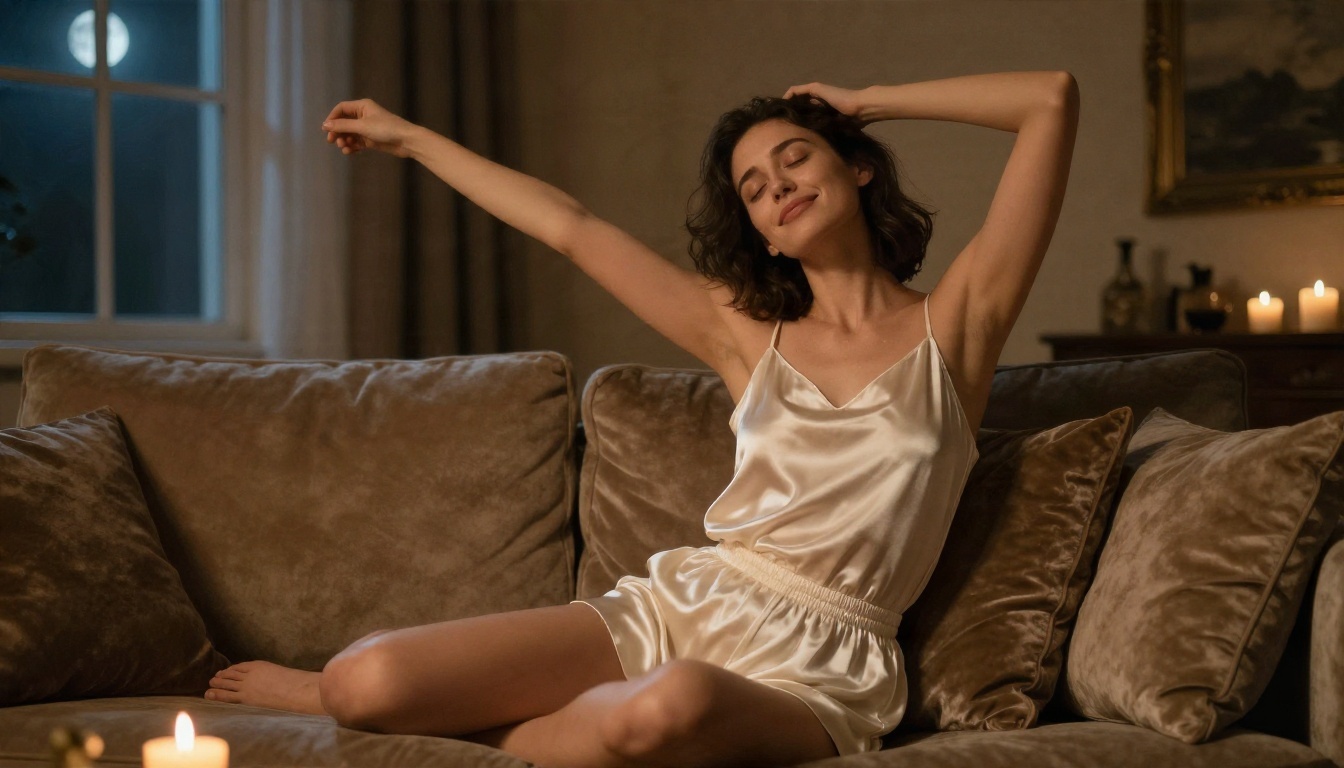
Mixing two light colors, warm candles and cool moonlight, gives images a cinematic depth. A low angle adds a confident, relaxed feeling.
Common Mistakes to Avoid
Most disappointing results trace back to the same handful of habits.
Overloading the prompt
Listing twenty adjectives does not add detail; it adds noise. Pick one mood, one light source and one location. If you want a second look, make a second image.
Ignoring the camera
Prompts with no lens or angle produce flat, centered, stock-style pictures. Even a short phrase like "85mm f/1.8, eye level" shifts the result toward real photography.
Chasing perfect skin
Overly smooth skin is the fastest giveaway of AI work. Ask for natural skin texture, fine pores, faint freckles and peach fuzz. Imperfection is what reads as real.
Stopping at the first render
The first image is a draft. Treat it that way. Generate a batch, pick the best, then refine. With unlimited runs in Image Editor Pro, there is no reason to settle.
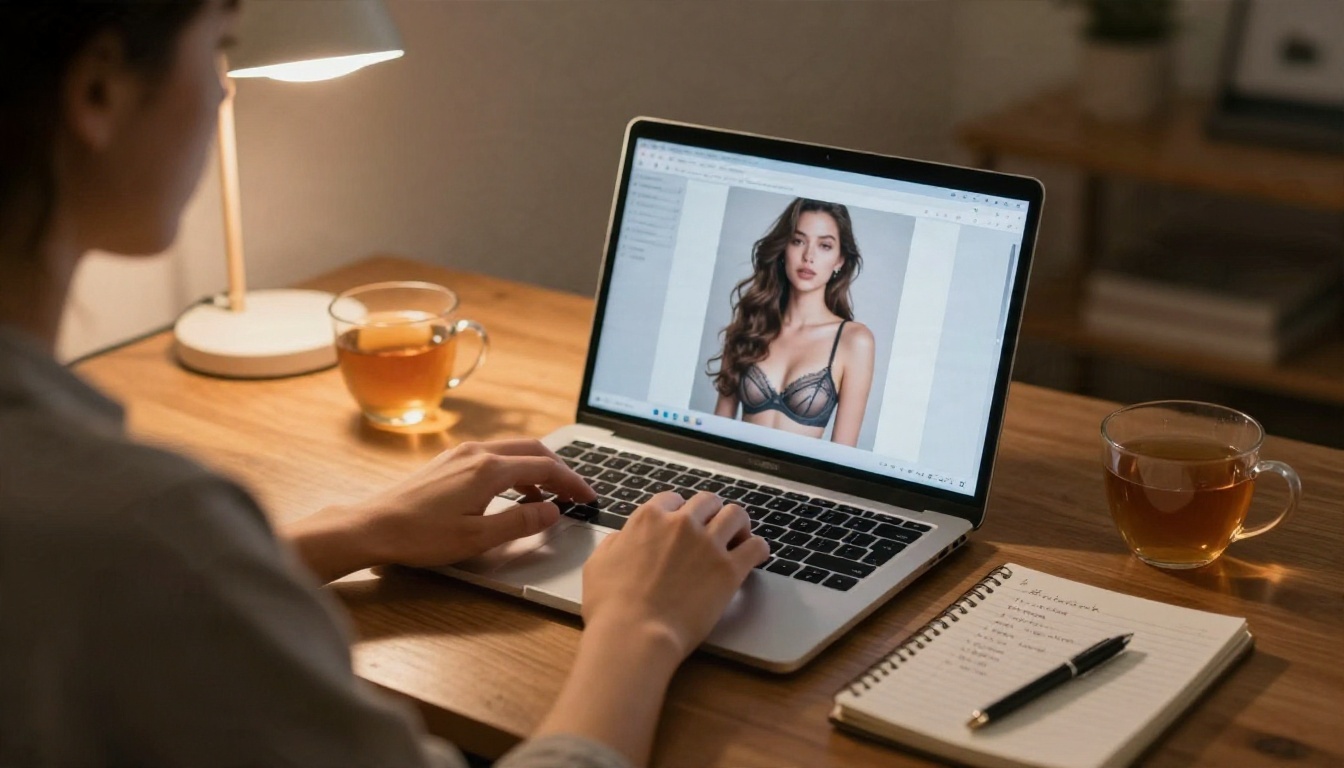
Safe Habits for Adult Content
A few ground rules keep your work out of trouble and keep the whole space healthier.
- Adults only. Every character must be clearly an adult. No exceptions, no gray areas.
- No real people without consent. Do not generate lookalike images of celebrities, coworkers, exes or anyone else who has not agreed to it.
- Label AI work. If you post images, say they are AI generated. Platforms increasingly require it.
- Check platform rules. Each site has its own limits on suggestive content. Read them before posting.
- Keep it private if unsure. When in doubt about where an image sits, keep it for yourself.
Following these takes no effort and protects both you and the people who see your pictures.
Make Your Own Today
You now have the full picture: pick a model that handles realism, write prompts like a photographer's shot list, light every scene on purpose, and treat the first render as a draft. Start with Seedream 4.5, then move to PicassoIA Image Editor Pro when you want unlimited variations and quick edits. If you want to compare looks, try Z Image Turbo, Flux 2 Klein 9B Base LoRA and Qwen Image 3 Pro with the same prompt.
Pick one of the example prompts above, paste it in, change the outfit and the light, and see what comes back. Then keep going. To see every generator available, browse all models on PicassoIA and build your own set of favorites.


