You typed a perfectly reasonable prompt for a beach portrait, hit enter, and got a polite refusal. Or worse, nothing at all: a blank reply and no image. If you have tried to make NSFW images with Gemini, you already know how this goes. Gemini is one of the strictest mainstream image tools around, and the line it draws is often further back than people expect.
This article is a straight look at what Gemini will and will not generate, how its filters behave, why even harmless requests get blocked, and where you can go for suggestive, glamour-style, non-explicit photos without fighting a refusal every third prompt.
💡 Quick answer: Gemini does not produce explicit adult content, and there is no supported way to switch its safety filters off. For swimwear, boudoir-style fashion and glamour portraits, models like Seedream 4.5 and PicassoIA Image Editor Pro are a much better fit.
What Gemini Actually Allows
The Short Answer
Gemini creates images through Google's Nano Banana family of image models. Those models are built for general audiences, so Google applies strict safety rules to anything sexual, to realistic images of real public figures, and to anything involving minors (which is blocked with zero tolerance, always).
In practice that means three tiers:
| Content type | Typical result in Gemini |
|---|
| Fashion, travel, lifestyle portraits | Usually fine |
| Swimwear, slip dresses, "sensual" styling | Hit or miss, often refused |
| Nudity, sexual poses, explicit scenes | Blocked |
Reports from developers and users in 2026 suggest Google tightened its image rules after Nano Banana 2 launched in late February. Third-party write-ups mention that even implicitly suggestive content can be caught, with no explicit wording needed.
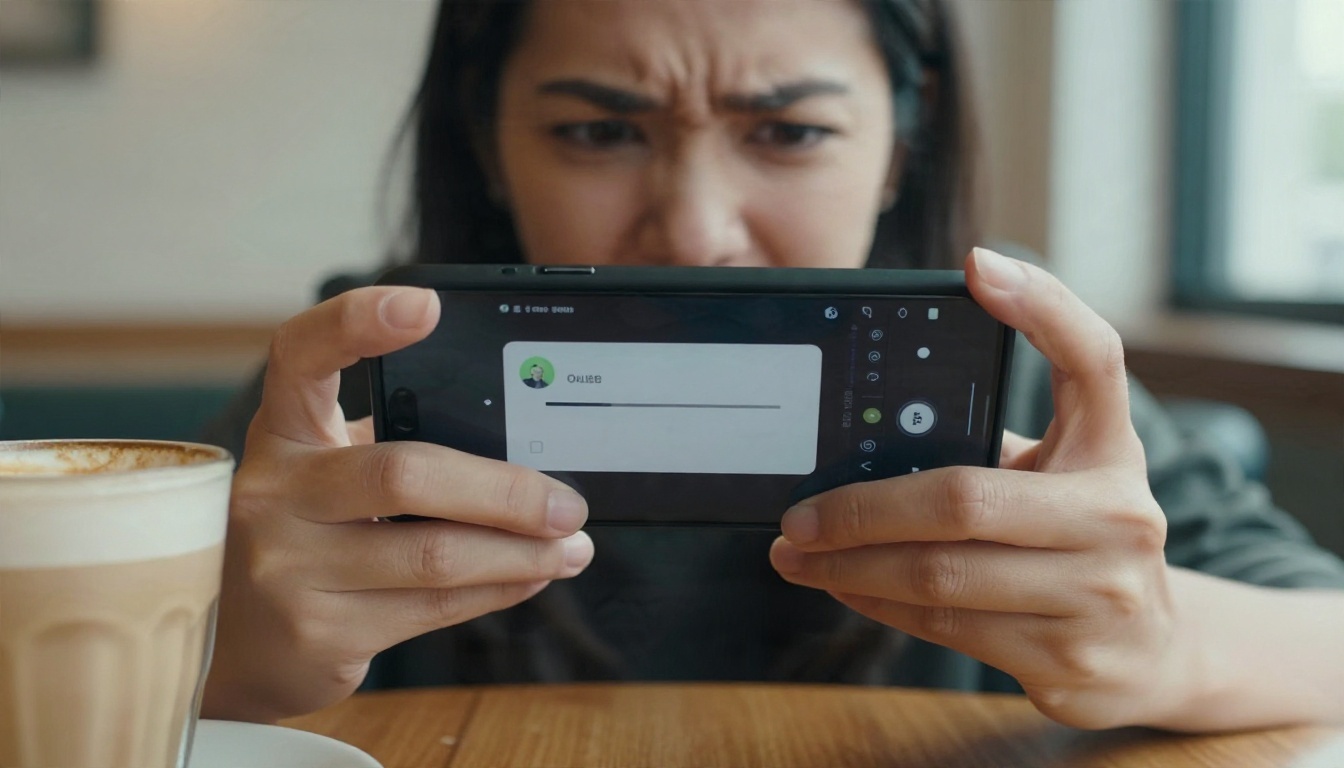
Why Google Draws the Line
Google positions Gemini as an assistant that millions of people use at work, at school and on shared family accounts. A tool with that audience cannot be loose about adult material. There is also a legal side: sexual imagery that looks photorealistic raises consent and deepfake risks, so Google errs heavily toward refusal.
That is a business decision, not a bug. Arguing with it inside Gemini rarely goes anywhere.
How Gemini's Filters Work
If you have ever wondered why one prompt works and a near-identical one fails, it helps to picture the filters as layers rather than a single switch.
Prompt Checks
Before any image is drawn, your text is scanned. Words and phrases tied to sexual content, certain body descriptions, and requests that name real people can stop the request right there. You usually see a refusal message or a short "I can't help with that" style reply.
Output Checks
Even when a prompt passes, the finished image is checked again. If the result looks too revealing, the system discards it. Developers working with the API describe this as a blocked finish reason, an empty response, or text coming back with no image attached. On the consumer app, you simply get no picture.
💡 This second check is why the same prompt can work once and fail the next time. The model rolls new dice on each attempt, and some outputs land on the wrong side of the line.
Why Harmless Prompts Get Blocked
Developer forums are full of complaints about false positives. People report fully clothed fashion shots, couples on a motorcycle, and ordinary catalog-style photos being flagged. Nothing in those prompts is adult. The classifier is tuned to be cautious, and it trades accuracy for safety.
Common triggers for false flags include:
- Close crops of bare shoulders, legs or midriffs
- Words like "sexy", "seductive", "sensual" or "revealing"
- Wet fabric, sheer materials, lingerie-adjacent clothing
- Poses that suggest intimacy, even between clothed adults
- Named celebrities or anyone who resembles a public figure
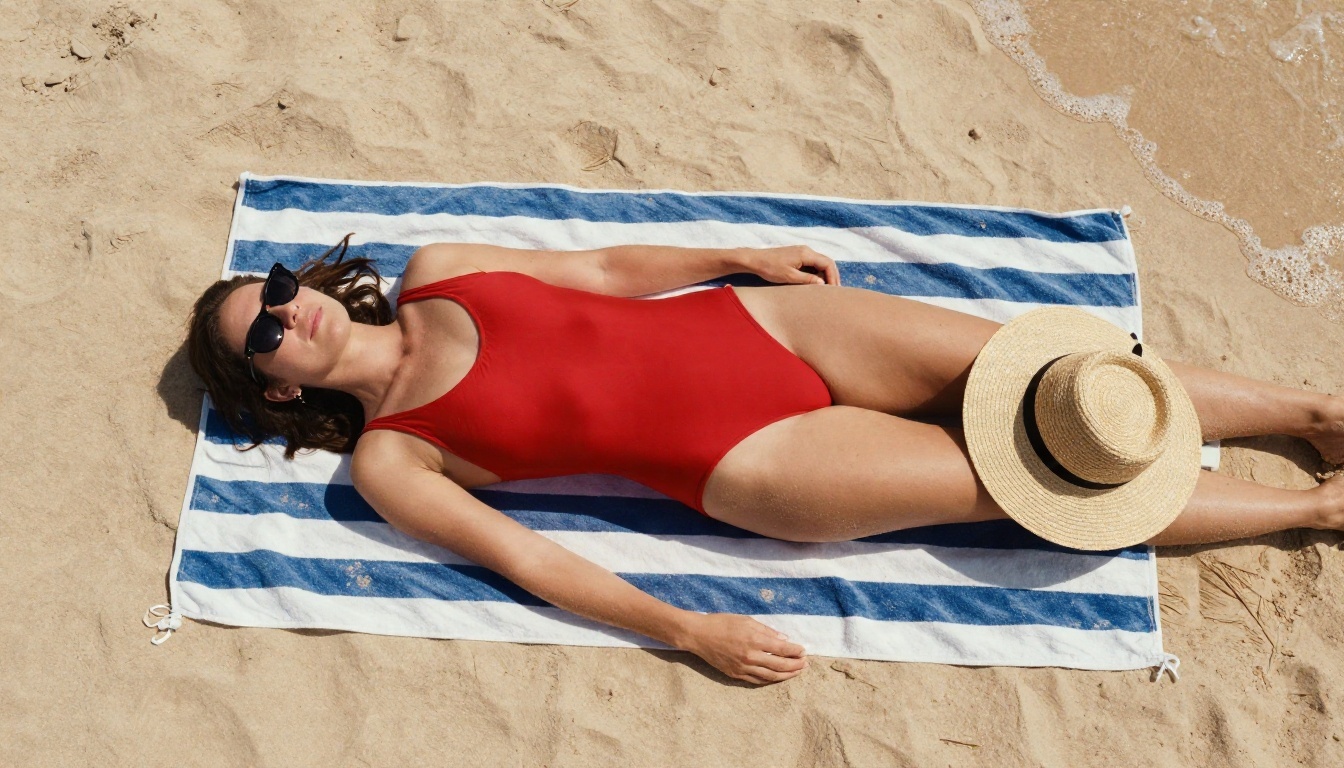
Why Bypass Tricks Are a Dead End
Search for this topic and you will find forum threads, blog posts and videos promising "jailbreak prompts" or secret wording that slips past Gemini's filters. I am not going to hand out that kind of recipe, and there are practical reasons you would not want one anyway.
They Break Often
Safety systems are updated constantly. A phrasing trick that works on Tuesday is patched by the following month. You end up spending an hour rewriting prompts, burning attempts, and still getting soft, over-censored results. One FAQ on Nano Banana 2 states plainly that there is no supported method to bypass its filters, and that trying goes against the terms of use.
Account and Terms Risks
Repeatedly poking at the boundary can flag your account. If you rely on your Google account for email, documents and storage, that is a poor trade for a handful of swimsuit photos. Using a tool that is built for the content you want is simply the saner route.
What You Can Still Do in Gemini
Gemini is not useless for glamour-adjacent work. If you stay on the clearly safe side, you can get some solid results.
Swimwear and Fashion Portraits
Treat the request like a fashion brief, not a fantasy. Describe the clothing, location, light and camera, and leave out loaded adjectives. A prompt such as "adult woman in a black two-piece swimsuit and open linen shirt on a Mediterranean terrace at golden hour, 85mm portrait, film grain" reads like a magazine shot list, and the system treats it that way.
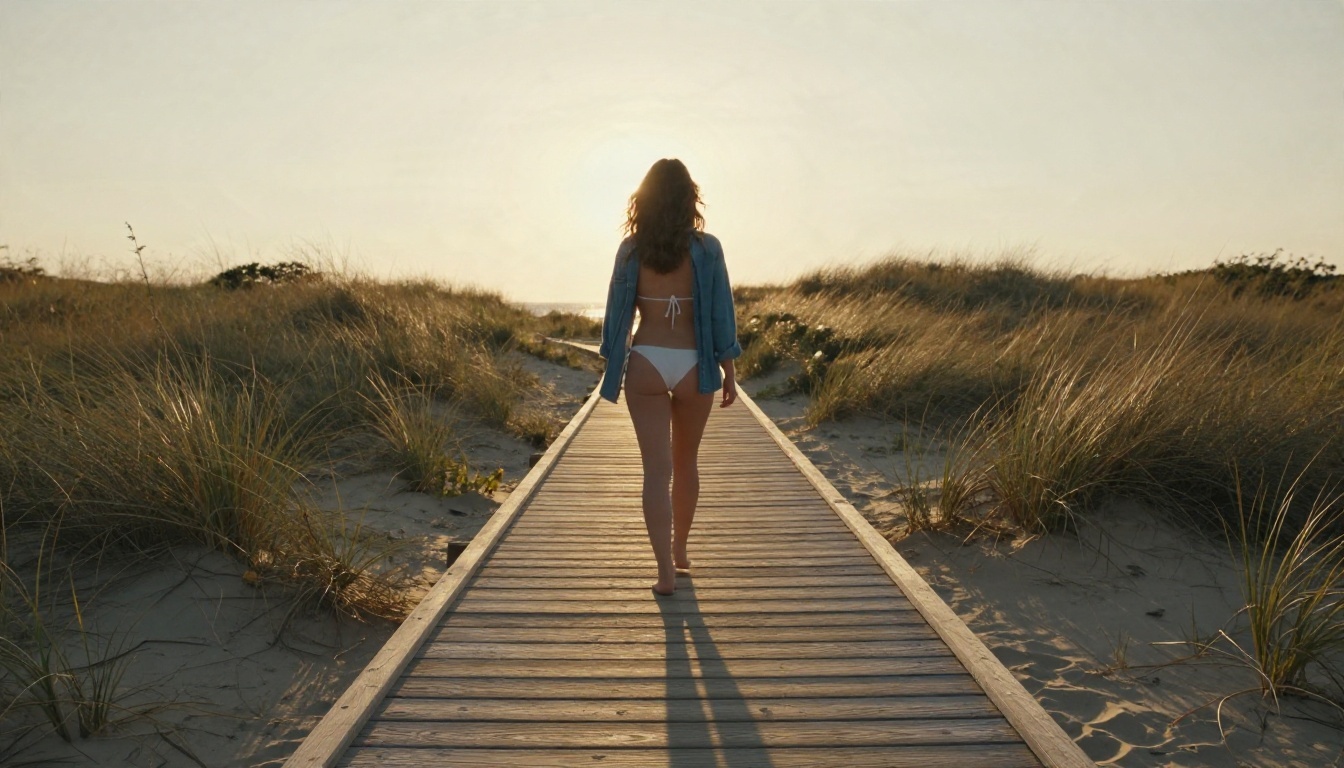
Prompts That Pass More Often
These habits reduce refusals without trying to trick anything:
- State that the subject is an adult, plainly and once.
- Lead with setting and wardrobe, not body description.
- Use photography language: lens, light direction, film stock, framing.
- Skip real names. Invent a character instead.
- Keep poses natural: walking, laughing, leaning, looking out a window.
- Prefer wider shots over tight crops of skin.
The ceiling is still low. If you want elegant, confident, sensual-but-tasteful imagery, you will bump into it quickly. That is when a different tool makes sense.

Better Alternatives for Glamour Images
Gemini's own image engine, the Nano Banana family, is available on PicassoIA too: Nano Banana, Nano Banana Pro and Nano Banana 2 Lite. Nano Banana 2 itself is not on PicassoIA yet. Those Google models are fine for general work, but they carry Google's tolerance for risk. For adult glamour and suggestive photography, these options are the better starting point.
Seedream 4.5 First
Seedream 4.5 should be your first stop. It produces sharp, photorealistic people with convincing skin texture, believable fabric and clean lighting, and it handles swimwear, glamour portraits and artistic, suggestive fashion without the constant refusals. It also renders up to 4K, which matters if you plan to print or crop.
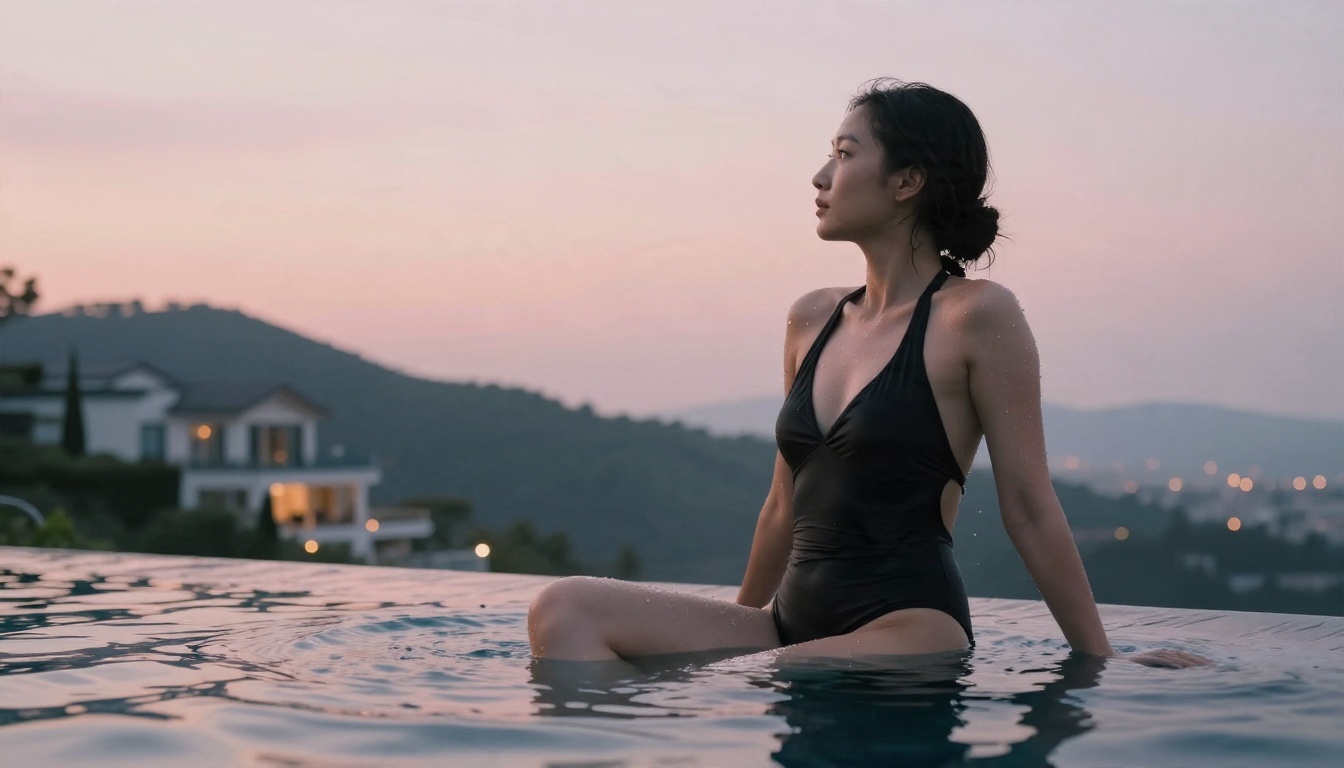
Image Editor Pro
PicassoIA Image Editor Pro is the second tool to try, and its big selling point is unlimited generations. When you are iterating on a look (changing the outfit, the light, the location, the mood), unlimited runs mean you can try twenty versions without watching a credit counter. It also edits existing photos, so you can start from your own image and adjust wardrobe, background or styling.
Other Models Worth Testing
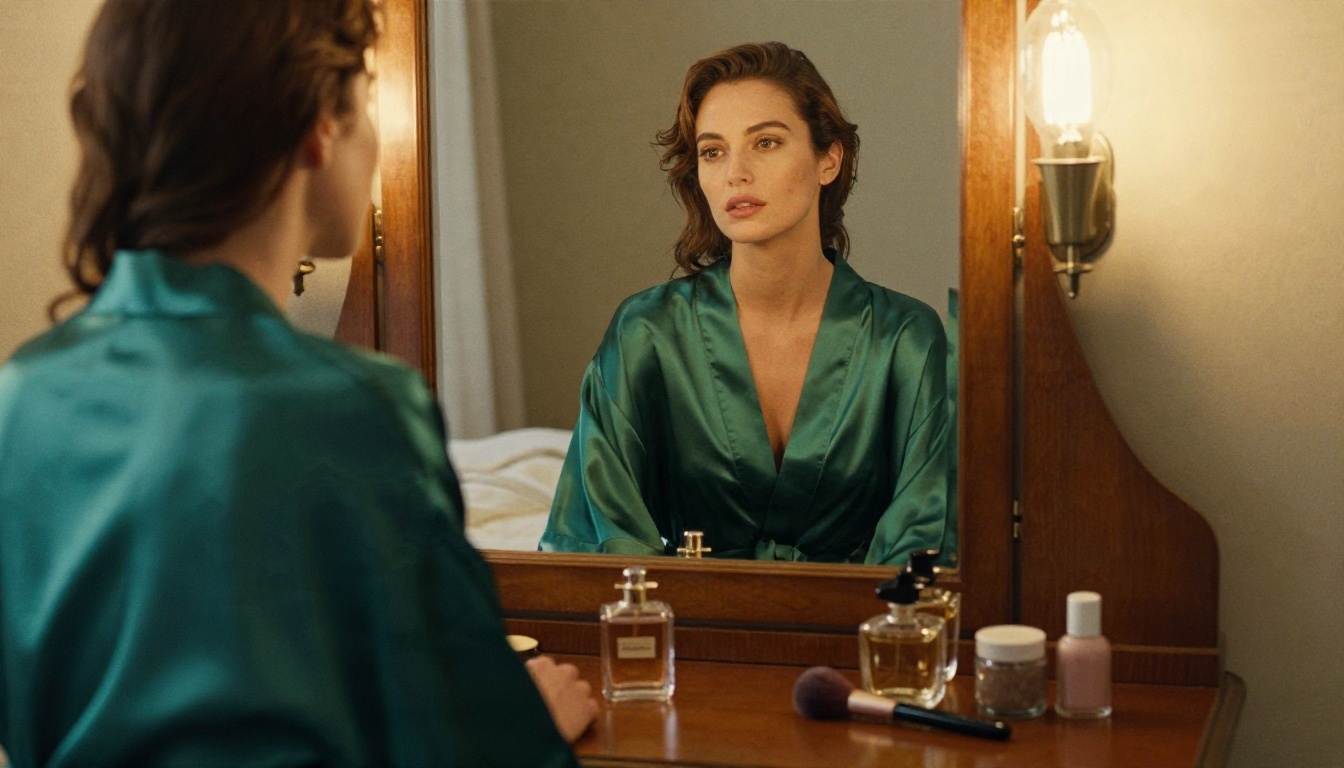
Different models have different personalities. A short list to rotate through:
How to Get Similar Results on PicassoIA
Gemini the chat app is not on PicassoIA, but you can get the same kind of portrait, and more freedom with glamour styling, using Seedream 4.5. Here is the workflow.
Step by Step
- Open the Seedream 4.5 page and sign in.
- Write the prompt in this order: subject, wardrobe, location, light, lens, film look.
- Choose a 16:9 or 3:2 ratio for scenic shots, 2:3 for full-length portraits.
- Generate a batch, pick the strongest frame, and rerun with small changes rather than rewriting everything.
- Send your favorite to Image Editor Pro to adjust outfit, background or mood with unlimited tries.
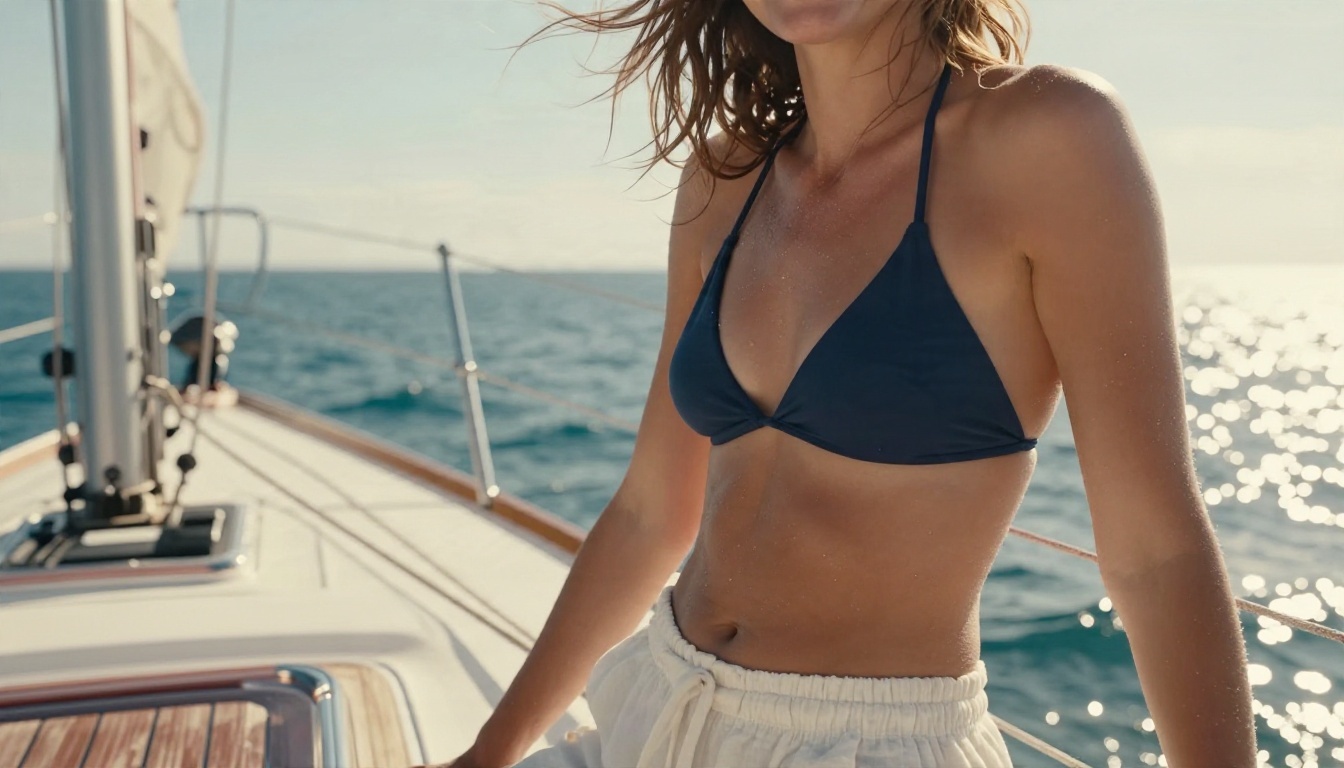
A strong starter prompt:
Adult woman in her late twenties, black two-piece swimsuit with a loose white linen shirt, standing on a whitewashed villa terrace at golden hour, warm low sunlight from the left, 85mm f/1.8 portrait, shallow depth of field, natural skin texture, Kodak Portra 400 film grain.
Parameter Tips
- Aspect ratio: pick it before you generate. Reframing later costs quality.
- Detail words beat adjectives. "Fine peach fuzz on the cheekbone, salt on the collarbone" beats "ultra realistic, perfect, stunning".
- One light source per prompt. "Warm sunlight from camera left" is cleaner than three competing descriptions.
- Name the lens. 85mm for portraits, 35mm for environmental shots, 24mm for wide scenes.
- Add film language. Kodak Portra 400 and fine grain pull the output away from the plastic, over-smoothed look.
- Vary the angle. Low angle, overhead, three-quarter, over-the-shoulder: each one changes the mood more than extra adjectives will.
💡 If skin looks too smooth, add words such as "visible pores, subtle freckles, natural sheen". If the image looks flat, specify the direction of the light instead of asking for "dramatic lighting".
Gemini vs Alternatives Side by Side
| Feature | Gemini (Nano Banana family) | Seedream 4.5 | Image Editor Pro |
|---|
| Swimwear and glamour portraits | Often refused or softened | Handled well | Handled well |
| Explicit content | Blocked | Not the goal here | Not the goal here |
| False-positive blocks | Frequent complaints | Rare in typical use | Rare in typical use |
| Generation limits | Quotas apply | Standard credits | Unlimited |
| Photoreal skin and fabric | Good | Excellent | Very good |
| Editing existing photos | Yes | Limited | Core feature |
| Best use | General creative work | First-pass photoreal portraits | Iteration and edits |
A Workflow That Saves Time
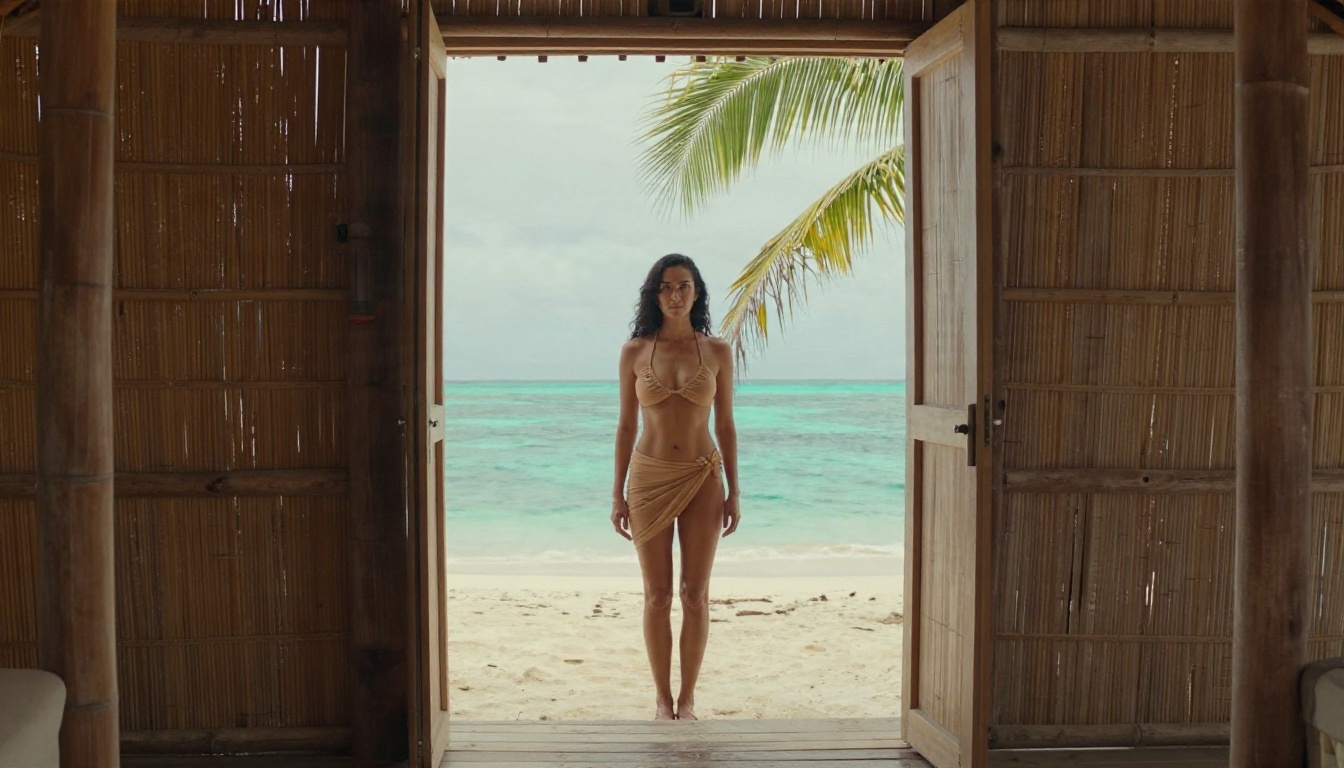
Photographers and content creators who work on glamour and swimwear sets tend to settle on a rhythm like this:
- Draft fast with Z Image Turbo to test pose, framing and location.
- Polish the winners in Seedream 4.5 for final skin and fabric detail.
- Adjust wardrobe, colour or background in Image Editor Pro.
- Keep a prompt log, so a look you liked is repeatable next week.
A few rules apply no matter where you generate:
- Only depict adults. Always, with no gray area.
- Never use a real person's likeness without their clear consent. Invent your subject.
- Check the terms of any platform you publish on, since many social networks restrict suggestive imagery even when it is not explicit.
- Label AI images when you post them, so nobody mistakes them for a real person's photo.
Start Creating Your Own Images
Gemini will keep tightening its filters, and that is fine for what it is built for. If you want elegant swimwear shoots, glamour portraits and suggestive-but-tasteful fashion photography, pick a tool that does not argue with you every time.
Open Seedream 4.5 on Picasso IA, write one prompt using the structure above, and see how it compares with a refused Gemini request. Then move the best frame into Image Editor Pro and push it as far as you like with unlimited generations. When you want to compare more options, browse the full catalog at picassoia.com/en/all-models and run the same prompt through two or three different models. The differences are quick to spot, and your own side-by-side test will tell you more than any review.


