Most people who try HunyuanVideo for adult-leaning content make the same mistake: they type a short, vague line like "sexy woman on a beach" and get a blurry, wobbly clip that looks nothing like what they pictured. The model is far more capable than that result suggests. It simply wants long, specific, visual prompts, and it rewards you when you describe light, motion and camera work the way a photographer would. This article shows you how to prompt HunyuanVideo for NSFW in the safe, suggestive, non-explicit sense: swimwear, silk, boudoir mornings, evening glamour. You will get prompt formulas, nine copy-ready examples, the exact settings that matter, and free online ways to run everything without installing a thing.
💡 Scope note: everything here stays suggestive and tasteful. Think fashion editorial and swimwear campaign, not explicit content. That is also where the model produces its cleanest, most stable motion.
Why HunyuanVideo Fits Glamour Clips
HunyuanVideo is a text-to-video model from Tencent with open weights, which is why you see it in so many community workflows. You can run it on a rented GPU, but you can also use Hunyuan Video on PicassoIA straight from the browser. You type a description, set a few numbers, and a clip comes back.
What the Model Does Well
Skin, fabric and water are where HunyuanVideo shines. Silk folds, wet sand, hair moving in a breeze and slow body movement all come out with convincing physics when the prompt is specific. Clips of around five seconds hold together well, which is exactly the length most glamour shots need.
Where the Limits Are
Fast action, complicated hand movement and crowded scenes are weak spots. Two or more people interacting is a gamble. Text on clothing or signs often turns into scribbles. If you design every prompt around one subject, one slow motion, one camera move, you avoid most of the trouble.
| Strength | Weakness |
|---|
| Fabric, hair and water motion | Fast, jerky actions |
| Natural light and skin tone | Readable text in the scene |
| Slow camera moves | Several characters at once |
| Roughly five second clips | Long continuous takes |
Short prompts leave the model guessing, and guessing produces the generic look. Official model notes also push for long, descriptive prompts. I use a five part structure that keeps things consistent.
Formula: Subject + wardrobe + action + setting + light + camera
Subject First, Then Wardrobe
Start with who is in the frame and what she is wearing, with concrete materials: "a woman in her mid twenties with long wavy chestnut hair, wearing a champagne silk robe over a black satin slip." Materials matter. "Silk," "lace," "wet linen" and "knit wool" each tell the model how the fabric should move.
One Motion in One Sentence
Pick a single, slow action: turning toward the camera, brushing hair, walking along the water, lifting a glass. Add a speed word like "slowly" or "gently." Two actions in one prompt usually cause one of them to melt away.
Light and Camera Language
Name the light source and its direction: "warm sunset light from the left through sheer curtains." Then add the camera: "slow dolly in, 85mm lens, shallow depth of field." Photography terms are the strongest steering tool you have. They also push the output toward realism instead of the plastic look.
Words That Cause Trouble
Some phrasing creates mush or blocks. Skip explicit anatomical terms, because they push the model into unstable territory and are outside this article anyway. Avoid style words like "anime" or "3D render" if you want a photographic result. Do not stack ten adjectives about beauty. Describe things you can see, not opinions.
| Weak phrase | Stronger replacement |
|---|
| "hot girl on beach" | "woman in a white bikini walking slowly along a wet shoreline at sunrise" |
| "sexy dance" | "woman swaying gently to the left, silk robe moving with her hips" |
| "beautiful, perfect, stunning" | "natural skin texture, soft freckles, flyaway hairs lit from behind" |
| "cinematic" | "35mm lens, handheld feel, warm tungsten light from the right" |
Nine Prompts to Copy
Each prompt below follows the formula. Paste it, keep the settings from the next section, and change only the details. The wording is deliberately photographic and non-explicit.
Beach Sunrise Walk
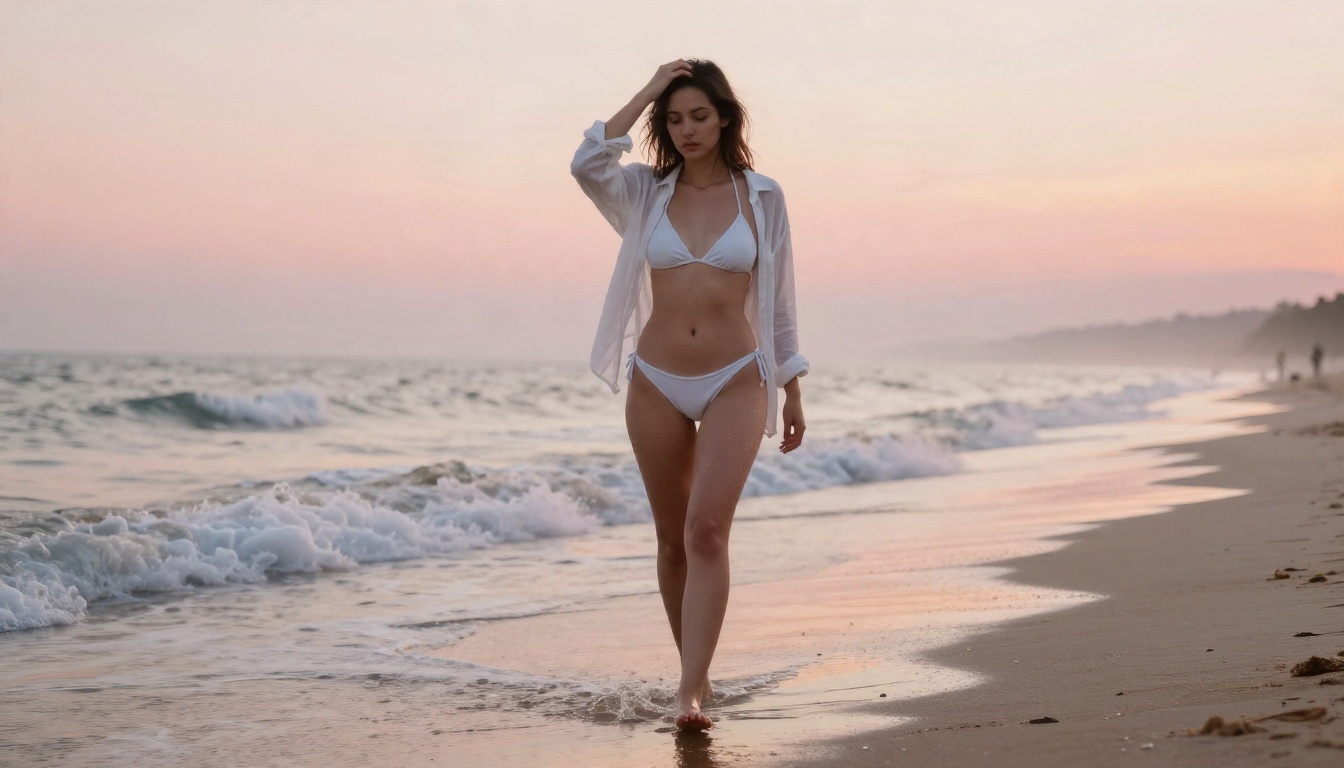
A woman in a white string bikini and sheer linen shirt walks slowly along a wet sandy shoreline at sunrise, one hand pushing hair from her face, small waves foaming around her ankles. Pale pink and orange sky reflected in the wet sand. Soft morning light from the right. Low angle tracking shot moving backward at walking pace, 35mm lens, natural skin with water droplets, fine film grain.
Hotel Balcony Silk
A woman with long wavy chestnut hair in a champagne silk robe stands at an open balcony door, turns slowly toward the camera and smiles. Sheer white curtain lifts in the breeze. Warm golden hour light from the left. Slow dolly in, 85mm lens, shallow depth of field, creamy highlights, Kodak Portra 400 color.
Vintage Lounge Portrait
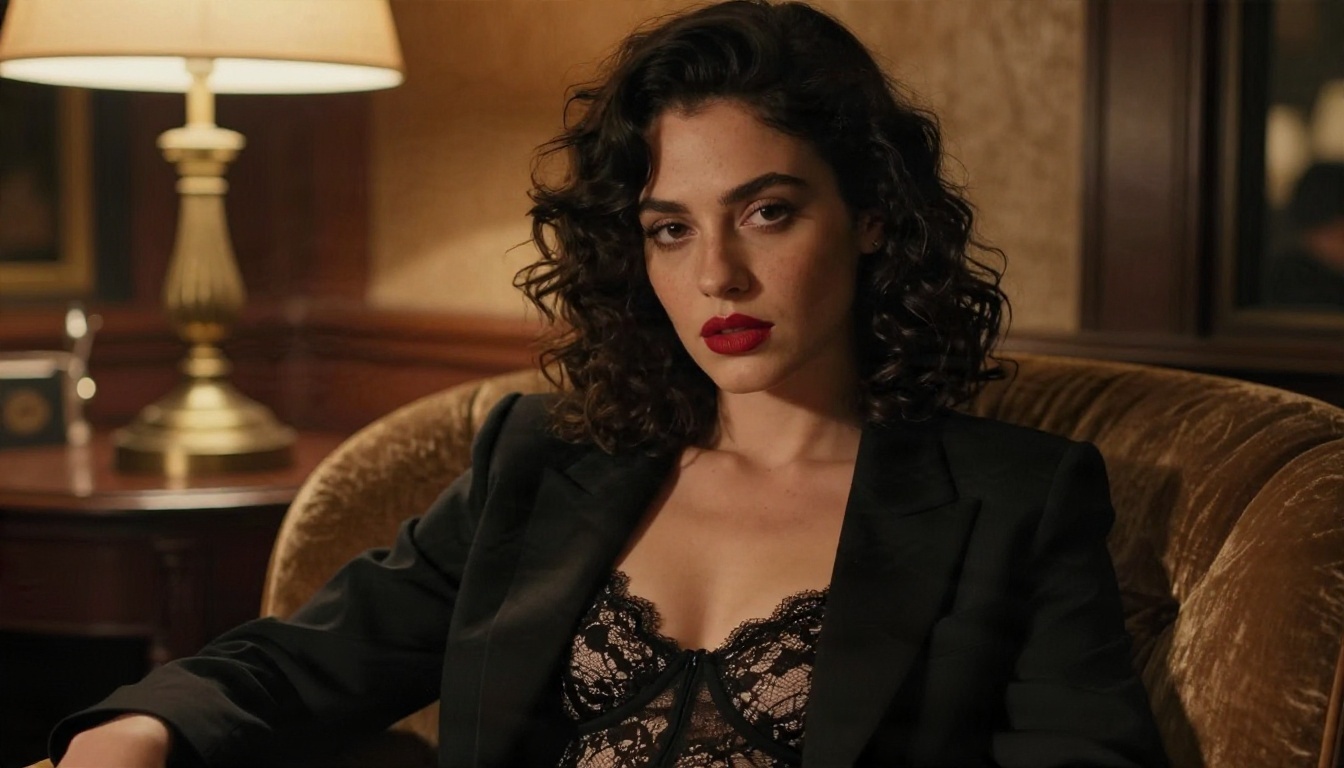
A woman with dark curly hair and red lipstick sits in a velvet armchair, black lace bodysuit under an open tailored blazer. She crosses her legs slowly and looks into the lens. Warm tungsten lamp light from the left, brass lamps blurred behind her. Static close-up, 85mm, shallow depth of field, visible skin pores, film grain.
Pool Float From Above
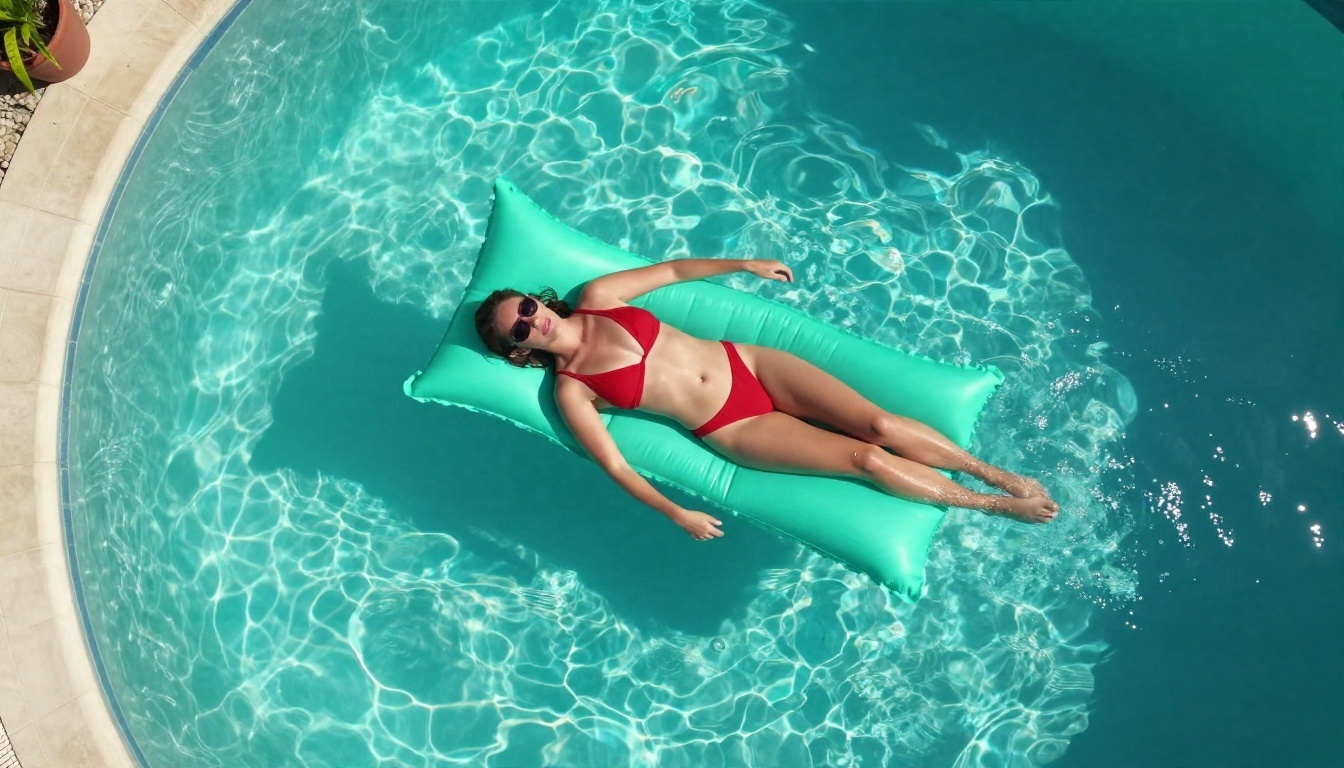
A woman in a red one piece swimsuit and sunglasses lies on a turquoise pool float, one arm trailing in the water, ripples spreading slowly outward. Hard midday sun, crisp shadow under the float, tiled edge and potted palms. Aerial top-down view with a slow upward drift, 24mm lens, natural saturation.
Morning Blinds in the Hotel
A woman in an ivory satin camisole and shorts sits on the edge of a rumpled bed, brushing her hair slowly. Morning light through half closed blinds throws stripes across her shoulders and the white sheets. Dust floats in the beam. Medium shot, slow push in, 50mm lens, soft cotton and satin texture.
Island Wall and Straw Hat
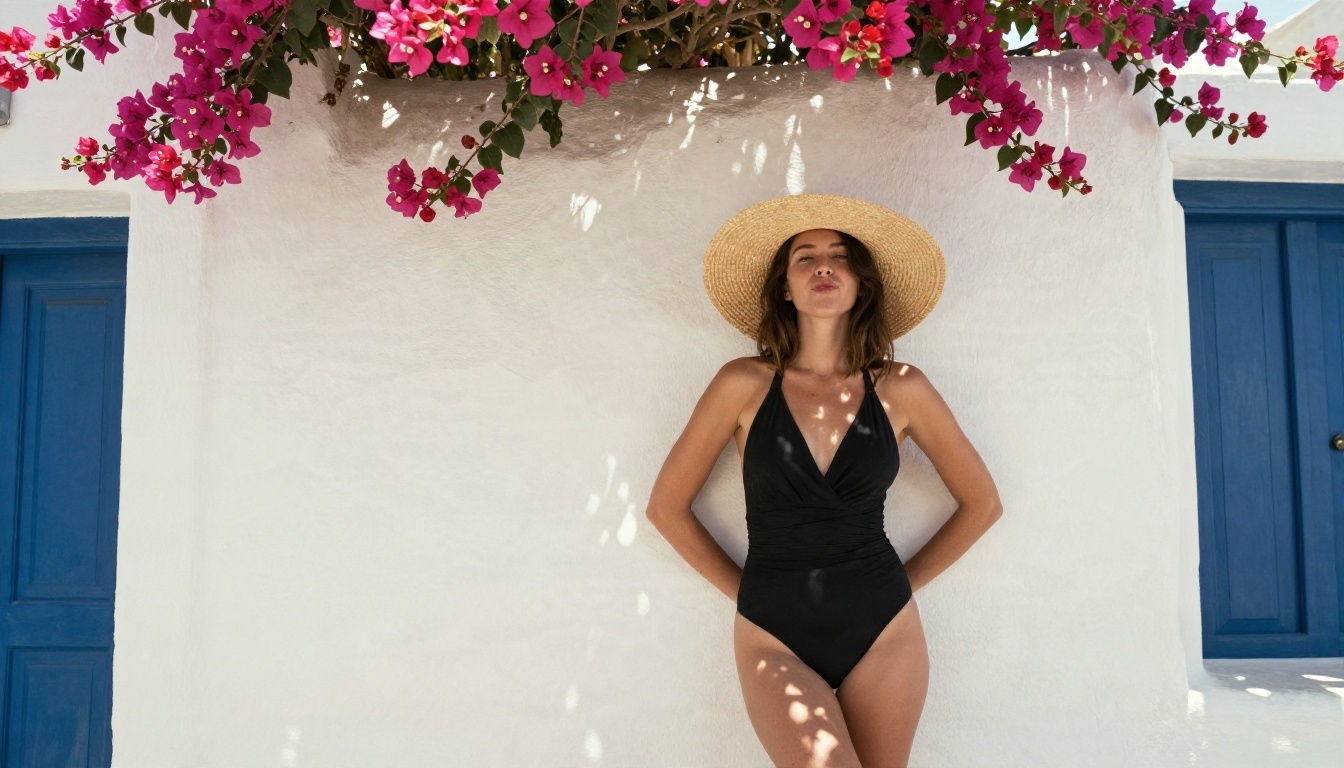
A woman in a black halter swimsuit and wide brim straw hat leans against a whitewashed wall, bougainvillea hanging overhead. She tilts her head and gives a playful smirk down at the camera. Strong afternoon sun from the right with dappled shadows. Low angle, 35mm lens, rough plaster texture.
Rooftop at Blue Hour
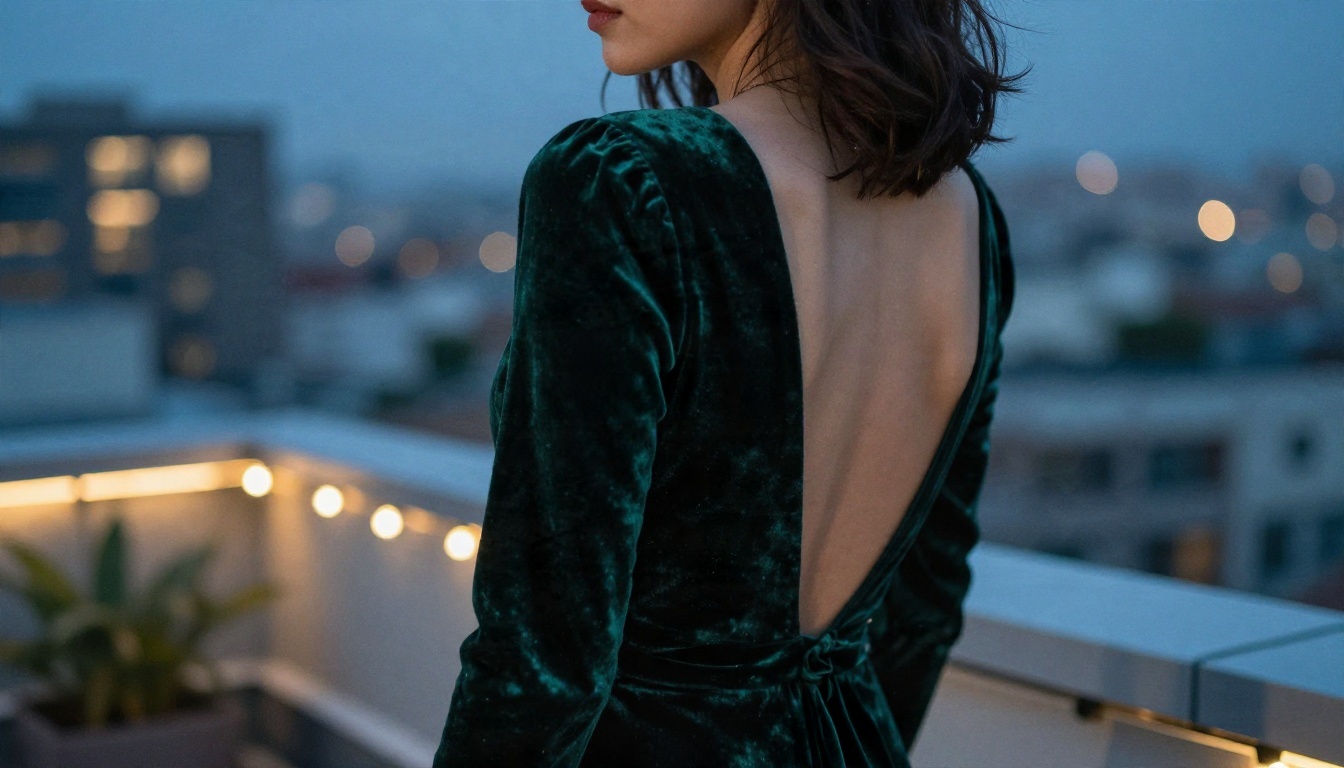
A woman in a deep emerald velvet evening dress with a low back stands on a rooftop terrace, her hair swept to one side. She turns her head slowly over her shoulder. Blue hour sky, warm string lights on the left, soft city lights blurred behind. Slow orbit to the right, 85mm lens, velvet texture visible.
Loft Window Coffee
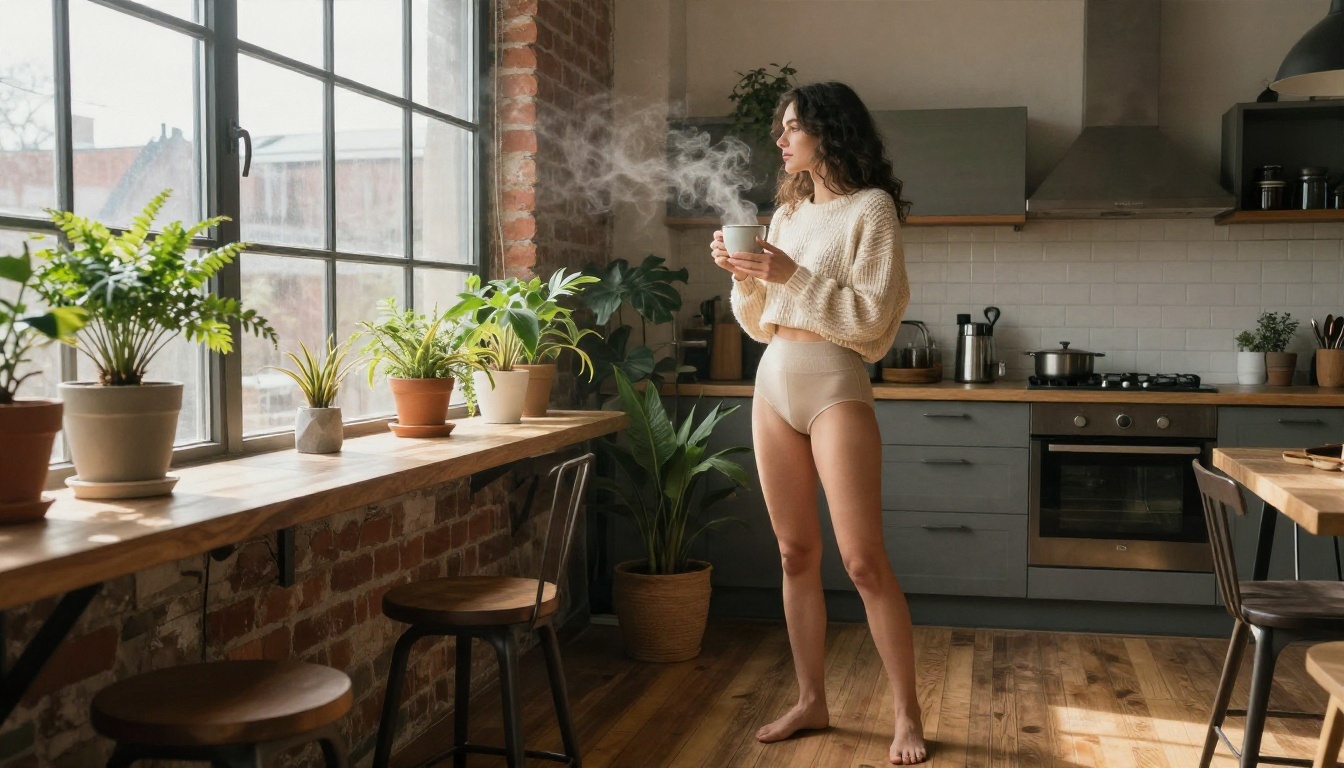
A woman in a cream knit cropped sweater and high waisted briefs stands at a sunlit loft window holding a ceramic cup with both hands, steam rising. Plants on the sill, brick wall, wooden floor. Warm window light from the left. Wide shot, very slow dolly in, 28mm lens, soft wool texture.
Beach Bar at Dusk
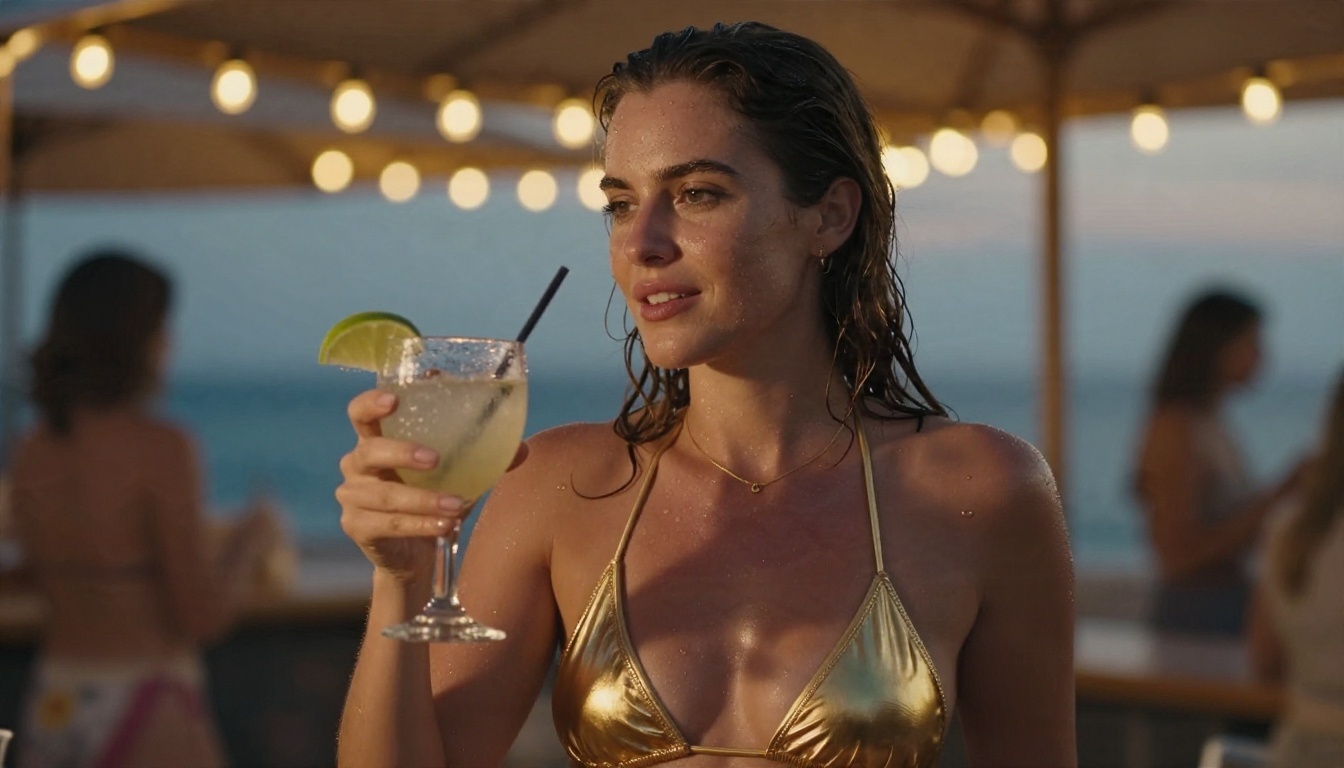
A woman in a metallic gold bikini top and sarong at a beach bar, wet hair slicked back, raises a cocktail glass with a lime slice and laughs. String bulb lights glow in warm bokeh behind her. Handheld feel, slight camera sway, 50mm lens, droplets on glass and skin, film grain.
💡 Tip: If a prompt gives you a messy result, shorten the action, not the description. Keep the long scene and light details, and reduce the movement to one verb.
Best Settings on PicassoIA
The model page exposes the same parameters you would see in a local setup. These are the ones that change results.
| Setting | Default | What I recommend for glamour clips |
|---|
| Width x Height | 864 x 480 | Keep 864 x 480 for tests, go higher for finals |
| Video Length (frames) | 129 | 129 for a five second clip, 49 for quick drafts |
| FPS | 24 | 24 for a filmic look |
| Infer Steps | 50 | 30 for drafts, 50 for finals |
| Embedded Guidance Scale | 6 | 6, raise only in small steps |
| Seed | Random | Lock it once you like a result |
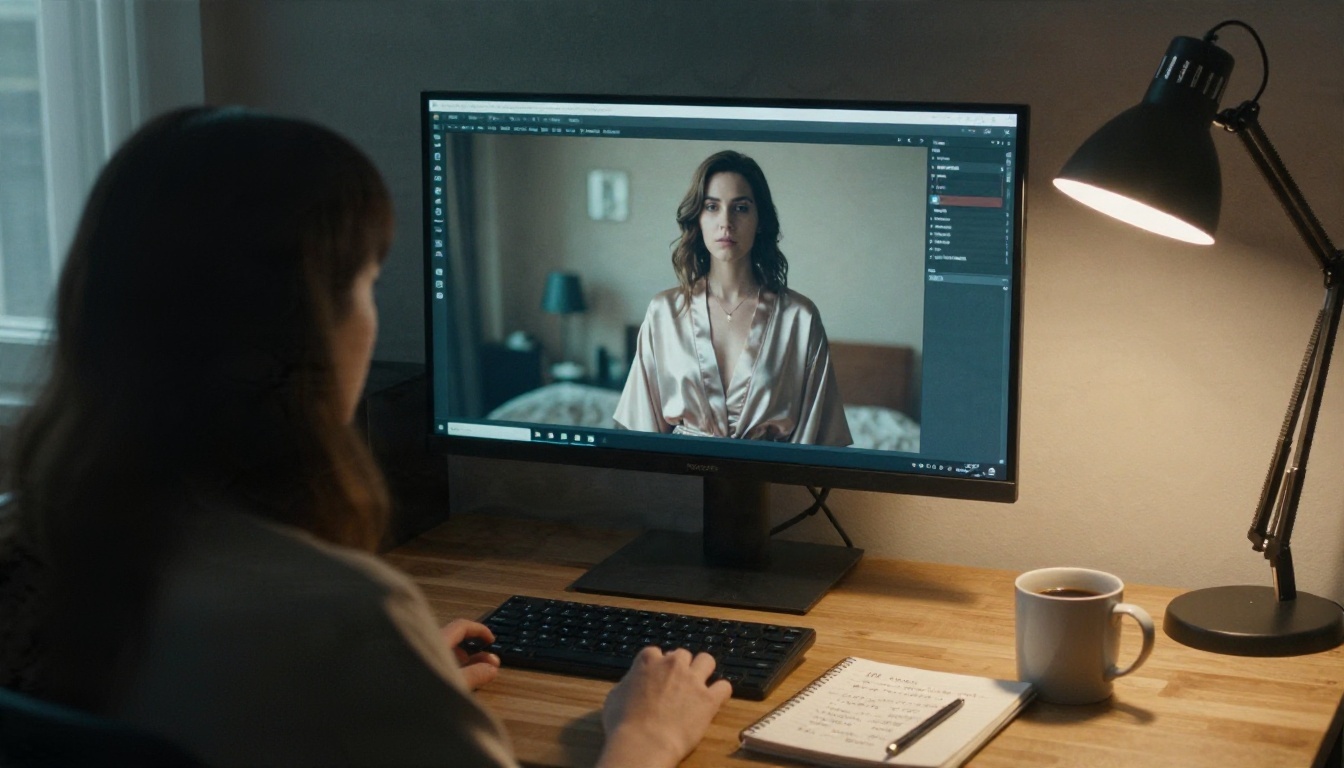
Resolution and Frame Count
Width and height must be divisible by 16, and the frame count must follow the 4k+1 pattern (49, 85, 129). A value like 100 will not work. At 24fps, 129 frames gives roughly five seconds, and 49 frames gives about two seconds, which is plenty for checking whether a prompt behaves.
Steps and Guidance Scale
More steps means sharper detail and longer waits. Thirty steps is a fair draft quality, and 50 is a sensible final setting. For the embedded guidance scale, the community has landed on 6 as the sweet spot. Push it higher and the clip follows your words more strictly but tends to look harsher and less natural, which is the opposite of what you want for skin and silk.
Seeds Save Time
Once you get a clip with the right face, light and pose, write the seed down. Then change one word at a time, like the camera move or the fabric. That way you can see what each word does instead of rolling the dice every time.
How to Use Hunyuan Video on PicassoIA
Hunyuan Video is available directly on PicassoIA, so there is nothing to install. Here is the quickest route to a clean clip.
- Open the model page. Go to the Hunyuan Video page and sign in.
- Paste your prompt. Use one of the nine examples above or write your own with the formula.
- Set the size. Keep 864 x 480 for the first test. Both values must divide by 16.
- Pick the frame count. Use 49 for a fast draft, 129 for the five second version.
- Choose steps. Start at 30 for drafts, then use 50 for the final render.
- Leave guidance at 6. Change it only if the clip ignores your prompt.
- Generate and compare. Lock the seed on a good result and adjust one phrase per run.
💡 Workflow tip: Run three drafts with different camera moves (static, slow dolly in, slow orbit) before you pay the time cost of a 50 step final.
Free Online Options That Work
Hunyuan Video on PicassoIA takes text only. For tighter control over the face, outfit and framing, the better workflow is to build a still first and then animate it. That gives you the look you want before a single frame of motion is spent.
Start With Seedream 4.5
Seedream 4.5 is the first model to reach for when you want a photorealistic glamour still: swimwear, silk, boudoir lighting, with fine skin texture. It is quick, it handles adult-leaning, non-explicit prompts without fuss, and the images come out sharp enough to use as a first frame. Write the still prompt with the same formula from above, minus the motion.
Refine in Image Editor Pro
PicassoIA Image Editor Pro comes next. It offers unlimited generations, so you can fix a strap, change a robe color, adjust the background or correct a pose as many times as you like without watching a counter. For anyone iterating on dozens of variations, that matters more than any single setting.
Animate With Alternative Video Models
When you want the clip to start from your exact still, use an image-to-video model. These are the alternatives I would try, in this order:
| Model | Best for | Link |
|---|
| Wan 2.2 I2V A14B | Animating a still into HD video | Open model |
| Wan 2.2 5B Fast | Quick 720p drafts from text | Open model |
| LTX 2.5 Fast | Very fast clips and 4K output | Open model |
| PicassoIA Reference To Video | Keeping one look across shots | Open model |
A Simple Three Step Pipeline
- Generate the still with Seedream 4.5.
- Polish it in Image Editor Pro until the outfit, pose and background are right.
- Animate it with Wan 2.2 I2V A14B using a short motion prompt such as "slow dolly in, hair moves gently in the breeze."
Because the still already holds the look, your video prompt can be very short. You only describe movement.
Fixing Common Failures
Most bad clips fall into a handful of patterns. Here is how to repair each one without starting over.
| Problem | Likely cause | Fix |
|---|
| Melting face or limbs | Too much motion | Reduce to one slow action, raise steps to 50 |
| Plastic, waxy skin | Guidance too high | Return to 6, add "natural skin texture, visible pores" |
| Clip ignores the outfit | Wardrobe too vague | Name the fabric and color early in the prompt |
| Flickering background | Busy scene | Simplify to one location with one light source |
| Error on frame count | Not 4k+1 | Use 49, 85 or 129 |
| Soft, blurry result | Low steps or resolution | Move from 30 to 50 steps, raise width and height |
Keep It Consistent Across Clips
If you plan several clips of the same character, repeat the description word for word in each prompt: hair, face, outfit. Change only the action and the camera. Better still, anchor every clip on the same still image with an image-to-video model.
Respect Safety and Consent
Only create imagery of fictional characters or of people who have given clear consent. Never use a real person's likeness without permission, and keep every output non-explicit. That is the safest way to use these tools, and it also keeps your results stable.
Try It Yourself Today
You now have the full recipe: a five part prompt formula, nine prompts to paste, settings that actually move the needle, and a free route that starts with a still and ends with a clip. Start with Seedream 4.5 for the look, polish it in PicassoIA Image Editor Pro, then run Hunyuan Video or an image-to-video model to bring it to life.
Pick one prompt from this article, change the wardrobe and location to match your own idea, and generate three drafts today. Picasso IA lets you test every step in the browser, with no setup and no waiting for a GPU. For more options, browse the full catalog at picassoia.com/en/all-models and see which model fits your next shot.


