You open the app, tap the same menu you tapped last week, and the Spicy option is gone. Or it is there, but it spins, refuses, or hands you a watered-down result. If that sounds familiar, you are not imagining things. Spicy Grok is one of the most searched and most inconsistent features in consumer AI, and its behavior has changed more than once since launch.
This article sorts out what is actually happening. You will see why Spicy mode stops working, which fixes are worth ten minutes of your time, what "app access" really means across the X app, the standalone Grok app and the website, and what to use when the feature simply is not available to you. Everything here stays on the tasteful side: suggestive, glamorous, attractive, never explicit.
💡 Quick answer: Most "not working" cases come from four things: an outdated app, an account that does not meet the age or subscription requirement, a region restriction, or a stricter content filter that now softens results. Work through those in order before you assume something is broken.
What Spicy Grok Actually Is
Spicy Grok is the nickname for the Spicy mode inside Grok Imagine, the image and short video generator from xAI. Alongside styles such as Normal, Fun and Custom, Spicy was positioned as the setting that allows more suggestive output: glamour, swimwear, lingerie-style looks and flirtatious motion.
Two points matter for troubleshooting:
- It is a mode, not a separate product. There is no "Spicy Grok app." It is a toggle that lives inside Grok Imagine, and it can be hidden, limited or filtered without any announcement.
- It is policy-driven. Reports from the past year describe access being tightened, moved behind paid tiers, limited to mobile, and filtered more aggressively. When a feature is controlled by policy rather than by a bug, restarting your phone will not always help.
Why it feels inconsistent
Two people with the same phone can see different menus. Access reportedly depends on your account tier, your confirmed age, your country, the app version and even which surface you use. That is why a friend can show you a screenshot of Spicy mode while your own screen has nothing.
What changed over time
Early on, the mode produced bolder results and drew heavy press attention. Since then, users have reported forced zoom effects, uploaded photos being refused, and outputs that look closer to a PG standard. If your results used to look different, a tighter filter is a more likely explanation than a broken install.

Why Spicy Grok Is Not Working
Before touching anything, match your symptom to a cause. It saves a lot of random tapping.
| Symptom | Most likely cause | First thing to try |
|---|
| Spicy option is missing entirely | Account tier, age setting, region or old app version | Update the app, then check account settings |
| Option appears but generation fails | Temporary server load or a filter block | Wait, retry with a simpler prompt |
| Results look tame or blurred | Stricter moderation on the output | Adjust the prompt wording, avoid uploaded photos of real people |
| Works on a friend's phone, not yours | Different tier, country or surface | Compare app, plan and region |
| Works on the website, not the app | Surface-specific rollout | Try the other surface with the same account |
| Infinite loading spinner | Network or cache problem | Clear cache, switch networks, sign out and back in |
The subscription requirement
Multiple reports say Spicy mode is limited to paid plans, with SuperGrok and X Premium Plus mentioned most often. If you are on a free account, the toggle may never appear. This is the single most common reason people believe the feature is broken when it is simply gated.
Age and content settings
The mode generally expects a verified adult account with the relevant content controls enabled. If your birth date is missing or set incorrectly, or if a family or parental control is active on the device, the option can silently disappear.
Region and platform limits
Some countries and app stores restrict adult-leaning features. Reports also describe the mode being kept on mobile apps while being reduced elsewhere. Your travel, a VPN, or a store region mismatch can all change what you see.
💡 Reality check: Guides that promise a secret trick to bypass moderation are unreliable and often unsafe. Unofficial apps and modified installers can steal login data. Stick to official apps and legitimate settings.
Fixes That Are Worth Trying
Run these in order. Each one takes a couple of minutes, and the early ones solve the majority of cases.
1. Update the official app
Open the App Store or Google Play and update the Grok app and, if you use it, the X app. Old builds often hide newer toggles. After updating, fully close the app and reopen it rather than just switching back to it.
2. Sign out and back in
Log out, restart the phone, and log in again. This refreshes your account flags, which is how the app decides whether to show Spicy mode. It sounds basic, but plan and age changes sometimes only register after a fresh session.
3. Check your plan
Confirm that your subscription is active and that it was purchased on the same account you are logged into. A plan bought through one store and a login on another account is a classic mismatch.
4. Review age and content controls
Open your account settings and check the birth date and any content or sensitivity options. Also look at device-level restrictions such as screen time limits or family controls, which can override app settings.
5. Try another surface
Use the standalone Grok app, then the website, then the X app. The same account may show different options on each. A feature visible on one screen does not guarantee it exists on another.
6. Clear cache and test another network
On Android, clear the app cache. On iPhone, offload and reinstall the app. Then switch from Wi-Fi to mobile data, or the other way around. Corporate and school networks often block exactly this kind of traffic.
7. Simplify the prompt
If the mode opens but fails, the filter may be rejecting your wording. Shorten the prompt, focus on lighting, outfit, setting and mood, and drop anything that reads as aggressive or targeted at a real person. Describing a fictional character in a stylish scene works better than naming someone.
8. Contact support
If everything above fails, contact xAI or X support through the official app. Mention your plan, app version, device and country. That information lets them tell you whether the limitation is intentional.

App Access Explained Simply
"Where do I find it?" is the second most common question after "why is it gone?" Here is a simple map.
The standalone Grok app
This is usually the primary home for Grok Imagine. If Spicy mode exists for your account, this is where you are most likely to see it, typically inside the Imagine section rather than the chat screen.
The X app
Grok is also built into X. The options there can differ from the standalone app, and reports suggest features arrive at different times on each. Do not rely on the X app as your only test.
The website
The web version sometimes behaves differently from mobile. People report that a feature missing in the app can appear on the website, and the reverse. Always test both with the same login before deciding that your account lacks access.
A short access checklist
- Latest version of the official app installed
- Paid plan active on the same account
- Adult age confirmed in account settings
- No device-level restrictions in place
- Region and app store country match
- Tested on app, website and X
If every line is ticked and Spicy mode is still absent, it is most likely a deliberate limitation rather than something you can fix.
When Spicy Grok Still Falls Short
Even when access works, there are good reasons people go looking elsewhere.
- Inconsistent results. The same prompt can give a polished image one day and a cautious, softened one the next.
- Forced motion effects. Reports describe video outputs that zoom or drift in ways you did not ask for.
- Photo upload refusals. Animating a photo you supply is often blocked, which limits creative control.
- Subscription cost. Paying monthly for a feature that may change is a gamble.
- No control over the model. You cannot choose a different engine when one underperforms.

💡 A practical view: Treat any single app's adult-leaning mode as temporary. A workflow built around several models survives policy changes. A workflow built around one toggle does not.
Spicy Grok Is Not on PicassoIA
To be direct: Spicy mode is a feature of xAI's own apps, and it is not something you can use on PicassoIA. There is no hidden toggle and no workaround to promise. What PicassoIA offers instead is a different approach: a set of strong image and video models you pick yourself, with room for suggestive, attractive, non-explicit glamour work.
Spicy Grok is not on PicassoIA, but for similar results today, try these in this order.
| Model | Best for | Why use it |
|---|
| Seedream 4.5 | Glamour portraits, swimwear, fashion, 4K detail | Sharp skin texture, strong prompt following, flexible with suggestive styling |
| PicassoIA Image Editor Pro | Editing and restyling images, unlimited runs | Unlimited generations, so you can iterate without counting credits |
| Qwen Image 3 Pro | Photorealistic portraits and lifestyle scenes | Natural lighting and believable faces |
For motion, pair your favorite still with Kling v3 Video or Wan 2.6 I2V, both of which animate a photo into a short clip.
Why this route is easier
- Choice. If one model gives a cautious result, switch to another in seconds.
- Speed. Images arrive quickly, so you can test five prompt variations in the time it takes one app to load.
- Unlimited editing. Image Editor Pro lets you keep refining one picture until it looks right.
- No toggle hunting. There is no hidden menu to find, no region mystery, and no tier puzzle.
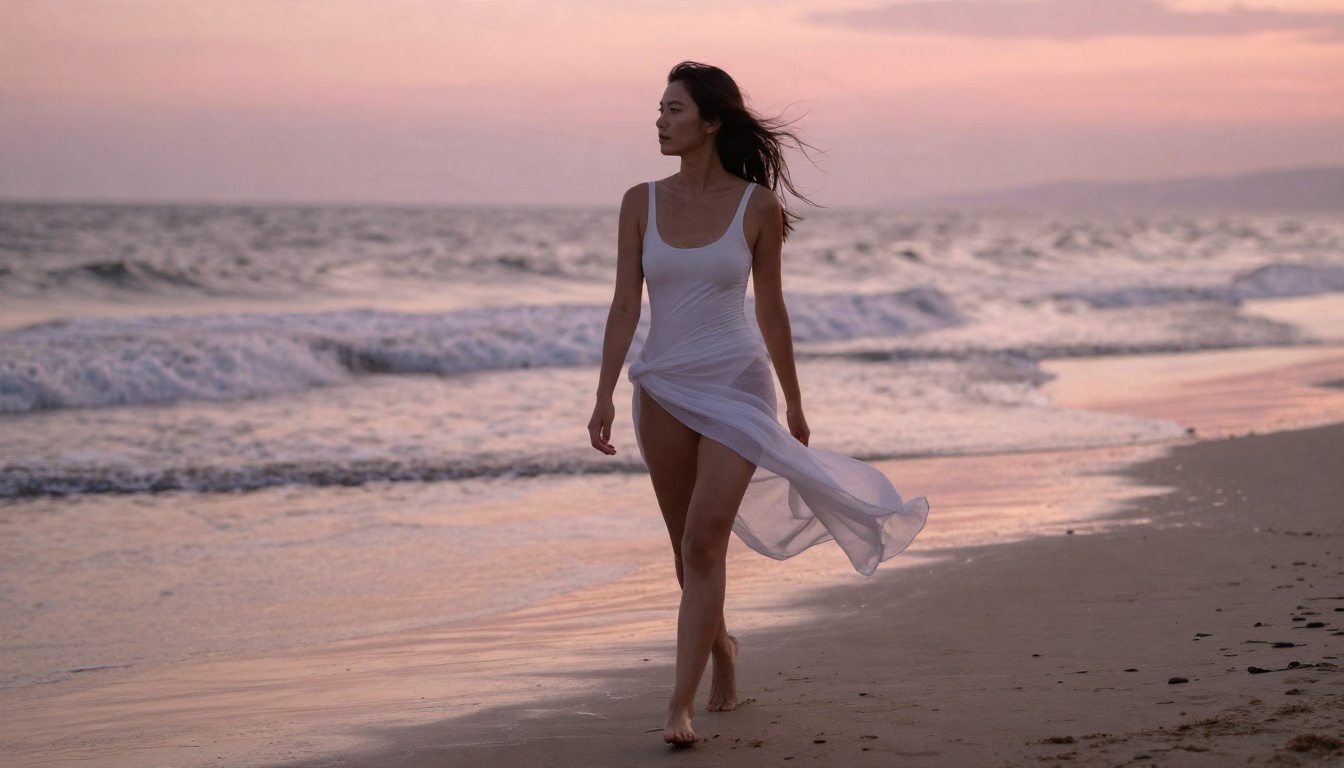
How to Get Similar Results on PicassoIA
The best starting point is Seedream 4.5. It handles suggestive glamour, fashion and swimwear well, and it renders skin, fabric and light convincingly.
Step 1: Open the model
Go to the Seedream 4.5 page, open the generator and choose a 16:9 or 3:4 ratio depending on whether you want a scene or a portrait.
Step 2: Write a photographic prompt
Think like a photographer, not a chat user. Name the subject, outfit, setting, light direction, lens and mood. A working example:
"A confident woman in a black silk robe seated at a vintage vanity, warm lamp light from the left, 50mm lens, shallow depth of field, visible skin texture, soft film grain."
Step 3: Set the tone with light and wardrobe
Suggestive does not require explicit wording. Golden hour, satin, lace trim, wet hair, a beach at sunrise and a rooftop pool at dusk all carry the mood on their own.
Step 4: Generate several variations
Run four to six outputs with small changes: a different lens, a new location, a different time of day. Keep the best one.
Step 5: Refine in Image Editor Pro
Bring your favorite result into PicassoIA Image Editor Pro to change an outfit, adjust the background or fix small details. Because generations are unlimited, you can keep going without worrying about cost.
Step 6: Animate it
Take the final still to Kling v3 Video or Wan 2.6 I2V and describe a simple motion: hair moving in a breeze, a slow camera push-in, fabric swaying. Short, specific motion instructions give the most natural clips.
💡 Parameter tips: Keep prompts between 40 and 80 words. Specify one lens (85mm for portraits, 35mm for environments). Mention a single light source. Avoid stacking more than three outfit details, which tends to confuse the render.
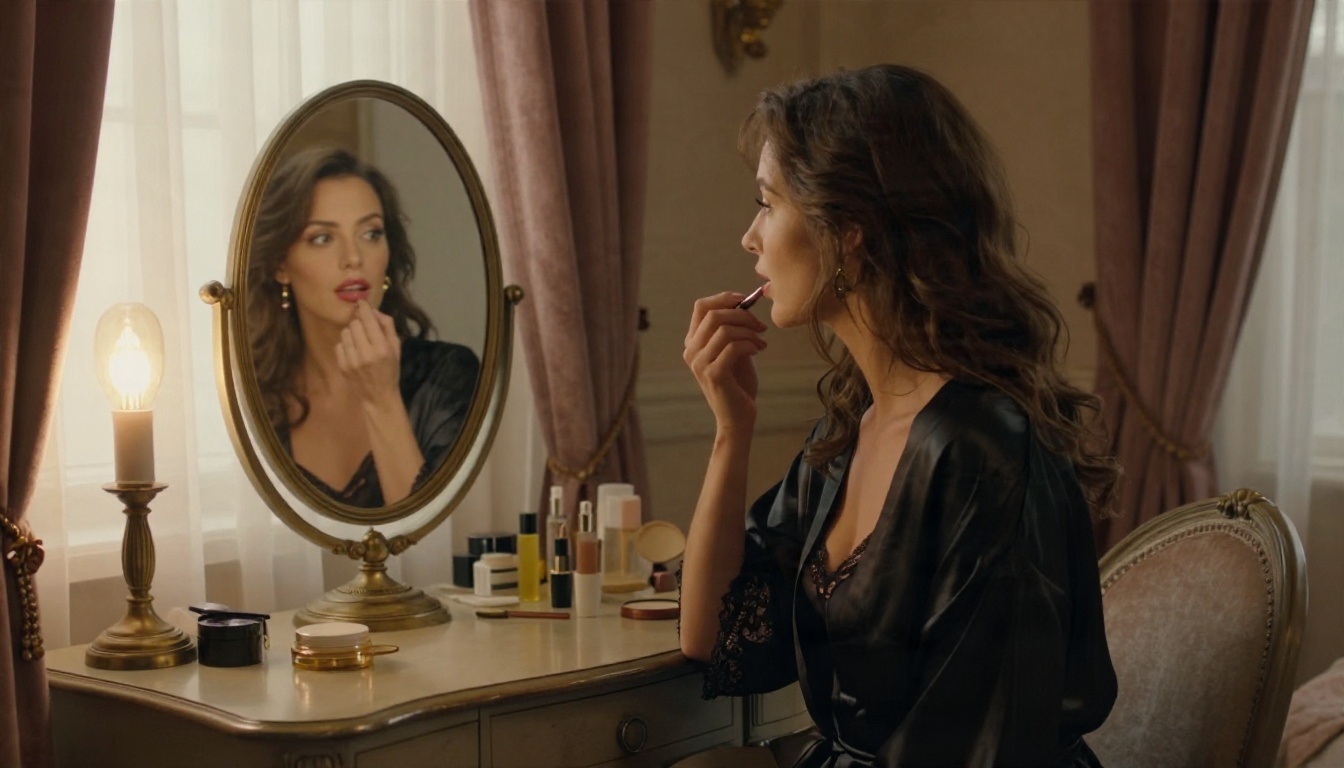
Prompt Ideas That Work Anywhere
These prompt structures travel well between Spicy Grok and any alternative. Adjust the details, keep the structure.
Glamour portraits
Pick one flattering light source, one outfit and one location. Satin dresses on a hotel balcony at golden hour, lace under a tailored blazer by a tall window, or a bronze bikini top at a pool at dusk all read as attractive without being explicit.
Swimwear and travel
Beaches, resort pools and sunrise shorelines give the model plenty of natural reflection and skin sheen to work with. Mention water droplets, sand texture and sea breeze to push realism.
Lifestyle and street scenes
A candid laugh at a night market or a relaxed pose on a sofa often looks more convincing than a stiff studio shot. Include small imperfections, like flyaway hair, to avoid the plastic look.
Mistakes to skip
- Naming real people. It triggers refusals and raises consent problems.
- Piling on adjectives. Three strong details beat fifteen vague ones.
- Ignoring light. Lighting direction does more for realism than any extra keyword.
- Asking for explicit content. It will be blocked on most platforms, and it is not what this article covers.
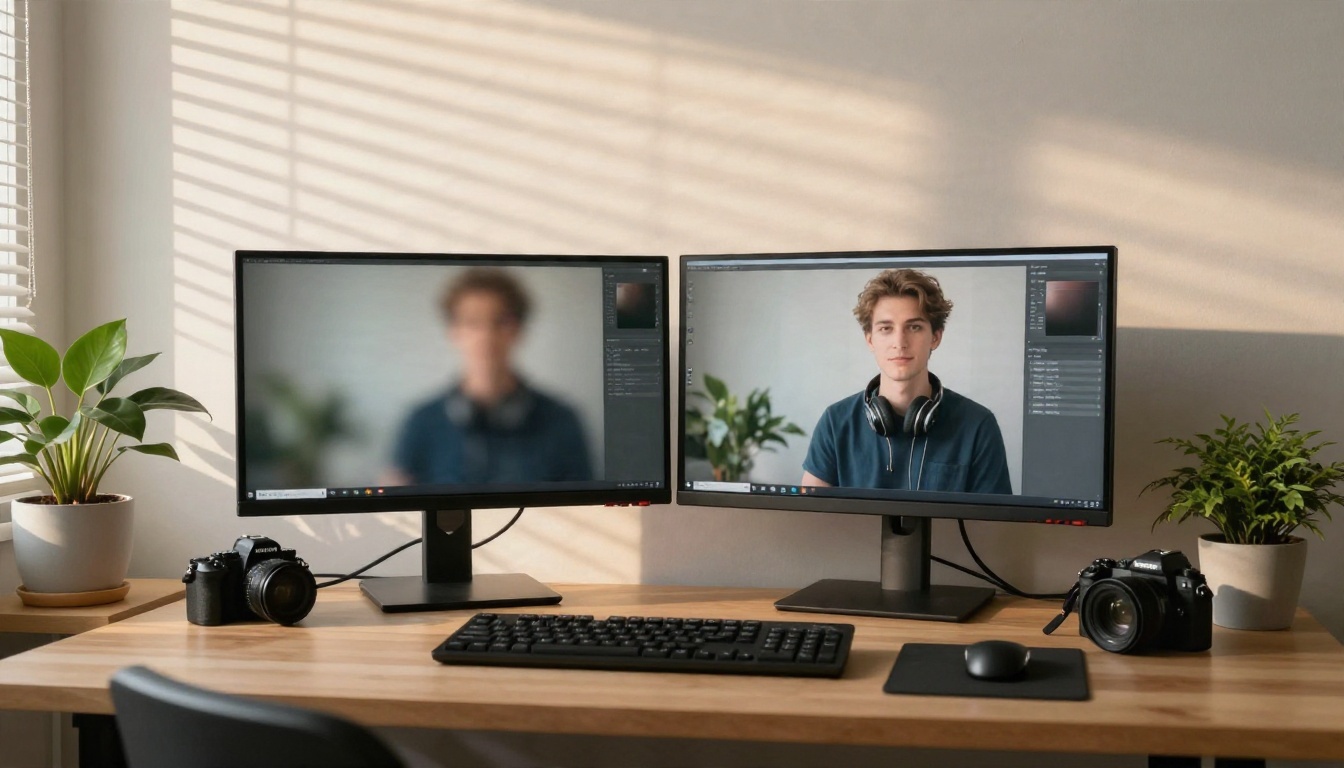
Fixing Common Problems in Alternatives
Switching tools does not remove every obstacle. A few quick fixes keep you moving.
Results look too soft or plastic
Add skin and fabric language: visible pores, fine peach fuzz, silk folds, lace weave. Mention film grain and a specific stock such as Kodak Portra 400.
Faces drift between images
Use a reference approach. Generate a strong base in Seedream 4.5, then adjust it in PicassoIA Image Editor Pro instead of regenerating from scratch each time.
Video motion feels stiff
Shorten the motion prompt. One action and one camera move is enough. "Hair lifts gently in the breeze while the camera slowly pushes in" beats a paragraph of choreography.
Resolution is too low
Run the image through a super resolution model from the PicassoIA collection for a clean 2x to 4x upscale before you animate it.

Quick Comparison Before You Decide
| Factor | Spicy Grok | PicassoIA workflow |
|---|
| Access | Depends on plan, age, region and app | Open the site and pick a model |
| Consistency | Varies with policy changes | Choose another model when needed |
| Photo editing | Often restricted for uploads | Image Editor Pro with unlimited runs |
| Video | Short clips with limited control | Kling v3 and Wan 2.6 for animation |
| Cost | Paid tier required | Free models and unlimited editing options |
| Output style | Filtered, can be softened | Suggestive, tasteful glamour you control |

Try Your Own Glamour Shots Today
If Spicy Grok keeps letting you down, stop fighting the toggle and build your own set. Open Seedream 4.5, write a prompt with one outfit, one location and one light source, and generate a handful of options. Refine your favorite in PicassoIA Image Editor Pro, then bring it to life with Kling v3 Video.
Ten minutes of experimenting will teach you more about what works than another hour of menu-hunting. Browse every available option at picassoia.com/en/all-models, pick two or three models you like, and make them your own toolkit. Your next set of photoreal portraits, beach scenes and evening looks is one prompt away.