People search for "Hunyuan Video 1.5 NSFW" for one reason: they heard it is open, they heard it has no content filter, and they want to know if it can produce suggestive, adult-leaning clips without a platform telling them no. The short answer is yes and no. The weights are open, so nothing stops you from typing what you like. But "no filter" and "good at it" are two different things, and the gap between them is where most people lose an evening of GPU time.
This article walks through what the model is, how it behaves with glamour and adult prompts, the settings worth starting from, the limits you will hit, and what to use when you want the same result in minutes instead of hours. Everything here stays on the non-explicit side: swimwear, lingerie, boudoir and glamour, the territory where video models are actually usable.
What Hunyuan Video 1.5 Actually Is
Hunyuan Video 1.5 is a text-to-video and image-to-video model released by Tencent as open weights in late November 2025. It uses an 8.3 billion parameter diffusion transformer paired with a 3D causal VAE, and it was built to run on consumer hardware rather than a data center rack. Official figures put the minimum at roughly 14 GB of GPU memory with offloading enabled, and community builds using quantization go lower, at the cost of some quality.
It generates clips around five seconds long (about 121 frames) at 480p or 720p, and a separate super resolution stage can push the output toward 1080p. It is licensed under the Tencent Hunyuan Community License, which carries territorial limits: the EU, the UK and South Korea are excluded, so check the license terms before you build anything on it.
💡 Worth knowing: Hunyuan Video 1.5 is not on PicassoIA. The original Hunyuan Video release is, as a separate model, but version 1.5 has no PicassoIA page, so this article does not link to it. Alternatives you can use today are covered below.
Open Weights Versus Hosted Filters
When a model runs on someone else's server, a safety layer sits in front of it: a prompt classifier, an output classifier, or both. Open weights remove that layer because you run the model. No classifier reads your prompt. That is the entire meaning of "uncensored" here.
What it does not mean is that the model was trained to produce explicit material. Base weights from a large lab are trained on filtered data. The model has never seen much of what you might ask for, so it improvises, and improvisation with human anatomy in motion is rarely pretty.
Where the Uncensored Label Comes From
Most "uncensored Hunyuan" claims trace back to three things:
- Running the weights locally, so no hosted filter applies
- Community LoRAs and fine-tunes trained on adult or glamour footage
- Third-party sites that wrap the model without a moderation layer
The first is a fact. The second varies wildly in quality. The third is a trust problem: you are uploading prompts and reference images to a service you know nothing about.
How It Handles Suggestive Prompts
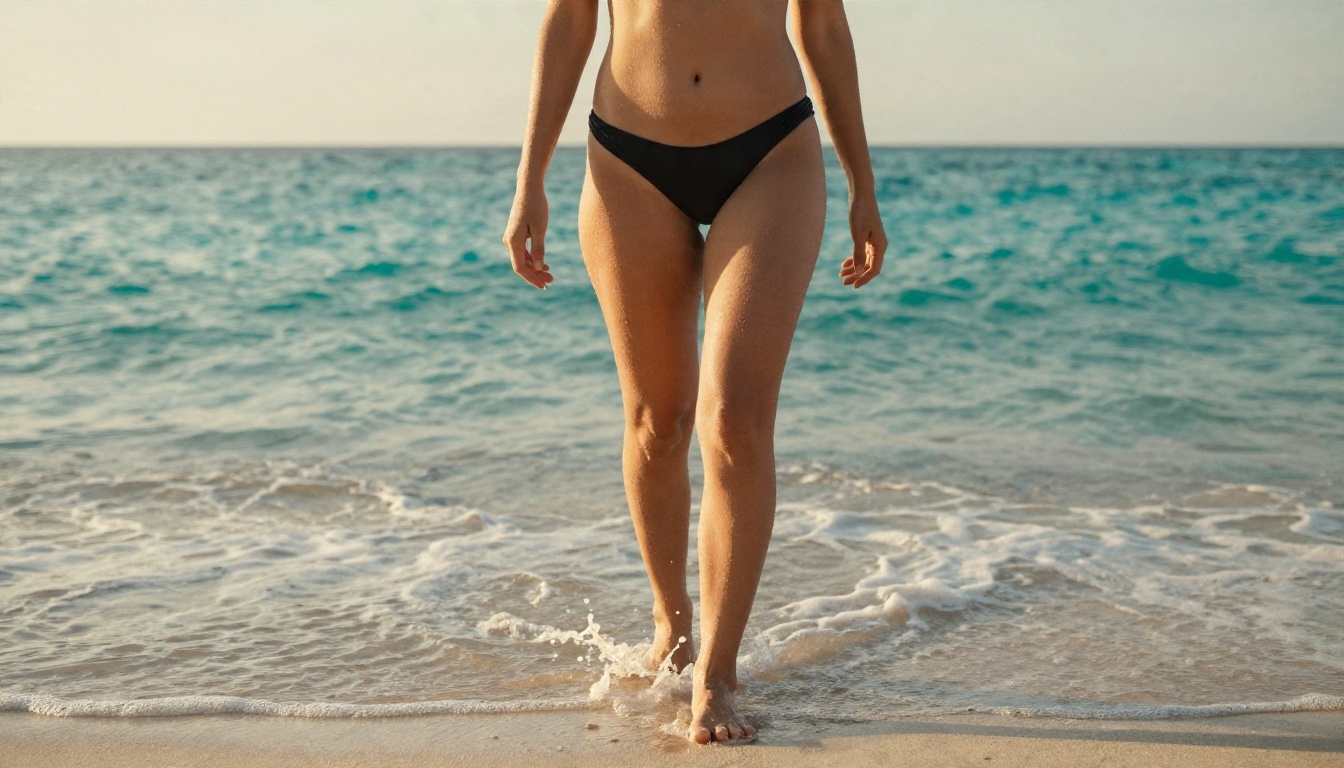
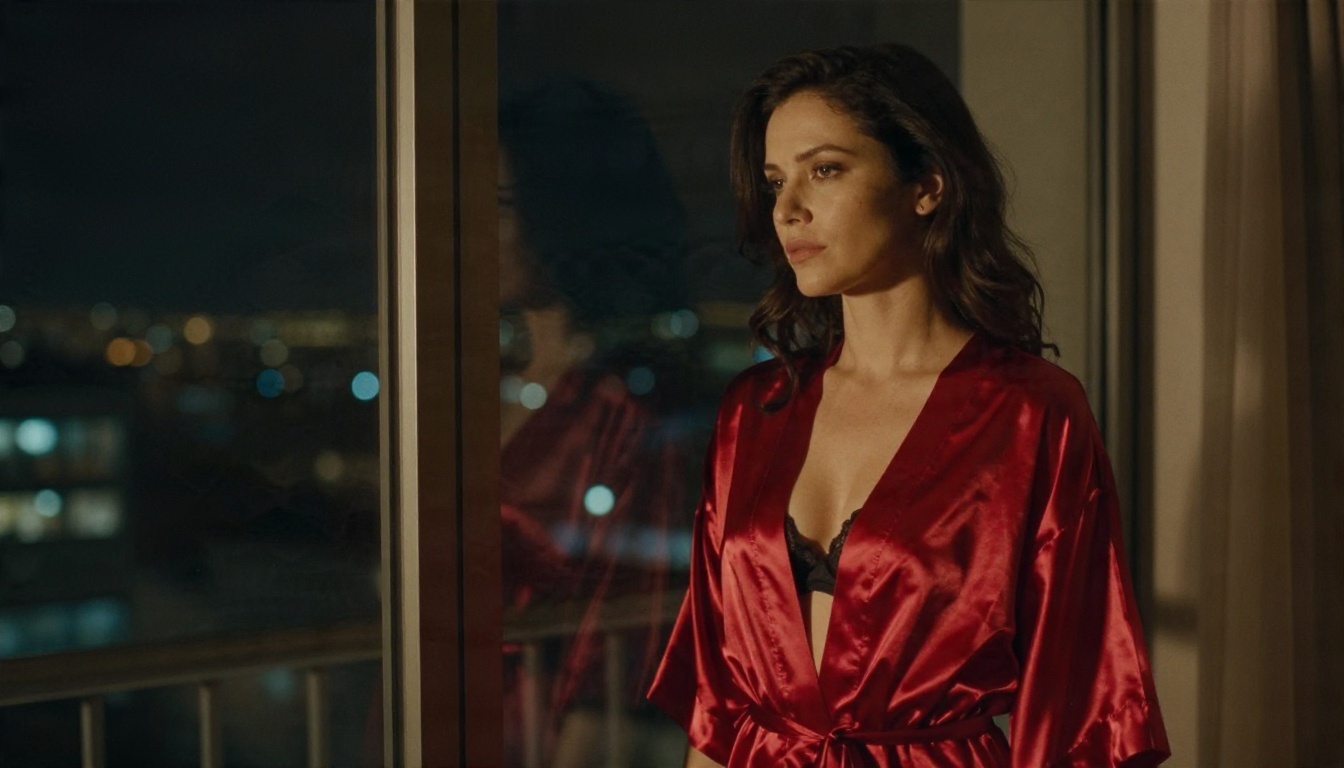
In practice, Hunyuan Video 1.5 is competent with fashion, swimwear and glamour: a woman walking out of surf, a slow turn in a silk robe, hair moving in wind. Fabric, water and light are its strengths. It struggles the moment a prompt demands complex skin-on-skin contact, fast body movement or precise anatomy, which is also where outputs get unsettling.
What Works Well
| Scene type | Result quality | Why |
|---|
| Beach or pool, slow walk | High | Simple motion, strong water and light physics |
| Silk robe, window light | High | Fabric movement is well represented |
| Portrait with slight head turn | High | Small motion, stable face |
| Dancing in a field | Medium | Wind and fabric hold, limbs sometimes blur |
| Fast movement or close contact | Low | Hands, limbs and anatomy distort |
What Falls Apart
Hands are still the weak spot. Anything that asks a hand to interact with skin, hair or fabric for more than a second tends to produce extra fingers or melting joints. Multiple people in one frame is the second failure point: faces drift and bodies merge. Keep to a single adult subject and a slow, simple action.
Prompts That Work
Hunyuan responds to long, structured prompts in plain English. Short prompts give generic output. The structure below is a reliable template for glamour and swimwear clips:
- Subject: age range, hair, outfit, skin detail
- Action: one slow movement over five seconds
- Setting: place, time of day, background detail
- Light: direction and quality
- Camera: lens, angle, movement
- Style: photographic, film stock, grain
Three Prompt Examples
Swimwear walk:
An adult woman in her late twenties in a black bikini walks slowly out of shallow turquoise water onto an empty beach at golden hour, wet skin catching warm backlight, hair slicked back, gentle foam around her ankles. Low angle, slow tracking shot, 35mm lens, natural film grain.
Boudoir mood:
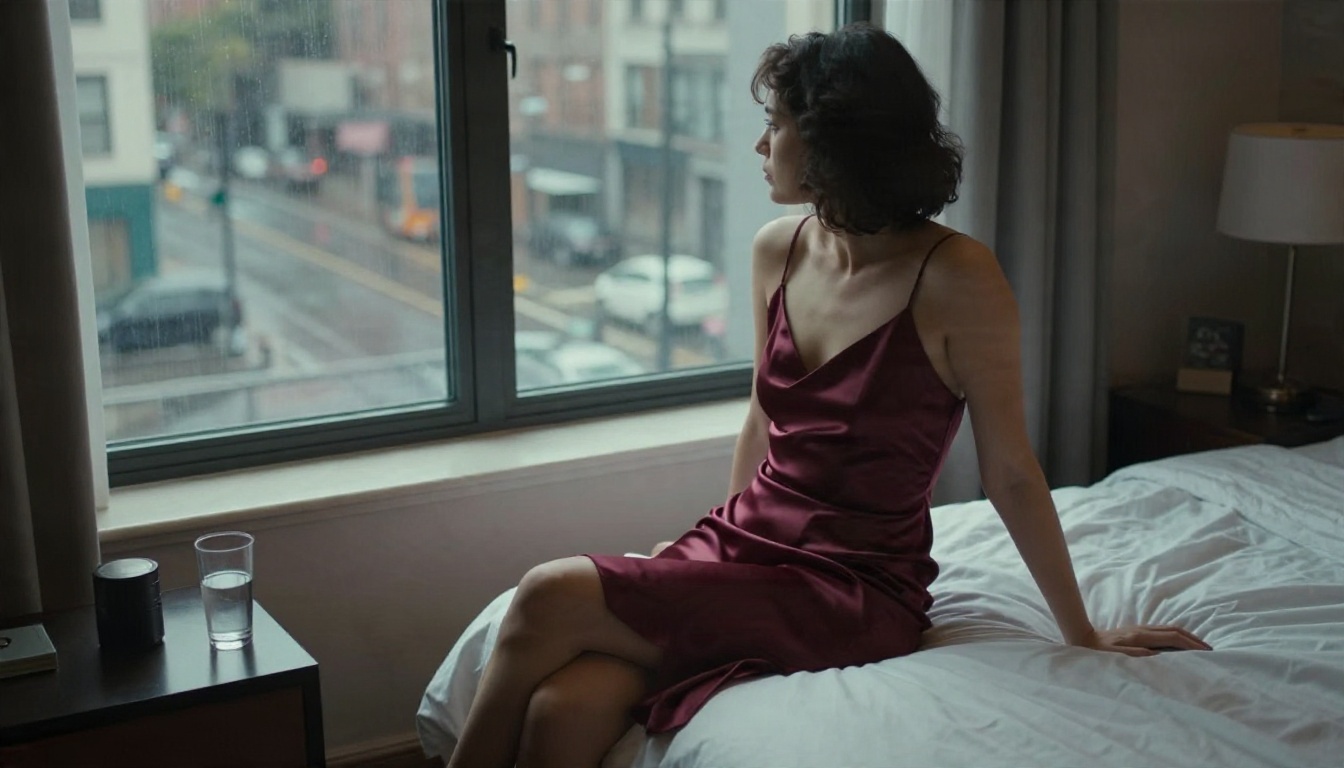
A woman in a satin burgundy slip dress sits on the edge of an unmade hotel bed and turns her head toward a rain-streaked window. Soft gray daylight from the right, shallow depth of field, slow push-in, 85mm lens, subtle skin texture.
Fashion portrait:
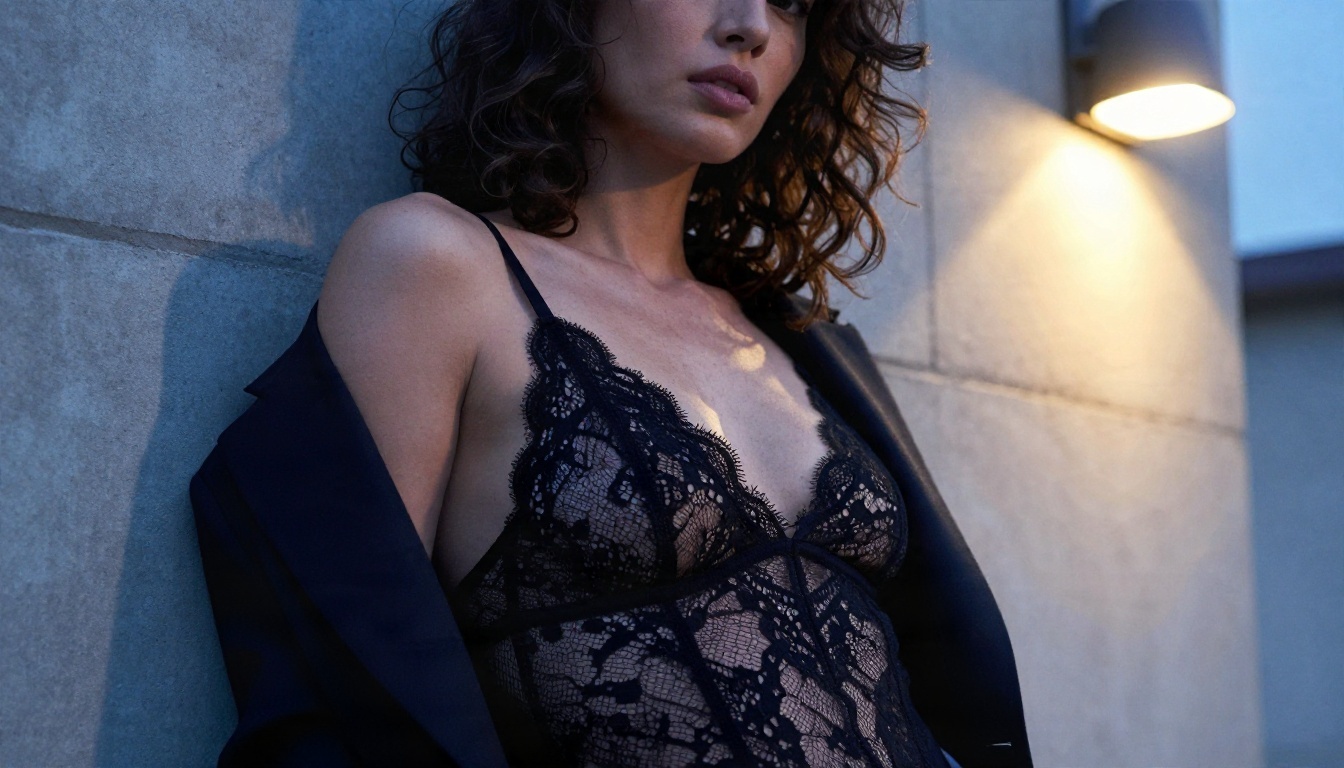
Close-up of a woman with dark curly hair in a black lace bodysuit under an open blazer, leaning against a concrete wall at dusk. Warm streetlamp light from the right, cool ambient light from the left. She lifts her eyes to the camera. Slow dolly-in, 105mm lens.
Negative Prompt Basics
Use a negative prompt to keep the model from drifting. A solid starting list: deformed hands, extra fingers, distorted face, blurry, low resolution, watermark, text, flickering, jitter, cartoon, plastic skin. Do not stack fifty terms. A short, clean negative prompt beats a long one.
Settings Worth Starting From
These are starting points, not rules. Tune them against your own hardware and the clip you are making.
| Setting | Starting value | Notes |
|---|
| Resolution | 480p for tests, 720p for finals | 720p costs far more memory and time |
| Frames | 121 (about 5 seconds) | Fewer frames means faster tests |
| Steps | 30 to 50 | Below 25, skin turns waxy |
| Guidance scale | 5 to 7 | Higher values oversaturate skin |
| Seed | Fixed while iterating | Change one variable at a time |
| Offloading | On if under 24 GB VRAM | Slower, but avoids out-of-memory errors |
Image to Video Beats Text to Video
For people clips, image-to-video is the better route. You control the face, outfit and composition in a still image first, then ask the model to animate it. Text-to-video rolls the dice on all of that at once. The still frame also becomes your quality gate: if the image is not right, you never spend GPU time animating it.
Speed and Hardware Reality
Expect long waits. On a 24 GB card at 720p with 50 steps, a single five-second clip takes several minutes, and every failed attempt costs the same. Cards with 12 GB or less need quantized builds and aggressive offloading, and quality takes a hit. This is the hidden price of "free": your time and your electricity.
The Real Limits
Here is where the hype ends.
Anatomy and Motion
Open video models at this size still cannot hold complex anatomy through fast motion. Slow, single-subject clips look good. Anything energetic breaks down within two seconds.
Clip Length and Audio
Clips top out around five seconds. There is no native audio in the base model, so anything with ambient sound, breathing or music needs a second tool. Several current hosted video models generate synchronized audio in the same pass.
Licensing and Consent
Two lines matter more than any setting:
- Never use a real person's face or likeness without their consent. This includes celebrities, coworkers and exes. Face-swapped adult content of real people is harmful and, in many countries, illegal.
- Keep every subject clearly an adult. No exceptions, no ambiguity in prompts or reference images.
The Hunyuan Community License also limits where and how the model may be used. Read it before publishing anything.
💡 Rule of thumb: If you would not be comfortable explaining the clip to the person in it, do not generate it.
Alternatives That Run in Your Browser
If you want the result without a GPU, a driver install, a model download and a queue of failed renders, a hosted workflow gets you there faster. The best approach mirrors the image-to-video route above: build a strong first frame, then animate it.
Seedream 4.5 for the First Frame
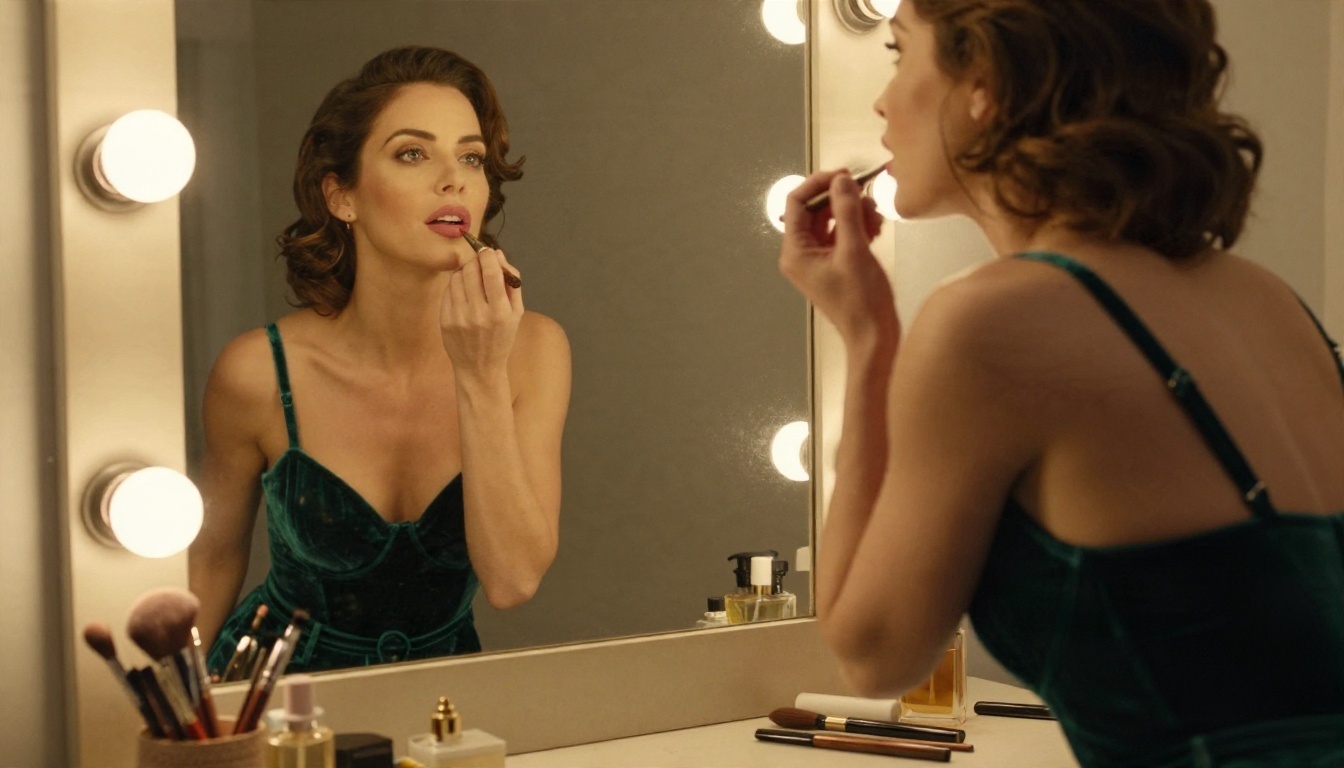
Seedream 4.5 is the strongest starting point for glamour, swimwear and boudoir stills. It renders skin texture, fabric and lighting with a photographic finish, outputs up to 4K, and lets suggestive but non-explicit scenes through without the refusals you get from more locked-down tools. Generate your frame here, then take it to video.
Image Editor Pro for Unlimited Iterations
PicassoIA Image Editor Pro offers unlimited generations, which changes how you work. You can try ten outfits, five lighting setups and three crops without watching a counter. It also edits: change a robe color, fix a hand, adjust a background, all on the same frame before you animate it.
Video Models for Motion
Once you have the frame, these video models pick up the motion:
| Model | Best for | Link |
|---|
| Seedance 2.5 Lite | Free, unlimited clips up to 10 seconds | Open model |
| Wan 2.5 I2V Fast | Fast image-to-video from a still | Open model |
| Seedance 1.5 Pro | Text or image to video with audio | Open model |
| Wan 2.5 T2V | Text-to-video without a source image | Open model |
How to Get Similar Results on PicassoIA
Hunyuan Video 1.5 is not on PicassoIA, so here is the workflow I would use with Seedream 4.5 and a video model to get the same kind of clip.
Step 1: Write the Frame Prompt
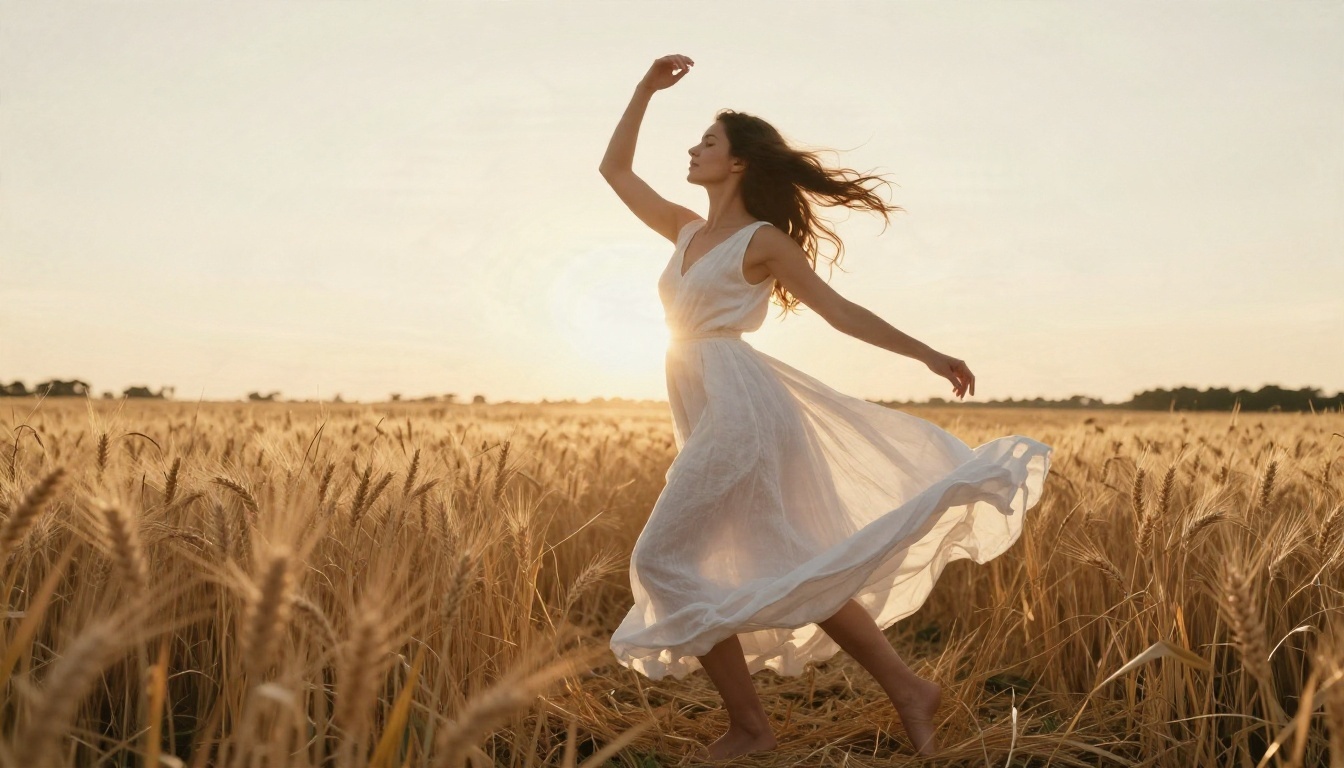
Use the same six-part structure from the prompts section. Be specific about light direction, lens and skin texture. Example: Adult woman in a white linen dress in a sunlit wheat field at sunrise, low backlight, 35mm lens, natural film grain. Set the aspect ratio to 16:9.
Step 2: Refine in Image Editor Pro
Open Image Editor Pro and fix what bothers you: hands, a stray strap, a background object. Since generations are unlimited, do not settle for a frame that is 80 percent right.
Step 3: Animate the Frame
Send the final still to Wan 2.5 I2V Fast or Seedance 2.5 Lite. Describe one slow motion: a head turn, a step forward, wind through fabric. Add a camera move such as a slow push-in.
Step 4: Tune and Repeat
If the motion is too strong, shorten the action in your prompt. If the face drifts, simplify the pose and drop extra subjects. Keep prompts short in the video step, since the image already carries the detail.
Local or Hosted: Which Fits You
| Factor | Hunyuan Video 1.5 local | Hosted on PicassoIA |
|---|
| Upfront cost | GPU with 14 GB or more | None |
| Setup time | Hours | Minutes |
| Clip time | Several minutes per attempt | Seconds to a couple of minutes |
| Privacy | Fully local | Account-based |
| Iterations | Limited by your time | Unlimited with Image Editor Pro |
| Audio | None in base model | Available in some video models |
| Quality control | Manual | Frame-first workflow |
Run it locally if you enjoy tinkering, already own the hardware and want complete control over weights and LoRAs. Go hosted if you care about the finished clip more than the pipeline.
Common Mistakes to Skip
- Prompting for fast, complex motion in a five-second clip
- Skipping the still-image step and gambling on text-to-video
- Writing a 200-word negative prompt
- Using reference photos of real people you do not have permission to use
- Judging a model from a single lucky render
Try Your Own Clip
You now know what Hunyuan Video 1.5 can and cannot do: open weights, no hosted filter, decent swimwear and fashion motion, weak anatomy under stress, and a hardware bill you pay in time. If you would rather skip the downloads and render queues, open Seedream 4.5, build a first frame, polish it in Image Editor Pro, and animate it with Seedance 2.5 Lite.
Start with one prompt from this article and change a single detail each time: the light, the lens, the outfit. Ten tries later you will have a feel for what works. When you want to try other options, browse everything at picassoia.com/en/all-models and pick the model that fits the look you are after.


