Most people who search for Hunyuan Video NSFW want one thing: a text to video model that will actually render a suggestive, glamour style scene without a lecture or a wall of blocked prompts. The honest answer is mixed. The model is capable, the weights are open, and you can try it online for free. But what you get depends heavily on where you run it, how you write the prompt and which settings you choose.
This article gives you the practical version. You will see the free routes, a prompt formula that holds up, a settings table you can copy and the limits that will save you from wasting an evening. Everything here stays on the suggestive, non-explicit side: swimwear, lingerie style fashion, boudoir lighting and glamour mood. That is also where video models behave best.
💡 Quick answer: Hunyuan Video is a text to video model you can try free online on PicassoIA. For the best suggestive results, build a strong still image first with Seedream 4.5, then use Hunyuan Video for motion tests.
What Hunyuan Video Actually Is
Hunyuan Video is a text to video model from Tencent. You type a scene description, and it returns a short clip with natural motion, lighting and camera movement. It sits in the same family of tools as Wan, Kling and Hailuo, but it has one trait that made it popular with hobbyists: the weights were released openly.
Open Weights in Plain Terms
"Open weights" means the trained model files are public. Anyone with enough GPU memory can run them at home, and hosting sites can offer them online. That is why you see so many "free Hunyuan Video" pages. Some are real hosted tools, some are thin wrappers around a trial, and a few are traps that collect email addresses.
Open weights also explain why the model has a reputation for flexibility. A hosted service decides its own content rules. A copy running on your own machine follows whatever rules you set. Hosted versions each apply their own filters, and I could not confirm a single universal policy, so treat any claim of "totally uncensored" with suspicion until you test it yourself.
Which Version You Are Getting
There are two generations worth knowing about:
| Version | Size | Native output | Notes |
|---|
| Original HunyuanVideo | About 13B parameters | Higher memory demand | The model that started the wave |
| HunyuanVideo 1.5 | About 8.3B parameters | 480p or 720p, with upscaling toward 1080p | Lighter, built to run on consumer GPUs |
The 1080p output of the newer release comes from a separate super resolution step, not from the base generation. Clips are short, usually around five to ten seconds depending on the host. Do not mix the specs of the two versions when you compare sites.
Free Online Options That Work

You have three realistic routes. Each trades money, time or control.
Free to Try on PicassoIA
The quickest path is the hosted Hunyuan Video page on PicassoIA. It runs in the browser, needs no installation and exposes the settings that matter: frame rate, width, height, frame count, denoising steps and seed. You can start a clip in under a minute and iterate on the same prompt with different seeds.
This route is best when you want to test prompts and see whether the model suits your style before you commit anywhere else.
Running the Weights at Home
If you own a recent GPU with plenty of memory, you can run the open weights locally. The software is free, but the cost shows up elsewhere:
- Hardware: the lighter 1.5 release is friendlier, but a clip can still take several minutes.
- Setup time: drivers, dependencies and a node based interface take an afternoon the first time.
- Control: you decide the rules, and you carry all the responsibility for what you generate.
For occasional use, hosted generation is faster. For heavy batch work, local runs can pay off.
Free Tier Traps to Avoid
| Red flag | What usually happens |
|---|
| "Unlimited free NSFW video" with no sign up details | Hidden watermark, queue of hours, or a paywall after the first clip |
| Requires a download to "activate" | Security risk, skip it |
| No mention of resolution or clip length | Output is usually 256p or a slideshow |
| Asks for payment details for a "free" trial | Recurring charge you will forget about |
💡 Rule of thumb: a trustworthy tool tells you the resolution, the clip length and the limits up front. If those three facts are missing, close the tab.
Prompts That Work for Suggestive Clips
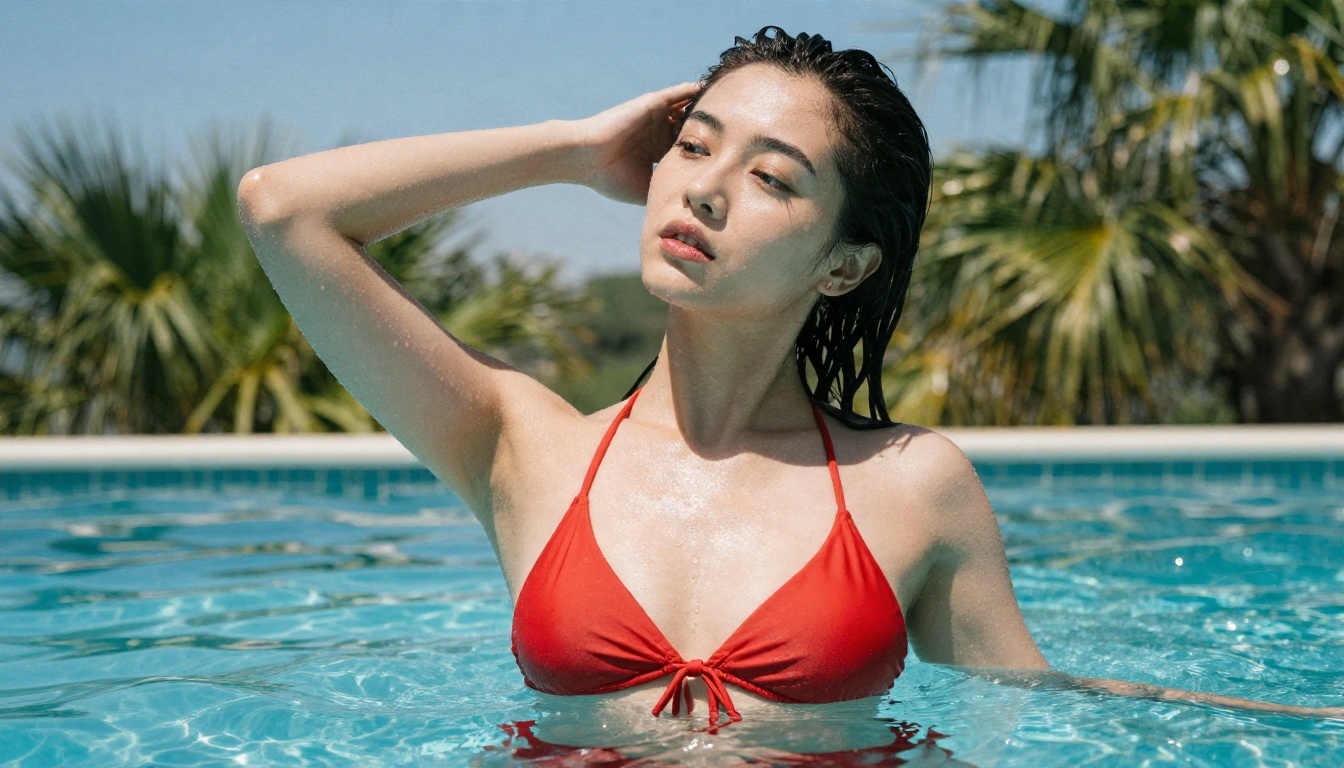
Hunyuan Video responds to prompts that read like a shot description, not a list of tags. Think of yourself as a director writing one line for a camera operator.
The Five Part Formula
Write in this order:
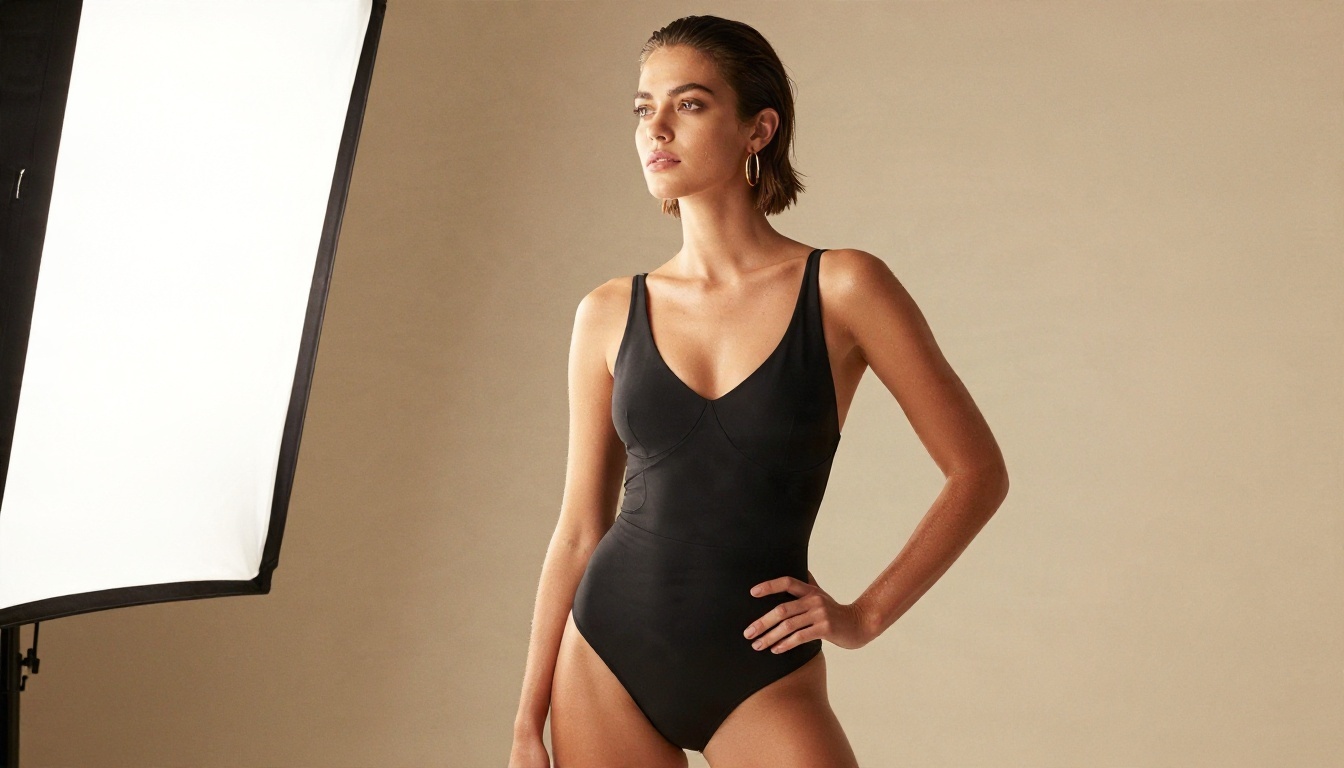
- Subject: who is on screen and what they wear (a woman in a black one piece swimsuit).
- Action: one simple movement (brushes wet hair back, turns toward the camera).
- Setting: place and time of day (villa terrace, golden hour).
- Camera: movement and lens feel (slow push in, shallow depth of field).
- Look: film style and light (warm sunlight from the left, fine film grain, realistic skin texture).
One action per clip is the rule that matters most. A five second video cannot hold a walk, a turn, a laugh and a costume change. Pick one.
Prompt Examples to Copy
| Mood | Prompt |
|---|
| Poolside glamour | A woman in a red bikini top stands waist deep in a clear pool, slowly brushing wet hair back, sunlight sparkling on the water, slow push in camera, shallow depth of field, realistic skin, film grain |
| Boudoir morning | A woman in a cream silk robe sits on a velvet sofa by a window, turns her head toward soft morning light, gentle handheld camera, warm tones, natural skin texture |
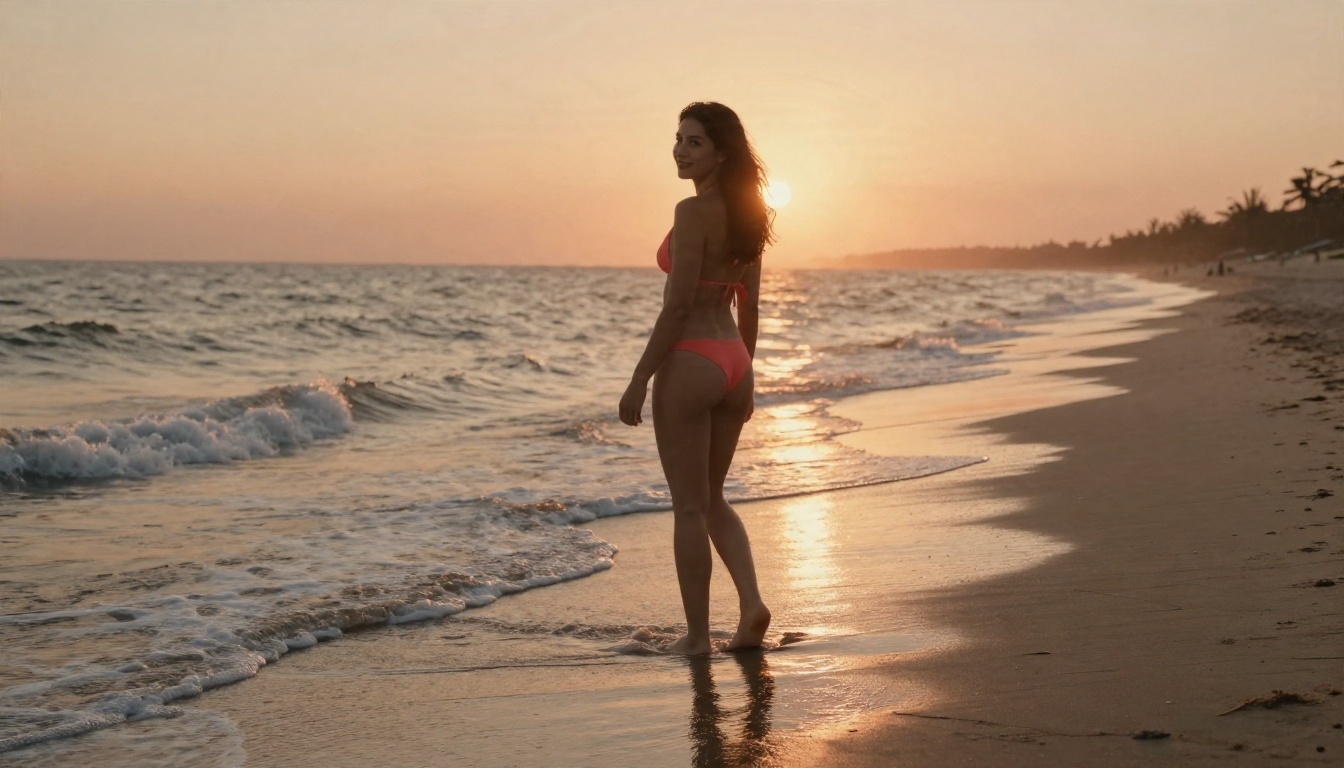
| Beach sunset | A woman in a coral bikini walks along the wet shoreline at sunset, looks over her shoulder and smiles, low tracking shot, glowing rim light, foam around her ankles |
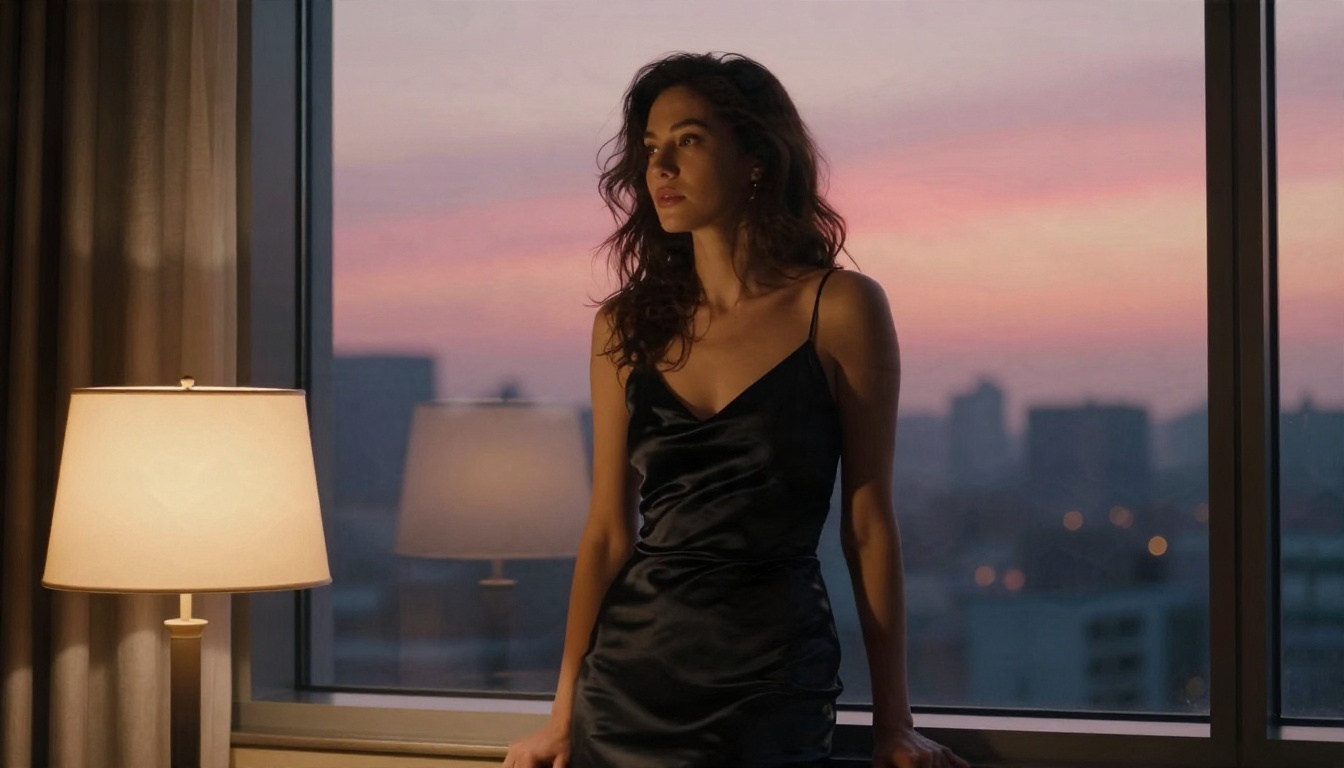
| Evening hotel | A woman in a black satin slip dress stands at a tall hotel window at dusk, hair moving slightly, slow lateral camera move, city glow in the background |
Words That Waste Frames
Skip these. They add nothing or confuse the model:
- Long lists of quality tags like "masterpiece, 8k, ultra detailed" repeated five times.
- Several characters doing different things at once.
- Fast action such as dancing, running or spinning, which produces warped limbs.
- Text on screen, which comes out garbled.
Calm, readable motion looks better and stays closer to the prompt.
Best Settings and Why
The hosted Hunyuan Video page exposes eight inputs. Here is what each one does and what to use.
The Settings Table
| Setting | Default | Suggested use |
|---|
| Prompt | A cat walks on the grass | One subject, one action, one camera move |
| Width / Height | 864 x 480 | Keep defaults for drafts, raise for finals (values must divide by 16) |
| Video length (frames) | 129 | 49 for quick tests, 129 for about 5 seconds at 24 fps (must be 4k+1) |
| FPS | 24 | Leave at 24 for a filmic look |
| Inference steps | 50 | 30 for drafts, 50 for finals |
| Embedded scale | 6 | Stay between 5 and 7 so the clip follows the prompt without looking brittle |
| Seed | Random | Fix it once you like a result, then change only the prompt |
💡 Workflow tip: run drafts at 49 frames and 30 steps. A clip that fails at that size will not be rescued by a longer, slower run.
Resolution and the 720p Target
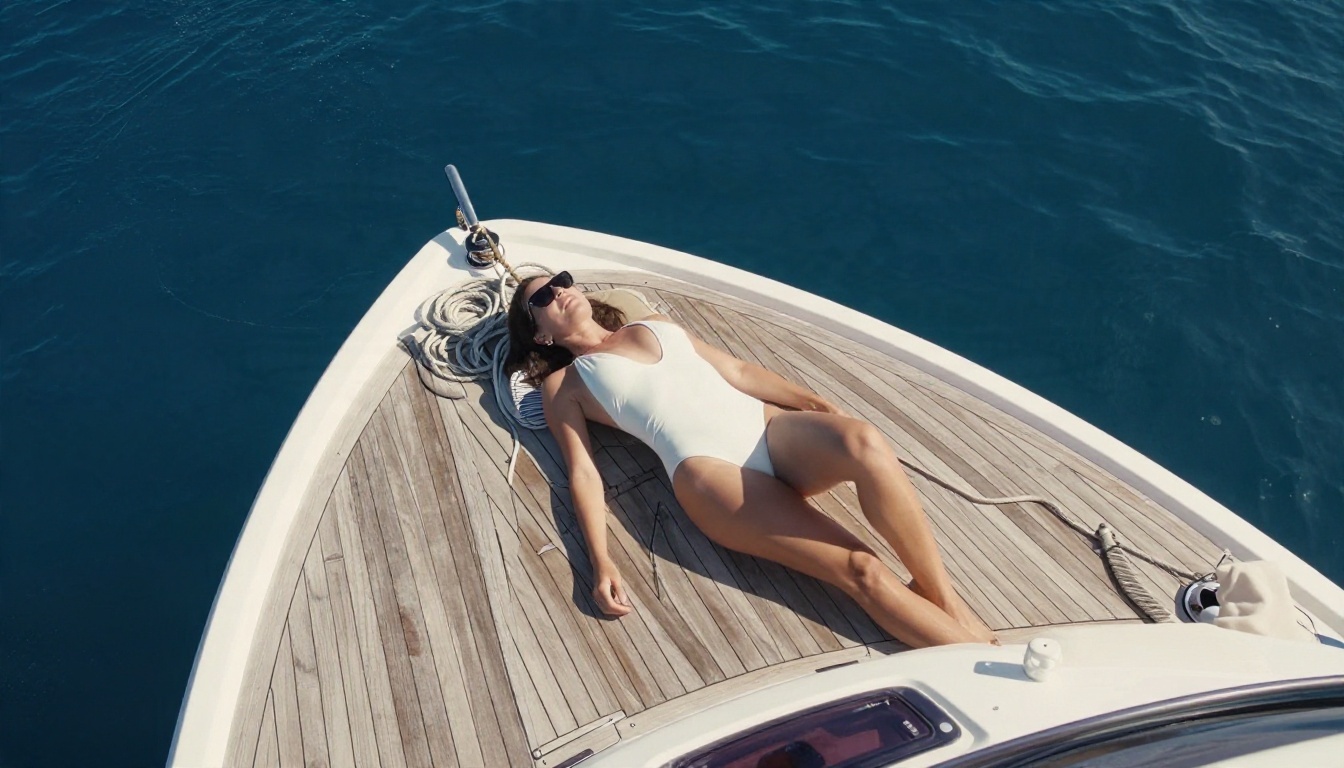
The model family was built around 480p and 720p. For a 720p wide clip, set width to 1280 and height to 720, which both divide by 16. Expect longer generation time than the 864 x 480 default, and expect some drift in fine detail like jewelry and fabric edges. If a 720p result looks soft, a video upscaler is a better fix than pushing the step count higher.
Wide shots with open space, like a yacht deck or a beach, hold up well at higher resolution because there are fewer tiny details to get wrong. Tight close ups of hands and faces are harder.
Real Limits to Expect
Every video model has edges. These are the ones you will notice first with Hunyuan Video.
Clip Length
At 24 fps, 129 frames is about 5.4 seconds. That is a single beat, not a scene. Plan on stitching several clips in an editor if you want a longer sequence, and reuse the same seed and a very similar prompt to keep the look consistent.
Hands, Faces and Fabric
Three trouble spots show up again and again:
- Hands: fingers can merge or flicker, so keep them out of focus or out of frame.
- Faces in motion: quick head turns cause identity drift. Slow, small movements are safer.
- Thin fabric and water: sheer material and splashing water can shimmer. Soft light and gentle motion hide it.
Content Boundaries
A hosted model follows the rules of the host. Some sites filter suggestive prompts, some do not, and none of them publish the exact list. Prompts built around swimwear, boudoir style fashion and glamour portraits are the most reliable. Explicit material is a different matter: it is outside what this article covers, and it is the fastest way to get an account flagged on most platforms.
Also keep consent and age in mind. Only generate fictional adult characters. Never use a real person's likeness without permission.
How to Use Hunyuan Video on PicassoIA

Here is the shortest route from idea to first clip on the Hunyuan Video page.
- Open the model page and sign in. Trying it is free.
- Write the prompt using the five part formula. Keep it to one subject and one action.
- Set the frames to 49 for a first test. Leave FPS at 24.
- Pick the size. Start at 864 x 480. Move to 1280 x 720 only when the motion looks right.
- Set steps to 30 for a draft.
- Leave the seed empty for the first run, then note the seed of any clip you like.
- Generate and review. Look at the hands, the face and the edges of fabric.
- Refine one thing at a time. Change the prompt or the seed, never both.
- Run the final at 129 frames and 50 steps once the draft is solid.
💡 Seed discipline: if you change the seed and the prompt together, you cannot tell which change caused the improvement. Change one variable per run.
Better Stills First, Then Motion
Text to video is a gamble on every run. A cleaner workflow is to lock the look with an image, then add motion. It is also cheaper, because you can reject a bad still in seconds.
Start With Seedream 4.5
Seedream 4.5 is the first model to try for suggestive, photorealistic stills. It produces sharp skin texture, believable fabric and clean lighting, and it handles swimwear and boudoir scenes without the refusals that some newer models throw. Describe the outfit, the light and the lens, and you get a reference frame you can trust.
Refine With Image Editor Pro
PicassoIA Image Editor Pro is built for edits and comes with unlimited generations, which makes it ideal for the fixing stage. Change a swimsuit color, soften the background, correct a hand or adjust the lighting, all without watching a credit counter. Fast, unlimited iteration is the real advantage here.
Animate With an Image to Video Model
Once the still looks right, animate it. Wan 2.5 I2V Fast turns a single image into a clip quickly, Kling v2.5 Turbo Pro is strong on smooth camera moves, and Hailuo 2.3 Fast animates photos with short render times. Because the first frame is already approved, the face and outfit stay consistent.
💡 Which one first? If you only have ten minutes, make a still with Seedream 4.5, fix it in Image Editor Pro and animate it. That order gives the most predictable result.
Try Your Own Clips Today
You now have the full picture. Hunyuan Video is free to try online, rewards short and calm prompts, works best at 49 frames for tests and 129 frames for finals, and has clear limits around clip length, hands and host rules.
The fastest way to see how it fits your style is to run a test. Open Hunyuan Video on PicassoIA, paste one of the prompts above and compare a draft with a final. Then build a reference still with Seedream 4.5, polish it in PicassoIA Image Editor Pro and animate it.
When you want more options, browse every available model at picassoia.com/en/all-models. Pick a scene, write one clean prompt and make your first clip tonight.


