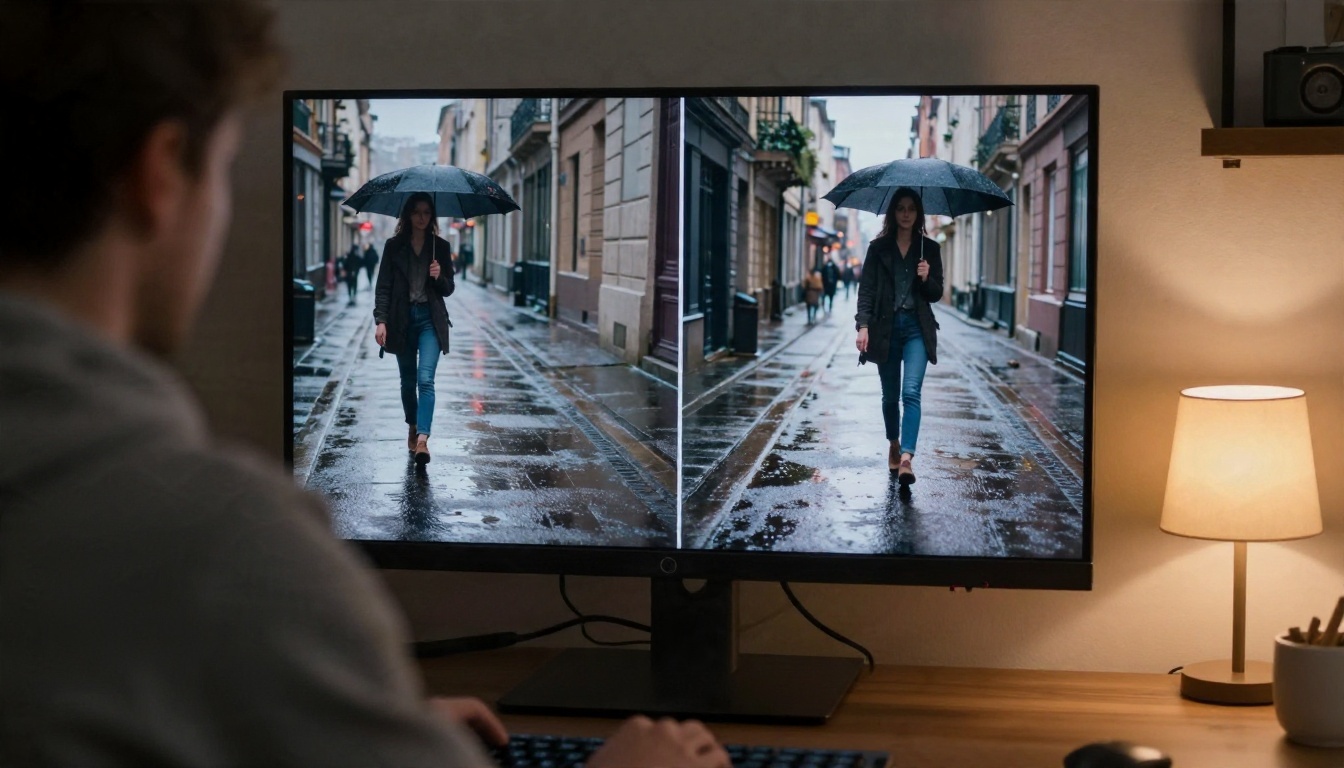
Every few weeks someone posts two clips side by side, one from Hunyuan, one from Wan, and the comments turn into a war. One camp swears Hunyuan has the cleaner motion. The other says Wan follows prompts better and runs on almost anything. Both camps are partly right, and both skip the questions people actually type into search: is it uncensored, can I use it for free, how do I write the prompt, and where does it break?
This article answers those four questions for Hunyuan Video (Tencent) and the Wan family (Alibaba), with practical settings you can copy today.
💡 Short answer: Wan has more versions and more ways to run it. Hunyuan has a lean, text-to-video workflow that is easy to tune. Neither is magic, and "uncensored" means something different depending on where you run it.
Hunyuan vs Wan at a Glance
Before the details, here is the side by side view. I am comparing the model families as they are used in 2027, not one single checkpoint, because Wan in particular ships in many sizes.
| Topic | Hunyuan Video | Wan (2.1, 2.2, 2.5) |
|---|
| Maker | Tencent | Alibaba |
| Weights | Open | Open (Wan 2.2 is under Apache 2.0) |
| Main strength | Smooth, physically plausible motion | Prompt following, many variants |
| Typical modes | Text to video | Text to video, image to video, audio-driven |
| Hardware floor | Around 14 GB VRAM for the 1.5 release with offloading | Anywhere from 8 GB (small quantized builds) to 60 GB+ (full precision large builds) |
| Best for | Cinematic single shots | Image animation and quick drafts |
Community arena ratings put the newer Hunyuan Video 1.5 slightly ahead of Wan 2.2 in both text to video and image to video. The margins are small, so treat them as a tie that depends on your subject, not a verdict.
What Each Family Actually Is
Hunyuan Video started as a large open text-to-video model and later received a lighter 1.5 release aimed at consumer graphics cards. It tends to produce calm, believable camera motion and handles lighting well.
Wan is less a single model than a whole shelf. You will see Wan 2.1 (480p and 720p), Wan 2.2 (a 14B mixture-of-experts design plus a small 5B version), and Wan 2.5 with faster variants. Some are text to video, some are image to video, and Wan 2.2 S2V adds audio-driven clips.
Is It Really Uncensored?
This is the question behind most searches, so let me be direct and careful.
Weights vs Services
An open-weights model is just a file. The file itself does not contain a content filter the way a web app does. If you run Hunyuan or Wan on your own machine, nobody sits between your prompt and the model. That is the origin of the word "uncensored" in forum threads.
But two things limit that freedom:
- Training data. A model renders best what it saw during training. Developers curate that data, and what was filtered out shows up as weak or distorted results. Skin, anatomy and certain actions often look off in base models for exactly this reason.
- The service you use. If you run either model through a hosted website, that site applies its own rules. Your prompt may be refused, rewritten or blurred before you see the result.
One community blog describes Hunyuan Video 1.5 as having minimal censorship on consumer GPUs. I could not find a matching claim for Wan 2.2, and I would treat any single blog as opinion, not a test. The honest summary: local runs have no platform filter for either model, and the quality of edgy content depends on training, not permission.
What Adult Creators Actually Want
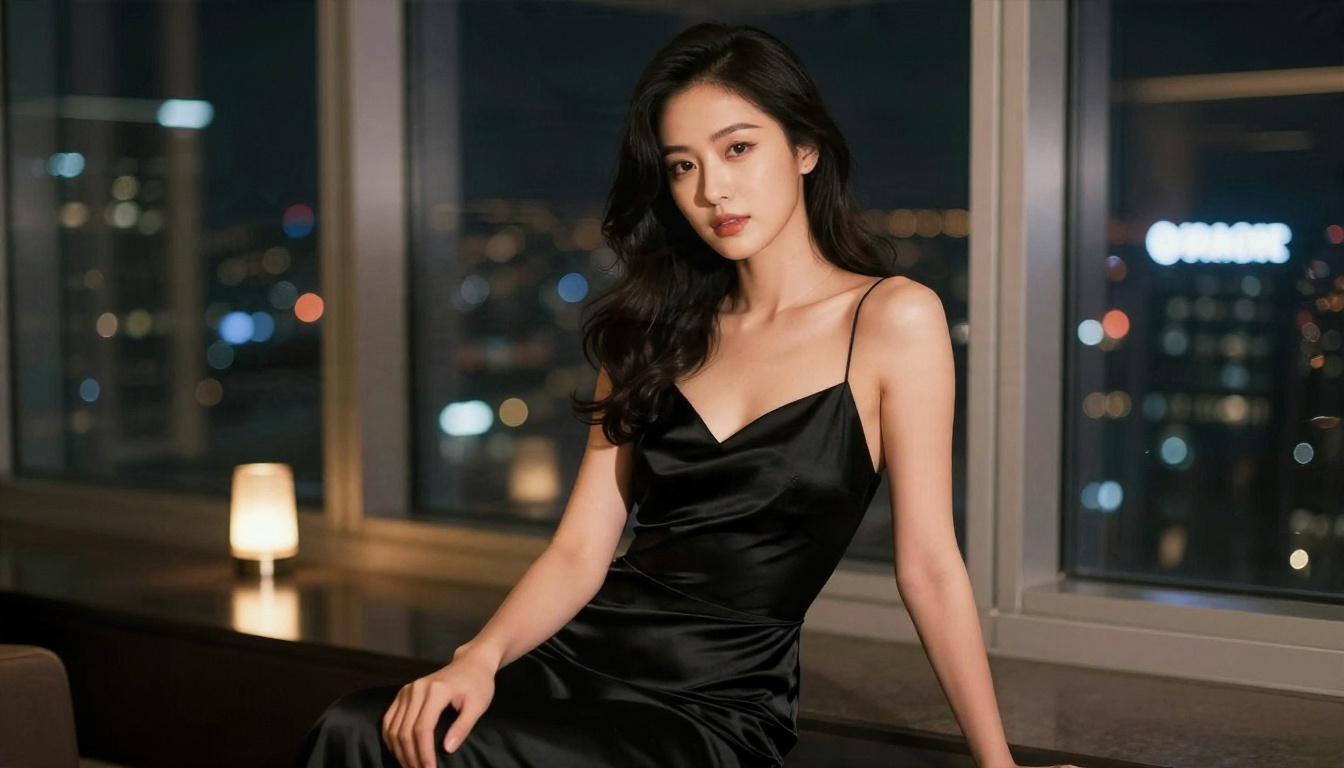
Most people asking about "uncensored" are not after anything extreme. They want sensual, glamour-style content: a woman in a satin dress, a beach scene, a boudoir mood, without a filter flagging a swimsuit. That is a style question more than a permission question, and it is where the still image stage matters.
A practical workflow that works well:
- Build the look as a still first with Seedream 4.5, which handles skin texture and lighting very convincingly.
- Refine details, outfits and framing with PicassoIA Image Editor Pro, which offers unlimited generations so you can iterate without counting credits.
- Animate that still with an image-to-video model such as Wan 2.2 I2V A14B.
Starting from a good still gives you control over the face, wardrobe and mood before a single frame of video is rendered. It is also far cheaper than rerolling video clips.
💡 This article stays with non-explicit, glamour-level content. Fully explicit video is a separate topic, and results with open models are inconsistent anyway.
Free Use: What That Really Means
"Free" can mean three different things, and mixing them up wastes time.
| Route | Cost | Catch |
|---|
| Run locally | Free software, but you pay for the GPU and electricity | Needs 14 GB+ VRAM for comfortable Hunyuan, varies for Wan |
| Free tiers on hosted sites | Free to try | Limited credits, queue times, usage rules |
| Open-source demos | Free | Unstable, often rate limited |
Running Locally
Hunyuan Video 1.5 is commonly cited at around 14 GB of VRAM with offloading. Wan is flexible: the 5B Wan 2.2 build can run from roughly 8 GB with quantization and memory offloading, while the full 14B builds want a workstation card. Reported numbers vary from source to source, so budget extra headroom.
Local also means setup: Python environments, node-based workflows, model downloads of tens of gigabytes. If you enjoy that, it is a fine hobby. If you just want clips, it is a detour.
Using Them in the Browser
The no-install route is a hosted library. On PicassoIA you can run Hunyuan Video, whose page describes it as free to try online, and several Wan versions including Wan 2.1 I2V 720p, which is labelled free on its page. Credit terms can change, so check the current limits on each model page before planning a big batch.

Prompts That Work in Each Model
Both models respond well to the same basic structure, but each has habits worth knowing.
The Formula
Write prompts in the order a camera operator would think:
Subject + action + setting + lighting + camera move + style cue
Example: A woman in a white linen shirt walks slowly through shallow turquoise water at sunrise, wind moving her hair, warm backlight, slow dolly-in, 35mm film look.

Hunyuan Habits
- Keeps best results with one clear subject and one clear action. Crowded scenes drift.
- Likes concrete lighting words: "golden hour", "overcast", "window light from the left".
- Add "realistic style" if you want to avoid a painted look. The default prompt on its model page even includes it.
- It is a text-to-video model, so there is no first-frame control. Your seed is your friend: keep a good one and change only one word at a time.
Wan Habits
- Image-to-video variants take the image as the first frame, so the prompt should describe motion only, not the scene again.
- Short, active verbs beat long adjective chains: "turns her head and smiles" beats "a beautiful emotional moment of joy".
- Camera words are respected: "slow pan right", "static shot", "low-angle push in".
- Wan 2.5 handles longer prompts better than 2.1, but extra detail past a few sentences rarely helps.
Quick Prompt Fixes
| Problem | Fix |
|---|
| Subject morphs mid-clip | Shorten the clip, simplify the action |
| Camera shakes | Add "static camera" or "tripod shot" |
| Flat lighting | Name a light source and direction |
| Plastic skin | Add "natural skin texture, film grain" |
| Wrong motion | Describe the end pose, not only the start |

How to Use Hunyuan Video on PicassoIA
Hunyuan Video on PicassoIA is a text-to-video model with a short list of controls, which makes it a good place to practice. Here is the workflow I recommend.
Step by Step
- Open the model page and write your prompt in the prompt box using the formula above.
- Set the resolution. The defaults are 864 by 480. Width and height must be divisible by 16, so 1280 by 720 works if you want a larger frame.
- Choose the frame count. The video length field takes a number of frames in the form 4k+1, for example 49 or 129. At 24 fps, 129 frames is roughly five and a half seconds, and 49 is about two seconds.
- Pick denoising steps. The default is 50. Drop it for fast drafts, raise it when you want sharper detail on a final take.
- Leave guidance near the default of 6 at first. Higher values follow the prompt more strictly but can look stiff.
- Set a seed once you like a result, so you can change only the prompt wording and compare fairly.
Parameter Cheat Sheet
| Setting | Draft | Final |
|---|
| Resolution | 864 x 480 | 1280 x 720 |
| Frames | 49 | 129 |
| Infer steps | 25 to 30 | 50 |
| Guidance | 6 | 6 to 7 |
| Seed | random | locked |
💡 Workflow tip: draft at 49 frames with fewer steps, pick the best of four, then rerun that exact seed at full settings.
Where Wan Fits In
If you want to animate a still, Wan is usually the first stop. Wan 2.2 I2V A14B turns a photo into HD video. Wan 2.5 T2V is the text-to-video option, and the Wan 2.5 T2V Fast and Wan 2.5 I2V Fast versions trade a little polish for speed. For smaller jobs, Wan 2.2 5B Fast makes 720p clips quickly, and Wan 2.2 S2V syncs video to audio.
Limits You Will Hit
No review of these models is honest without the failure list. Both families share most of it.
Clip Length
Expect clips of roughly two to ten seconds. Longer scenes are stitched together from several generations, and continuity between them is your job. Keep the same seed family, the same first frame, and the same lighting words.
Hands, Faces and Crowds
Hands still bend in odd ways during fast gestures. Faces drift when the subject turns away and back. Crowds blur into texture. Keep the subject large in frame and the action simple.
Text and Fine Detail
Signs, labels and screens turn to nonsense. If your shot needs readable text, add it in editing instead.
Resolution and Cost
Hunyuan at higher resolutions gets expensive on local hardware, and 720p is the realistic sweet spot for most people. Wan 2.1 at 480p is fast but visibly soft. If you need more sharpness, run the clip through an upscaler afterwards rather than raising the base resolution.
Rules Still Apply
Even with open weights, laws on likeness, consent and minors apply to what you make and publish. Do not generate real people without permission. A model that lets you type anything does not make everything acceptable.
Which One Should You Pick?
Here is the decision in plain terms.
Choose Hunyuan Video if:
- You write text prompts and want smooth, cinematic single shots.
- You like a small set of controls and repeatable seeds.
- Your hardware sits around 14 GB VRAM or higher.
Choose Wan if:
- You want to animate an existing image.
- You need a fast draft model or a small build for modest hardware.
- You want audio-driven clips or the newer 2.5 line.
Use both if you are serious. Generate a hero still, animate it with Wan, and compare it against a Hunyuan text-to-video take of the same idea. Pick whichever has cleaner motion. Newer models such as LTX 2.5 Fast are also worth a side test if you want 4K output in seconds.
Try Your Own Test Today
The fastest way to settle Hunyuan vs Wan is to run the same idea through both. Pick one scene, write one prompt, and generate it on each model with a locked seed. Ten minutes of testing will tell you more than a month of forum threads.
On PicassoIA you can do that without installing anything: build a still with Seedream 4.5, refine it in PicassoIA Image Editor Pro with unlimited generations, then animate it with Wan or write a fresh text prompt for Hunyuan Video. For more options in every category, browse the full library at picassoia.com/en/all-models and run your own comparison.


