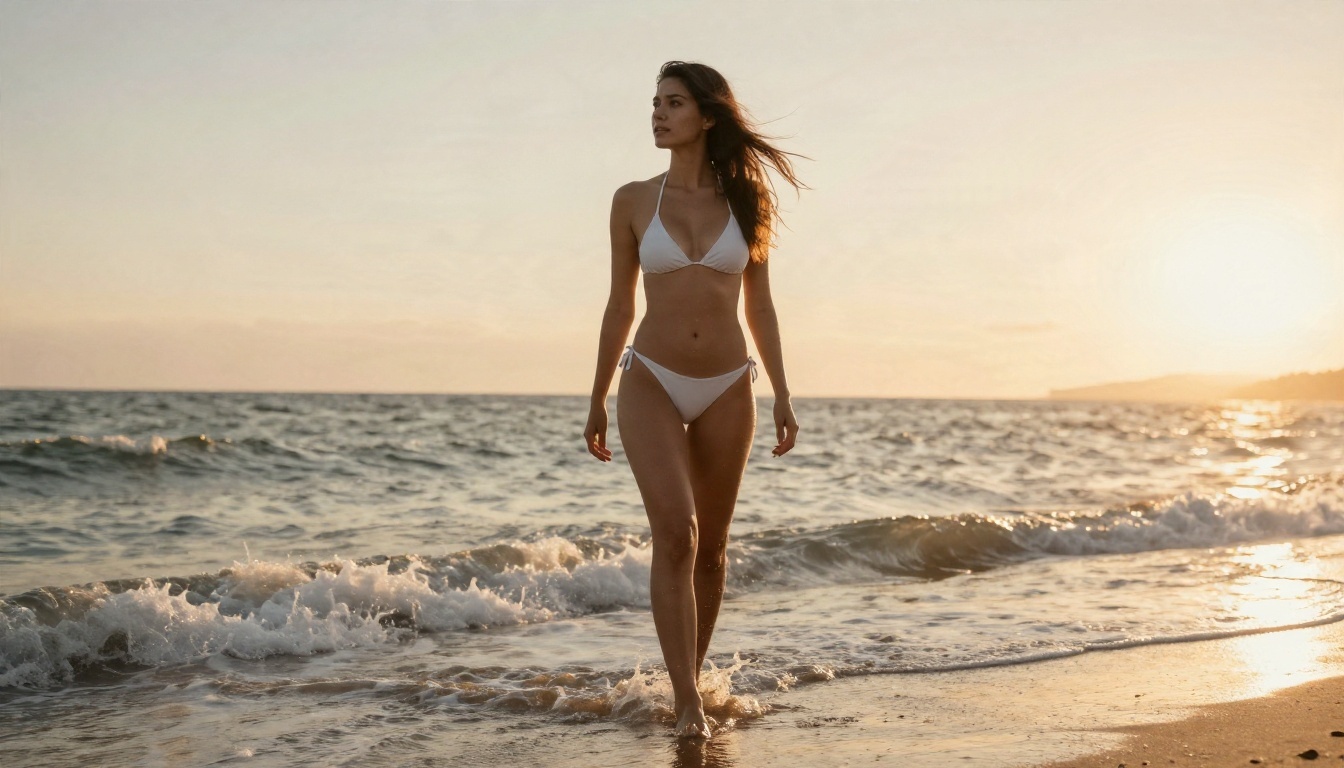
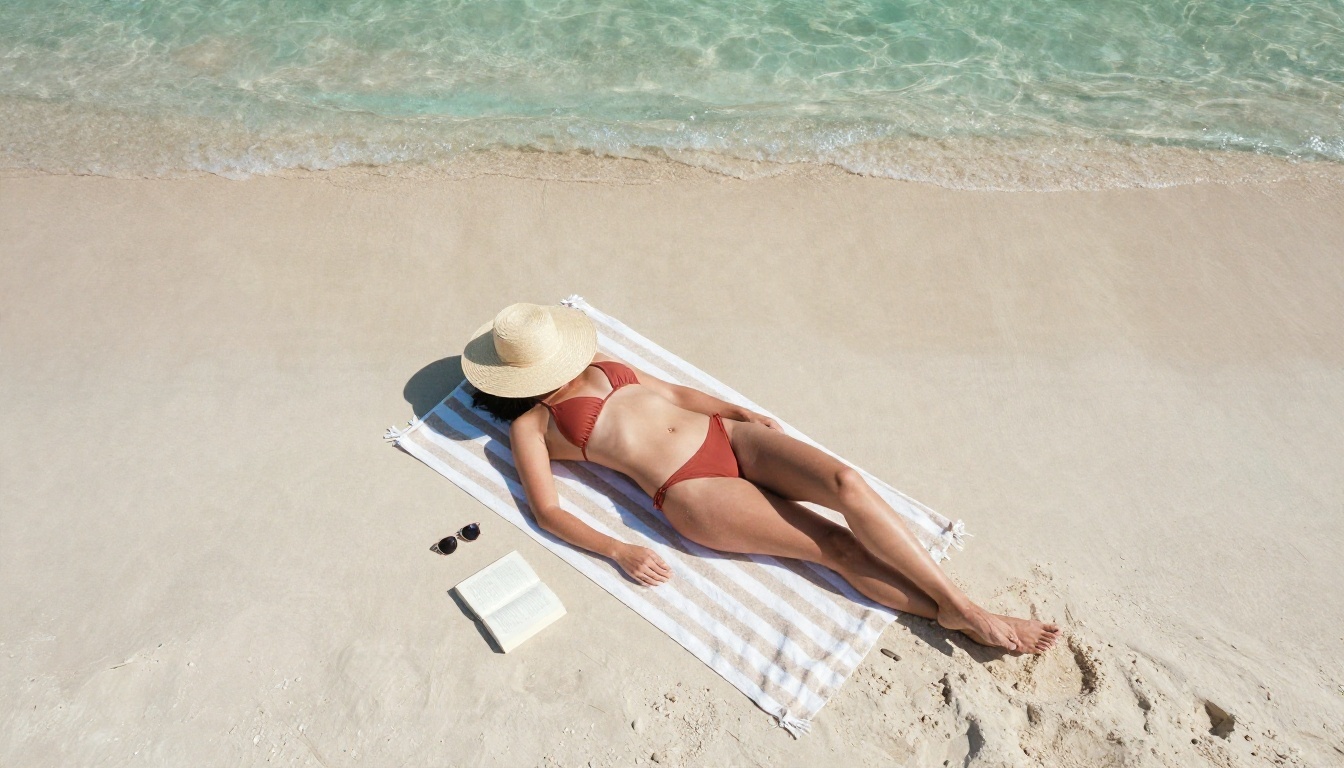
You have a photo you love. A woman in a bikini on a windy beach, a satin dress by a window, a glamour portrait with perfect light. Now you want it to move: hair lifting in the breeze, curtains drifting, a slow camera push toward her face. That is image-to-video, or I2V, and in 2027 you can do it for free with surprisingly good results. The catch is that "free" hides limits, and "NSFW" hides even more of them. Content filters, clip length, resolution caps and queue times decide whether your clip looks like a film still or a melting mess. This article breaks down what works, which models to pick, which prompts to copy, and where the walls really are. Everything here stays suggestive and non-explicit, built around swimwear, glamour and editorial style.
What I2V Actually Means
Still frame in, motion out
An I2V model takes one image as the first frame and predicts the next 120 or so frames. You write a short prompt that says what should move and how the camera behaves. The model keeps the face, outfit and setting from your photo and invents the motion.
That is very different from text-to-video, where the model invents everything. With I2V you already control the look. You only direct the movement. For glamour and swimwear work, that matters a lot, because the face, skin tone and styling stay consistent from your source image.
Why creators choose I2V for glamour
There are three practical reasons this format took over:
- Consistency: the same character in every clip, because every clip starts from the same kind of photo.
- Control: you pick the pose, lighting and wardrobe before spending any video credits.
- Cost: a failed image costs almost nothing, while a failed video can cost minutes of queue time.
💡 Rule of thumb: if the still image is not good enough to post on its own, the video will not rescue it. I2V amplifies what is already in the frame.
Free Tiers and Their Real Limits
What free usually costs you
Most "free" video tools trade something. Some cap you at a handful of clips per day. Others let you generate without limit but force 480p output, watermarks or long queues. A few are genuinely generous, but even those have a ceiling on clip length.
On PicassoIA, two options are positioned as free and unlimited for video: Seedance 2.5 Lite, described as a free and unlimited generator for clips up to 10 seconds, and PicassoIA Video, a free unlimited generator that accepts text or an image. Those are the first places to test a new idea before moving to a heavier model.
Duration, resolution and queues
Here is what the limits look like in practice across the types of tools you will meet:
| Limit | What to expect | Why it matters |
|---|
| Clip length | 5 to 10 seconds is normal | Longer motion needs stitching several clips |
| Resolution | 480p to 720p on lighter models, 1080p on premium ones | Low resolution softens skin texture |
| Queue time | Seconds on fast models, minutes on heavy ones | Affects how many iterations you can run |
| Content filters | Differ model by model | A prompt accepted on one model may be refused on another |
| Audio | Only some models generate sound | Check before building a scene around ambient audio |
The filter problem nobody mentions
Mainstream video generators often refuse swimwear, lingerie-style outfits or even a plain bikini photo. Filters also sit at different layers: some check your text prompt, some check your uploaded image, and some check the output. I cannot promise that any specific model will accept any specific prompt, because those rules change often. The practical answer is to test with a tame prompt first, then add detail one change at a time.
Start With a Strong Source Image
Seedream 4.5 for the first frame
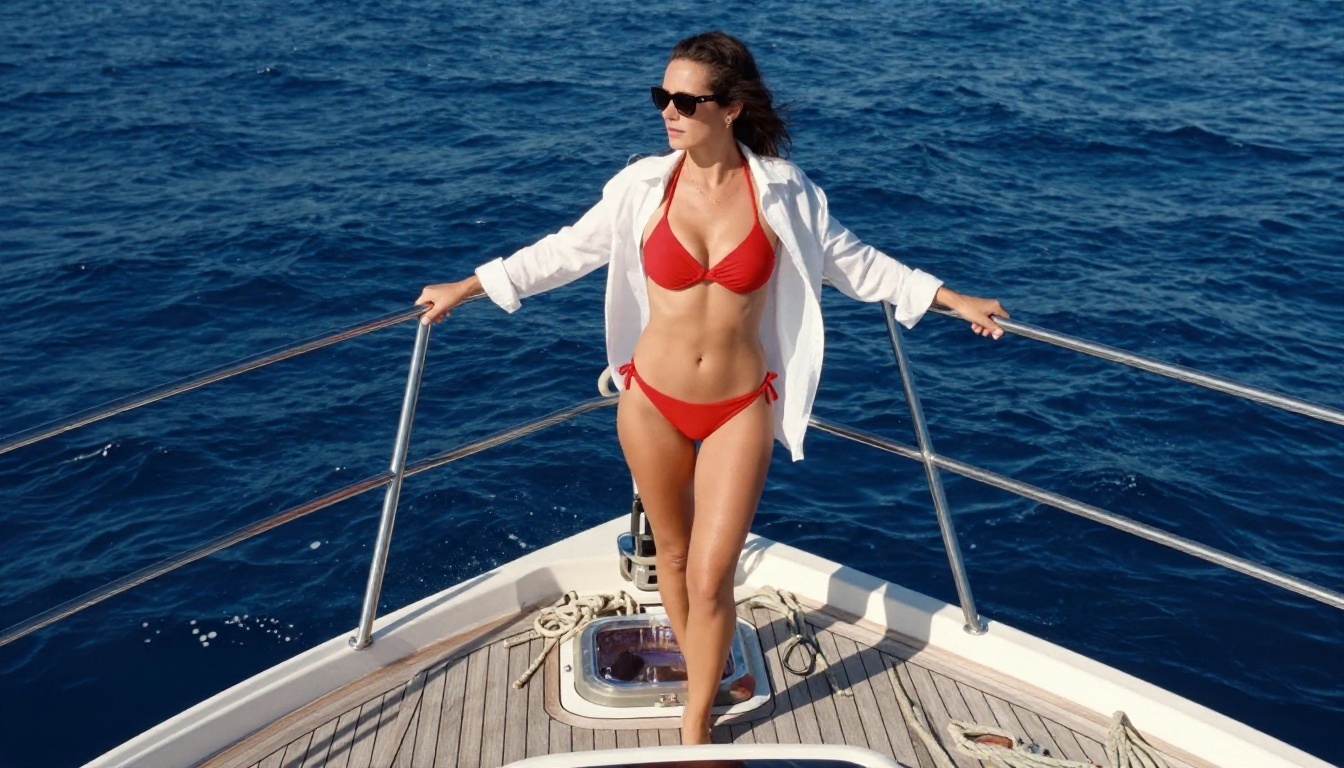
Your source image does most of the work, so spend your effort here. Seedream 4.5 is the first model to try for suggestive, glamour-style stills. It handles skin texture, fabric and lighting well and produces 4K output, which gives the video model plenty of detail to preserve. It is also tolerant of swimwear and boudoir-style prompts, so you spend less time fighting refusals.
A good I2V source prompt reads like a photographer's note: subject, outfit, setting, light direction, lens. Include something that implies motion, like wind, water or loose fabric. The model then has a reason to animate it.
Image Editor Pro for fixes and variations
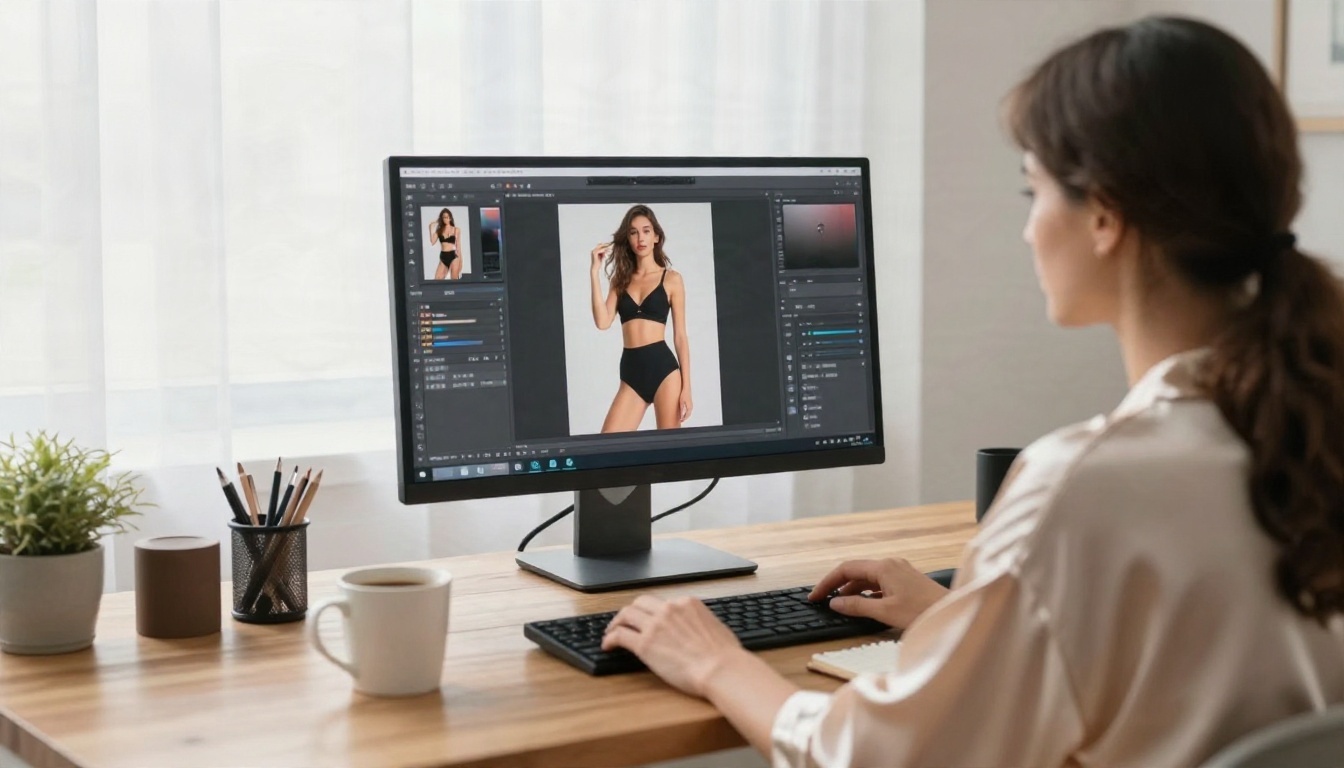
Found a great pose with a wrong outfit color, or a background that fights the subject? PicassoIA Image Editor Pro is the fast way to repair it. It offers unlimited generations, so you can iterate on wardrobe, background and lighting without watching a credit counter. That makes it ideal for building a small set of consistent source frames before you animate any of them.
A source image checklist
Before you animate, check the frame against this list:
- Sharp face and eyes. Soft eyes turn into mush the moment they move.
- Clean hands. Extra fingers get worse in motion. Crop or regenerate.
- Room to move. Leave negative space where hair, fabric or the camera can travel.
- Simple background. Busy crowds and text signs flicker.
- Clear light direction. The model keeps lighting consistent when it is obvious.
- 16:9 or 9:16 framing. Most models match the input aspect ratio, so frame for your final platform.
Best I2V Models Compared
Free and unlimited picks
Start here when you want to iterate without worry.
- Seedance 2.5 Lite: free and unlimited, clips up to 10 seconds. A strong default for glamour motion like hair, fabric and gentle camera moves.
- PicassoIA Video: free unlimited video from text or image, handy for quick tests of a source frame.
Quality-first picks
When a clip is going to be the hero of a post, step up to a heavier model:
Fast and cheap picks
For rapid iteration, speed matters more than polish:
Side-by-side summary
💡 Content filters differ by model. If one model refuses a harmless swimwear frame, do not rewrite the prompt five times. Move the same image to another model and compare.
Motion Prompts That Work
The simple prompt formula
Video prompts are not image prompts. Do not describe the picture again, because the model already sees it. Describe only what changes. Use this order:
[Subject action] + [secondary motion] + [camera move] + [light and mood]
Example: "She turns her head toward the camera and smiles slightly, hair lifting in the sea breeze, slow dolly-in at chest height, warm golden hour light stays steady."
Keep it under 60 words. Long prompts give the model more room to contradict itself.
Prompts to copy and adapt
Swap the details to fit your frame:
- "Gentle surf rolls around her ankles, hair drifts sideways in the wind, camera slowly tilts up from the water to her face."
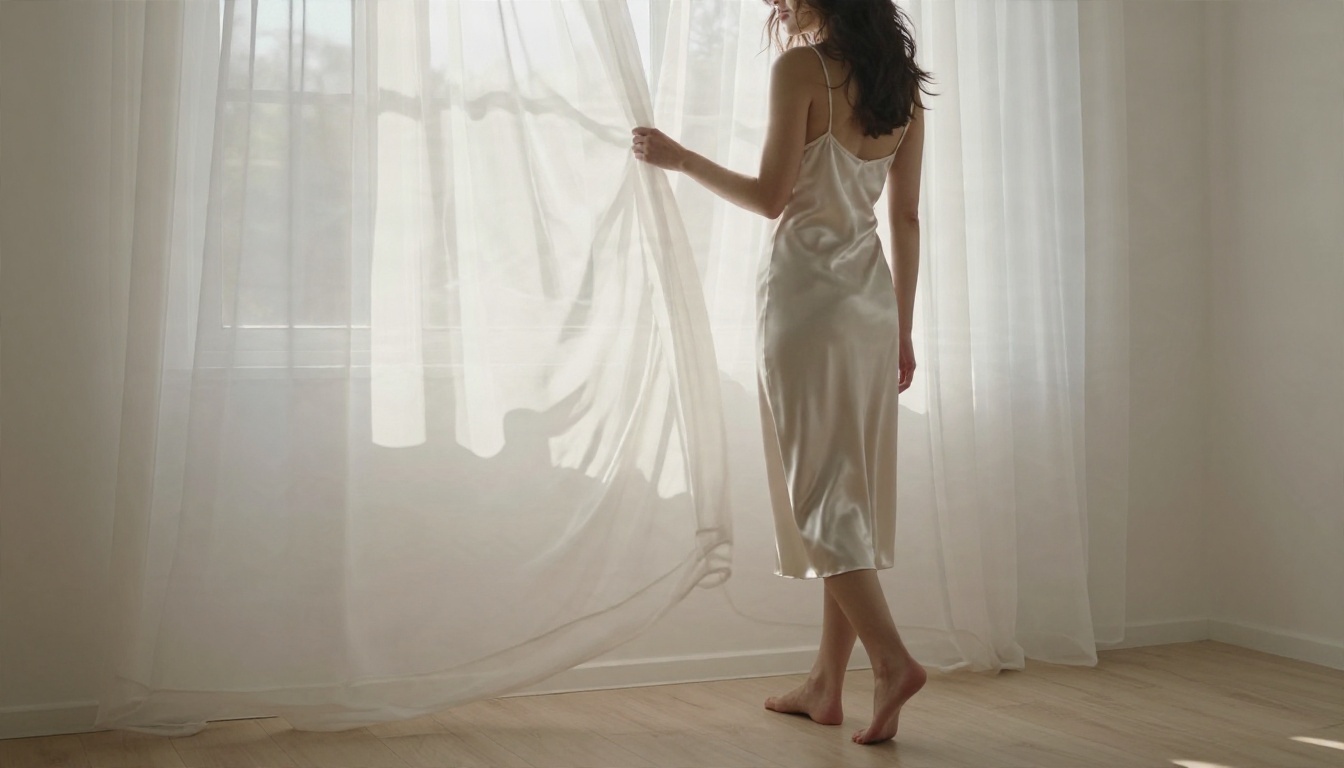
- "Sheer curtains billow inward, soft morning light shifts across her shoulder, subtle handheld camera sway."
- "She lifts her sunglasses and looks into the lens, water ripples behind her, slow push-in."
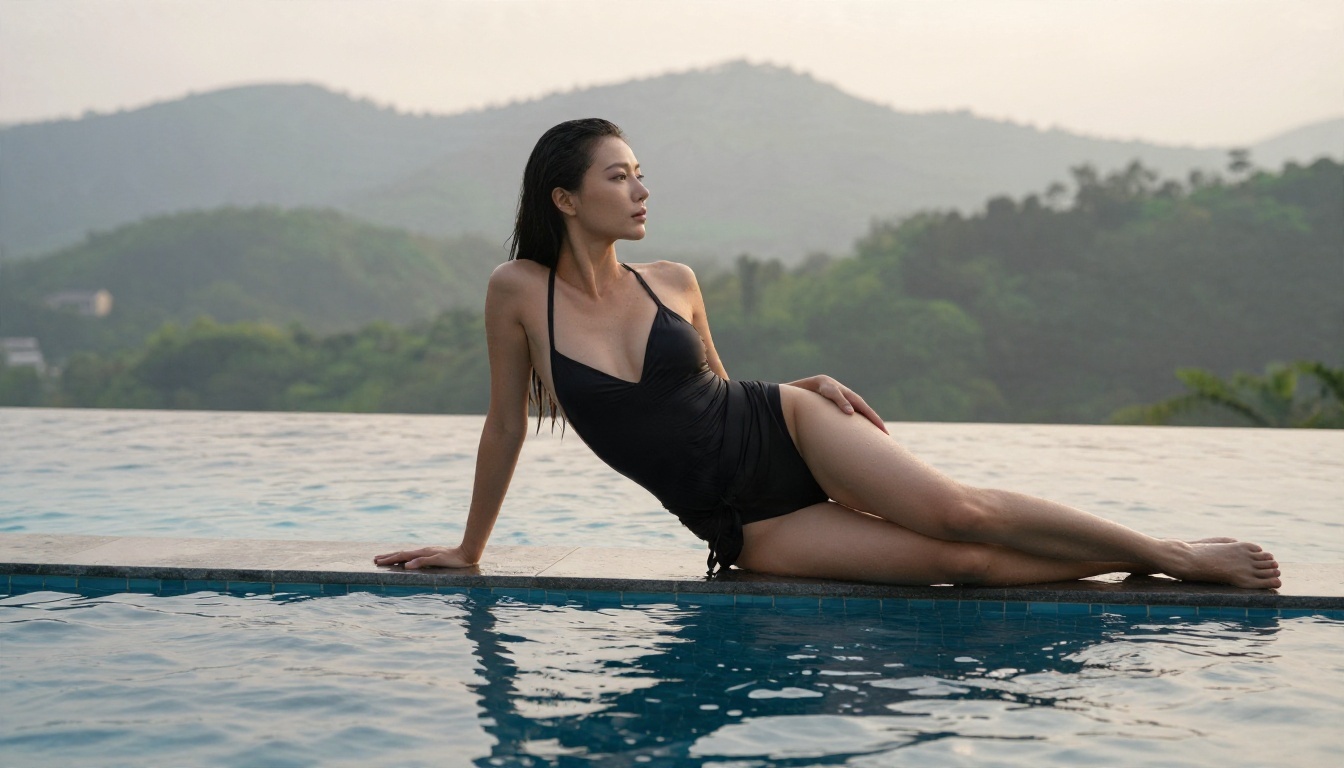
- "Pool water laps at the edge, she shifts her weight and glances over her shoulder, camera orbits a few degrees to the right."
- "Wind moves the open white shirt, sea spray in the air, camera glides left along the deck rail."
- "She walks two slow steps toward the camera, dress hem swaying, string lights flicker softly behind her."
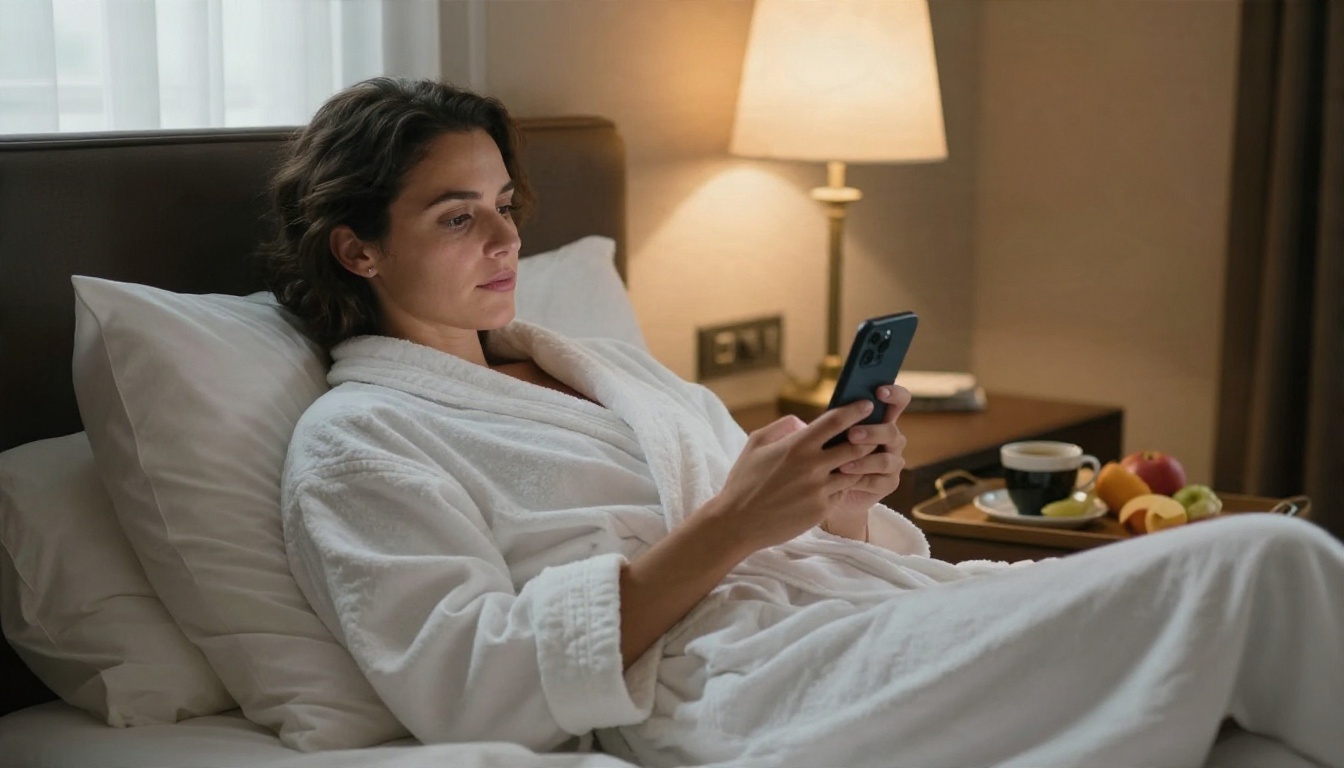
- "She scrolls her phone, looks up with a small smile, soft lamp light, camera drifts down and in."
- "Straw hat brim lifts in the breeze, towel edge flutters, drone slowly rises and rotates."
Mistakes that ruin clips
- Asking for too many actions. One main motion plus one secondary motion is the limit for 5 to 10 seconds.
- Fast camera moves. Whip pans smear faces. Say "slow" and "subtle" every time.
- Describing the outfit again. It can trigger filters and cause the model to redraw the clothes.
- Changing the lighting mid-clip. Say the light "stays steady" unless you want a shift.
- Skipping a test. Run a 5-second preview before you commit to a long or expensive render.
The Workflow, Step by Step
From idea to finished clip
This is the route that wastes the fewest credits:
- Generate three to five source frames with Seedream 4.5. Vary pose and angle.
- Fix weak details in PicassoIA Image Editor Pro. Hands, straps, background clutter and color casts are the usual suspects.
- Open a free model like Seedance 2.5 Lite and upload the best frame.
- Paste a short motion prompt from the list above.
- Generate a preview. If the face drifts or the hands warp, change the frame, not the prompt.
- Move the winner to a quality model such as Wan 2.7 I2V or Kling v2.5 Turbo Pro for the final render.
- Upscale if needed with a super resolution tool before posting.
Settings worth checking
- Duration: pick the shortest that tells the story. Five seconds loops cleanly.
- Resolution: 720p is a good balance of sharpness and speed. Use 1080p only for final renders.
- Aspect ratio: leave it matched to the input image to avoid cropping the subject.
- Seed: keep the seed when you tweak a prompt so you can compare changes fairly.
Rules That Keep You Safe
Adults and consent only
This is the part that cannot be negotiated. Use I2V only with adult, fictional characters you generated yourself, or photos of yourself that you own and consent to animate. Never upload a photo of a real person without their explicit permission. Never create anything that depicts or suggests a minor. Synthetic intimate images of real people made without consent cause real harm and are illegal in a growing number of places.
Where non-explicit ends
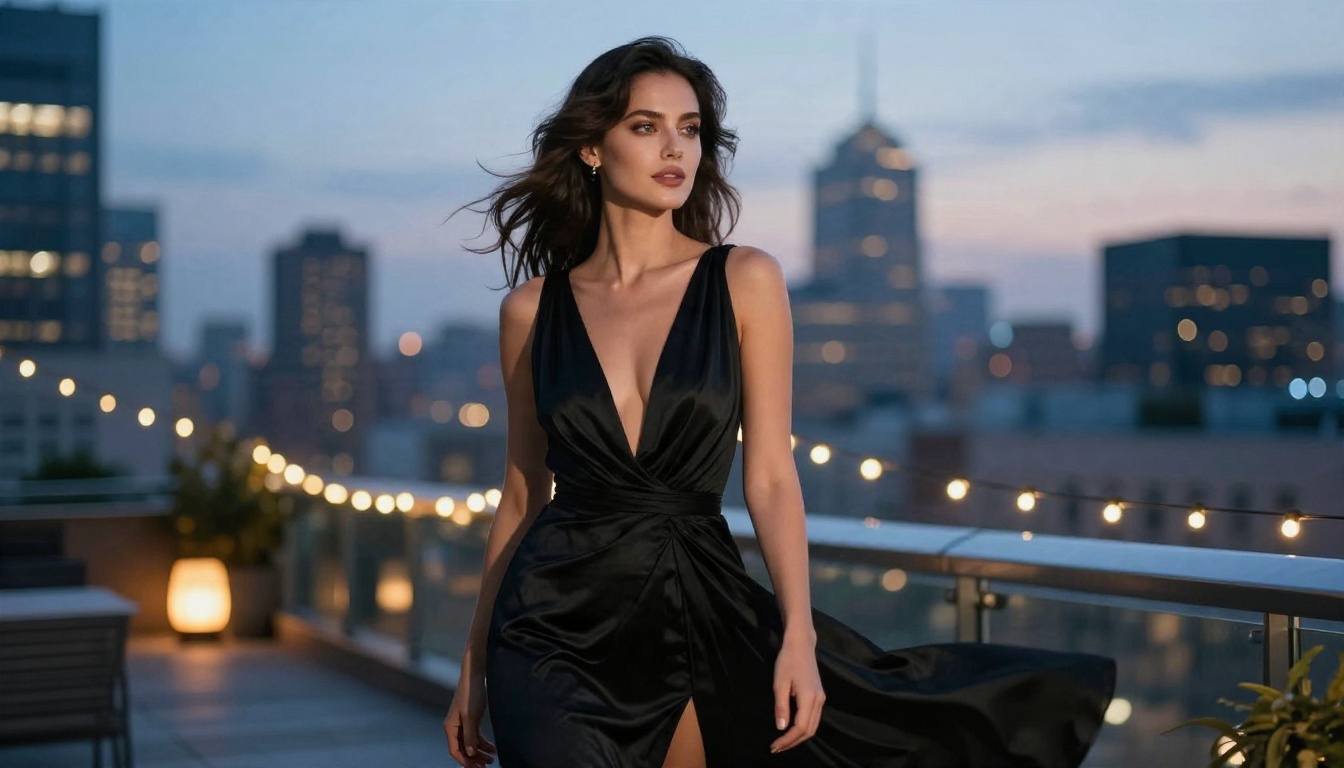
The sweet spot for this format is editorial glamour: swimwear, boudoir-style fashion, evening wear, sensual lighting and confident poses. That content looks better in motion, passes more platform checks and reaches a wider audience. Explicit material is outside what this article supports, and it is also the content most likely to get your account flagged on social platforms. Keep the style suggestive, label your content properly where platforms require it, and check the rules of wherever you post.
💡 Quick check: if you would hesitate to show the clip to a stranger on a beach, rework the frame.
Make Your First Clip Today
You do not need a paid plan or a render farm to try this. Pick one strong image, run it through a free model, and judge the result in under a minute. If the motion looks right, move it up to a heavier model. If it does not, change the source frame and try again.
The fastest path on PicassoIA: build your still with Seedream 4.5, polish it in PicassoIA Image Editor Pro, then animate it with Seedance 2.5 Lite. When you want more options, browse every available model at picassoia.com/en/all-models and compare how each one reads the same frame. Start with one image and one five-second clip, then build from there.


