You typed a perfectly reasonable glamour prompt into Ideogram 4, waited a few seconds, and got a blank refusal or an image that looks oddly modest. Nothing in the error told you why. That is the daily reality of Ideogram 4 NSFW work: the model is famous for sharp text and clean photorealism, but it ships with moderation that has opinions about skin, swimwear and lingerie. This article lays out how that filter behaves, which kinds of prompts get through, what to write when you want tasteful, suggestive results, and which models on PicassoIA are better suited when Ideogram says no.
Everything here is about non-explicit content: bikinis, boudoir, evening wear, implied artistic nudity under fabric. Nothing pornographic, nothing involving real people's likeness, nothing involving minors. That line matters for every model discussed below.
What Ideogram 4 Actually Is
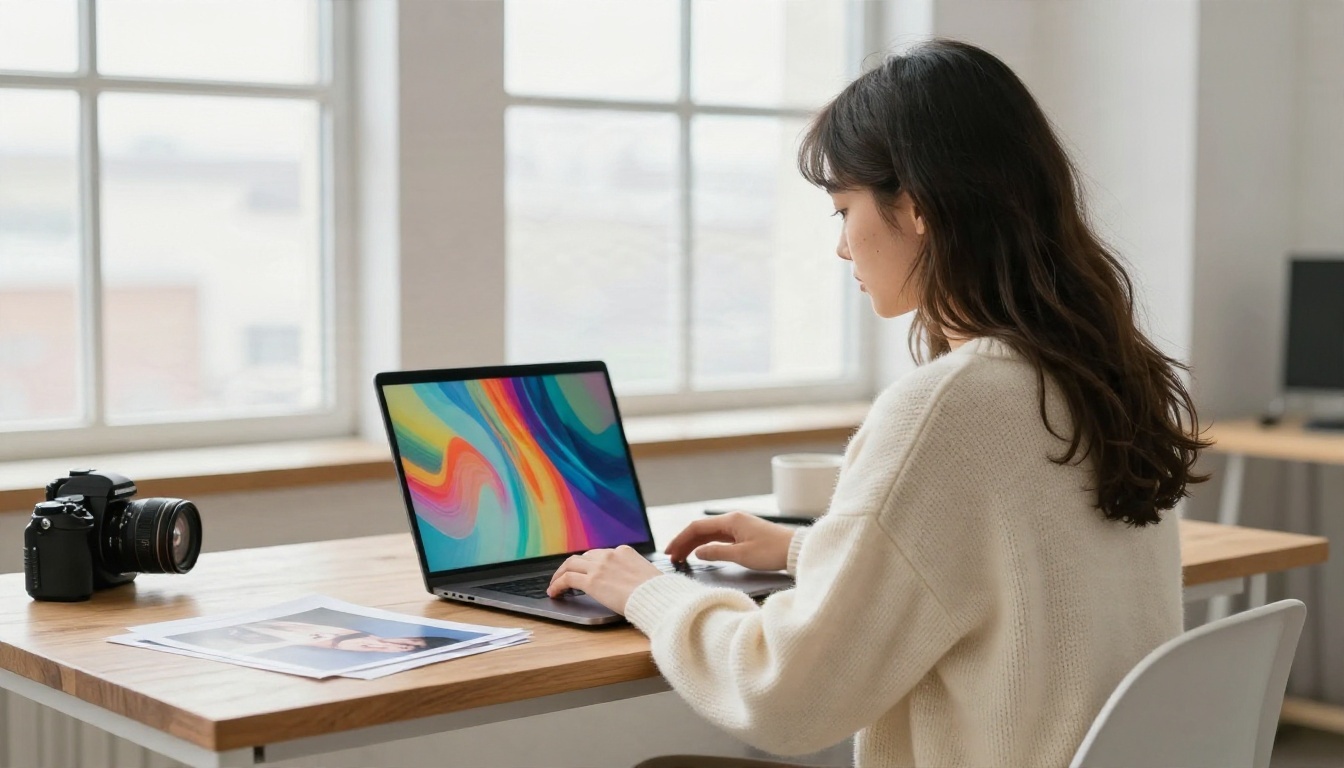
Ideogram 4 arrived in June 2026 as the newest generation of the Ideogram family, known above all for rendering legible words inside images and for tight prompt adherence. It handles photorealistic portraits, posters, packaging mockups and editorial scenes with very little cleanup. On PicassoIA you can run two variants: Ideogram v4 Quality for the highest fidelity and Ideogram v4 Balanced for faster, lighter runs.
Why people try it for adult themes
Three reasons come up again and again:
- Skin and fabric realism. Pores, lace fibers, silk folds and wet skin all render convincingly.
- Prompt obedience. If you describe a pose, lens and light, you tend to get exactly that.
- Magic Prompt. The built-in rewriting step expands short prompts into detailed scenes, which helps glamour photography a lot.
Why the filter gets in the way
The same release that made Ideogram 4 popular came with a layered safety setup. Based on the public release material, prompts are screened by a text moderation service before generation, and finished images are screened again by a visual moderation service afterward. The documentation describes running the model without those checks as unsupported. In practice that means two separate gates: one that can reject your words, and one that can reject the picture even when your words were fine.
💡 Worth knowing: the weights are published under a non-commercial agreement, while the inference code is open. So the open release does not mean "uncensored." The moderation layers are part of how the model is meant to be used.
How the Filter Behaves
There is no public list of banned words, and moderation settings get adjusted over time, so treat everything below as observed patterns reported by users rather than a fixed rulebook. The behavior falls into three buckets.
Hard blocks
These almost always fail, whatever the phrasing:
- Explicit sexual acts or exposed genitals
- Anything that suggests a minor in a sexual or suggestive context
- Named real people in suggestive scenes
- Violence mixed with sexual content
There is nothing to work around here, and nothing worth trying. These blocks exist for good reasons.
Soft blocks and silent softening
This is the frustrating category. The prompt is accepted, but the result drifts. Swimwear gets more fabric. A lingerie request returns a loungewear outfit. A pose gets stiffer. The output screening may also withhold an image that landed too close to a threshold, so the same prompt can succeed once and fail the next time.
Usually allowed
Fashion and lifestyle content that reads as editorial tends to pass:
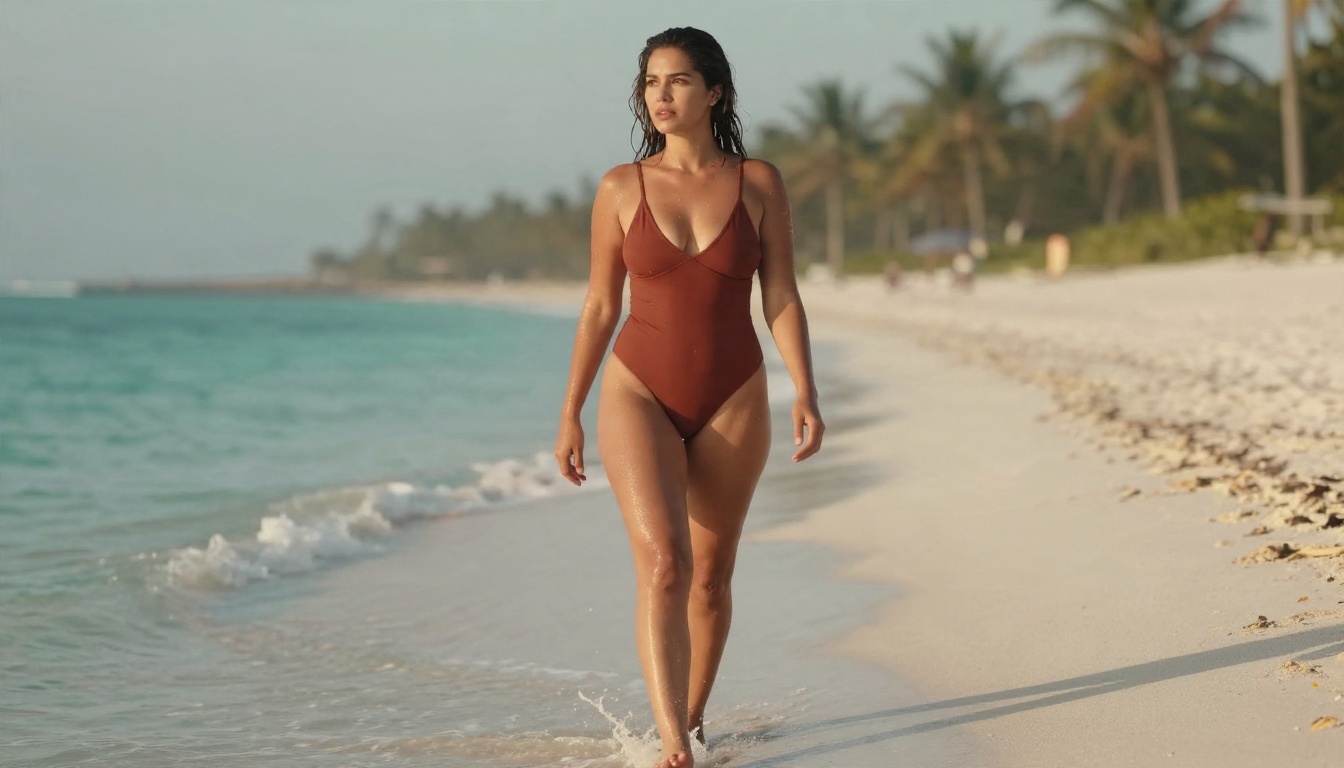
- Bikinis and one-piece swimsuits in beach or pool settings
- Evening gowns, backless dresses, slip dresses
- Robes, cardigans and sleepwear
- Silhouettes and implied nudity under sheets or drapery
| Content type | Typical outcome | Notes |
|---|
| Beach bikini, golden hour | Usually passes | Wet skin and sun glow work well |
| Evening gown, bare back | Usually passes | Fashion framing helps |
| Lingerie boudoir | Inconsistent | Works better with robes and cardigans |
| Implied nudity under sheet | Inconsistent | Keep the sheet doing real work in frame |
| Explicit or anatomical detail | Blocked | No rewording changes this |
| Real named people | Blocked | Both the text and image gates react |
Prompts That Tend to Pass
Prompt wording changes the odds more than any other variable. Moderation systems respond to context, so the goal is to describe a photograph, not a fantasy. Think like a photo editor briefing a shoot.
Lead with the setting and the camera
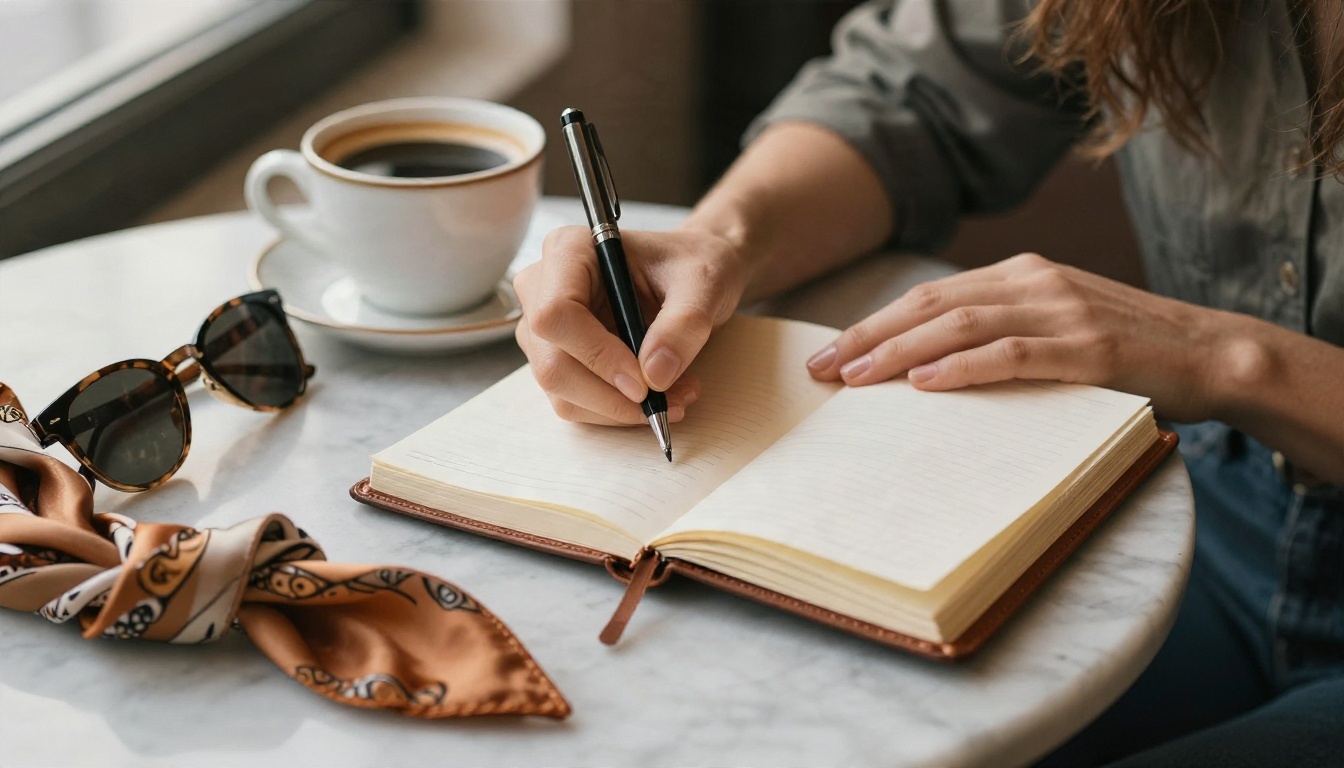
Start with where the photo was taken and what gear shot it. A sentence like "editorial photograph on an 85mm lens, soft window light, hotel suite, early morning" tells the model you want fashion photography. Then describe the outfit in the plain vocabulary a stylist would use: "champagne silk robe, lace bralette."
Use fashion language, not suggestive language
| Instead of | Try |
|---|
| "sexy," "seductive" | "confident," "editorial," "glamour" |
| "barely dressed" | "silk robe slipping off one shoulder" |
| "naked under a sheet" | "white cotton bedsheet draped over her shoulder, side profile" |
| "wet and sultry" | "sun-kissed skin with water droplets, beach at golden hour" |
| "tiny bikini" | "terracotta two-piece swimsuit, tasteful cut" |
A prompt template that works
Template: [Shot type] of [adult woman, age stated], [outfit in stylist terms], [pose and expression], in [location]. [Light direction and time of day]. Shot on [lens] at [aperture], [film stock], visible skin texture, realistic fabric detail.
Stating an adult age such as "woman in her late twenties" is good practice with every model, and it helps keep outputs unambiguous.
Use JSON prompts carefully
Ideogram v4 accepts a structured JSON prompt in addition to plain text. It is great for locking composition, but it does not bypass moderation. The same text and image screens apply, so structured input will not rescue a prompt the filter dislikes.
Examples of Tasteful Results
Here are scene types that sit comfortably within what moderated models and open-minded models alike can produce. Each one leans on photography conventions to carry the mood.
Golden hour swimwear
Low angle, backlight, water droplets, a long lens. This format is a staple of fashion and travel photography and it reads as clearly editorial.
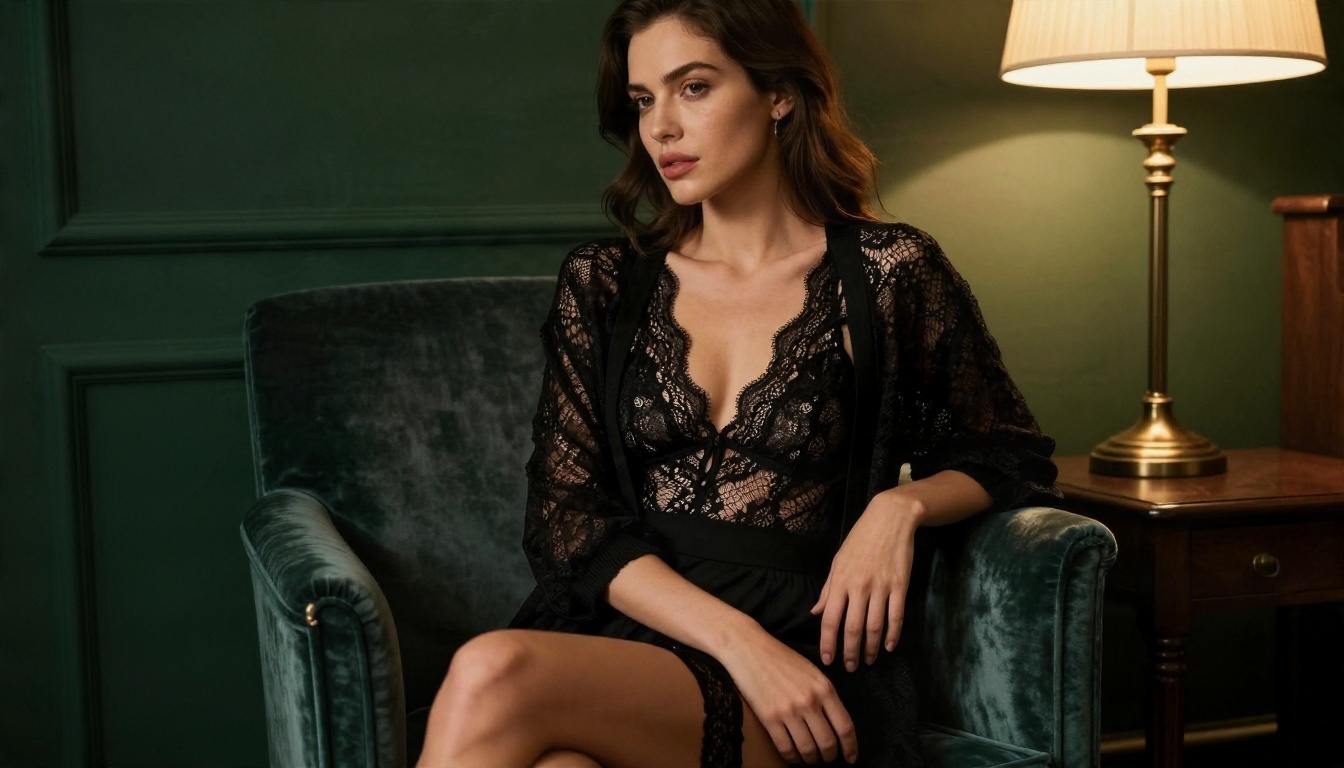
Quiet boudoir
Dim lamp light, dark walls, a velvet chair, and a cardigan worn open. The mood comes from light and posture, not from exposure.
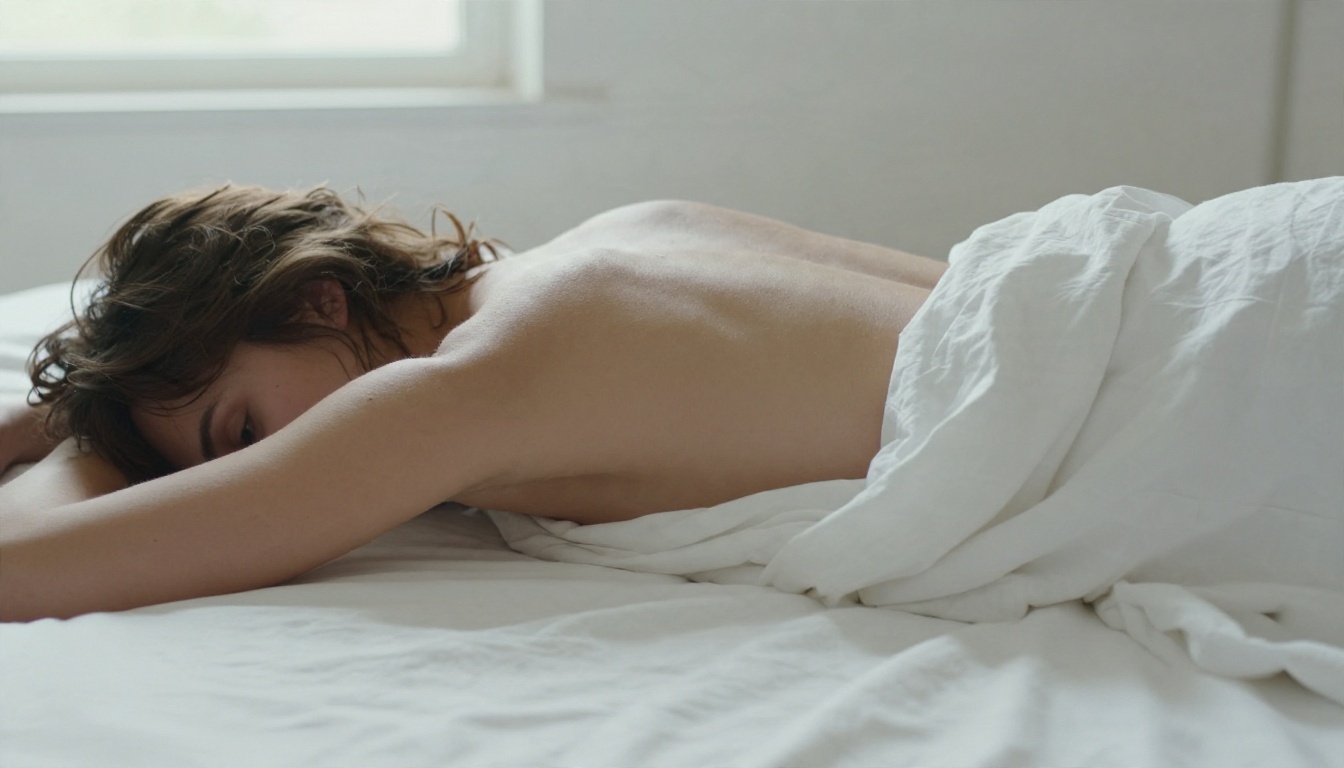
Implied artistic work
A bedsheet, a bare shoulder, soft morning window light. Implied nudity is a classical photography subject, though it is also where Ideogram's output screening is most unpredictable.
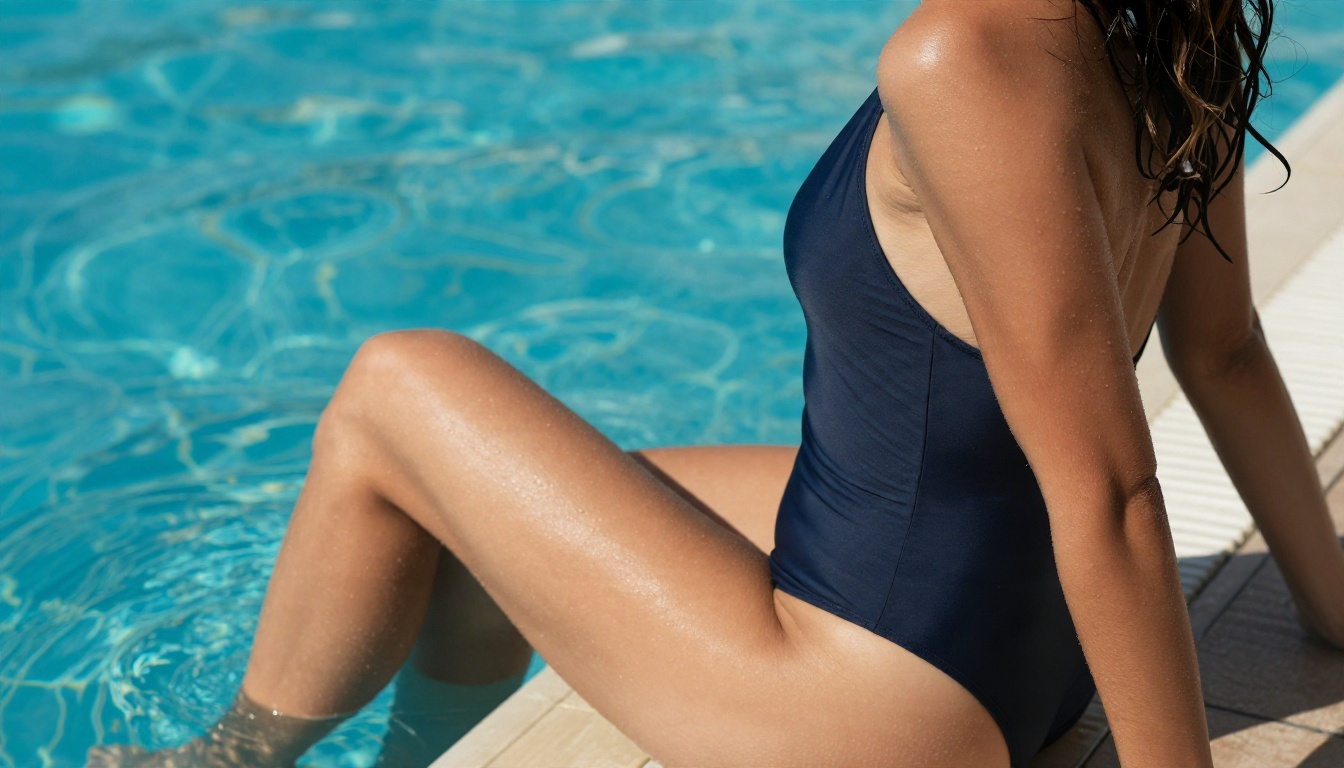
Poolside close-ups
Wet skin, sunglasses pushed into hair, blue tile ripple beneath. Strong midday light gives a crisp, glossy look.
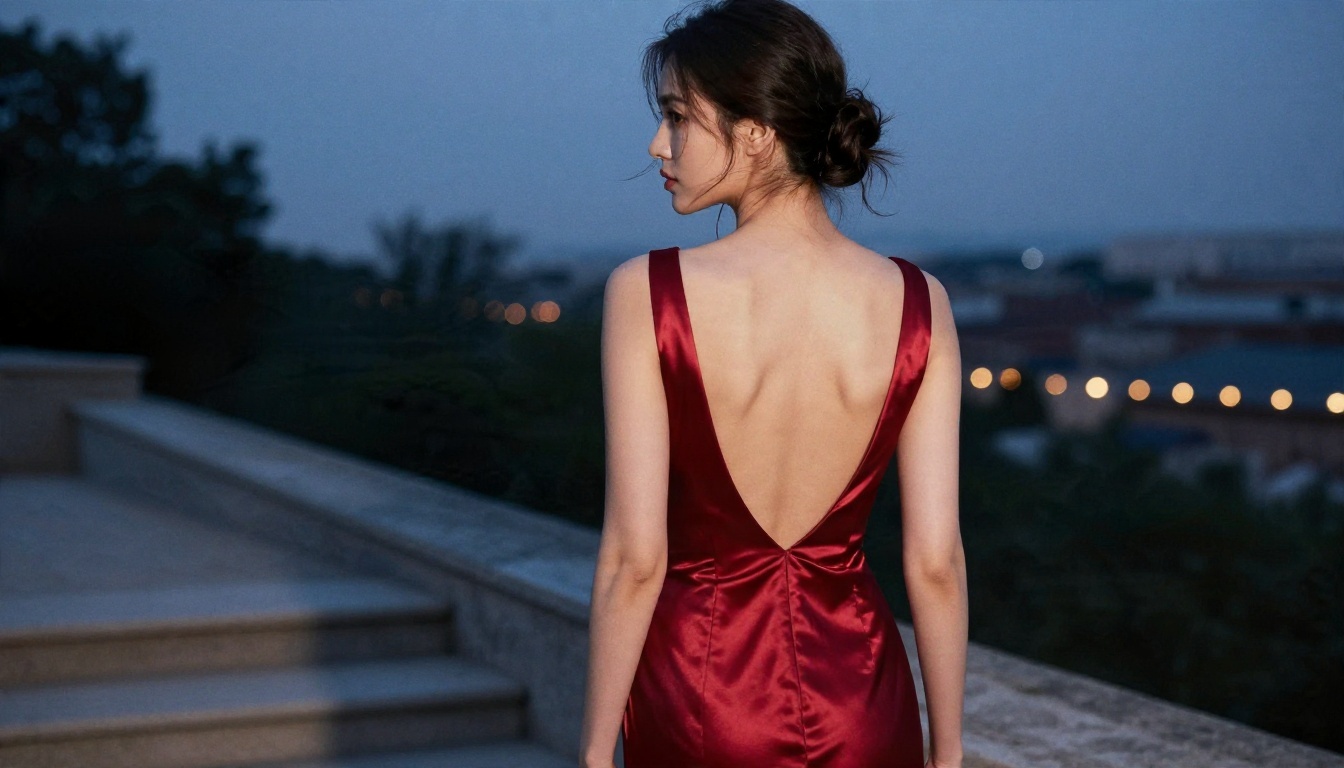
Evening wear at dusk
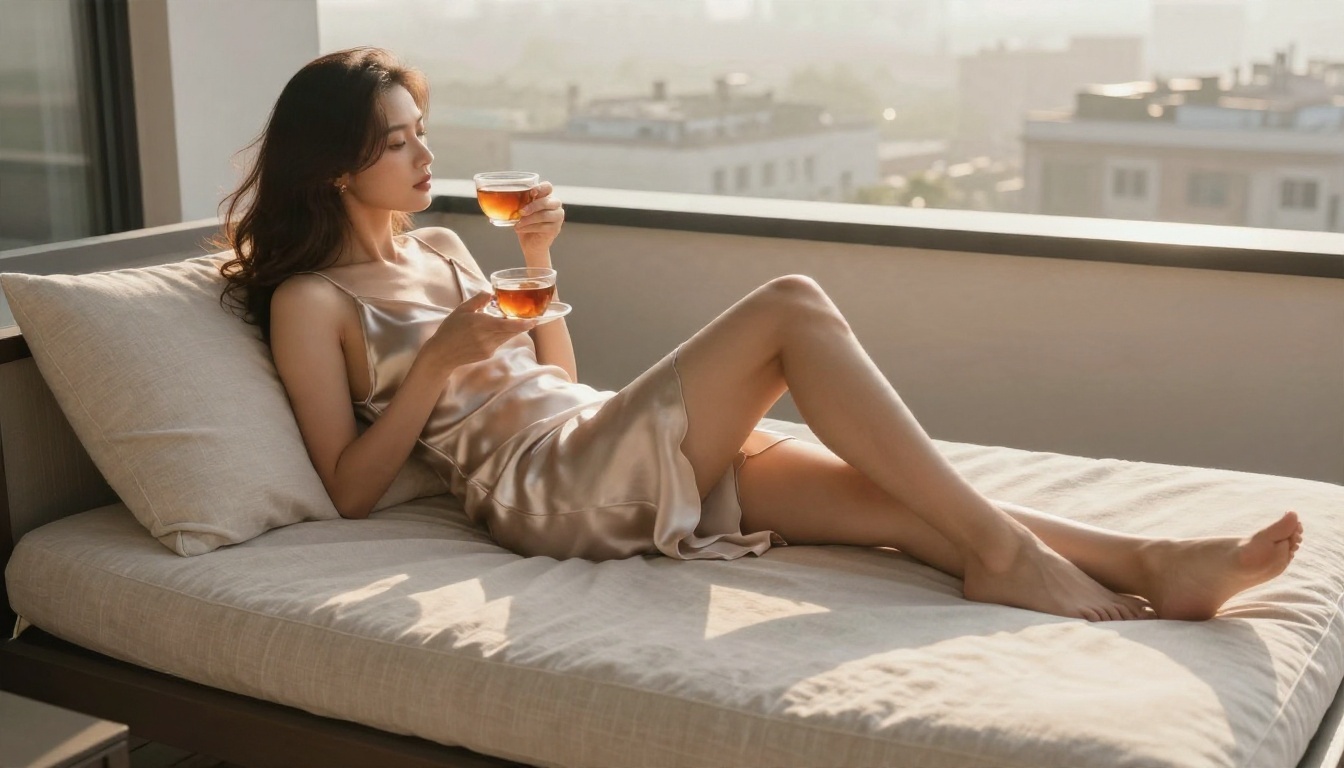
A backless gown on a terrace in blue hour light. Satin sheen and skin texture do most of the work.
How to Use Ideogram 4 on PicassoIA
If your goal is glamour, fashion or swimwear imagery, Ideogram 4 is still worth a run, especially when you want text or signage inside the image. Here is the workflow on PicassoIA.
Step 1: Pick a variant
Open Ideogram v4 Quality when you want maximum detail on skin, fabric and light. Open Ideogram v4 Balanced for quick drafts and prompt testing.
Step 2: Write the prompt
Paste a natural-language prompt. Magic Prompt kicks in automatically and expands your wording, so keep your own text short and photographic. Use either the prompt field or the json_prompt field, never both.
Step 3: Choose a resolution
Ideogram v4 Quality offers more than 20 sizes. For wide editorial shots pick 2560x1440 or 2880x1440. For portraits and fashion frames try 1664x2496 or 1792x2240. Leaving the field empty lets the model choose the aspect ratio.
Step 4: Leave copyright detection off unless you need it
The enable_copyright_detection option adds an extra post-generation check. It is off by default, and turning it on gives you one more way for an image to be withheld.
Step 5: Iterate on wording
If an image is withheld or too modest, change the context, not the intensity. Swap in a different outfit description, switch the location, or move the light. Small changes in framing often decide whether a result clears the output screen.
| Parameter | Suggested value | Why |
|---|
| Variant | Quality for finals, Balanced for drafts | Saves time while you tune wording |
| Resolution | 2560x1440 or 1792x2240 | Wide editorial or portrait frame |
| Prompt style | Photographic, stylist vocabulary | Reads as fashion, not fantasy |
| Copyright detection | Off | Fewer reasons for a result to be withheld |
Alternatives When Ideogram Says No
When moderation blocks the shot you actually want, a different model will often serve you better than a fifth reworded prompt. These are the models on PicassoIA I would reach for, in the order I would try them.
1. Seedream 4.5
Seedream 4.5 is the first model to try for adult-leaning, non-explicit work. It produces sharp, high-resolution photorealism with natural skin tones and handles swimwear, lingerie and boudoir scenes with far fewer refusals. Prompts do not need the careful sidestepping that Ideogram sometimes demands, and results come back quickly.
2. PicassoIA Image Editor Pro
PicassoIA Image Editor Pro is the second stop, and its big advantage is unlimited generations. You can retouch an existing photo, change outfits, adjust lighting, or build a series without watching a credit counter. It is the right pick when you are refining one look across many attempts.
3. Nano Banana Pro
Nano Banana Pro brings 4K output and strong editing ability. It is excellent for fashion and lifestyle images, though it keeps tighter boundaries than the first two choices.
4. Z Image Turbo
Z Image Turbo is built for speed. When you want ten variations of a pose in a few minutes, it is a practical way to test composition before spending time on a final.
5. Hunyuan Image 3
Hunyuan Image 3 delivers sharp, clean images with good anatomy and lighting. It is a solid option for portrait work.
Side by side
💡 Tip: keep Ideogram in your toolbox for images that need readable text, like a magazine cover or a shop sign, and use Seedream 4.5 for the glamour subject itself. Combine the two by generating the portrait first, then editing in the typography.
Common Mistakes to Avoid
Most failed generations come from the same handful of habits.
- Stacking suggestive adjectives. Three of them in one sentence raise the odds of a refusal on any moderated model. Use one clear photographic description instead.
- Skipping the age. Always state that the subject is an adult. It keeps the output unambiguous and helps every model interpret the scene correctly.
- Naming real people. Besides triggering blocks, it raises serious consent and likeness problems. Create original characters only.
- Ignoring light and lens. A vague prompt gives a vague image. Direction of light, time of day and lens length change the result more than outfit details do.
- Retrying the same prompt ten times. With output screening in play, that wastes time. Change the setting, outfit or pose instead.
Keep it legal and respectful
Adult content tools carry real responsibility. Do not generate images of real individuals without their consent, never depict anyone who appears underage, and respect the rules of any platform where you publish. Non-explicit glamour work is a legitimate creative field, and staying within clear limits protects both you and your audience.
Quick Answers
Is Ideogram 4 uncensored? No. It uses prompt screening and output screening, and both can interrupt adult-leaning requests.
Can I get bikini and lingerie images? Often yes, especially in fashion or beach contexts, but results are inconsistent and can soften without notice.
Does the JSON prompt skip the filter? No. It controls structure, not moderation.
Which model should I try first when Ideogram blocks me? Seedream 4.5, then Image Editor Pro.
Is explicit content available anywhere here? No. Everything in this article stays suggestive and artistic.
Try It Yourself on PicassoIA
Ideogram 4 earns its reputation for text and polish, but it is not the most flexible tool for glamour, swimwear and boudoir photography. Run your best prompt through Ideogram v4 Quality, then send the same idea to Seedream 4.5 and compare. Take the favorite into PicassoIA Image Editor Pro and refine the outfit, light and framing as many times as you like, since generations are unlimited there.
Open Picasso IA, pick a model, and start building your own series. Every model mentioned here, plus dozens more for portraits, editing, upscaling and video, is listed at picassoia.com/en/all-models.


