Most people who search for NSFW image generation hit the same wall within five minutes: a polite refusal message, a blurred preview, or a paywall after two pictures. The models are good enough now to produce magazine quality glamour, swimwear and boudoir photos from a single sentence, yet the tools that actually let you work are surprisingly rare. This article sorts out what is realistic, which free models are worth your time, the prompts that give believable results, and what "no filter" really means once you start generating.
Everything below is about suggestive, non-explicit adult imagery: bikinis, lingerie editorials, silk, shadows, skin and mood. That is where AI photography looks best, and it is also where you get the fewest headaches with platforms and payment processors.
What NSFW Image Generation Really Means
Suggestive versus explicit
"NSFW" is a wide label. At one end sits a woman in a bikini on a beach. At the other end sits fully explicit material. Most of the demand, and nearly all of the commercial use, lives in the middle: glamour, boudoir, swimwear, fashion lingerie, pin-up inspired photos, and artistic portraits with implied nudity.
This is also where the technology shines. Models trained on millions of photographs know how silk catches window light, how a wet swimsuit clings, how skin looks at golden hour. You do not need explicit content to get a striking picture. You need good light, a clear pose and a believable setting.
Why filters exist at all
Filters are not just corporate caution. Image hosts, app stores and card networks all set rules, and a model provider who ignores them loses its infrastructure. Many mainstream generators therefore refuse anything with the words "lingerie", "sexy" or "nude", even when the request is perfectly tame. That is the frustration behind the search for no filter options.
💡 Quick reality check: a filter that blocks a swimsuit photo is a bad filter. A model with sensible boundaries that lets you make glamour work is the sweet spot most creators want.
Free Models Worth Trying
Here is a quick comparison of models on PicassoIA that handle suggestive and glamour subjects, based on how they behave with swimwear, boudoir and fashion prompts.
Seedream 4.5 comes first
Seedream 4.5 is the model to start with for adult glamour work. It renders skin with real pores, handles fabric such as satin and lace without turning it into plastic, and understands lighting instructions like "soft window light from the left" almost literally. It also produces up to 4K output, which matters when you plan to print or crop.
Its biggest advantage for this topic is that it does not panic at swimwear and lingerie prompts. You describe the outfit, the pose and the light, and you get a photograph back.
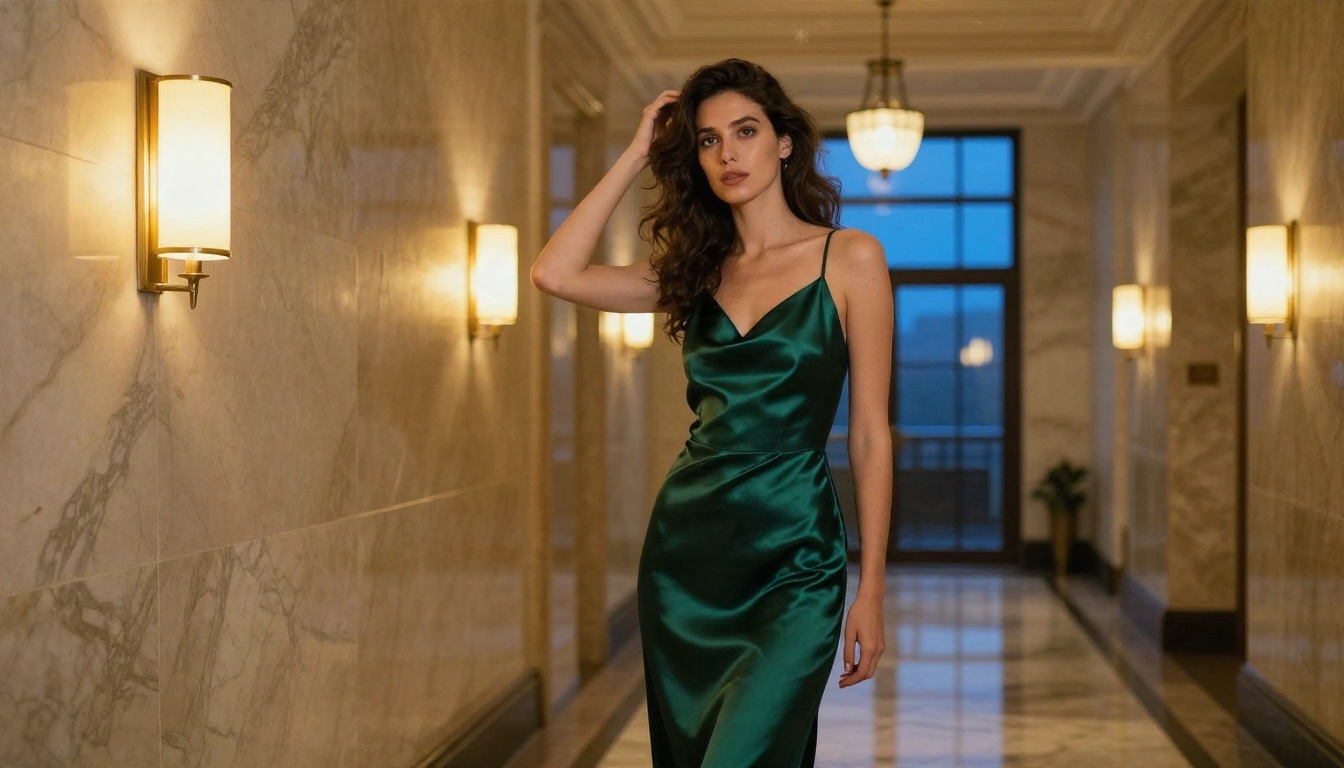
Image Editor Pro for unlimited runs
PicassoIA Image Editor Pro is the second stop, and the reason is simple: unlimited generations. Anyone who has burned through a credit allowance on one stubborn hand knows the value of that. You can retry a pose twenty times, change the outfit, swap the background, adjust the light, and nothing counts against you.
It works both ways. You can generate from text, or upload a picture of your own and ask for changes: a different swimsuit color, a sunset instead of an overcast sky, softer shadows.
More options for variety
- Z Image Turbo is a very fast draft tool. Use it to test whether a prompt idea works before spending time on a polished version.
- Flux 2 Klein 9B Base LoRA suits people who want a specific aesthetic, such as film grain or a vintage pin-up tone, through LoRA styling.
- Realistic Vision v5.1 is an older but dependable photographic model, good for natural portraits with classic proportions.
- SDXL Lightning 4Step returns images in a few steps, which makes it a handy playground for composition ideas.
💡 Filter behavior differs between models. If a model refuses a prompt, it is usually the wording, not your idea. Rephrase around clothing, light and setting before switching tools.
How to Use Seedream 4.5 on PicassoIA
Here is the exact process for getting a clean glamour image on Seedream 4.5.
- Open the model page and choose a text prompt input.
- Write the subject first. Age (adult), hair, expression, pose. Example: "adult woman in her late twenties, wavy chestnut hair, relaxed confident gaze".
- Add the outfit with material words. "Ivory silk robe over black lace bralette" works far better than "sexy outfit".
- Describe the light. "Soft morning window light from the left, gentle shadows on the collarbone".
- Name the camera. "85mm f/1.8, shallow depth of field, Kodak Portra 400 film grain".
- Pick 16:9 for scenes, 3:4 or 2:3 for portraits.
- Generate, then iterate. Change one variable at a time: the light, the pose or the background.
Parameter tips that matter
- Keep prompts between 40 and 120 words. Shorter prompts leave the model guessing, longer ones start contradicting themselves.
- Put the most important detail early. Models weigh the beginning of a sentence heavily.
- Use a negative description inside the positive prompt: "natural skin texture, no airbrushing, no plastic look".
- Fix the seed once you like a result, then change only the outfit or setting to get a consistent series.
Prompts That Actually Work
Good prompts read like a photographer's shot list. Below are formulas you can copy and adapt, each matched to a real example generated for this article.
Swimwear and beach
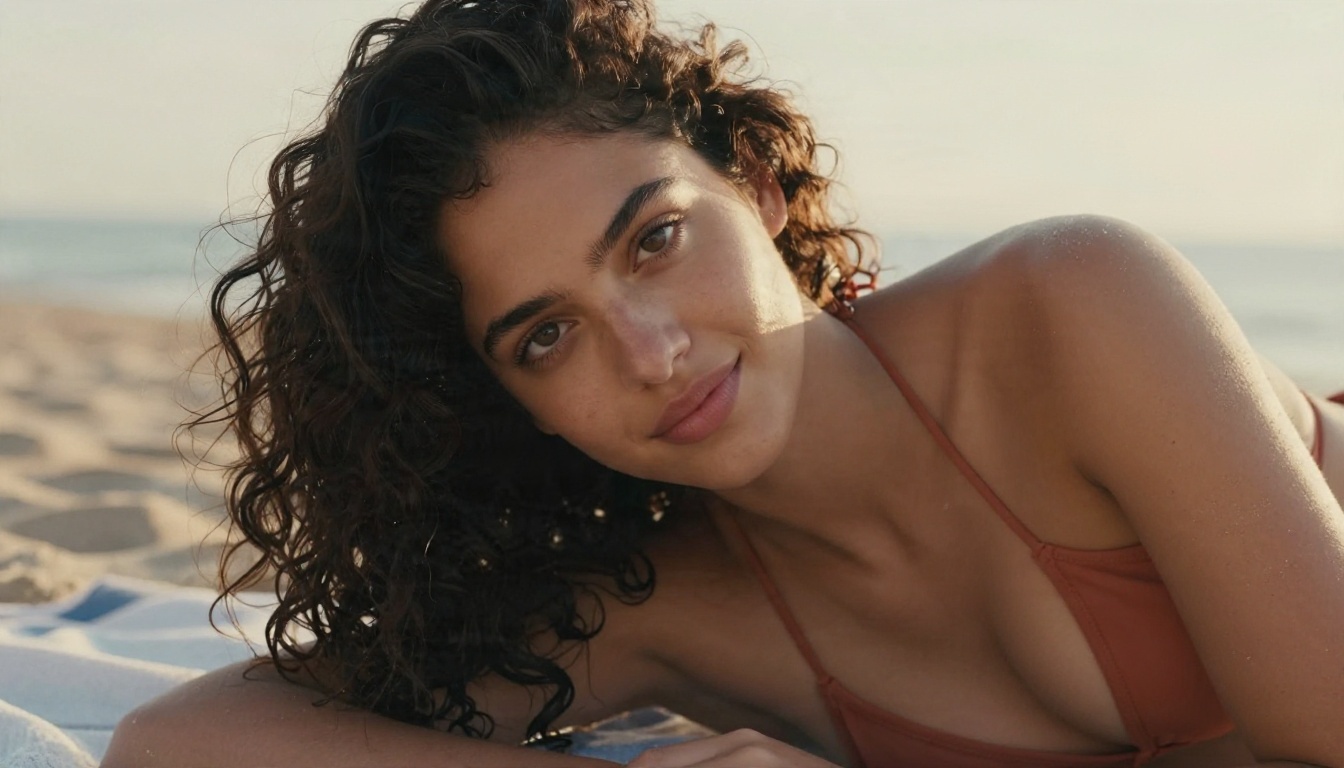
"Adult woman with dark curly hair lying on a beach towel, terracotta triangle bikini top, golden hour light from the right, sea haze behind, fine sand on her shoulder, 85mm f/1.8, Kodak Portra 400 grain."
Water is the secret. Droplets, wet hair and ripples give the picture a tactile, real feeling that pure studio shots lack. Mention the time of day, because light direction decides everything.
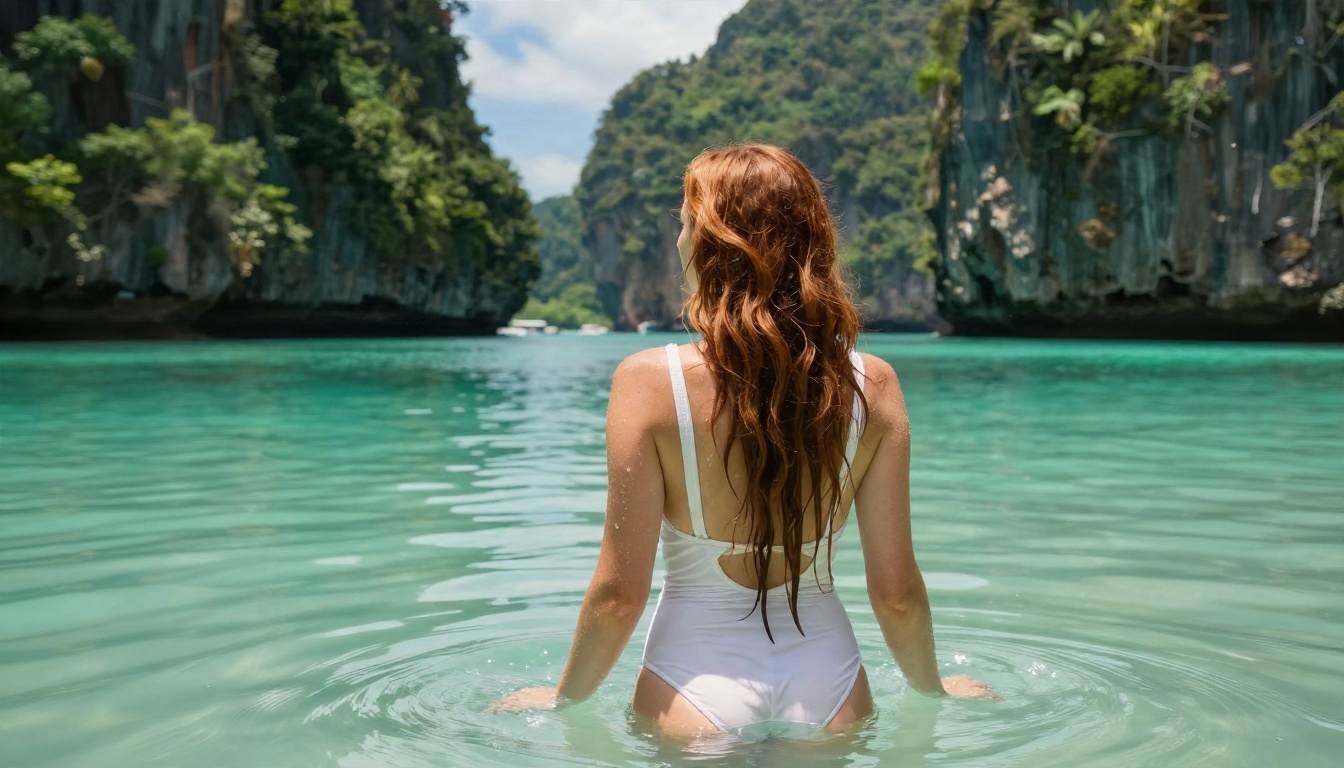
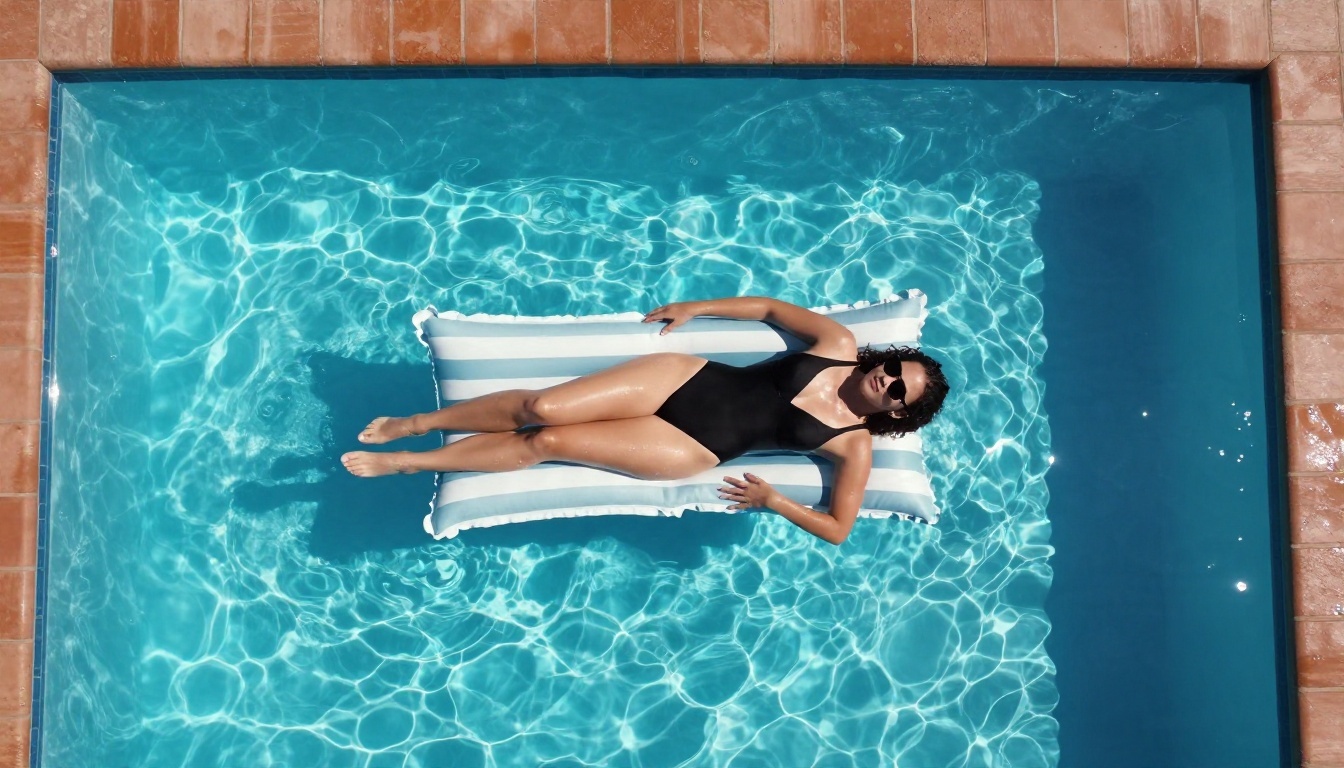
For variety, change the camera position. An overhead view works wonderfully for pool scenes, where the shapes of the float, the tiles and the water do the storytelling.
Boudoir and lingerie
"Adult woman in an ivory silk robe over a black lace bralette, reclining on rumpled white linen, large window on the left with soft morning light, dried pampas grass in the background, 85mm f/1.8, Kodak Portra 400."
Boudoir succeeds on restraint. Soft light, partial covering, relaxed posture and a quiet setting beat anything dramatic. The cover photo of this article follows exactly this formula.
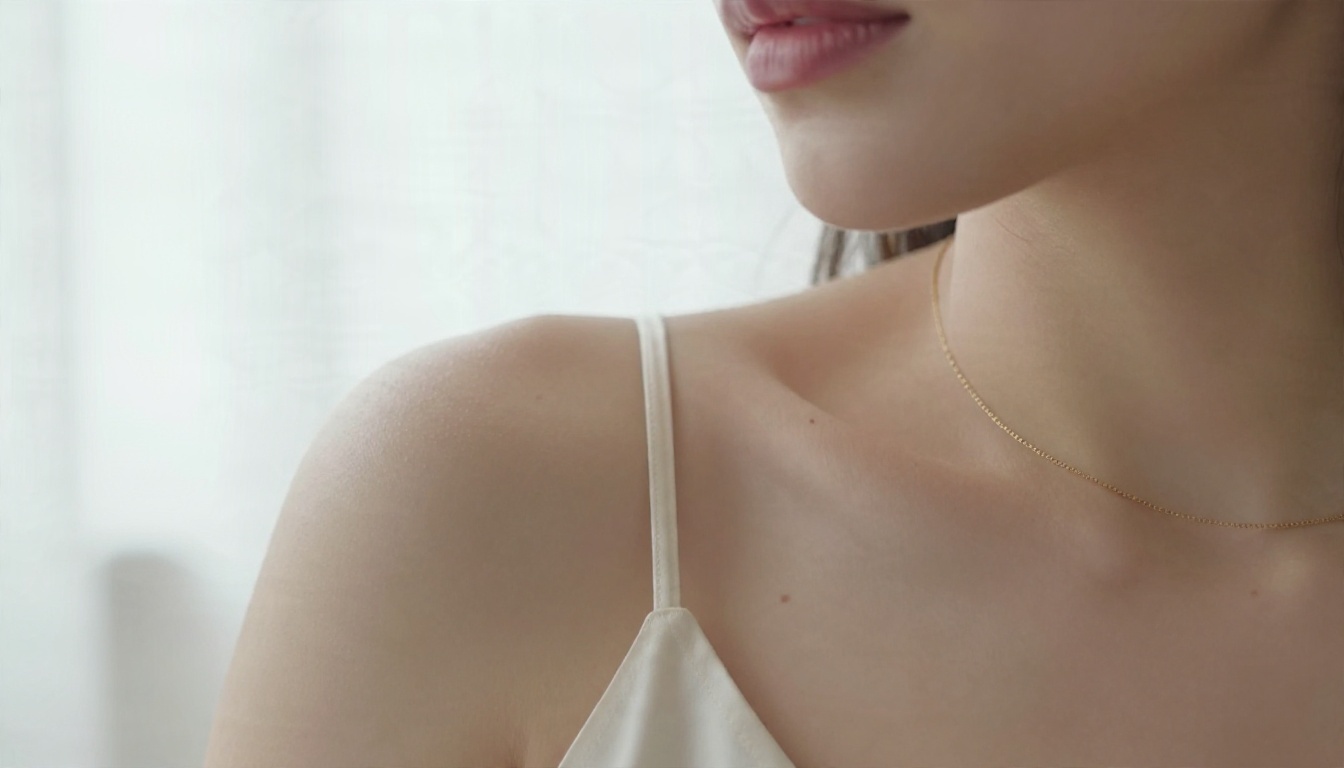
Close-ups add intimacy without needing anything explicit. A shoulder, a thin gold chain, a silk strap and soft backlight say plenty.
Everyday and editorial
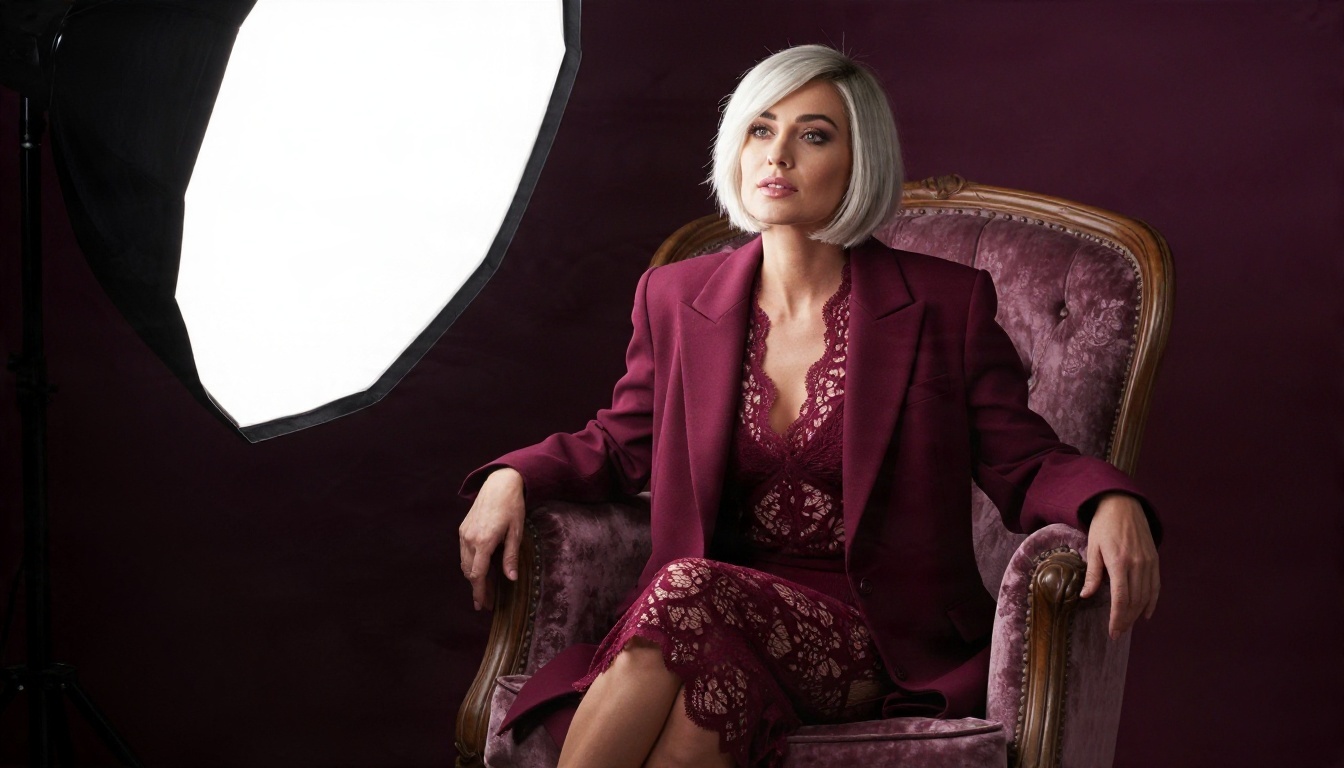
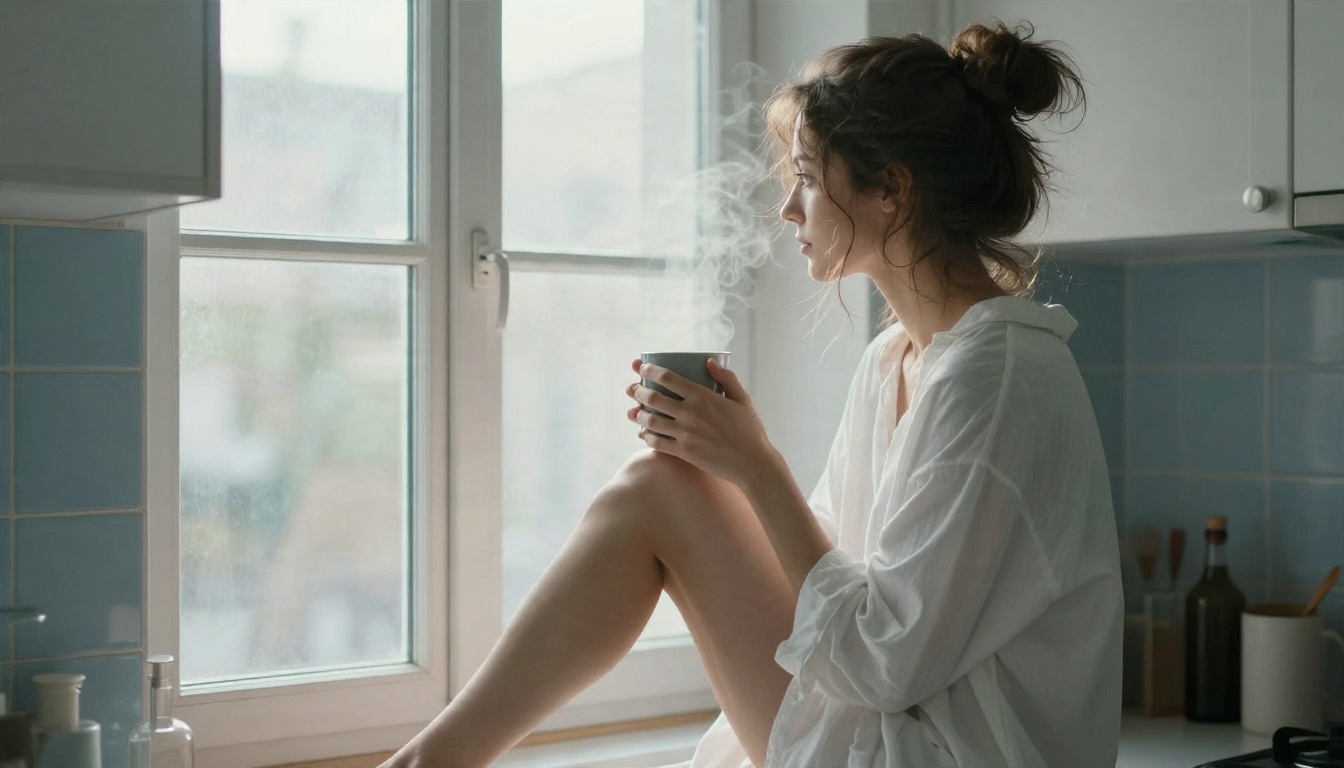
"Woman in an oversized white men's shirt at a kitchen window with a coffee mug, bare legs, soft overcast light from the right, flyaway hair glowing, 50mm f/1.8."
This "morning after" look is one of the most popular prompts for a reason. It feels candid, warm and personal, and it needs nothing beyond a shirt and good light.
A formula you can reuse
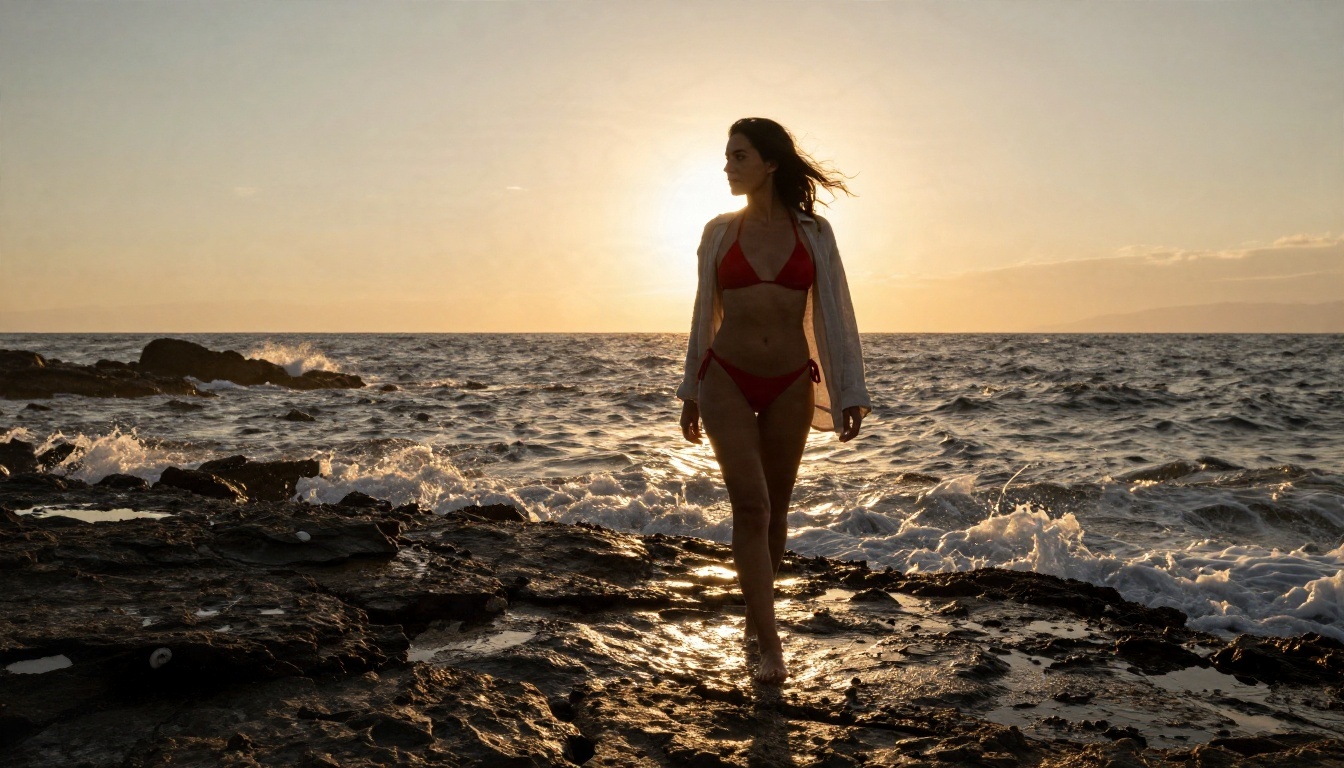
| Slot | Example |
|---|
| Subject | Adult woman, late twenties, freckles, wavy hair |
| Outfit | Red halter bikini under an open linen shirt |
| Setting | Rocky Mediterranean shoreline at sunset |
| Light | Low sun behind her, warm rim light |
| Camera | 35mm f/2.8, Kodak Portra 400 grain |
| Mood | Relaxed, confident, candid |
No Filter Options Explained
What "no filter" usually means
The phrase gets used for three different things, and mixing them up leads to disappointment.
- Fewer refusals on suggestive content. The model accepts swimwear, lingerie and implied nudity prompts without a warning. This is what most people actually want.
- Unlimited generations. No credit counter punishing you for retries. Image Editor Pro fits here.
- No safety rules at all. Almost no reputable platform offers this, and it is not needed for beautiful glamour work.
If a site promises "no filters, no limits, free forever", be skeptical. Those pages often hide watermarks, tracking, low resolution or aggressive upsells. A tool that is honest about its boundaries and generous with generations beats a loud promise every time.
Limits that stay in place
Reasonable platforms keep a few hard lines, and so should you:
- Only adult subjects. Never prompt for anyone who looks underage.
- No real people. Do not generate a recognizable celebrity, an ex or a colleague.
- No explicit pornographic content.
- No deceptive use, such as passing generated pictures off as a real person's photos.
These rules protect real people and keep your account in good standing. They also push you toward the stronger creative approach, which is invented models in believable situations.
💡 Tip: if you want a consistent character across a series, describe the same face traits and fix the seed. You do not need a real person's likeness for that.
Fixing Common Problems
Plastic or airbrushed skin
This is the most common complaint. The fix is to ask for imperfection: "visible pores, faint peach fuzz, small beauty marks, natural skin texture". Film language helps too. "Kodak Portra 400, fine grain, gentle halation" pulls the model away from a glossy retouched look.
Hands, limbs and proportions
Hands remain the weak spot. Hide them or give them a simple job: holding a mug, resting in hair, touching a strap. Avoid prompts that call for interlocked fingers. If a render still breaks, run the picture through Image Editor Pro and ask it to correct only the hand, since unlimited tries make this painless.
Refusals and watered-down output
When a prompt gets blocked or the image comes back oddly covered up:
- Remove vague words like "sexy" or "hot" and describe the clothing and light instead.
- Replace body-focused phrasing with scene-focused phrasing.
- Try the same prompt on Seedream 4.5, then on a faster model such as Z Image Turbo to compare.
- Lower the intensity of the outfit by one step. An open shirt over a bikini often passes where something skimpier does not.
From Draft to Finished Photo
A reliable workflow saves hours. The steps below come from repeated testing with swimwear and boudoir sets.
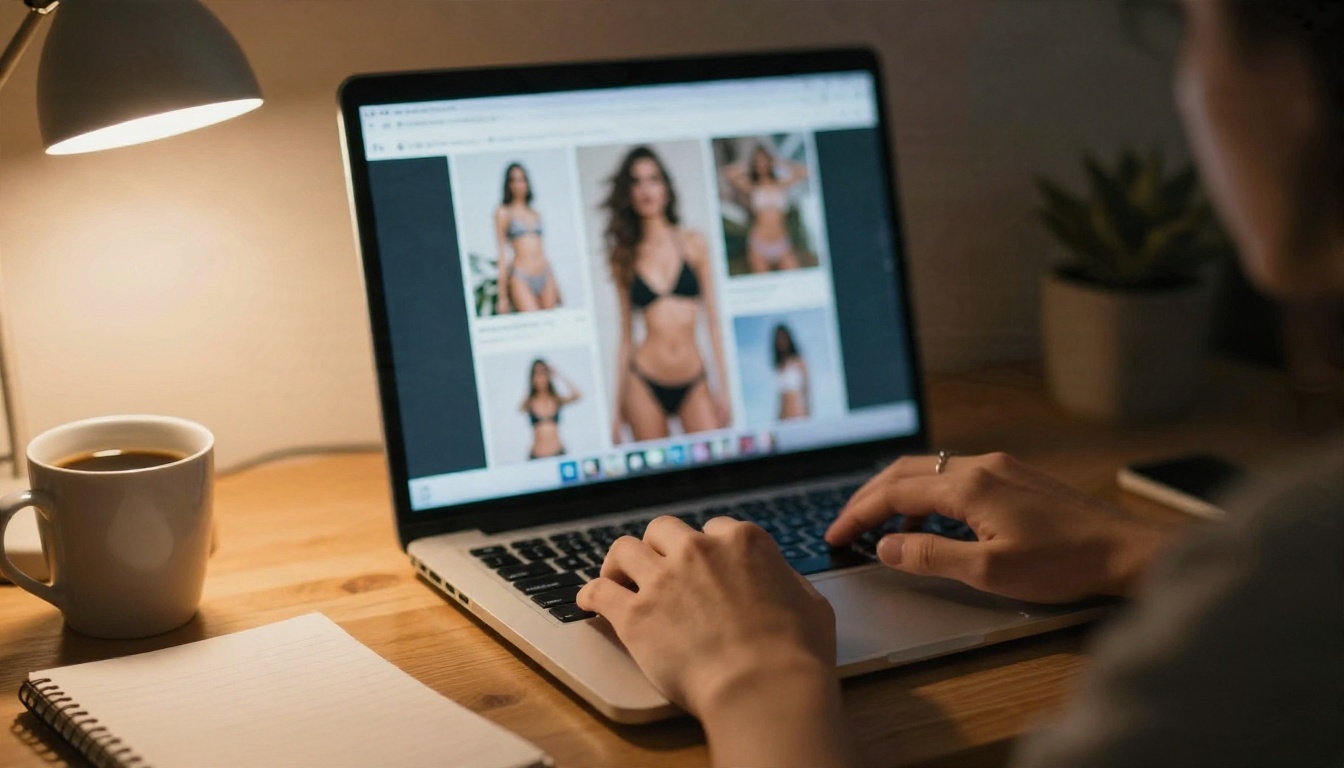
Draft fast, refine slowly
Start with Z Image Turbo or SDXL Lightning 4Step to test composition. Once the pose and setting feel right, move the same prompt to Seedream 4.5 for the final render with realistic skin and lighting.
Edit instead of regenerating
If the face is perfect but the outfit is wrong, do not restart. Upload the picture to Image Editor Pro and describe the single change. This keeps the character consistent and saves generations.
Upscale the keeper
PicassoIA also offers super resolution tools in its model library, handy when you want a sharp print or a large wallpaper from a favorite result.
Build a consistent set
Shoot a series like a real photographer would: one outfit and three angles, then a second location. Keep the light direction logic the same within a set, for instance always "window on the left", and the series will feel like one shoot.
Quick Prompt Checklist
Before pressing generate, run through this short list:
- Is the subject clearly an adult?
- Does the prompt name materials, not just "sexy"?
- Is the light source and direction described?
- Is a lens and film look included?
- Is there a setting that tells a story?
- Is there one thing you could remove to keep it simple?
Prompts with a clear setting and one confident idea almost always beat busy ones.
Start Creating Your Own Images
You now have the models, the prompts and the habits to get from a blank box to a photograph you would happily put in a portfolio. The fastest way to build your own instinct is to try things: take the beach prompt above, swap the outfit, change the time of day, and compare the results.
Open Seedream 4.5 for polished glamour renders, use PicassoIA Image Editor Pro when you want unlimited retries and edits, and browse every other option at picassoia.com/en/all-models. Pick a scene, write a short shot list, and let Picasso IA turn it into a photograph. Your first good image is usually one or two prompt edits away.


