Most people who search for an image generator adult tools can use run into the same wall within five minutes: a "content blocked" message, a watermark across the result, or a credit counter that hits zero after three tries. It is frustrating, because the goal is usually simple. You want a tasteful, attractive, photorealistic picture of an adult subject, whether that is a glamour portrait, a bikini shot on a beach, or a moody boudoir scene in warm light. This article shows which free online options deliver that, the prompts that work, and real examples with the reasoning behind each one.
Everything below stays on the suggestive and artistic side: swimwear, lingerie-style fashion, silk, soft light, confident poses. No explicit content, no real people, no deepfakes. That focus is also what makes the results look good, because the best adult photography has always been about mood and lighting rather than shock.
What an Adult Image Generator Does
An adult image generator is simply a text-to-image model that does not panic when a prompt includes words like "bikini", "satin", "boudoir" or "glamour". Mainstream tools often refuse these requests or quietly water them down. A better option accepts them and renders realistic skin, fabric and light.
Suggestive Versus Explicit
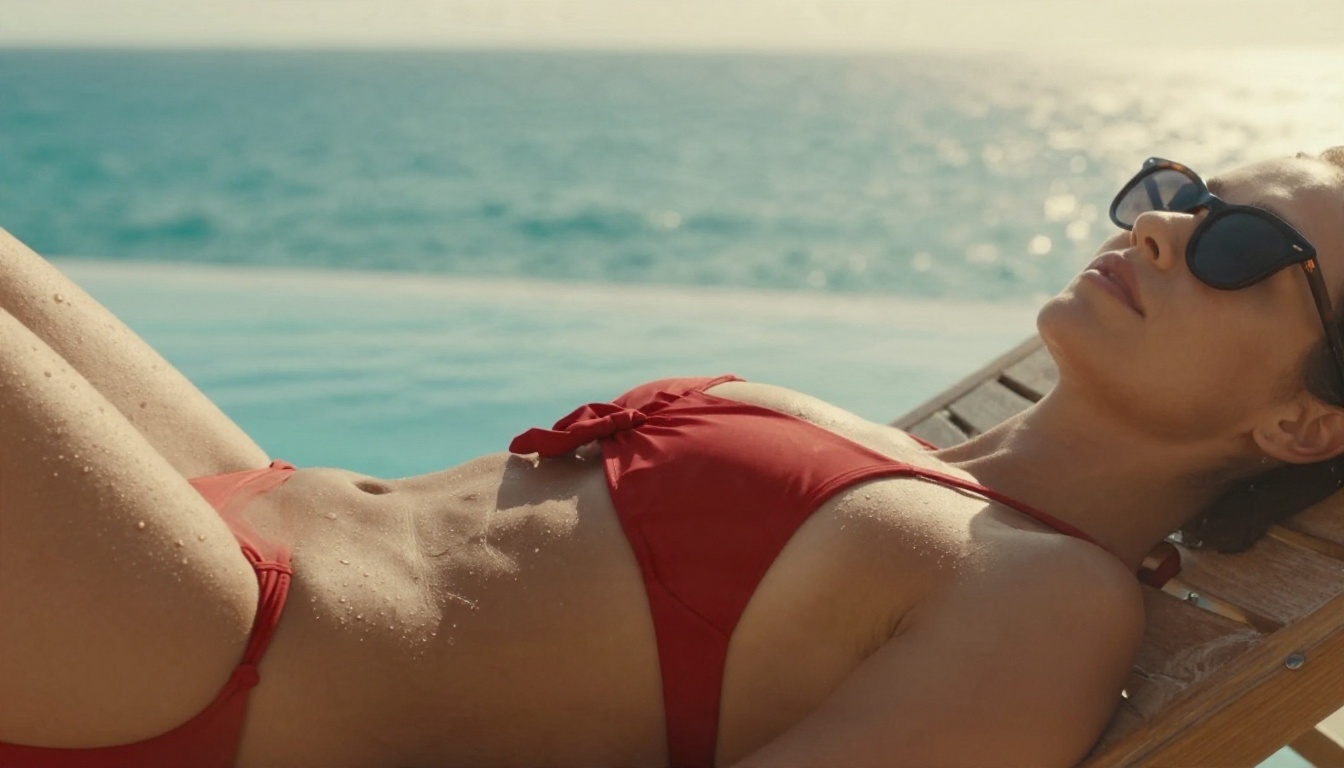
There is a big difference between a suggestive image and an explicit one. A woman in a red bikini by an infinity pool is a standard swimwear editorial. A silk robe slipping off a shoulder in morning light is classic boudoir photography. Both are what fashion magazines and swimwear brands publish every month. Explicit material is a different category, and it is not what this article is about.
Who Actually Uses These Tools
The audience is broader than you might expect. Here are the most common use cases:
- Swimwear and fashion creators who need mockups before a real shoot.
- Writers and game designers building character references for adult fiction and romance projects.
- Photographers testing lighting and pose ideas.
- Social media managers producing glamour-style content for brands in the beauty and lingerie space.
- Hobbyists who just enjoy making attractive, realistic portraits.
💡 Quick tip: Treat the generator like a photographer you are directing. The more you specify about light, lens and setting, the less the result looks like a generic AI face.
Free Online Options Compared
Not every free generator is equal. Some give you five credits and a watermark. Others let you iterate as much as you like. Here is how the main choices on Picasso IA stack up for this kind of work.
Seedream 4.5 Comes First
Seedream 4.5 is the model I would start with for adult-themed photorealism. It renders skin with believable texture, handles silk and lace without the plastic look, and follows long, detailed prompts closely. It is also fast, so you can run several variations of the same idea in a few minutes. For swimwear, glamour and boudoir scenes it is the most reliable all-rounder in the lineup.
Image Editor Pro for Unlimited Runs
The PicassoIA Image Editor Pro is the second tool to open. Its big selling point is unlimited generations, which matters more than it sounds. Good results rarely arrive on the first try. When you are not worrying about a credit counter, you try five lighting setups, three outfits and two locations, and you end up with a better image. It also edits existing pictures, so you can change an outfit color or fix a background without starting over.
Other Models Worth Trying
Once you have your base workflow, a few other models add useful variety:
Side-by-Side Comparison
How to Use Seedream 4.5 on PicassoIA
Since Seedream 4.5 is the strongest starting point, here is the exact process I follow.
Step by Step
- Open the Seedream 4.5 page on Picasso IA.
- Write your prompt in the text box. Use the formula in the next section: subject, setting, light, lens, texture.
- Set the aspect ratio to 16:9 for landscape scenes or 3:4 for vertical portraits.
- Pick the highest resolution available if you plan to print or crop.
- Press generate and wait a few seconds.
- If the pose or face is almost right, keep the prompt and change one detail only, such as the light direction. Run it again.
- When you have a winner, send it to the Image Editor Pro for small fixes like background cleanup or color changes.
Settings That Actually Matter
Most people obsess over sliders, but only a few change the result in a real way:
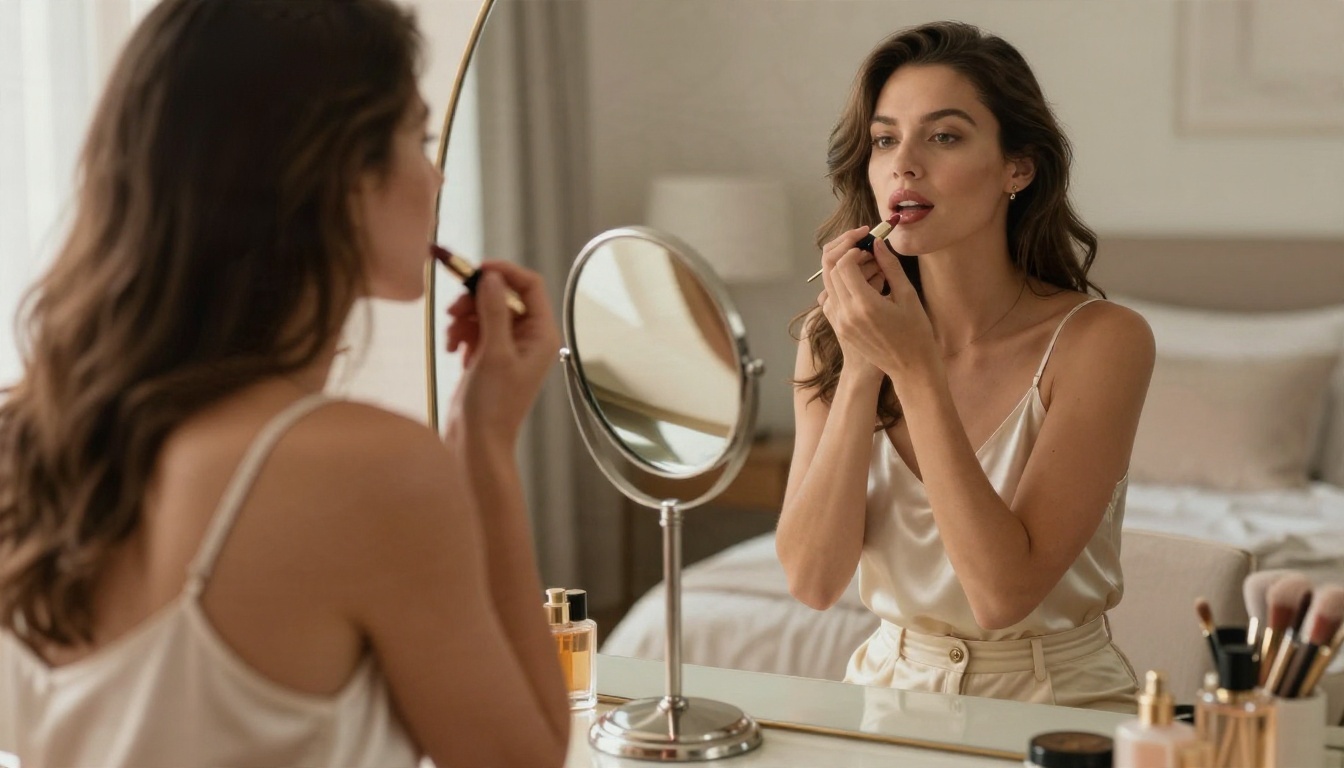
- Aspect ratio: Wide frames suit location scenes like beaches and terraces. Vertical frames suit portraits and mirror shots.
- Prompt length: Seedream 4.5 rewards detail. Three or four sentences beat a single line.
- Seed: Reuse the same seed when you want to change only the outfit or lighting while keeping the same composition.
- Negative wording: Instead of a long negative list, describe what you want positively: "natural skin texture, realistic hands, soft film grain".
💡 Quick tip: If you get the same face again and again, change the hair color, age range descriptor and facial detail in the prompt. Small changes in the face description produce a very different person.
Prompts That Actually Work
A good prompt reads like a shot list. It tells the model what the subject is doing, where they are, how the light falls and which lens captured it. Copy these patterns and swap in your own details.
The Five Part Formula
Use this order every time:
- Subject and pose: "an adult woman in her late twenties, seated on the edge of a bed, one knee drawn up"
- Outfit: "black satin slip with a loose silk robe"
- Setting: "sunlit hotel suite with sheer curtains and white linen"
- Light: "golden morning light from the left window, soft bounce from the sheets"
- Camera and texture: "85mm f/1.8, shallow depth of field, visible skin pores, Kodak Portra 400 grain"
Always state that the subject is an adult. It keeps your intent clear, and it keeps the output within the boundaries these platforms enforce.
Swimwear and Beach Prompts
Swimwear is the easiest place to start because the scene gives you built-in context: water, sand, sun. Try this:
Overhead aerial photo of an adult woman lying on white sand in a white crochet bikini, shallow turquoise waves beside her, scattered seashells, soft late morning light from above left, 24mm drone perspective, visible sand grain and skin texture, film grain.
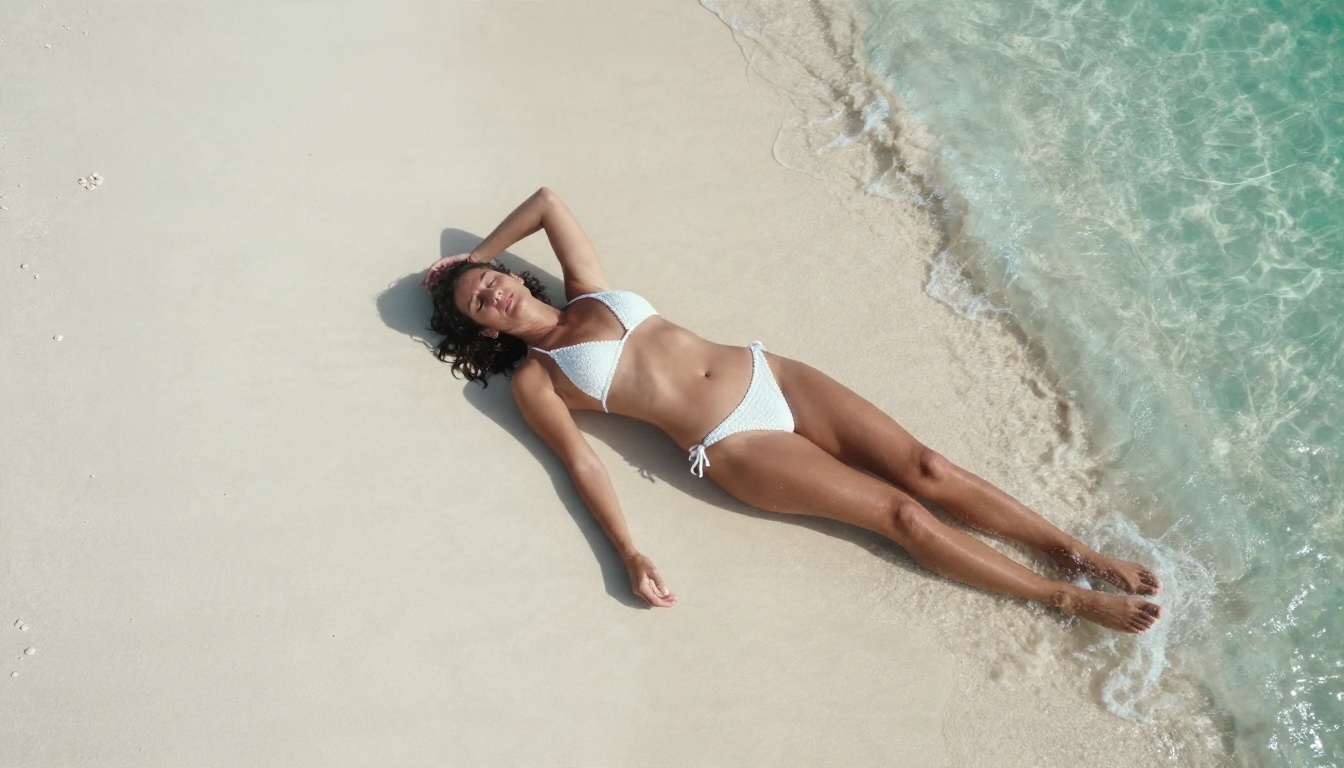
Notice how much the camera angle does here. An aerial view turns a simple beach photo into something that looks like a travel magazine spread. Try the same prompt from a low angle or a close-up and you get an entirely different mood.
Boudoir and Silk Prompts
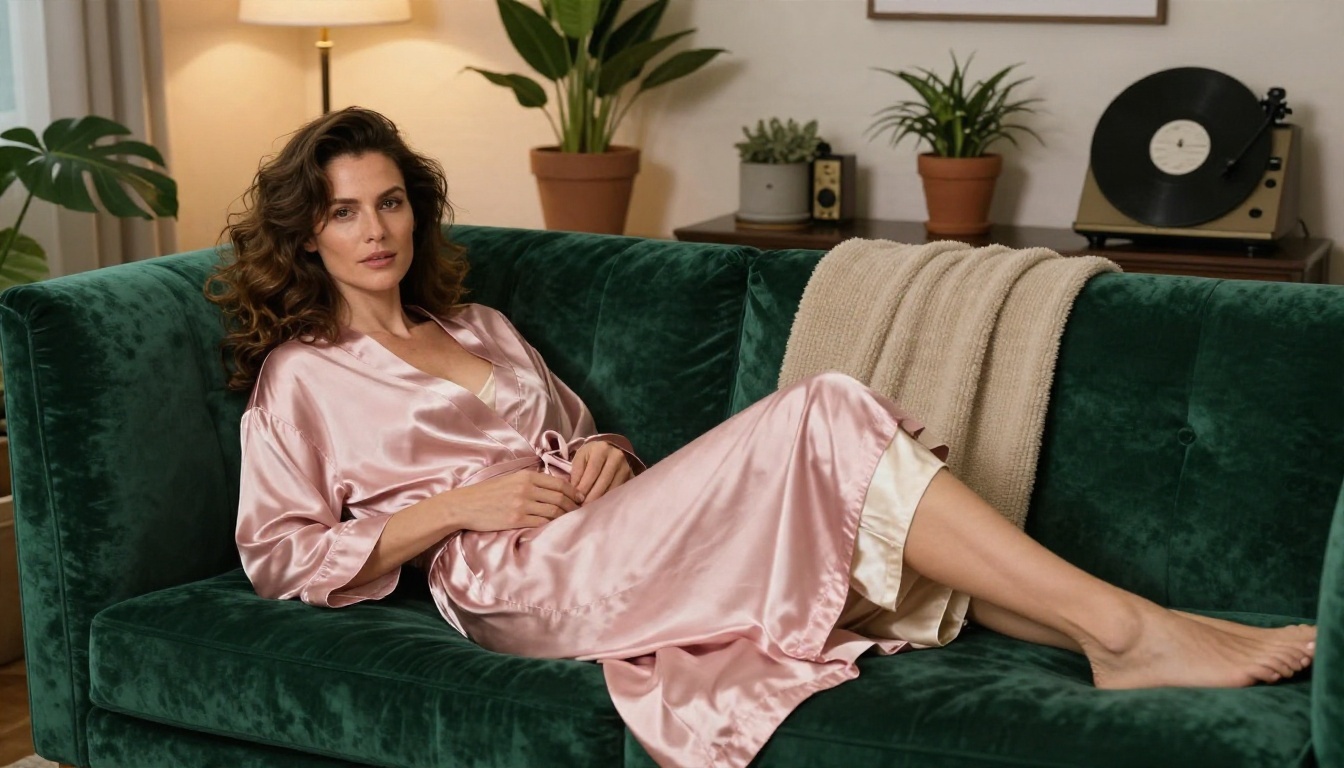
Boudoir works when you focus on fabric, light and atmosphere instead of trying to push boundaries. Silk robes, satin, lace trim and velvet furniture all give the model rich textures to render.
High-angle fashion photo of an adult woman relaxing on a velvet emerald sofa in a long pink satin robe and cream silk pajama shorts, vintage record player and plants in the room, soft lamp light from behind left, 35mm f/1.8, velvet pile texture, satin sheen, film grain.
Editorial and Street Prompts
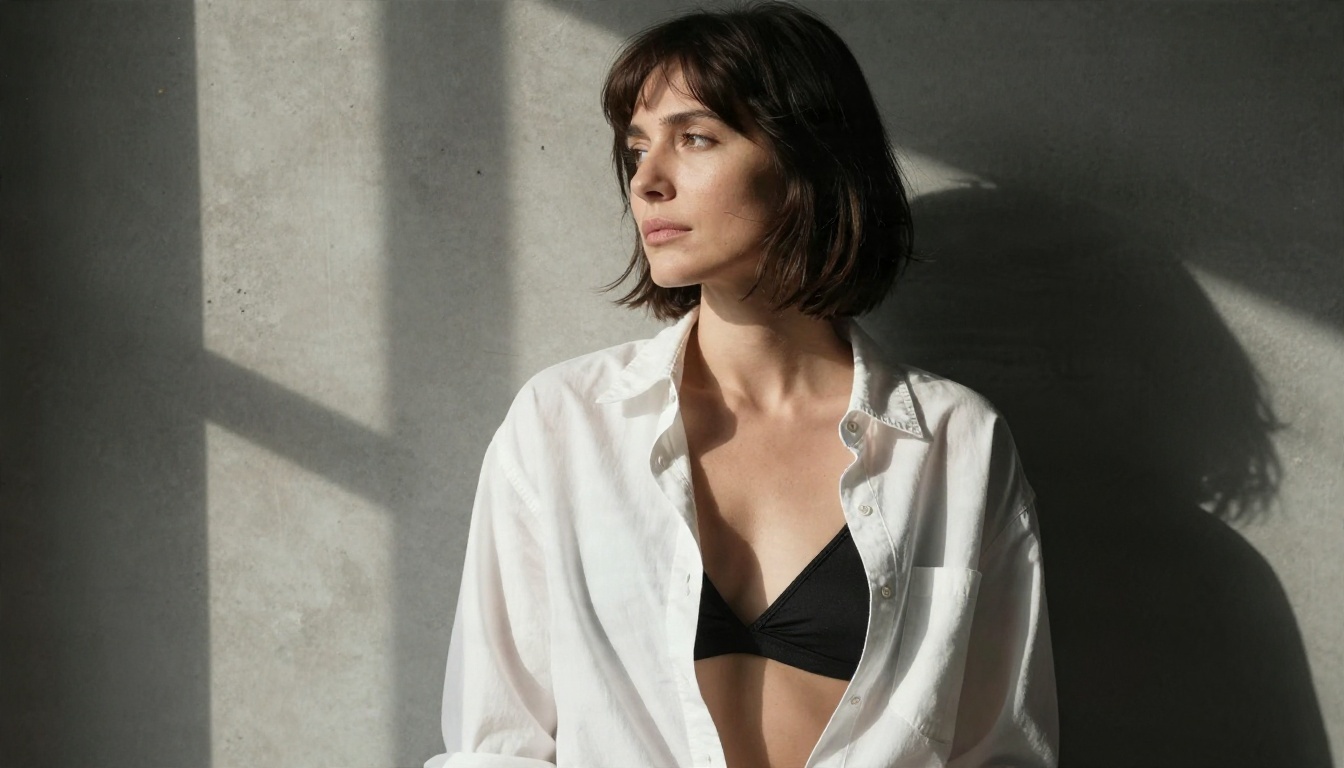
Not every adult-themed image needs a bedroom. A white shirt worn open over a bralette, a loft window and hard side light gives you a fashion editorial feel with almost no effort:
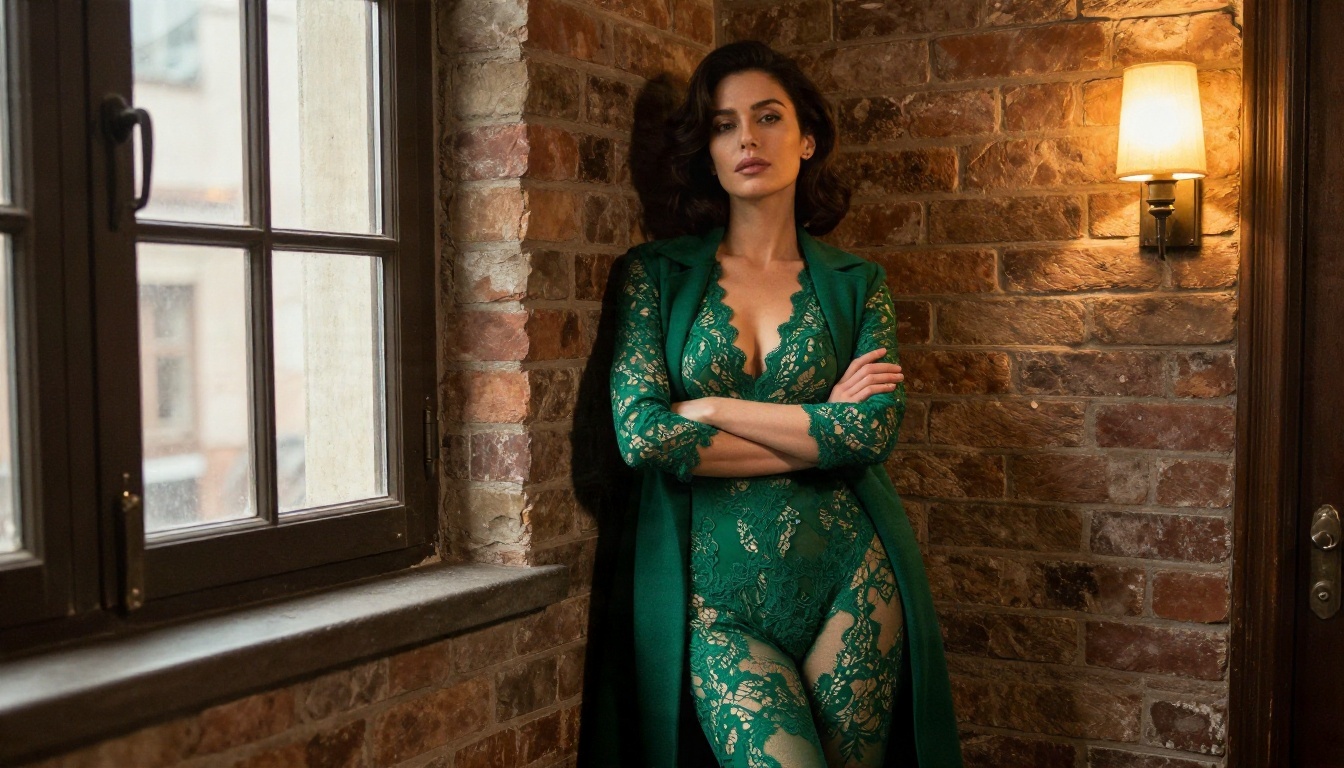
Side profile portrait of an adult woman in a white button-down shirt worn open over a black bralette, standing by a sunlit loft window, short dark bob, strong window light from the left, 105mm f/2, concrete wall texture, visible skin pores, film grain.
Real Examples With Breakdowns
Here is why some of the images in this article work, and what you can borrow.
Golden Hour at the Terrace
The Mediterranean terrace shot succeeds because of layered light. The sky provides a cool blue base, while the string bulbs add warm points of light. A black one-piece with a sheer sarong keeps the styling elegant, and the windblown hair adds motion to a still frame.
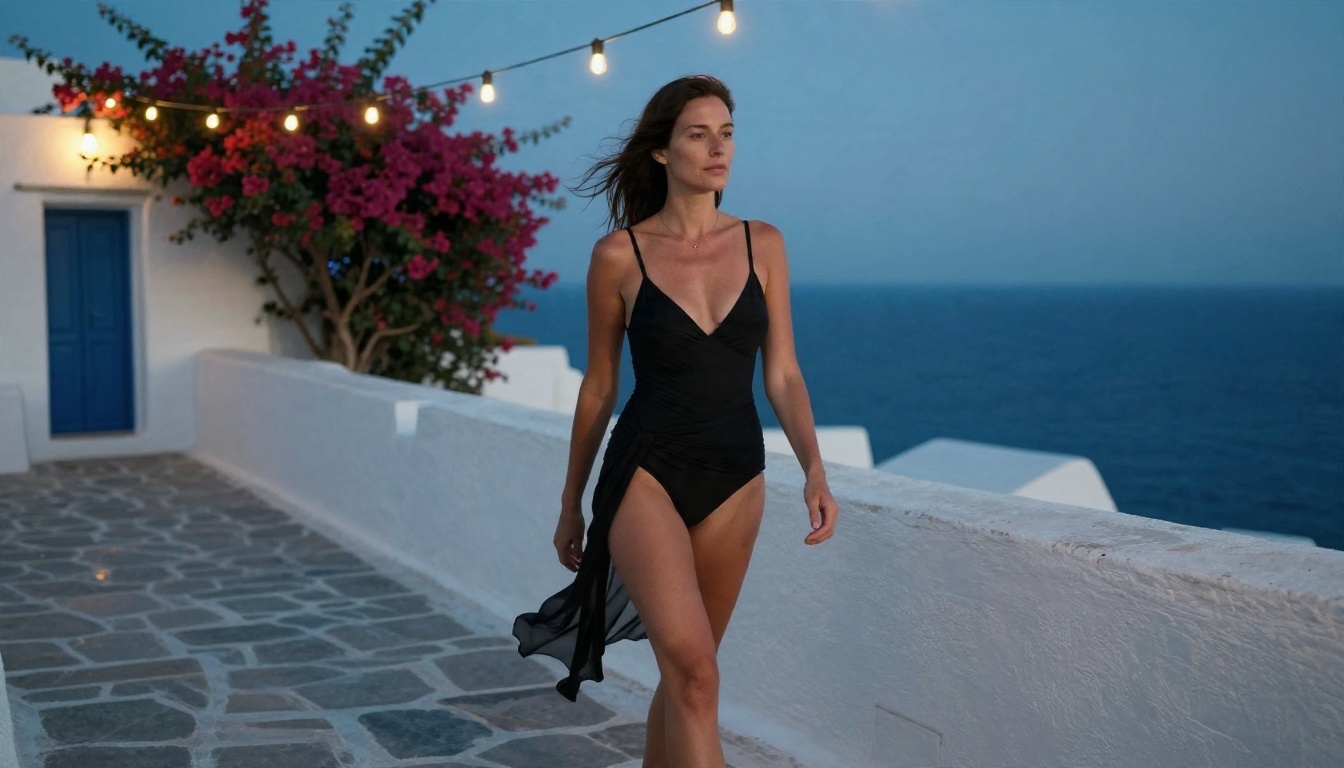
Prompt ingredients to copy: dusk, practical bulbs, whitewashed plaster, bougainvillea, 28mm lens, windblown hair.
Sunrise at the Lake
Backlight is the secret here. With the sun behind the subject, you get a glowing rim on the hair and shoulders, and water droplets catch the light. It reads as natural and candid rather than staged.
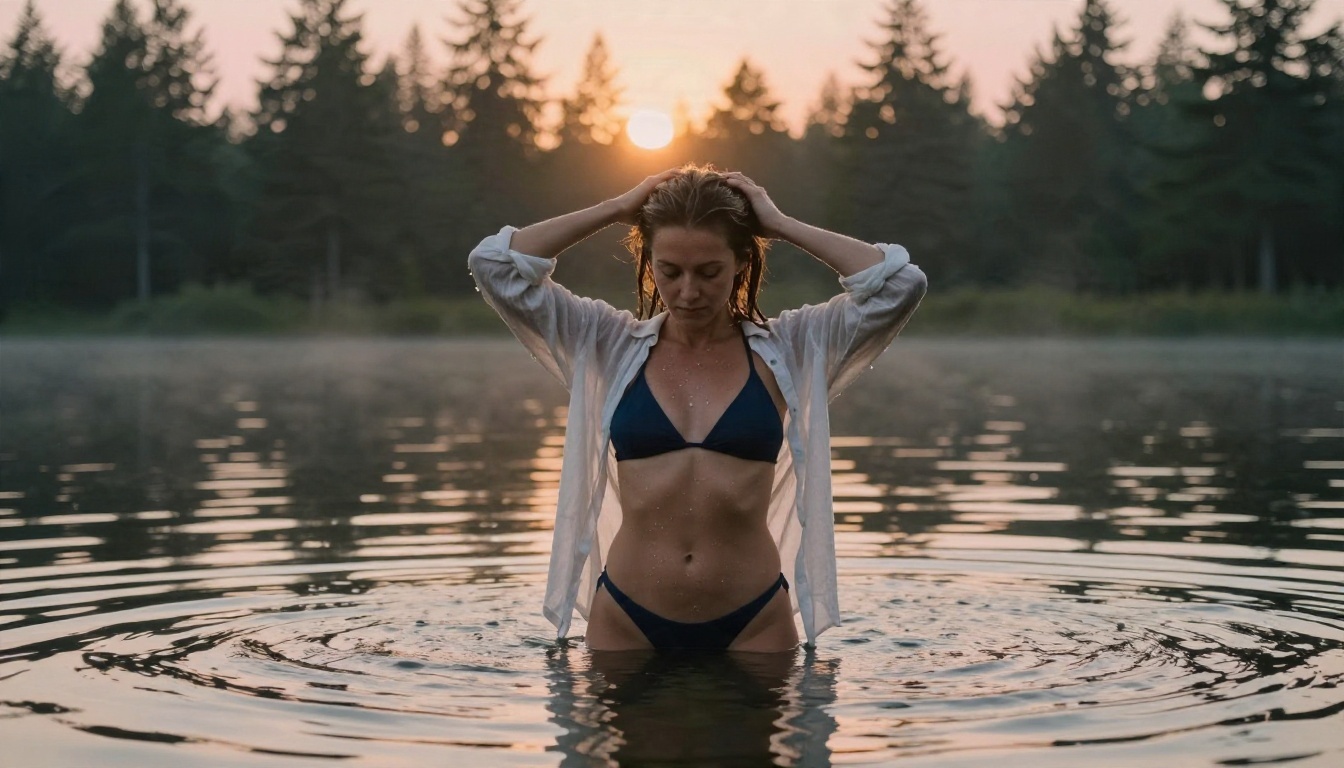
Prompt ingredients to copy: sunrise, mist on the water, backlit rim glow, wet hair, 70mm f/2, ripples.
A Quick Comparison of Moods
| Scene | Light | Lens | Mood |
|---|
| Hotel boudoir | Golden window light | 85mm f/1.8 | Intimate, warm |
| Beach aerial | Soft overhead sun | 24mm drone | Fresh, airy |
| Terrace at dusk | Blue hour with bulbs | 28mm f/2 | Romantic |
| Lake at sunrise | Backlight | 70mm f/2 | Candid, natural |
| Loft window | Hard side light | 105mm f/2 | Editorial |
Common Mistakes and Quick Fixes
Even good prompts go wrong. These are the problems I see most often.
Plastic Skin and Dead Eyes
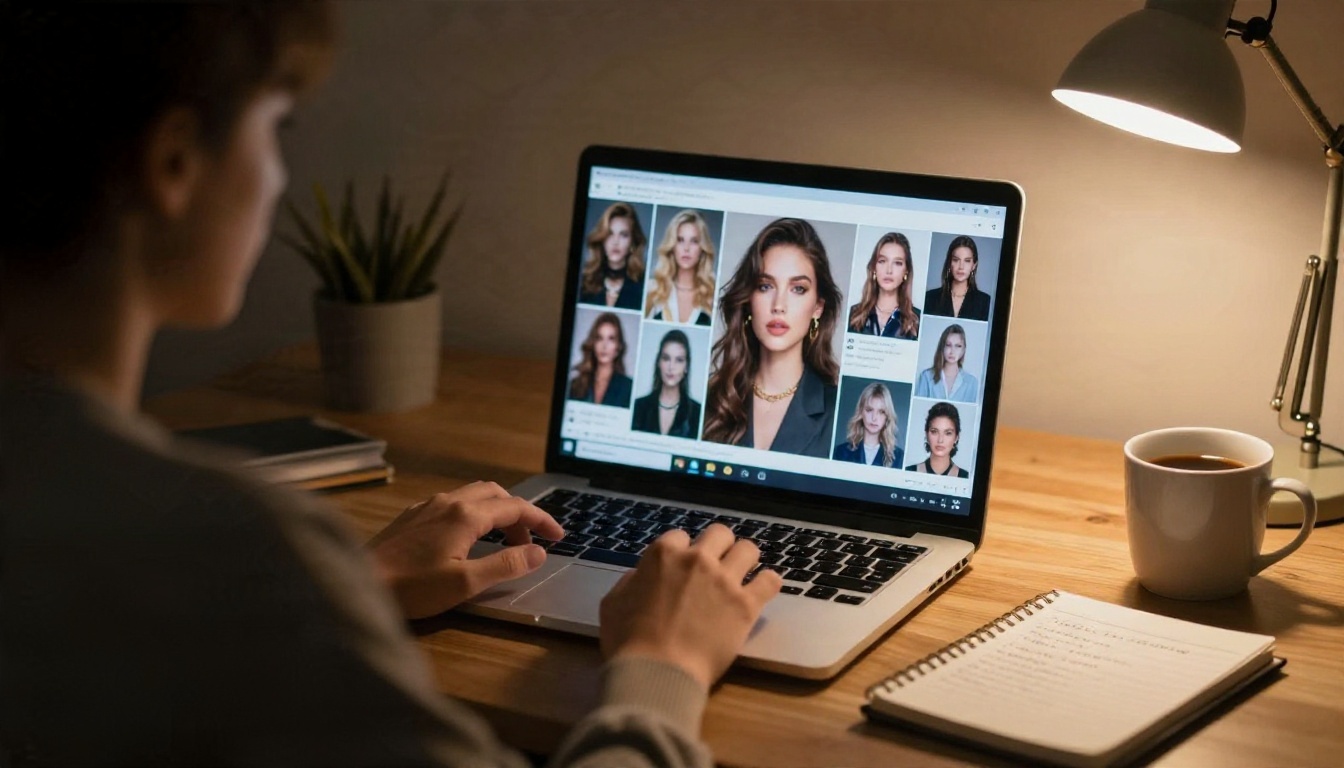
When skin looks airbrushed, the prompt usually lacks texture words. Add "visible pores", "fine freckles", "tiny flyaway hairs", and "natural film grain". Mention the lens and aperture too, because a real 85mm shot has a certain softness that the model reproduces.
Blocked Prompts
Some models refuse any request that reads as too revealing, and a refusal costs you time. If a prompt gets blocked, do not keep hammering it. Rewrite it around the fashion context: describe a robe instead of a pose, a swimsuit on a beach instead of an indoor close-up, and put more attention on light and setting. An image that is about atmosphere almost always looks better anyway. This is another reason to keep Seedream 4.5 and the Image Editor Pro in your rotation, since both are more permissive for adult-themed fashion than typical mainstream generators.
Hands, Jewelry and Small Details
Hands and fine jewelry are the usual weak spots. Keep poses simple, place hands in a natural position (on a knee, in hair, holding a mug), and avoid prompts with many tiny accessories. If one detail is off, fix it with the Image Editor Pro instead of regenerating the whole image.
Staying Safe and Legal
Using an adult image generator responsibly protects you as much as anyone else. Keep these rules in mind:
- Only depict adults. Always describe the subject as an adult. Never create anything that suggests a minor.
- Never use real people's likeness. Do not generate images of celebrities, coworkers, ex-partners or anyone who has not consented. Create original, fictional subjects.
- Respect platform rules. If you publish images, check the terms of the site where you post them. Many social networks restrict swimwear and boudoir content differently.
- Label AI images. Being open that an image is AI generated avoids confusion and builds trust with your audience.
- Keep it non-explicit. The photorealistic glamour approach in this article is designed to stay on the suggestive, editorial side.
💡 Quick tip: Save your best prompts in a notes file with the seed and model. A small prompt library saves hours over a month.
Try It Yourself Today
You now have everything needed to make your own photorealistic glamour, swimwear and boudoir images: a prompt formula, a short list of strong models, and examples to borrow from. Start with Seedream 4.5, paste in one of the prompts above, and change a single detail at a time: the light, the lens, the outfit color. Then move your favorite result into the PicassoIA Image Editor Pro, where unlimited generations let you keep refining until the image looks exactly right.
If you want to test more styles, try Z Image Turbo for quick drafts and Realistic Vision v5.1 for classic portraits. The full lineup is at picassoia.com/en/all-models. Open Picasso IA, write your first prompt, and see how far a few well-chosen words about light and lens can take you.


