You have a photo you love. A woman by a window, a beach at sunrise, a silk robe catching the light. Now you want it to move: hair lifting in a breeze, a slow turn toward the camera, a soft smile that arrives half a second late. That is what image to NSFW video is about, and in 2027 it takes about two minutes and a handful of well-chosen words.
This post is about the suggestive, glamour end of the category: swimwear, lingerie-style editorial shots, boudoir lighting, nothing explicit. It covers which free apps are worth opening, what to type in the prompt box, what real scenes look like when they work, and which alternatives on PicassoIA give you the most room to experiment.
💡 Quick answer: Start with a sharp, well-lit source image of an adult subject, write a motion prompt that asks for one movement and one camera move, and generate 5 seconds. Everything else is refinement.
What Image to NSFW Video Really Means
The phrase gets used loosely, so let's pin it down. An image-to-video model takes one still frame as the first frame of a clip, then predicts how the scene would move over the next few seconds. "NSFW" in this context describes the theme of the source image: sensual, glamorous, swimwear, lingerie, boudoir. It does not have to mean explicit, and in this article it never does.
How the Animation Works
The model looks at your photo and reads the subject, the lighting, the fabric, the background. Then it generates a short run of frames that stay faithful to that first image while adding motion. The text prompt steers what kind of motion. The image controls who and where.
That split explains most results. If the source photo is soft, cropped awkwardly or has a strange hand, the clip inherits the problem and often makes it worse. If the photo is crisp and the prompt is calm, the clip looks like a real cinematographer's tiny outtake.
What "NSFW" Means Here
Three flavors show up in searches:
- Glamour and swimwear: bikinis, one-pieces, resort scenes, golden-hour portraits.
- Boudoir and lingerie editorial: satin, lace, robes, bedroom light, magazine styling.
- Fully explicit: a different category with different legal and platform risks, and not something this post covers.
We stay in the first two. They are the most popular, they produce the best-looking motion, and they work on far more tools without being blocked.
⚠️ Adults only, always. Use adult subjects. Never animate a photo of a real person without their clear permission. Keep it to your own generated characters, your own consenting models, or fictional people.
Free Apps Worth Trying
Search "free image to video NSFW" and you will find dozens of sites. Most are the same few models behind different logos, with different rules about credits, watermarks and filters.
Browser Tools vs Phone Apps
| Type | Strengths | Weak spots |
|---|
| Browser generators | Larger previews, easier file handling, more model choices | Queues at peak hours |
| Phone apps | Fast one-tap templates and effects | Heavy watermarks, subscription pop-ups, limited control |
| Open-source tools run locally | No credit limits | Needs a strong GPU and a lot of setup |
Browser tools usually win for glamour work because you can control the prompt, the duration and the resolution. Phone apps are better for quick social clips with preset effects.
The Catch With Free Tiers
Free almost never means unlimited. Common limits include:
- A small daily credit pool that runs out after two or three clips.
- Watermarks on every export.
- Low resolution (often 480p) unless you pay.
- Filters that block a prompt without telling you why.
That last point matters most. Some mainstream tools reject a request the moment a swimsuit or robe is mentioned, even when the result would be perfectly tasteful. If you keep hitting walls, the issue is the tool, not your prompt.
Free and Unlimited on PicassoIA
For adult-themed creative work, PicassoIA Video is the simplest place to begin: a free, unlimited video generator that accepts a text prompt or a starting image. On the image side, PicassoIA Image Editor Pro offers unlimited generations and edits, so you can fix a source photo as many times as you need before spending a single credit on animation.
💡 Unlimited attempts change how you work. You stop treating each generation as precious and start testing five prompt variants in a row, which is where the good clips come from.
Start With a Strong Source Image
The source frame decides about 70 percent of the result. Spend your effort here.
Pick the Right Pose
Animation models handle some poses far better than others.
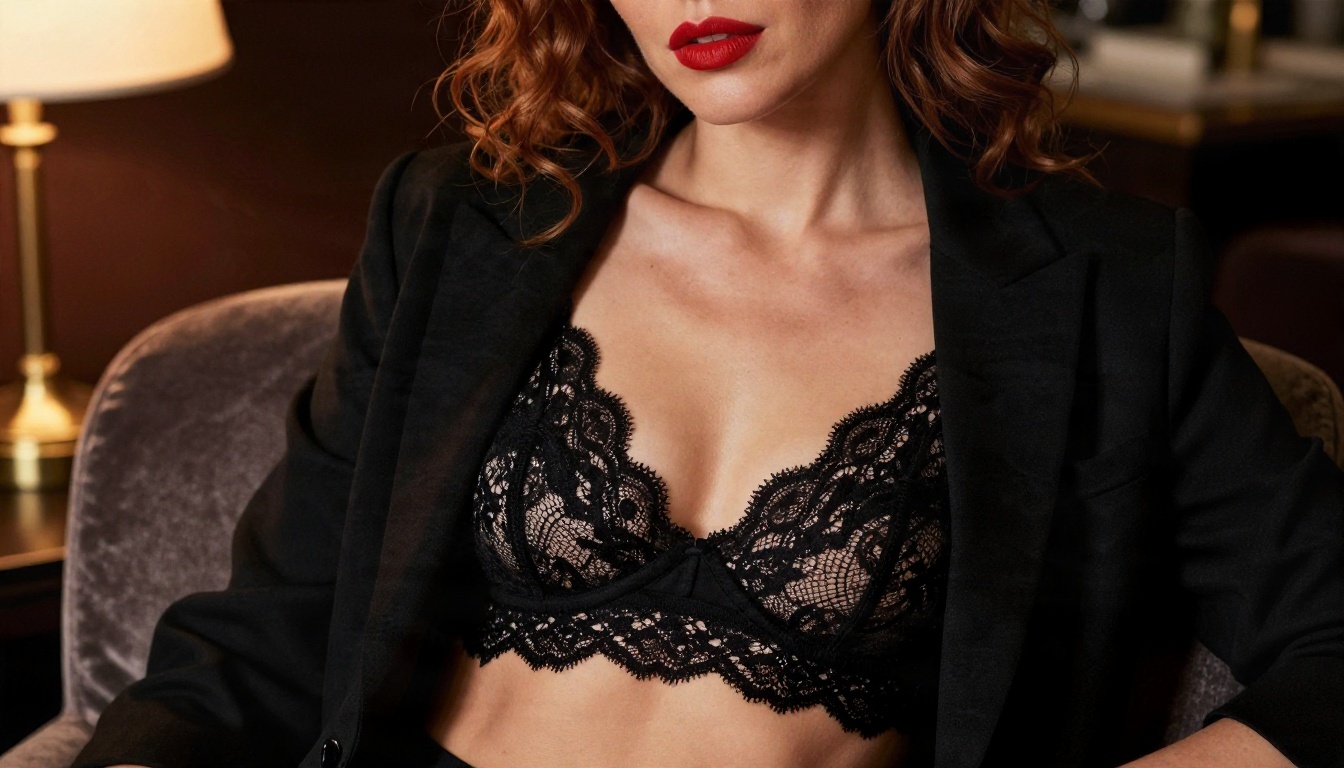
- Good: standing, leaning, seated with relaxed arms, three-quarter turns, hands resting on a railing or fabric.
- Risky: hands overlapping the face, crossed fingers, intricate jewelry, hair covering one eye, extreme foreshortening.
- Avoid: crowded backgrounds with several people, since the model may merge or warp them.
Leave breathing room around the subject. A tight crop gives the camera nowhere to move, and a slow push-in will cut the head or shoulder awkwardly.
Generate It With Seedream 4.5
If you do not have a photo, make one. Seedream 4.5 is the model I would reach for first: it produces sharp 4K stills with believable skin texture, fabric sheen and lighting, which are exactly the details a video model needs to hold together over 5 seconds.
A source prompt that works well follows this pattern:
Adult woman in a black satin robe by a tall hotel window at golden hour, warm light from the left, 85mm lens, shallow depth of field, visible skin texture, film grain, natural color.
Notice what is missing: no vague adjectives like "stunning" or "perfect." Light direction, lens and textures do the work.
Fix It With Image Editor Pro
Before animating, check the frame for flaws: a bent finger, a stray strap, a background object growing out of a shoulder. PicassoIA Image Editor Pro lets you describe the correction in plain language ("remove the lamp behind her head," "change the robe to red silk") and regenerate as often as needed. Since it is unlimited, there is no reason to animate a flawed frame.
Prompts That Actually Move
Most people write motion prompts like image prompts: a long list of adjectives. Video models respond better to verbs and order.
The Motion Prompt Formula
Use this structure:
[Subject action] + [one secondary motion] + [camera movement] + [light and mood]
Example:
She turns her head slowly toward the camera and smiles, the sheer curtain moves in a soft breeze, slow dolly-in, warm golden light, shallow depth of field.
Three rules keep clips clean:
- One main action. "Turns and smiles" works. "Turns, walks, laughs, spins and waves" produces melted limbs.
- One camera move. Slow push-in, gentle pan, or static. Not all three.
- Gentle verbs. Slowly, softly, gently, slightly. Fast motion is where artifacts appear.
Ten Copy-Ready Prompts
| # | Scene | Prompt |
|---|
| 1 | Window portrait | She looks down, then up at the camera with a soft smile, curtain drifting, slow push-in |
| 2 | Beach walk | She walks toward the camera along the waterline, dress and hair moving in the wind, low tracking shot |
| 3 | Pool exit | She steps out of the water and brushes her hair back, droplets falling, static camera |
| 4 | Balcony dusk | She leans on the railing and glances over her shoulder, silk fabric rippling, slow orbit |
| 5 | Vanity mirror | She adjusts the robe on her shoulder and meets her own gaze in the mirror, subtle handheld |
| 6 | Street blue hour | She pushes off the brick wall and takes a slow step forward, jacket swaying, gentle dolly-back |
| 7 | Yacht deck | She lifts her sunglasses and looks toward the horizon, breeze moving her hair, slow pan |
| 8 | Bedroom morning | She stretches slightly and pulls the pillow closer, sunlight shifting across the sheets |
| 9 | Lounge close-up | She tilts her chin and exhales slowly, lamp light flickering softly on her face |
| 10 | Rooftop night | She turns toward the city lights, hair lifting, slow crane-up |
💡 If a clip looks stiff, add "natural micro-movements, subtle breathing" to the end of the prompt. It nudges the model toward lifelike idle motion instead of a frozen pose.
Real Examples by Scene
Below are source frames in the style that animates well, each with the motion I would request. They were all generated as photoreal stills, and each one is a good starting point for an image-to-video run.
Beach at Sunrise
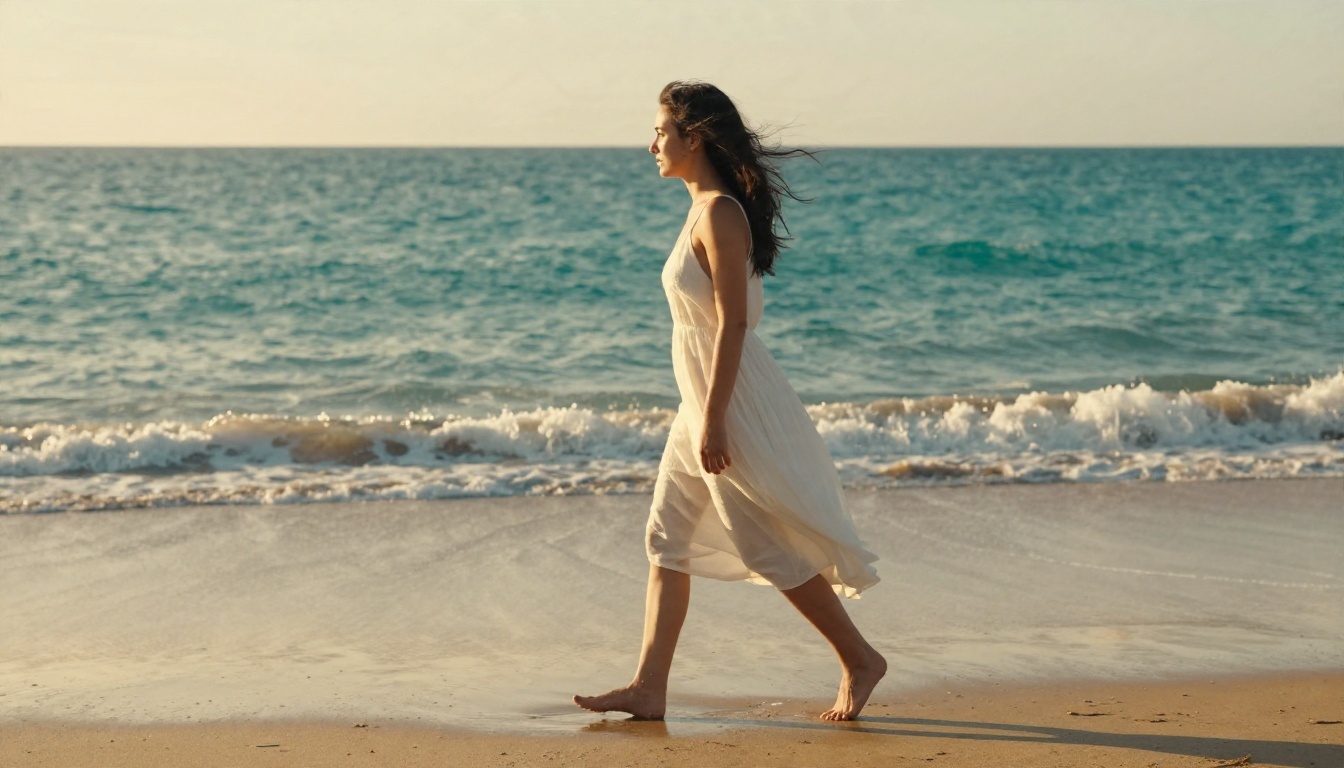
Water and wind are two of the things video models animate best. The dress moves, the hair moves, the waves keep rolling behind her. Motion prompt: She walks slowly toward the camera, dress lifting in the wind, waves rolling in behind her, low tracking shot, warm sunrise light.
Balcony at Dusk
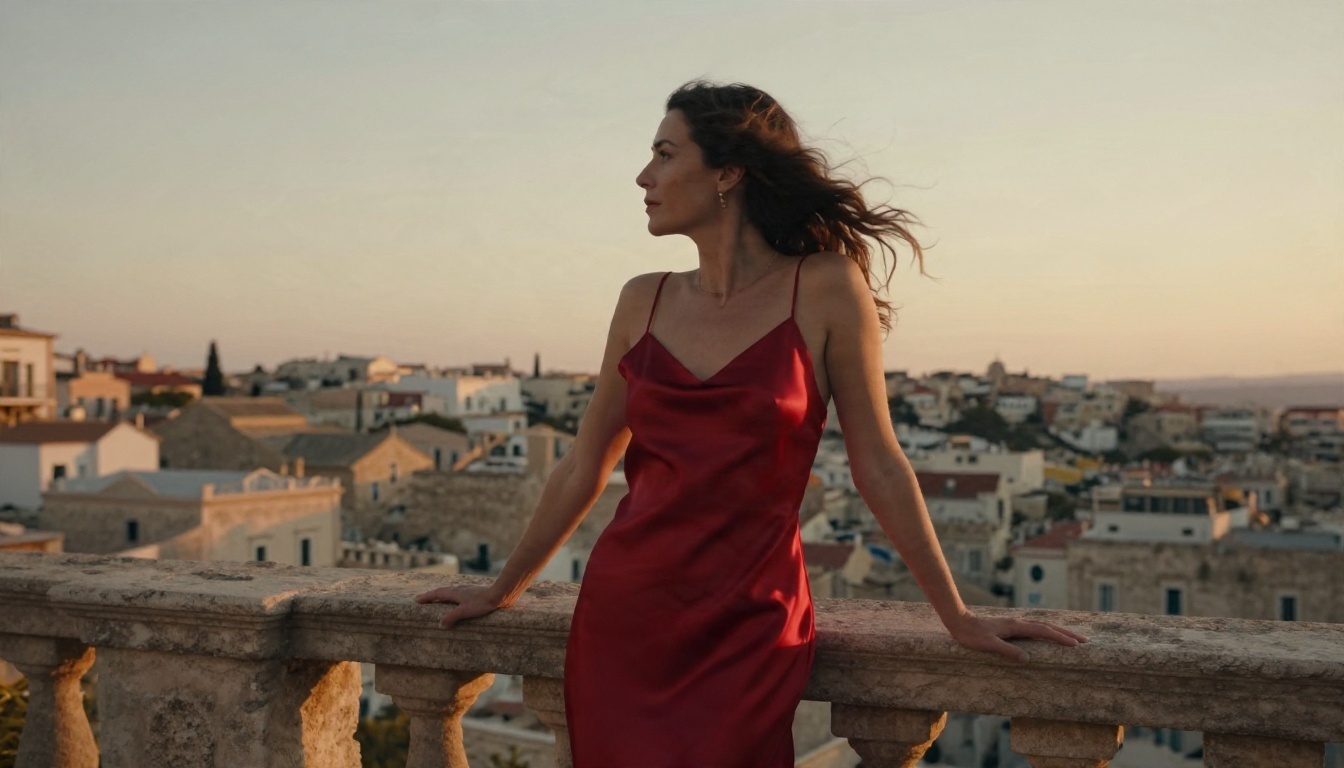
Silk is a favorite subject: it catches light and ripples convincingly. Motion prompt: She turns her head over her shoulder, silk dress rippling in the breeze, slow orbit around her, golden dusk light fading.
Pool Exit in Hard Light
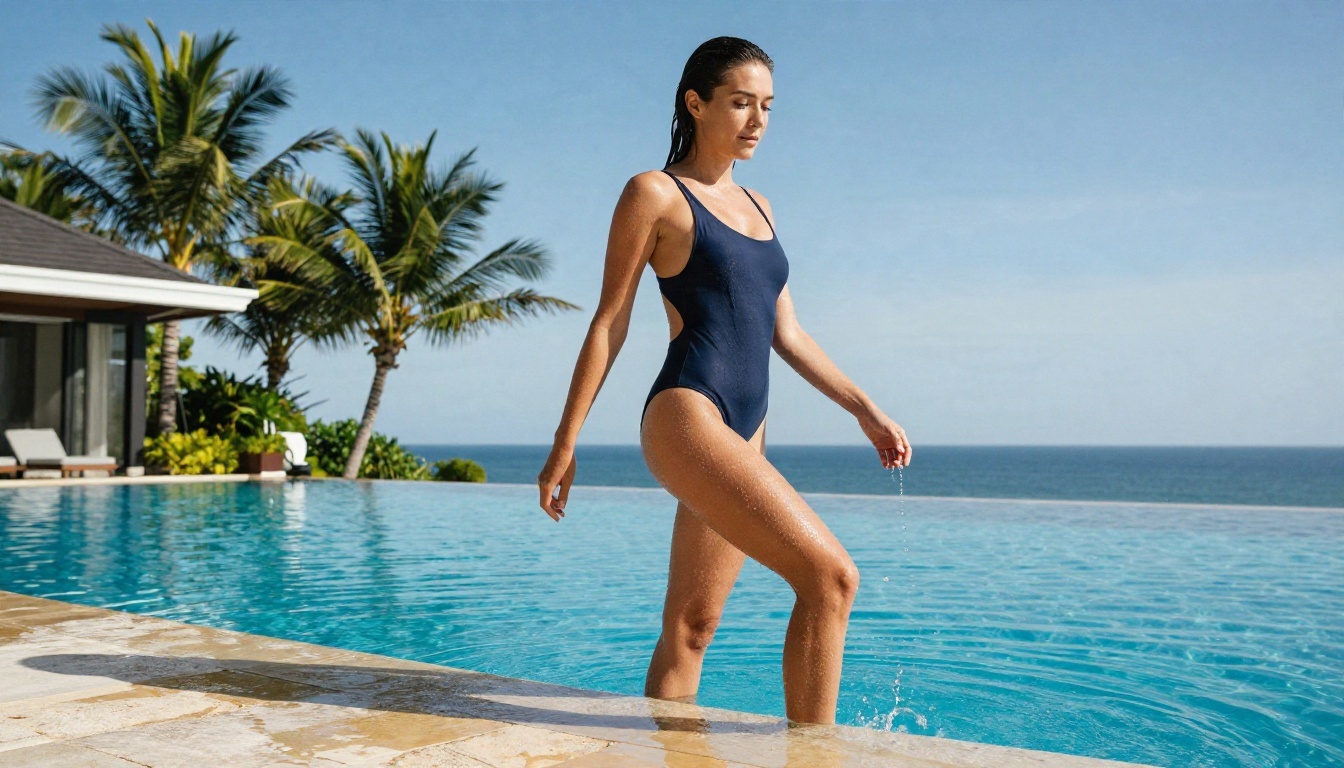
Wet skin and falling droplets sell realism, but harsh sun can flicker. Keep the camera static and let the water do the work. Motion prompt: She steps up onto the tile and runs a hand through her wet hair, droplets falling, static camera, bright midday sun.
Street at Blue Hour
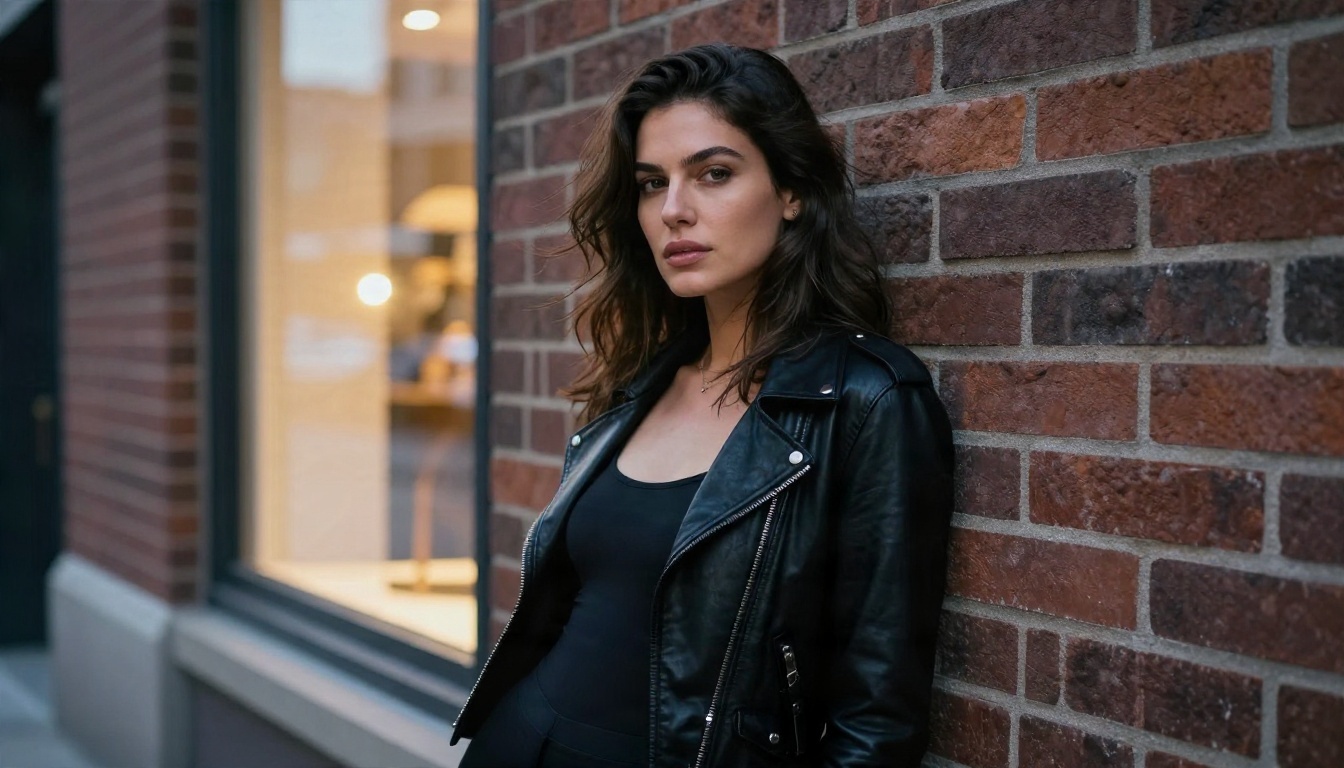
This is the editorial fashion look: leather, brick, warm shop light. It animates well because the background is simple. Motion prompt: She pushes off the wall and takes one slow step forward, jacket swaying, gentle dolly-back, warm window glow.
Yacht Deck Afternoon
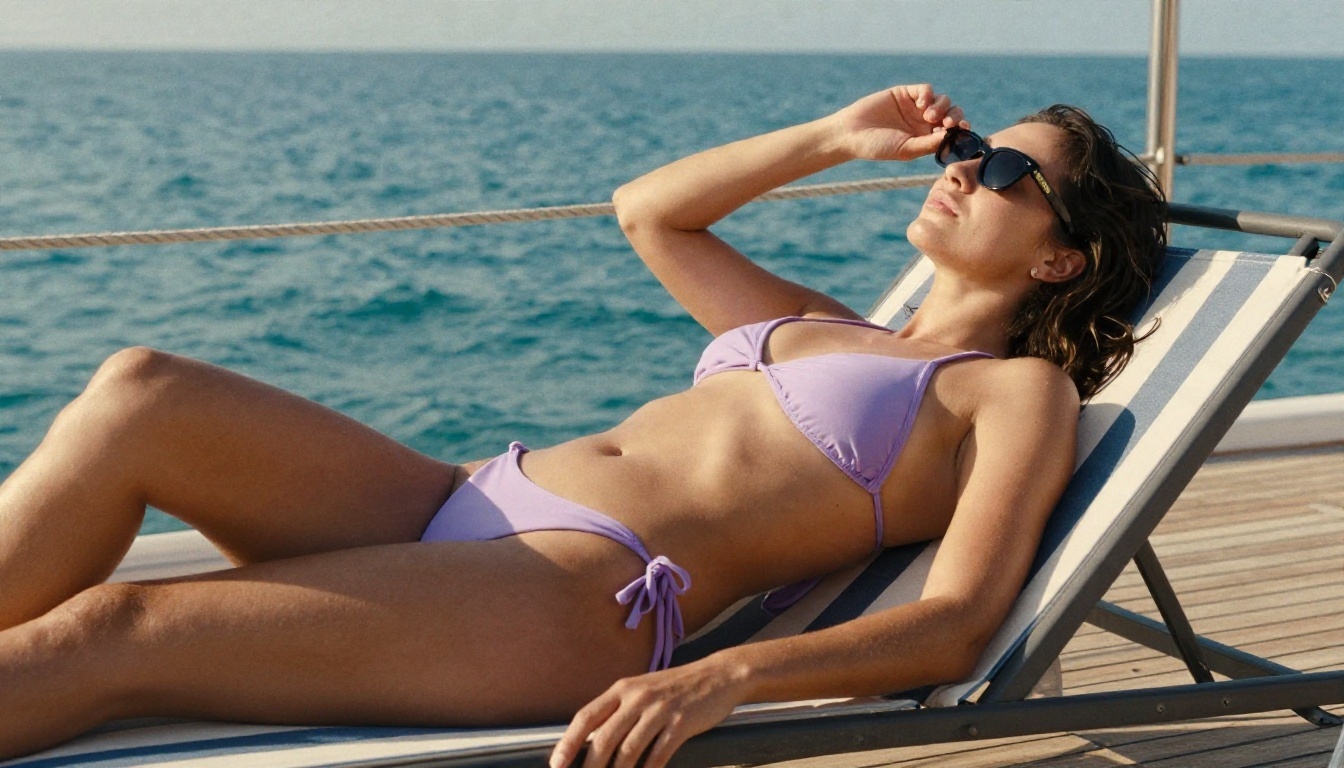
Relaxed seated poses are forgiving. The horizon gives a stable reference line. Motion prompt: She lifts her sunglasses and looks toward the horizon, breeze moving her hair, slow pan across the deck, soft afternoon light.
Bedroom Morning
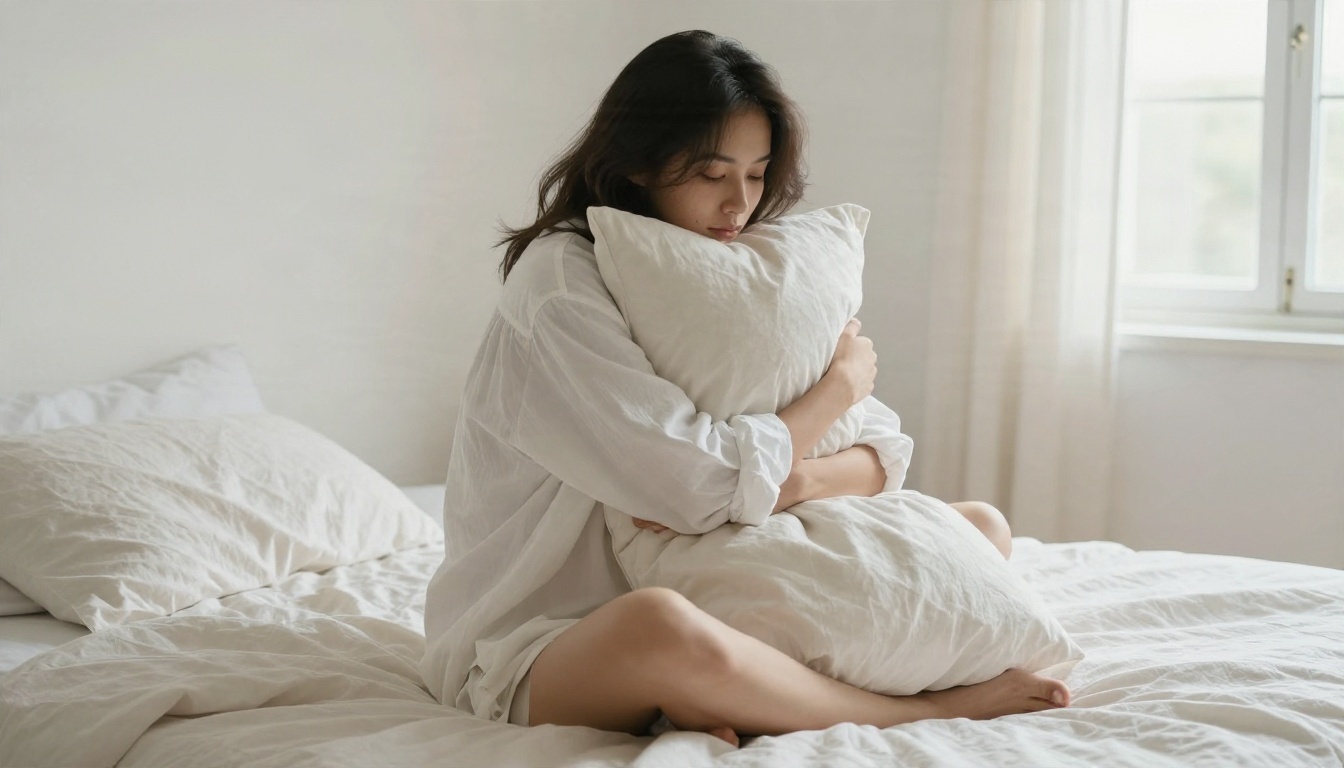
Soft, intimate and low-risk for artifacts. Motion prompt: She hugs the pillow and shifts slightly, a slow breath, sunlight moving across the linen, static camera.
Best Alternatives on PicassoIA
No single model wins every scene. These are the ones I would line up, in the order I would try them.
Each model has its own filters, so a prompt that is blocked on one may pass on another. That is another reason to keep a few options open instead of committing to one tool.
💡 Want to see everything available? Browse the full list at picassoia.com/en/all-models.
Step by Step Workflow
Here is the exact process I use for a clean 5-second clip.
- Generate the source image with Seedream 4.5. Ask for a 16:9 frame, a clear light direction and a lens (for example "85mm f/1.8").
- Fix any flaws in PicassoIA Image Editor Pro. Check hands, straps, edges and anything touching the background.
- Open an image-to-video model. For a first pass, use PicassoIA Video. Upload the source image as the first frame.
- Write the motion prompt with the formula above: one action, one secondary motion, one camera move.
- Generate 3 to 5 variants. Change only one thing each time: the verb, the camera move, or the light.
- Pick the best and re-run it on a higher-quality model such as Wan 2.7 I2V if you want smoother motion.
- Trim and loop. A clip that ends where it started loops cleanly on social platforms.
Settings That Help
- Duration: 5 seconds is the sweet spot. Longer clips drift.
- Aspect ratio: match the source image. A 16:9 still gives a 16:9 clip.
- Resolution: test at lower resolution, then render the final at 720p or above.
- Seed: when you like a result, keep the seed and change only the prompt.
Common Mistakes to Avoid
| Mistake | What happens | Fix |
|---|
| Prompt asks for 4 actions | Limbs warp, face drifts | One action per clip |
| Fast camera movement | Background smears | Use "slow" and "gentle" |
| Cluttered background | Objects merge with the subject | Simplify the source photo |
| Low-resolution source | Soft, muddy video | Upscale or regenerate in 4K |
| Tight crop | Camera cuts off the head | Leave room around the subject |
| Copying someone's photo | Legal and consent problems | Use your own generated characters |
Make Your First Clip Today
You do not need a studio, a model or a budget. You need one good frame and one calm sentence of motion.
Open Seedream 4.5, make a golden-hour portrait, polish it in PicassoIA Image Editor Pro, then send it to PicassoIA Video with a prompt like "she turns slowly toward the camera and smiles, soft breeze, slow push-in." Run it five times, keep the best one, and you will see the difference between a still photo and a moment.
Ready to experiment? Try the models above on PicassoIA, compare how each one handles silk, water and hair, and build your own library of scenes. The full catalog is waiting at picassoia.com/en/all-models.


