You have a photo you love: a woman in a black swimsuit at golden hour, a silk robe caught by a balcony breeze, a bikini shot on an empty beach. Now you want it to breathe. Hair moves, fabric ripples, the camera drifts closer. That is image to video 18+, and the search results around it are a mess of "free" tools that cap you at three clips, stamp a watermark across the frame, or quietly refuse anything that is not a landscape.
This article sorts it out with practical numbers. You will see which free options actually let you keep generating, how to write prompts that animate skin, hair and fabric without warping them, which settings to lock before you press generate, and how long a clip can run on each model. Everything here stays in the non-explicit, adults-only glamour lane: swimwear, lingerie-style fashion, boudoir lighting, suggestive but never pornographic.
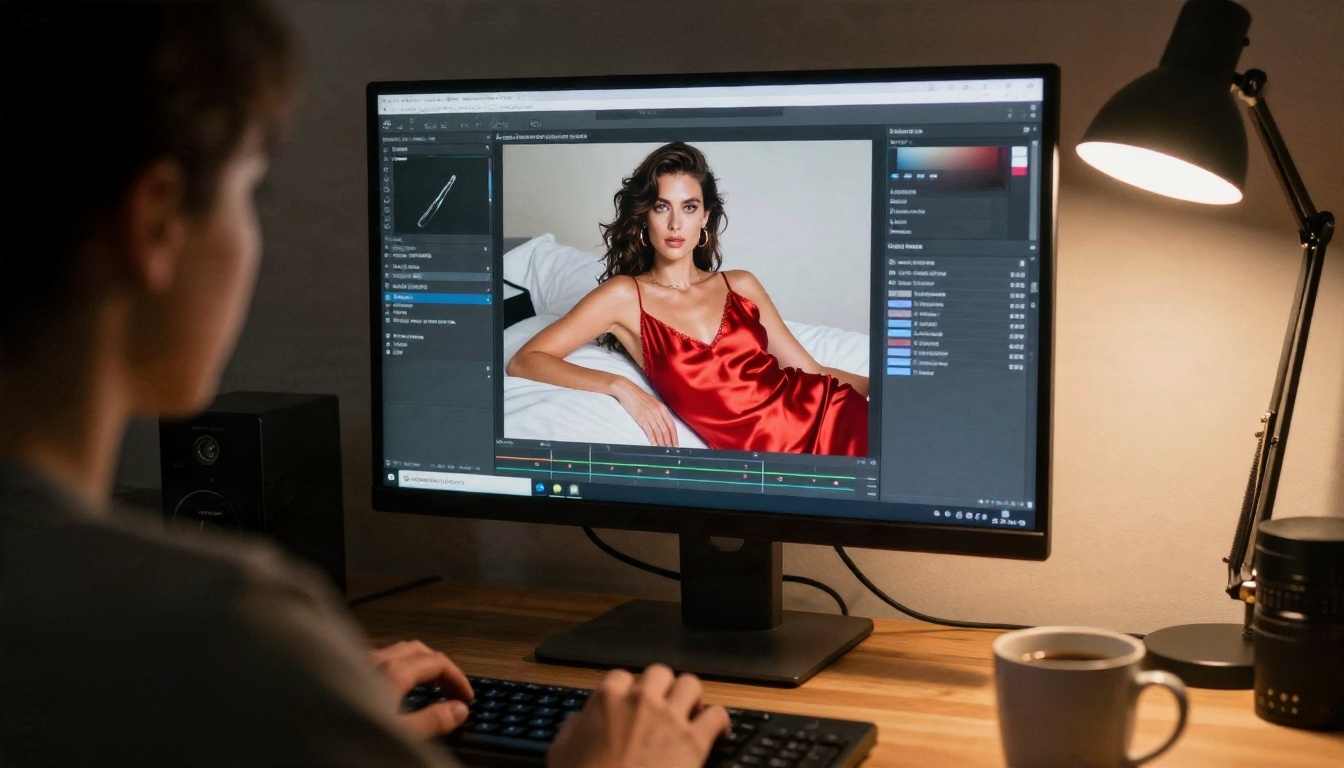
What 18+ Image to Video Means
The phrase covers a wide range, so it helps to define it before picking tools.
Who Is Searching for This
Most people typing this query are not looking for anything shocking. They are fashion and swimwear creators, boudoir photographers, AI influencers, and adult-brand marketers who already own strong still images and want motion for Reels, Shorts, and ad creatives. A still photo gets a glance. A five-second clip with moving hair and a slow push-in gets a pause.
What Stays Off the Table
Adult does not have to mean explicit. The most useful content in this space is the kind a platform can actually keep online: bikinis, silk, lace, wet hair, golden light, confident posing. Some practical boundaries worth keeping:
- Only animate fictional characters or people who have clearly agreed to it. Never animate a real person's photo without consent.
- Keep every subject unmistakably an adult.
- Avoid explicit acts and full nudity. Models run cleaner on suggestive prompts, and social platforms remove explicit clips fast.
💡 Tip: Suggestive prompts tend to produce better motion than aggressive ones. Soft, slow, believable movement is what makes a clip look like a real video instead of a morphing filter.
Free Options That Actually Work
"Free" means three different things in this category. Sorting them saves you hours.
Unlimited Picks on PicassoIA
Three PicassoIA options are built around volume rather than a trial counter:
- Seedance 2.5 Lite is the lightweight version of Seedance 2.5. It generates clips of 5 or 10 seconds at 480p or 720p from a text prompt or an input image, with synchronized audio. Elite and Infinite members run it without a per-clip cost or a daily counter.
- Picasso IA Video is the native model: free, unlimited, text or image in, and a fixed 5-second clip at 24 frames per second with synchronized audio.
- PicassoIA Image Editor Pro is not a video model, but it is unlimited for edits, which matters because most failed animations start with a flawed source image.
Free Tiers With Caps
Elsewhere in the market, free image to video generally means a tight ceiling. Published comparisons from 2026 put most free tiers at roughly 4 to 10 seconds per clip, often at 720p or lower, with a small credit pool that does not renew and, on several services, a visible watermark. Some of those platforms also apply content filters that reject swimwear or boudoir prompts outright, which is the part nobody mentions in the pricing table.
The Hidden Cost of Free
| What "free" often hides | Why it hurts |
|---|
| One-time credits | You burn them on prompt testing, not final clips |
| Watermarks | The clip is unusable for ads or a portfolio |
| Queue times | A 5-second clip can wait many minutes |
| Silent content filters | Swimwear gets blocked, you lose credits anyway |
| No seed control | You cannot reproduce a result you liked |
The practical rule: count how many failed attempts you can afford, not how many clips the page promises. Image to video is an iteration game. A tool that lets you try ten prompt variations without a meter beats one that gives you three "perfect" tries.
Start With a Strong Source Image
In image to video, the first frame decides the whole clip. A soft, anatomically odd or low-contrast still will produce a soft, odd clip.
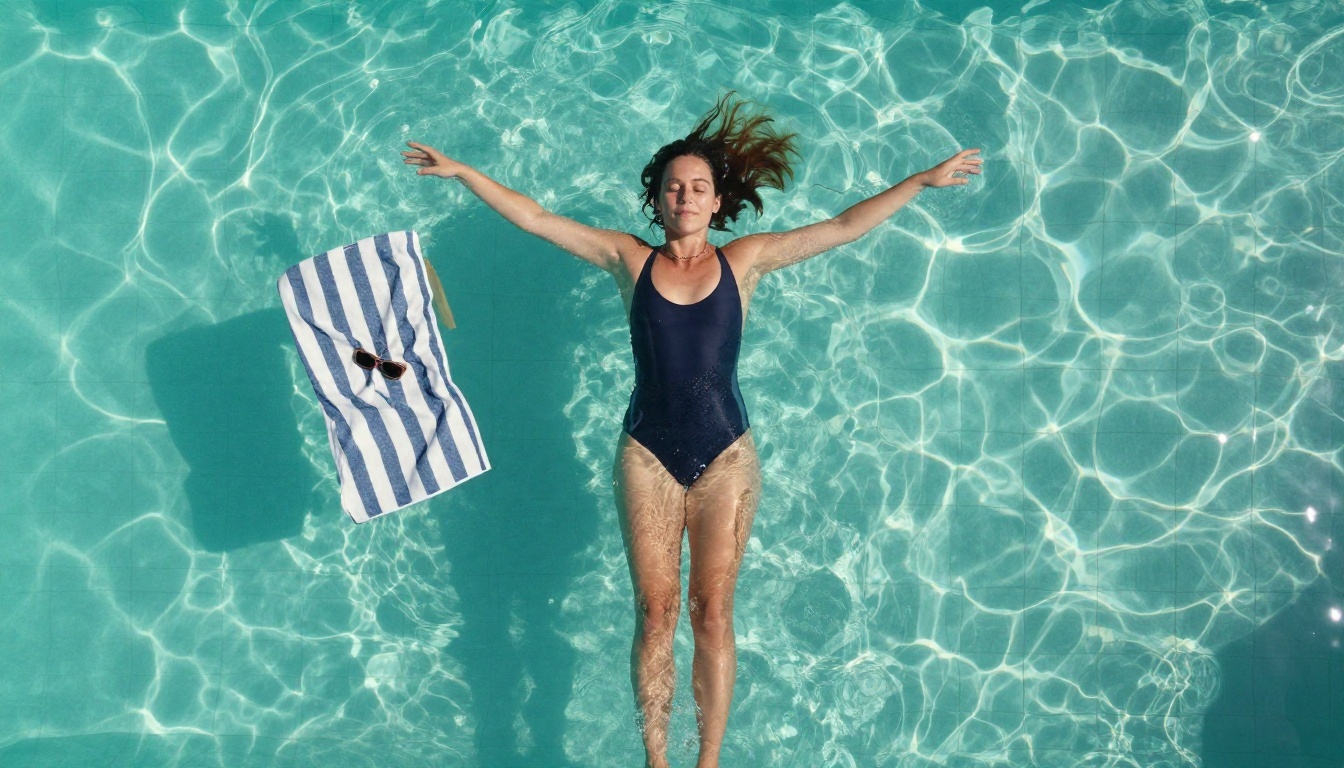
Build the Still With Seedream 4.5
For adult glamour stills, lead with Seedream 4.5. It produces sharp, photographic skin and fabric detail at up to 4K, and it handles swimwear, lace and silk without the plastic look that ruins animation. Write the prompt like a photographer's shot list: subject, outfit, setting, light direction, lens.
A strong still for animation has:
- Clear separation between subject and background, so the model knows what moves.
- Visible loose elements such as hair, a robe, a scarf or water, which give motion something natural to do.
- Open space in the direction the camera will move.
- Visible hands and face, correctly formed, since errors become more obvious in motion.
Fix Details With Image Editor Pro
Even good stills have flaws: a strap that merges with skin, a stray reflection, a background object in the wrong spot. PicassoIA Image Editor Pro fixes these from a text prompt in seconds, with unlimited edits and up to three reference images in one prompt. Run two or three cleanup passes before you animate. It costs nothing in credits and saves video generations.
💡 Tip: Keep a "clean master" folder. Once a still passes your check, copy it there and animate only from that folder, so you never animate a draft by accident.
Prompts That Move Skin and Fabric
The still already contains the subject, outfit and setting. Your video prompt describes only what changes over time.
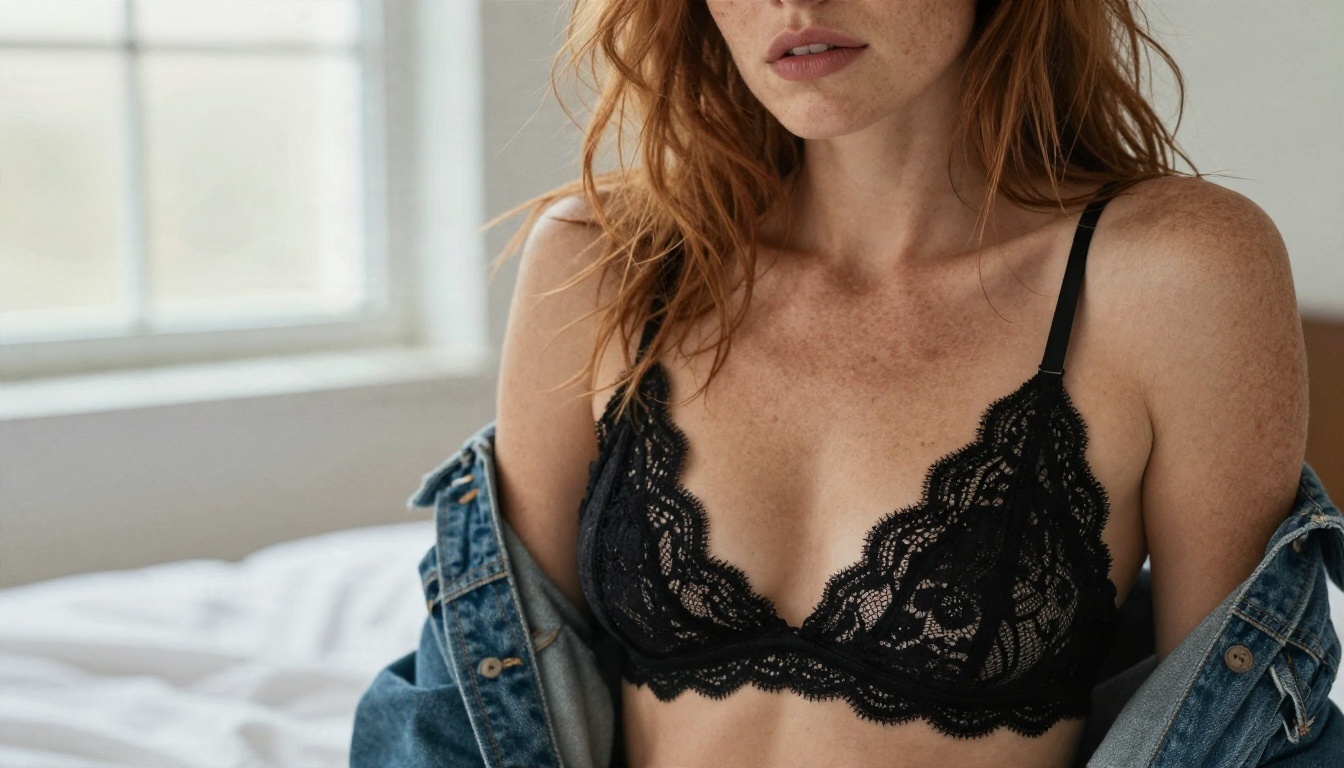
A Simple Prompt Formula
Use this order, in one or two sentences:
- Starting pose (a few words, matching the image).
- Subject motion (what moves, how fast).
- Camera movement (one move only).
- Light and atmosphere.
Example: "She sits still on the bed, then slowly turns her head toward the window and exhales, a strand of hair falling across her cheek. Slow dolly-in, soft overcast daylight, quiet room tone."
Prompt Examples That Work
| Scene | Motion prompt |
|---|
| Beach walk | Waves roll over her ankles, her hair lifts in the breeze, slow tracking shot from the left, warm sunrise light |
| Silk robe balcony | Wind moves the robe and her hair, she glances over her shoulder, gentle push-in, dusk city hum |
| Poolside | She pushes wet hair back with one hand and smiles, water ripples around her, handheld sway, bright afternoon sun |
| Boudoir window | She breathes slowly, fabric shifts with each breath, soft rack focus from the curtain to her face |
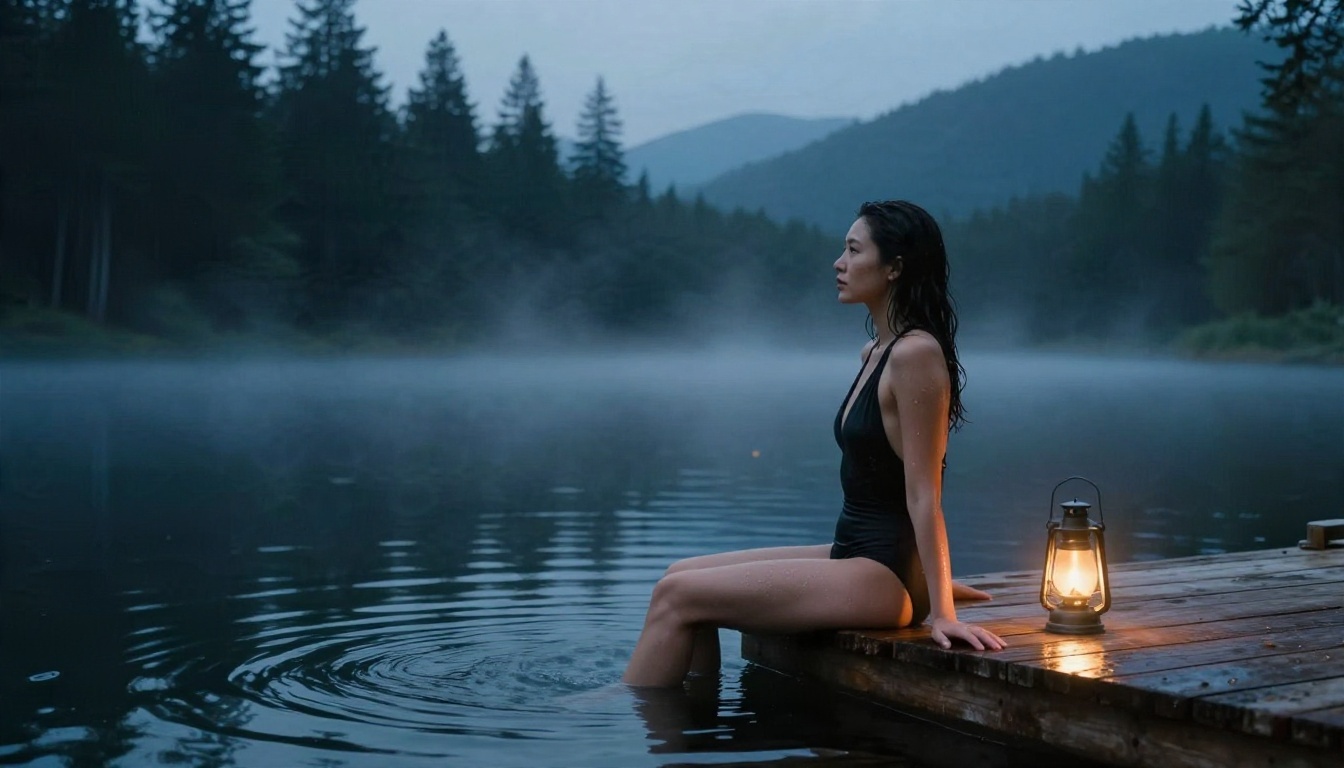
| Lake dock | Mist drifts over the water, she lifts one foot and lets it settle, very slow pan right, cool blue hour |
Mistakes That Cause Warping
- Too many actions. "She dances, spins, waves and laughs" in five seconds gives you melted limbs. One action beats four.
- Fast camera plus fast subject. Pick one thing to move quickly, never both.
- Contradicting the image. If the still shows a bikini, do not prompt a jacket.
- Vague adjectives. "Sexy movement" tells the model nothing. "Slowly tucks hair behind her ear" does.
- Aggressive wording. Explicit language triggers filters and rarely improves the result.
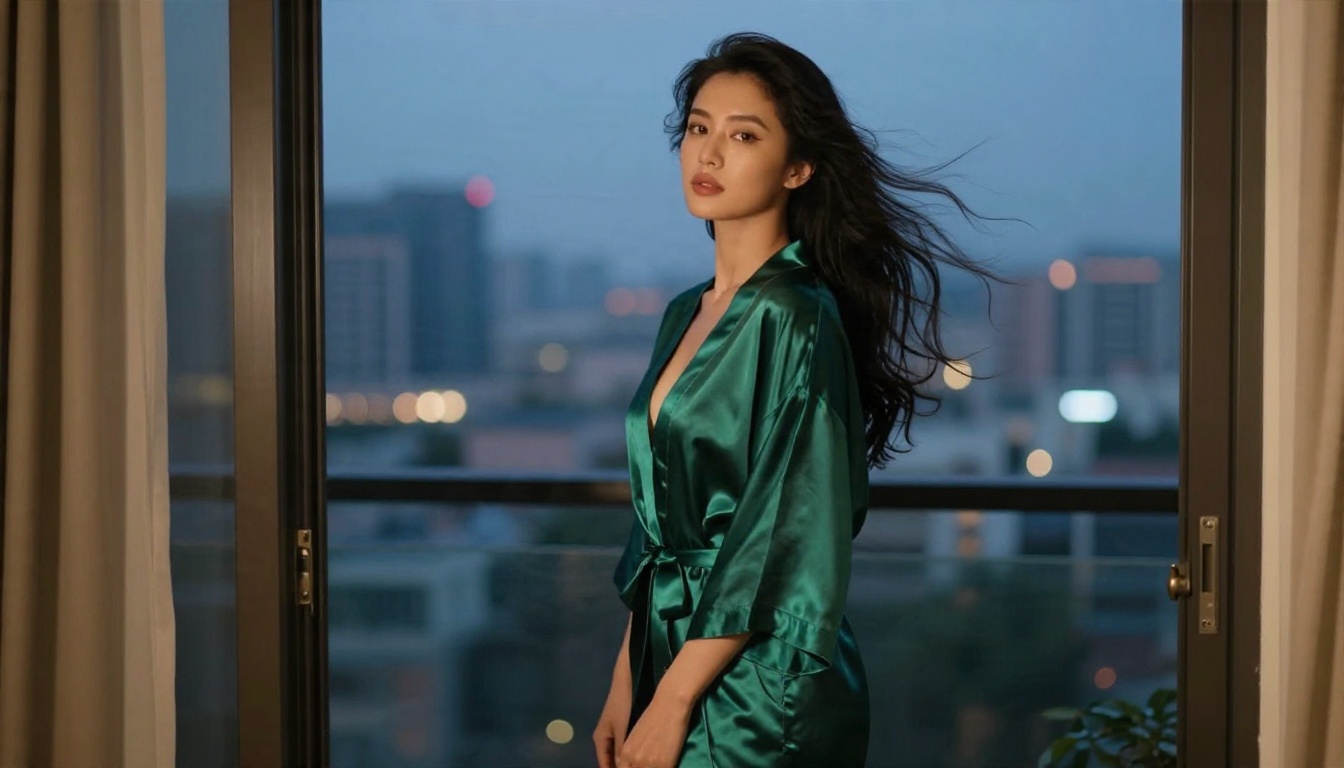
Camera Moves Ranked by Safety
Camera moves differ in how likely they are to cause artifacts:
- Safest: slow push-in, slow pull-back, gentle pan.
- Moderate: orbit around the subject, handheld sway.
- Risky: whip pans, fast zooms, any move that reveals new background.
When a clip keeps failing, strip the prompt back to one camera move and one subject action. It is the fastest fix there is.
Best Settings for Clean Motion
The prompt gets the attention, but settings decide whether the clip is usable.
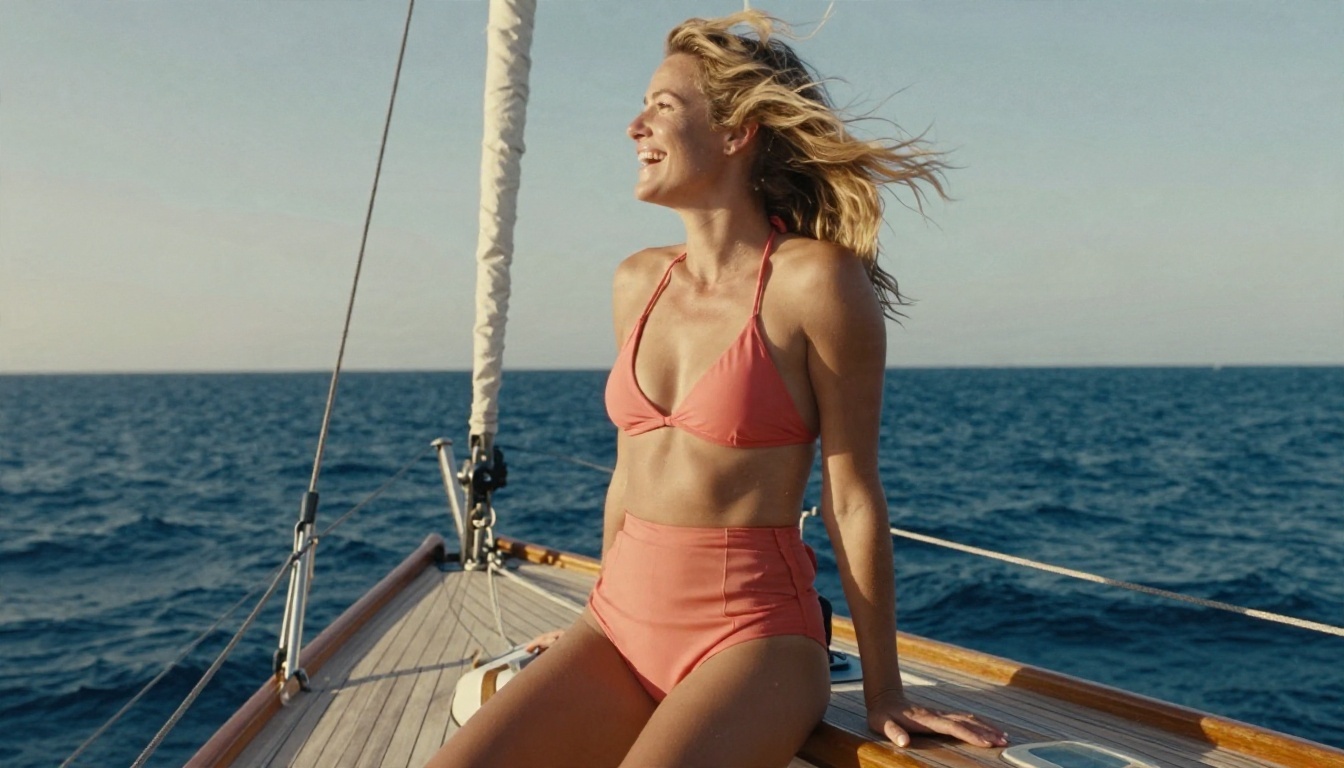
Resolution and Aspect Ratio
On Seedance 2.5 Lite and Picasso IA Video, resolution is 480p or 720p, with match_input_image as the default aspect ratio. Keep that default: when you provide an image, the clip inherits its shape, so crop the still to 9:16 before animating if the clip is for Reels or Shorts.
| Setting | Recommended value | Why |
|---|
| Resolution (testing) | 480p | Fastest, ideal for prompt drafts |
| Resolution (final) | 720p | Sharper skin and fabric detail |
| Aspect ratio | match_input_image | Avoids stretching or auto-cropping |
| Duration | 5 seconds for testing | Cheaper to iterate, fewer artifacts |
| Audio | On, unless you will add music | Ambient sound makes the clip feel real |
Seed, Audio and First Frame
- Seed: when a result is nearly right, lock the seed and change only one word in the prompt. This is the closest thing to a controlled experiment in AI video.
- Audio (
save_audio): on by default. Turn it off if you plan to lay your own track over the clip.
- Last frame image: Seedance 2.5 Lite accepts an optional closing frame when you also supply an opening image, so the clip animates from one still to the other. Useful for a controlled reveal, such as a head turning from profile to facing the camera.
Length Limits by Model
Duration is where most people get frustrated, because every model draws the line somewhere different.
Clip Length Comparison
Check each model page for the exact duration options, since providers update them often.
Why Longer Is Not Always Better
A 30-second single generation sounds ideal, but longer clips give the model more time to drift: faces change subtly, fabric patterns shift, hands go wrong. For glamour work, five to ten seconds is the sweet spot. It is long enough for a slow turn, a smile and a camera drift, and short enough to stay consistent.
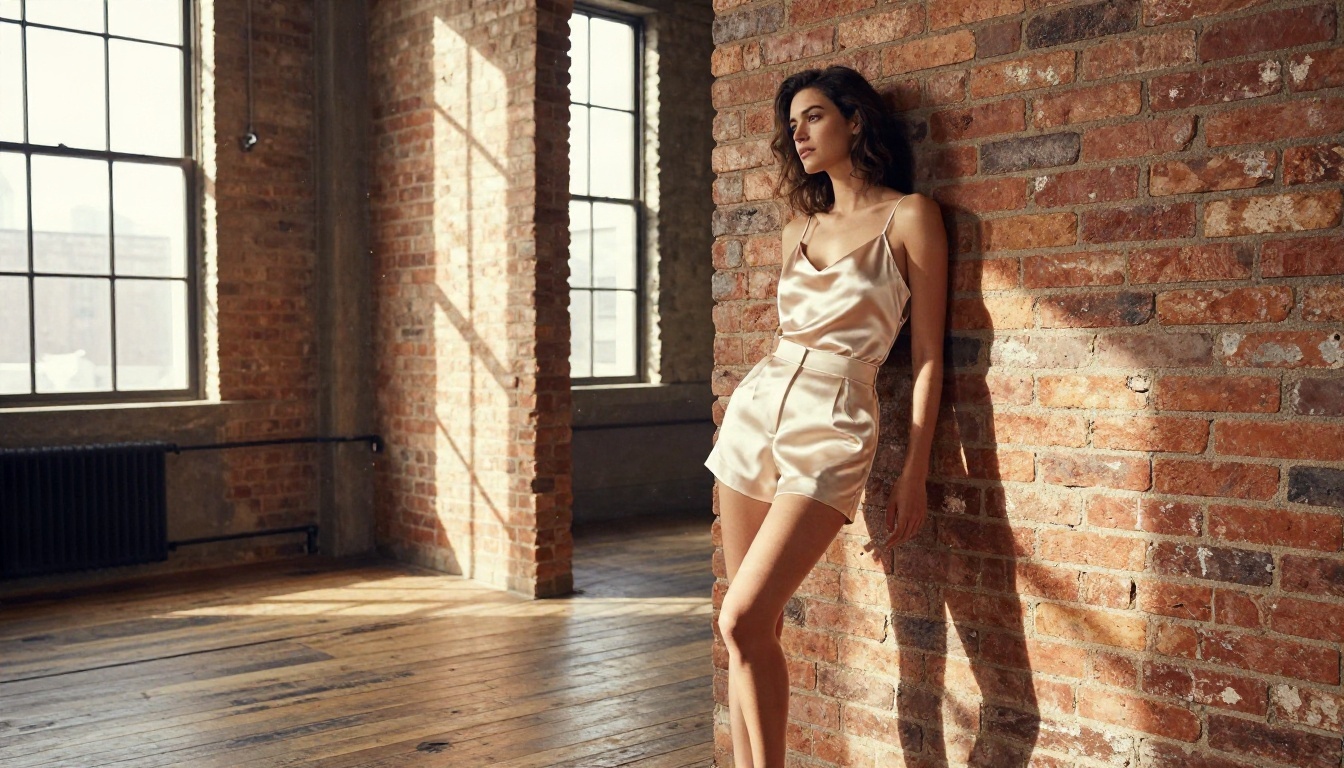
Stretching Past the Limit
When you need a longer piece, do not push one generation. Instead:
- Generate a 5 or 10 second clip.
- Take the last frame, clean it up in Image Editor Pro if needed, and use it as the opening image of the next clip.
- Repeat, then cut the clips together with a short crossfade.
For character consistency across many shots, Seedance 2.5 accepts up to 30 reference images, which helps keep the same face and outfit in every scene.
How to Use Seedance 2.5 Lite on PicassoIA
This is the fastest route from a still photo to a finished clip with unlimited retries for Elite and Infinite members.
Step by Step
- Open the Seedance 2.5 Lite page on PicassoIA.
- Upload your cleaned still as the Input image. It becomes the opening frame.
- Write a motion prompt using the formula above: starting pose, one subject action, one camera move, light.
- Set Duration to 5 seconds for the first test.
- Set Resolution to 480p for drafts. Switch to 720p for the final.
- Keep Aspect ratio on
match_input_image.
- Generate, review, then change one variable and run it again.
- When it looks right, lock the Seed, move to 10 seconds if the motion needs room, and render at 720p.
Parameter Tips
- Start every new image at 5 seconds and 480p. It is a cheap way to find out whether the still animates well.
- If hands or fabric warp, simplify the prompt before changing anything else.
- If the clip feels too static, add one secondary motion (water, hair, curtain), not a bigger body movement.
- Use the last frame option when you want the clip to end on a specific pose.
💡 Tip: Keep a running note of prompts and seeds that worked. After a week you will have a personal library that cuts your trial-and-error time in half.
Build Your Own Adult Glamour Clips
The workflow is short once you have run it a few times: make a strong still, clean it up, write a one-action prompt, test at 480p, finish at 720p. Start with Seedream 4.5 for the image, polish it in PicassoIA Image Editor Pro, then animate with Seedance 2.5 Lite or Picasso IA Video. For longer sequences, reach for Seedance 2.5, and for different motion styles try Kling v2.5 Turbo Pro or Wan 2.7 I2V.
Pick one of your own photos tonight, write a single sentence of motion, and run it. The first clip will not be perfect, and that is fine. By the fifth you will have a feel for what each model does with light, hair and fabric. Browse every model available at picassoia.com/en/all-models and start animating.


