You upload a perfect bikini portrait, type a simple prompt, and the generator answers with a red warning banner. Or it asks you to create an account, verify an email, and then puts your clip in a queue with 400 people ahead of you. That is the daily reality of image to video uncensored searches, and it is why so many people end up on sketchy sites with watermarks and broken downloads.
This article fixes that. You will see what "uncensored" realistically means, what "no login" really costs you, which free options are worth the time, and the exact NSFW-leaning prompts and settings that produce smooth, attractive motion from a still photo. Everything here stays on the suggestive, glamour side: swimwear, silk, golden hour skin. Explicit content is not covered and not recommended.
What "Uncensored" Really Means
Most people typing this keyword do not want pornography from a model. They want a tool that does not panic at a swimsuit, a lingerie-style robe, or a wet hair shot. Mainstream video generators often treat any exposed shoulder as a risk and refuse the request. That is the frustration behind the search.
Filters vs. Hard Limits
There are two layers in every generator. The first is a prompt filter that scans your words. The second is an image filter that scans your uploaded photo and the output. A tool described as "uncensored" usually has looser versions of both, but never zero. Anyone promising absolutely no rules is either lying or running something you should not trust with your files.
💡 Practical rule: pick a generator that allows glamour and swimwear, then write prompts that describe mood, light and movement instead of anatomy. You get better clips and fewer blocks.
Rules That Never Change
Some limits are not about the tool, they are about people. Keep these fixed:
- Only animate adults. No exceptions, no "ambiguous age" characters.
- Only use photos you created, or photos of people who gave clear consent.
- Never animate a real person's likeness into suggestive content without their permission.
- Do not publish clips that imitate a celebrity or an acquaintance.
These boundaries also protect your account. Platforms that allow glamour content do so on the condition that users stay inside them.
No Login: What You Actually Get
"No login" is the most clicked part of the keyword, so let's be honest about it. Truly anonymous image to video sites exist, but they trade your convenience for something else.
The Trade-Offs
| Feature | No login sites | Free account on a platform |
|---|
| Speed | Long public queues | Faster, priority varies by plan |
| Watermark | Often forced | Usually none or removable |
| Resolution | 480p typical | 720p or higher options |
| Clip length | 2 to 4 seconds | 5 seconds or more |
| File safety | Unknown hosting | Account-based storage |
| Consistency | Random results | Seed control, repeatable output |
| Content rules | Unclear, can change daily | Published and stable |
The pattern is simple. Anonymous tools survive on ads and aggressive upsells. A free account on a real platform gives you something no anonymous page can: repeatability. When you find a prompt that works, you can run it again with the same seed.
💡 If you truly need zero sign-up, use a throwaway test photo (never a personal one) and assume anything you upload could be stored.
Free Options Compared
Free rarely means unlimited, so read the fine print. On PicassoIA, Picasso IA Video is described as a free and unlimited text or image to video generator that produces 5 second clips at 24 fps with synchronized audio. Seedance 2.5 Lite goes up to 10 seconds at 480p or 720p, and its unlimited generation applies to Elite and Infinite members, so check your plan before you count on it.

Start With a Strong First Frame
Image to video is not magic. The model only animates what it sees. A blurry, over-smoothed or oddly lit source photo gives you a blurry, wobbling clip. A sharp portrait with clear depth gives you motion that looks filmed.
Seedream 4.5 for Source Images
For adult-leaning glamour stills, start with Seedream 4.5. It handles skin texture, fabric sheen and lighting direction well, and it is the model to lead with for NSFW-style swimwear and boudoir photography that stays tasteful. Describe the light (golden hour from the left), the lens (85mm shallow depth of field), and the fabric. Skip anything that depends on readable text.
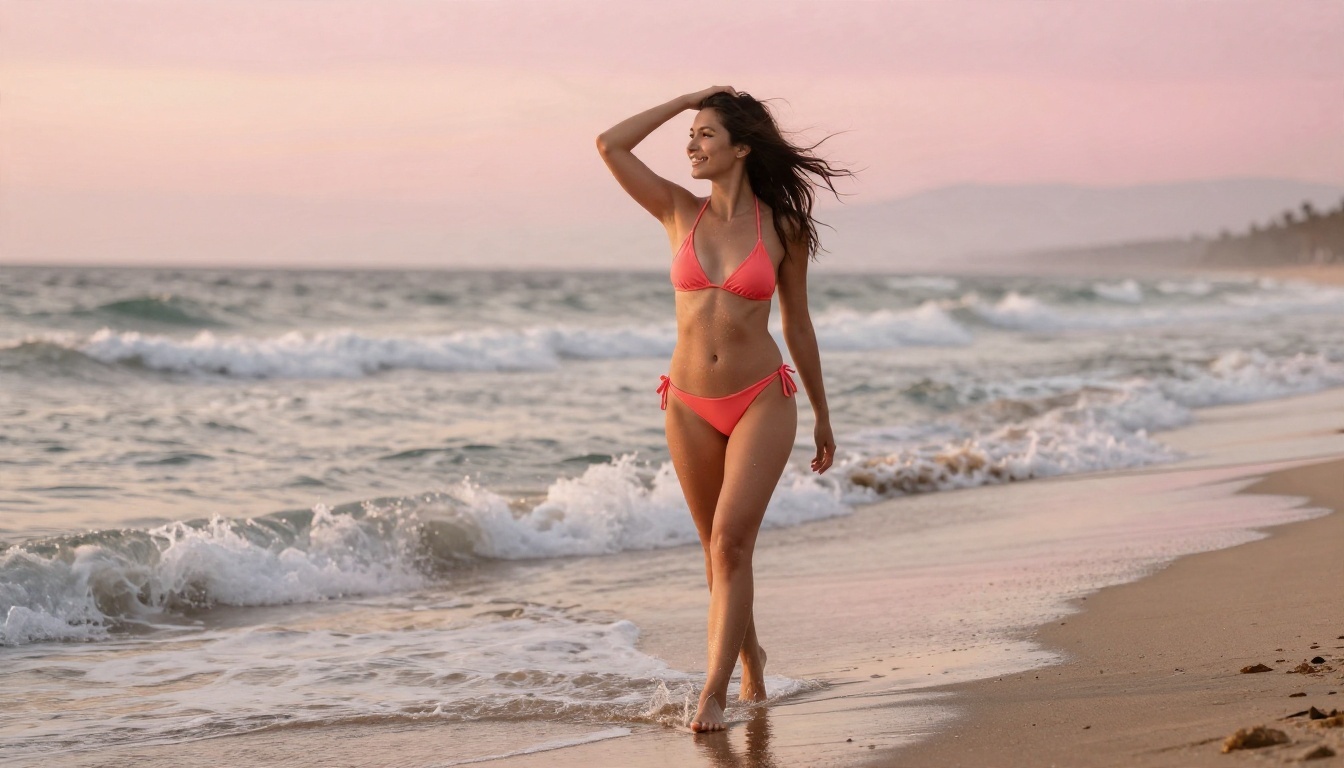
Image Editor Pro for Fixes
Something off in the frame? A stray strap, a hand with six fingers, a background that distracts? Open PicassoIA Image Editor Pro, which offers unlimited generations, and repair the photo before animating it. Ten quick edits cost you nothing, while a bad first frame wastes every clip you make from it.
💡 Fix the source, then animate. Fixing artifacts after the video is rendered is far harder.
What Makes a Good First Frame
- Clear subject separation: the person must stand out from the background.
- Visible hands and hair: these are the parts the model animates most.
- Directional light: one clear source gives believable shadows when things move.
- Room to move: leave space around the subject so the camera can push in.
- No tight crops at the edge: limbs cut by the frame often distort.
How to Use Picasso IA Video
This is the fastest path from photo to clip. Picasso IA Video animates an input image as the opening shot and renders a finished 5 second clip with sound.
Step by Step
- Open the model page and choose the image to video input.
- Upload your source photo. Use the sharpest, best lit version you have.
- Write a motion prompt (formulas are below). Describe movement, not the whole scene again.
- Choose an aspect ratio that matches your photo: 16:9 for landscape, 9:16 for vertical.
- Pick the highest resolution offered for your plan.
- Leave the seed empty for a first run. When you like the result, lock the seed and adjust one word at a time.
- Generate, review, and keep only the takes where hands and faces stay stable.
Seedance 2.5 Lite for Longer Clips
Need more than 5 seconds? Seedance 2.5 Lite offers 5 or 10 second durations with audio and an optional first frame. The 10 second option gives room for a full action, like a slow walk down a staircase. The full Seedance 2.5 is the heavier sibling for when you need top output tiers.
NSFW Prompts That Work
The best prompts for suggestive content read like a cinematographer's note. They describe what moves, how the camera moves, and what the light does. They never need to be explicit to look attractive.
The Prompt Formula
Use this order every time:
[Subject + starting pose] + [motion over 5 seconds] + [camera move] + [light and atmosphere]
Keep it to two or three sentences. Longer prompts usually add contradictions, and contradictions create flicker.
Example Prompts
| Scene | Prompt |
|---|
| Yacht deck | The woman at the railing turns her head toward the camera and smiles; wind lifts her hair and the open linen shirt; slow dolly in; warm golden hour rim light. |
| Beach sunrise | She walks forward through shallow waves, pushes wet hair back with one hand; camera tracks sideways at waist height; soft pink morning light. |
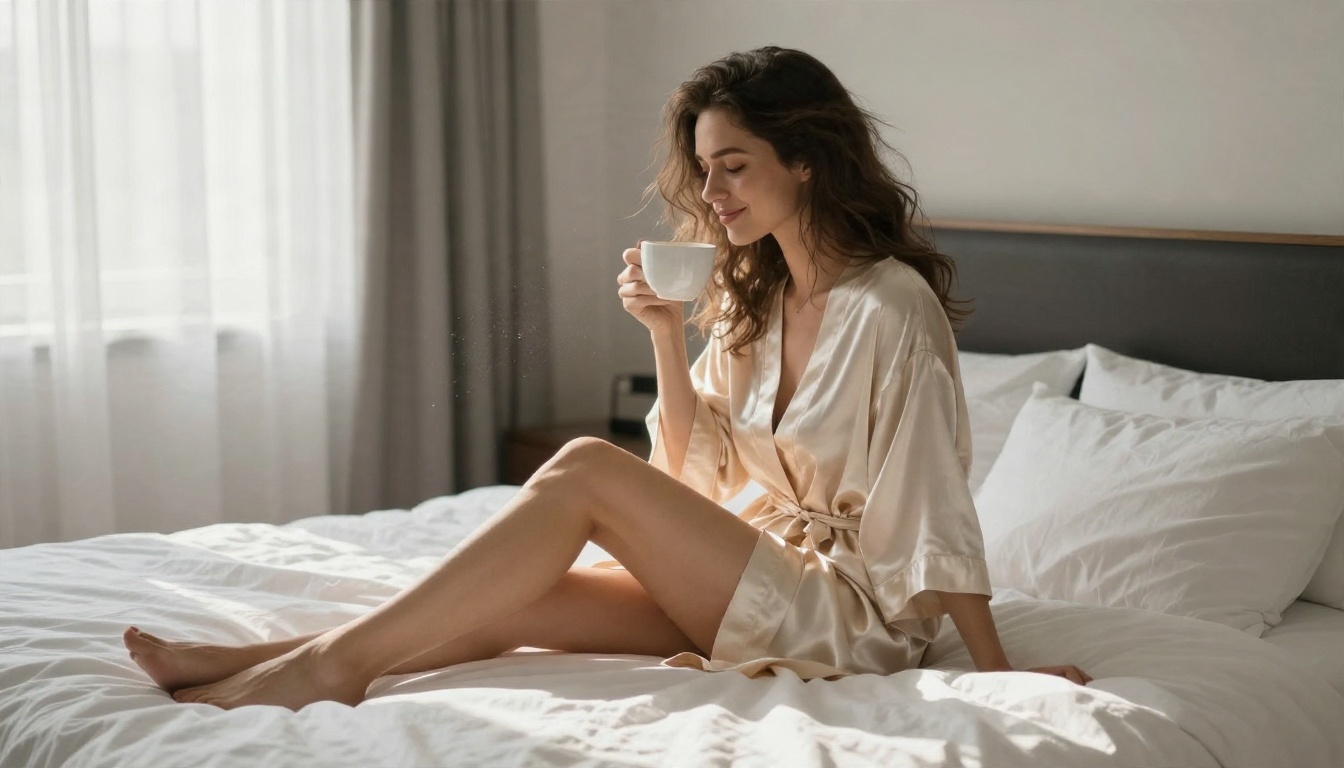
| Hotel morning | She lifts the coffee cup, exhales, and the silk robe shifts slightly; slow push in; sheer curtains moving in window light. |
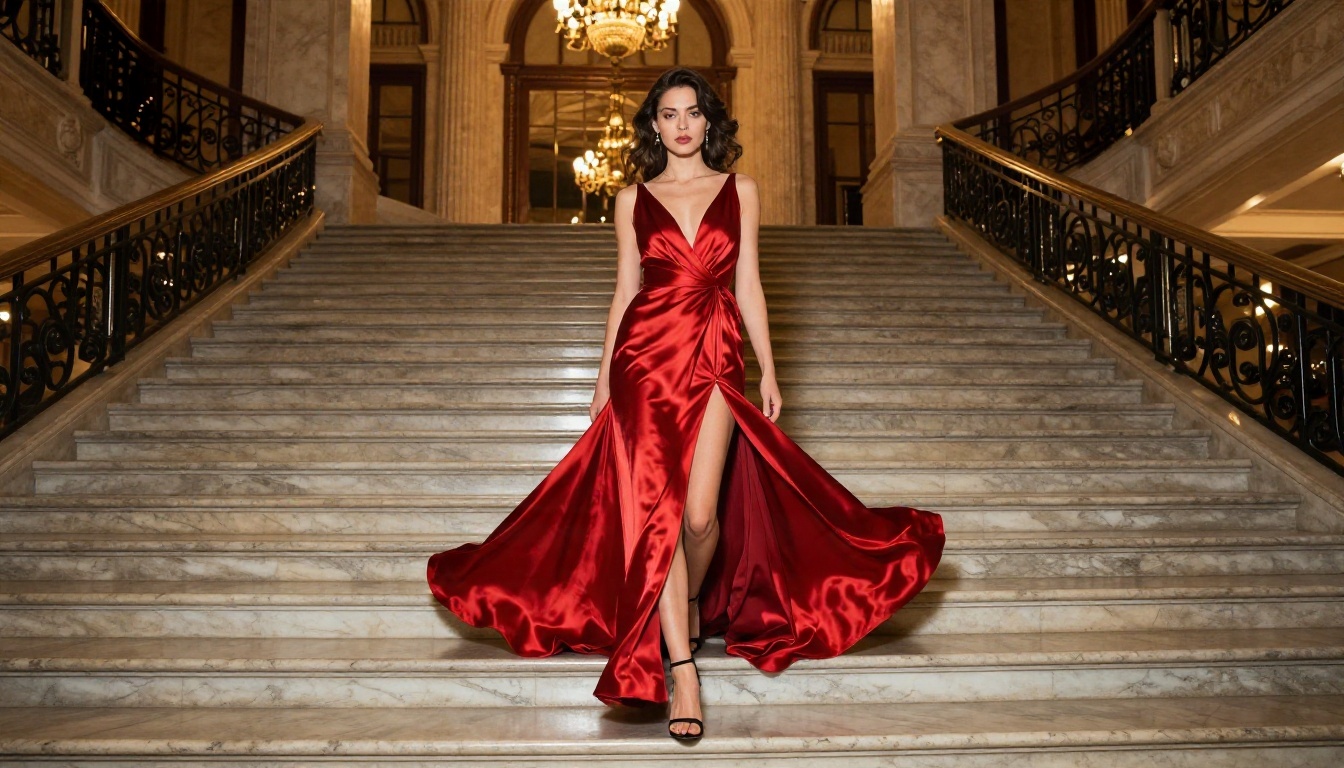
| Staircase | She descends one step at a time, the red satin gown flowing behind her; low angle, gentle upward tilt; warm chandelier glow. |
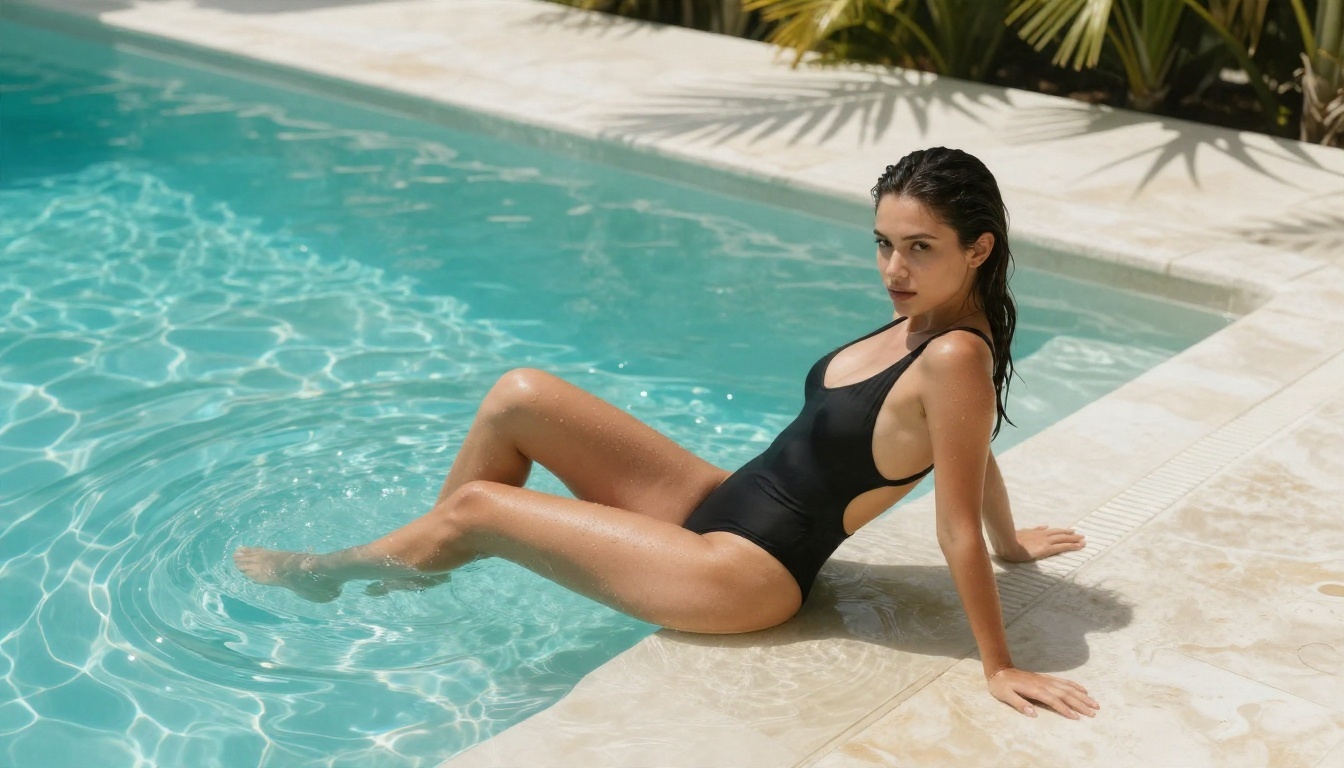
| Pool edge | She tilts her head back and runs a hand through wet hair; water drips from her fingers; slow handheld drift; bright midday sun. |
Words That Cause Trouble
Some words trigger filters even in harmless sentences. Swap them for visual equivalents:
- Instead of explicit anatomy words, describe fabric, light and gesture.
- Instead of "sexy", use "confident", "sensual", "glamorous", "editorial".
- Instead of "naked", use "implied", "silhouette", "draped in silk".
- Avoid "young", "girl", "teen" or anything that reads as age. Always write "woman" and keep adult styling obvious.
💡 Filters score the whole prompt. One risky word surrounded by calm camera language is less likely to pass than a prompt that stays clean throughout.
Settings That Matter
Prompts get the credit, but settings decide whether the clip is usable. Here is what each control changes.
| Setting | Recommended | Why |
|---|
| Duration | 5 seconds first, 10 only when needed | Short clips drift less |
| Resolution | 720p or higher | Faces and skin hold up better |
| Aspect ratio | Match the source image | Stops cropping and stretching |
| Seed | Empty first, then locked | Lets you repeat a good take |
| Audio | On | Ambient sound makes clips feel finished |
| Input image | Sharp, at least 1080 pixels wide | Detail in, detail out |
Seeds and Repeatability
A seed is the starting number for the random noise. Same image, same prompt, same seed gives nearly the same clip. That means you can lock a good take and change only one sentence, like swapping "slow dolly in" for "slow pan right", to see exactly what that phrase does.
Resolution and Aspect Ratio
Match the clip to where it will live. Vertical 9:16 suits short social feeds, 16:9 suits websites and YouTube, and 1:1 suits grids. Generating in the wrong ratio and cropping later throws away the exact detail you paid for.
Motion Strength
Subtle wins. A clip with hair, fabric and a small head turn looks real. A clip where the whole body twists in five seconds looks melted. When you see warping, shorten the action list in your prompt rather than adding words.
Other Models Worth Trying
Different models have different strengths, and their filters also differ. Test each one with a harmless swimwear still before you commit to a workflow.
A smart workflow: draft with a fast model, pick the best first frame and prompt, then run the final take on your preferred model.
Common Mistakes
Low Quality Source Photos
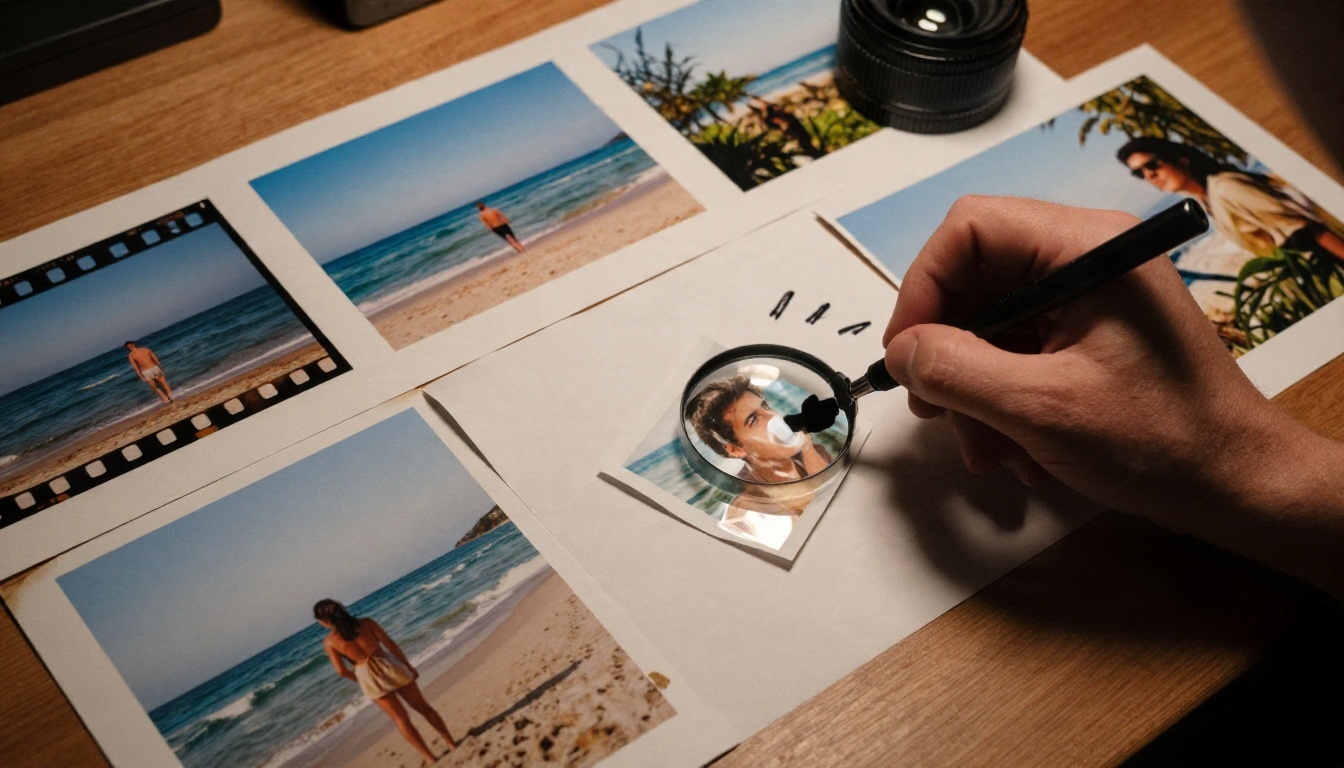
Screenshots, compressed social media saves and upscaled thumbnails produce shaky skin and flickering edges. Use the original file or regenerate the image.
Overloaded Prompts
"She dances, spins, laughs, walks, jumps and the camera zooms" is a recipe for chaos. One subject action plus one camera move is the limit for 5 seconds.
Ignoring the Close-Up Test
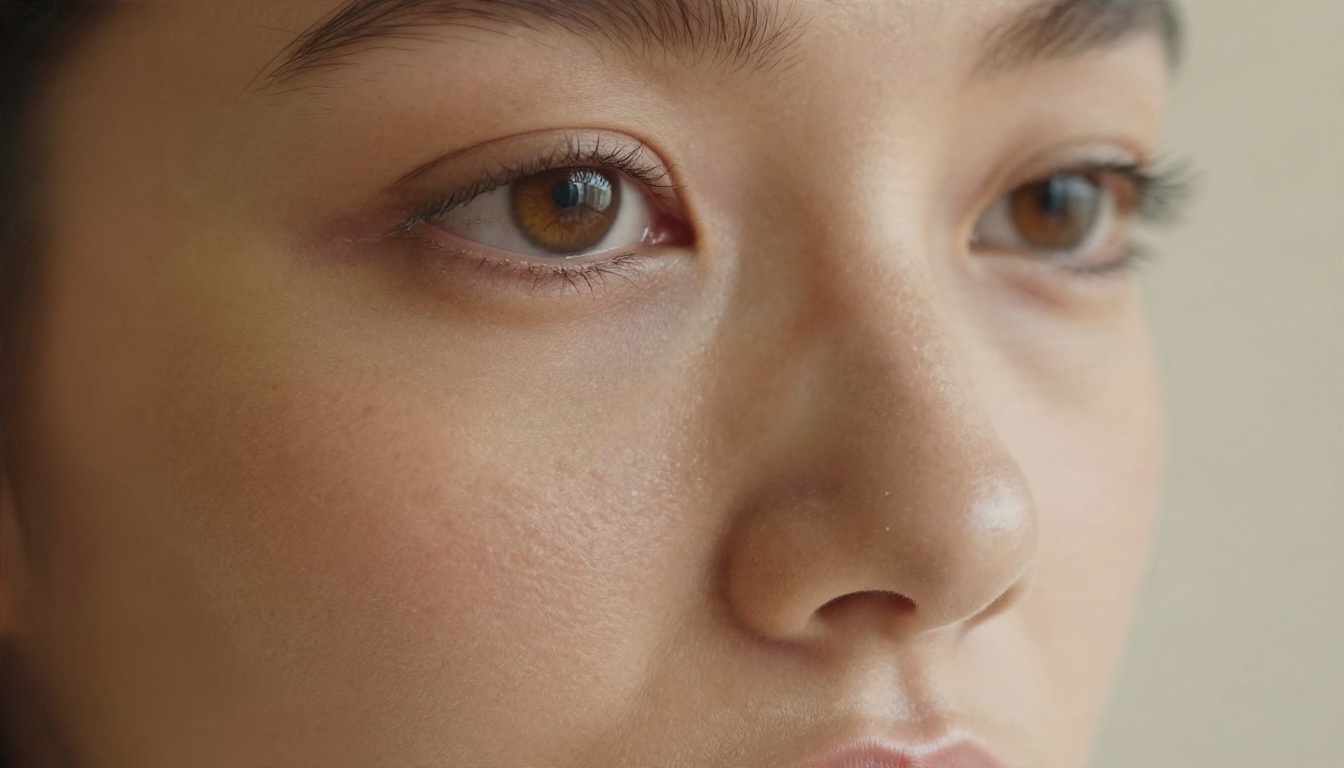
Faces carry the realism. Before making a long batch, test one clip from a close portrait like the one below. If eyes and skin hold up, the rest will too.
Skipping the Rules Section
People who ignore consent and age rules lose accounts and, in some cases, face legal trouble. Treat it as a creative constraint, not a footnote.
Make Your First Clip Today
Here is the shortest path. Generate a glamour still with Seedream 4.5, tidy it up in PicassoIA Image Editor Pro, then animate it with Picasso IA Video using the prompt formula above. Lock the seed when you land a good take and change one phrase at a time.
You do not need a hidden site with a watermark. You need a sharp first frame, a short cinematographer-style prompt, and a platform that stays stable from one day to the next. Try five prompts on the same photo, compare them side by side, and keep the best one.
To see every image, video and editing model available, browse picassoia.com/en/all-models and start with a photo you already love.


