If you typed "Imagen 4 release date" into a search bar, you probably want three answers fast: when did it come out, can I still use it, and how much will it set me back? The short version is that Google announced Imagen 4 in May 2025, opened it to developers in the Gemini API during the summer of 2025, and priced it between $0.02 and $0.04 and $0.06 per image depending on the tier. The less comfortable part is that Google's own API endpoints have reportedly been scheduled for shutdown, so the best place to use the model today may not be where you first looked.
This article puts the whole story in one place: the timeline, the price table, the shutdown reports, and a step-by-step walkthrough for generating images with Imagen 4 on PicassoIA without writing a line of code.
Imagen 4 Release Date Timeline
Release dates for AI models are messy because a model is usually announced, previewed, released to developers and then made generally available in separate steps. Imagen 4 followed that pattern exactly.
The Announcement at Google I/O
Google first showed Imagen 4 on stage at its I/O developer conference in May 2025. The pitch was clear: better text rendering inside images, finer detail in fabric, water droplets and animal fur, and support for resolutions up to 2K. It was positioned as the successor to Imagen 3, which had already earned a reputation for clean, richly lit photographs.
The Gemini API Preview
The next step came in late June 2025, when Google put Imagen 4 and a higher-precision sibling, Imagen 4 Ultra, into a paid preview for Gemini API users, with free testing inside Google AI Studio. This is the date most developers treat as the practical release, because it was the first time anyone outside Google's own products could call the model from code.
General Availability and the Fast Tier
Around mid August 2025 the models moved out of preview and became generally available, and Google added a third option, Imagen 4 Fast, aimed at high-volume work where speed and cost matter more than the last few percent of fidelity. From that point the lineup was settled: Fast, Standard and Ultra.
💡 Quick reference: announced May 2025, API preview late June 2025, general availability around August 2025. If you need an exact day for a citation, check Google's own release notes, because third-party blogs disagree by a few days.
| Milestone | Approximate timing | What changed |
|---|
| Announcement | May 2025 | Imagen 4 shown at Google I/O |
| API preview | Late June 2025 | Paid preview in the Gemini API, free tests in AI Studio |
| General availability | Around August 2025 | Stable model IDs and the new Fast tier |
| Reported API shutdown | August 17, 2026 (reported) | Gemini API endpoints scheduled for retirement |
What Makes Imagen 4 Different
Before the money talk, it helps to know why people still ask about this model more than a year after launch.
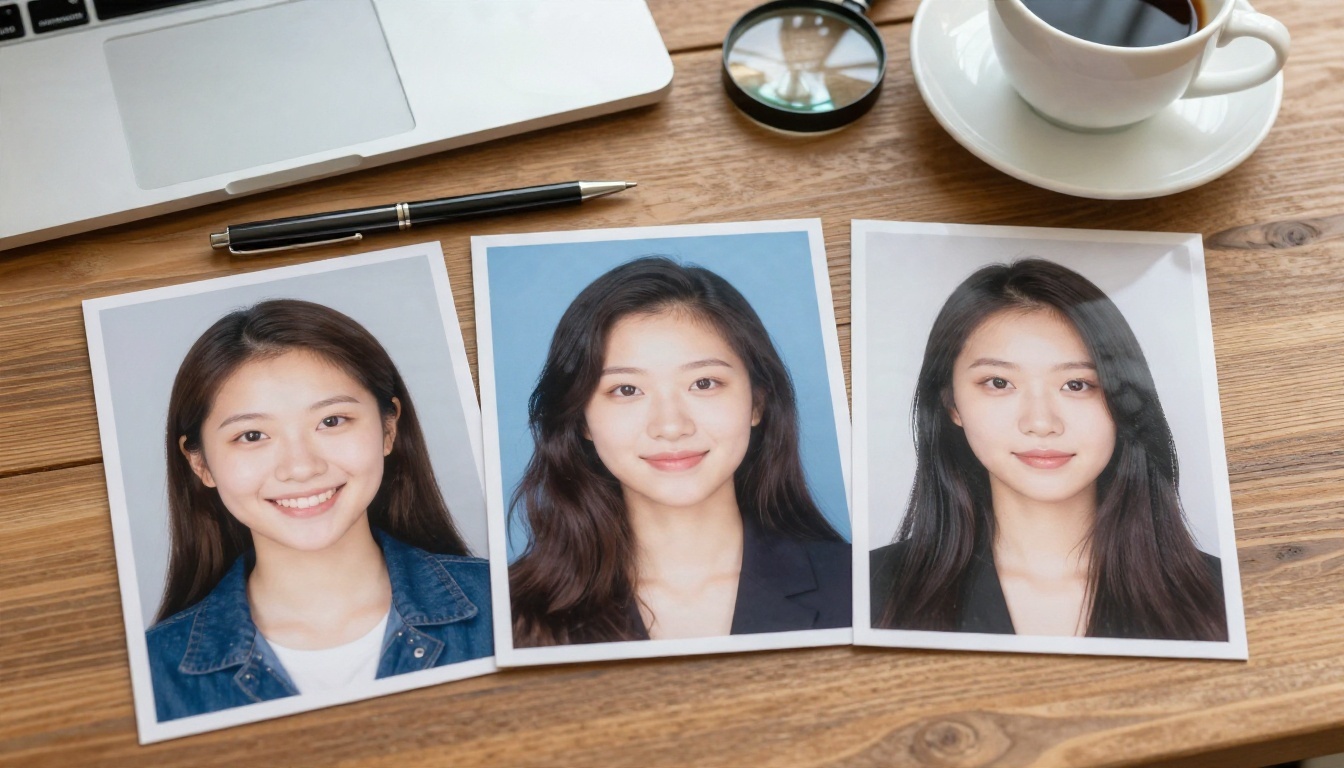
Photorealism That Holds Up Close
Imagen 4 earned its following by producing believable skin, fabric and light. Portraits keep pores and flyaway hairs. Food looks like it was shot with a real macro lens. Landscapes avoid the waxy, over-smoothed look that earlier generators were known for. If your goal is a stock-photo replacement or a product mockup, that is the headline feature.
Better Text Inside Images
Earlier image models turned any sign or label into gibberish. Imagen 4 handles short phrases far better, which matters for posters, packaging mockups and storefront scenes. It still is not perfect with long paragraphs, so keep the on-image text to a word or two.
Three Tiers for Three Jobs
- Imagen 4 Fast: quickest output, lowest price, ideal for drafts and large batches.
- Imagen 4 (Standard): the balanced default for most projects.
- Imagen 4 Ultra: the highest prompt fidelity, best when a brief has many specific details that all need to appear.
Each of these is available on PicassoIA as its own model: Imagen 4 Fast, Imagen 4 and Imagen 4 Ultra.
What Imagen 4 Costs
Pricing is where most of the confusion lives, because blogs quote different numbers and some mix up Gemini API rates with Vertex AI rates.
Per-Image API Prices
Across the sources I checked, the Gemini API rates were consistent:
| Tier | Price per image | Best for |
|---|
| Imagen 4 Fast | about $0.02 | Drafts, batches, social content |
| Imagen 4 Standard | about $0.04 | Everyday production work |
| Imagen 4 Ultra | about $0.06 | Detail-heavy briefs and hero images |
Those numbers sound tiny until you scale them. A hundred Standard images costs roughly four dollars. A thousand Ultra images costs roughly sixty. For a small shop that is cheap. For a content team producing thousands of variations per month, it adds up quickly.
Where the Numbers Disagree
Two points of confusion are worth flagging. First, some sites claim a 50 percent batch discount, while others say no batch discount is published. Treat any batch discount as unconfirmed until you see it on Google's pricing page. Second, a few older posts quote preview-era prices that no longer apply.
💡 Budget tip: do your prompt testing on the Fast tier at two cents an image, then re-run only the winning prompts on Standard or Ultra. That single habit can cut a project's image bill by more than half.
The Hidden Cost of Setup
API pricing ignores the time you spend creating a Google Cloud project, enabling billing, handling keys and writing code to save the output. For a designer or marketer who just wants a picture, that setup is the real expense. A hosted tool with a prompt box removes it.
Can You Still Use Imagen 4?
This is the question the older articles cannot answer, so here is the honest status.

The Reported Shutdown
Several trackers report that the three Imagen 4 model IDs in the Gemini API carry a published shutdown date of August 17, 2026, with a newer Gemini image model named as the replacement. Vertex AI reports are less consistent: one tracker cites a June 2026 migration deadline, while Google's official Vertex page I could see only confirmed that the older preview models retired in late 2025.
I could not verify these dates against an official Google page, so treat them as strong signals rather than settled fact. Since today is November 2026, the practical advice is simple: do not start a new project that depends on Google's direct Imagen 4 endpoints without first checking Google's current deprecations page.
Why Hosted Platforms Matter Here
When a provider retires an endpoint, every app wired to it breaks. A platform that keeps the model in a dropdown, and lets you swap to a sibling when something changes, protects you from that churn. That is the practical argument for using Imagen 4 through a multi-model site instead of a single vendor's API.
Where You Can Generate Today
| Option | Setup effort | Notes |
|---|
| Google AI Studio and Gemini API | Medium to high | Check current availability and the reported retirement first |
| Vertex AI | High | Needs a Cloud project and billing, model IDs may be retired |
| PicassoIA | Low | Prompt box, Fast, Standard and Ultra as separate models |
How to Use Imagen 4 on PicassoIA
The quickest route is the model page itself. No code, no billing project, no keys.

Step-by-Step Walkthrough
- Open the model page. Go to Imagen 4 for the balanced default, or pick Imagen 4 Fast for quick drafts or Imagen 4 Ultra for maximum detail.
- Write a photographic prompt. Name the subject, the setting, the light direction and the lens. Example: "Elderly fisherman mending a net on a wooden pier at sunrise, side light from the left, 85mm lens, shallow depth of field, film grain."
- Choose the aspect ratio. Use 16:9 for banners and video thumbnails, 1:1 for social posts, 9:16 for stories.
- Generate and compare. Run two or three variations. Small prompt changes often matter more than switching tiers.
- Download or refine. Keep the winner, or adjust one detail at a time and run again.
Prompt Tips That Actually Help
- Lead with the subject, then the setting, then the light. The model weights early words more heavily.
- Name the lens and the film look. Phrases like "50mm f/1.8" and "Kodak Portra 400 grain" push the output toward real photography.
- Describe textures. "Wool knit," "weathered skin," "brushed steel" give the model surfaces to render.
- Keep text short. One or two words inside the image is safe. A full sentence is a gamble.
- Change one thing per run. Otherwise you will not know which edit helped.
💡 Fast-to-Ultra workflow: draft on Fast, shortlist on Standard, finalize on Ultra. You pay Ultra rates for only one or two images per concept.
Imagen 4 Against Its Rivals
Imagen 4 is not the only photorealistic option, and the best choice depends on the job.
Imagen 3 and Imagen 3 Fast
Imagen 3 and Imagen 3 Fast remain useful for richly lit, painterly photographs. They are a sensible fallback if a prompt behaves oddly on the newer model.
Seedream and Nano Banana
Seedream 4.5 is strong at high-resolution output with crisp detail, and Seedream 5 Pro targets sharp 2K results. On the Google side, Nano Banana is popular for generating and editing in the same flow, while Nano Banana Pro pushes resolution higher and Nano Banana 2 Lite trades some polish for speed.
Flux for Fine-Tuned Looks
If you need a consistent brand look, Flux 1.1 Pro Ultra Finetuned supports custom styles at up to four megapixels, and the Flux 2 Klein 9B Base LoRA is built for styled output.
| Model | Strength | Pick it when |
|---|
| Imagen 4 | Natural photorealism, tidy text | You want a stock-photo look |
| Imagen 4 Ultra | Prompt fidelity | The brief has many exact details |
| Seedream 4.5 | High-resolution sharpness | Large prints and detail crops |
| Nano Banana Pro | Generation plus editing | You iterate on the same image |
| Flux 1.1 Pro Ultra Finetuned | Custom style | A brand look must stay consistent |
Real Uses Worth Trying
A price table means little without a use case. These are the jobs where Imagen 4 earns its place.

Product Mockups for Small Shops
A ceramics seller can generate lifestyle scenes, a mug on a breakfast table, a shelf in morning light, before the real photoshoot happens. It helps you decide on props and color palettes without buying anything.
Editorial and Blog Imagery
Writers and marketers use it for hero images that would otherwise cost a stock license. Photographic prompts with a clear light source produce results that pass for real photography at web sizes.
Concept Boards for Photographers
Photographers use it to sketch a shot before committing a crew and a location. A generated frame of the intended angle and light makes client approval far faster.

Common Mistakes to Avoid
- Vague prompts. "A nice portrait" gives generic output. Name the lens, the light and the mood.
- Starting on Ultra. You burn budget on drafts that you will throw away.
- Long text in the image. Keep it to one or two words.
- Building on a retired endpoint. Check availability before wiring anything into production.
- Ignoring a fallback. Keep a second model, such as Seedream 4.5 or Nano Banana, ready for prompts that stall.
Is Imagen 4 Worth It in 2027?
Yes, with one condition: use it where it is actually available and where switching is painless.
Who Should Pick It
If your work depends on natural-looking people, products and places, Imagen 4 is still one of the more dependable options, and the Fast tier at around two cents an image keeps experimentation cheap. For occasional creators, the per-image price matters less than avoiding the setup and the risk of a retired API.
Who Should Look Elsewhere
If you need heavy editing inside the same tool, take a look at the Nano Banana family. If you need very large, crisp output for print, Seedream 4.5 is worth a test. If you need a locked-in brand style, a fine-tuned Flux model fits better.
Try It Yourself on PicassoIA
The fastest way to settle the question is to run your own prompt. Open Imagen 4 on PicassoIA, write a photographic prompt with a clear light source, and compare the result against Imagen 4 Ultra and Seedream 4.5. Ten minutes of side-by-side testing will tell you more than any pricing page.

Start with a scene you already know well, your own product, your own street, your own studio, because you will spot flaws and strengths immediately. Then try the same prompt on two or three other models. When you find the one that matches your taste, save the prompt and reuse it. For the full lineup, browse every model on PicassoIA and build your own image workflow today.


