You type a prompt, hit enter, and get one beautiful image. Then you try a second prompt and a message tells you to come back tomorrow. If that sounds familiar, you are probably wondering whether DALLE is free at all, or whether the free version is just a long demo. The short answer: it is free in a very limited sense, it gets expensive fast when you need volume, and its content filters can reject prompts that look perfectly harmless to you.
This article lays out what you actually get without paying, what the paid routes cost, where the walls are, and which free alternatives give you more room to work. You will also find a step-by-step walkthrough for running DALL-E 3 on PicassoIA, so you can test it yourself without juggling subscriptions.
💡 Quick answer: DALLE gives free accounts a small daily allowance at best, and everything beyond that sits behind a subscription or per-image API billing. Pricing and limits change often, so treat the numbers below as a snapshot and check the current figures before you budget around them.
Is DALLE Actually Free?

"Free" is a slippery word with AI image tools. In most cases it means you can try the product, not that you can rely on it. DALLE follows that pattern. There is no unlimited free plan, and the free access that does exist comes with tight caps that reset on a timer.
What Free Means in Practice
Free ChatGPT accounts have been allowed a handful of image generations per day. Reports from the past year put that allowance at roughly two to three images in a rolling 24-hour window, though the exact number shifts depending on demand and on which image model sits behind the chat. Some pages also claim a flat "no free tier" for DALL-E 3 specifically, which usually describes the standalone API rather than the chat product.
Here is what that means for a normal person:
- You can test the model with a few prompts and see whether the style suits you.
- You cannot iterate. Good images usually take five to ten attempts, and a free allowance of two or three runs out before you reach a keeper.
- You cannot batch. If you need a set of consistent images for a blog, a shop, or a social feed, the free tier is a dead end.
The Newer Models Muddy the Water
OpenAI has been moving ChatGPT toward its newer GPT Image family, so the image you get in a chat today may not come from DALL-E 3 at all. If you want to compare, models like GPT Image 2, GPT Image 2.5 Flare, and GPT Image 2.5 Sunburst are all available on PicassoIA next to DALL-E 3, so you can run the same prompt through each and judge the difference with your own eyes.
The Daily Limits You Will Hit
Limits are the part nobody mentions in the headline. They arrive at the worst possible time, usually right after you have refined a prompt into something that finally works.
Rolling Windows, Not Midnight Resets
Most caps run on a rolling window. If you generate two images at 9 a.m., your allowance does not refill at midnight. It comes back gradually, tied to when each image was made. That sounds fair on paper, but it makes planning awkward. You cannot sit down on a Saturday and do a full batch session, because the earlier you spend your allowance, the longer you wait.
Speed, Queues, and Peak Hours
Free users are also first in line to feel the slowdown when demand spikes. Paid subscribers get priority, so a free request can sit in a queue or return a slower, simpler result during busy hours. If you work around a deadline, that unpredictability is its own cost.
Resolution and Format Restrictions
DALL-E 3 supports a few fixed sizes: a square format, and wider or taller formats. You do not pick arbitrary dimensions, and you do not get native 4K output. If you need a hero banner, a print-ready file, or an exact 16:9 crop, you will probably need an upscaler afterwards. PicassoIA has dedicated super resolution models for that step, which is handy when the original render is too small for your project.
The Real Cost of DALLE
When the free allowance runs out, there are two main paths: a ChatGPT subscription or the pay-per-image API. They suit very different people.
ChatGPT Plus and Higher Tiers
A ChatGPT Plus subscription sits around $20 per month and raises your image allowance considerably. You get faster responses and more generations per day, but the allowance is still capped. Heavy users report hitting soft limits even on paid plans. Higher tiers exist for people who need more, at a much higher monthly price.
The catch is that you are paying for the entire ChatGPT bundle. If you only want images, you are subsidizing chat, voice, and tools you may never open.
API Pricing Per Image
Developers pay per request. DALL-E 3 pricing through the API has historically ranged from about $0.04 for a standard square image to roughly $0.08 to $0.12 for HD or larger formats. Third-party price trackers list slightly different ranges, so confirm the live number on the official pricing page before you commit to a budget.
Here is how that adds up:
| Images per month | Approx. cost at $0.04 | Approx. cost at $0.08 | Approx. cost at $0.12 |
|---|
| 50 | $2 | $4 | $6 |
| 200 | $8 | $16 | $24 |
| 1,000 | $40 | $80 | $120 |
| 5,000 | $200 | $400 | $600 |
Those figures look small until you remember the retry tax. If one in five prompts produces something usable, your real cost per keeper image is about five times the sticker price.
💡 Tip: Track cost per usable image, not cost per generation. That single habit changes which tool looks cheap.
Hidden Costs Nobody Lists
- Rejected prompts still use up attempts on some plans, so a blocked request can cost you time even when it costs no money.
- Prompt rewriting. DALL-E 3 quietly rewrites your prompt behind the scenes, which makes exact reproduction hard.
- Editing is limited. Inpainting, outpainting, and fine control often need separate tools.
Why Filters Frustrate Creators
Filters exist for good reasons, and nobody wants a tool that produces genuinely harmful content. The trouble is that broad filters are blunt instruments. They catch legitimate work along with the risky stuff.
What Gets Blocked That Should Not
Photographers, fashion designers, and illustrators regularly report refusals on prompts like these:
- A model in swimwear for a beachwear catalog
- A figure study inspired by classical sculpture
- A named public figure in a news-style illustration
- A medical or anatomy reference image
- A stylized portrait that mentions a brand, a celebrity, or a living artist
None of these are explicit. They simply trip a wire. When that happens you get a refusal message, and you are left rewording a prompt until the filter stops complaining.
The Prompt Rewriting Problem
DALL-E 3 also softens and expands prompts automatically. That can improve a vague prompt, but it can ruin a precise one. If you ask for a particular lens, a specific skin tone, or an exact composition, the rewritten version may drift. Creators who want literal control over the result often find this more annoying than the filter itself.
Where the Line Still Sits
A tool with fewer restrictions is not a tool with no rules. The sensible middle ground is a model that handles glamour, fashion, swimwear, and artistic portraiture without lectures, while still refusing anything explicit or harmful. That is the standard worth looking for when you compare alternatives, and it is the standard used throughout this article.
Free Alternatives Without Filters
If your goal is more images, fewer refusals, and no subscription, these are the options worth trying first. All of them run on PicassoIA, so you can switch between them in one place.
Seedream 4.5 First
Seedream 4.5 is the model to open first when you want photorealism with relaxed restrictions on glamour and fashion content. It produces sharp, natural skin texture, handles complex lighting well, and outputs up to 4K. Where DALL-E 3 might refuse a beach editorial, Seedream 4.5 will usually just render it, still within non-explicit limits.
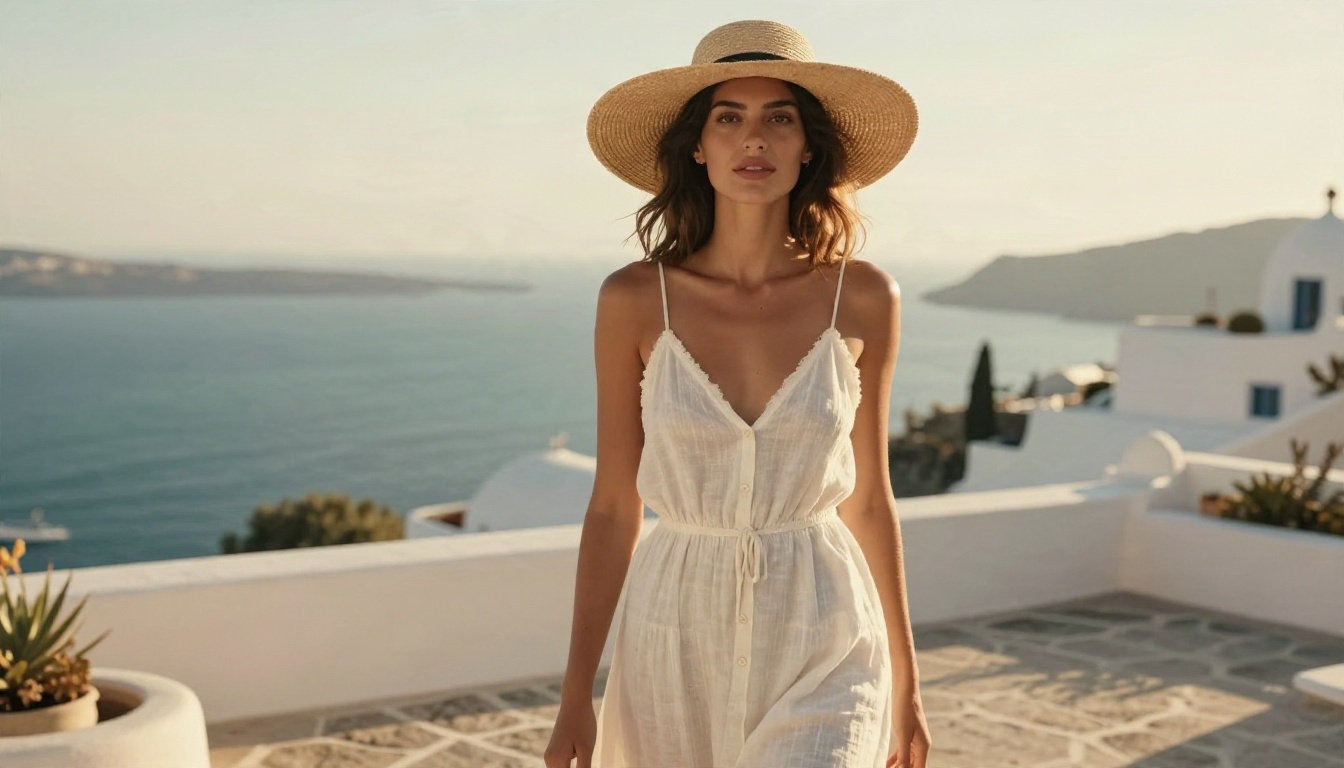
Why it works well for this job:
- Photographic realism. Skin, fabric, and light look like a real camera shot, not an illustration.
- Strong prompt following. It respects your wording rather than rewriting it.
- Fast turnaround. You can run several variations in the time it takes to wait for a queue elsewhere.
PicassoIA Image Editor Pro for Unlimited Runs
PicassoIA Image Editor Pro is built for people who hate counting images. It offers unlimited generations, so you can iterate as many times as it takes to land the shot. It also works as an editor: you can upload a photo and change clothing, background, or lighting with a text instruction, which covers inpainting-style fixes that DALL-E 3 handles awkwardly.
More Options Worth Testing
| Model | Best for | Link |
|---|
| Seedream 4.5 | Photoreal glamour, fashion, 4K | Open model |
| PicassoIA Image Editor Pro | Unlimited generation and photo edits | Open model |
| Flux 2 Klein 9B Base LoRA | Styled images, free to run | Open model |
| Qwen Image 3 Pro | Detailed photorealistic scenes | Open model |
| Nano Banana Pro | 4K output and quick edits | Open model |
| Open Dalle v1.1 | A DALLE-like look with an open model | Open model |
If you like the DALLE aesthetic but want more freedom, Open Dalle v1.1 is the closest match. It was tuned to mimic that look, while running as an open model with a looser leash.
💡 Tip: Run one prompt through three models in a row. The differences in skin, lighting, and prompt accuracy show up immediately, and you will know which tool earns your next hour.
How to Use DALL-E 3 on PicassoIA
DALL-E 3 still has real strengths: it is excellent at reading long, natural-language prompts, and it places text inside images better than many rivals. If you want to try it without a ChatGPT plan, here is the process on PicassoIA.
Step-by-Step Setup
- Open the model page. Go to DALL-E 3 on PicassoIA.
- Write your prompt. Describe the subject, setting, light, and lens in one or two full sentences. DALL-E 3 prefers plain language over keyword lists.
- Pick a format. Choose square for social posts, wide for banners, or tall for stories and posters.
- Choose quality. Standard is quicker for drafts. HD adds finer detail when you are ready for a final.
- Generate and compare. Run two or three variations, then keep the closest one.
- Refine. Adjust one detail at a time, such as the light direction or the background, so you know what caused the change.
Parameter Tips That Help
- Be literal about light. Phrases like "soft window light from the left" give more control than "beautiful lighting."
- Name the camera look. "85mm lens, shallow depth of field, film grain" pushes the output toward real photography.
- Keep text short. If you want words inside the image, limit them to one or two and put them in quotes.
- Avoid brand names and living artists. They are the most common cause of refusals.
- Upscale after. Run the finished image through a super resolution model if you need a larger file.
When to Switch Models
If DALL-E 3 refuses a harmless prompt twice, do not keep rewording. Move to Seedream 4.5 or PicassoIA Image Editor Pro, paste the original prompt, and see what comes back. You will save more time by changing tools than by fighting a filter.
Which Option Fits You
The right choice depends on how you work, not on which model has the loudest reputation.
Match the Tool to the Task
| Your situation | Best fit | Why |
|---|
| Casual, a few images a week | Free ChatGPT allowance | No setup, no cost, enough for a quick test |
| Long, detailed prompts with text in the image | DALL-E 3 | Strong prompt reading and text placement |
| Fashion, glamour, or swimwear photography | Seedream 4.5 | Photoreal skin and relaxed restrictions |
| Heavy iteration and photo edits | PicassoIA Image Editor Pro | Unlimited generations plus editing |
| A DALLE-style look with fewer limits | Open Dalle v1.1 | Similar aesthetic, open model |
| Developers who need an API | DALL-E 3 API or newer GPT Image models | Per-image billing, predictable integration |
A Simple Rule of Thumb
If you generate fewer than ten images a month, the free allowance and a tolerance for refusals may be all you need. Once you pass that, per-image billing and subscription caps start to feel like a tax. That is the point where an unlimited option such as Image Editor Pro pays for itself in saved time alone.
What to Watch Over Time
Pricing pages, daily caps, and even the model behind the chat window change without much notice. Revisit your setup every few months, and keep a short list of two or three backup models so a sudden limit change never stalls a project.
Your Next Image Starts Here
The honest answer to "is DALLE free" is yes, barely, and only for a taste. For anything resembling real work, you will run into daily caps, subscription pricing, and filters that reject harmless prompts. None of that means DALL-E 3 is bad. It means you should use it where it shines and move to something else when it gets in the way.
The fastest way to settle the question for yourself is to test. Open Seedream 4.5, paste a prompt that another tool refused, and watch what happens. Then try the same prompt in PicassoIA Image Editor Pro and keep generating until the result looks right. When you want to compare more styles, browse the full catalog at picassoia.com/en/all-models and run your favorite prompt through five different models in one sitting.
Your ideas deserve more than two images a day. Pick a prompt, pick a model, and make something today with Picasso IA.


