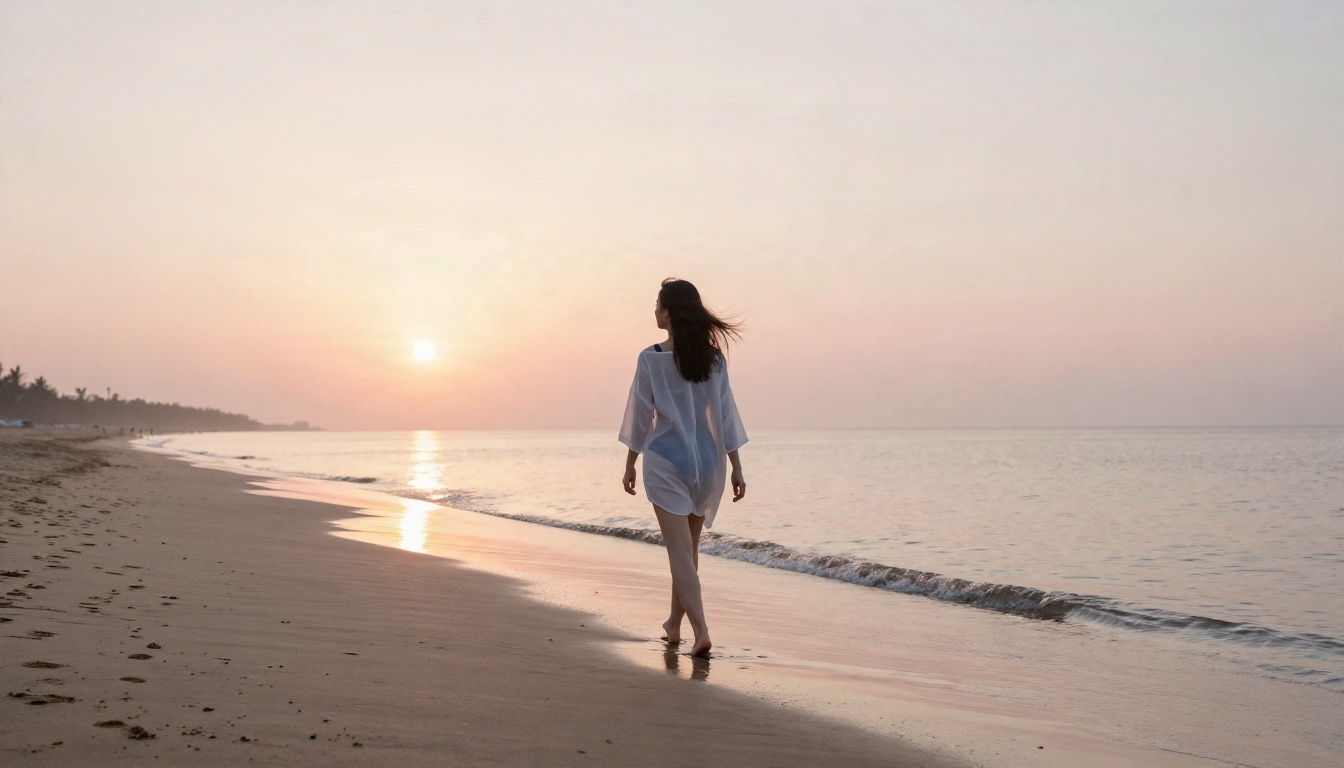
Type a bikini prompt into Flux and you will usually get a bikini. Type something explicit and you will get a blurred frame, a refusal, or a suspiciously modest result. So is Flux censored? Yes, but not in one single place. The restrictions are spread across the training data, the safety tuning, and the filters wrapped around the model, and each layer behaves differently depending on where you run it. This article breaks those layers down, shows what you can still create, lists the free ways to test Flux, and points to uncensored alternatives that give you more room for glamour and suggestive photography.
The Short Answer
Flux is filtered by design. Black Forest Labs, the company behind the model family, has said publicly that it removed NSFW material and known child abuse material from its pre-training data, then added safety fine-tuning on top. The open releases also ship with reference filters that screen both the prompt side and the output side, and the license for some of them expects you to keep those filters or use manual review.
That does not mean Flux refuses everything. Swimwear, lingerie style fashion shots, boudoir lighting, and implied glamour all land inside what the model can produce. What it struggles with is explicit nudity, because it simply has less knowledge of it.

What Flux Actually Blocks
In practice the model pushes back on three kinds of requests:
- Explicit nudity and sexual acts. Outputs come back clothed, cropped, or distorted.
- Real people in compromising scenes. Public figures and likeness requests are the most heavily screened category.
- Protected characters and brands. The filters also target IP infringement, not only adult content.
Why the Filters Exist
Open weights can be downloaded by anyone, so the lab has no control after release. Safety work done before release is the only protection it can guarantee. Black Forest Labs says it ran third-party red-teaming before each open-weight release and claims noticeably fewer vulnerabilities than other popular open models. You can agree or disagree with that approach, but it explains why the restrictions are baked in rather than bolted on.
💡 Quick rule: if a restriction lives in the training data, no prompt wording will fix it. If it lives in a filter, it can be loosened. Those are very different problems.
How the Filters Work
Think of Flux moderation as a stack with three floors. Knowing which floor blocks you saves a lot of wasted prompts.
| Layer | Where it lives | Can you change it? |
|---|
| Training data cleanup | Inside the model weights | Only by fine-tuning or LoRA |
| Safety fine-tuning | Inside the model weights | Only with community modifications |
| Input and output filters | Inference code or hosted API | Depends on where you run it |
Training Data Cleanup
This is the deepest layer. If the dataset had adult material removed, the model has no strong concept of it. Ask for explicit anatomy and it improvises, usually badly. Community write-ups argue that this is the real reason Flux struggles here: it is less a refusal and more a blind spot.
Input and Output Checks
The reference code for the open releases can screen a prompt before generation and scan the image after it. Hosted versions of Flux usually add their own moderation on top, so the same prompt can pass on one service and fail on another. If an image is flagged, you typically see a blank frame, a blur, or an error message.
Hosted Versus Local
Running a model on your own machine gives you control over the code around it. Running it through an online service means the service decides. That is the single biggest reason people report different experiences with the "same" Flux model.
What You Can Still Create
Plenty. If your goal is attractive, suggestive, magazine style photography, Flux handles it well, especially the newer releases like Flux 2 Pro and Flux 1.1 Pro, which are strong at skin texture, fabric, and natural light.
Swimwear and Glamour
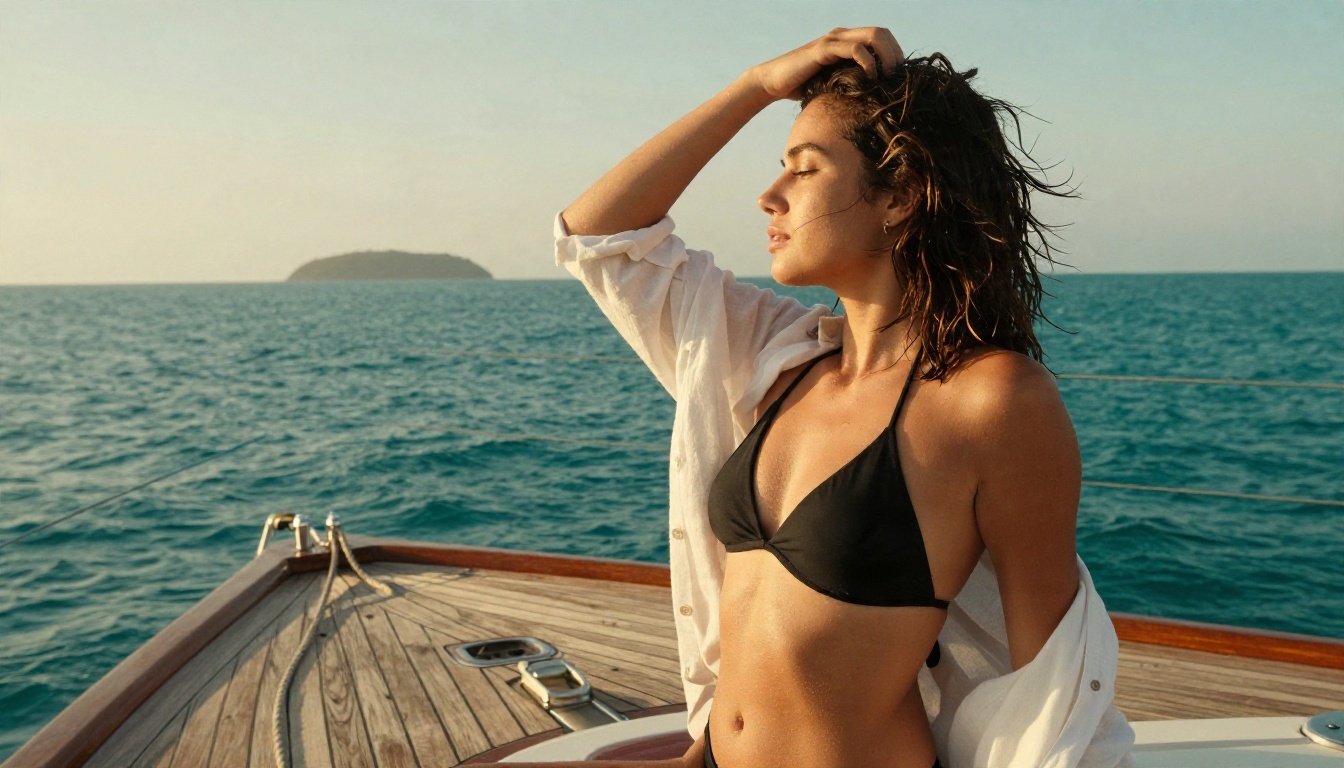
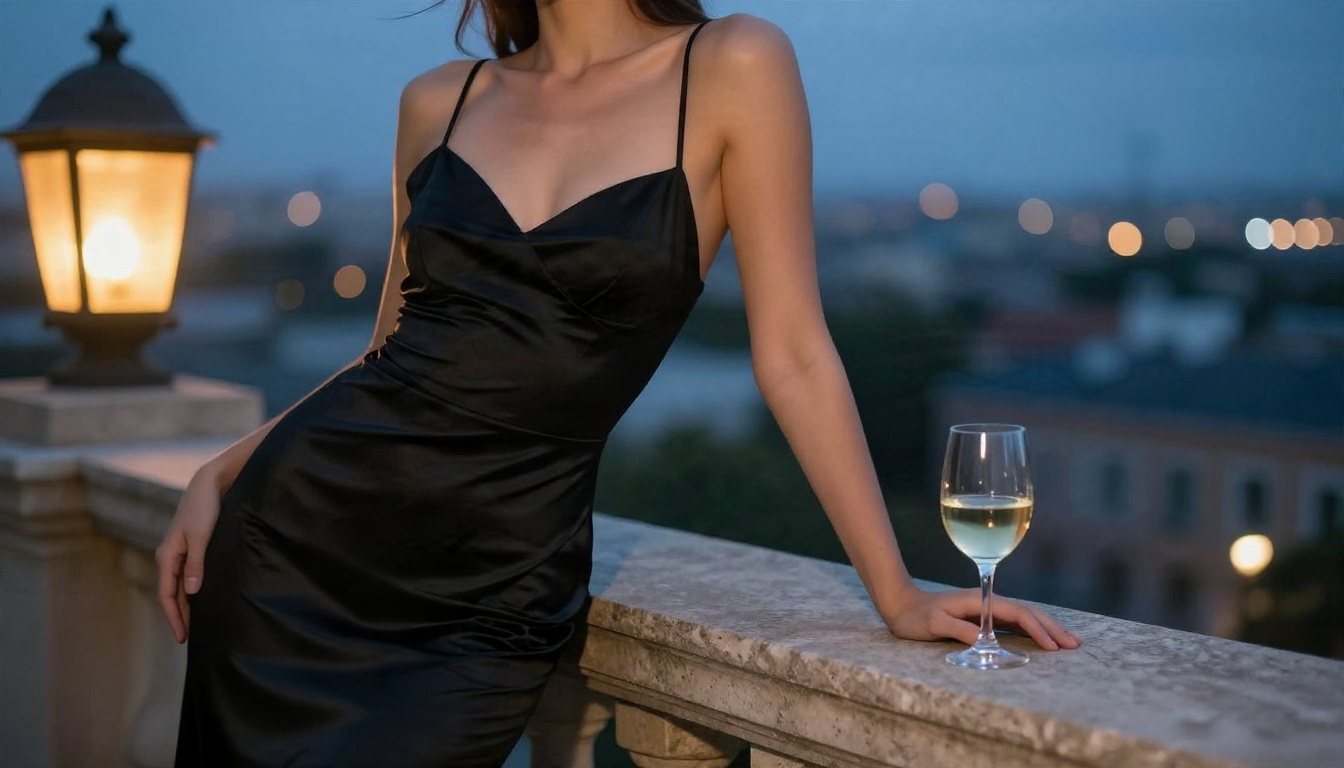
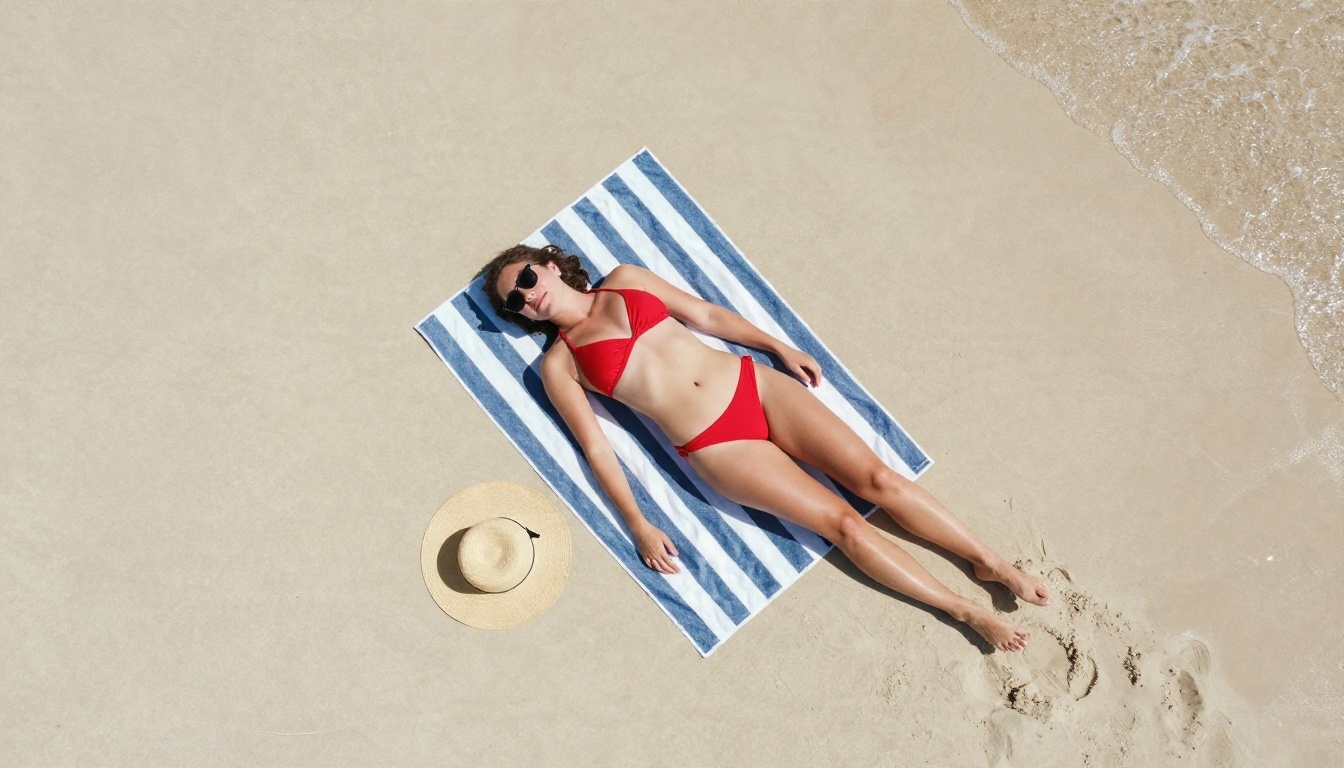
Bikinis on a yacht deck, a sheer cover-up on a sunrise beach, an evening dress at dusk: these are routine requests and they work. Describe the lighting and lens, and the results look like genuine photography.
Boudoir and Implied Looks
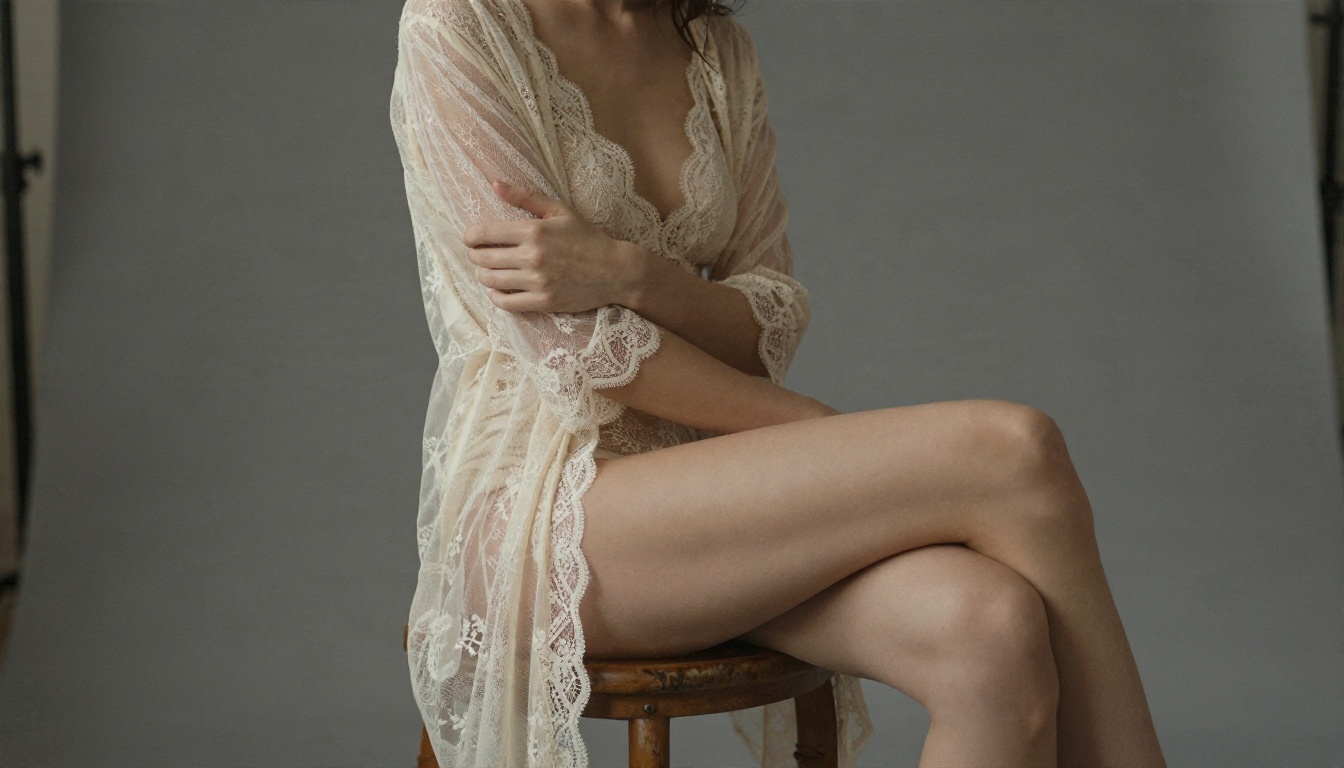
Soft studio light, lace, silk robes, and tasteful posing sit in a gray zone that Flux usually accepts. The model can suggest without showing. This is where wording matters: "boudoir portrait, softbox light, ivory lace bodysuit" gets through far more often than a blunt request.
Where It Breaks Down
Push beyond implied and you will see the limits: warped anatomy, odd cropping, flat refusals. Rewording rarely helps because the model lacks the underlying knowledge. If you hit that wall often, a different model is a better fix than a cleverer prompt.
Free Ways to Try Flux
Flux is one of the easiest model families to try at no cost, because several variants have open weights.
| Variant | Typical use | License note |
|---|
| Flux Schnell | Fast drafts | Open, permissive license |
| Flux Dev | Higher quality, non-commercial | Non-commercial license |
| Flux 2 Klein 4B | Small and fast | Apache 2.0 |
| Flux 2 Klein 9B | Better quality | Non-commercial license |
Running Open Weights Locally
If you own a decent graphics card, you can download the open weights and run them yourself. This is also where people experiment with community add-ons. The trade-off is setup time, memory demands, and the fact that the safety filters in the reference code are still there unless you edit them, which can conflict with the license terms.
Browser Options Without Setup
If you would rather skip installs, you can run several variants in the browser on PicassoIA, including Flux Schnell for speed and Flux Dev for photorealism. For editing an existing photo, Flux Kontext Fast lets you describe the change in plain language.
Community Workarounds and Risks
Searching for "uncensored Flux" turns up a lot of repositories. Some are useful, some are not, and none of them are official.
Uncensored Text Encoders
A few community projects claim to strip the safety behavior out of the text encoder used by smaller Flux 2 models. They modify weights, and their claims are not independently verified. Even if the refusal behavior disappears, the image model underneath still lacks adult knowledge, so results can disappoint.
LoRAs and Fine-Tunes
A LoRA is a small add-on trained on extra images. It is the more realistic route to new content, because it teaches the model something it never saw. On PicassoIA you can try LoRA capable models such as Flux Dev LoRA and Flux 2 Klein 4B Base LoRA for styled, custom looks.
Risks to Weigh
💡 Before you download anything: random modified checkpoints and tools from unknown uploaders can carry malware, break license terms, or simply produce poor output. Stick to sources you can verify, and never generate images of real people without their consent.
Uncensored Alternatives That Work
If Flux keeps blocking what you want, switch to a model that was built with fewer restrictions on adult themed imagery. For non-explicit glamour, suggestive portraits, and artistic NSFW looks, these are the models to try on PicassoIA, in the order I would use them.
Seedream 4.5 First
Seedream 4.5 is the first model to try. It produces sharp, photorealistic images up to 4K, handles skin, fabric, and lighting convincingly, and is far more relaxed about glamour and swimwear than Flux. It follows long, detailed prompts closely, which makes it a strong match for the camera and lighting language used in photography prompts.
Image Editor Pro for Unlimited Runs
PicassoIA Image Editor Pro is the one to pick when you want to iterate without counting generations. It offers unlimited generations, works from text or from an uploaded photo, and is quick enough to test ten variations in a few minutes. Use it to adjust outfits, backgrounds, and lighting on an image you already like.
Other Models Worth Testing
Keep Flux 2 Pro in your toolbox for clean, safe commercial work and strong prompt following, and use the alternatives above when the subject needs more freedom. The full catalog lives at picassoia.com/en/all-models, where you can compare options side by side.
| Need | Best pick |
|---|
| Photorealistic glamour and swimwear | Seedream 4.5 |
| Unlimited iterations and photo edits | Image Editor Pro |
| Clean commercial images | Flux 2 Pro |
| Quick drafts | Flux Schnell |
| Custom looks via LoRA | Flux Dev LoRA |
How to Use Flux 2 Pro on PicassoIA
If you want to see Flux's limits for yourself, test it in the browser. Here is a straightforward routine.
Step by Step
- Open the Flux 2 Pro page.
- Write a prompt that names the subject, setting, light direction, lens, and film look.
- Pick a 16:9 ratio for wide scenes or 3:4 for portraits.
- Generate, then change one variable at a time: outfit, light, or angle.
- Send your favorite to Flux Kontext Fast for small edits.
Parameter and Prompt Tips
- Be specific about light. "Soft window light from the left" beats "nice lighting".
- Name the lens. "85mm f/1.8" nudges the model toward a portrait look with natural depth of field.
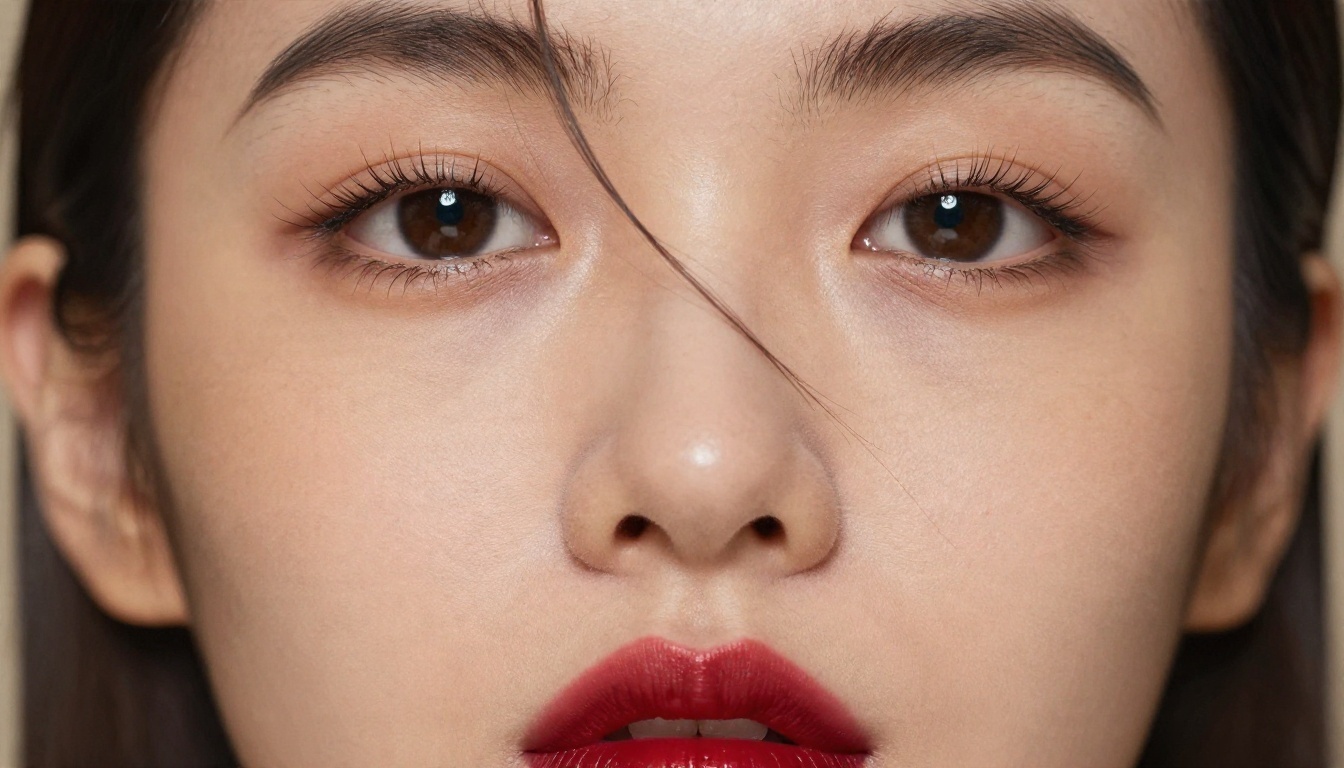
- Describe skin and fabric. Words like "visible pores", "satin sheen", and "lace threads" add realism.
- Keep suggestive wording tasteful. Flux responds best to implied, editorial language.
When to Switch Models
If three or four prompts in a row come back blurred, cropped, or stiff, stop rewording. The block is in the model, not in your phrasing. Move the same prompt to Seedream 4.5 and compare. You will often see the difference in a single run.
Flux Limits at a Glance
Here is the quick comparison most readers are really after.
| Question | Answer |
|---|
| Is Flux censored? | Yes, through data cleanup, safety tuning, and filters |
| Does it allow swimwear and glamour? | Generally yes |
| Does it allow explicit content? | Poorly, and often filtered |
| Can you remove the limits? | Only through unofficial community changes |
| Is there a free way to test it? | Yes, open weights and browser access |
| What is the best alternative for glamour? | Seedream 4.5, then Image Editor Pro |
Silhouettes and Implied Scenes
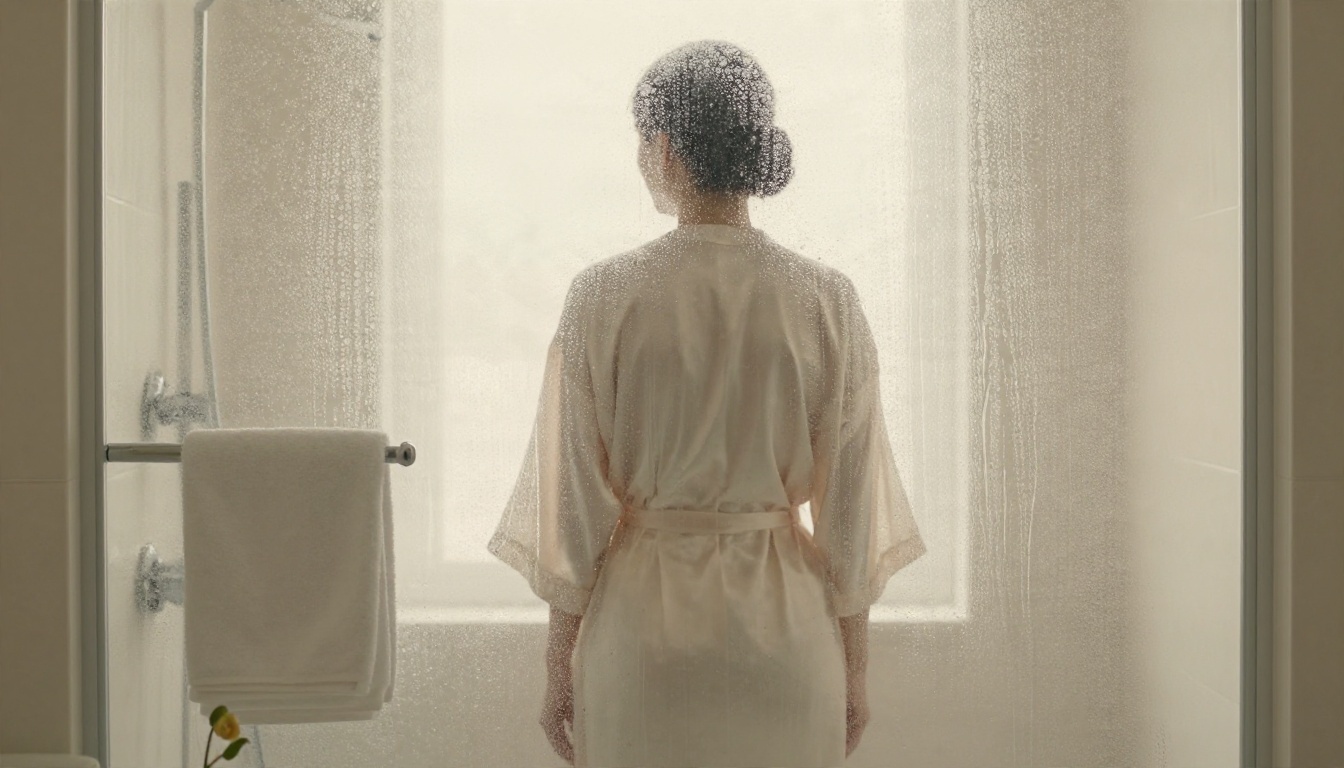
One trick that works on nearly every model: imply instead of show. Frosted glass, soft silhouettes, silk robes, and long shadows create mood without hitting any filter. Photographers have used these devices for decades, and they translate well to prompts.
Try It Yourself on PicassoIA
You now know where Flux draws the line and which models give you more room. The fastest way to settle the question is to run the same prompt through several models and compare. Start with Seedream 4.5 for photorealistic glamour, move to PicassoIA Image Editor Pro when you want unlimited iterations, and keep Flux 2 Pro for clean, polished work. Pick one scene, write a detailed prompt with light and lens, and see what each model gives you. When you want more options, browse everything at picassoia.com/en/all-models and build your own set of images.