You typed a perfectly reasonable prompt, hit generate, and got a polite refusal. Or worse, you got a result that looked nothing like what you asked for. If that sounds familiar, you have probably wondered whether Ideogram V4 is censored, and how far its filters actually reach. Short answer: yes, it is moderated, and the moderation is stricter on adult content than most people expect. Longer answer: the filter is less a wall and more a moving fence, which is why two almost identical prompts can get opposite outcomes.
This article lays out what Ideogram V4 blocks, what it lets through, how the free plan changes the picture, and which alternatives give you more room for fashion, glamour, swimwear and editorial work. Everything here stays on the non-explicit side: suggestive, stylish, tasteful.
💡 Quick take: Ideogram V4 is excellent for typography and layout. For glamour, boudoir style or swimwear, you will hit its limits sooner than with other models.
What Ideogram V4 Actually Blocks
Ideogram has not published a long, itemized list of banned prompts for V4, so the picture comes from user reports, reviews and third party coverage. Those sources agree on the broad strokes. The model's moderation layer refuses explicit nudity and sexual content, and it treats everything in the gray zone with inconsistent judgment.
Explicit content
Anything pornographic or overtly sexual is off the table. That includes prompts that name explicit acts, but also prompts that try to get there through euphemisms. The system does not just read your words. It also appears to evaluate what the model is about to render, so a prompt that looks innocent can still be stopped if the output drifts toward nudity.
If your goal is explicit imagery, Ideogram V4 is the wrong tool, and no prompt trick will change that for long.
The gray zone of suggestive prompts
This is where most frustration lives. Swimwear, lingerie style fashion, a plunging neckline, a boudoir mood: these requests sit in a zone where the filter is unpredictable. Users report that one phrasing passes and a near twin fails. That is not a bug you can fix on your side. It is how a probabilistic classifier behaves when a request sits near its threshold.
Copyright and public figures
Moderation is not only about nudity. V4 also has a copyright detection option that can flag or filter outputs that resemble protected characters or brands, which is useful for teams with compliance needs and irritating for fan art. Real public figures are another sensitive area, and requests for realistic likenesses of famous people tend to get refused or softened.
Why Filters Feel So Random
If you have ever wondered why the same idea works on Monday and fails on Tuesday, a few mechanics explain most of it.
Layered moderation
Most hosted image models use at least two checks: one on the text you submit, and one on the image that comes out. A prompt can clear the first check and fail the second. When that happens you may see a refusal, a blurred result, or an image where the clothing has quietly been rewritten into something more conservative.
Prompt wording matters more than you think
Classifiers react to word combinations. "Woman in a bikini on a beach" reads as ordinary lifestyle photography. Add three adjectives about body shape and a close crop, and the same scene crosses a line. You are not being penalized for the topic. You are shifting the statistical profile of the request.
| Prompt style | Likely result on a strict filter |
|---|
| Scene focused: setting, light, clothing, mood | Usually passes |
| Body focused: shape, skin, tight crops | Often flagged |
| Named explicit acts | Always blocked |
| Brand or character names | May be filtered by copyright detection |
Free Plan Limits in Practice
Censorship is only one constraint. The free plan adds others, and the details have been shifting. Ideogram's pricing pages reportedly changed around October and November 2026, and third party sources disagree on exact numbers, so treat the figures below as a rough picture and check the current plan page before you decide.
Public images by default
On the free tier, what you generate is public. Other users can see it in the feed. Paid plans, starting with the Plus tier, keep new images private until you choose to publish them. For anyone working on client mockups, unreleased product shots or personal portraits, public by default is a real drawback, not a footnote.
Credits, queue and downloads
Reports describe a small weekly or daily allowance of slow credits on the free plan, lower queue priority during busy hours, and download limits on format or resolution. Paid tiers raise the credit count and add priority generation. API access is billed separately, and per image prices quoted by resellers range from a few cents up to roughly twelve cents depending on the variant and the provider.
| Feature | Free plan (reported) | Paid plan (reported) |
|---|
| Image privacy | Public | Private by default |
| Generation speed | Lower priority | Priority queue |
| Credits | Small allowance | Larger monthly pool |
| Explicit content | Blocked | Blocked |
| Moderation level | Standard | Standard |
💡 Paying for a plan buys privacy and speed. It does not switch off the content filter. If the filter is your actual problem, a subscription will not solve it.
The model's open weights are another point of confusion. Reports describe them as source available under a non commercial agreement, which means you can experiment locally, but you should not build a paid product on them without checking the license terms.
Uncensored Alternatives That Work Today
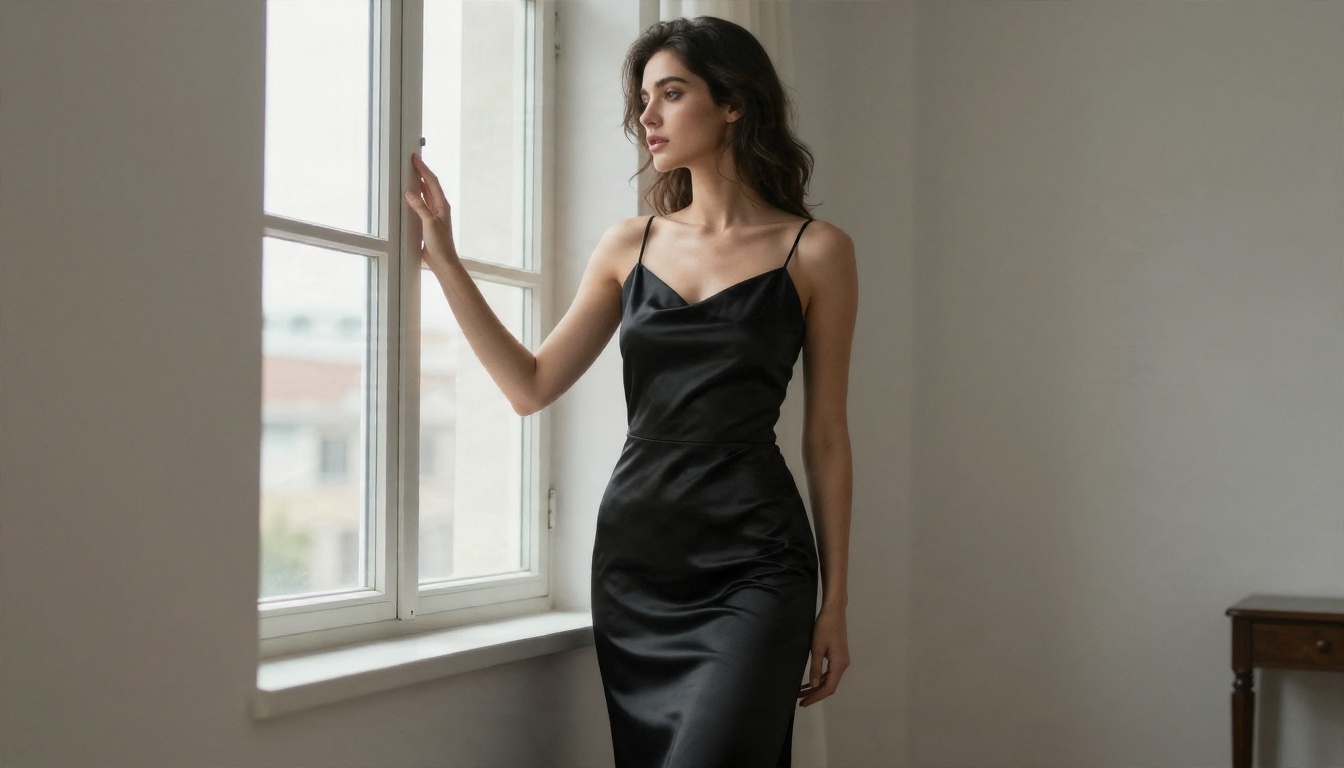
When you want tasteful glamour, swimwear campaigns, boudoir style portraits or fashion editorials without fighting a classifier, these are the models to reach for. Each one is on PicassoIA, so you can switch between them in a single account and compare results side by side. All of this stays within suggestive, non explicit content.
Seedream 4.5 first
Seedream 4.5 is the first model I would test for adult leaning, fashion and glamour work. It renders skin with believable texture, handles satin, lace and wet fabric well, and produces sharp output up to 4K. Its moderation is far more relaxed than Ideogram's for suggestive scenes, so a prompt that fails elsewhere will often go through here. Fast generation also means you can iterate ten times in the time it takes to rewrite a refused prompt once.
Image Editor Pro, unlimited
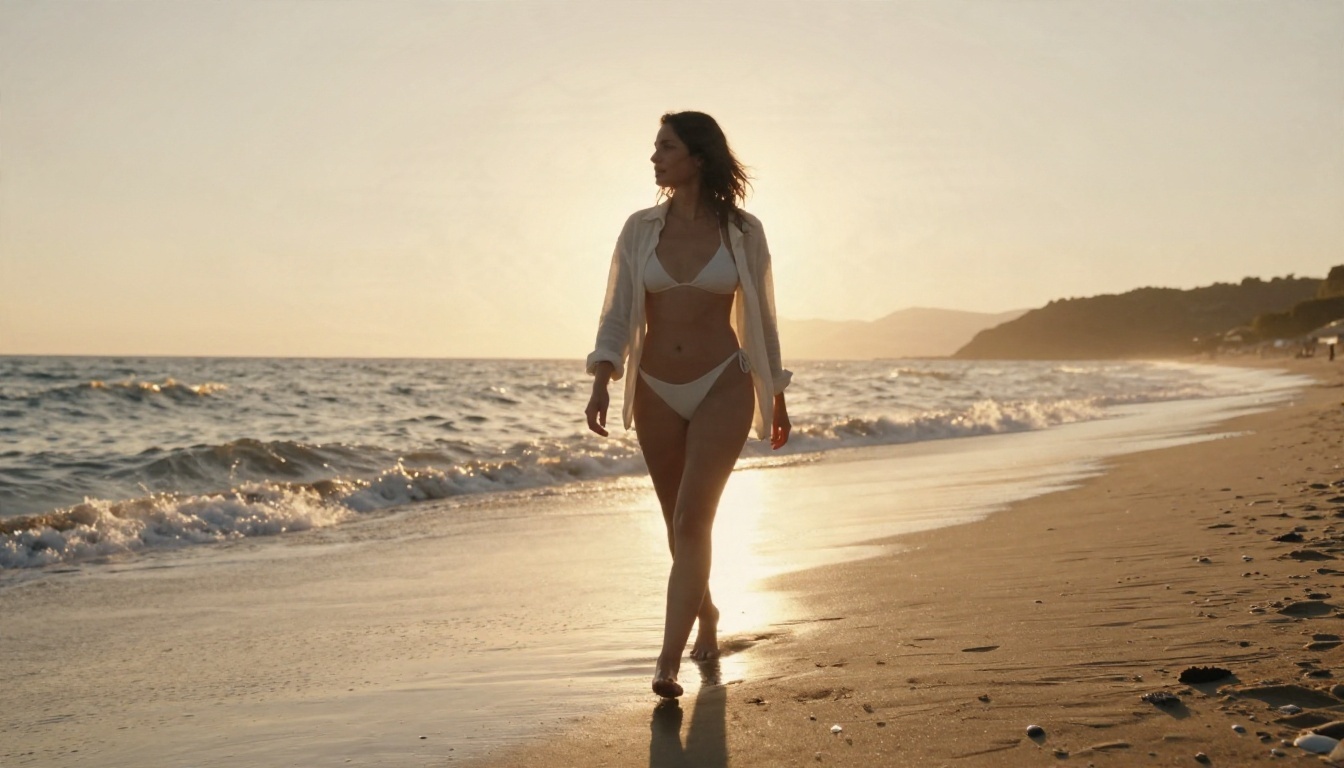
PicassoIA Image Editor Pro is the second stop, and the main draw is unlimited generations. No credit counter, no weekly cap, no anxiety about burning your allowance on a failed experiment. It works for text to image and for editing existing photos, which makes it ideal for changing outfits, adjusting lighting or fixing details on a picture you already like.
Other models worth testing
Beyond those two, several models are worth keeping in your rotation:
- Z Image Turbo: very fast, great for quick drafts of portraits and lifestyle scenes.
- Flux 2 Klein 4B Base: a flexible base model that responds well to detailed photographic prompts.
- Qwen Image 3 Pro: strong realism and good prompt following for editorial scenes.
- Nano Banana Pro: useful for edits and 4K output, with more conservative moderation than the models above.
💡 Filter feel is a rough impression from testing similar prompts, not a guarantee. Always test your own prompt on each model.
How to Use Ideogram V4 on PicassoIA
If your project is about posters, logos, packaging or any image with readable text, V4 is still the right pick, and you can run it on PicassoIA without a separate subscription. The model's own moderation layer applies wherever it runs, so expect the same kind of limits on adult content. For typography and design work, that rarely matters.
Pick Quality or Balanced
PicassoIA offers two V4 variants. Ideogram v4 Quality prioritizes fine detail and text accuracy, so use it for final deliverables. Ideogram v4 Balanced trades a little polish for speed, which makes it the better choice while you are still iterating on layout and wording.
Step by step
- Open the model page for Ideogram v4 Quality or Ideogram v4 Balanced.
- Write your prompt in plain language and put any text you want rendered inside quotation marks.
- Choose your aspect ratio. Use 16:9 for banners, 4:5 for social posts, 2:3 for posters.
- Generate with Balanced first, then switch to Quality once the composition works.
- Download your favorite, or send it to an editor for retouching.
Prompt tips for readable text
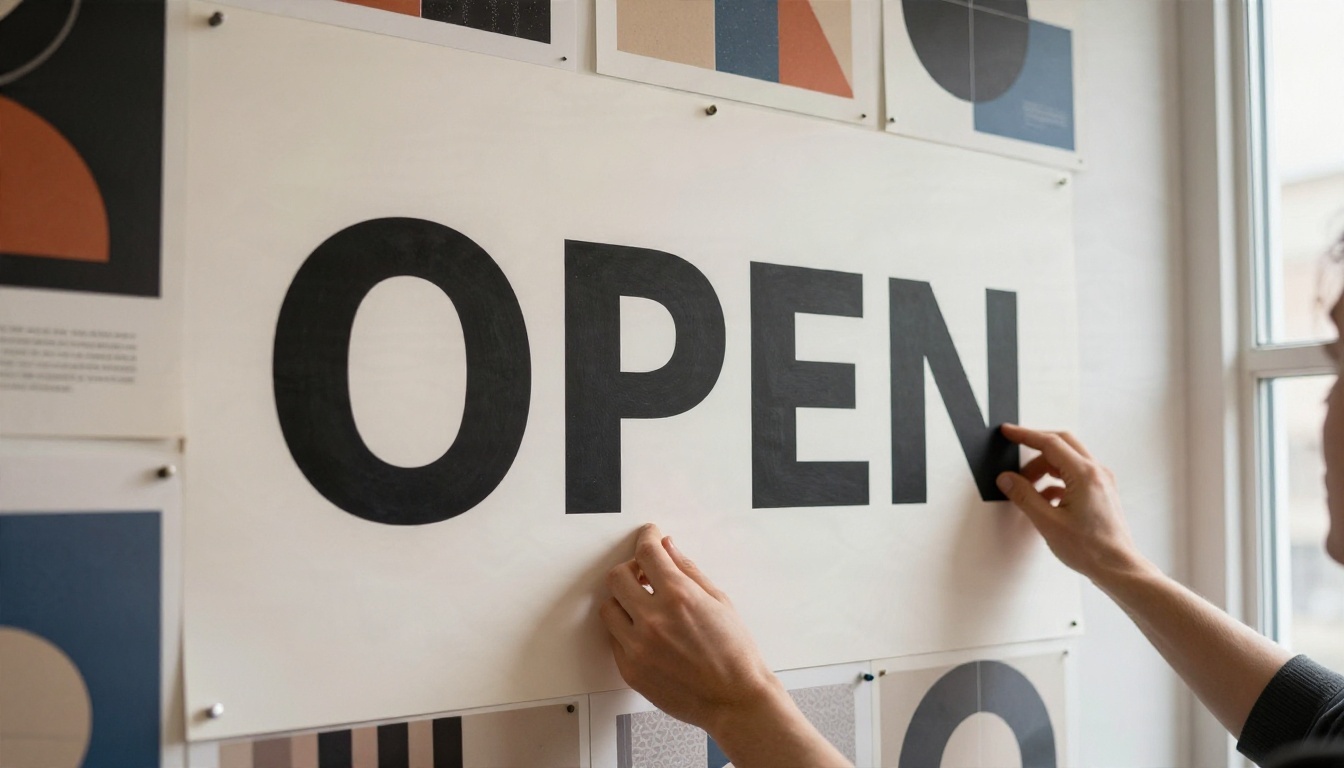
- Keep words short. One to three words render more reliably than a full sentence.
- Name the font feel, such as bold sans serif, hand lettered script, or condensed poster type.
- Describe placement: top center, bottom left, along the lower third.
- Limit the number of text blocks to two or three per image.
- If you prefer the previous generation, Ideogram v3 Quality and Ideogram v3 Turbo are also available, and their filters behave in a similar way.
Prompts That Pass Filters Cleanly

Whatever model you use, you will get fewer refusals when your prompts read like a photographer's brief rather than a request for a body. These habits help on strict models and make results better on relaxed ones too.
Describe the scene, not the skin
Spend your words on location, light, wardrobe and mood. "Woman in a white linen shirt on a quiet beach at golden hour, backlit, 35mm lens" gives the model plenty to work with and keeps the request firmly in lifestyle territory. You can still get an attractive, glamorous image, because attractiveness comes from lighting and composition, not from anatomy.
Use editorial language
Words like editorial, campaign, lookbook, magazine and fashion shoot signal an artistic intent. They push the model toward polished, composed images and away from the raw, explicit end of its training data. Pair them with camera details, for example 85mm at f/1.8, soft window light from the left, shallow depth of field.
Iterate in small steps
If a prompt gets refused, change one thing at a time. Swap one adjective, soften one crop instruction, move the setting indoors or outdoors. Rewriting everything at once makes it impossible to tell which phrase triggered the block.
💡 Keep a short notebook of phrasings that worked. After a week, you will have a personal list that saves more time than any generic tip.
There is no single winner, because the right choice depends on what you are making. Here is a simple way to decide.
A practical workflow many creators settle on: build the typography or layout in Ideogram, generate the people and fashion imagery in Seedream 4.5, and then refine details in Image Editor Pro. Each model does the part it is best at, and you never have to bend a prompt around a filter that was not built for that job.
Questions People Ask Most
Is Ideogram V4 NSFW friendly? No. It blocks explicit nudity and sexual content, and it handles suggestive prompts inconsistently.
Does a paid plan remove the filter? No. Paid plans add privacy, speed and credits. The content rules stay the same.
Is there a free way to avoid the limits? Yes, by switching models. PicassoIA Image Editor Pro offers unlimited generations, and Seedream 4.5 is a strong second option for fashion and glamour.
Can I use these images commercially? Check the license for the specific model and plan you use. Reports say the open V4 weights carry a non commercial agreement, so read the terms before selling anything.
Make Your Own Images Today
Ideogram V4 earns its reputation for typography, and its filters are a deliberate product decision rather than a glitch. If your work is text heavy design, keep using it. If your work leans toward fashion, swimwear or glamour, you will move faster with a model that gives you more room.
Open Seedream 4.5 on PicassoIA, paste one of your refused prompts, and see what changes. Then try PicassoIA Image Editor Pro for unlimited retries and edits. When you want to compare more options, browse the full catalog at picassoia.com/en/all-models and run the same prompt through several models. The fastest way to find your favorite is to generate your own images and judge the results yourself.


