You typed a perfectly normal prompt into an AI video tool, hit generate, and got a refusal, a blurred clip, or a result that looked oddly sanitized. Now you are wondering whether LTX 2.3 is censored, and whether anything can be done about it. The short answer: it depends entirely on where you run it. The model weights, the hosted apps, and the free web demos all behave differently, and mixing them up is the biggest source of confusion on forums.
This article separates the facts from the rumors, shows what each access route really allows, and points you to options that fit glamour, swimwear, and artistic work without crossing into territory nobody should be generating.
The Short Answer First
LTX 2.3 is a roughly 22 billion parameter video model from Lightricks, released in early 2026, with native audio, sharper detail than LTX 2, and portrait output. Here is what matters for the censorship question:
| Access route | Is there a filter? | Who decides? |
|---|
| Official LTX apps and LTX Studio | Yes, a content and acceptable use policy | Lightricks |
| Hosted APIs and third-party sites | Usually yes, plus the host's own moderation | The platform you use |
| Open weights on your own computer | No hosted gatekeeper, but license and law still apply | You |
| Free online demos | Strictest, since they are public and anonymous | The demo host |
I could not find any official Lightricks statement saying the base weights contain a hard-coded NSFW block. Community posts claim the model was "crippled" by safety tuning and that fine-tuned derivatives (names like Sulphur 2 and 10Eros circulate) removed it. Those claims are unofficial and I could not verify them, so treat them as rumor, not fact.
💡 Quick rule: if a site says "LTX 2.3" but you get refusals, the filter almost always belongs to the site, not to the model.
What Filters Does LTX Actually Use?

Lightricks publishes a content and acceptable use policy that applies to anything made with LTX models on LTX platforms. It prohibits sexual content involving minors, graphic violence, hateful or harassing content, and malware. A blocked generation can be appealed through support, which tells you that automated moderation does sometimes misfire.
Prompt filters
The first layer reads your text. Certain words or phrases trigger a block before any video is made. This is why harmless prompts sometimes fail: a word that is fine in context ("shot," "strip of beach," "naked eye") can still trip a crude keyword rule.
Output filters
The second layer inspects the finished frames. If the clip looks too explicit, it gets withheld or replaced. This is why one prompt can pass on Monday and fail on Tuesday: the output is random, and the classifier only judges what it sees.
Account and policy layers
Paid plans, free plans, and enterprise accounts can have different limits. Free tiers tend to be stricter and more limited in duration and resolution.
Open Weights vs Hosted Apps
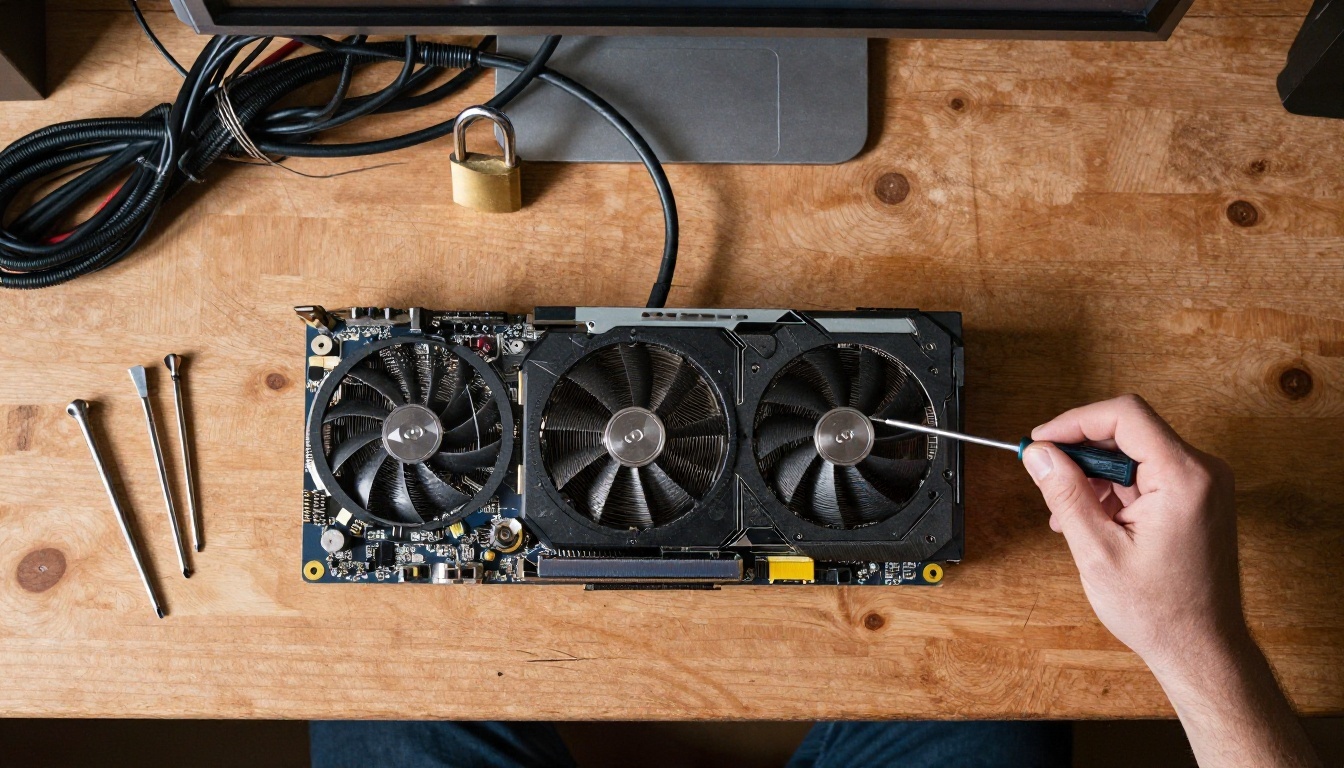
This is the part most people miss. Open weights means Lightricks released the model files so developers can run them on their own hardware, fine-tune them with LoRA, and build products on top. When you run it yourself, no company sits between your prompt and the output.
That freedom comes with real responsibilities:
- License terms apply. Sources disagree on the exact wording (some call it Apache 2.0, others the LTX-2 Community License, which is not an OSI-approved open-source license). Reports mention a free tier for organizations under roughly 10 million dollars in annual revenue and a commercial license above that. Read the official license file before building a business on it.
- Hardware is not trivial. A 22B model wants a serious GPU with plenty of VRAM, or a quantized build and patience.
- Laws still apply. Non-consensual imagery of real people, anything involving minors, and illegal content are off the table everywhere, whatever the software allows.
What about community fine-tunes?
Third-party fine-tunes and merges of LTX 2.3 exist, and some are marketed as having fewer restrictions. Quality, safety, and provenance vary wildly. Downloading unknown checkpoints from random repositories is a security risk in itself, so stick to well-known sources and check the license of anything you use.
Workarounds That Actually Help
Let me be clear about what this section is and is not. It is about getting legitimate work through overcautious filters. It is not a recipe for forcing explicit or harmful content out of a moderated service, and I will not walk through obfuscation tricks for that.
Swimwear, fashion editorials, boudoir-style lighting, and tasteful glamour are normal creative categories. Here is what works.
1. Describe the scene, not the trigger
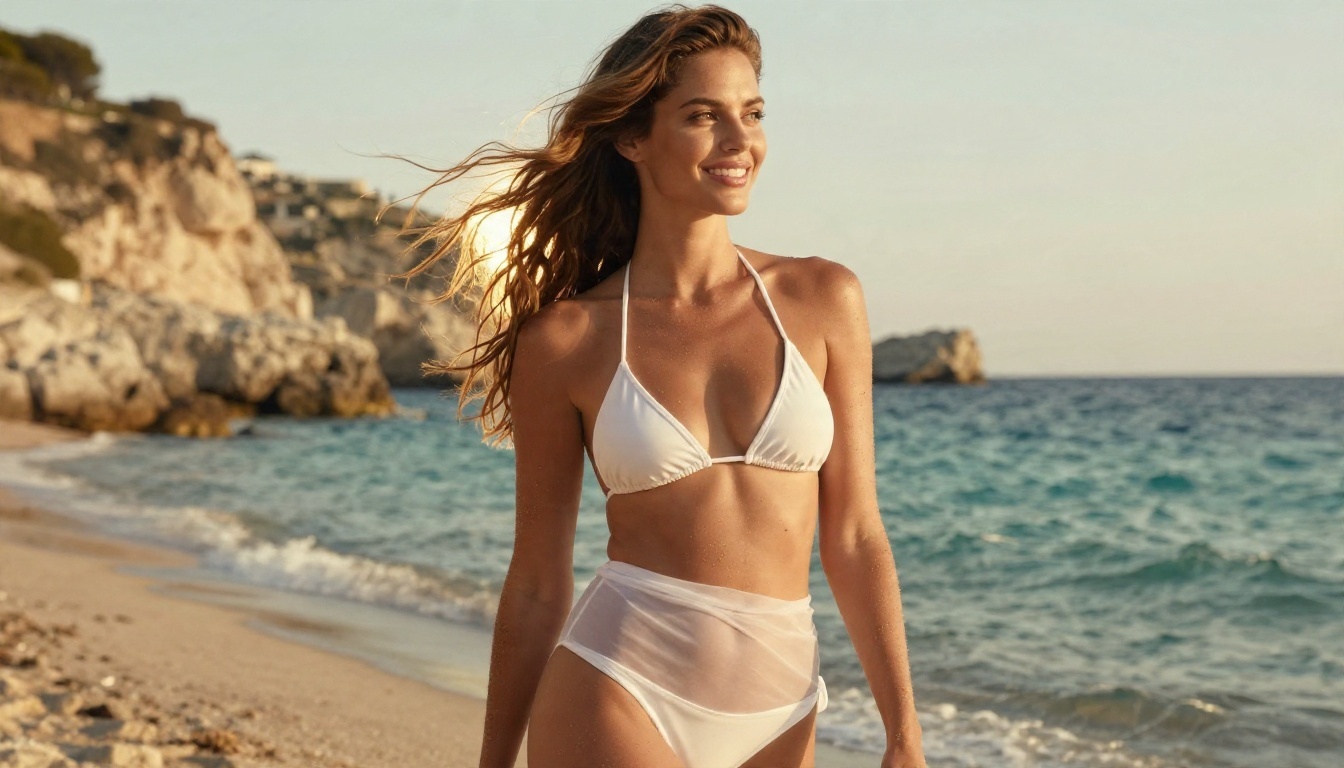
Filters react to vocabulary. Replace loaded words with visual and cinematic description: fabric, light, setting, mood, camera. "A woman in a white two-piece on a Mediterranean beach at golden hour, wind in her hair, slow dolly-in" passes far more often than a short, blunt phrase.
2. Start from a still image
Image-to-video gives you more control than text alone. Create a tasteful still first, check that it looks the way you want, then animate it. The first frame anchors the composition and cuts down on random surprises.
3. Try a different variant
A Pro model and a Fast model of the same family can behave differently because of different pipelines and hosting settings. If one refuses, test the sibling with the same prompt.
4. Shorten and simplify
Long prompts with many actions give the output classifier more chances to find something it dislikes. Keep one subject, one action, one camera move.
5. Retry with small changes
Because generation is random, a failed run is not always a verdict on the prompt. Change the seed or a single descriptive word and run again.
💡 Reality check: if a service blocks something consistently, that is its policy. Move to a tool whose policy matches your project instead of fighting it.
Free Online LTX 2.3: What You Get
Searching for "free LTX 2.3 online" returns dozens of demos, Hugging Face spaces, and trial tiers. Here is what to expect.
| Free option | Typical limits |
|---|
| Public demo spaces | Queues, short clips, low resolution, strictest filters |
| Trial credits on hosted apps | A handful of generations, watermarks possible |
| Free plan on official apps | Personal use only, lower caps, no commercial license |
| Local install | No per-clip fee, but you pay in hardware and setup time |
Three things catch people out:
- Commercial rights. Free and entry plans on official LTX apps are generally for personal use. If the clip earns money or promotes a business, check the plan.
- Output ownership and training. Read what the service says about how it uses your outputs.
- Look-alike sites. Many pages use "LTX 2.3" in the title but run something else or only wrap an API. If a site promises "no filters, unlimited, free" all at once, be suspicious.
Why Some Clips Still Look "Censored"
Not every odd result is a filter. Sometimes the model itself is the cause.
- Training data gaps. If a model saw little of a certain subject, it draws it vaguely or avoids it, which looks like censorship but is just weak knowledge.
- Safe-by-default behavior. Many video models drift toward clothed, neutral, stock-footage outcomes unless your prompt specifies otherwise.
- Soft blur or cutaway. Some pipelines quietly cut or blur a risky frame instead of showing an error.
- Short prompts. A vague prompt produces a generic result. Specific wardrobe, lighting, and setting details change the outcome a lot.
A useful test: run the same neutral prompt on two different platforms. If both give you the same plain result, it is the model. If only one fails, it is the platform.
How to Use LTX 2.3 on PicassoIA

Both versions of the model are on PicassoIA: LTX 2.3 Pro for maximum fidelity and extra modes, and LTX 2.3 Fast when you want quick iterations. Like any hosted service, PicassoIA applies its own moderation, so I cannot promise that every prompt will pass. Within normal creative work such as fashion, swimwear, and cinematic portraits, the workflow below gives you the best odds.
Step 1: Pick the model
Open the Pro page for text-to-video, image-to-video, audio-to-video, retake, and extend, all in one interface. Use the Fast page for short drafts, with clips up to 20 seconds at 1080p.
Step 2: Choose the task
On Pro, set task to text_to_video or image_to_video. For the most control, use image_to_video and upload your own still as the first frame.
Step 3: Write a cinematic prompt
Describe subject, wardrobe, setting, light, and motion in a few chronological sentences. Example: "A woman in a black satin dress on a hotel balcony at twilight, city lights softly out of focus, she turns her head toward the camera and smiles, slow dolly-in, warm light from the room behind her."
Step 4: Set the parameters
| Parameter | Suggested value | Why |
|---|
resolution | 1080p for tests, 2k or 4k for finals | Saves time and credits while you iterate |
duration | 6 seconds | Short clips are cheaper and more stable |
fps | 24 or 25 | Natural cinematic motion |
camera_motion | dolly_in or focus_shift | Adds polish without extra prompt text |
generate_audio | On | Native synchronized sound |
aspect_ratio | 16:9 or 9:16 | Landscape for film, portrait for social |
Step 5: Refine
If a result misses, use the retake task on Pro to replace a short segment, or extend to continue the clip, instead of regenerating from zero. You can also use last_frame_image to interpolate between two stills.
Build Better Source Images First
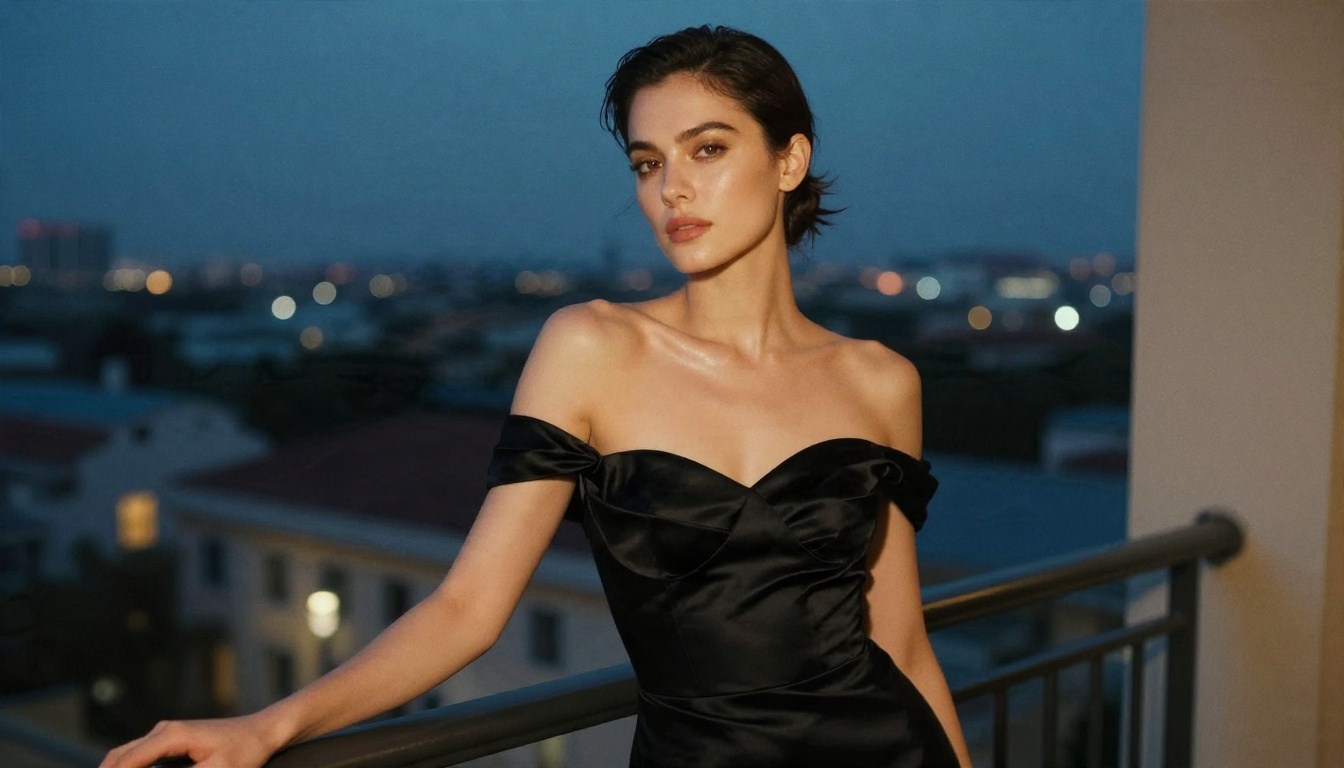
The strongest approach for glamour and adult-adjacent creative work is a two-step pipeline: make the still, then animate it. That is where the image side matters.
- Seedream 4.5 is the first model I would reach for. It produces detailed 4K photoreal portraits, handles skin, fabric, and light very well, and is comfortable with tasteful swimwear, evening wear, and boudoir-style looks.
- PicassoIA Image Editor Pro is the next stop. It offers unlimited generations, so you can iterate on pose, outfit, and lighting dozens of times without watching a credit counter. It is also fast, which matters when you are refining a first frame.
- Qwen Image 3 Pro is a solid third option for photorealistic portraits with a different look.
Once you have a still you like, upload it as the first frame in LTX 2.3 and animate it with a slow camera move.
💡 Tip: pick source images with clean lighting and a clear subject. Busy backgrounds and extreme poses make the animation less stable.
LTX 2.3 Alternatives on PicassoIA
If you hit a wall with LTX or want a different motion style, these video models are on PicassoIA:
For editing an existing clip rather than generating a new one, Kling o1 and P Video Edit let you rewrite a video with text.
Lines Nobody Should Cross
No model, filter, or workaround changes these:
- Nothing involving minors, ever.
- No real people in sexual or compromising scenes without their consent. That includes celebrities and anyone whose photo you did not create.
- No deceptive use. Do not present synthetic video as real footage of a real event.
- Respect licenses and platform rules. A violation can cost you an account, and in some places carries legal consequences.
The good news is that these rules leave plenty of room for beautiful, adult-oriented creative work: fashion films, swimwear campaigns, music video concepts, boudoir-style portraits, and original fictional characters.
Start Making Your Own Clips

So, is LTX 2.3 censored? The honest answer is: the open weights have no confirmed official filter, hosted versions almost always do, and free demos are the strictest of all. Since the rules live at the platform level, the practical move is to choose the platform that fits your project and write prompts that describe what you want visually.
Here is a quick plan you can run today:
- Generate a first frame with Seedream 4.5 and refine it with PicassoIA Image Editor Pro, where generations are unlimited.
- Animate it with LTX 2.3 Fast for a draft, then LTX 2.3 Pro for the final.
- If the motion is not right, try Wan 2.6 I2V on the same still.
Experiment with your own prompts, compare the results side by side, and see which model matches your style. You can browse every available model at picassoia.com/en/all-models.


