Mage Space is one of the first names that pops up when someone searches for a free AI image generator with fewer restrictions than the big mainstream tools. That reputation is why so many people ask the same blunt question: is Mage Space actually good, or just well marketed? The short answer is that it is a decent web app with a lot of models, a free tier that works for testing, and limits that start to bite the moment you want volume, speed or adult-style content. This review walks through what it does well, where it falls short, what it costs, and which alternatives on PicassoIA give you more room for photorealistic glamour work.

💡 Quick verdict: Mage Space is worth a test run if you want a browser-based generator with many community models. It is a weaker fit if you want unlimited generations, predictable NSFW rules, or a single place that also handles editing, upscaling and video.
What Mage Space Actually Is
Mage Space is a browser-based AI image generator. You type a prompt, pick a model, adjust a few settings, and wait for results. It became popular because it bundles a large selection of Stable Diffusion style checkpoints, community models and newer image models in one interface, so you do not have to install anything or own a powerful graphics card.
The basic workflow
You open the site, choose a model from a long list, write a prompt, set size and steps, and generate. Most people use it for three things:
- Portraits and character art with different looks and styles
- Anime and stylized work, where community checkpoints shine
- Quick tests of prompts before moving to a heavier tool
The interface is functional rather than beautiful. There is a lot going on, and newcomers can feel lost among model names, samplers and credit counters.
Who it was built for
It targets hobbyists and casual creators. If you already know your way around checkpoints and negative prompts, it feels familiar. If you just want a good photo of a person in a good outfit, you may spend more time picking settings than creating.
The Free Plan, Honestly
The free plan is the main reason people try it. A free account lets you generate images without paying, and that is genuinely useful for judging whether the output style suits you.
What you get without paying
Reports about the exact allowance differ. Some sources mention a sign-up bonus of a few hundred credits, others describe a monthly allowance of a few hundred more. Treat any number you read online as a snapshot, because credit systems on these platforms change often. What stays consistent is the pattern:
- Free users get a limited pool of credits rather than unlimited use
- Generation can be slower at busy hours than for paying users
- Some models, sizes and features sit behind a paywall
- Private generation and higher limits are reserved for subscribers
Where the free tier gets frustrating
A free tier is only good if you can finish a real project with it. With a credit pool, you tend to run out right when you start to dial in a prompt. AI image work is trial and error: the first result is rarely the best one. Spending credits on drafts means fewer credits for the picture you actually want.
💡 Reality check: If a project needs 30 to 50 attempts to get one great portrait, a small credit pool is a test drive, not a workflow.
Mage Space Pricing Explained

Pricing is where information online gets messy. Review aggregators list different tiers and different monthly amounts, and several of those pages look auto-generated. The safest approach is to check the official pricing page before paying anything. Here is the general structure most reviews describe, with the caveat that figures move.
| Plan type | Typical monthly range | What it usually means |
|---|
| Free | $0 | Small credit pool, queue delays, limited models |
| Entry paid tier | Around $10 to $15 | More credits, faster generation, some premium features |
| Mid tier | Around $30 | Higher volume, priority access, more models |
| Top tiers | Up to a couple hundred dollars | Heavy usage for power users and small teams |
Is it worth paying for?
If you generate a handful of images a week, an entry tier can be reasonable. The math changes once you generate in bulk. Credit-based pricing means every retry has a cost, and glamour or portrait work usually needs many retries to get hands, lighting and skin texture right.
The hidden cost: your time
Even when the price looks fair, you pay with attention. Selecting from dozens of checkpoints, matching prompts to each one, and managing credits all take effort. A tool that gives you a strong result from a plain-language prompt saves more money than a cheaper plan that demands constant tweaking.
NSFW on Mage Space: What to Expect
This is the part many readers care about most. Mage Space has a reputation for being looser than corporate tools, and that is partly true. But the details are messy.
Rules are not always clear
Sources disagree. Some reviews say adult content works with few obstacles. Others say the free tier applies stricter filters and that fuller access sits behind a paid plan. Both can be partly right, because moderation changes over time and varies by model. If adult-style content is your main goal, never assume that what worked last month still works today.
Filters, flags and account risk
Platforms that allow mature content still tend to enforce limits around illegal material, real people and certain scenarios. Accounts can be flagged, and generations can be blocked without a clear explanation. That unpredictability is a bigger problem than a flat "no", because you cannot plan around it.
💡 A practical rule: Pick a tool whose content policy you can read and rely on, then keep your work to tasteful, non-explicit glamour: swimwear, lingerie-style fashion, boudoir lighting and editorial portraits.
Where Mage Space Falls Short
Here is the honest list of weak spots, based on how most reviewers describe the experience.
No single workflow
Generating is only one step. Real projects also need editing, inpainting, upscaling and sometimes background removal. When those are spread across different tools and accounts, you waste hours moving files around.
Credits create hesitation
When each attempt costs something, you stop experimenting. That is the opposite of how good image work gets made. Unlimited generation changes your behavior: you try bold prompts, odd angles and unusual outfits because failure is free.
Inconsistent realism
Community checkpoints can look gorgeous, but results vary a lot from model to model. Skin often looks waxy, hands can fail, and backgrounds sometimes melt. Photorealism needs a model built for it, not a lucky pick from a long list.
Pros and cons at a glance
| Pros | Cons |
|---|
| Browser-based, nothing to install | Credit pool limits free users |
| Lots of community models | Confusing model selection |
| Free tier for testing | NSFW rules are unclear and change |
| Good for stylized and anime art | Realism varies a lot |
| Simple prompt-to-image flow | Editing and video need other tools |
Better Options for Photorealistic Glamour
If the goal is believable, attractive, non-explicit images (bikini shots, boudoir lighting, fashion portraits, beach scenes), a few models on PicassoIA are a stronger fit. Mage Space itself is not on PicassoIA, so there is no link or integration to talk about here. For similar results today, these are the models to try, in the order I would try them.
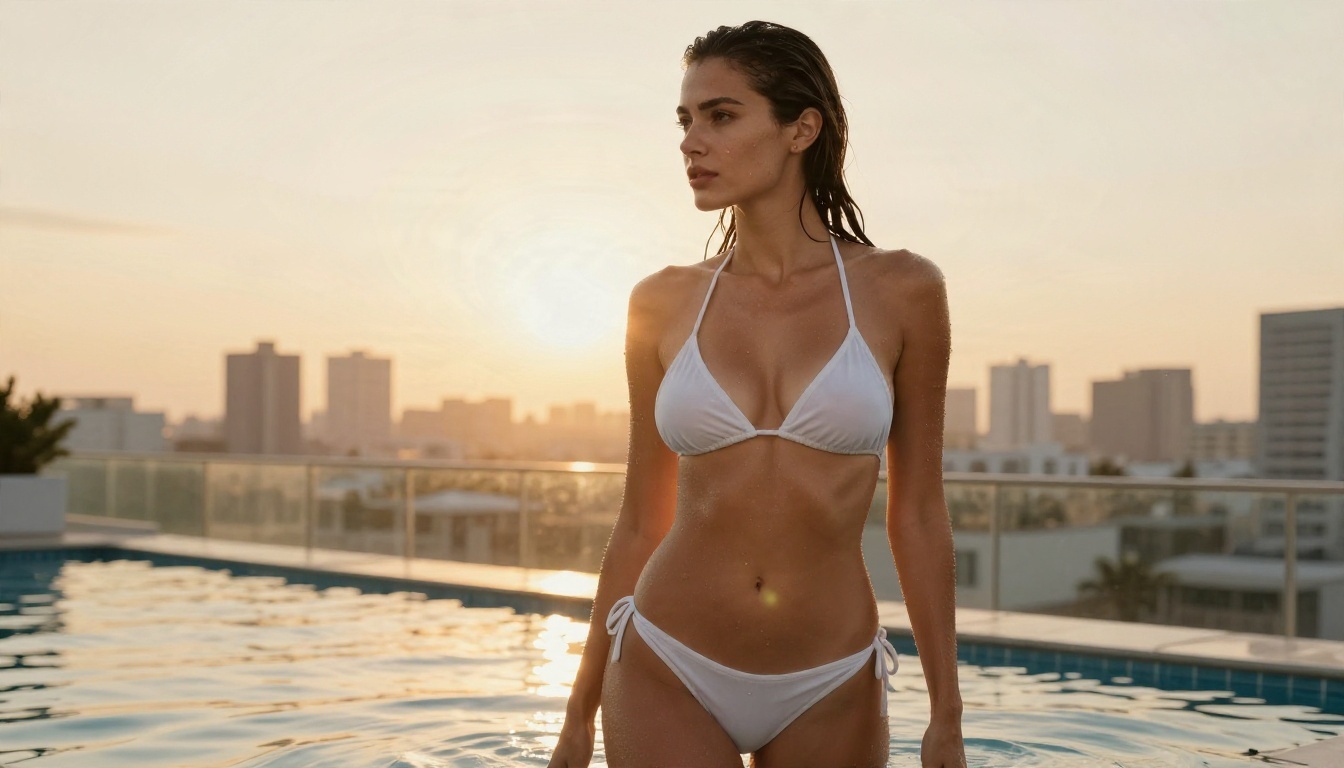
1. Seedream 4.5
Seedream 4.5 is the first model I would reach for. It produces sharp, high-resolution images with convincing skin, believable fabric and natural lighting, and it follows long prompts closely. It handles swimwear, lingerie-style fashion and boudoir scenes with confidence, which makes it a strong pick for glamour work where other tools get squeamish.
2. PicassoIA Image Editor Pro
PicassoIA Image Editor Pro is the one that changes the math on cost. It offers unlimited generations, so you can retry as many times as you want without watching a credit counter. It also edits: you can upload a photo, change an outfit, fix a background or adjust lighting with a plain-language instruction. That one feature replaces a pile of separate tools.
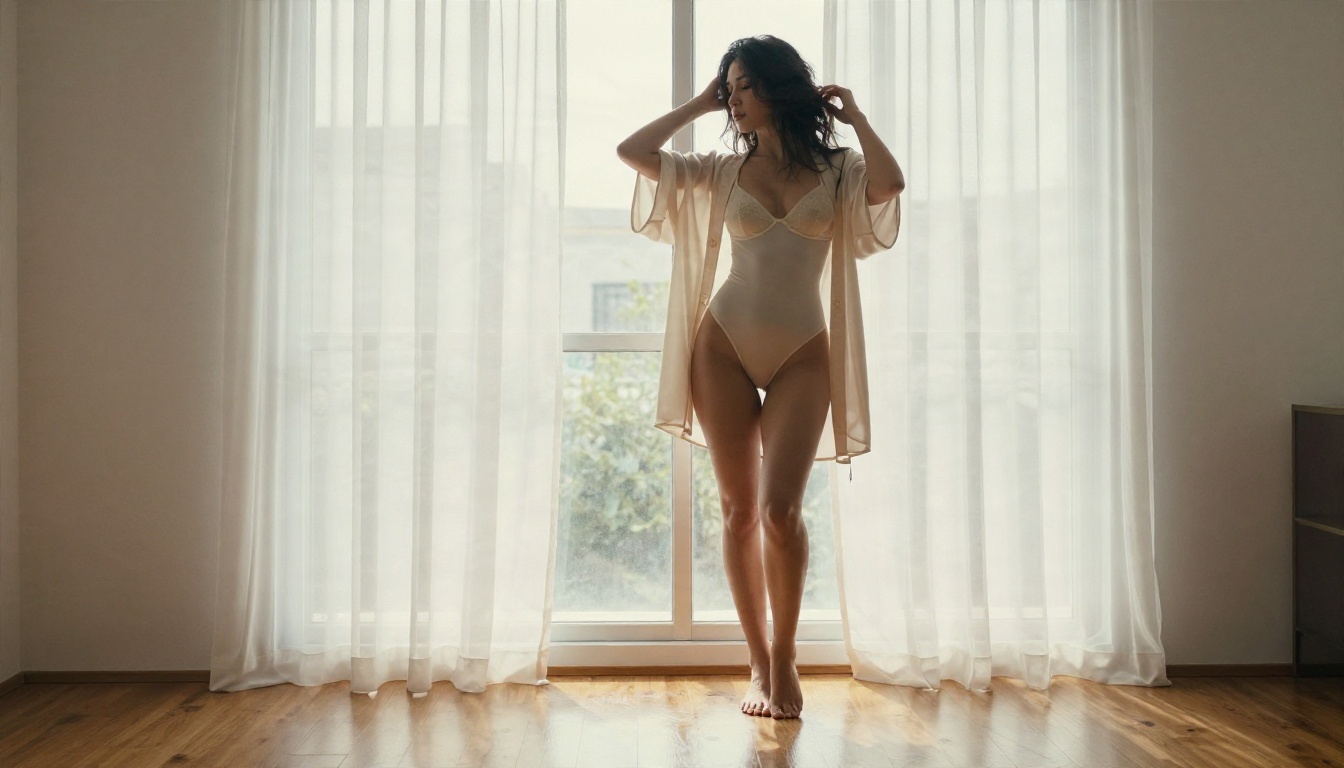
3. Realistic Vision v5.1
Realistic Vision v5.1 is a familiar name for anyone who used community checkpoints on other sites. It leans toward lifelike portraits with film-like color, which suits close-ups and editorial looks.
4. Flux 2 Klein 9B Base LoRA
Flux 2 Klein 9B Base LoRA is useful when you want a particular look or style applied consistently. It is quick and flexible, and it works well for stylized results when you want something a bit different from pure photography.
💡 Tip: Do not use Seedream 5 Lite for adult-style glamour. It blocks that kind of content. Seedream 4.5 and Image Editor Pro are the better picks.
Side-by-side comparison
| Feature | Mage Space | Seedream 4.5 | Image Editor Pro |
|---|
| Free to try | Yes, limited credits | Yes | Yes |
| Generation limits | Credit based | Fast, high quality | Unlimited |
| Photorealism | Varies by model | Very strong | Strong |
| Editing built in | No | Prompt based | Yes |
| Adult-style glamour | Unclear rules | Works well | Works well |
| Best for | Model variety | Top image quality | Volume and edits |
How to Get Similar Results on PicassoIA
Here is a simple workflow using Seedream 4.5, which gives the best balance of realism and prompt accuracy.
Step 1: Open the model page
Go to the Seedream 4.5 page on PicassoIA and open the generator. You can start right away, no model hunting needed.
Step 2: Write a photographic prompt
Prompts that read like photography notes beat vague descriptions. Include five things:
- Subject and pose, such as "woman in a white bikini leaning on a pool wall"
- Setting, such as "rooftop terrace at golden hour"
- Light direction, such as "warm backlight from the left"
- Lens and framing, such as "85mm, shallow depth of field, low angle"
- Texture cues, such as "visible skin pores, film grain, Kodak Portra 400 look"
Step 3: Choose a wide ratio and generate
Pick 16:9 for scenes and environments, or a portrait ratio for single-subject shots. Run the first batch, then refine the prompt rather than starting over.
Step 4: Fix details in Image Editor Pro
When an image is nearly right but the outfit, background or lighting is off, take it to PicassoIA Image Editor Pro. Describe the change in plain words and rerun it as many times as needed. Because generations are unlimited, you can keep going until it looks right.
Parameter tips
- Be specific about light. "Soft window light from the left" beats "good lighting".
- Name the lens. Lens details push the model toward real photographic depth.
- Skip style words like "digital art" if you want a photograph. They drag results away from realism.
- Change one thing at a time when refining so you know what caused the improvement.
Quality Check: What Realism Looks Like
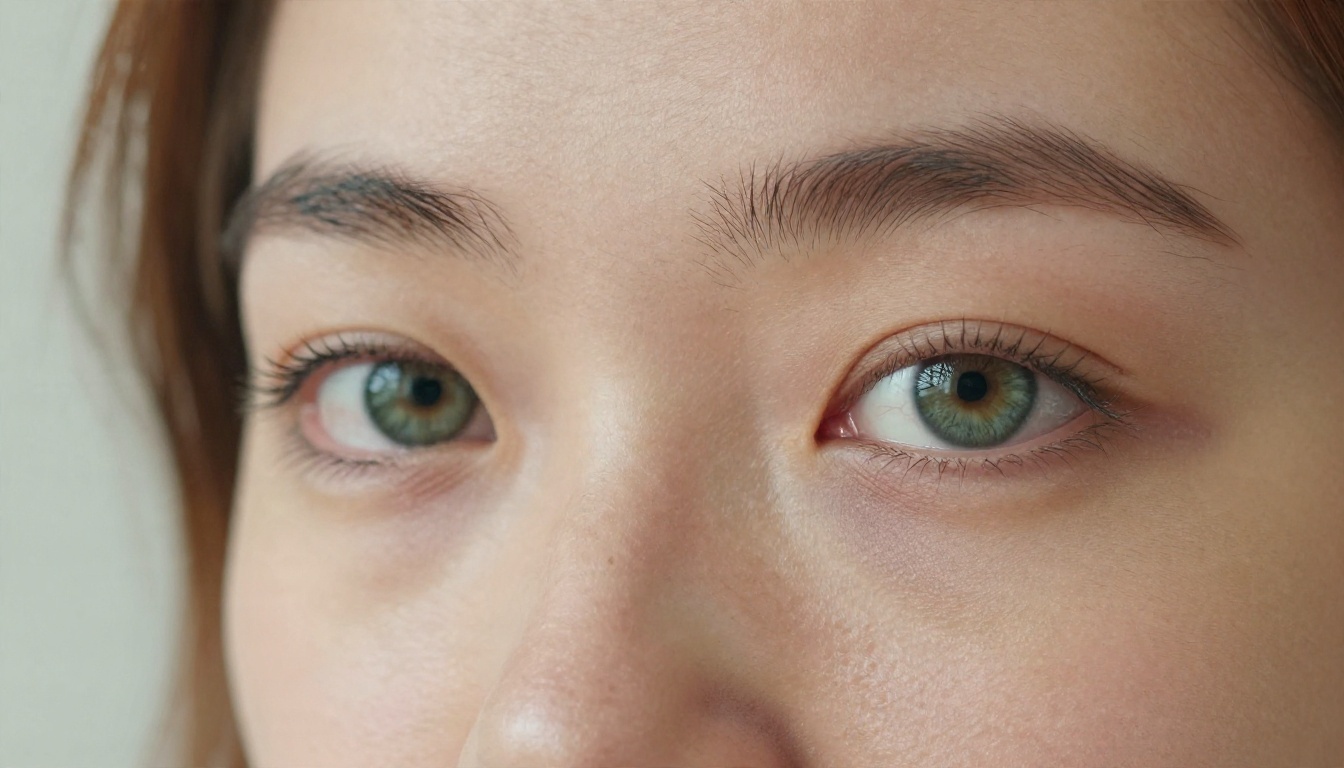
Whatever tool you choose, judge results on the same five checks. They quickly separate a good generator from an average one.
| Check | What to look for |
|---|
| Skin | Visible pores, natural tone changes, no plastic sheen |
| Hands | Five fingers, believable joints and nails |
| Fabric | Real folds, texture and light on satin, lace or cotton |
| Light | Shadows that match the light source |
| Background | Clean edges, no melted objects or warped lines |
Test the same prompt everywhere
The fairest comparison is to take one detailed prompt and run it on each tool you are considering. Keep the setting, outfit and lighting identical. Differences in skin, hair and fabric will jump out within three or four runs.
Outdoor scenes are the toughest test
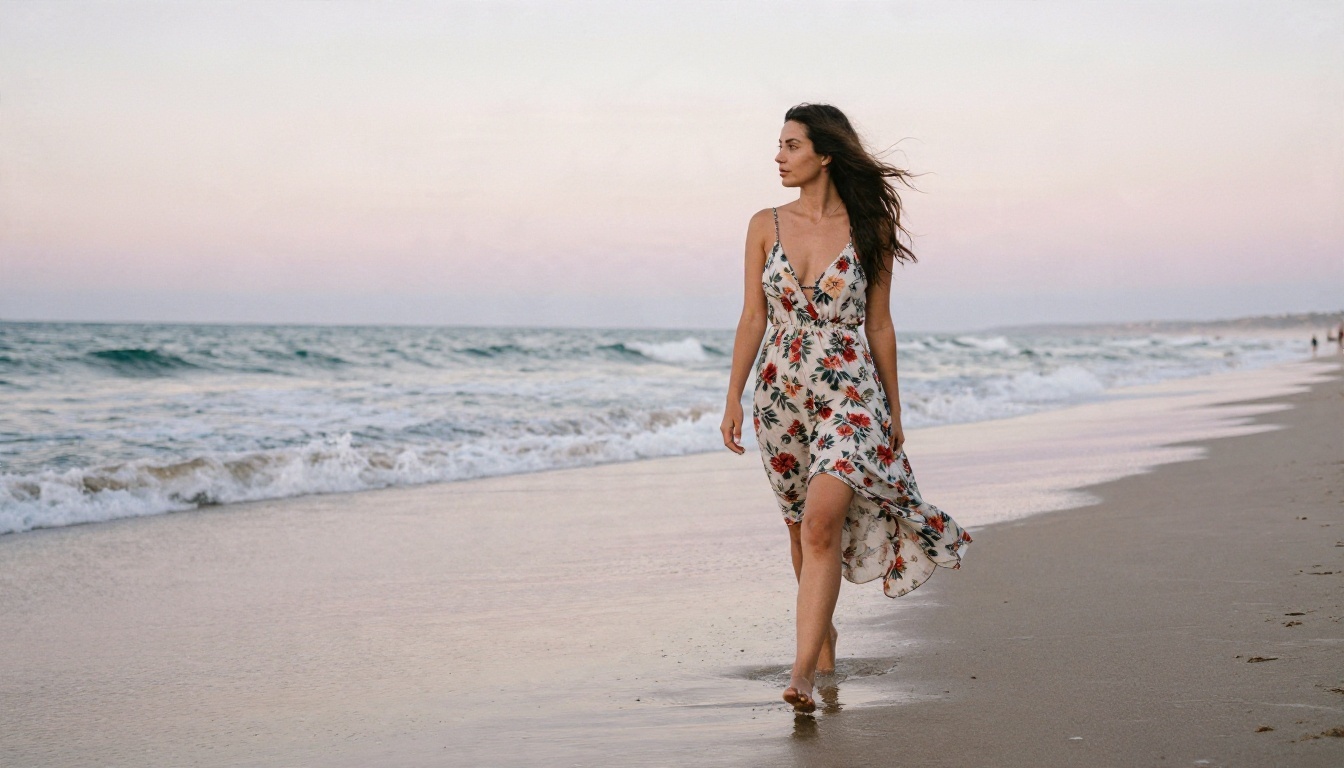
Beach, pool and sunrise shots expose weaknesses fast: wet skin, flyaway hair, sand texture, water reflections. A model that nails those is usually dependable everywhere else.
So, Is Mage Space Good?
Here is the verdict, split by what you need.
| If you want... | Verdict |
|---|
| A free place to try prompts | Good, with limited credits |
| Anime and stylized art | Good, plenty of community models |
| Unlimited generations | Not a fit, credits apply |
| Predictable adult-style rules | Not a fit, policies shift |
| Photorealistic glamour | Mixed, results depend on the model |
| Generation plus editing in one place | Not a fit |
Mage Space is a reasonable sandbox. It is not the strongest choice when you care about volume, consistent realism, or knowing in advance what a content policy allows. For those goals, Seedream 4.5 for raw quality and Image Editor Pro for unlimited retries and edits are the stronger pair.
Start Creating Your Own Images
The fastest way to settle the Mage Space question is to run your own test. Take one prompt you care about, generate it on Mage Space's free tier, then run the same prompt on Seedream 4.5 and PicassoIA Image Editor Pro. Compare skin, light and fabric side by side, and keep whichever tool makes the picture you pictured.

If you want to try more models, including Realistic Vision v5.1 and Flux 2 Klein 9B Base LoRA, browse the full library at picassoia.com/en/all-models. Write a photographic prompt, hit generate, and see how far unlimited, uncensored-friendly image creation can take you. Open PicassoIA today, and make your first glamour portrait in the next few minutes.


