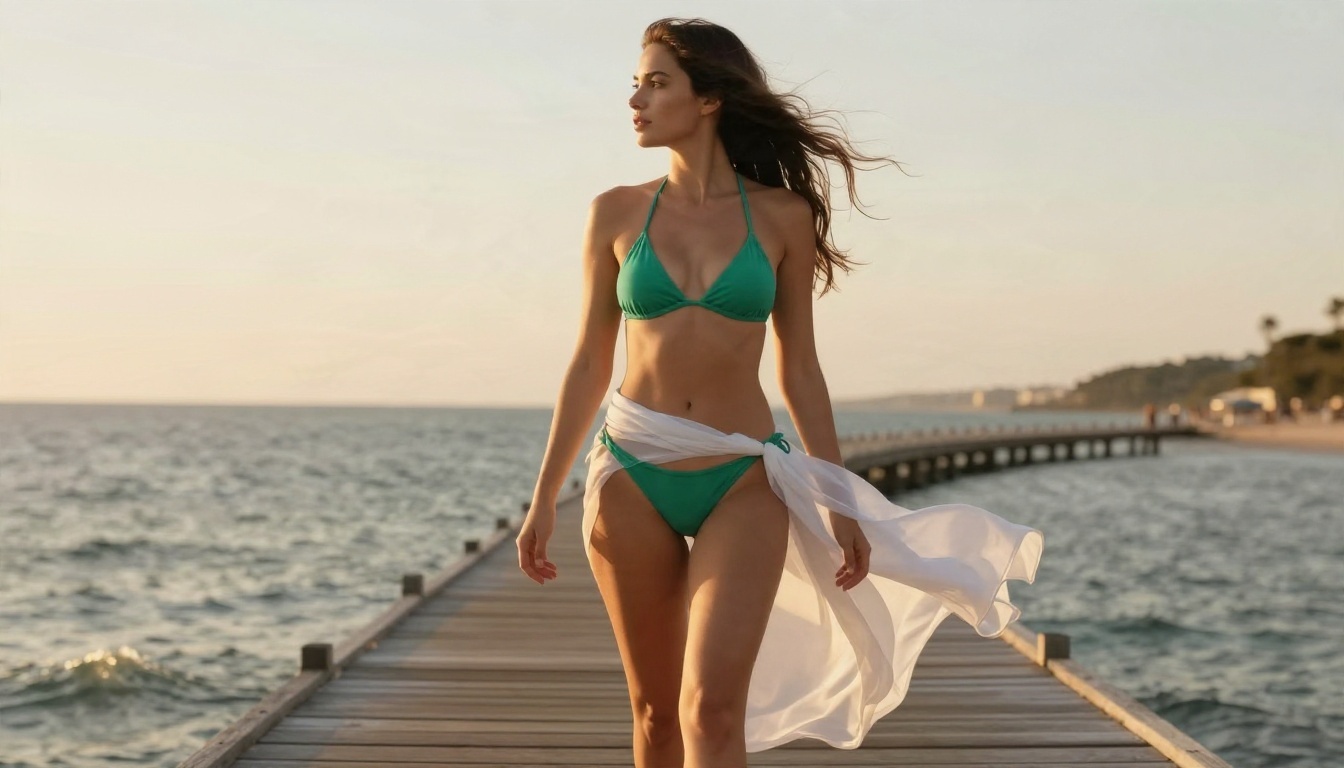
Type a swimwear prompt into one Seedream model and you get a gorgeous editorial photo in seconds. Type the same prompt into another version and you get a polite refusal. That gap is why so many people keep asking whether Seedream is uncensored, and why the honest answer is "it depends on the version and on where you run it." This article sorts out which versions filter what, what free access actually gives you, where the hard limits sit, and which models make better choices when you want glamour, swimwear and boudoir style photography without constant blocks.
A quick note on scope: everything here is about non-explicit, tasteful adult aesthetics, the kind of swimwear, lingerie and glamour imagery you would see in a fashion magazine. Explicit or pornographic content is not what any of these tools are built for, and it is not what this article recommends.
The Short Answer
No, Seedream is not uncensored. ByteDance builds moderation into the Seedream family, and that moderation exists at more than one layer: the model itself, the platform that hosts it, and sometimes an extra classifier on the output image. What changes from version to version is how strict that moderation is.
Here is the quick version before the details:
| Version | Suggestive / swimwear prompts | Adult content | Notes |
|---|
| Seedream 5 Lite | Often flagged | Blocked | One of the strictest in the family |
| Seedream 5 Pro | Mostly fine | Varies by platform | Reports from providers conflict |
| Seedream 4.5 | Generally fine | More permissive than 5 Lite | Best fit for glamour work |
| Seedream 4 | Generally fine | Platform dependent | Strong 4K output |
| Seedream 3 | Generally fine | Platform dependent | Older, lighter 2K model |
💡 Tip: Treat any website claiming "Seedream with zero filters" with suspicion. Most of those pages sell an API or a subscription, and their claims are marketing, not tested fact.
Why Seedream Filters Prompts
Three layers of moderation
When a prompt gets refused, the cause is usually one of three things:
- Prompt screening. Keywords and semantic checks scan your text before generation starts.
- Model behavior. Some versions were trained to steer away from adult material, so even a loosely worded request produces a clothed, neutral result.
- Output screening. A classifier looks at the finished image and withholds it if it scores too high on a sensitivity scale.
The first layer is the one people hit most. The second explains why the same prompt behaves differently on different versions. The third explains the annoying case where a generation runs for ten seconds and then returns nothing.
Why the host platform matters
The same model can behave differently depending on who serves it. A model run through ByteDance's own apps follows ByteDance's policy. A model served through a third party API may add stricter rules or, in a few cases, looser ones. That is the main reason you will see conflicting reports about Seedream 5 Pro: one provider says its official channel rejects explicit prompts, while another comparison table marks it as allowed. Both can be accurate for their own setups.
Seedream Version by Version
Seedream 5 Lite: the strict one
Seedream 5 Lite is the version people complain about most. Several sources describe its filter as one of the most conservative in its class, combining keyword detection with semantic classification. It blocks adult content, and it sometimes flags merely suggestive prompts, such as a lingerie campaign or a close-up beach portrait. If your goal is swimwear or boudoir photography, this is the wrong version to pick.
What it is good at: clean product shots, landscapes, portraits in everyday clothes, and fast 2K output. That is a perfectly good use, just not the one this article is about.
Seedream 5 Pro: depends on the host
Seedream 5 Pro generates sharp 2K images and is more relaxed than its Lite sibling in many setups. Reports differ on how it handles adult prompts, so the practical advice is to test it with a safe swimwear prompt first and see how your platform responds. Do not assume it will accept everything.
Seedream 4.5: the practical pick
Seedream 4.5 is where most glamour creators land. It follows detailed prompts well, renders skin texture convincingly, handles 4K output, and sits at a more permissive point than Seedream 5 Lite. Bikinis, evening wear, boudoir styling and beach editorials generally go through without trouble. It still refuses explicit requests, as it should.
Seedream 4 and Seedream 3
Seedream 4 and Seedream 3 are older generations. Seedream 4 still produces excellent 4K frames and is a solid fallback. Seedream 3 is lighter and faster, with 2K output, and works well for quick drafts before you commit to a final render.
What Free Access Really Means
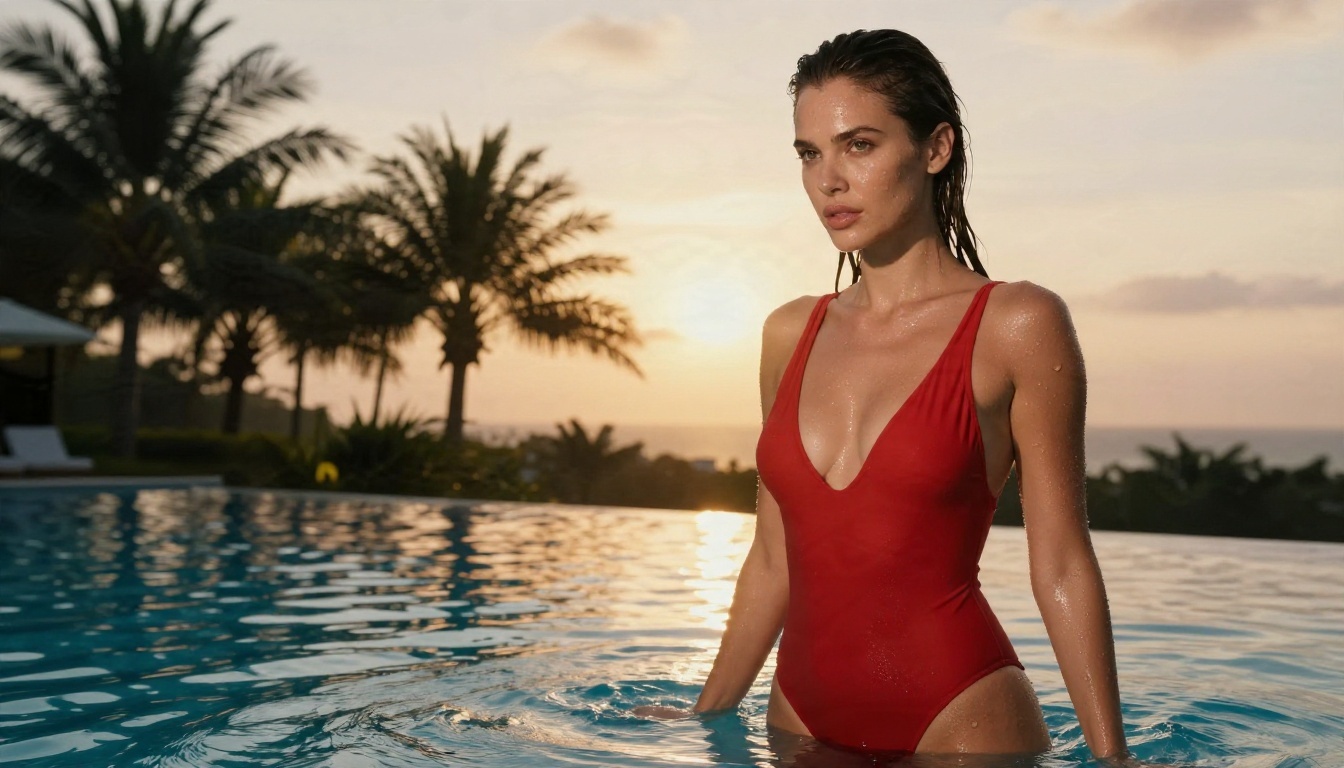
Daily credits, not unlimited use
The word "free" around Seedream usually means one of three things:
- Daily credits in a ByteDance consumer app. The amount has changed over time, and published figures conflict, so check your own account before you plan a project around any number you read online.
- Promotional unlimited offers. Seedream 4.5 had a promotion for unlimited 2K and 4K generation, but it applied only to people who subscribed before mid December 2025. New users generally cannot get it.
- Free trials on third party sites. These range from generous to a handful of images, and many cap resolution or add watermarks.
For API users the picture is simpler: it is pay per image, with Seedream 4.5 priced at a few cents per output on some providers.
The hidden costs of "free"
| Free option | What you give up |
|---|
| Daily credit apps | Queues at busy hours, credits that expire, stricter platform filters |
| Promo unlimited plans | Closed to new subscribers, tied to one platform |
| Free trial websites | Watermarks, low resolution, few generations |
| "Uncensored" proxy sites | Unclear safety practices, unreliable quality, possible data risks |
⚠️ Heads up: Sites that ask you to upload photos of real people to an "uncensored Seedream" are a privacy risk. Never upload anyone's face to a service you cannot verify, and never generate imagery of a real person without their consent.
Limits You Will Hit Anyway
Hard limits that never move
Some limits are not about version or platform. Across every Seedream setup you will run into the following:
- Explicit content is refused or blocked.
- Real people, especially public figures, are filtered or altered.
- Minors are blocked in any context that could be sexualized, with no exceptions.
- Violence and graphic injury trigger the same classifiers.
Soft limits you can work around
Other limits are about wording, and a little prompt craft goes a long way:
- Describe the photograph, not the body. "Editorial beach portrait, white bikini, golden hour, 85mm lens" is accepted far more often than a prompt that fixates on anatomy.
- Lead with the setting and the light. Location, lens and mood tell the model this is a fashion shot.
- Skip loaded vocabulary. Words that sound clinical or aggressive raise the risk score even when your intent is harmless.
- Iterate in small steps. Change one element per run so you can tell which phrase triggered a block.
💡 Tip: If a prompt gets refused, resist rewriting it into something longer and stranger. Shorter, calmer prompts often pass where elaborate ones fail.

How to Use Seedream 4.5 on PicassoIA
If you want Seedream quality with fewer surprise refusals, Seedream 4.5 is the version to start with on PicassoIA. It is my pick for glamour, swimwear and lifestyle photography, and the workflow is short.
Step by step
- Open the model page. Go to the Seedream 4.5 page and sign in.
- Write a photographic prompt. Start with the subject, then clothing, location, light, lens and film look. Example: "Editorial portrait of a woman in a black bikini on a sunlit terrace, golden hour, 85mm f/1.8, Kodak Portra 400 grain, natural skin texture."
- Pick the aspect ratio. Use 16:9 for banners and hero shots, 3:4 or 2:3 for portraits and social posts.
- Choose the resolution. Draft at a lower size, then go for 4K only on the frames you plan to keep.
- Generate and compare. Run three or four variations, then refine the best one by changing a single detail at a time.
- Edit instead of regenerating. When a result is 90 percent right, fix the rest with an editor rather than rerolling from scratch.
Parameter tips
| Setting | Recommendation |
|---|
| Prompt length | 40 to 80 words, subject first |
| Lighting words | "golden hour", "window light", "soft overcast" |
| Lens words | "85mm f/1.8" for portraits, "35mm" for environmental shots |
| Style words | "Kodak Portra 400", "film grain", "natural skin texture" |
| Avoid | Vague adjectives, stacked style keywords, anatomical fixation |
Better Options for Unlimited Use
When you are producing dozens of images a session, daily credits and surprise blocks become a drag. These are the alternatives worth trying, in the order I would reach for them.
PicassoIA Image Editor Pro
PicassoIA Image Editor Pro is the one to try first if you want volume. It offers unlimited generations, handles photo edits and restyling, and is far less restrictive about tasteful swimwear and glamour work than the stricter Seedream versions. It is also fast, which matters when you are iterating on a look. Use it to generate fresh images or to edit one you already like: change an outfit, shift the background, adjust the light.
Nano Banana Pro
Nano Banana Pro produces crisp 4K images and follows long, detailed prompts closely. It is a strong pick when you need precise control over composition, wardrobe and setting. Its own safety rules are firm, so keep prompts photographic and tasteful.
Qwen Image 3 Pro
Qwen Image 3 Pro leans photorealistic, with convincing skin, fabric and light behavior. It is a good second opinion when a Seedream render looks slightly too polished.
Z Image Turbo and Flux 2 Klein
Z Image Turbo is built for speed, so it works well for rapid drafts. For styled looks, Flux 2 Klein 9B Base LoRA gives you a LoRA driven workflow with a distinct visual signature.
Side by Side Comparison
💡 Tip: A good workflow is to draft with a fast model, refine the best frame with Seedream 4.5, then finish with Image Editor Pro for edits and variations.

Prompts That Pass More Often
Swimwear and beach
"Fashion photograph of a woman in a white bikini and wide straw hat on pale sand, late afternoon sun, 24mm lens, film grain, natural skin texture."
Boudoir and evening
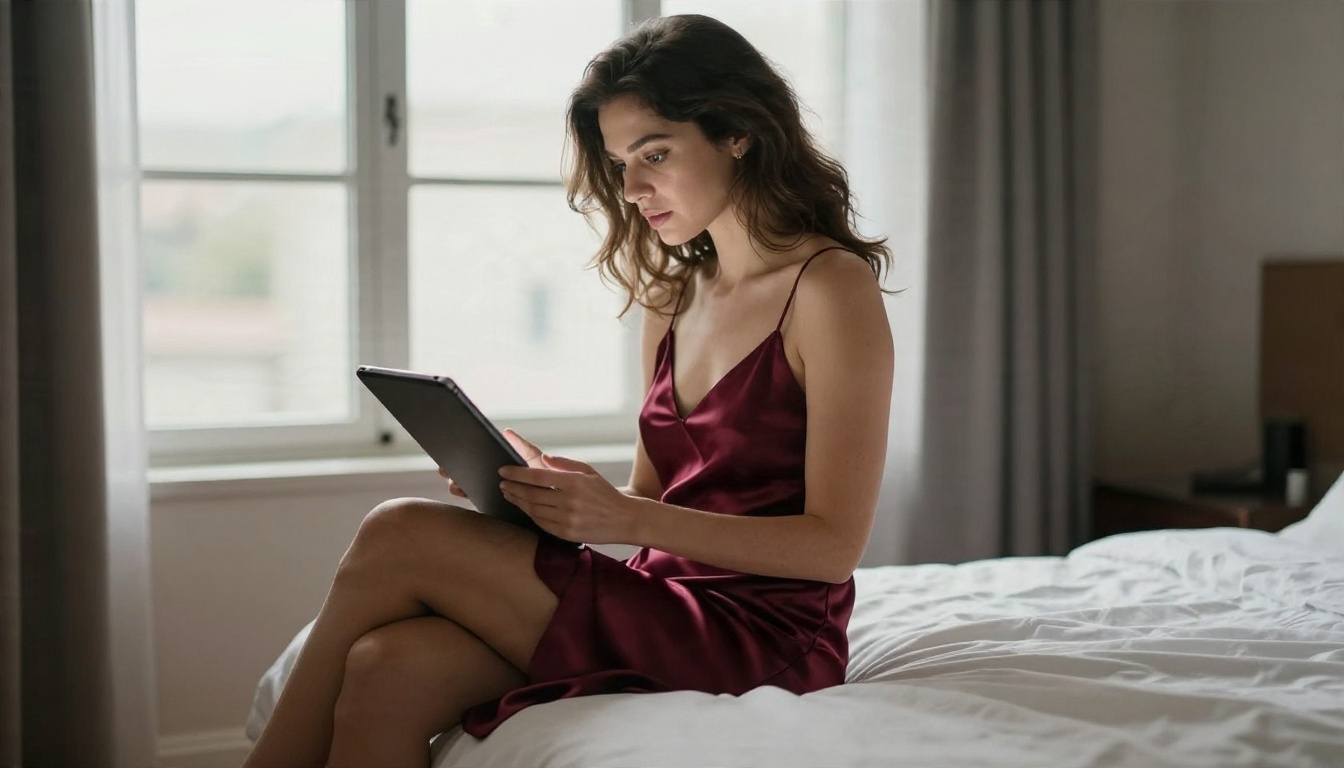
"Medium shot of a woman in a satin slip dress by a tall window, soft overcast daylight, 85mm f/1.8, linen sheets, Kodak Portra 400."
Street glamour
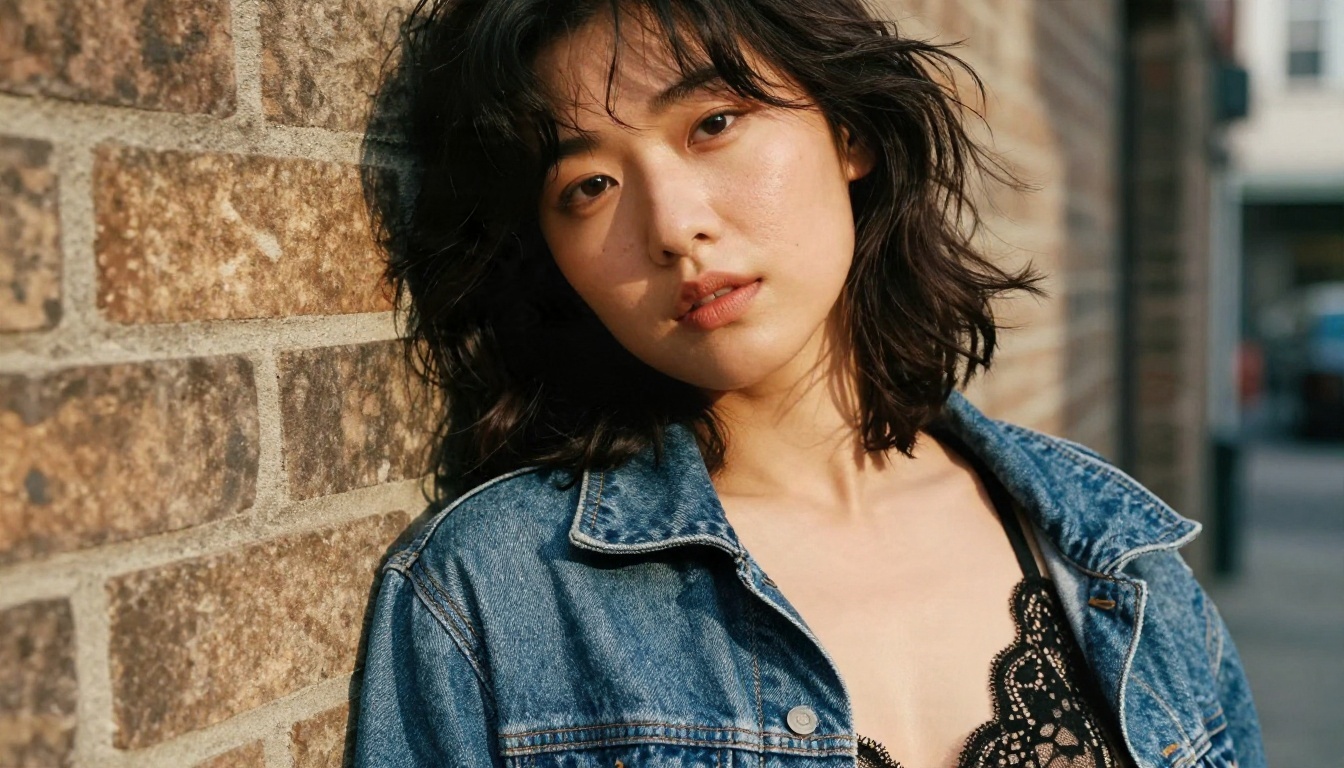
"Close portrait of a woman in a denim jacket and lace top against a sunlit brick wall, side light, 85mm f/1.4, shallow depth of field."
Why these work
Each one names a camera, a light source and a setting, and none leans on body description. That is how a fashion photographer would brief a shoot, and it is what the filters expect to see.
Common Mistakes to Avoid
- Picking the wrong version. Using Seedream 5 Lite for swimwear and then blaming the whole family for the refusal.
- Chasing "uncensored" sites. They tend to deliver worse quality, unclear data handling and no accountability.
- Stacking style keywords. Ten style tags in a row confuse the model and raise flag rates.
- Rerolling instead of editing. An editor fixes a small flaw faster than a fresh generation does.
- Ignoring resolution. Generating everything at maximum size burns credits on drafts you will throw away.
Try Your Own Images Today
Seedream is a capable family of models, but it is not uncensored, and the version you choose changes everything. For swimwear, glamour and lifestyle photography, Seedream 4.5 is a practical starting point, and PicassoIA Image Editor Pro gives you unlimited generations when you want to experiment without counting credits.
Open Seedream 4.5, write a photographic prompt using the examples above, then try the same prompt in PicassoIA Image Editor Pro and compare the results yourself. You will see quickly which one suits your style. When you want more options, browse the full catalog at picassoia.com/en/all-models and build your own photo set with Picasso IA.