You typed "is Senzia free" into a search bar because you want a straight answer before you create an account, hand over an email, or paste a card number. Fair. The short version: Senzia is reported to run a freemium model with a small daily allowance, a paid Pro tier whose price is not published, and at least one directory that flatly says there is no free plan. Those claims do not line up, and none of them come from an official pricing page I could confirm. So this article separates what is reported from what is verified, shows where a free tier usually runs out, and then points you to free uncensored AI image options that give you far more room to work.
💡 Quick answer: Treat Senzia as "limited free access, paid for more." Expect a tiny daily cap, not unlimited generations. If you want volume without watching a counter, the alternatives further down are a better fit.
What Senzia Actually Is
Senzia presents itself as an uncensored AI creation tool that produces short clips, photos, and audio. It sits in the crowded group of adult-friendly generators that promise fewer refusals than mainstream apps. Whether you land on it through a search for "uncensored AI" or through a friend's recommendation, the first thing to settle is what you plan to make, because the free tier only makes sense against a specific goal.
Clips, Photos, and Audio
Third-party directories describe three output types: short video clips, still photos, and voice or audio. That mix is attractive because it promises a one-stop workflow. The catch is that video is the most expensive thing to generate, so it is also the first thing a free tier restricts. If you mostly want stills, you rarely need a video-first service at all.

Why "Uncensored" Draws Attention
"Uncensored" in AI marketing usually means the tool does not block suggestive or adult themes the way mainstream generators do. It does not mean anything goes, and it does not guarantee quality. Any serious platform still bans illegal content, and a loose filter can sit next to weak image fidelity. Judge a tool by its output, not by the word on the landing page.
Is Senzia Free Right Now?
This is where the sources disagree, so here is the honest picture.
What Listings Say About the Free Tier
One directory listing describes a freemium structure with a free allowance of about 2 video generations per day. Another listing from the same site says daily limits are not specified. A software review site goes the other way and answers "No" to the question of a free plan, while also showing a $0 starting price. Both can be partly right: there may be a trial-style allowance that does not count as a formal plan.
I could not find Senzia's own pricing or terms page, so every number here is a third-party claim. Check the live site before you rely on any of it, because limits on young AI tools change often.
The Pro Plan Question
Listings agree on one thing: there is a Pro plan, and its price is not publicly disclosed. That is a flag. When a service hides pricing, you usually find out the cost only after you sign up and hit a wall. Before paying, look for the billing interval, whether credits roll over, and how cancellation works.
| Question | What the listings suggest | How sure you can be |
|---|
| Is there a free tier? | Yes, small daily allowance (one source disagrees) | Low |
| Free video cap | Around 2 per day (reported) | Low |
| Pro price | Not published | Confirmed as undisclosed |
| Content rules | Described as unrestricted | Unverified |
| Official pricing page found | No | Confirmed |

The Real Limits to Expect
Even if the free tier exists exactly as reported, the practical limits matter more than the headline.
Daily Caps
Two video generations a day sounds fine until you realize how AI creation actually works. You rarely get the shot on the first try. A realistic session is five to fifteen attempts while you refine a prompt. With a cap of two, you finish one idea every few days. That works for curiosity and fails for any real project.
Quality and Queue Time
Free users on most platforms wait behind paying users. Expect slower queues at peak hours, lower resolution, and sometimes watermarks. If a result looks soft or plasticky, you cannot afford to retry, which turns a small cap into a bigger problem.
Account and Privacy Trade-Offs
Adult-oriented tools ask for sensitive things: your prompts, your uploaded photos, sometimes payment details. Read what the service does with uploads, how long it keeps them, and whether it trains on your content. Never upload a photo of a real person without their consent. That rule applies on every platform, free or paid.
💡 Rule of thumb: If a free tier cannot let you test the same prompt five times in one sitting, it is a demo, not a tool.
Free Alternatives on PicassoIA
Senzia is not on PicassoIA, and I am not going to suggest otherwise. Here is what you can use today instead. If your goal is glamour, lingerie, swimwear, or portrait work with fewer refusals, these are the models to try, in the order I would reach for them. For a full list, browse all PicassoIA models.
Seedream 4.5 First
Seedream 4.5 is my first pick for photorealistic people. It handles skin texture, fabric, and lighting well, and it follows long prompts closely, so a detailed description of pose, outfit, and light comes back close to what you asked for. It also outputs high resolution, which helps when you plan to print or crop.

Image Editor Pro Unlimited
PicassoIA Image Editor Pro is the answer to the daily-cap problem. It offers unlimited generations, so you can run the same prompt ten times, change one detail, and run it ten more. It also edits: swap an outfit, change a background, fix lighting, or adjust a pose on a photo you already have. For anyone burned by a two-per-day limit, this is the biggest difference.
Z Image Turbo for Speed
Z Image Turbo is built for quick turnarounds. When you are brainstorming concepts, speed beats polish. You can test ten compositions in the time a queued free tier takes to return one. Use it to find the idea, then move the winner to Seedream 4.5 for the final render.
Flux 2 Klein LoRA Styles
Flux 2 Klein 9B Base LoRA is the option for stylistic control. LoRA support lets you push a look, such as a film-photo palette or a certain mood, with more consistency across a set. That matters if you are building a series of images that should feel like one shoot.

💡 Want motion too? Senzia is often described as a clip tool. For short video from text, LTX 2.5 Fast is a quick option on PicassoIA. Check its content rules before you plan an adult-themed clip, since video models differ in what they allow.
How to Get Similar Results on PicassoIA
Here is a repeatable workflow using Seedream 4.5 that replaces the "two tries a day" routine with real iteration.
Step by Step
- Open the model page. Go to the Seedream 4.5 page and start a new generation.
- Write a subject-first prompt. Begin with who and what: age range, hair, outfit, pose. Keep the description tasteful and specific.
- Add the setting. Name the room or location, the time of day, and where the light comes from.
- Name the camera. A line such as "85mm lens, shallow depth of field, soft film grain" pushes the output toward a photograph rather than an illustration.
- Pick a wide aspect ratio like 16:9 for scenes, or portrait for single-subject shots.
- Generate, then change one thing. Alter the light, the outfit, or the angle, not all three at once.
- Polish in Image Editor Pro. Move your best frame into Image Editor Pro for outfit swaps, background fixes, and unlimited retries.
Prompt Tips That Save Time
- Be literal about light. "Soft window light from the left" beats "nice lighting."
- Describe texture. Satin sheen, wool knit, skin pores, and wet skin all push realism.
- Ban the look you do not want. Add "no illustration, no cartoon, no glowing effects" for photoreal results.
- Keep text out. Image models still struggle with readable lettering, so avoid it.
- Reuse your winning prompt. Save it and change a single variable each run.
Side-by-Side Comparison
Here is how a capped free tier compares with the PicassoIA options for the job most people actually have: lots of attempts, high realism, few refusals.
| Factor | Senzia (as reported) | Seedream 4.5 | Image Editor Pro | Z Image Turbo |
|---|
| Free access | Small daily allowance | Available on PicassoIA | Unlimited generations | Available on PicassoIA |
| Best for | Short clips, photos, audio | Photoreal portraits | Editing and retries | Fast brainstorming |
| Pricing clarity | Pro price not public | Listed on the model page | Listed on the model page | Listed on the model page |
| Iteration freedom | Low | High | Very high | High |
| Realism | Varies | Excellent | Excellent | Good |
When Senzia Still Makes Sense
If you specifically want its clip-plus-audio workflow and you only need a couple of generations, the free allowance may be enough to test it. Run one test, judge the output, and decide from there. There is no reason to pay for a Pro plan whose price you cannot see.
When to Skip It
If you need volume, consistent characters, or editing on existing photos, a capped free tier will frustrate you quickly. That is where unlimited generation and strong prompt adherence earn their place.
Safe Use Tips
Free or paid, adult-leaning AI tools deserve a few habits.
- Use fictional subjects. Generate original characters. Do not upload photos of real people without clear consent.
- Check data handling. Look for how long uploads are stored and whether they feed model training.
- Never reuse passwords. Use a unique password and a separate email for tools you are only testing.
- Watch for billing traps. Free trials that ask for a card often convert quietly. Set a reminder to cancel.
- Keep it non-explicit when sharing. Social platforms remove explicit content fast, and tasteful glamour images travel further.
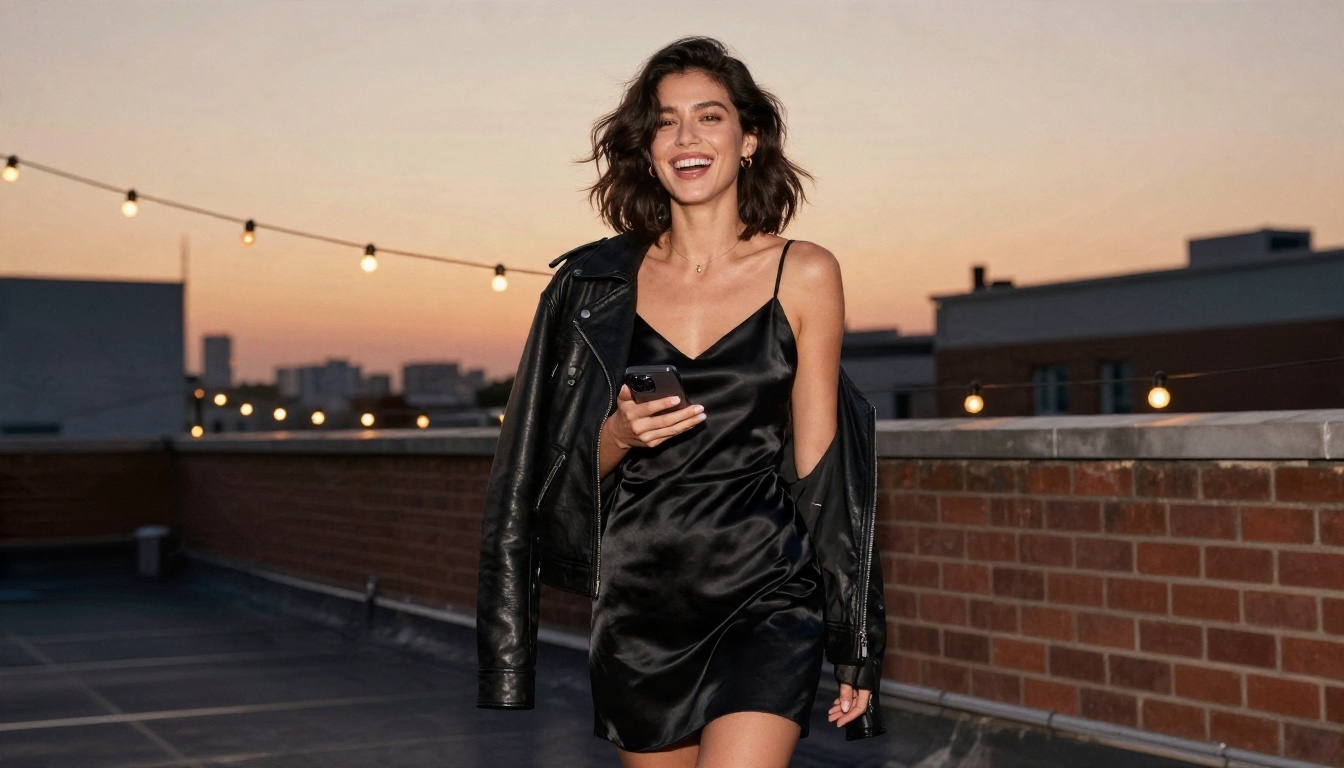
Try It Yourself Today
So, is Senzia free? Partly, and with limits small enough that most people will hit them in the first session. The pricing for anything beyond that is not public, and the claims about its free tier conflict across sources. If you want to create without counting generations, start where the cap does not exist.
Open Seedream 4.5 on Picasso IA, write one detailed prompt about a scene you have been imagining, and generate it. Then send the best result to Image Editor Pro, change the outfit or the light, and run it again as many times as you like. Use Z Image Turbo when you want ideas fast and Flux 2 Klein 9B Base LoRA when you want a consistent style. For everything else, browse all PicassoIA models and see how far an uncapped session takes you.


