Short answer: no, not in any way that still helps you today. Sora had a free window at launch, then the limits shrank, then access moved behind paid ChatGPT plans, and then OpenAI announced it was shutting the product down. If you typed "is Sora AI free" into a search bar hoping for a login and a prompt box, this article gives you the real timeline, the numbers people reported, and the tools that actually let you make video right now.

The Short Answer
Here is the honest summary, with one warning: Sora's status changed several times in a single year, and many blog posts still describe a version of the product that no longer exists.
- At launch: Sora 2 was easy to try, and free users could generate a limited number of clips per day.
- Later: reports said the free daily quota was reduced, and paid extras were sold in small packs.
- Early 2026: several sources reported that free access to Sora was removed and that Plus and Pro subscribers were the only people left with access.
- March 24, 2026: OpenAI announced it was ending the Sora consumer app and the API, according to coverage from major tech outlets.
- After that: reports put the app going offline in April 2026 and the API winding down in September 2026.
💡 Tip: Some of the exact dates above come from a mix of major outlets and smaller blogs. Treat the March announcement as the best confirmed point, and check OpenAI's own announcements if you need a specific date for a decision.
So when someone asks whether Sora is free, the answer depends on when they are asking. In 2025 it was partly free. In late 2026, it is mostly a history lesson, and the useful question is where to make comparable clips today.
What Sora Plans Looked Like
Before the shutdown news, Sora access was tied to ChatGPT subscriptions. The numbers below are what reports and comparison posts commonly listed. Because they moved around, read them as a snapshot and not a price sheet.
| Plan | Reported price | What people said you got |
|---|
| Free | $0 | A small daily number of generations at first, later reduced, then reportedly removed |
| ChatGPT Plus | About $20 per month | Limited monthly video generations at lower resolution |
| ChatGPT Pro | About $200 per month | Far higher limits, higher resolution, longer clips |
| Extra packs | Small paid bundles | A handful of extra clips when you ran out of quota |
A few things stand out in that table.
- Free was always a trial. The free tier existed to let people test the model, not to make a production pipeline.
- Plus was a taste, not a workflow. If you generate five or six variations per idea, a monthly cap disappears in a weekend.
- Pro was priced for studios. At roughly ten times the Plus price, it only made sense if video was a core part of someone's income.

Free Limits Before the Cutoff
The most quoted free figure was 30 daily video generations for free, Plus and Team users, with 100 daily for Pro. That report also mentioned extra packs, roughly ten additional clips for a few dollars. The same coverage warned that the free quota would shrink, and it did.
Why the limits kept tightening
AI video is expensive to run. Every five to twelve second clip burns a lot of GPU time, and a free tier multiplies that cost by every curious visitor. Reports around the shutdown specifically pointed to compute costs and shifting company priorities. A generous free tier on a video model is hard to sustain for any company, which is also why free access on video tools is usually capped, trial-only, or tied to a membership.
What a daily cap really means
A cap of 30 sounds generous until you count how people actually work:
- One prompt rarely produces the clip you want on the first try.
- Reference images, camera moves and audio all need tweaking.
- Social and ad work usually needs several aspect ratios.
In practice, 30 generations might give you four or five usable shots. That is why creators kept asking about unlimited generations.
The Truth About Unlimited Generations
You will still see claims like "Sora unlimited" in search results. Here is what was true and what was not.
What "unlimited" meant for Pro
Higher tiers were described by some sources as having very large or effectively unlimited allowances, often through a relaxed or slower queue after you used your fast credits. That is a very different thing from a button that says "generate forever, instantly."
What "unlimited" never meant
- It never meant unlimited free generations.
- It never meant unlimited fast generations.
- It never meant the same quota on every plan, region or week.
If a website today promises "Sora unlimited free," be careful. Look for a login page that wants a card, a download that does not come from a recognizable store, or a generator that is not really Sora at all. Plenty of clone sites borrow the name for traffic.
Is Sora Still Available?
Based on the reports gathered here, OpenAI announced in March 2026 that it was discontinuing the Sora consumer app and API as it shifted focus toward other products. Coverage described a wind-down through spring and early autumn of 2026, and some outlets tied the decision to cost and attention rather than to a technical failure.
Two practical consequences follow.
- Free trials are gone. There is no first-party free tier to come back to.
- Old workflows break. Prompts, reference images and saved clips that depended on the OpenAI app need a new home.
💡 Tip: If you have Sora clips you want to keep, download them as files and store them somewhere you control. Do not rely on any single app as your archive.
PicassoIA still lists Sora 2 and Sora 2 Pro model pages, so you can run prompts through those models on the platform. The next sections show how.
How to Use Sora 2 on PicassoIA
If you want the look and synced audio that made Sora popular, here is a simple way to try it on the Sora 2 page. The model page describes it as free to try online, with no coding needed.
Step by step
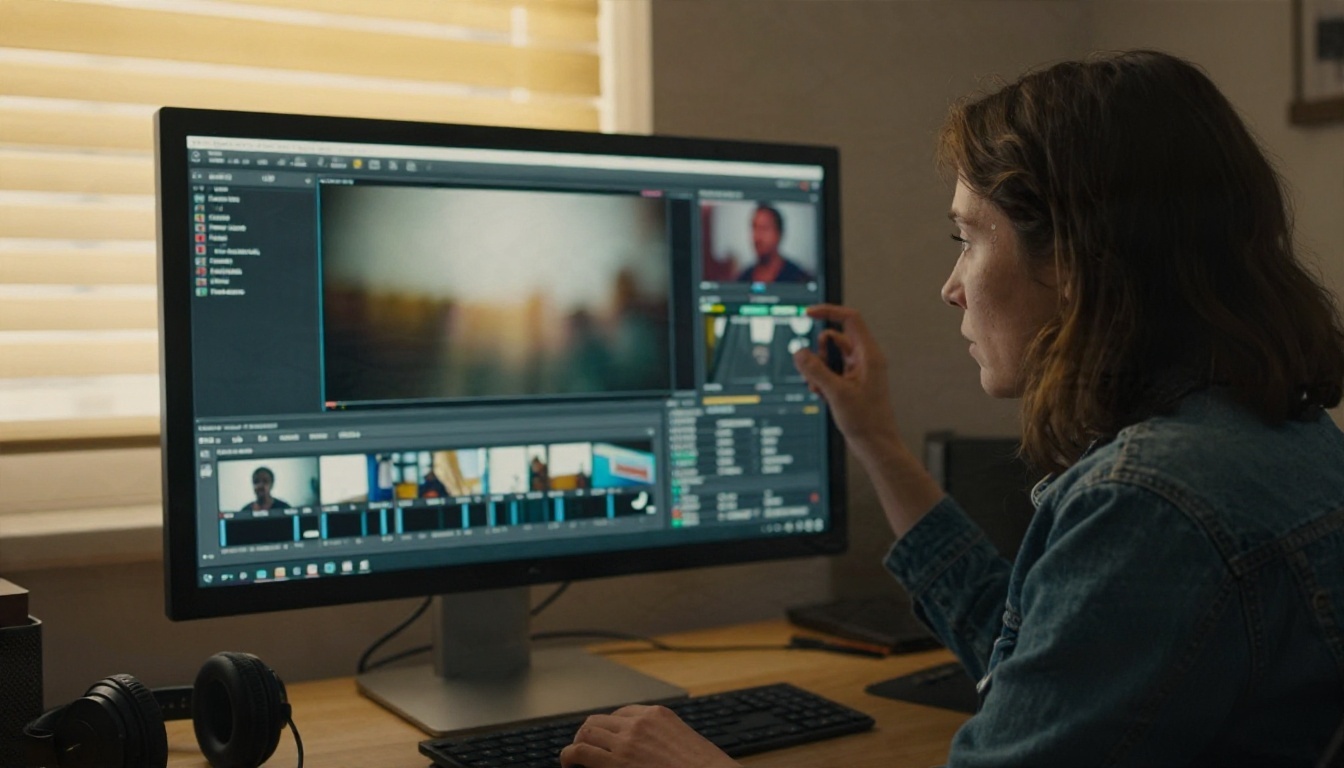
- Open the model page. Go to the Sora 2 page on PicassoIA and sign in.
- Write a clear prompt. Describe subject, action, setting, light and camera in one or two sentences.
- Pick a duration. The model supports 4, 8 or 12 seconds. Start with 4 while you test the idea.
- Pick an orientation. Choose portrait (720 by 1280) for mobile feeds or landscape (1280 by 720) for widescreen.
- Add a first frame if you have one. The optional reference image sets the opening shot. It must match the aspect ratio of the video you picked.
- Generate and review. Watch the clip with sound on, because the audio is generated to match the visuals.
- Iterate. Change one detail at a time: the lighting, the camera move or the action.
Parameter tips that save time
| Setting | Recommended starting point | Why |
|---|
| Seconds | 4 for tests, 8 or 12 for finals | Short clips cost less and show you problems faster |
| Aspect ratio | Portrait for social, landscape for web | Match the platform before you render |
| Reference image | Use for continuity between shots | Keeps the character and set consistent |
| Prompt length | Two to four sentences | Enough detail without contradictions |
💡 Tip: The page also mentions an optional field for your own OpenAI API key. If you use one, charges go directly through OpenAI, so leave it empty unless you want that.
For longer, sharper or more demanding shots, try Sora 2 Pro, the higher tier of the same family.
Prompts That Work Well
Whatever model you use, prompt structure matters more than adjectives. This pattern works across most video models:
Subject + action + setting + light + camera move + sound
Example: A lone car drives along a winding coastal road at sunset, waves breaking on the rocks below, warm low sun, slow aerial tracking shot, soft wind and distant surf.

Four habits that improve results
- Describe motion, not just a picture. "She turns toward the window and smiles" beats "a woman by a window."
- Name one camera move. A single dolly, pan or orbit is more reliable than three at once.
- State the light. "Overcast morning" or "golden hour" changes mood faster than any style word.
- Mention audio. Models with synced sound respond to cues like "quiet cafe chatter" or "wind in the trees."
Common mistakes
- Stuffing five scenes into one prompt.
- Asking for readable text inside the frame, which video models still handle poorly.
- Changing six variables at once, so you cannot tell what helped.
Free Alternatives Worth Trying
Now the part most readers actually came for: where to make video without paying a Sora-sized subscription. PicassoIA hosts several video models, and each one has a different strength.

Seedance 2.5 Lite for unlimited clips
Seedance 2.5 Lite is the closest answer to the "unlimited generations" idea. Its page describes it as a lightweight version of Seedance 2.5, tuned for 480p and 720p, with unlimited generation for Elite and Infinite members, clips up to 10 seconds, and both text-to-video and image-to-video. For people who burned through Sora's caps, that unlimited allowance is the main draw. It is a membership benefit, so check your plan before you count on it.
If you want the full version, Seedance 2.5 is built for longer clips, and Seedance 2.0 Mini offers text-to-video with native audio in a smaller package.
Other strong video models
💡 Tip: Draft cheap, finish expensive. Use a fast or lite model to test composition and motion, then run only the winning prompt through a higher quality model.
How to Choose the Right One
Not every project needs the same tool. Use this quick map.

For social creators
You need volume. Pick Seedance 2.5 Lite if you have a membership that includes unlimited generation, or a Fast model such as Wan 2.5 T2V Fast to iterate quickly. Portrait output and short clips are your friend.
For small businesses
You need consistent product visuals. Start from a real photo and animate it with Wan 2.5 I2V Fast or Hailuo 2.3 Fast. A mug on a shelf with gentle camera motion often beats a fully invented scene.
For filmmakers and ad teams
You need control and quality. Try Kling v3 Video or Veo 3.1 Fast for cinematic shots, and Sora 2 Pro when you want that specific look.
For people who just want to experiment
Open the Sora 2 page, run a four second test and compare it to the same prompt on a second model. Side by side tests teach you more than any review.
Spotting Fake Free Sora Sites
With a famous name and a confusing timeline, scammers have an easy job. Watch for these signs.
- "Sora free unlimited download." Real models run on servers, not as a small installer.
- Login with a card for "verification." A free trial rarely needs a card before you create anything.
- Results that look nothing like the demos. If your clip has the same stock look every time, it may be a different model with a borrowed name.
- No company details. Look for a real about page, a clear privacy policy and a support contact.

💡 Tip: A quick sanity check: search the site name plus "reviews." If every result is the site's own page, keep walking.
Free vs Paid: What You Actually Pay For
Even when a tool is free to try, the real cost shows up in other places. Here is how to think about it.
- Time. A slow queue costs you minutes on every attempt. Over fifty attempts, that is an afternoon.
- Retries. A model that needs ten tries per usable clip is more expensive than one that needs three.
- Resolution. 480p is fine for drafts, but a client deliverable needs 720p or 1080p.
- Audio. Models with native synced audio save a whole editing step.
- Licensing and use. Check the terms for the model you pick if the video is going into a paid ad.
A model with a small free allowance can be the cheapest option for one clip. A membership with unlimited generation can be the cheapest option for fifty. Count your real volume before you decide.

Your Next Clip Starts Here
Sora's free chapter is closed, and the version of the story that still circulates online is out of date. What stays useful is the skill: writing a good prompt, choosing a duration, and picking the model that fits your budget and style.
PicassoIA gives you a place to practice all of that. Start with Sora 2 for synced audio and a familiar look, try Seedance 2.5 Lite if you want room to generate without counting every clip, and compare with Kling v3 Video or Veo 3.1 Fast when the shot matters.
Pick one idea, write one clear prompt, and run it through two different models today. Then browse the full list at picassoia.com/en/all-models to find the one that fits how you work.


