You typed a swimwear prompt into an image model, hit generate, and got a blurred square or a polite refusal. Now you're wondering whether the fast model everyone keeps talking about will do the same. Z Image Turbo has a reputation for being loose with its rules, but reputation and reality don't always match. The honest answer depends on where you run it, what you ask for, and what you mean by "NSFW".
This article sorts out what is actually known, what is only community talk, and how to get sharp, glamorous, non-explicit results without wasting credits. You'll also find a step-by-step walkthrough for running Z Image Turbo in your browser, a comparison table of NSFW limits, and prompts you can copy today.
The Short Answer First
Z Image Turbo is not famous for hard refusals. Compared with Midjourney, DALL-E, or Imagen, it is far more relaxed about swimwear, lingerie styling, boudoir lighting, and implied nudity. But "not heavily filtered" is not the same as "no rules anywhere".
💡 Quick take: The open weights released by Alibaba's Tongyi team are widely described by the community as lacking a built-in safety checker. No official statement I could find confirms that either way. Hosted services are a different story, because each one can add its own moderation layer on top.
What "Censored" Actually Means
People use the word to describe three very different things:
- Prompt filters: a text check that rejects certain words before generation starts.
- Output filters: a classifier that looks at the finished image and blurs or blocks it.
- Training bias: the model simply never learned certain content well, so it produces vague or distorted results.
A model can be clean on the first two and still weak on the third. That is why two people can try the same prompt and report opposite experiences.
Open Weights Versus Hosted Versions
Z Image Turbo is a roughly 6 billion parameter model built for speed, tuned to produce a finished image in about eight sampling steps. Because the weights are public, anyone can run it on their own GPU with no outside filter. Community fine-tunes also exist that push the behavior further, and some people even modify the text encoder to remove refusal behavior. Those are third-party changes, not the base release.
Hosted versions behave differently. A platform that serves the model to the public can apply prompt screening, output checks, or both. So when someone says "it's uncensored", ask where they ran it.
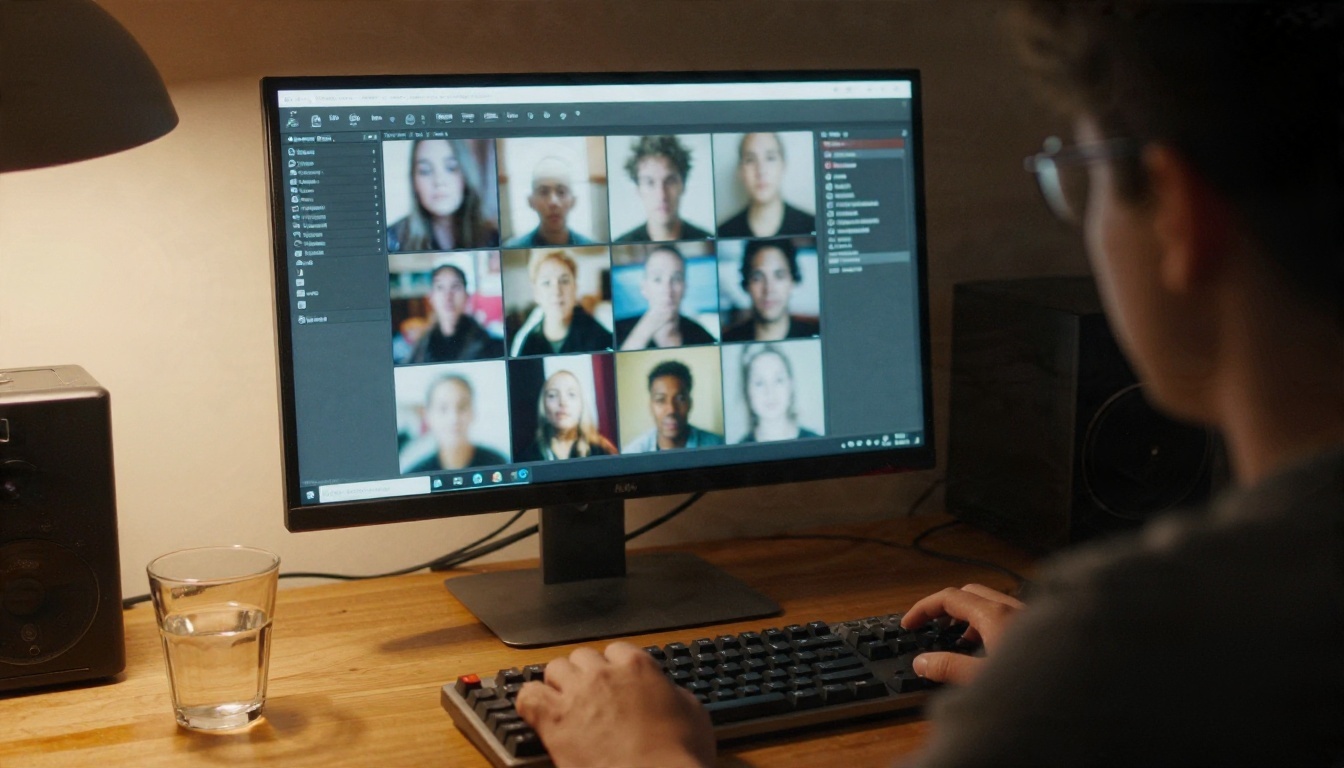
What the Model Actually Produces
Before worrying about limits, look at what the model is good at. Speed is the headline, but the real surprise is photographic realism for a model this small.
Skin, Fabric, and Light
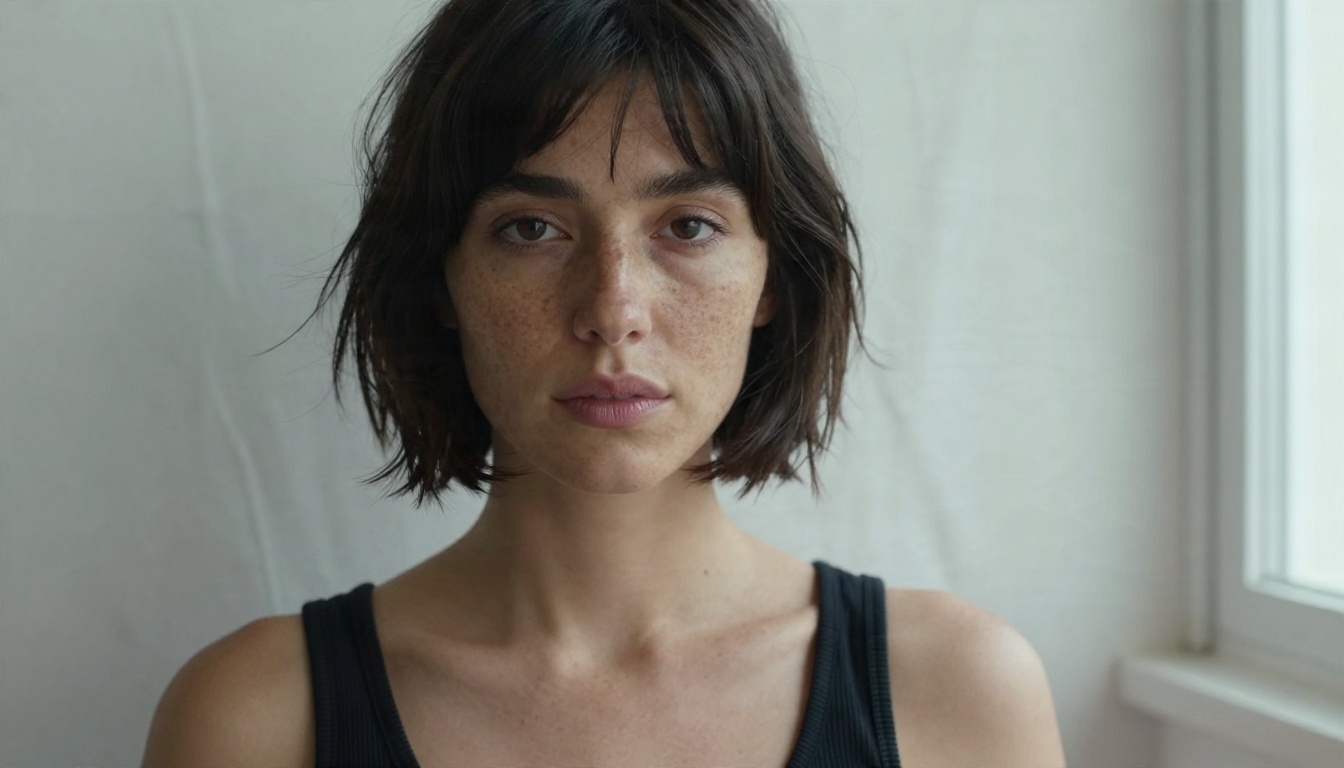
Z Image Turbo handles skin pores, flyaway hair, soft window light, and fabric weave better than most models in its speed class. Close portraits with natural light tend to look like real photographs rather than airbrushed renders. That matters for glamour work, because the difference between "attractive photo" and "plastic doll" is mostly texture.
Where It Refuses or Drifts
Even without a hard filter, you will hit soft limits:
- Anatomy drift: hands, fingers, and complex poses can fail, especially in busy scenes.
- Vague results: very explicit requests tend to produce awkward, low-detail output because the model is not built around that content.
- Text rendering: small signs and labels are hit or miss.
- Hosted blocks: if the platform adds a filter, you get a refusal or a blank image regardless of what the model could do.
💡 Tip: If a prompt returns a refusal on one site and works on another, the filter lives in the platform, not the model.
NSFW Limits Compared
Not every model is built for the same job. Here is how the options stack up for adult-leaning but non-explicit glamour content such as swimwear, lingerie styling, and boudoir portraits.
| Model | Best for | Swimwear and glamour | Speed | Notes |
|---|
| Seedream 4.5 | Polished high resolution glamour | Excellent | Fast | First pick for adult-leaning styling |
| PicassoIA Image Editor Pro | Editing and unlimited generations | Excellent | Fast | Unlimited use, great for iteration |
| Z Image Turbo | Fast photoreal drafts | Good | Very fast | Relaxed, best for natural light portraits |
Z Image Turbo Versus Seedream 4.5
Seedream 4.5 is the model to reach for when you want a finished, magazine-grade image with strong skin tones, clean fabric detail, and confident handling of adult-leaning styling. It is slower than a turbo model, but the first result is more often the final one.
Z Image Turbo wins on iteration speed. If you want ten variations of a pose in the time it takes to make three, the turbo model is the better sketchbook. Many creators draft with the fast model, then rebuild their favorite composition in Seedream 4.5 for the final render.
Why Image Editor Pro Stands Out
PicassoIA Image Editor Pro matters because of unlimited generations. When you are chasing the right outfit, pose, and light, a credit counter changes how you work. Unlimited means you can try bold ideas, throw away the misses, and keep refining without worrying about cost.
💡 Note on Seedream 5 Lite: Seedream 5 Lite blocks adult content, so skip it for anything swimwear-adjacent or boudoir. Use Seedream 4.5 or Image Editor Pro instead.
Free Online Use Without Installing Anything
The open weights are free to download, but "free" is misleading if you do not own the hardware.
Local Install: The Real Cost
Running the model locally means a recent GPU with enough memory, a working Python or node-based setup, a few gigabytes of weights, and time spent fixing version conflicts. For one-off projects, that is a lot of setup for a few images. It makes sense if you generate hundreds of images a week and want total control. For everyone else, a browser is faster.
Browser Access in Under a Minute
An online generator removes the setup entirely. You type a prompt, pick a ratio, and get an image in seconds. The tradeoff is that the platform decides what moderation applies. That is why it helps to have several models available in one place: if one is strict about a prompt, you can switch without starting over.
How to Use Z Image Turbo on PicassoIA
Z Image Turbo on PicassoIA runs in your browser with no install, no GPU, and no setup.
Step by Step
- Open the model page. Go to the Z Image Turbo page and sign in.
- Write a descriptive prompt. Use full sentences, not a pile of tags. Describe the subject, outfit, setting, light, and camera.
- Choose your aspect ratio. Use 16:9 for wide scenes and 3:4 or 9:16 for portraits.
- Generate. Results arrive in seconds because the model is built for low step counts.
- Iterate. Change one thing at a time: the light, the lens, or the pose.
- Upscale or rebuild. Send a favorite composition to Seedream 4.5 for a polished final.
Settings That Matter
| Setting | Recommendation | Why |
|---|
| Prompt length | 40 to 90 words | Short prompts give generic faces and flat light |
| Steps | Leave the default for the Turbo variant | The model is tuned for a low step count, so raising it rarely helps |
| Aspect ratio | 16:9 landscape, 3:4 portrait | Match the framing to the scene |
| Seed | Fix it while testing | Lets you compare one change at a time |
💡 Tip: Check the settings panel on the model page, since available options can change as the platform updates.
Prompts That Work for Glamour
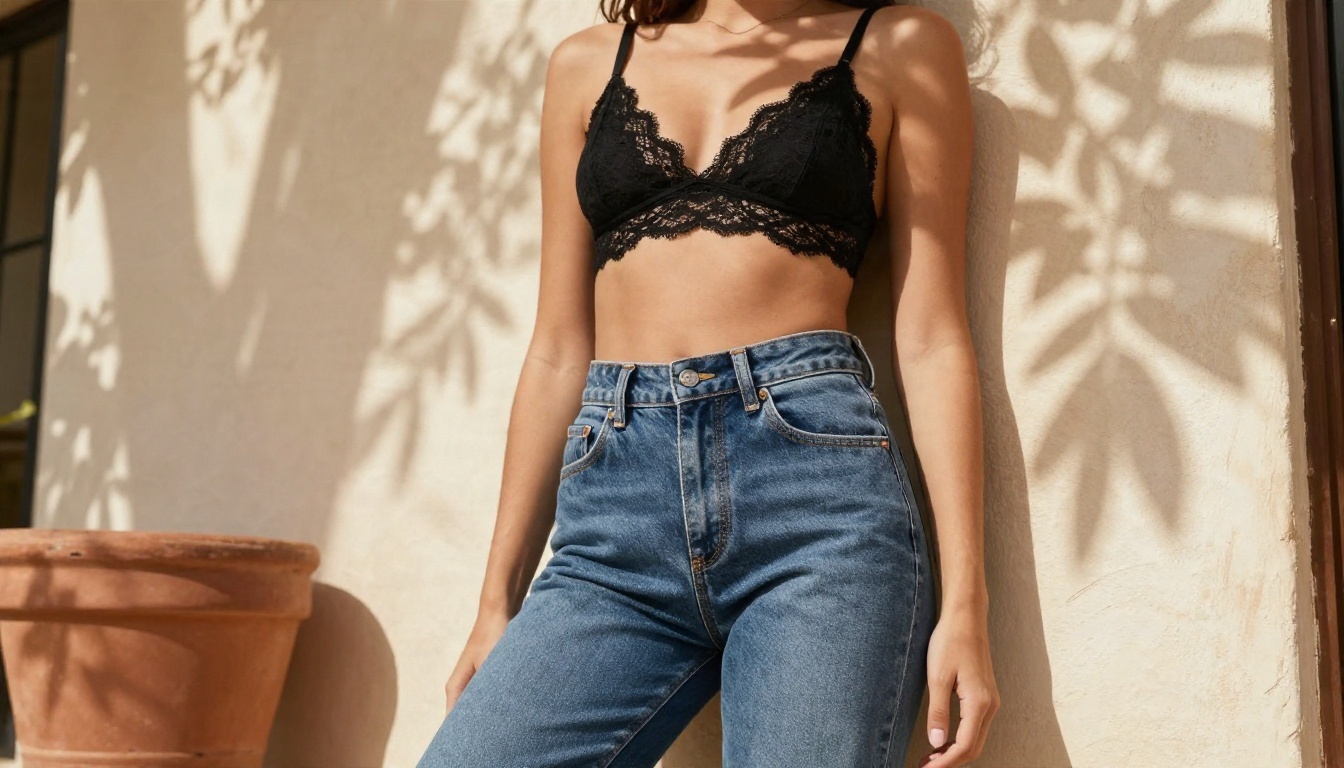
Every prompt below stays on the tasteful side: swimwear, satin, lace trim, and implied styling. They aim for the same look as the photos in this article.
The Prompt Formula
Use this order and the model follows along well:
Subject and pose → outfit and fabric → setting → light direction → lens → film look.
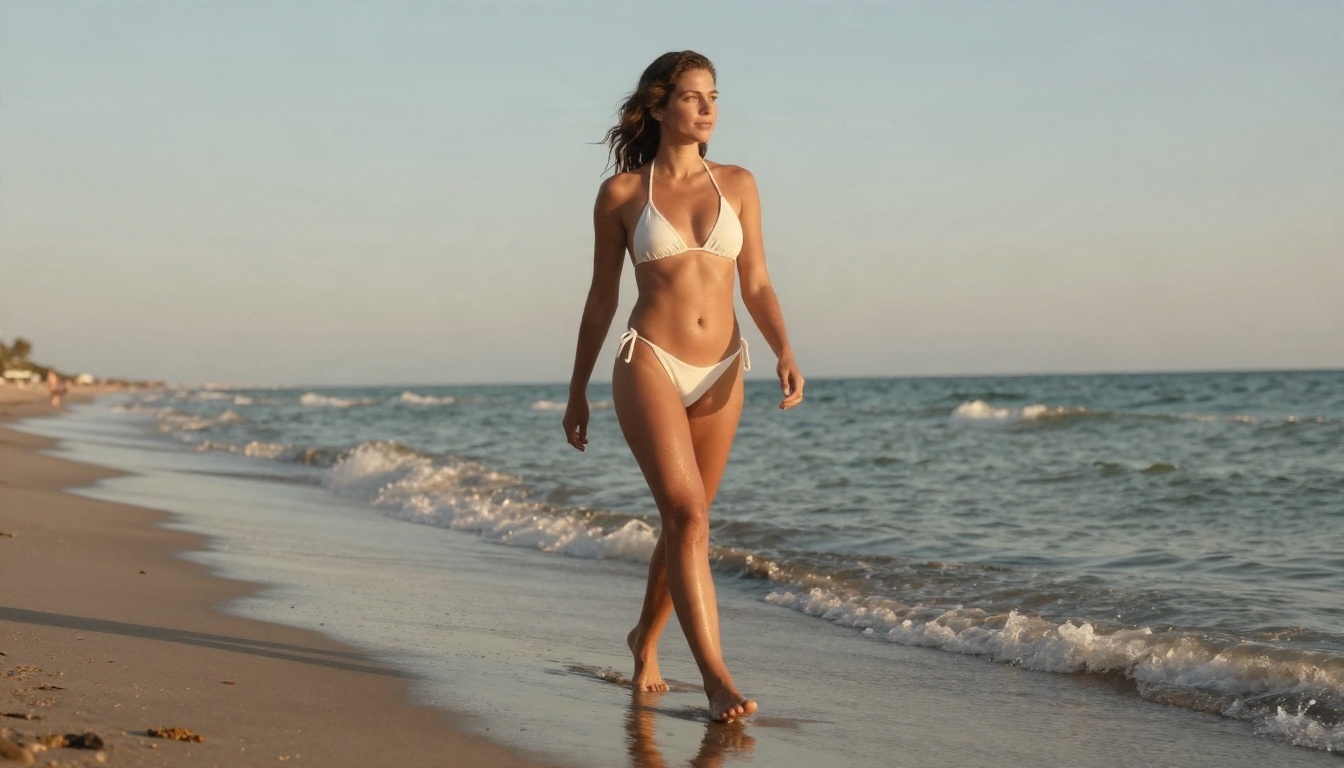
For example: "A tanned woman in a white two piece bikini walking along a quiet beach at golden hour, wet sand reflecting the sky, warm backlight from the low sun, 50mm lens at f/2, natural skin texture, Kodak Portra 400 grain."
Beach and Pool
- Golden hour walk: "Low angle shot of a woman in a white bikini on a Mediterranean beach, golden rim light on shoulders and hair, sea water droplets on skin, 50mm f/2, film grain."
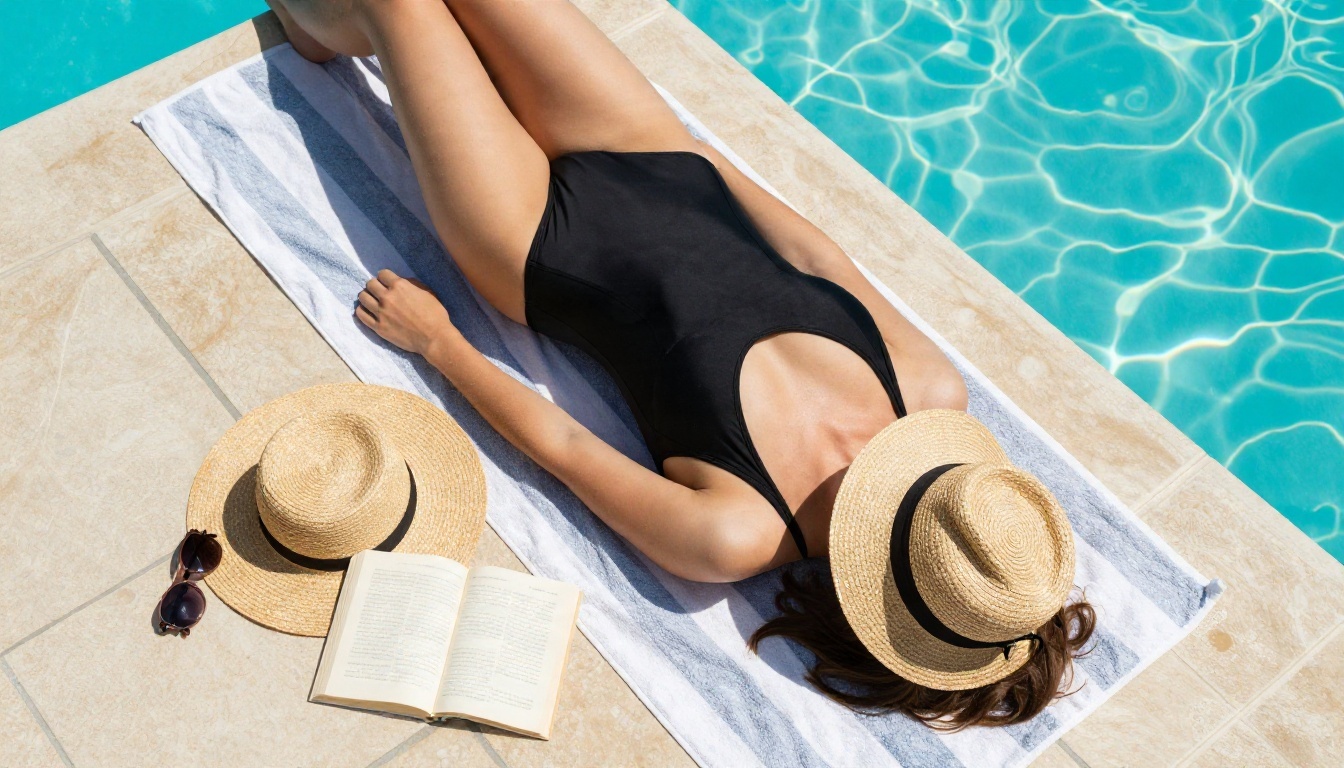
- Pool day from above: "Top down view of a woman in a black one piece swimsuit on a striped towel beside a turquoise pool, straw hat and paperback nearby, crisp midday shadows, 24mm lens."
- Cabana shade: "Woman in a linen cover-up over a bikini under a white cabana, soft diffused light, ocean haze behind, 85mm f/2."
Boudoir and Studio
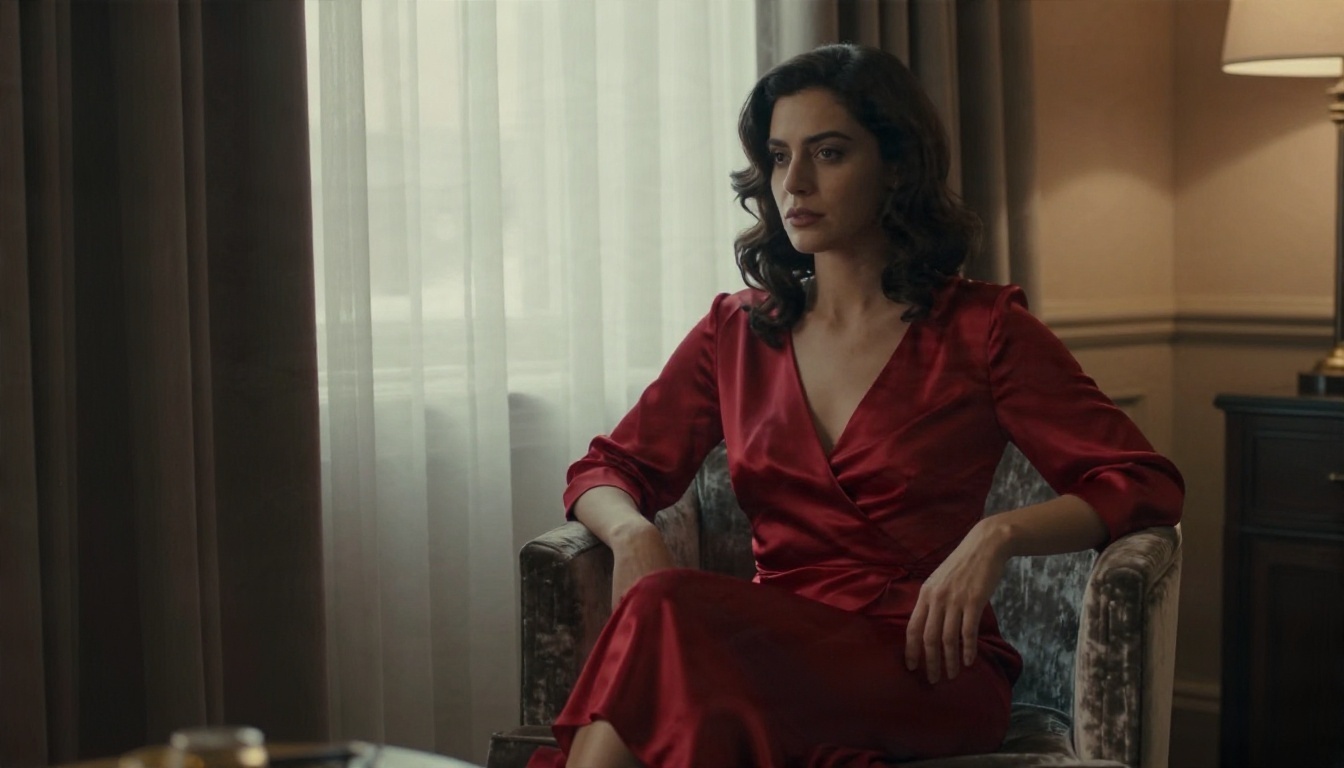
- Hotel suite: "Woman in a deep red satin slip dress on a velvet armchair, heavy curtains, warm lamp light from the right and cool daylight from the left, 85mm f/1.8."
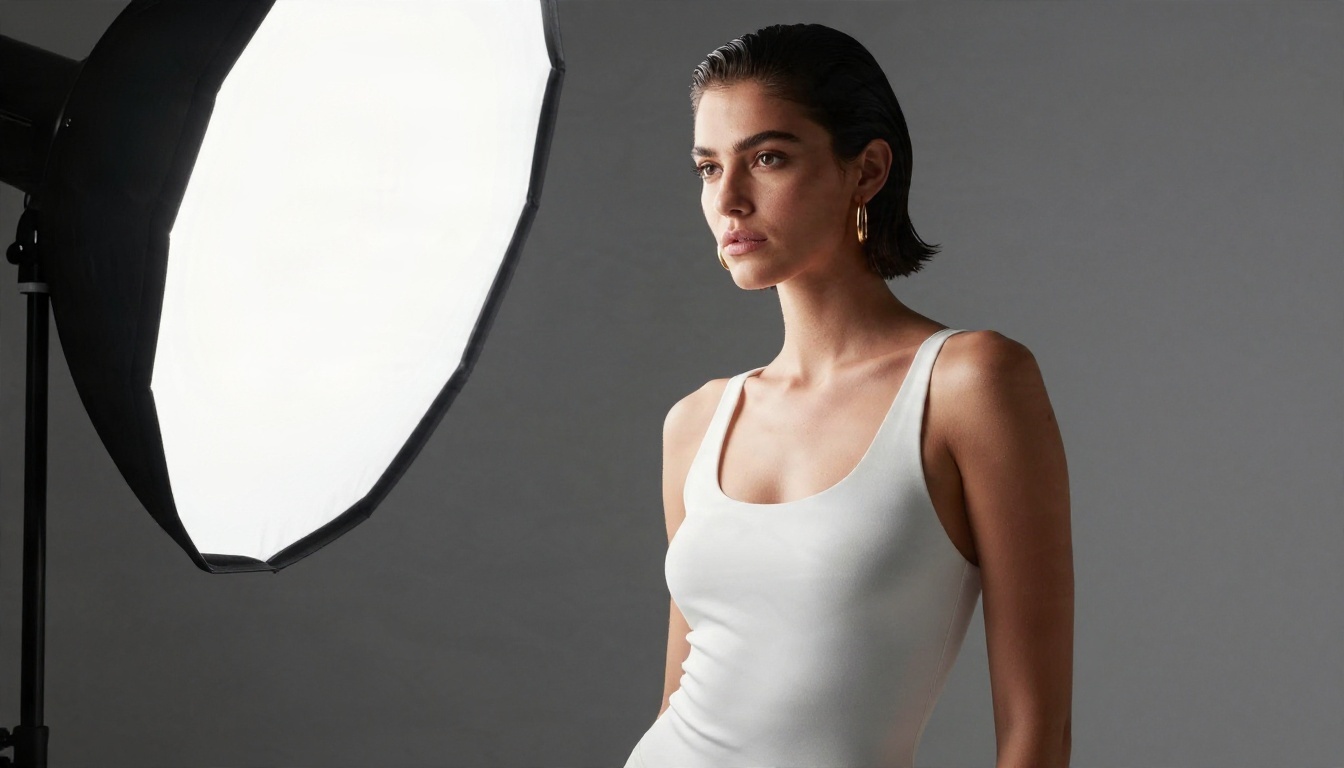
- Clean studio: "Woman with sleek dark hair in a white bodysuit and gold hoops on a seamless grey backdrop, softbox from camera left, 70mm f/2.8."
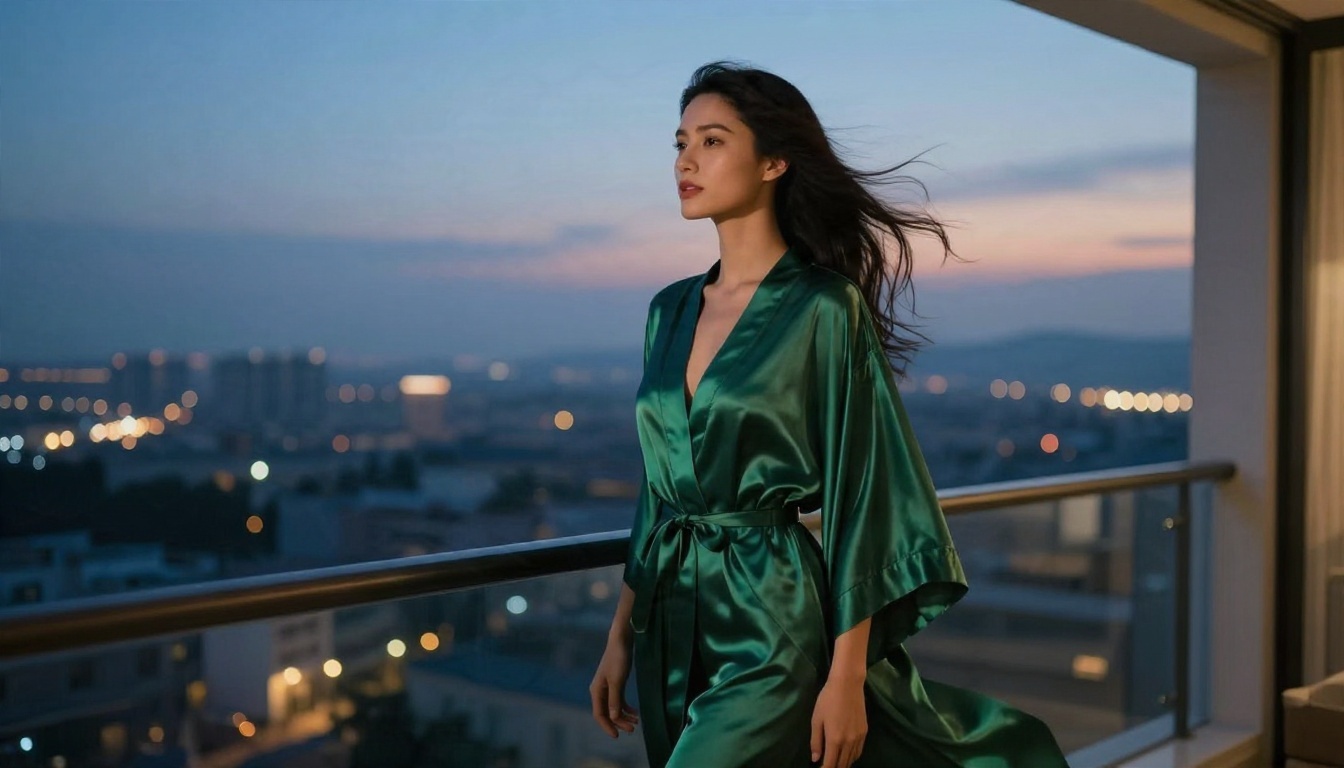
- Balcony at dusk: "Woman in an emerald silk robe on a hotel balcony at blue hour, warm light spilling from the room behind her, 35mm f/1.4."
💡 Pro move: Name the fabric (satin, lace trim, ribbed cotton, linen). Fabric words drive realism more than adjectives like "beautiful" or "stunning".
Mistakes That Waste Generations
Most failed images come from the same few habits.
Stacking Too Many Adjectives
"Gorgeous, stunning, perfect, flawless, ultra detailed" adds nothing. The model responds to concrete visual facts: where the light comes from, what the fabric does, what lens you imagine.
Asking for Everything in One Frame
A full body pose, a complex background, three props, and readable text in the same prompt is a recipe for drift. Pick a hero element and let the rest stay simple.
Blaming the Model for a Platform Filter
If you get a refusal, switch models before rewriting your prompt for the tenth time. A different model may accept the same request, and you will know the filter was never about your wording.
Skipping the Light
Light is the cheapest realism upgrade. "Soft window light from the right" beats "high quality" every time.
Make Your Own Images Today
So, is Z Image Turbo censored? Not in the way the big commercial models are, but the answer changes with the platform, and the model has soft limits of its own. For fast, photoreal drafts, it is hard to beat. For polished adult-leaning glamour, Seedream 4.5 is the stronger finisher, and PicassoIA Image Editor Pro gives you unlimited generations to keep refining.
Here is a simple plan for your first session:
- Draft five variations in Z Image Turbo using the prompt formula above.
- Pick the best composition and rebuild it in Seedream 4.5.
- Refine outfit, pose, and light in Image Editor Pro with no generation limit.
Open Picasso IA, paste one of the prompts above, and see what comes back in a few seconds. To compare more options side by side, browse the full list at picassoia.com/en/all-models.


