A free, copy-and-paste Juggernaut XL prompt generator built on a chat model, plus nine photo prompt examples, the sampler, step and CFG settings that suit the model, and a node-by-node ComfyUI workflow you can rebuild in ten minutes.
Most people who try Juggernaut XL write a prompt like "beautiful woman, city, cinematic" and wonder why the result looks like every other SDXL checkpoint. The model is built for photographic realism, and it rewards prompts that read like a photographer's shot notes: subject, light, lens, texture, mood. That is a lot to type every single time, which is exactly why a prompt generator saves so much effort.
This article gives you three things. First, a free prompt generator you can run today with any chat model, using one copy-and-paste instruction. Second, a set of tested prompt examples you can adapt. Third, a ComfyUI workflow, node by node, with the sampler, step and CFG values that Juggernaut XL model cards recommend.
💡 Quick note on availability: Juggernaut XL is not on PicassoIA yet. Everything about the model below is written in plain text, and the generator and workflow are portable. If you want photorealistic SDXL-style results inside PicassoIA right now, there is a dedicated section near the end with models you can use today.
What a Juggernaut XL Prompt Generator Does
A prompt generator takes a rough idea ("old fisherman at dawn") and expands it into a structured, photographic prompt. It does not generate the image. It writes the text that the image model reads, and it does that consistently, which is where most of the quality gain comes from.
Why Plain Prompts Fall Short
SDXL-family checkpoints respond to specifics. A vague prompt leaves the model to guess the lighting, the lens, the skin texture and the setting, and it guesses with the most average answer in its training data. The result is the smooth, glossy, slightly plastic look people complain about.
A generator fixes this by forcing every prompt through the same checklist:
Subject and action: who or what, doing what
Environment: where, with two or three concrete background objects
Light: direction, quality and time of day
Camera: focal length, aperture, angle and distance
Film look: grain, color palette, a named film stock
How Juggernaut XL Reads Prompts
Juggernaut XL comes from RunDiffusion and has gone through many releases, from the early versions to Juggernaut XIII Ragnarok and a distilled Lightning variant. It is an SDXL checkpoint tuned for realism, so it responds well to natural language sentences mixed with short descriptive fragments. It does not need the heavy weighting syntax of older Stable Diffusion 1.5 prompts, and it tends to behave better with moderate CFG values than with high ones.
Two habits matter most. Put the subject first, because early tokens carry the most weight. Then describe light and lens in concrete terms rather than adjectives like "stunning" or "masterpiece", which add little.
The Free Online Prompt Generator
You do not need a special app. A chat model with a good instruction does the job, and you can run it in any browser. On PicassoIA, the Large Language Models collection has several chat models that handle this well.
The Instruction to Paste
Copy this block into a chat model as the first message, then send it a short idea each time.
You are a prompt writer for Juggernaut XL, a photorealistic SDXL checkpoint.
When I send an idea, reply with exactly two lines:
POSITIVE: one prompt of 60 to 90 words.
NEGATIVE: one negative prompt.

Rules for POSITIVE:
1. Start with the subject and what they are doing.
2. Add a concrete environment with 2 or 3 background objects.
3. State the light: direction, quality, time of day.
4. State the camera: focal length, aperture, angle.
5. Add 2 or 3 surface textures (skin pores, fabric, wet stone).
6. End with: natural film grain, Kodak Portra 400, raw photograph.
7. No quality buzzwords such as masterpiece or best quality.
8. No text, logos or signs in the scene.

Rules for NEGATIVE: list unwanted looks such as
illustration, 3d render, cartoon, plastic skin, oversaturated,
extra fingers, blurry, watermark, text.

Wait for my first idea.
Then type something short, such as lighthouse keeper, storm coming. You get back a prompt and a negative prompt ready to paste into ComfyUI or any other SDXL interface.
Which Chat Model to Use
Any capable model will follow the instruction. These are on PicassoIA and work well for short, structured writing:
For a batch of ten ideas, send them all in one message and ask for ten numbered pairs. It is faster, and the style stays consistent across the set.
A Fill-in Template for Manual Writing
If you prefer to write by hand, use this skeleton and swap the brackets:
[Subject] [action], in [location with 2 or 3 objects], [light direction and quality], shot on [focal length] at [aperture] from [angle], [texture 1], [texture 2], natural film grain, Kodak Portra 400, raw photograph
Prompt Examples That Work
Each example below follows the generator format. Swap the subject and keep the structure.
Portrait With Skin Detail
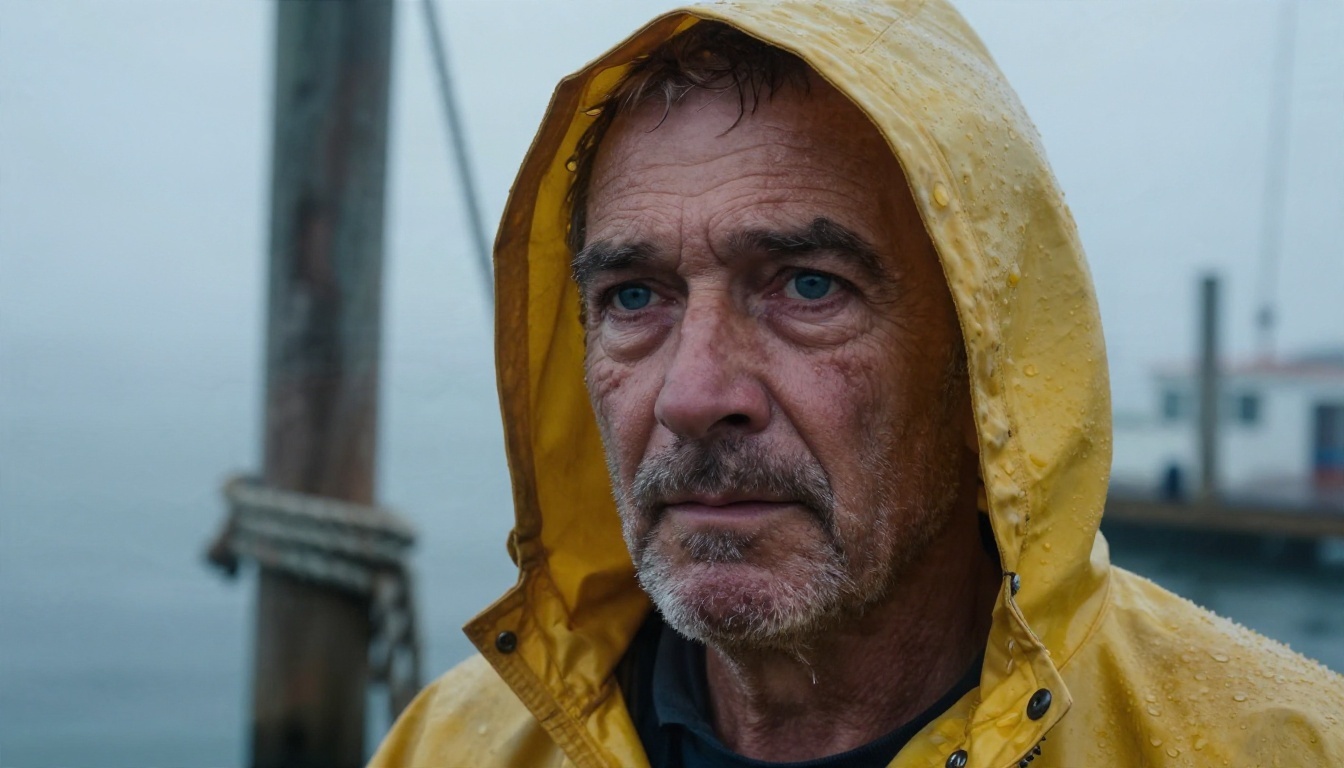
Prompt: Middle-aged fisherman with deep wrinkles and grey stubble, wearing a worn yellow oilskin hood, standing on a misty harbor dock at dawn, wet rope and wooden pilings behind him, soft overcast side light from the left, 85mm f/1.8, shallow depth of field, visible skin pores, water droplets on the jacket, natural film grain, Kodak Portra 400, raw photograph
Negative: illustration, 3d render, plastic skin, smooth skin, oversaturated, blurry, watermark, text
Portraits are where Juggernaut XL tends to shine. The words "visible skin pores" and "side light" do most of the work.
Street Photography
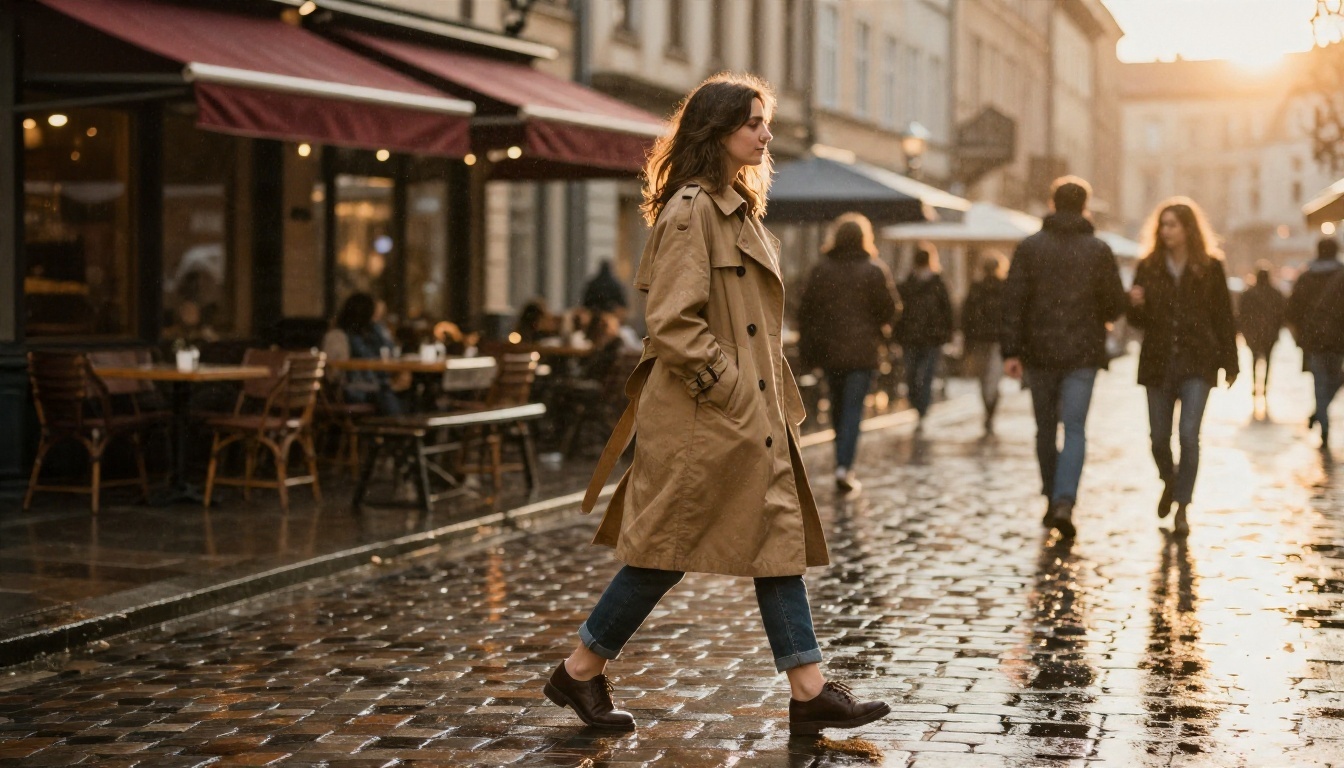
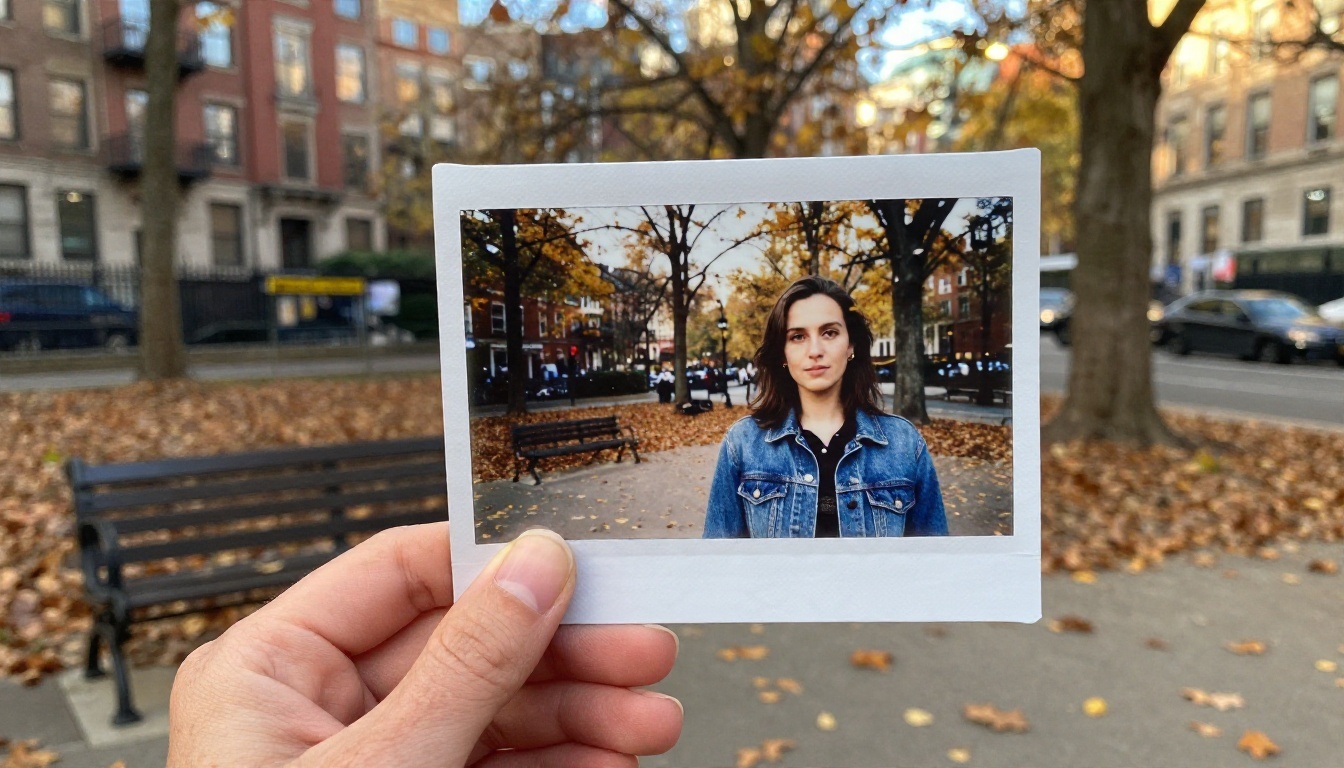
Prompt: Young woman in a camel trench coat crossing a rain-slicked cobblestone street at golden hour, café awnings and blurred pedestrians behind her, low warm sun backlighting from the right with a soft rim light in her hair, 50mm f/1.4 from a low angle, wet stone reflections, fabric texture, natural film grain, Kodak Portra 400, raw photograph
Backlight plus wet ground gives you reflections for free, and the model handles them convincingly.
Product Photography
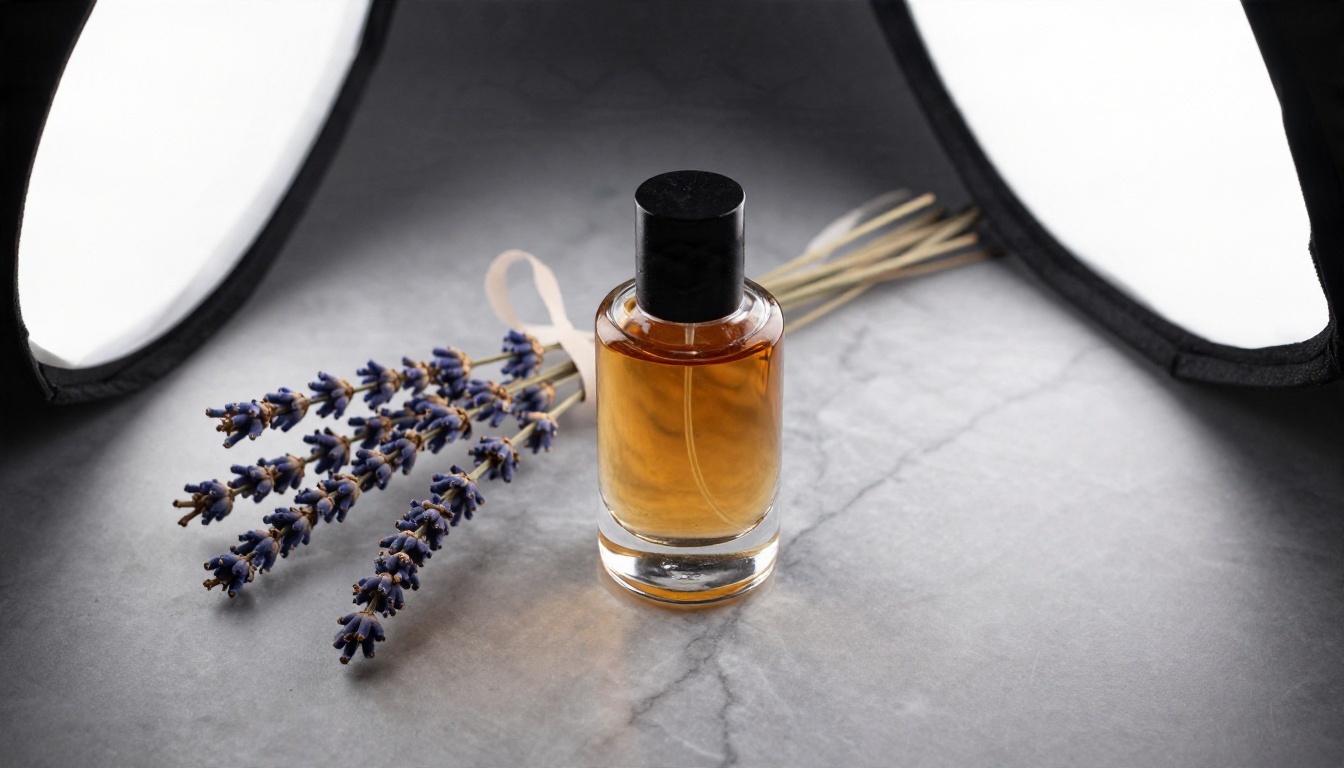
Prompt: Glass perfume bottle with amber liquid resting on grey marble beside dried lavender sprigs and a silk ribbon, large softbox window light from the left, soft shadow falling right, 100mm macro at f/5.6, sharp glass reflections, marble veining, fabric weave, natural film grain, raw studio photograph, no text on the bottle
💡 Image models still struggle with legible label text. Keep bottles blank and add labels in an editor afterwards.
Landscape
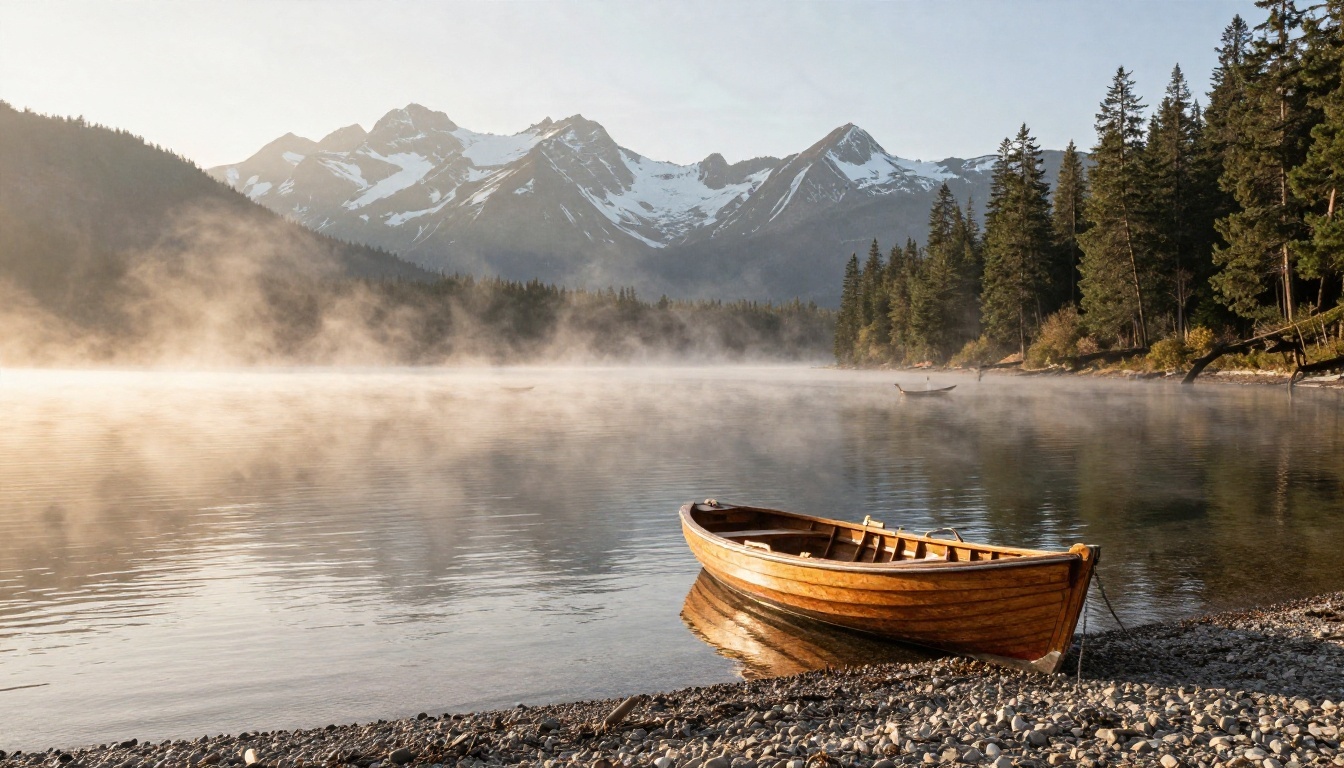
Prompt: Mountain lake at sunrise with thin mist over the water, small wooden rowboat moored at a pebble shore, pine forest and snow-dusted peaks beyond, golden light raking from the left through haze, 24mm at f/8 from a low angle near the water, crisp pebble texture, gentle ripples, natural film grain, Kodak Portra 400, raw photograph
Documentary Scene
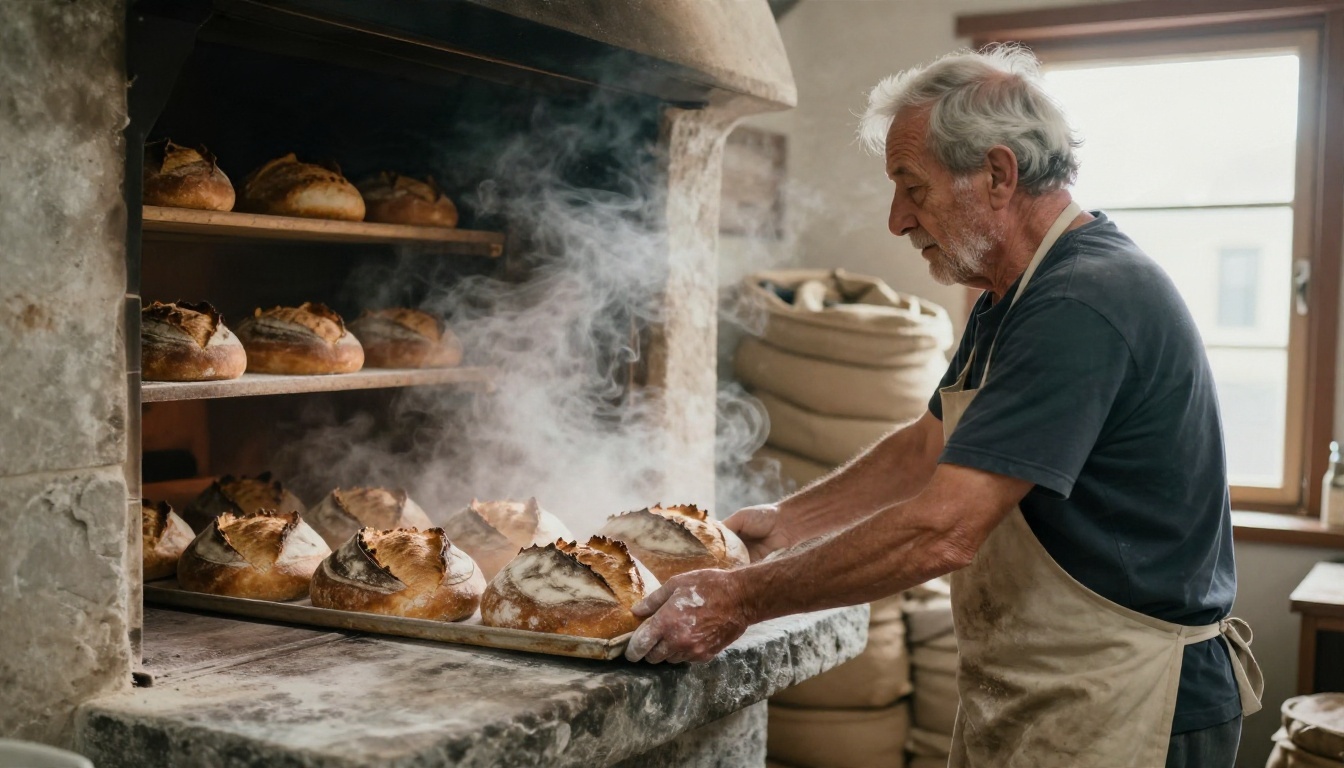
Prompt: Elderly baker with flour-dusted forearms pulling a tray of rustic sourdough loaves from a stone oven, steam rising, shelves of bread and burlap sacks behind him, warm oven glow from the front mixed with soft window light from the right, 50mm f/2, flour dust in the air, crusty bread texture, apron fabric, natural film grain, Kodak Portra 400, raw documentary photograph
Mixed light sources (warm oven, cool window) add depth and are easy to describe in a prompt.
Settings That Suit the Model
The values below come from RunDiffusion's published model cards and tutorials, summarized in my own words. Treat them as starting points, because releases differ slightly.
Version
Sampler
Steps
CFG
Notes
Juggernaut XL v6 to v8
DPM++ 2M Karras
30 to 40
3 to 7
Lower CFG tends to look more natural
Juggernaut XIII Ragnarok
DPM++ 2M SDE
30 to 40
3 to 6
832 x 1216 suggested for portraits
Juggernaut XL Lightning
DPM++ SDE
4 to 6
1 to 2
Distilled, built for speed
Basic RunDiffusion ComfyUI start
dpmpp_2m, Karras
35
4
Good first test
A few rules of thumb that hold across versions:
Start low on CFG. Around 3 to 4 gives softer, more photographic light. Past 7 you often see crunchy contrast and oversaturated color.
More steps stop helping after roughly 40. If an image looks wrong at 35, change the prompt, not the step count.
Use native SDXL resolutions such as 1024 x 1024, 832 x 1216 or 1216 x 832. Odd sizes cause stretched faces and doubled limbs.
ComfyUI Workflow Step by Step
ComfyUI shows the whole pipeline as connected nodes. The basic Juggernaut XL graph has only seven, and you can rebuild it in about ten minutes.
The Seven Core Nodes
Load Checkpoint: select your Juggernaut XL file. It outputs MODEL, CLIP and VAE.
CLIP Text Encode (positive): paste the POSITIVE line from your generator. Connect CLIP from the checkpoint.
CLIP Text Encode (negative): paste the NEGATIVE line. Same CLIP connection.
Empty Latent Image: set 832 x 1216 for portraits or 1216 x 832 for landscapes, batch size 1.
KSampler: connect MODEL, both conditioning outputs and the latent. Set sampler and steps from the table above.
VAE Decode: takes the sampled latent and the checkpoint VAE.
Save Image: writes the final file.
Wire them in that order and the first render should work without changes.
Suggested KSampler Values
For a first test with a standard Juggernaut XL release:
Seed: fixed while you tune, randomized once you like the prompt
Steps: 35
CFG: 4
Sampler: dpmpp_2m
Scheduler: karras
Denoise: 1.0
Keep the seed fixed while you change one thing at a time. That is the only reliable way to see what a change actually did.
Where the Prompt Generator Fits
You have two options. The simple one is manual: generate the prompt in a chat window and paste it into the text nodes. The automated one uses a custom LLM node inside ComfyUI that calls a chat model and feeds its output straight into the positive node. The manual route is slower but needs no extra installs, and for most people it is the better choice, because you can read and edit the prompt before spending GPU time.
Adding a Second Pass
If you want more detail at a larger size, add a second KSampler after the first:
Upscale the latent by 1.25 to 1.5.
Run a second KSampler with denoise 0.3 to 0.45 and the same prompt.
Decode and save.
Low denoise keeps the composition and only sharpens texture. Above 0.5 the composition starts to change, and faces can drift.
Common Mistakes to Avoid
Stacking buzzwords. "Masterpiece, 8k, ultra detailed, best quality" adds little. Concrete detail such as "wet cobblestone" or "flour dust in the air" does far more.
Mixing contradictory light. "Golden hour" and "studio softbox" in the same prompt confuses the lighting. Pick one primary source and describe a second one only if it makes physical sense.
Overlong prompts. Past roughly 90 words, later details get ignored. Short and specific beats long and vague.
Forgetting the negative prompt. A short negative that blocks illustration, 3D and plastic skin keeps the output in photographic territory.
Changing five settings at once. Fix the seed, change one variable, compare. Otherwise you never find the cause of a bad result.
Chasing text in images. Signs, labels and posters usually come out garbled. Add text in post.
💡 Tip: Keep a notes file of prompts that worked, with their seed, sampler and CFG. After a dozen entries you will have your own house style, and you can feed it back to the generator as extra examples.
How to Get Similar Results on PicassoIA
Since Juggernaut XL is not on PicassoIA, the closest match for photographic SDXL results is RealVisXL v3.0 Turbo. It is an SDXL-based photorealistic model, runs in seconds, and accepts the same prompts your generator produces.
Sharper, higher resolution output from natural language prompts
A practical workflow: draft prompts quickly with SDXL Lightning 4Step, then render the winners with RealVisXL v3.0 Turbo or Seedream 4.5. Because your generator writes photographic prompts that are not tied to one model, the same text works across all of them. Only the settings change.
Try Your Own Prompts Today
The generator instruction above takes under a minute to set up, and the examples give you nine starting points across portraits, street, product, landscape and documentary scenes. Paste the instruction into a chat model, write a three-word idea, and send the result to your favorite image model.
If you want to see how far a good prompt goes, open RealVisXL v3.0 Turbo on PicassoIA, paste one of the prompts above, and change only the light. Then change only the lens. Ten minutes of that teaches you more about prompt writing than any list of tips. You can browse every available image and language model at picassoia.com/en/all-models and start building your own prompt library.