You typed "Juggernaut XL unrestricted free online" into a search bar because you want realistic portraits without a filter lecturing you and without a credit card form. Fair enough. The problem is that the phrase hides three separate questions: which version of the model you mean, where it actually runs for free, and what you give up when you pick the free route. Most pages answer none of them clearly. This one does.
Juggernaut XL is a community-trained photorealistic checkpoint built on the Stable Diffusion XL architecture and maintained by the RunDiffusion team. It became popular because its skin, fabric and lighting look closer to a camera than to an illustration. That reputation is why "unrestricted" gets attached to its name so often. Below you will find what that word really means, the free online options that exist, the limits nobody advertises, and the alternatives that give you comparable or better photographic results right now.
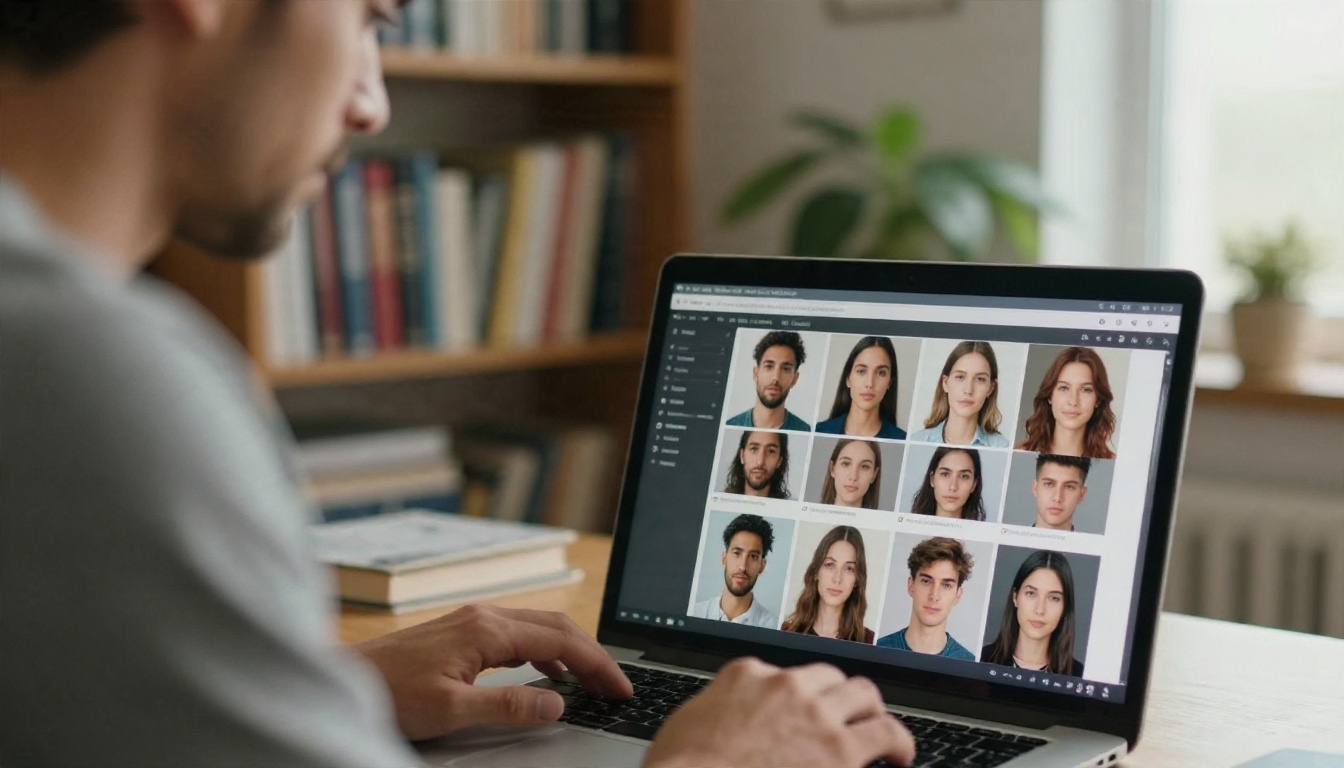
What "Unrestricted" Really Means
The word sounds absolute, but in practice it describes a spectrum. A model file can be less restricted, a website serving it can add or remove filters, and a payment provider can force a site to tighten rules overnight. All three layers matter.
Model weights versus hosted service
A checkpoint is just a file of numbers. It has no moral compass and no login screen. Restrictions come from the place you run it. RunDiffusion has described a split release: a safe-for-work build offered on its own platform, and a less restricted build shared publicly through community hubs such as Civitai and Hugging Face. So "Juggernaut XL unrestricted" usually means "the community-hosted file, run somewhere that does not add a filter."
💡 Quick rule: if a website generates the image for you, that website decides the rules. If you run the file on your own machine, you decide, within the law and the license.
Why filters exist at all
Platforms filter for boring reasons: payment processors, app store policies, hosting contracts and the legal risk of misuse such as non-consensual or underage content. That last category is never acceptable on any platform, free or paid, and no serious service will host it. When people complain about filters, they are usually talking about adult glamour content that is legal but gets blocked by cautious providers.
What unrestricted does not mean
It does not mean better quality. A looser filter does not add detail, fix hands or sharpen eyes. Quality comes from the model, the sampler, the resolution and your prompt. Treat "unrestricted" as a content policy, not a performance upgrade.
Free Online Options for Juggernaut XL
Here is the honest map. These are the routes people use, with what each one tends to require. Terms change often, so check each provider's current page before you commit time to it.
Hosted free tiers and trial credits
Several inference platforms list Juggernaut XL among their models. Some, such as ModelsLab, give new accounts a small bundle of free credits, and an NSFW toggle may sit behind a login and an account setting. Sogni takes another approach, bundling the model into a flat monthly plan with a "fair use" promise that is not defined in numbers. Both are fine for a test run. Neither is a free unlimited tap.
| Route | Cost to start | Typical catch |
|---|
| Trial credits on a hosting platform | Free signup | Credits run out after a few dozen images |
| Flat-rate plan with fair use | Monthly fee | Fair use is vague, throttling is possible |
| Community model hub previews | Free account | Slow queues, limited settings |
| Local install on your own PC | Free software | Needs a capable graphics card and setup time |
Running it locally
The only genuinely free and unrestricted path is your own computer. You download the checkpoint, load it in a local interface and generate until your electricity bill complains. XL-class models like to have 8 GB of video memory or more, and 12 GB feels comfortable. On a weaker card you can still run it, but generation takes minutes per image, and higher resolutions may crash.
Community sites and Discord bots
Some communities offer free generation through bots or shared galleries. Queues stretch in the evening, rules change when moderators change, and your prompts may be visible to others. If privacy matters to you, think twice.

The Real Limits of Going Free
Free access is rarely free of friction. These are the walls people hit, in the order they usually hit them.
Queues and credit meters
A free account sits behind paying users in the queue. At peak hours a single image can take several minutes, which kills the experimentation loop that makes image generation fun. When you generate ten variations to find one good face, a credit meter turns that into a budgeting exercise.
Resolution and speed caps
Many free tiers cap output near the model's native size, which is around one megapixel for XL-class checkpoints. That is fine for a social post and soft for a print. Upscaling is a separate step, and free tiers often hide it behind the paywall.
Hands, eyes and group shots
Juggernaut XL is strong on faces and lighting, yet it still struggles with the usual suspects: fingers, jewelry, small text and crowded scenes with several people. Newer models resolve many of these at the first attempt, which means fewer retries, which means fewer credits burned.
💡 Hidden cost: a "free" model that needs six attempts per usable image is more expensive than a model that needs one. Count successful images, not generations.
Privacy and licensing
Free hosts may store your prompts and outputs, and some train on them. Read the terms. Also check the license of the specific checkpoint version you use, since community models carry different commercial-use conditions.
What Juggernaut XL Does Well
To be fair to the model, it earned its popularity. Here is where it still shines.
- Natural skin: pores, small imperfections and soft highlights look believable.
- Lighting: window light, golden hour and moody interiors render with convincing falloff.
- Fabric and surfaces: knits, linen, leather and wood keep a tactile quality.
- Portrait framing: shallow depth of field and lens-style blur feel photographic.
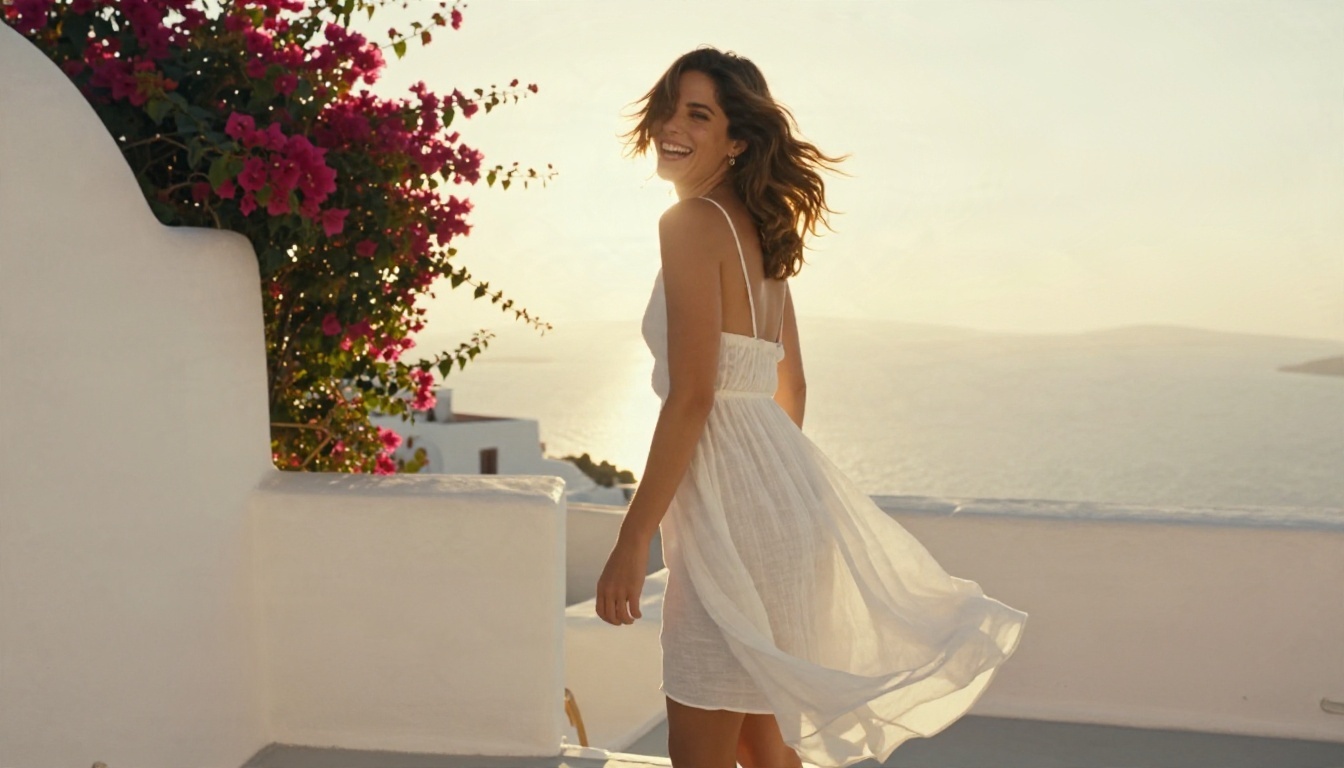
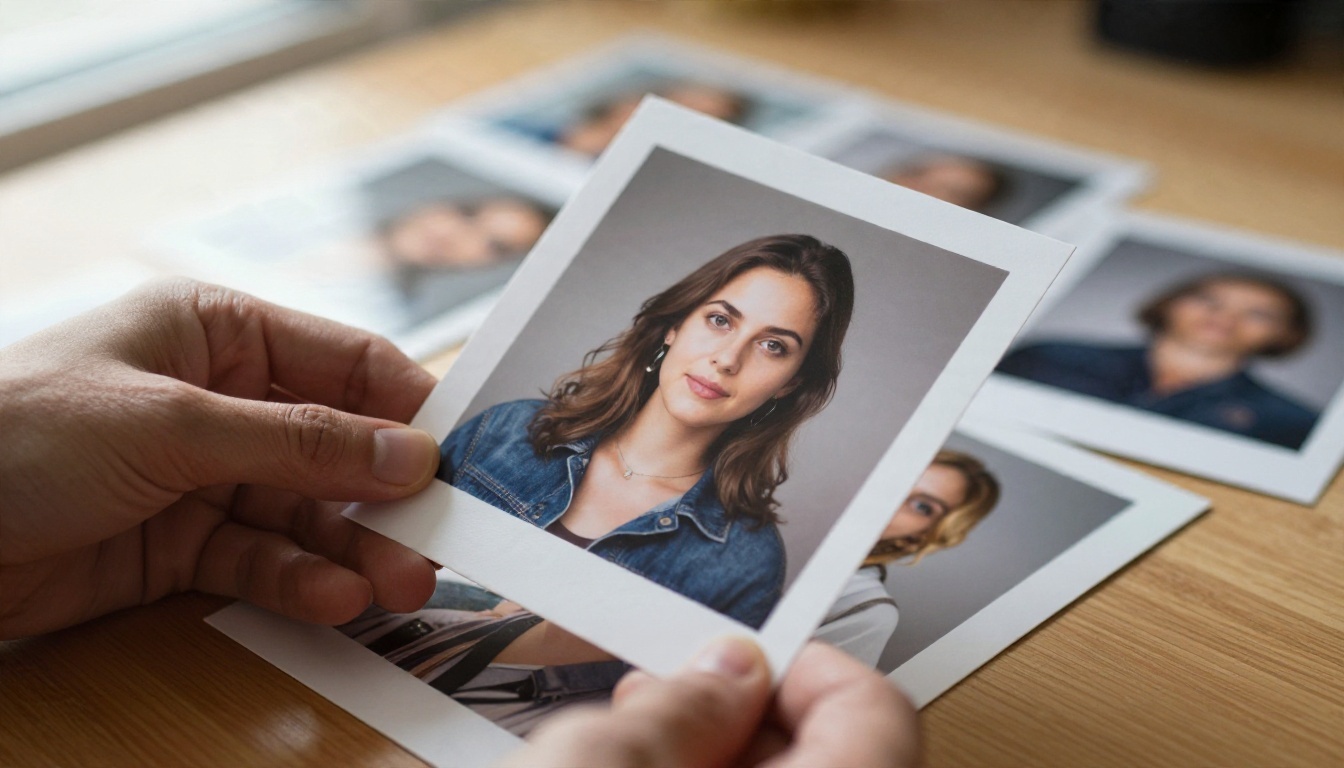
Those are the qualities a good alternative must match. The sample below shows the kind of soft, believable golden-hour portrait that photoreal checkpoints are judged on.
Juggernaut XL vs Alternatives
Juggernaut XL is not on PicassoIA yet. For similar results today, three models on the platform cover the same photorealistic ground, and they come without the queue-and-credit routine of most free hosts.
| Model | Best for | Strength | Link |
|---|
| Seedream 4.5 | Sharp photoreal images up to 4K | Detail, prompt accuracy, speed | Seedream 4.5 |
| PicassoIA Image Editor Pro | Unlimited generations and edits | Fast iteration, photo editing | Image Editor Pro |
| RealVisXL v3.0 Turbo | XL-style realism, quick output | Familiar look, low waiting time | RealVisXL v3.0 Turbo |
Seedream 4.5 for maximum detail
If you want the closest feeling to a high-end photoreal checkpoint with fewer misses, Seedream 4.5 is the first model to try. It follows long prompts closely, handles hands and faces better than most XL-era checkpoints, and outputs at high resolution without a separate upscale step.
Image Editor Pro for unlimited tries
PicassoIA Image Editor Pro is built for the thing free tiers punish: trial and error. Generations are unlimited, so you can iterate on a face, change the outfit, fix the background and try again, without watching a counter.
RealVisXL v3.0 Turbo for the familiar look
If your attachment to Juggernaut XL is really an attachment to the Stable Diffusion XL look, RealVisXL v3.0 Turbo is the nearest relative here. It is quick, photographic and forgiving on simple prompts.
How to Get Similar Results on PicassoIA
The simplest route to a Juggernaut-style photoreal portrait today is Seedream 4.5. Here is the process, step by step.
- Open the model page. Go to Seedream 4.5 on PicassoIA and sign in.
- Write a subject-first prompt. Start with who or what is in the frame, then the setting, then the light, then the camera. Example: "Woman in her late twenties in a cream knit sweater at a wooden desk, morning window light from the left, 85mm lens, shallow depth of field, natural skin texture, film grain."
- Choose 16:9 for scenes, 3:4 for portraits. Match the aspect ratio to where the image will live before you generate, not after.
- Generate two or three variations. Keep the same prompt and compare faces, hands and background detail.
- Refine the winner. Change one detail at a time: light direction, outfit color or lens length. Small edits give clean comparisons.
- Finish in Image Editor Pro. Send the best frame to PicassoIA Image Editor Pro to fix small flaws, change clothing or adjust the background.
💡 Speed tip: keep a note of prompts that work. Reusing the lighting and lens lines from a good result gives you a repeatable style across a whole set.
Parameter tips that matter
- Prompt length: 40 to 80 words is a sweet spot. Shorter prompts leave too much to chance, and longer ones start to contradict themselves.
- Lens language: terms like "85mm f/1.8" or "35mm documentary" nudge the model toward believable perspective and blur.
- Light direction: say where the light comes from ("from the left", "backlit at golden hour"). It changes the whole mood.
- Texture words: "visible skin pores", "wool fibers", "worn oak grain" push realism further than adjectives like "beautiful" ever will.
- Negative habits: avoid asking for "perfect" skin. Real texture is what makes an image look photographed.
Glamour and Adult Themes, Handled Well
A large share of people who search for "unrestricted" simply want tasteful glamour: swimwear, beach editorials, boudoir-style lighting and fashion portraits. Those are legal, common and perfectly doable without chasing a particular checkpoint. Seedream 4.5 and PicassoIA Image Editor Pro are the two models to start with for that kind of work, in that order, because they combine natural skin rendering with fast turnaround and unlimited editing.
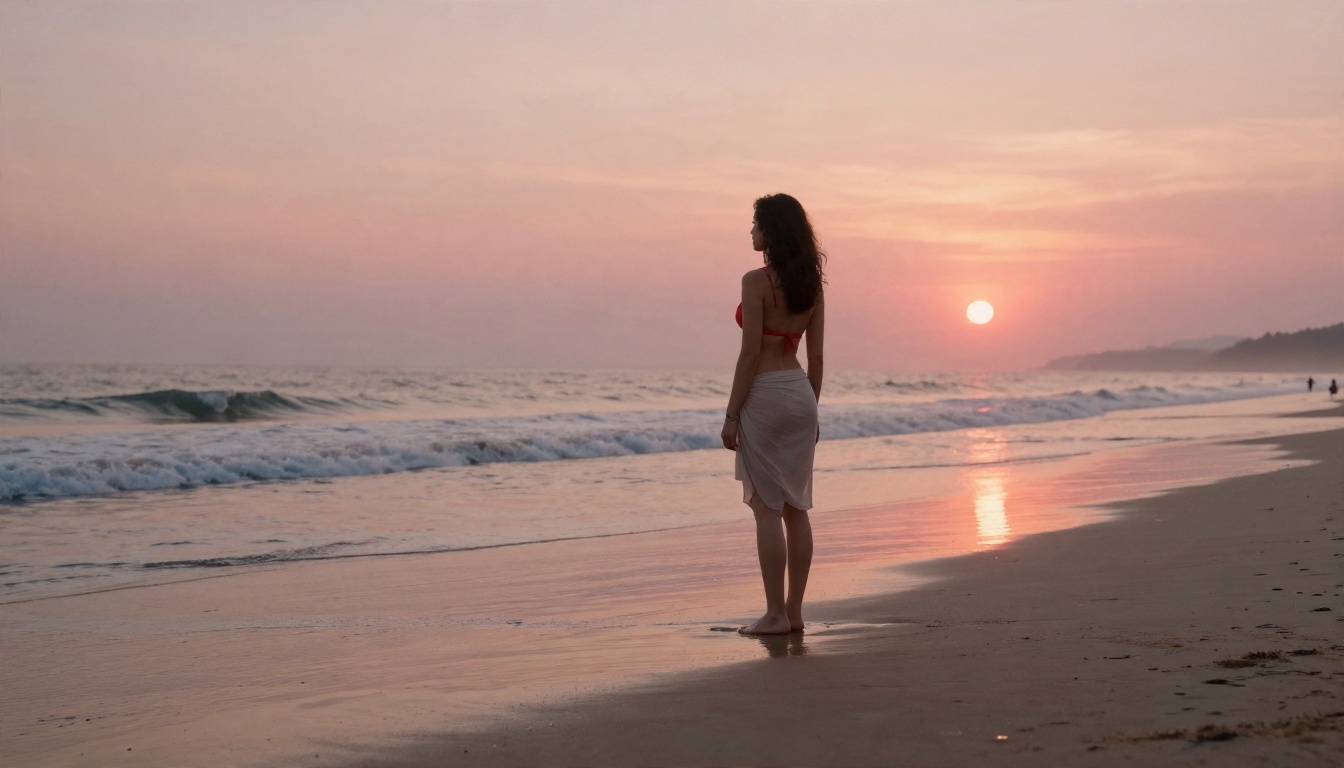
What makes glamour images work is the same thing that makes any photo work: light, pose and restraint. A low sun, a believable location and relaxed body language beat any amount of keyword stuffing. Keep the content suggestive and attractive, never explicit, and keep every subject an adult.
Three prompt patterns that work
- Golden hour portrait: subject, outfit, location, "low sun from behind, warm rim light on hair, 70mm lens".
- Window light interior: subject, simple room, "soft window light from the right, shallow depth of field, film grain".
- Coastal editorial: subject, beachwear, "sunrise light, wet sand reflections, 50mm lens, natural skin sheen".
Common Mistakes With Free Generators
Almost everyone makes these on the first day. You can skip them.
Chasing the "unrestricted" label
People spend hours hunting for the loosest host and ignore the actual model quality. A tool that renders hands cleanly and responds quickly gives you more usable output than a looser tool that fights you.
Ignoring the editing step
The first generation is rarely the final one. A short pass of retouching, background cleanup or an outfit change moves an image from "almost" to "post-ready". PicassoIA Image Editor Pro exists for this exact step.
Skipping the license check
If you plan to sell prints, run ads or build a brand with your images, confirm the license of the model and the host first. This takes five minutes and saves a lot of trouble later.

Quick FAQ
Is Juggernaut XL really free? The checkpoint file is shared publicly by its maintainers, so downloading is free. Running it online usually costs credits or a subscription once the trial runs out.
Can I run it with no filter at all? Only on your own hardware. Any website that generates images for you applies its own rules.
Does it need a strong computer? For comfortable local use, a graphics card with 8 GB of memory or more is the realistic starting point.
What is the fastest way to get a similar look today? Use Seedream 4.5 for detail, then refine in PicassoIA Image Editor Pro.
Is there a lighter XL-style option? Yes, RealVisXL v3.0 Turbo is quick and photographic.
Make Your First Image Today
You do not need to hunt for a loophole to get realistic, attractive photos. Pick a subject, write a prompt with light and lens details, and run it through Seedream 4.5. Take the best result into PicassoIA Image Editor Pro and keep iterating with no generation counter looming over you. If you want the XL-style look, try RealVisXL v3.0 Turbo side by side and compare.
Ready to experiment? Open Picasso IA, write your first prompt and see how fast a good idea becomes a finished photo. For even more options, browse the full catalog at picassoia.com/en/all-models.


