Type "Kimi K2 uncensored" into a search bar and you get a mess: model files with odd names, "free chat, no login" pages that look suspiciously thin, and forum threads that promise a Moonshot AI model with every guardrail removed. Some of it is real. A lot of it is marketing. This article sorts out which is which, so you know what you would actually be chatting with, what it costs in hardware or privacy, and where the ceiling sits for roleplay and long-form storytelling.
💡 Short version: Kimi K2 is a huge open-weight model from Moonshot AI. "Uncensored" versions are community modifications, not official releases. They are real, but they are enormous, and a trustworthy free hosted chat for them is hard to confirm.
What "Kimi K2 Uncensored" Actually Means
The phrase sounds like a product. It is not. Moonshot AI has never shipped a model called "Kimi K2 Uncensored." What you find under that label is a modification made by third parties, usually working from the open weights.
The Base Model Behind It
Kimi K2 is a Mixture-of-Experts language model from Moonshot AI with roughly 1 trillion total parameters, of which about 32 billion are active for any given token. That design is why it can be both very capable and (relatively) affordable to run through an API. The follow-up reasoning variant, Kimi K2 Thinking, arrived in November 2025 with a context window of around 256K tokens and native low-bit quantization.
The open weights are what make community edits possible. Anyone with the right hardware can download them, change them and republish them.
What Abliteration Does
The most common method behind "uncensored" builds is called abliteration. In plain terms, people identify the internal direction in the model's activations that correlates with refusing a request, then dampen it in the weights. The model stops saying "I can't help with that" as often. It does not gain new knowledge, and it does not become a different model.
Community builds of this type exist for Kimi K2 and its Instruct releases. One widely listed version on Ollama's registry is described as an uncensored variant of a Kimi K2 Instruct checkpoint, made with abliteration.
Official Kimi vs Community Builds
| Feature | Official Kimi K2 | Community "uncensored" build |
|---|
| Made by | Moonshot AI | Independent contributors |
| Safety behavior | Built-in refusals and moderation | Reduced or removed refusals |
| Quality testing | Benchmarked by the lab | Often untested beyond spot checks |
| Where it runs | Official app, APIs, partners | Mostly self-hosted |
| Support | Documentation and updates | Forum threads, if any |
| Size | Hundreds of GB for full weights | Same, sometimes larger in full precision |
Free Online Chat: What Is Real
Everybody wants the same thing here: open a tab, pick Kimi K2, start typing, pay nothing. Reality is more mixed.

The Official Free Tier
Moonshot's own chat app offers Kimi models at no charge, with usage caps that change over time. It is a good place to judge the base model's writing style, reasoning and long-context behavior. It is not an uncensored environment. Expect the usual refusals and softening on mature or sensitive themes.
Third-Party Chat Sites
Several aggregator sites list Kimi K2 with a small free allowance, often a handful of messages per day without an account and a slightly bigger one with sign-up. These are standard hosted versions of the official model, not abliterated ones. Allowances shift constantly, so check the site itself before planning around one.
Red Flags to Watch
I could not confirm any reputable free hosted service that offers an abliterated Kimi K2 for open-ended roleplay. Plenty of pages claim to. Treat these as warning signs:
- A page that says "uncensored, free, no login, unlimited" all at once. Running a trillion-parameter model costs real money, so one of those claims is false.
- No named operator, no privacy policy, no terms of use.
- Requests to install a browser extension or download a launcher.
- Chat logs sent to an unknown server with no mention of retention.
⚠️ Anything you type into an unknown hosted chat may be stored, read or reused. Do not enter real names, addresses, passwords or anything you would not post publicly.
Roleplay With Kimi K2
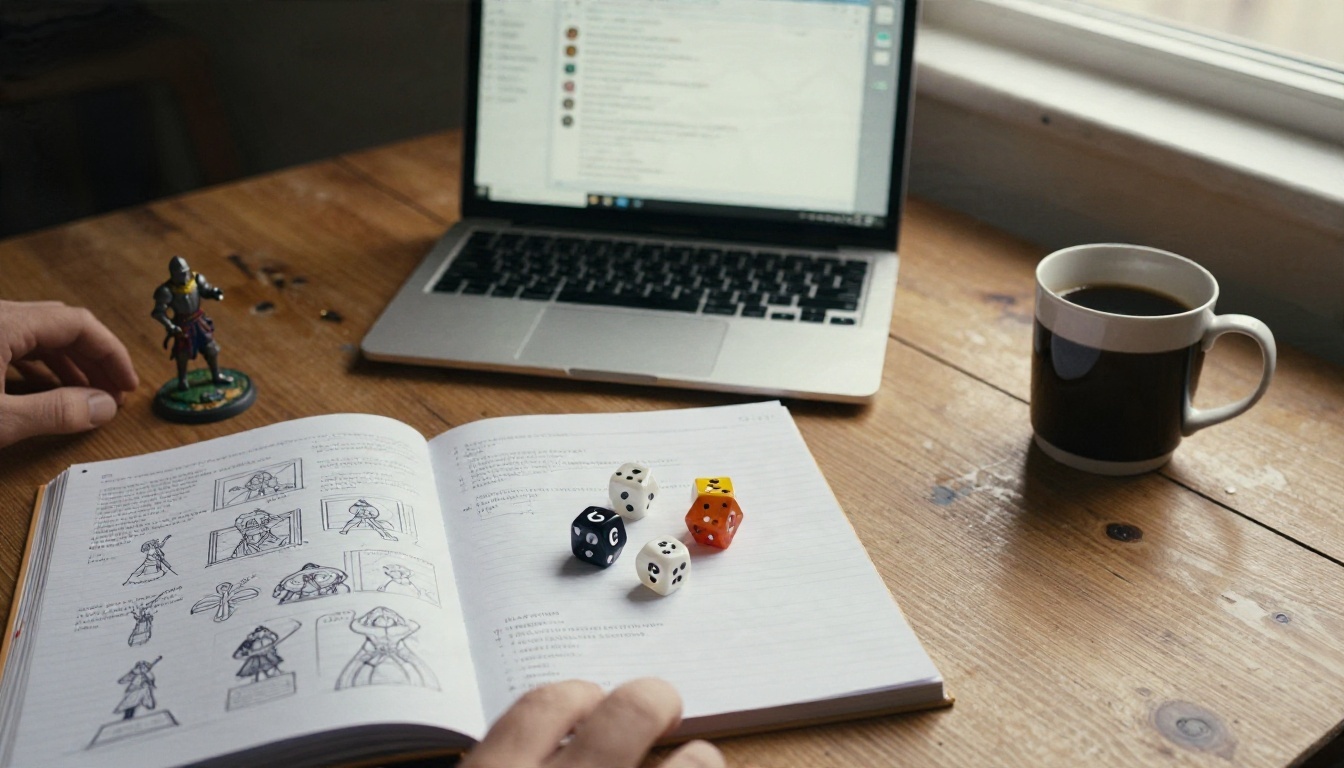
Roleplay is where Kimi K2 gets mentioned most, and for good reason: the base model writes fluid dialogue and holds a character's voice better than many models of similar cost.

Why Writers Like It
- Long memory. A big context window lets you keep a whole campaign, character bible and running summary in one conversation.
- Natural dialogue. Characters sound distinct instead of all speaking in the same polite assistant voice.
- Strong instruction following. If you say "never break character and never summarize my turn," it generally complies.
- Reasoning on demand. The Thinking variants plan plot threads before writing, which helps mysteries and political intrigue.
Setting Up a Character
A good roleplay prompt is closer to a casting sheet than a command. Try this structure in your first message or system prompt:
- Who the character is: name, age, job, one defining flaw.
- Voice: how they talk, with two sample lines.
- Setting: place, time of day, what just happened.
- Rules of the scene: point of view, length per reply, content boundaries.
- Your role: who you are in the story and what you want.
Keeping Long Scenes Consistent
Even a 256K window drifts. Every 20 to 30 turns, ask the model for a short "story so far" note with names, relationships, open threads and the current location. Paste it back in as the new first message. This single habit fixes most "the character forgot who they are" complaints.

The Real Limits
This is the part most "uncensored" pages skip.
The Hardware Wall
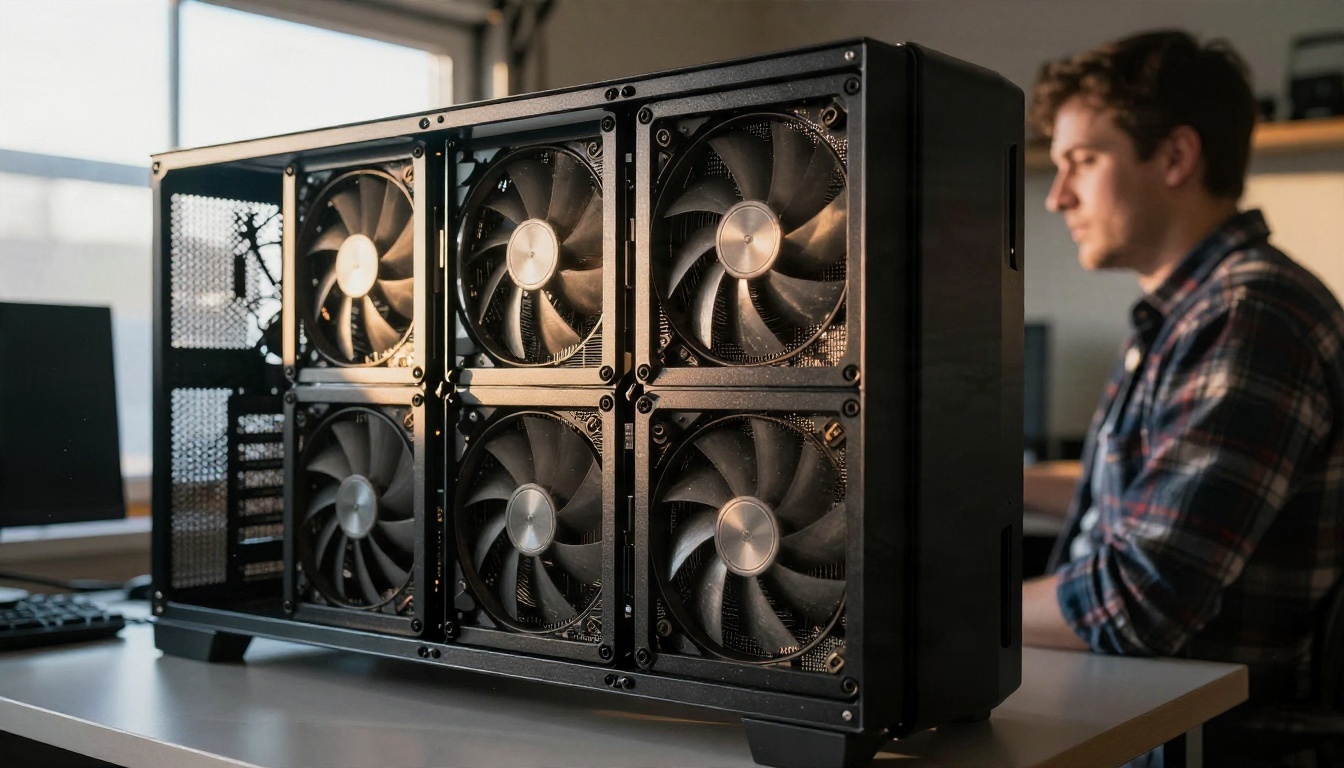
A full-size Kimi K2 checkpoint is measured in hundreds of gigabytes. One listed uncensored build on Ollama sits around 489 GB. Running that locally means several high-memory GPUs or a machine with a very large amount of unified or system RAM, plus patience: heavily offloaded setups generate slowly.
| Setup | Realistic outcome |
|---|
| One consumer GPU | Cannot hold the full model |
| Workstation with several GPUs | Possible with aggressive quantization, slow |
| Server with large RAM pool | Works, expect low tokens per second |
| Rented GPU cluster | Works, but cost adds up quickly |
| Smaller distilled or "linear" abliterated variants | The practical choice for most people |
Smaller community variants exist because of this wall. They are easier to run, but they are different, weaker models wearing a familiar name.
Quality Trade-offs
Abliteration is a blunt edit. Side effects people report include slightly worse reasoning, more repetition, occasional incoherence in long replies and a looser grip on facts. Quantization to fit smaller hardware adds its own losses. "Uncensored" does not mean "better."
Privacy and Rules
Self-hosting is the only setup where your conversations truly stay on your machine. Any hosted service has its own terms, and many still ban content involving minors, real people, harassment or anything illegal, whatever model is behind them. Removing refusals from a model does not remove the law, the platform's rules or your own responsibility.

How to Get Similar Results on PicassoIA
Kimi K2 Uncensored is not on PicassoIA, and PicassoIA does not offer an abliterated Kimi build. For similar writing quality today, try Kimi K2.6, a 1-trillion-parameter model with a 262K context window, vision input and adjustable reasoning. It runs online, so you skip the 489 GB download. It keeps its standard safety behavior, so it suits character-driven fiction, worldbuilding and tabletop-style stories rather than unfiltered content.
Step by Step
- Open the Kimi K2.6 page.
- Paste your character casting sheet into the System Prompt field.
- Write your opening scene in the Prompt field.
- Leave Max Tokens at the default for quick exchanges, or raise it for longer scene replies.
- Send, read the reply, then keep going turn by turn.
- Every 20 to 30 turns, ask for a "story so far" note and paste it into the system prompt.
Settings That Matter
| Setting | Suggested value | Why |
|---|
| Temperature | 0.7 to 0.9 | More variety in dialogue |
| Top P | 0.9 to 1 | Keeps word choice natural |
| Reasoning effort | none or low for chat, high for plot planning | Faster replies vs deeper planning |
| Presence penalty | 0.2 to 0.5 | Reduces repeated phrases |
| Frequency penalty | 0.2 to 0.4 | Stops looping descriptions |
| Max tokens | 800 to 2000 | Controls scene length |
Other Kimi Models Worth Trying
- Kimi K2 Thinking plans step by step, good for mysteries and multi-character plots.
- Kimi K2.5 reads text and images, so you can show it a character portrait and ask it to write from there.
Alternatives Outside the Kimi Family
Give Your Characters a Face
Once your character exists in text, a picture makes the story feel real. For realistic character art, start with Seedream 4.5, which handles fabric, skin and lighting well. Then use PicassoIA Image Editor Pro for edits and variations, since it offers unlimited generations and fast results.
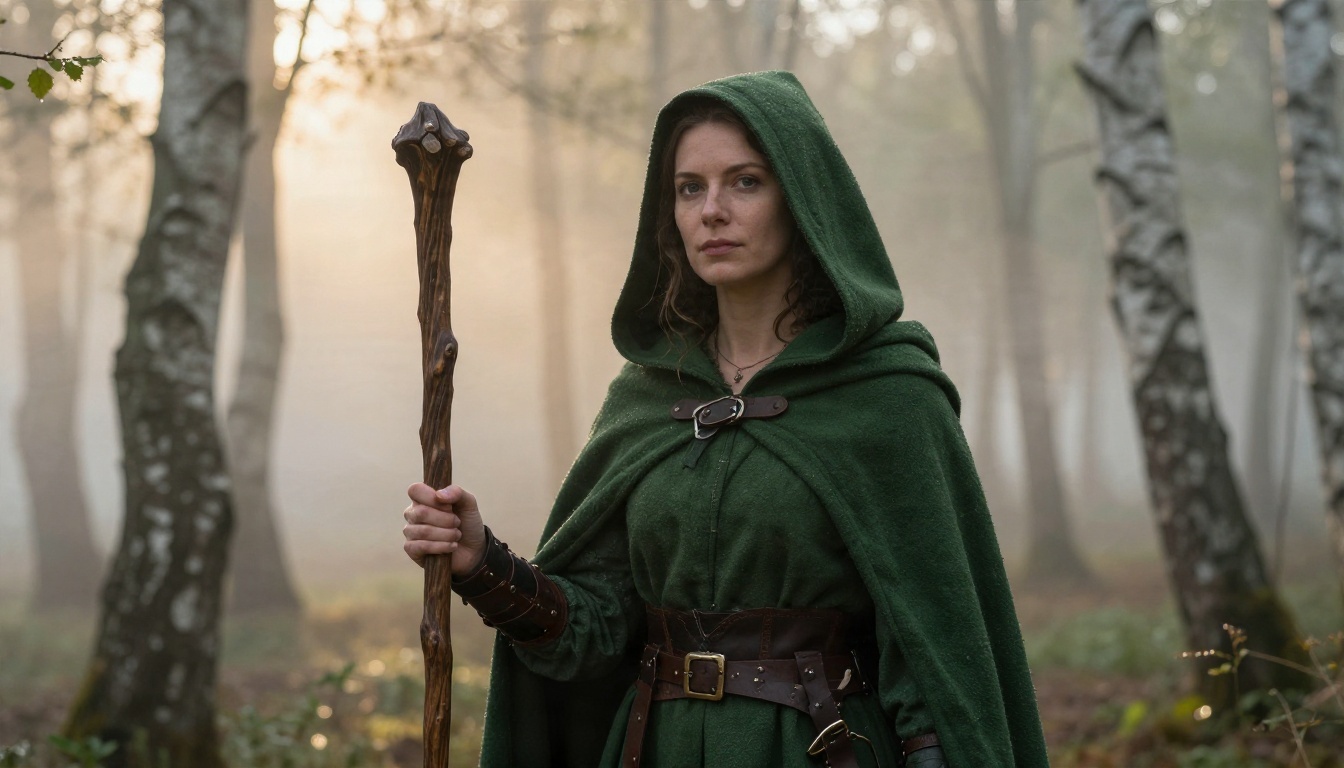
A simple workflow:
- Ask Kimi K2.6 to write a one-paragraph physical description of your character.
- Paste that paragraph into Seedream 4.5 as the prompt.
- Add camera and light details: "85mm lens, soft dawn light, film grain."
- Refine outfit, hair or background in Image Editor Pro.
💡 Reuse the same description paragraph every time. It keeps your character's face and outfit stable across scenes.
Quick Answers
Is there an official uncensored Kimi K2?
No. Moonshot AI has not released one. Every "uncensored" version is a community modification.
Can I run it on a gaming PC?
Not the full model. Smaller community variants may run, but they are different models with lower quality.
Is a free hosted uncensored chat safe?
I could not confirm a trustworthy one. Without a named operator, a privacy policy and clear terms, assume your chats are stored and readable.
Does uncensored mean smarter?
No. Abliteration usually costs a little quality. It changes how often the model refuses, not how well it reasons.
What is the best way to get great roleplay?
A detailed casting sheet, a steady summary habit and a model with a big context window. Those three things matter far more than removing filters.
Try It Yourself on PicassoIA
You do not need a 489 GB download to write a good story. Open Kimi K2.6, paste a character sheet and see how the dialogue feels. Then give your cast a face with Seedream 4.5 and PicassoIA Image Editor Pro. When you want to see what else is out there, browse every model at picassoia.com/en/all-models and mix text, image and video tools in one place.


