Kling AI makes some of the best-looking clips around, and plenty of creators still end up shopping for something else. The reasons are boring and very real: daily credits vanish after two or three tries, a paid plan can cost more than the video is worth, and one sensitive word in a prompt gets the whole render refused. If that sounds familiar, this page lays out what to switch to, what is actually free, which setups give you fewer refusals, and what each option costs per clip.
One note before the comparison. Pricing for AI video tools moves almost monthly, and the sources I checked disagree with each other on exact tiers. I give ranges and flag anything shaky, so check each provider's pricing page before you pay for anything.
Why People Leave Kling
Kling is not bad. Kling v3 Video handles camera moves and human motion very well, and Kling v3 Omni Video pushes to 1080p. The frustration comes from how the product is sold, not from the output.
The Credit Math
The free tier on Kling's own site reportedly hands out around 66 credits a day, and they do not roll over. A single high quality 5 second clip can eat a large share of that. Most people get one or two usable generations, and video is a game of reruns. You rarely nail the shot on the first attempt, so the allowance runs out right when you are getting close.
Queue Times and Watermarks
Free accounts typically sit in a slower queue, and exports carry a watermark with no unrestricted commercial rights. That is fine for testing a concept. It is a problem if you are delivering a clip to a client or posting a polished reel.
Filters That Block Normal Prompts
Content moderation on hosted video platforms is strict and sometimes clumsy. Swimwear, fashion shoots, fight choreography, even a person lying on a beach can trigger a refusal. When the model refuses a perfectly ordinary prompt, you burn credits and time for nothing.
💡 Tip: If a prompt gets refused, rewrite it around the camera and the scene rather than the body. "Slow dolly toward a woman in a red summer dress by a pool, golden hour" survives filters far better than a vague or loaded description.
Kling Pricing at a Glance

Published numbers conflict, so treat this table as an estimate rather than a quote.
| Plan | Reported monthly price | Who it suits |
|---|
| Free | $0, about 66 daily credits | Testing, watermarked clips |
| Standard | roughly $6.99 to $10 | Occasional hobby clips |
| Pro | roughly $26 to $37 | Regular posting |
| Premier | roughly $65 to $182 | Small studios |
| Ultra tiers | roughly $180 to $619 | Heavy daily production |
Annual billing reportedly cuts Standard, Pro and Premier by about a third. Paid credits are said to last much longer than free ones, which helps if your output is uneven from month to month.
What a Clip Really Costs
The sticker price hides the real number, which is cost per usable clip. If one in three renders is worth keeping, your effective price is triple the listed one. A cheap model with a high keep rate often beats a premium model you have to rerun five times. Keep that in mind for every option below.
Free Options That Work
Free is where Kling hurts most, so this is where alternatives shine.
Seedance 2.5 Lite
Seedance 2.5 Lite is a free and unlimited video generator that produces clips up to 10 seconds. Unlimited is the point: you can rerun a prompt as many times as it takes without watching a credit counter. It is the closest thing to a direct Kling replacement for people who iterate a lot. For quick social clips, product shots and mood scenes, it is where I would start.
If you want longer or higher fidelity output, Seedance 2.5 goes up to 30 seconds, and Seedance 2.0 Mini adds native audio at a lighter weight. Reviewers noted that Seedance 2.0 passed Kling 3.0 on a public arena ranking in March 2026, so the family has real credibility.

Wan 3 and Open Weights
Alibaba's Wan line is the open-source favorite. The weights are free to download, which means the only cost is your own hardware and patience. That is the route for tinkerers who want total control, local runs and no usage limits.
Self-hosting is not for everyone. You need a strong GPU, storage for large model files and a tolerance for setup problems. If you just want the output, use Wan 3 or Wan 3 Prime in the browser, and skip the installation work. Wan 3 Prime outputs 1080p from text.
Uncensored Models, Honestly
Here is the part most roundups dodge. No hosted video model is a free-for-all, and none of the sources I checked could verify an "uncensored" video generator. Anyone promising one is selling a headline. What you can realistically get is a workflow with far fewer pointless refusals, focused on glamour, swimwear, fashion and artistic portraits, not explicit material.
The trick is to split the job in two: build the look in a still image model with relaxed handling, then animate that still.
Start With Still Images
Image models are generally more permissive than video models on suggestive but non-explicit subjects, and they let you lock down faces, outfits and lighting before spending anything on motion.
- Seedream 4.5 is the first model to try. It makes sharp 4K stills with natural skin and strong prompt following.
- PicassoIA Image Editor Pro offers unlimited generations and edits, so you can fix a pose or outfit without counting attempts.
- Seedream 5 Pro and Qwen Image 3 Pro are solid second options when you want a different look.
💡 Heads up: Seedream 5 Lite blocks adult-leaning prompts, so do not pick it for this kind of work.
Then Animate the Result
Once the still looks right, feed it to an image-to-video model. Seedance 2.5 Lite is the cheapest place to do it since it is unlimited, and it keeps the clothing and face from your still. Because you describe only motion ("hair moves in the breeze, slow push-in"), the prompt stays short and rarely trips a filter.

Content stays suggestive and tasteful. The goal is beautiful, attractive footage, not anything pornographic, and platform rules still apply.
Paid Rivals Worth the Money
Sometimes free is not enough. These are the paid options I would actually pay for.
Veo 3.1 Fast and Lite
Google's Veo line is known for native sound: ambient noise, effects and even dialogue generated in the same pass. Veo 3.1 Fast delivers 1080p, and Veo 3.1 Lite trims cost with audio still included. One source puts Veo 3.1 Fast at about 20 credits per generation on a plan from $4.99 a month for 200 credits, which works out to about ten clips.
Hailuo 02 and 2.3 Fast
MiniMax's Hailuo family is the budget favorite. Sources describe pricing from $9.99 a month, or roughly $0.05 to $0.20 per generation. Hailuo 02 gives 1080p, Hailuo 2.3 Fast animates photos quickly, and Hailuo 02 Fast is the instant 512p draft option.
Pixverse and LTX
Pixverse v6 produces cinematic clips with generated audio, while Pixverse v4.5 is a dependable 1080p workhorse. For speed and resolution, LTX 2.5 Fast renders 4K in seconds, and LTX 2 Pro gives similar resolution with more polish.
Sora 2 for Realistic Scenes
Sora 2 and Sora 2 Pro are worth a test when you want synced audio and realistic physical behavior.
Side by Side Comparison
| Model | Best for | Cost feel | Audio |
|---|
| Seedance 2.5 Lite | Unlimited iteration, 10 s clips | Free | Check output |
| Seedance 2.5 | Long 30 s scenes | Paid | Yes |
| Wan 3 / Wan 3 Prime | Open ecosystem, 1080p | Free weights or low cost | Varies |
| Veo 3.1 Fast | Sound and dialogue | Mid | Native |
| Hailuo 02 / 2.3 Fast | Cheap, quick animation | Low | Limited |
| Pixverse v6 | Cinematic mood | Mid | Yes |
| LTX 2.5 Fast | 4K speed | Mid | Varies |
| Kling v3 Video | Motion quality | Credits | Yes |
Seedance 2.5 Lite wins on price, Veo on sound, Hailuo on cheap speed, and Kling on motion polish. No single model wins everything, which is why trying two or three beats committing to one subscription.
How to Use Seedance 2.5 Lite on PicassoIA
This is the fastest way to replace Kling's free tier, because you are not limited by daily credits.
Step by Step
- Open the Seedance 2.5 Lite page.
- Choose text-to-video, or upload a still if you built one with Seedream 4.5 or Image Editor Pro.
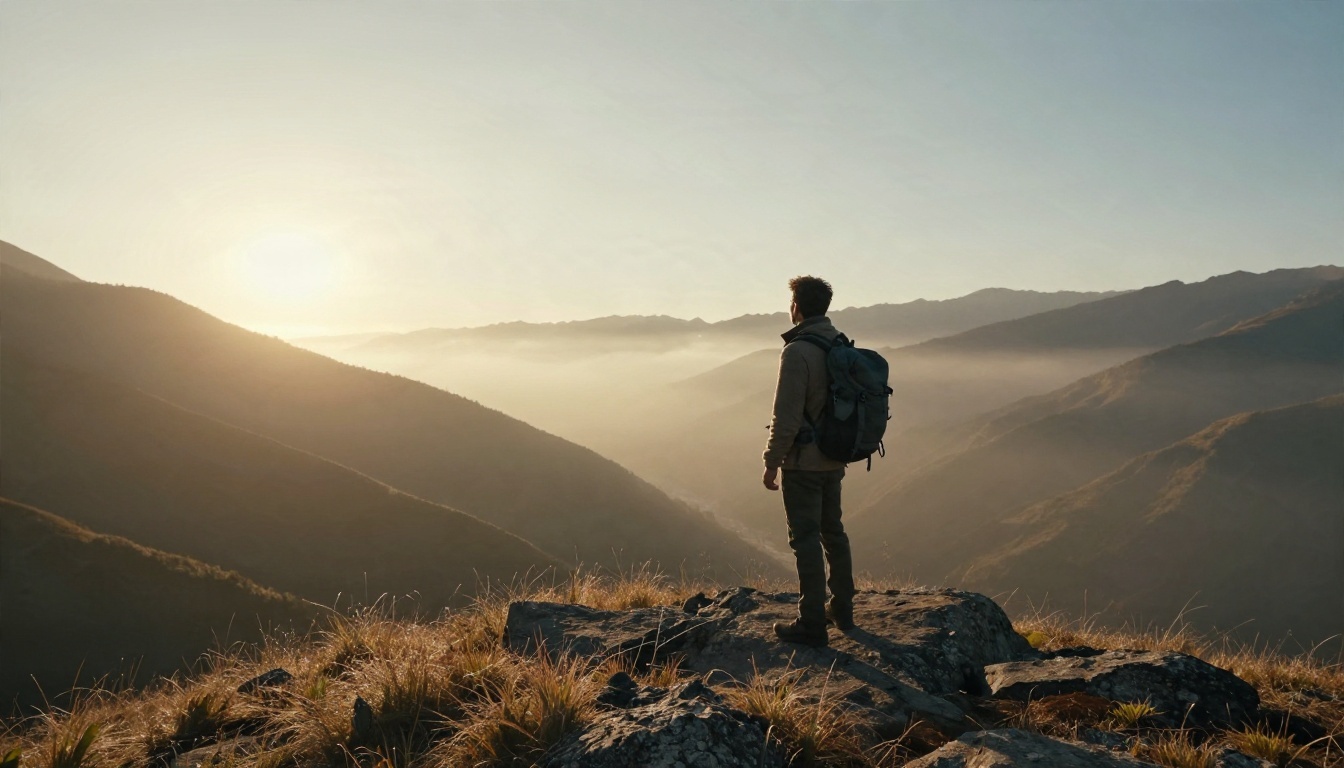
- Write the prompt in chronological order: subject, motion, camera move, lighting. For example: "A traveler stands on a ridge at dawn, mist drifts through the valley, slow push-in, warm low sun from the left."
- Pick a duration up to 10 seconds. Start at 5 seconds for tests, since shorter clips hold together better.
- Generate, review, then rerun with one change at a time.
Parameter Tips
- Keep one motion per clip. A walking subject plus a camera orbit plus weather change usually muddles the result.
- Name the lighting. Words like "golden hour from the right" give consistent shading.
- Use image-to-video for faces. A still locks identity, so the person does not drift between runs.
- Iterate cheaply. Since it is unlimited, run five variations and keep the best, instead of agonizing over one prompt.
- Upscale at the end. If you need sharper delivery, run the winner through a video enhancement model.
Picking Your Match
Match the tool to the job:
- Tight budget, lots of tries: Seedance 2.5 Lite, then Wan 3.
- Dialogue and sound design: Veo 3.1 Fast or Lite.
- Cheap social drafts: Hailuo 02 Fast or 2.3 Fast.
- Fashion and glamour with fewer refusals: Seedream 4.5 or Image Editor Pro for stills, then animate.
- Maximum resolution: LTX 2.5 Fast or Wan 3 Prime.
- Best motion on a paid plan: Kling v3 Video stays a strong pick, so keep it as a finishing option.
💡 Money rule: Prototype on a free or unlimited model, then spend paid credits only on the final shot.
Make Your First Clip Today
You do not need to cancel anything or commit to a plan to compare these models. Open PicassoIA, pick one still image idea, and run it through Seedream 4.5 first. Then animate it with Seedance 2.5 Lite and put the result next to a Kling render of the same scene. Within an hour you will know which one fits your style, your budget and your content, and you will have real clips to show for it. Browse the full lineup at picassoia.com/en/all-models and start experimenting with your own images and videos.


